Minecraft Texture Packs Minecraft Resource Packs

Introduction
Minecraft’s default interface is clean, but after hundreds of hours, it can start to feel repetitive. That’s where the DeceasedCraft Screen Tweak Texture Pack comes in. Instead of changing blocks or items, this pack focuses entirely on the game’s screens and UI elements.
It gives Minecraft a refreshed interface style, adjusting menus, HUD elements, and on-screen details to better match the DeceasedCraft aesthetic. The result is a more immersive and visually consistent experience without touching the core gameplay or world textures.
If you like subtle but noticeable UI improvements, this pack aims to enhance how Minecraft looks and feels every time you open your inventory or navigate menus.
What DeceasedCraft Screen Tweak Texture Pack Is
DeceasedCraft Screen Tweak is a UI-focused resource pack designed to rework Minecraft’s graphical user interface rather than its world textures. Its main goal is to improve the visual presentation of menus, hotbars, and other screen elements while staying functional and readable.
Unlike full overhaul packs such as Faithful or Bare Bones that retexture blocks and items, this pack keeps the in-world visuals intact. Instead, it concentrates on screen layouts, color themes, and interface styling to better align with the DeceasedCraft experience.
DeceasedCraft Screen Tweak is compatible with the following Minecraft versions:
1.20.x – 1.21.x (and newer updates listed on the official page).
The pack uses the default 16x resolution, meaning it remains lightweight and performance-friendly. Because it only modifies interface elements, it does not significantly impact FPS. OptiFine is not required, but it can be used alongside the pack without issues if you already run it for other enhancements.
Art Style, Visual Direction, and Gameplay Clarity
The overall art direction of DeceasedCraft Screen Tweak leans toward a clean, modern, and themed UI design. Rather than making Minecraft flashy, it refines the interface to feel more polished and cohesive.
Menus, buttons, and panels receive stylistic adjustments that better match the DeceasedCraft visual identity. This may include refined borders, adjusted color tones, and improved contrast in various screen elements. The goal is not to overwhelm the player, but to create a subtle transformation that feels intentional.
One of the most important aspects of any UI pack is readability. DeceasedCraft Screen Tweak maintains clear text visibility and organized layouts, ensuring that item names, stats, and menu options remain easy to scan. Contrast between backgrounds and text is handled carefully so that important information stands out naturally.
The hotbar and in-game HUD elements are also refined. Instead of dramatically altering their structure, the pack enhances their visual consistency. This makes switching items, checking health, or navigating inventory feel slightly more modern while staying intuitive for long-time players.
Because the pack focuses only on screens, block recognition and world exploration remain unchanged. This makes it ideal for players who want a fresh interface without relearning how textures look in survival or creative mode.
Perfect For Players Who
DeceasedCraft Screen Tweak is ideal for players who:
- Prefer a refined and themed UI over default Minecraft menus
- Play survival or multiplayer and want a cleaner screen layout
- Enjoy subtle visual upgrades without changing world textures
- Want a lightweight 16x pack that does not affect performance
- Use other resource packs and need a UI enhancement to pair with them
It works especially well for players who record content or spend a lot of time managing inventory, as improved UI clarity can make everything feel more organized.
Screenshots Section
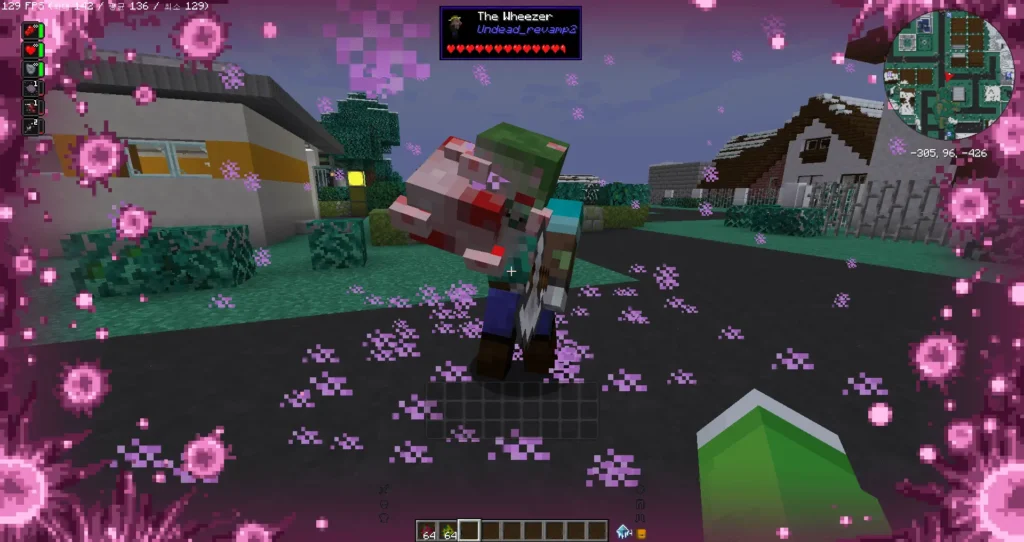
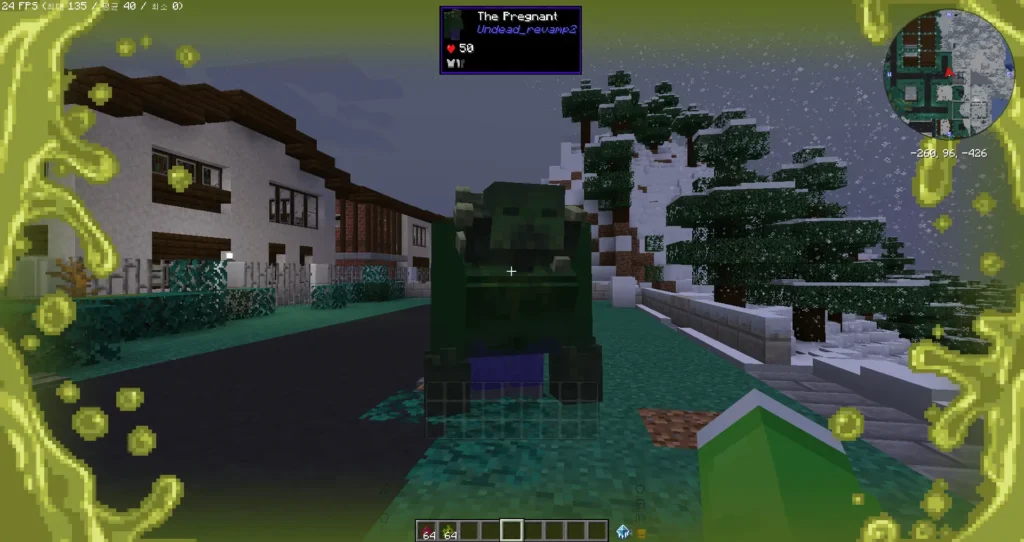
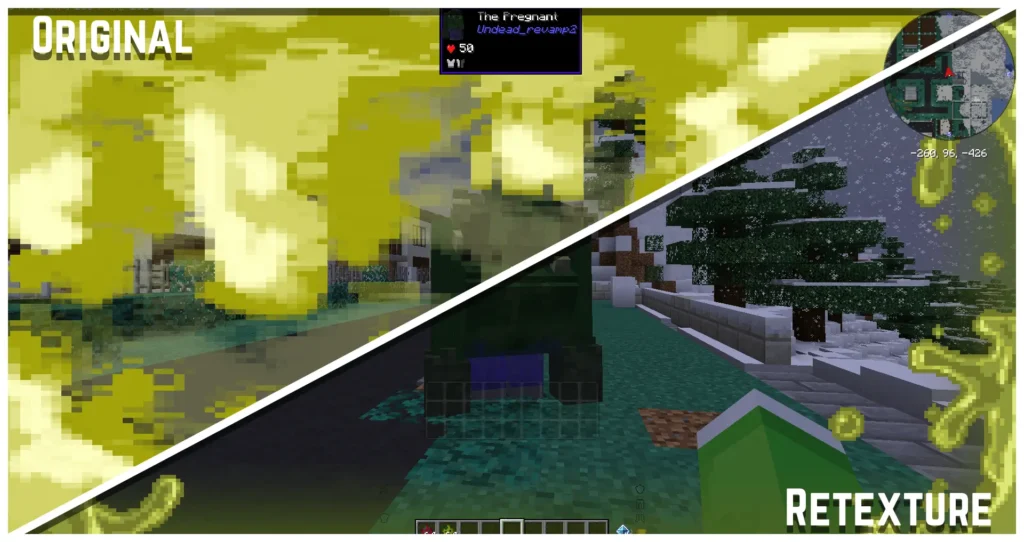
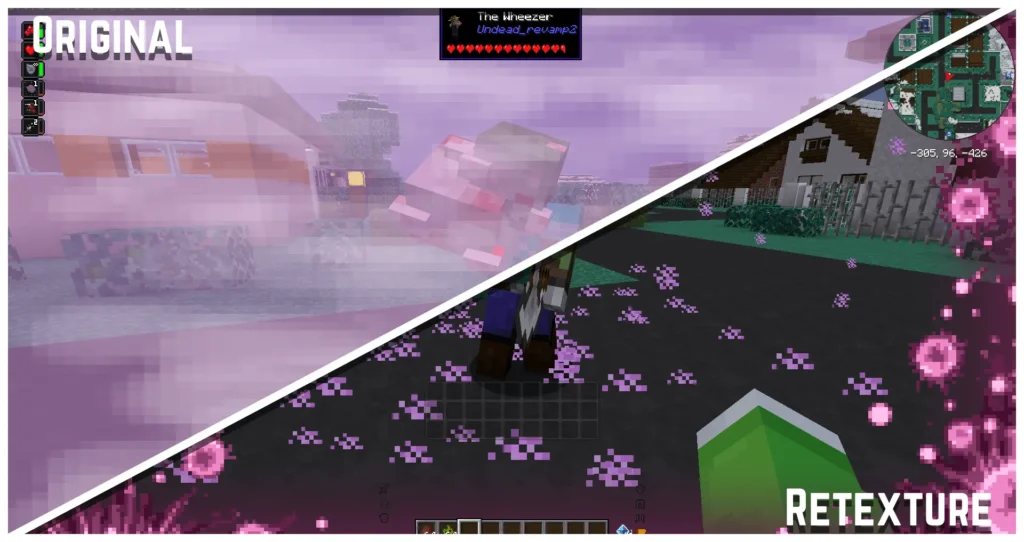
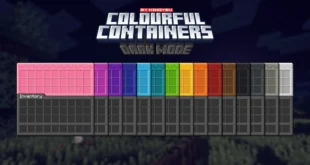
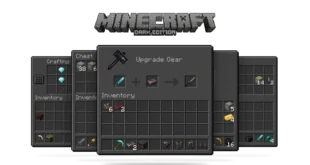
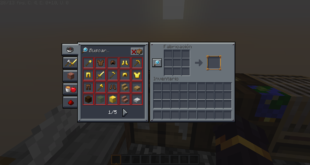
The screenshots above are taken from official sources and showcase the texture pack running in-game. They highlight the redesigned menus, hotbar adjustments, and overall screen consistency. These images help demonstrate how the pack refines Minecraft’s interface while keeping the gameplay experience familiar.
Download
You can download the texture pack using the official link below.
Creator: DeceasedCraft Team
Full credit goes to the original creator for designing and maintaining this texture pack.
(Official download link here)
Disclaimer:
We do not host texture pack files. We only provide links to official sources, and availability of external links may change over time.