Minecraft Texture Packs Minecraft Resource Packs

Introduction
Minecraft’s default container screens are bright, simple, and very vanilla. But for many players, especially those who play at night or prefer a cleaner interface, the standard GUI can feel too plain or overly bright. That’s where the Colourful Containers Dark Mode GUI texture pack comes in.
This pack redesigns your in-game containers with a sleek dark theme while adding color-coded accents to different storage types. The result is a more modern, easier-on-the-eyes interface that still feels fully integrated with Minecraft’s original style.
If you are looking to refresh your UI without changing blocks, mobs, or world textures, this pack focuses exactly where it matters: your inventory and container screens.
What Colourful Containers Dark Mode GUI Is
Colourful Containers Dark Mode GUI is a vanilla-friendly resource pack that retextures Minecraft’s container interfaces into a dark-themed design while assigning unique colors to different container types. Instead of the standard light-gray inventory and chest screens, you get a clean dark background with subtle color highlights for better organization and visual clarity.
The pack is built specifically for players who want a modern GUI experience without altering core gameplay visuals. Unlike full overhaul packs such as Faithful or heavy stylized packs like Bare Bones, this pack does not change blocks, mobs, or items. It focuses purely on GUI elements, making it lightweight and highly compatible with most other texture packs.
It is designed primarily for use with OptiFine, as the pack includes features that rely on OptiFine’s custom GUI support.
Colourful Containers Dark Mode GUI is compatible with the following Minecraft versions:
1.20.x – 1.21.x (and newer minor updates when supported by the creator).
The pack uses a standard 16x resolution, meaning it maintains vanilla performance and runs smoothly on both low-end and high-end systems. OptiFine is recommended (and typically required) for full functionality.
Art Style, Visual Direction, and Gameplay Clarity
The visual direction of this pack is clean, minimal, and modern. Instead of Minecraft’s bright beige and gray container screens, you get deep dark backgrounds that reduce eye strain, especially during long sessions or night-time play.
Each container type features its own distinct color accent. For example:
- Chests may use one highlight color
- Barrels another
- Shulker boxes their own variation
- Other utility blocks receive subtle but recognizable tweaks
This color-coding system improves quick recognition. When switching between multiple storage blocks in survival or creative builds, you immediately notice the difference between container types.
The dark mode background increases contrast between item icons and the interface. Items stand out more clearly, especially enchanted tools, potions, and colorful blocks. Text remains readable, and slot borders are cleanly defined without feeling overly sharp or distracting.
Because the pack only modifies GUI textures, the world itself remains completely vanilla. This means you can safely combine it with PvP packs, realistic resource packs, medieval-style packs, or performance-focused setups without visual conflict.
Another important detail is consistency. The inventory, crafting table, furnace, chest, and other interactive blocks follow the same dark design language. This unified approach makes the entire UI feel intentional rather than partially modified.
Perfect For Players Who
This texture pack is ideal for players who:
- Prefer a dark mode interface
- Play for long sessions and want reduced eye strain
- Want better visual organization inside containers
- Use multiple storage types in survival worlds
- Like vanilla gameplay but want a modern UI touch
- Run OptiFine and enjoy small visual improvements
It is especially useful for builders, survival SMP players, and organized storage enthusiasts who frequently open and sort through containers.
Screenshots
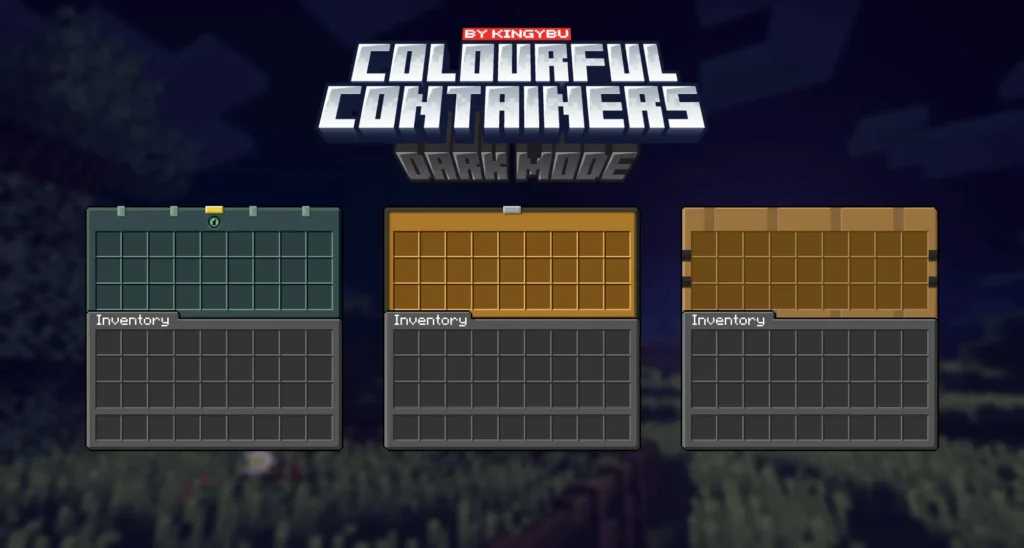
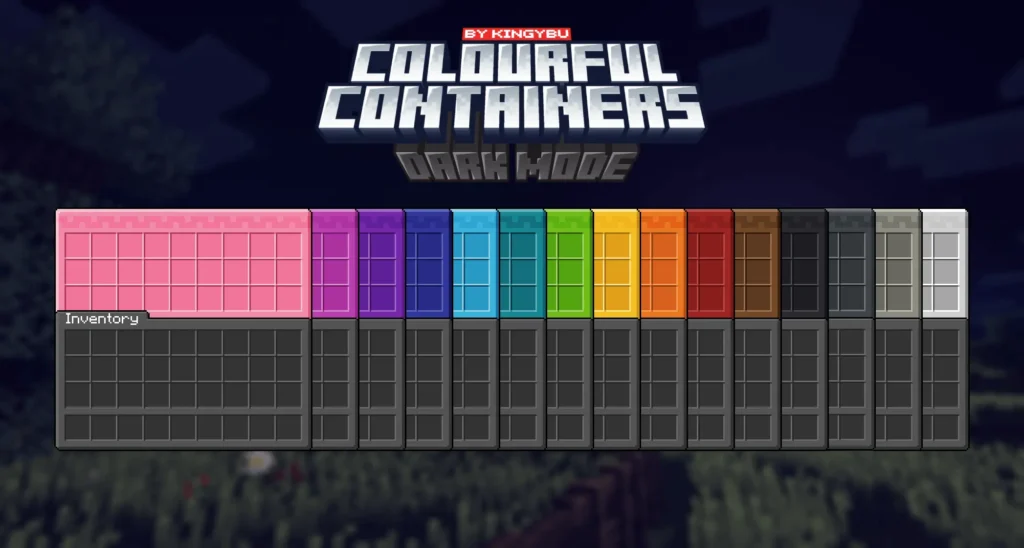
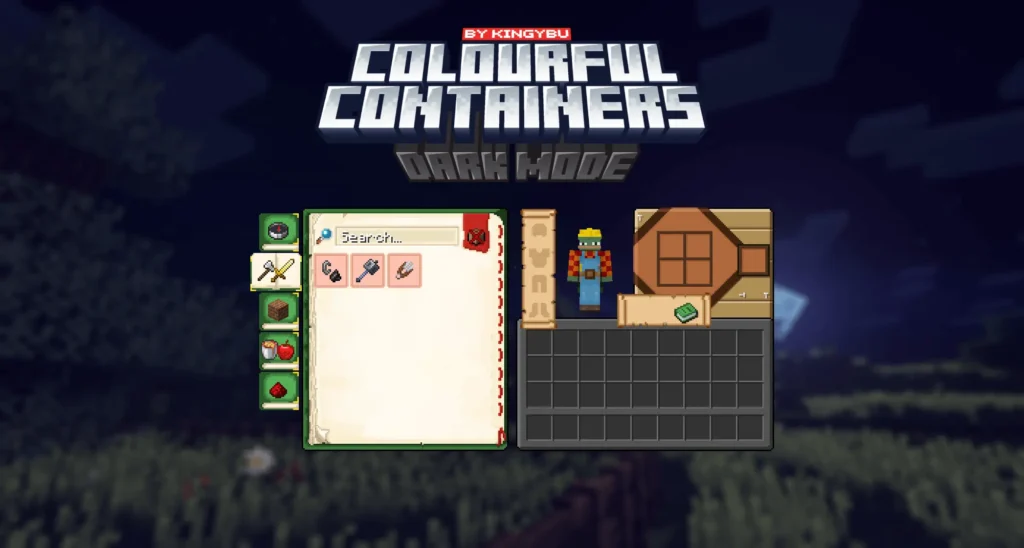
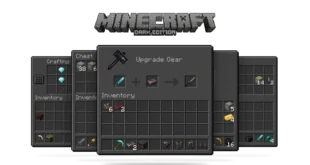
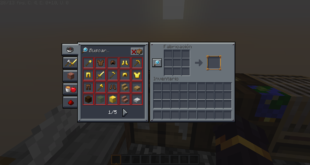
The screenshots above are taken from official sources and showcase the texture pack running in-game. They highlight the dark-themed backgrounds, color-coded container accents, and the overall consistency of the redesigned interface.
These images demonstrate how the pack keeps Minecraft’s identity intact while giving the GUI a cleaner and more modern look.
Download
You can download the texture pack using the official link below.
Creator: MMStinks
Full credit goes to the original creator for designing and maintaining Colourful Containers Dark Mode GUI.
Disclaimer
We do not host texture pack files. We only provide links to official sources, and availability of external links may change over time.