Minecraft Texture Packs Minecraft Resource Packs

Introduction
Minecraft shaders have come a long way, and AstraLex Shaders stands out as a pack built for players who want dramatic lighting and rich atmosphere without pushing into ultra-realistic extremes. This shader focuses on mood, contrast, and cinematic depth, making everyday gameplay feel more immersive while still respecting performance limits. We see AstraLex as a solid middle ground: visually striking, modern, and flexible enough for long survival sessions as well as creative builds.
Rather than trying to replicate real-world lighting perfectly, AstraLex aims to enhance Minecraft’s identity. The result is a shader that looks bold and stylish, but still familiar.
What AstraLex Shaders Is
AstraLex Shaders is a modern Minecraft shader pack designed to deliver cinematic visuals with deep shadows, vibrant lighting, and a slightly stylized atmosphere. Its goal is to elevate the game’s look without completely abandoning the blocky charm that defines Minecraft. Compared to ultra-realistic packs like SEUS or IterationT, AstraLex feels more artistic and dramatic, while still offering more visual depth than lightweight shaders.
AstraLex Shaders is compatible with the following Minecraft versions: 1.16.x – 1.17.x – 1.18.x – 1.19.x – 1.20.x (and more).
It works with OptiFine and is also compatible with Iris Shaders, making it suitable for both Forge and Fabric-based setups.
Visual Style and Atmosphere
Visually, AstraLex Shaders leans toward a cinematic and high-contrast style. Lighting is one of its strongest features, with bright highlights during the day and deep, moody shadows that add depth to terrain and builds. Sunlight feels intense and directional, while indoor lighting creates a strong sense of warmth and enclosure.
Water visuals are reflective and dynamic, with realistic wave motion and light reflections that react naturally to the sun angle. Oceans, rivers, and lakes look especially impressive during sunrise and sunset. The sky system is another highlight, featuring detailed clouds, smooth color gradients, and dramatic weather transitions that make the world feel alive.
Overall, AstraLex creates an atmosphere that feels slightly dramatic and stylized rather than purely natural. It is ideal for players who enjoy bold visuals, cinematic screenshots, and immersive exploration.
Performance and System Requirements
AstraLex Shaders sits in the mid-to-high performance range, depending on settings. On low-end GPUs like the GTX 1650, players should expect playable results on low or medium profiles, though some advanced effects may need to be disabled for stable FPS.
Mid-range GPUs such as the GTX 1660, RTX 2060, or RX 6600 can comfortably run AstraLex on medium to high settings at 1080p, often maintaining smooth gameplay with proper optimization. For high-end systems like the RTX 3060, RTX 4070, or RX 6700 XT, the shader performs very well even on higher presets, making it suitable for recording, streaming, and cinematic camera work.
We recommend tweaking shadows, volumetric lighting, and reflections to balance visuals and performance based on your system.
Perfect For Players Who
AstraLex Shaders is perfect for players who enjoy cinematic visuals without committing to extreme realism. It suits builders who want their creations to look dramatic, explorers who value atmosphere, and content creators looking for visually impactful footage. Players with mid-range to high-end GPUs will get the best experience, though lower-end users can still enjoy it with careful settings adjustments.
Screenshots Section
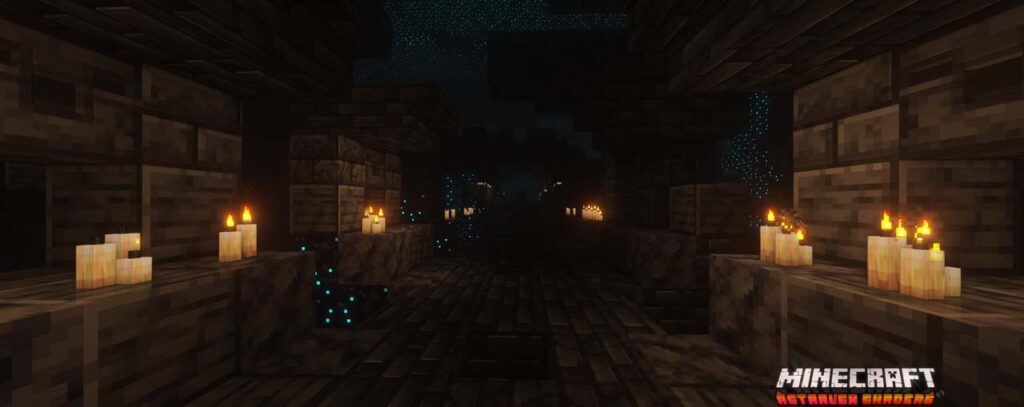
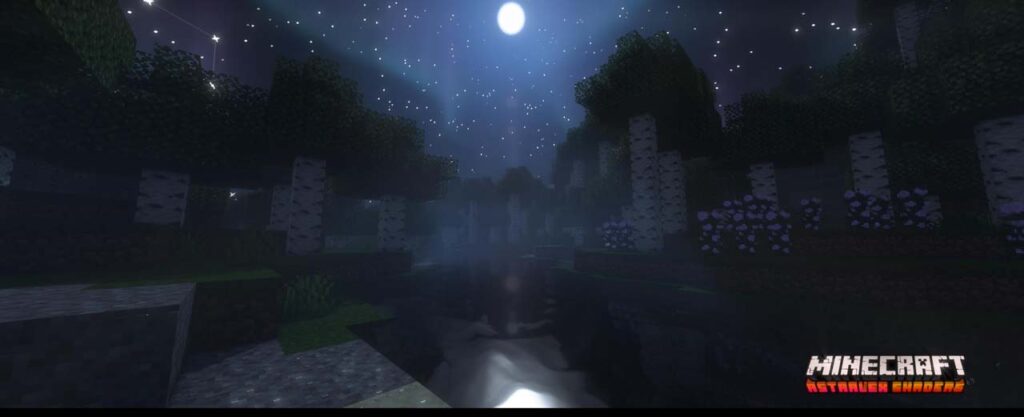
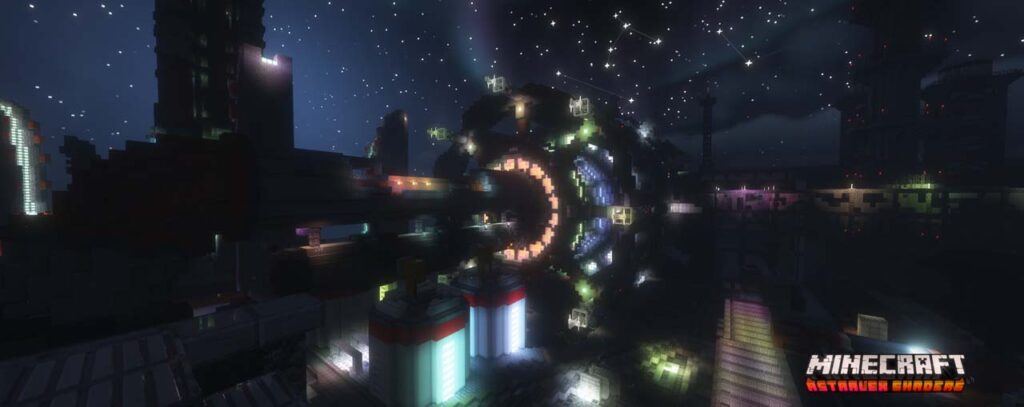
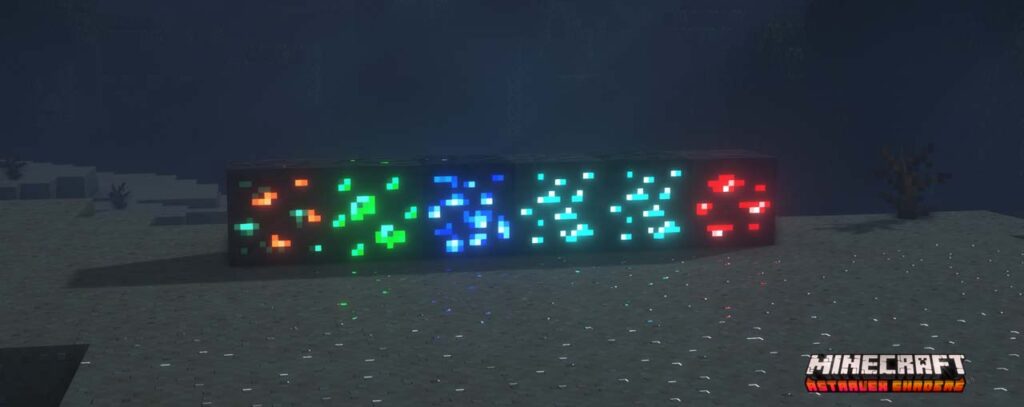
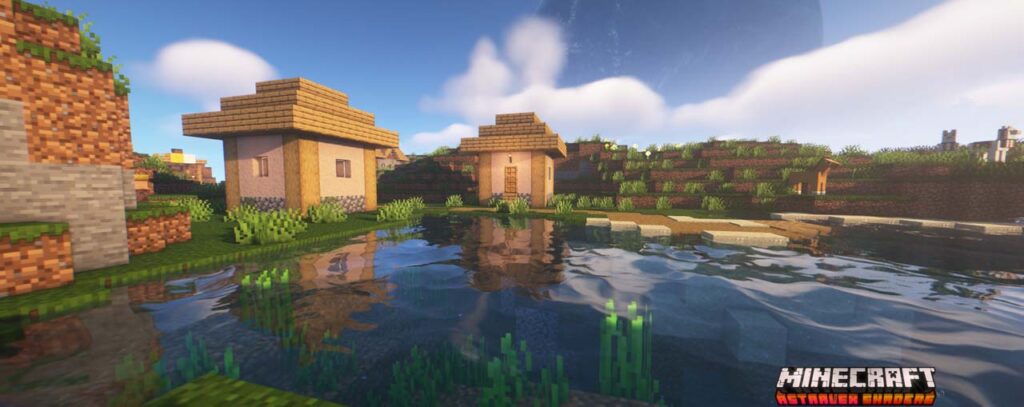
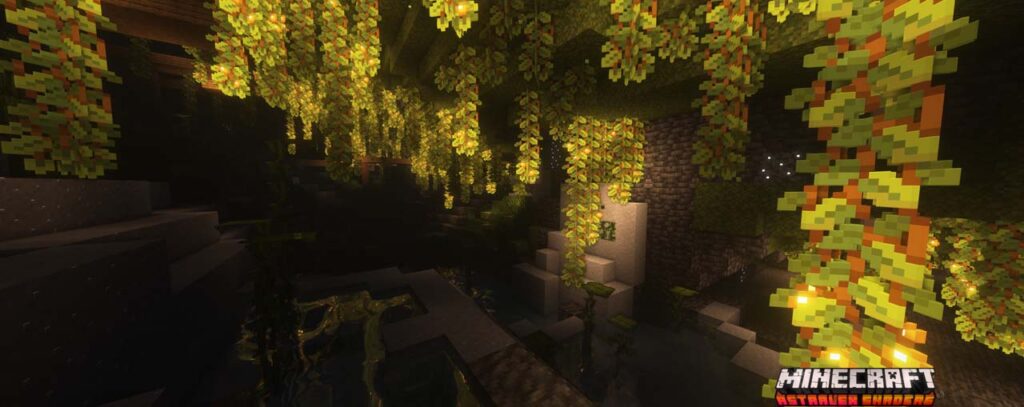
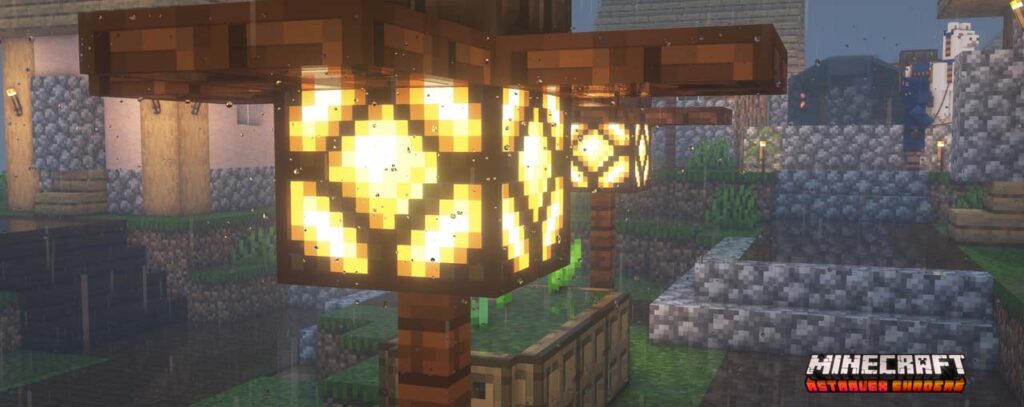
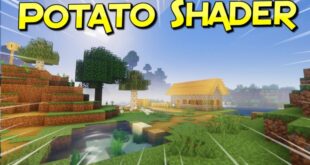
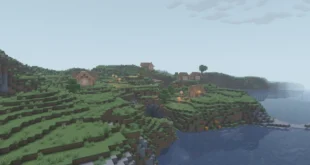
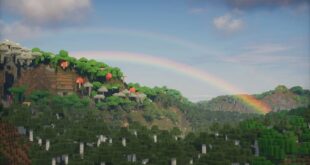
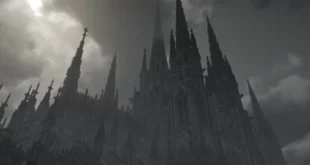
The screenshots showcased are taken from official sources and demonstrate how AstraLex Shaders looks while running in-game. They highlight lighting, water reflections, skies, and overall atmosphere to give a clear idea of the shader’s visual style without diving into technical details. organized_scripts
Download
You can download the shader using the official link below.
AstraLex Shaders is created by its original developer, and full credit goes to the shader’s creator for their work and ongoing development.
Disclaimer
We do not host shader files. We only provide links to official sources, and availability of external links may change over time.