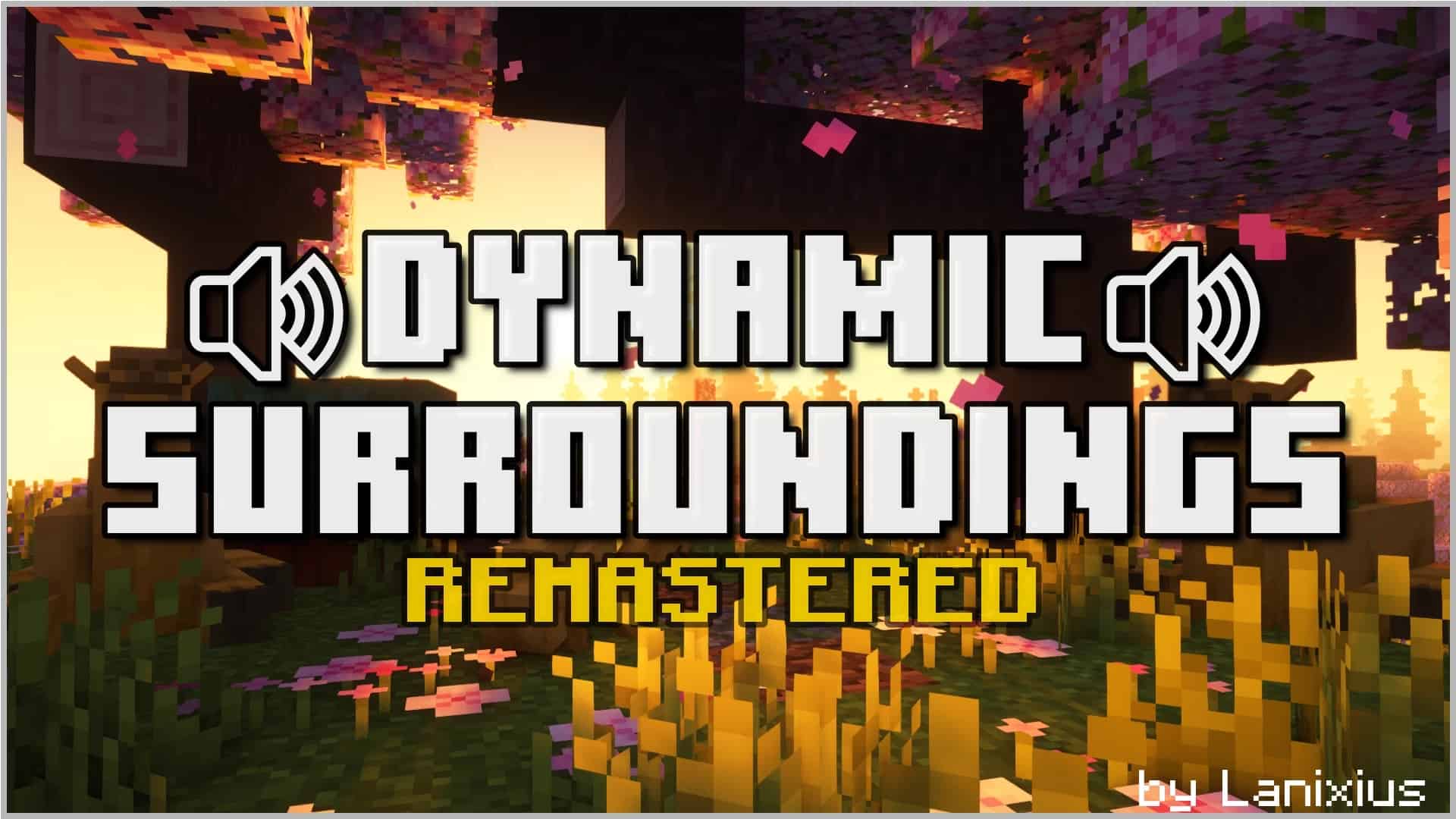
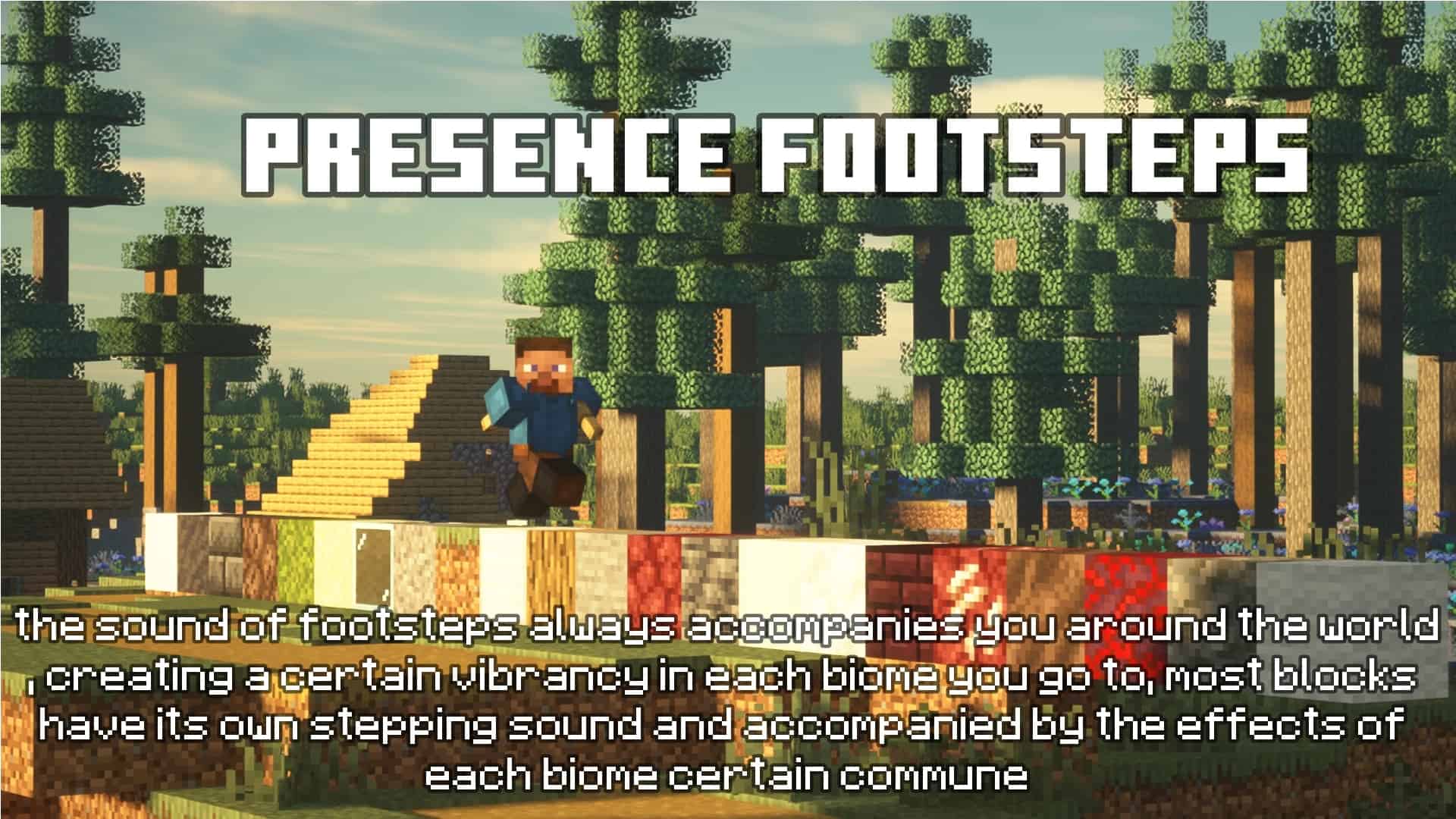
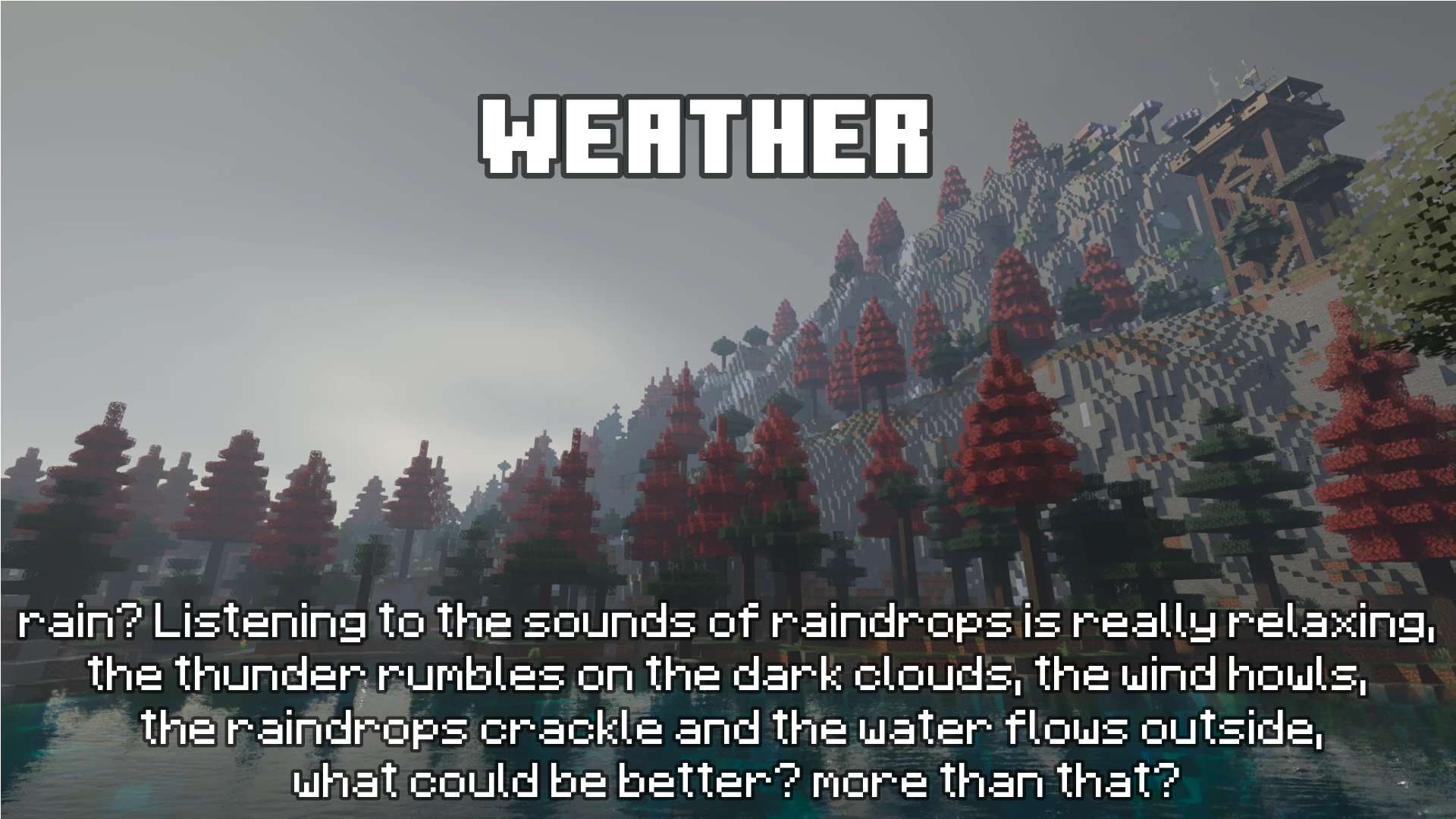
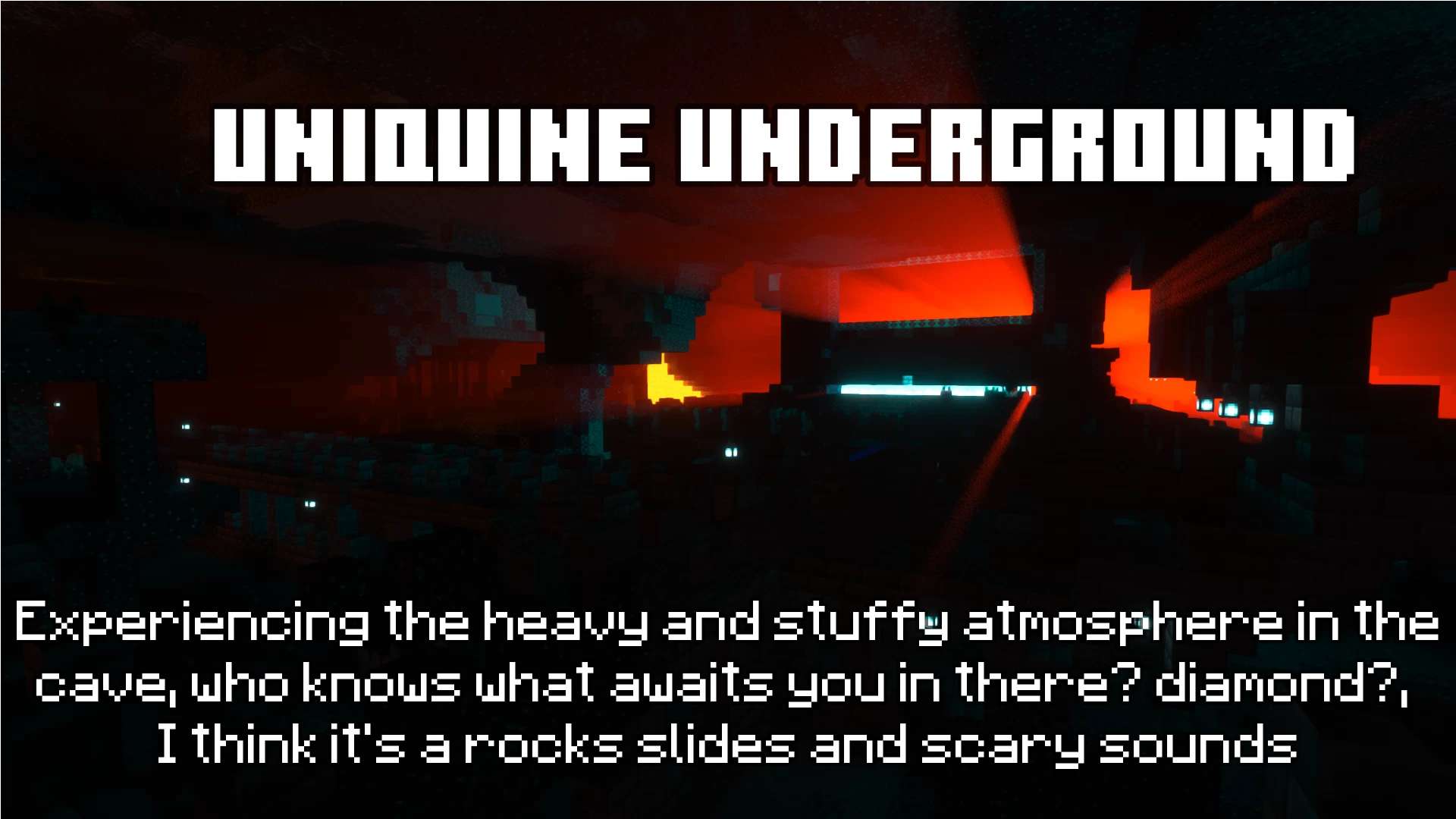
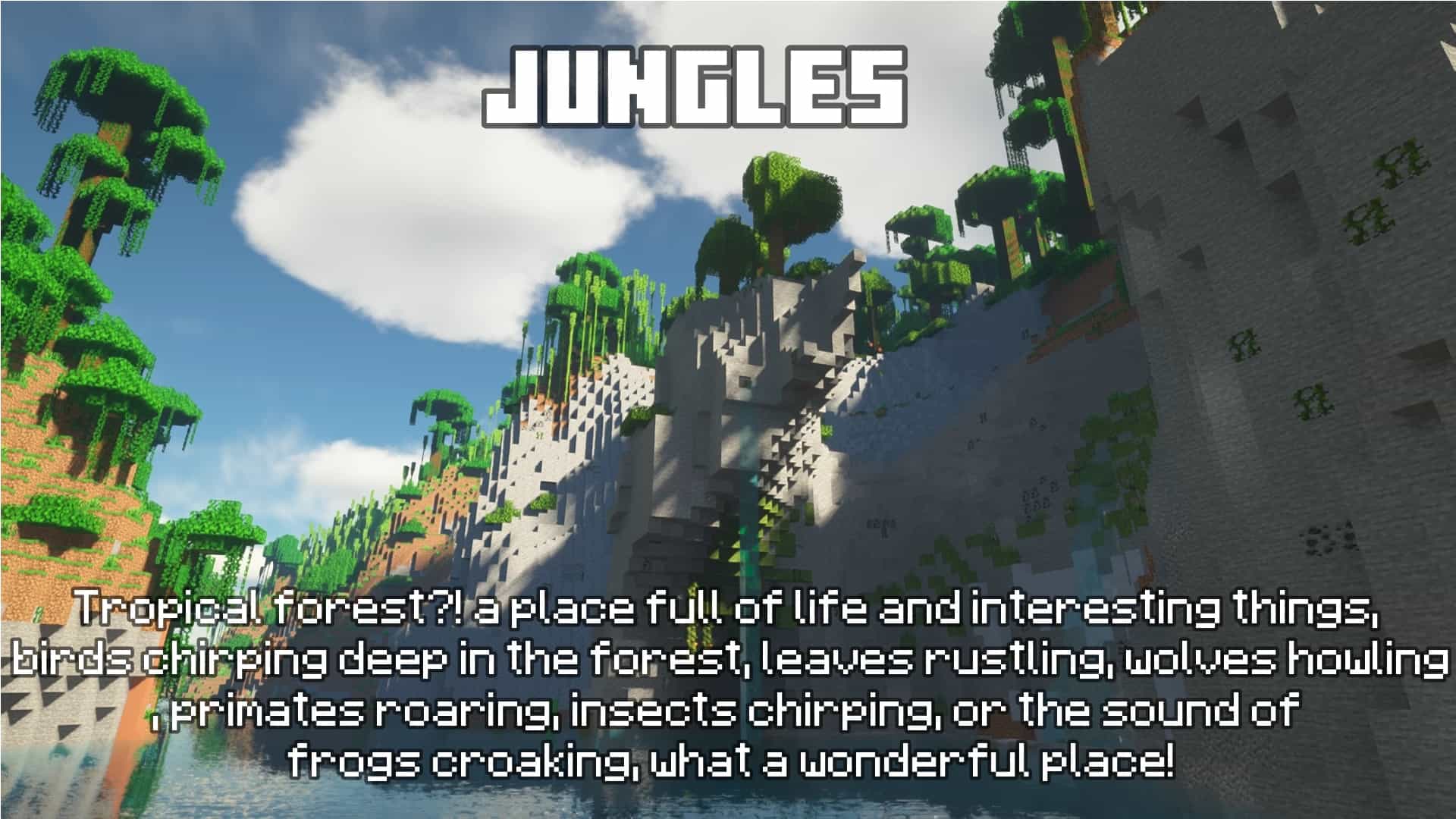
The Dynamic Surroundings resource pack is one of the most immersive and captivating additions to the world of Minecraft that I have ever tested. For seasoned players and newcomers alike, this resource pack takes the in-game experience to a whole new level by introducing a variety of realistic and dynamic environmental effects. This resource pack has been gaining massive popularity due to its ability to enhance the ambiance and overall gameplay in Minecraft, and after trying it out, I can completely see why! At its core, Dynamic Surroundings aims to create a more engaging and lifelike environment for players to explore. One of the standout features of this pack is the addition of dynamic sounds that react to the surroundings. Gone are the days of repetitive and monotonous audio; now, every biome, weather condition, and time of day comes alive with its unique soundscape. Whether it’s the rustling of leaves in a dense forest, the gentle lapping of waves on the beach, or the ominous rumble of thunder during a storm, Dynamic Surroundings ensures that the auditory experience is as realistic as possible. What’s more, the Dynamic Surroundings texture pack contains a number of audio enhancements that genuinely elevate Minecraft’s immersive experience. Each element makes the Minecraft world feel so much more alive. We highly recommend using this resource pack with any shader pack you like as it will greatly enhance the overall experience further. For example, with the shader pack the lighting system will be redesigned to better respond to light sources, and the combination of the Dynamic Surroundings pack will give the environment a wonderful sense of depth and atmosphere. Sunsets and sunrises will be breathtaking: the horizon will be painted with bright colors, and various birds and insects will sing around you. In addition, the sound of weather effects such as rain and snow has been improved, adding fantastic realism to the game’s ever-changing climate. Dynamic Surroundings also pays attention to the tiniest details that significantly impact the overall experience. The sound of footsteps changes depending on the surface the player is walking on, whether grass, sand, stone, or snow. When swimming, the water splashing enhances the feeling of immersion in the game. These small touches accumulate to create a sense of cohesiveness, making players feel like they are genuinely part of Minecraft.
One of the most impressive aspects of this resource pack is its brilliant compatibility with other mods and resource packs. Whether running a mod pack or combining it with other resource packs, Dynamic Surroundings seamlessly integrates with the existing content, enhancing the overall experience without any frustrating conflicts. This adaptability has made it a popular choice among Minecraft players who enjoy experimenting with various mods and resource pack combinations. All you have to do is make sure that Dynamic Surroundings is always on top of active packs. In terms of performance, Dynamic Surroundings strikes a great balance between providing immersive features and maintaining reasonable performance. While it does add wonderful additional audio-visual features, it is also not overly demanding on system resources, ensuring that players with varying hardware setups can still enjoy the resource pack without experiencing significant performance drops. Again, this is an audio-only resource pack, meaning it doesn’t change the vanilla textures of Minecraft blocks or items, but instead adds over 800 custom sound effects and ambiencies. But if you’re planning on using shaders, which we highly recommend, you’ll need to find a shader pack that works well on your hardware and looks decent. Check out the list of shader packs, you might find something great there! As with any resource pack, personal preferences or hardware limitations may influence a player’s experience. Some users may find specific sound effects too loud or overwhelming, while others will be fine with it and thoroughly enjoy it. Overall, the Dynamic Surroundings resource pack truly elevates the Minecraft experience. Its dedication to realism and immersion sets it apart from many other resource packs available in the community. The dynamic soundscape that reacts to the environment will make players fully immerse themselves in the virtual world. With its compatibility with other mods and resource packs, Dynamic Surroundings offers a truly dynamic and enriching experience for players of all kinds. Whether you’re a casual builder, an explorer, or a seasoned adventurer, this resource pack is an absolute must-try for anyone seeking to enhance their Minecraft journey.
Dynamic Surroundings should be compatible with all of these Minecraft versions: 26.2 – 26.1.2 – 26.1.1 – 26.1 – 1.21.11 – 1.21.10 – 1.21.9 – 1.21.8 – 1.21.7 – 1.21.6 – 1.21.5 – 1.21.4 – 1.21.3 – 1.21.2 – 1.21.1 – 1.21 – 1.20.6 – 1.20.5 – 1.20.4 – 1.20.3 – 1.20.2 – 1.20.1 – 1.20 – 1.19.4 – 1.19.3 – 1.19.2 – 1.19.1 – 1.19 – 1.18.2 – 1.18.1 – 1.18 – 1.17.1 – 1.17 – 1.16.5 – 1.16.4 – 1.16.3 – 1.16.2 – 1.16.1 – 1.16 – 1.15.2 – 1.15.1 – 1.15 – 1.14.4 – 1.14.3 – 1.14.2 – 1.14 – 1.13.2 – 1.13.1 – 1.13 – 1.12.2 – 1.12 – 1.11.2 – 1.11 – 1.10.2 – 1.10 – 1.9.4 – 1.9 – 1.8.9 – 1.8.8 – 1.8.1 – 1.8.6 – 1.8 – Bedrock Edition – PE
Screenshots
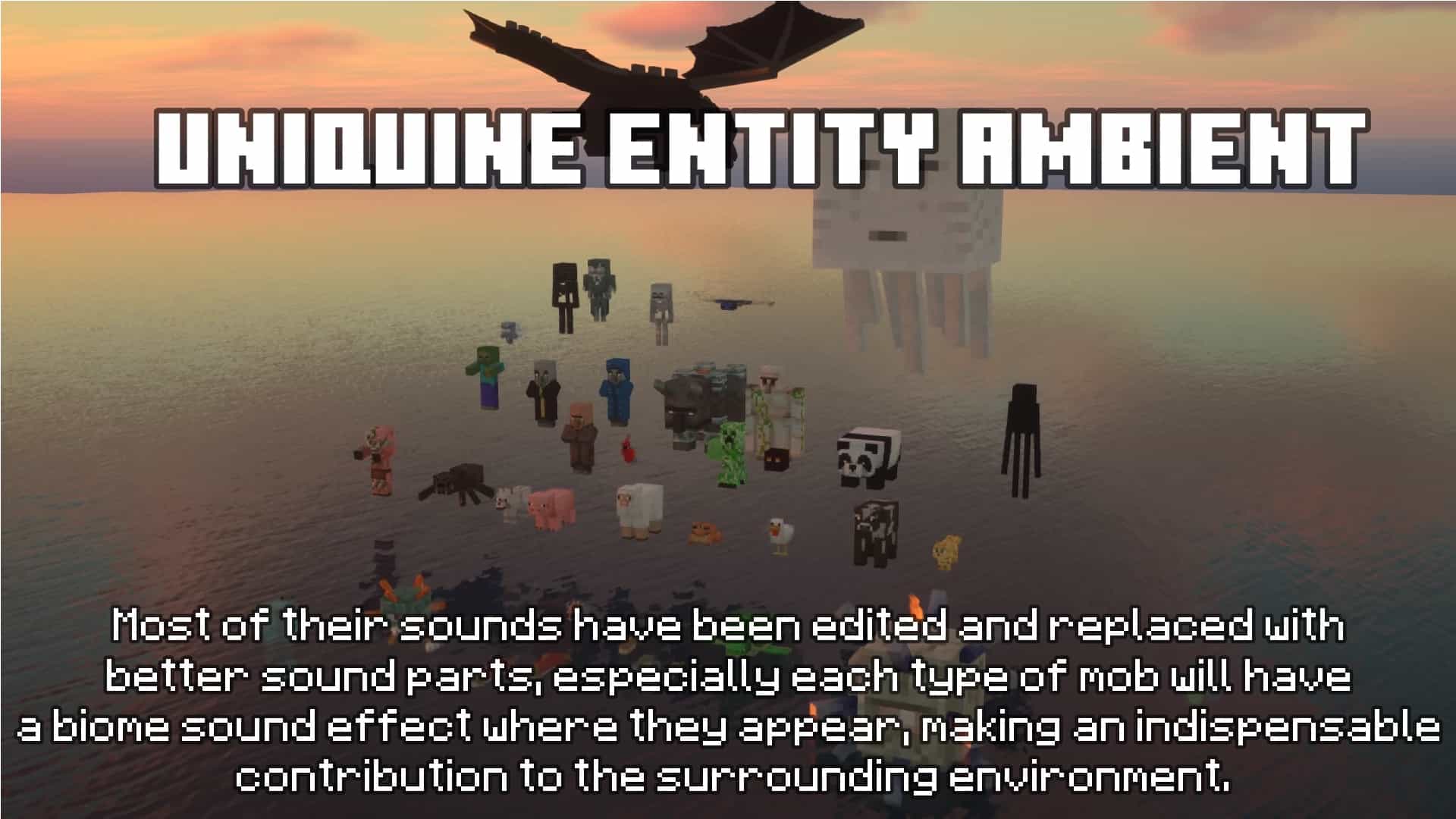
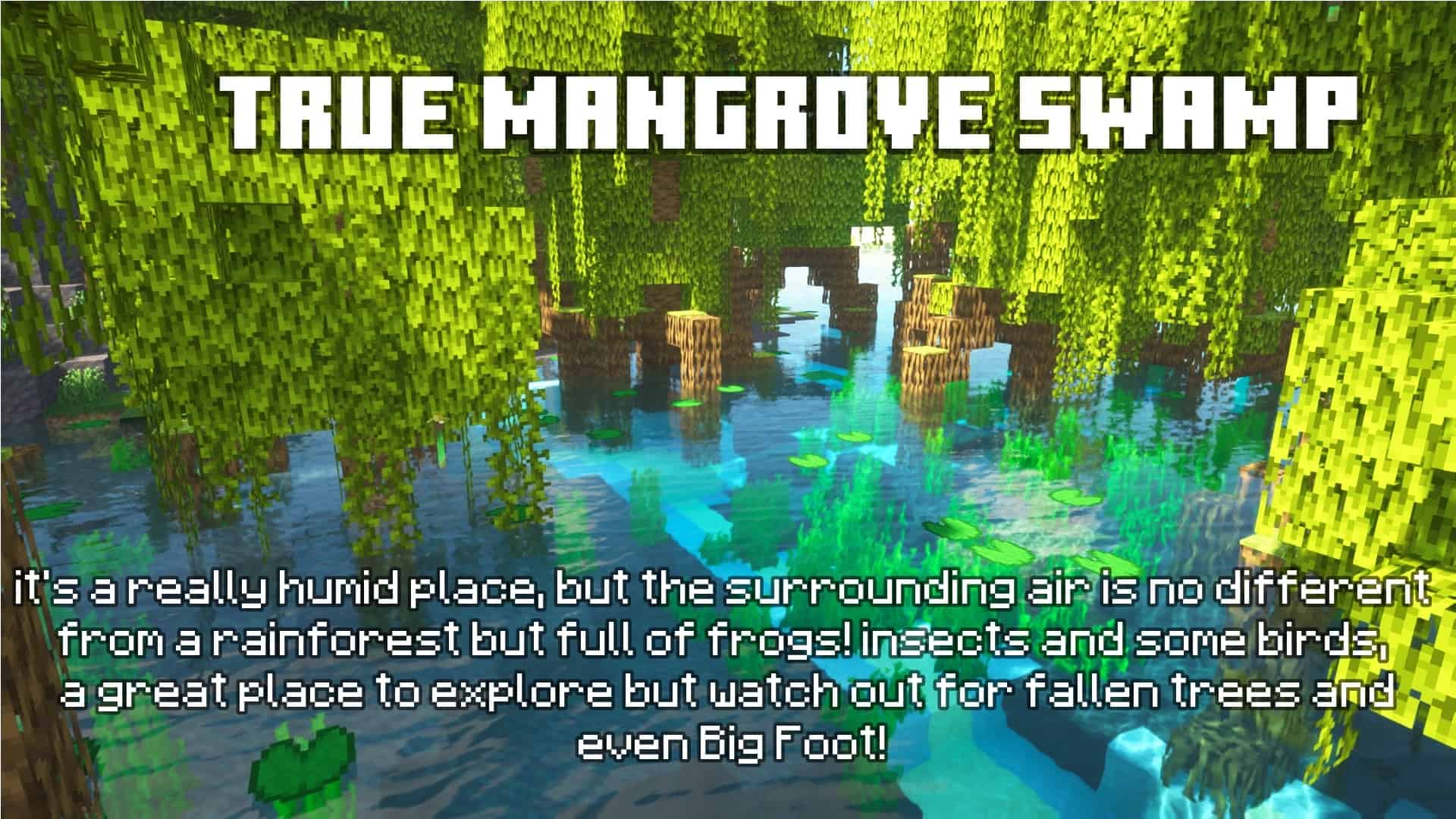
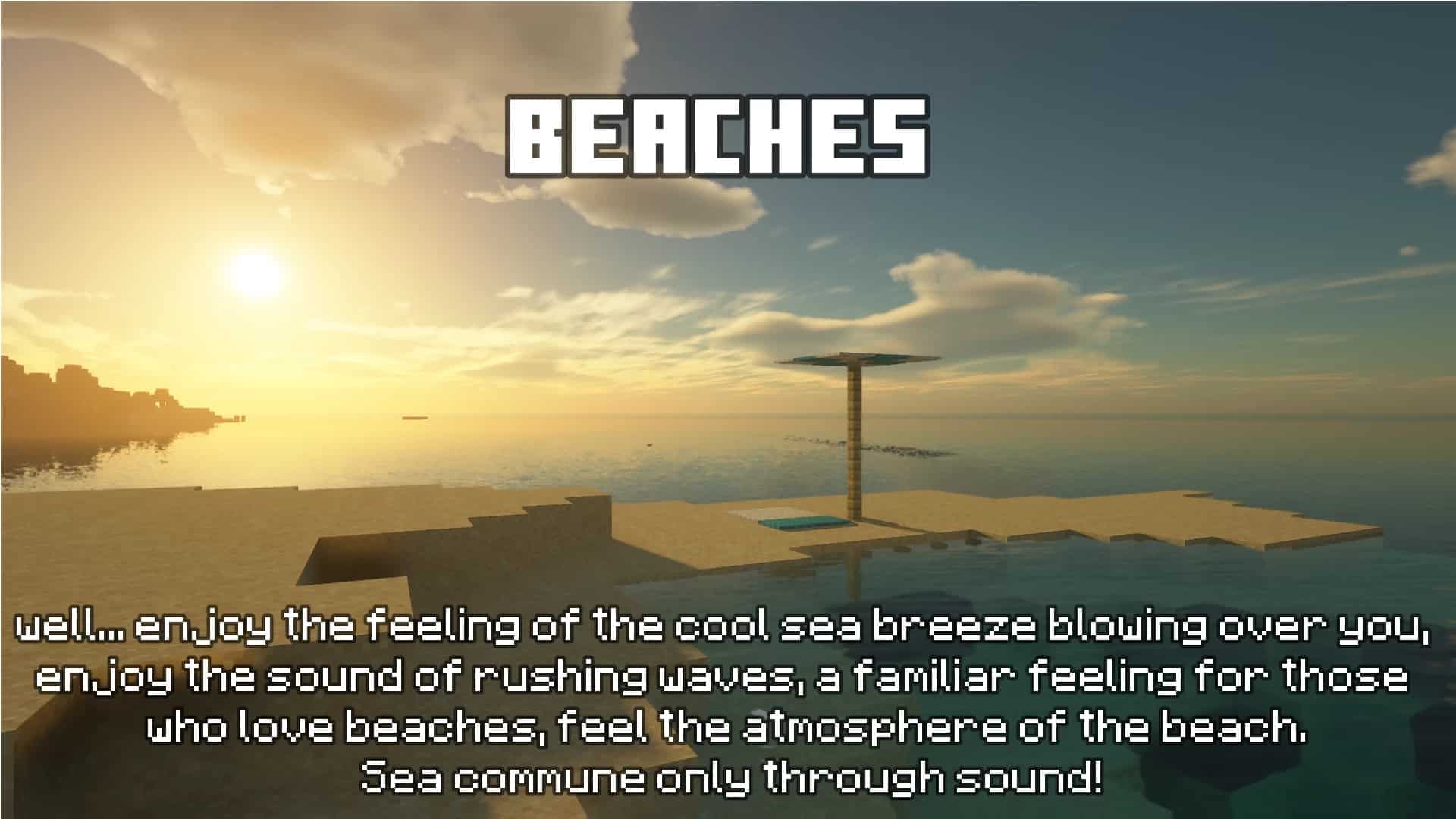
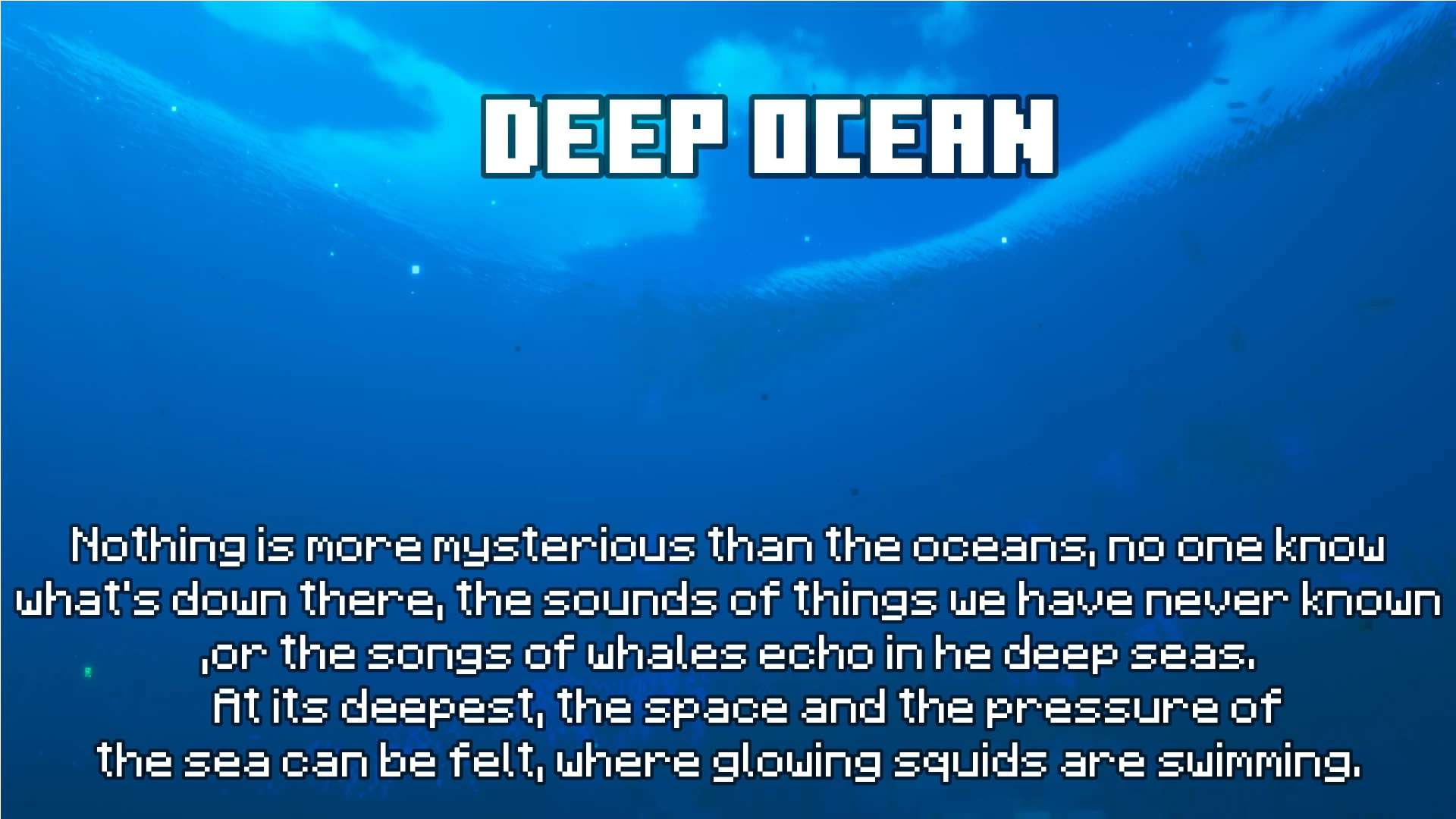
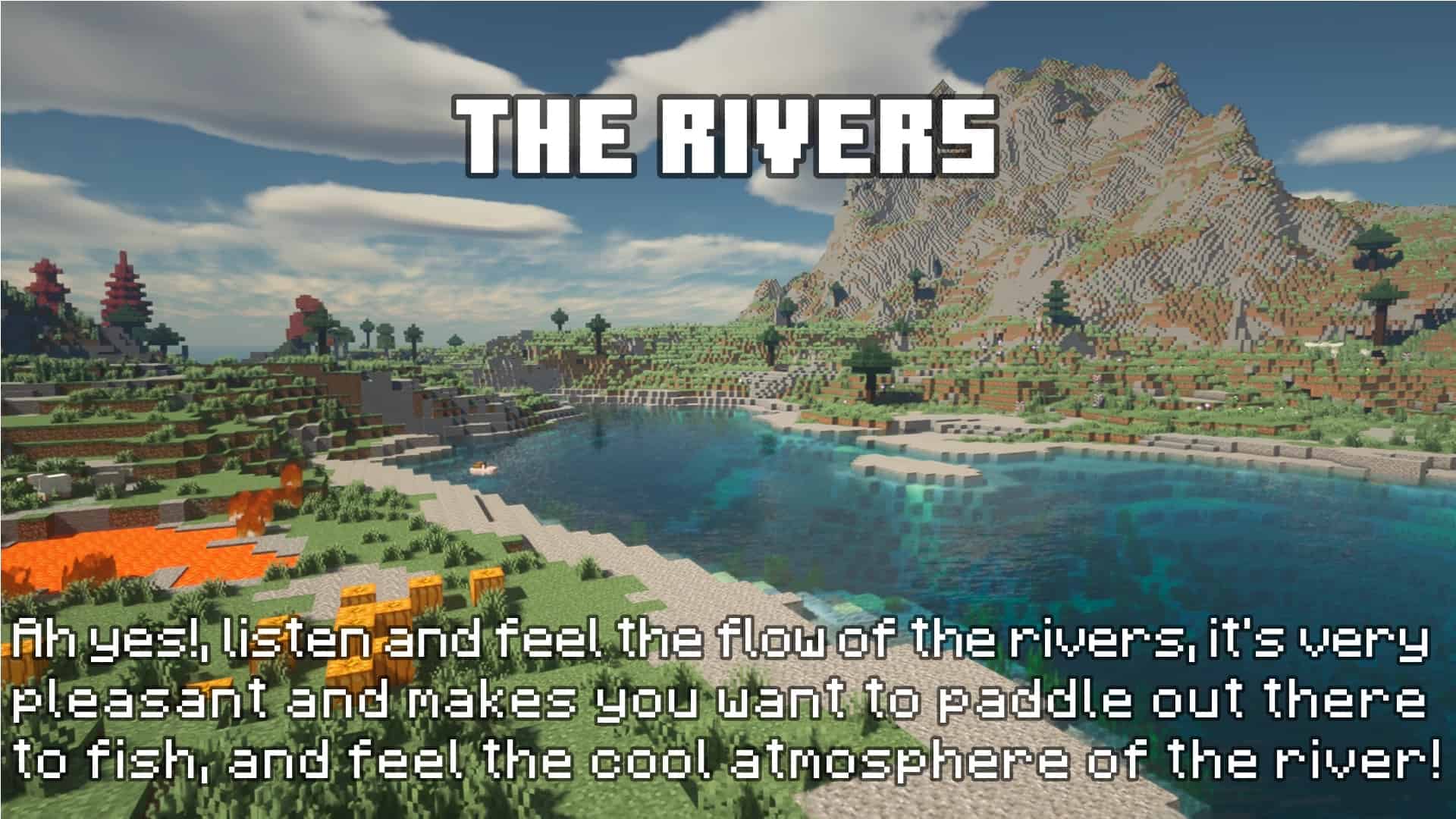
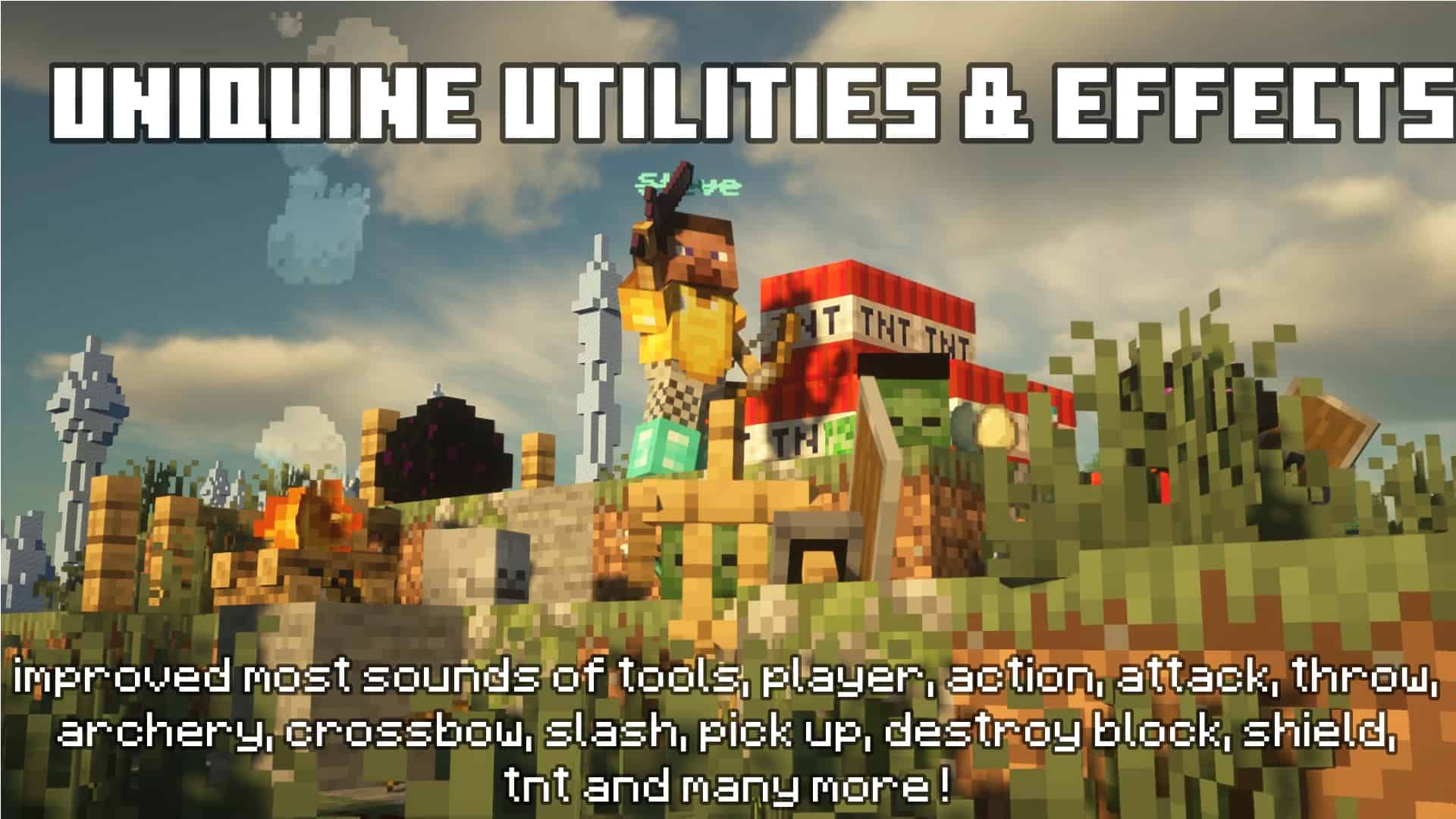
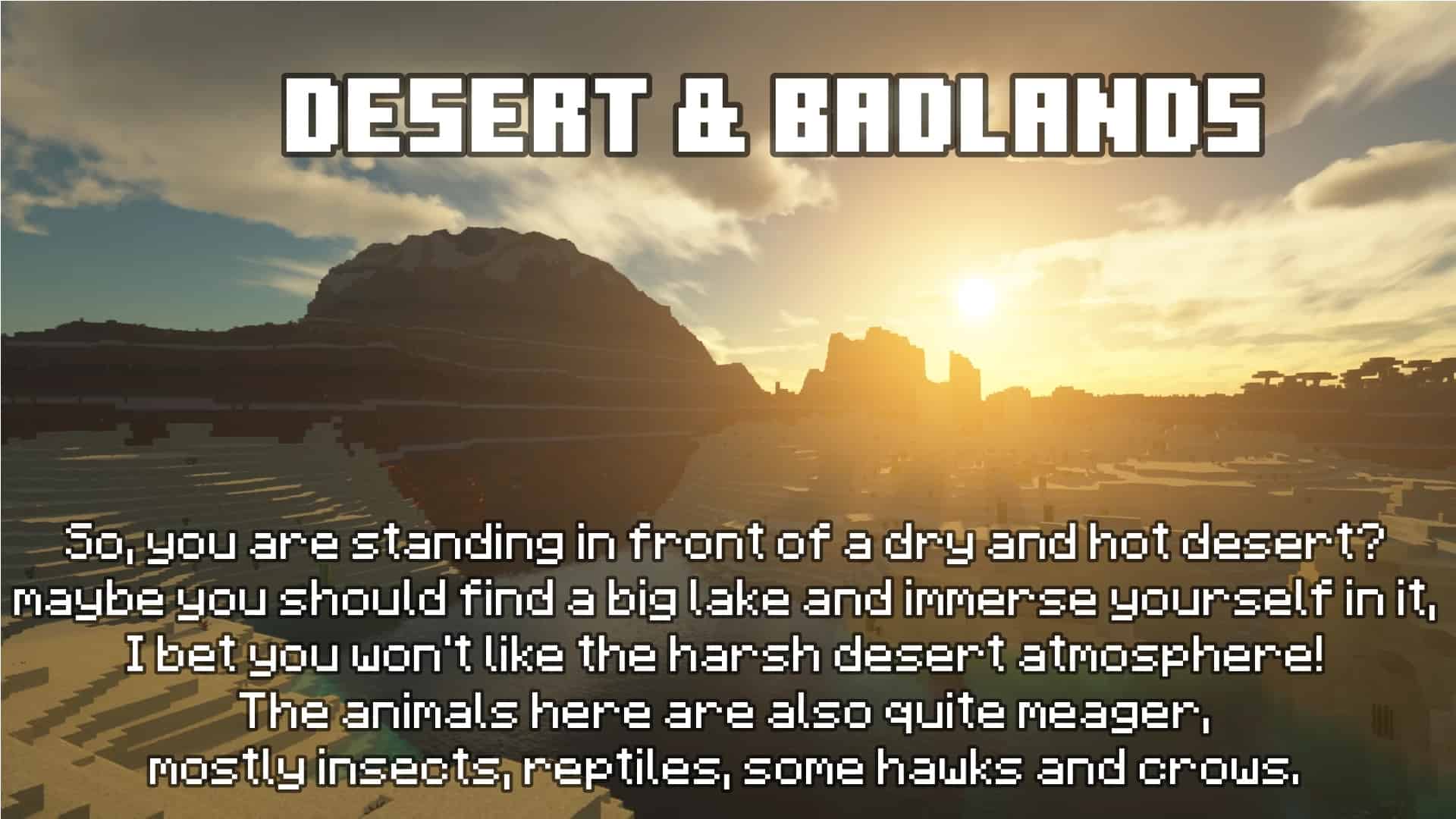
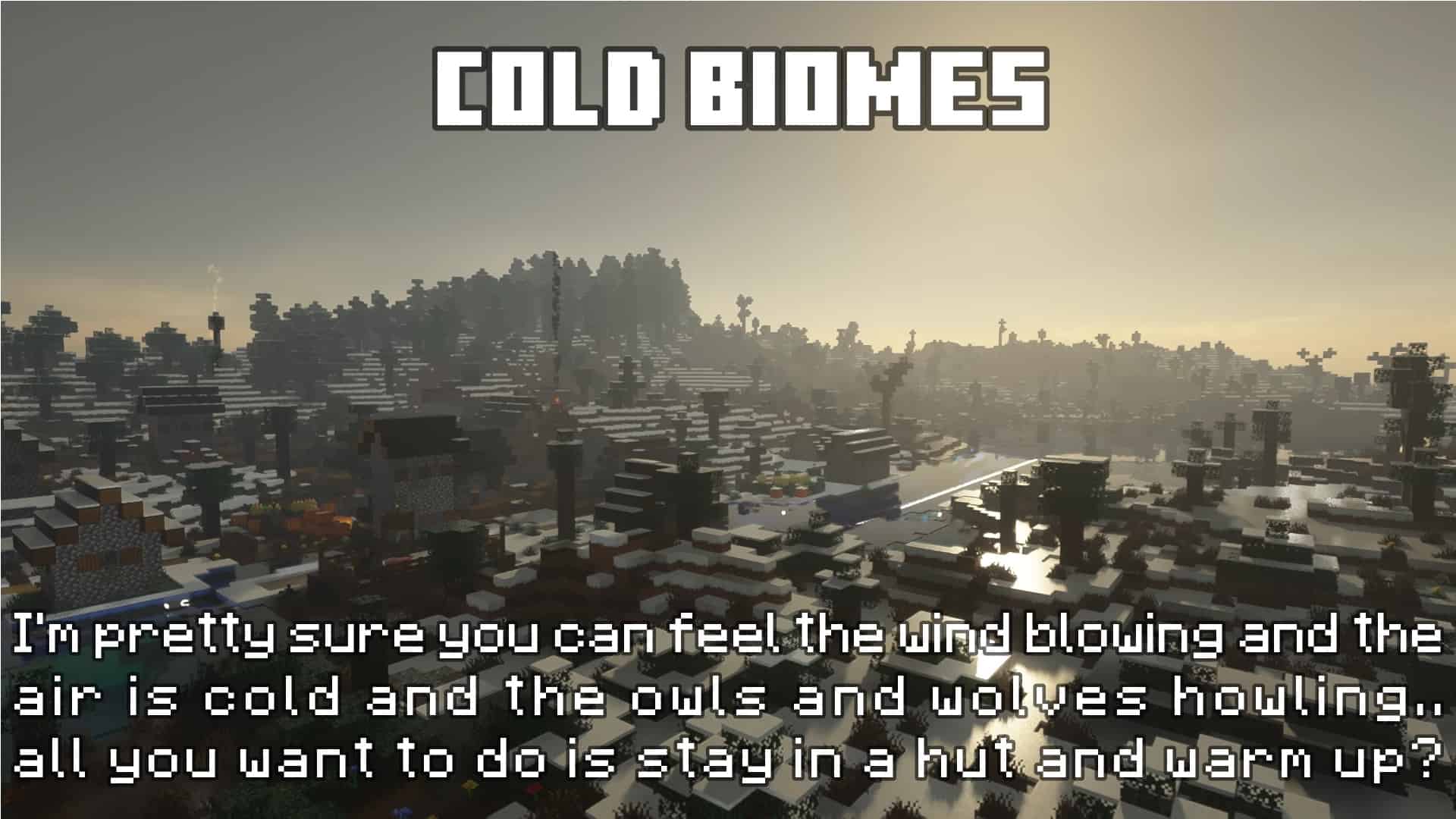
How to Install Texture Pack (Simple 10 Steps)
- Download OptiFine: Most of the texture packs and shaders need OptiFine. That’s why, first download and install OptiFine for the version of Minecraft you want to play.
- Download the Texture Pack: Get the texture pack you want from the download section. Choose the version that works with your Minecraft and your PC’s performance.
- Open Minecraft Launcher: Start Minecraft using the official game launcher — or even TLauncher, if you use that.
- Go to Options: From the main menu, click on the “Options” button.
- Open Resource Packs: Inside Options, click on “Resource Packs…”.
- Open the Resource Pack Folder: Click on “Open Resource Pack Folder” — this will open a folder named “resourcepacks”.
- Move the Pack File: Copy or move the .zip file you downloaded into that “resourcepacks” folder. (Don’t unzip the file — Minecraft uses it as-is!)
- Go Back and Refresh: Close the folder and click “Done”, then go back into “Resource Packs…” again.
- Activate the Pack: You’ll see the pack on the left side. Hover over it and click the arrow to move it to the right (active side).
Tip: If you get a message that the pack is for a different version, just click “Yes” — it usually works fine. - Click Done and Enjoy: Click “Done” again. Now your pack is ready to use in-game. It’s that easy!
Credits
This project was originally created and developed by Lanixius (Aquatic Shelter). We do not claim ownership of this content, nor have we modified the original files. All rights remain with the original creator. We encourage users to support Lanixius by downloading the resource pack through the official links provided.
Download Links
Java Edition
Bedrock Edition
Download Instructions
Curseforge: download starts automatically after a few seconds;
Mediafire: click the big blue button with the text “DOWNLOAD”;
Google Drive: in the top right corner you will see a small download icon (down arrow), click it and the download should start;


