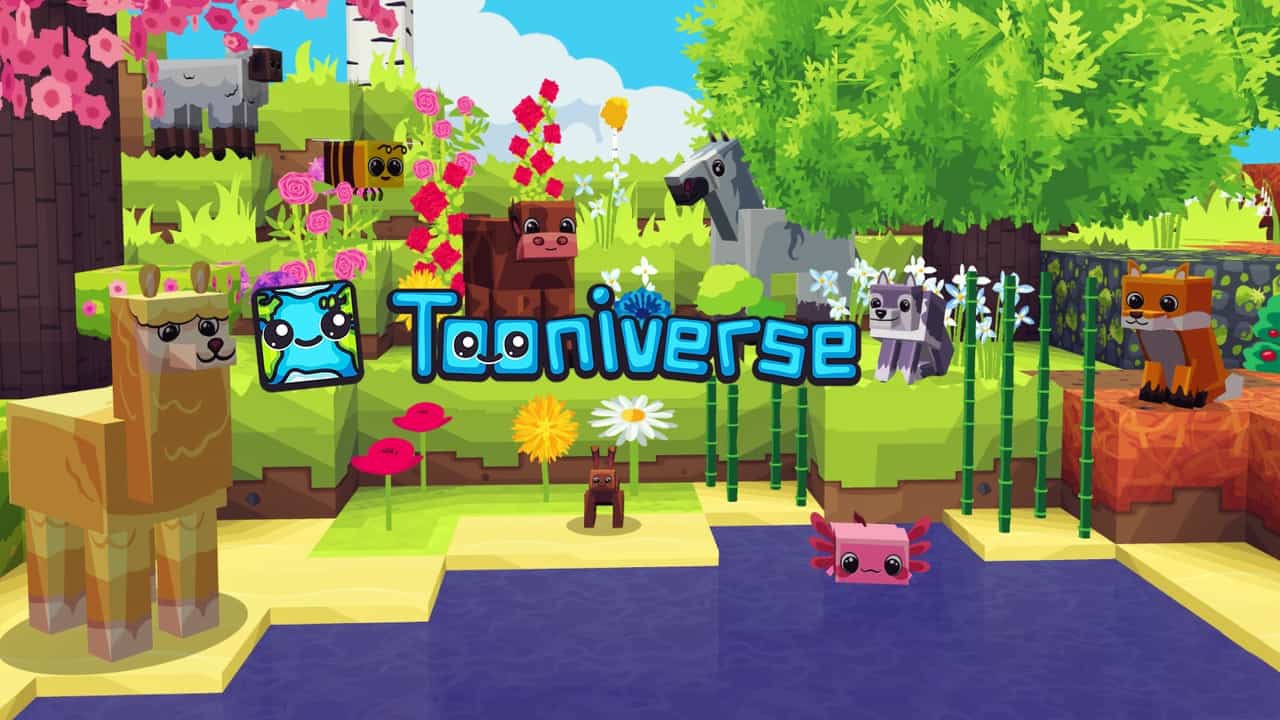
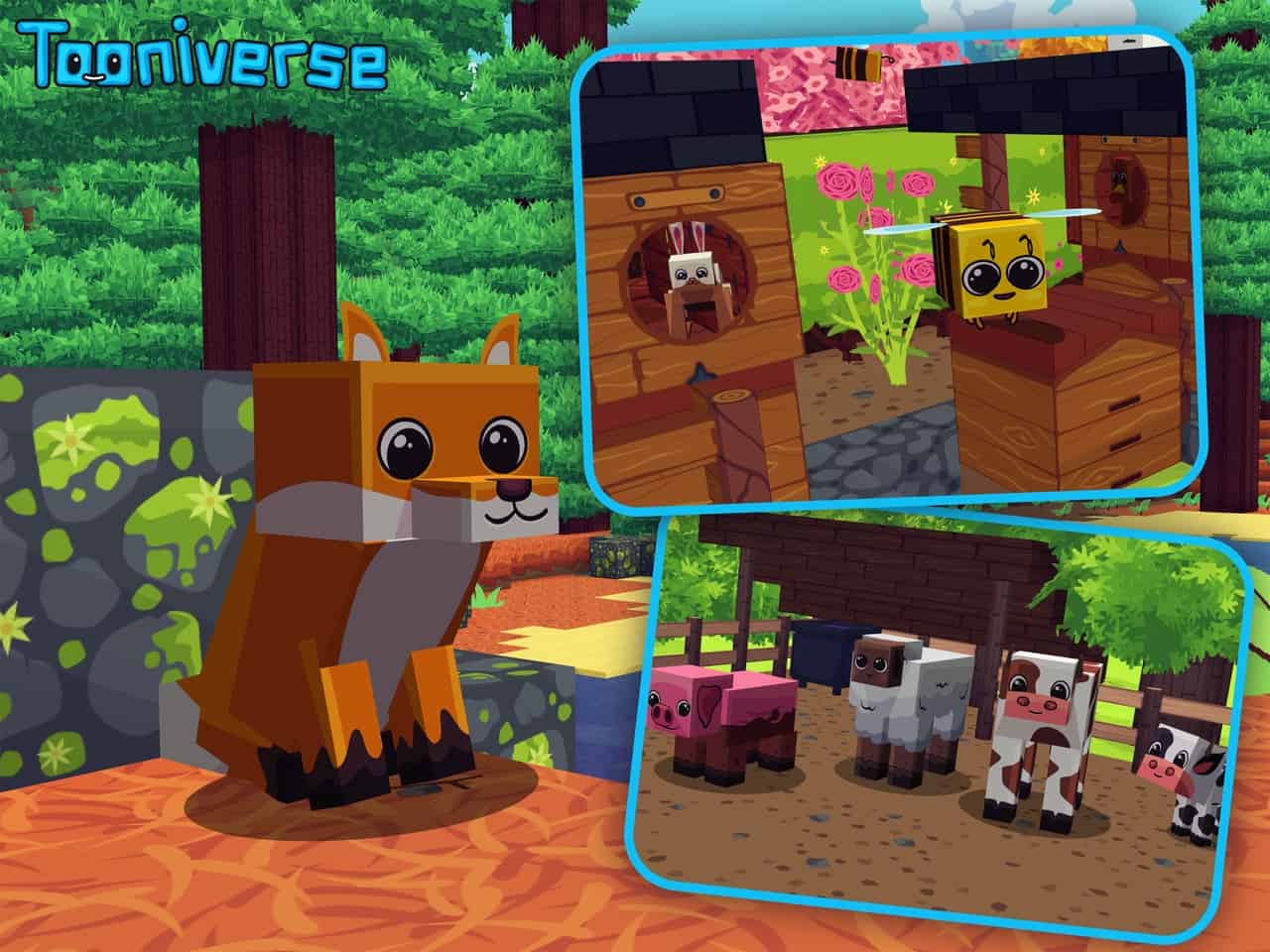
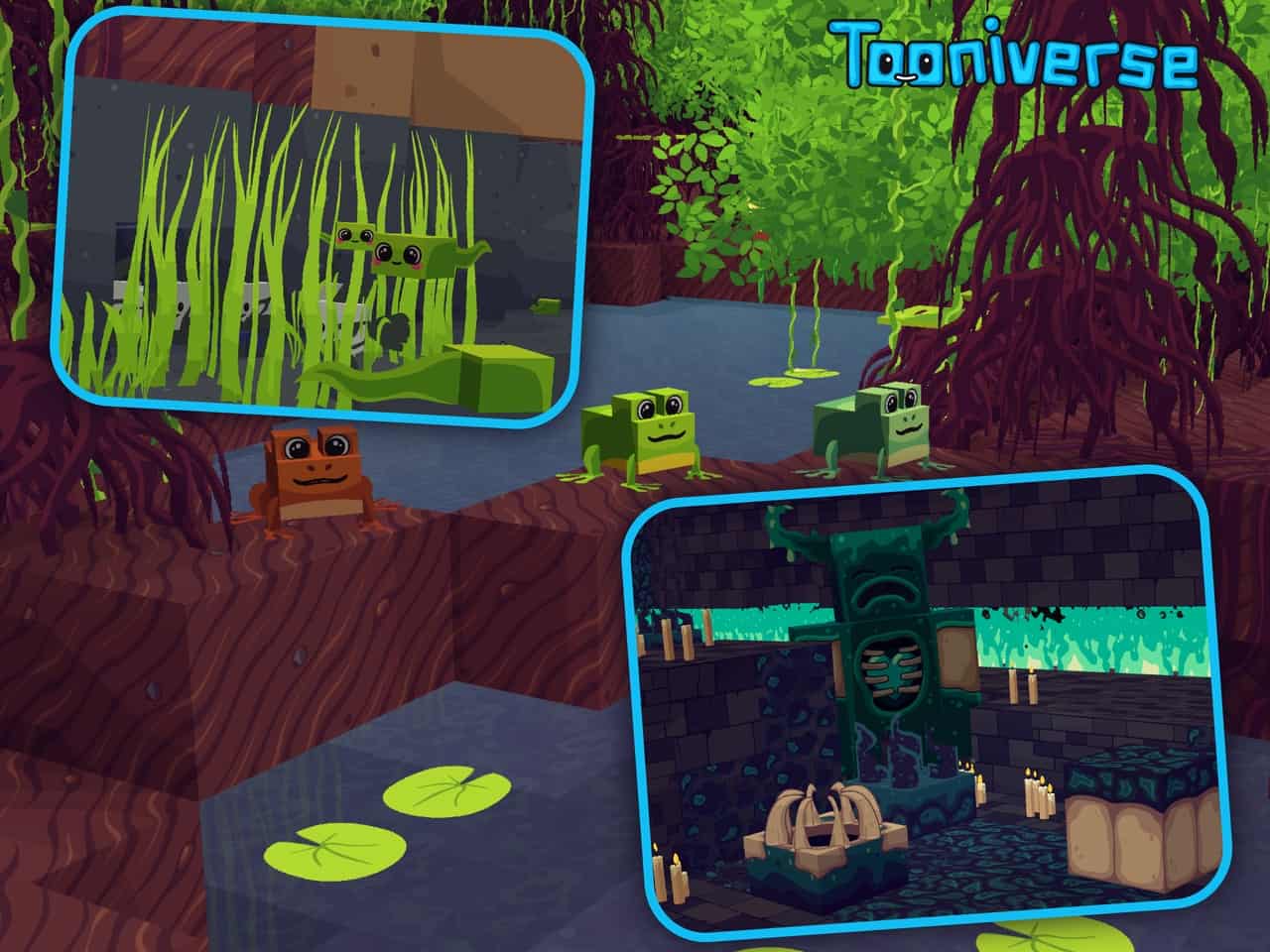
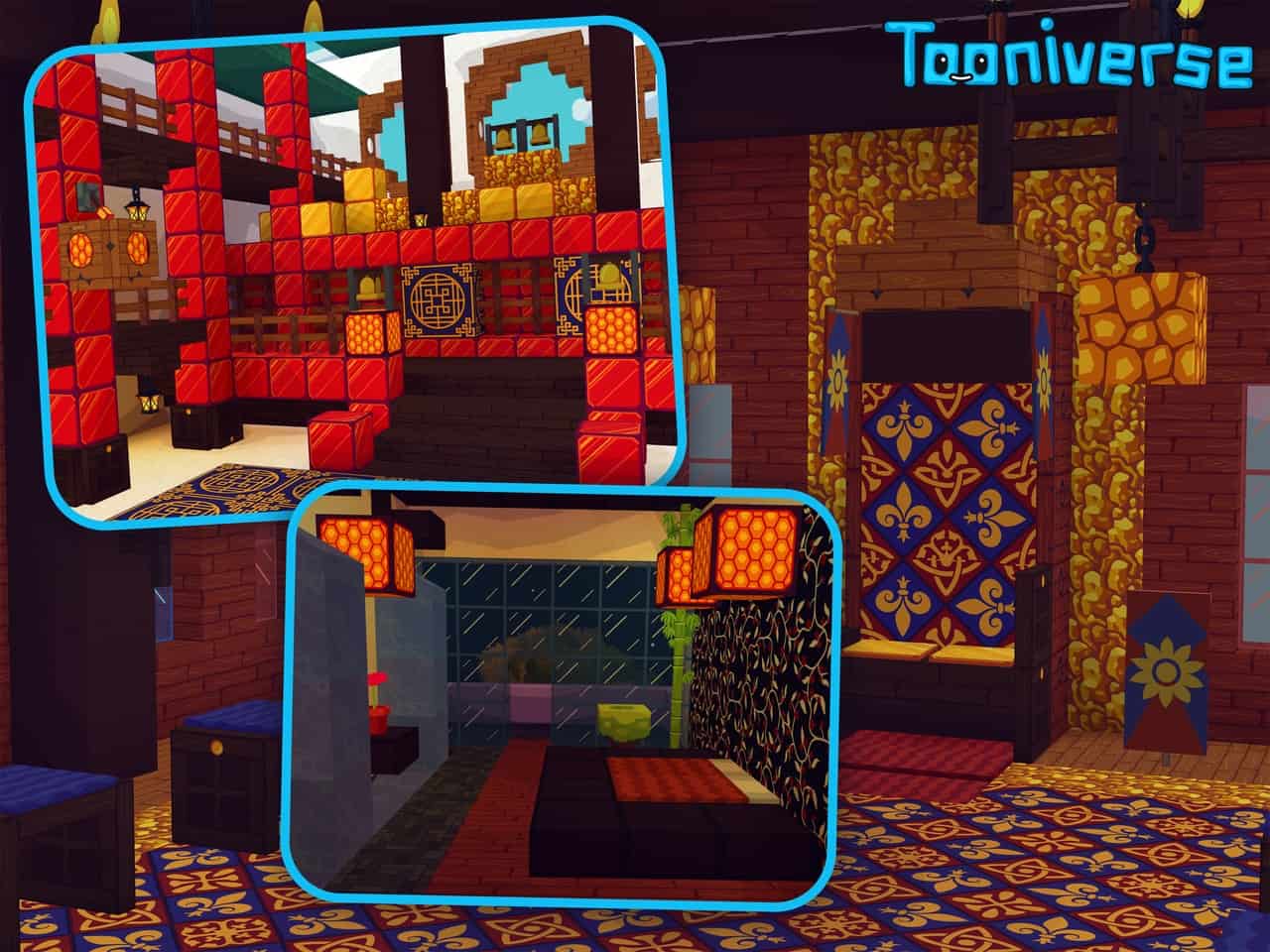
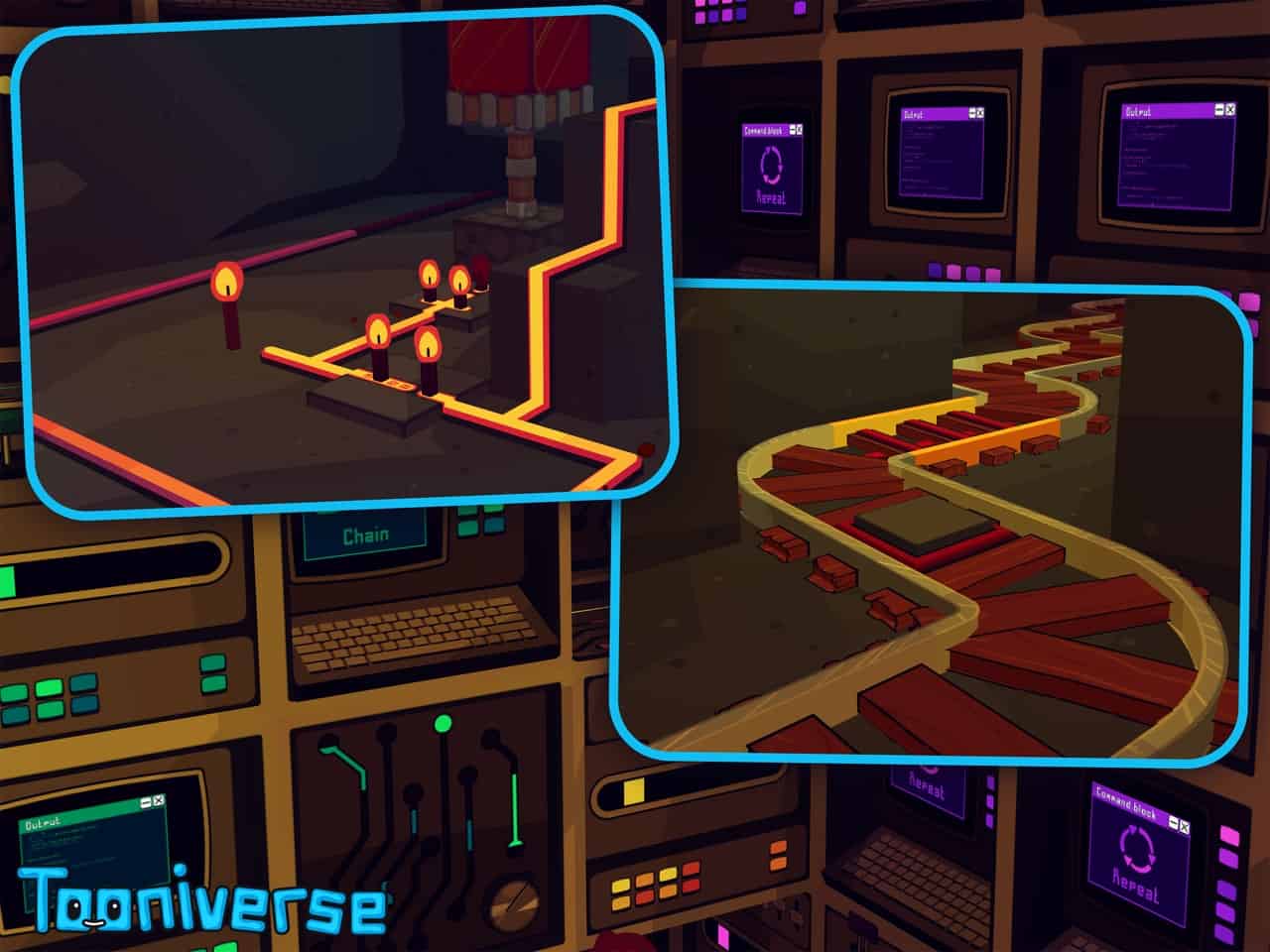
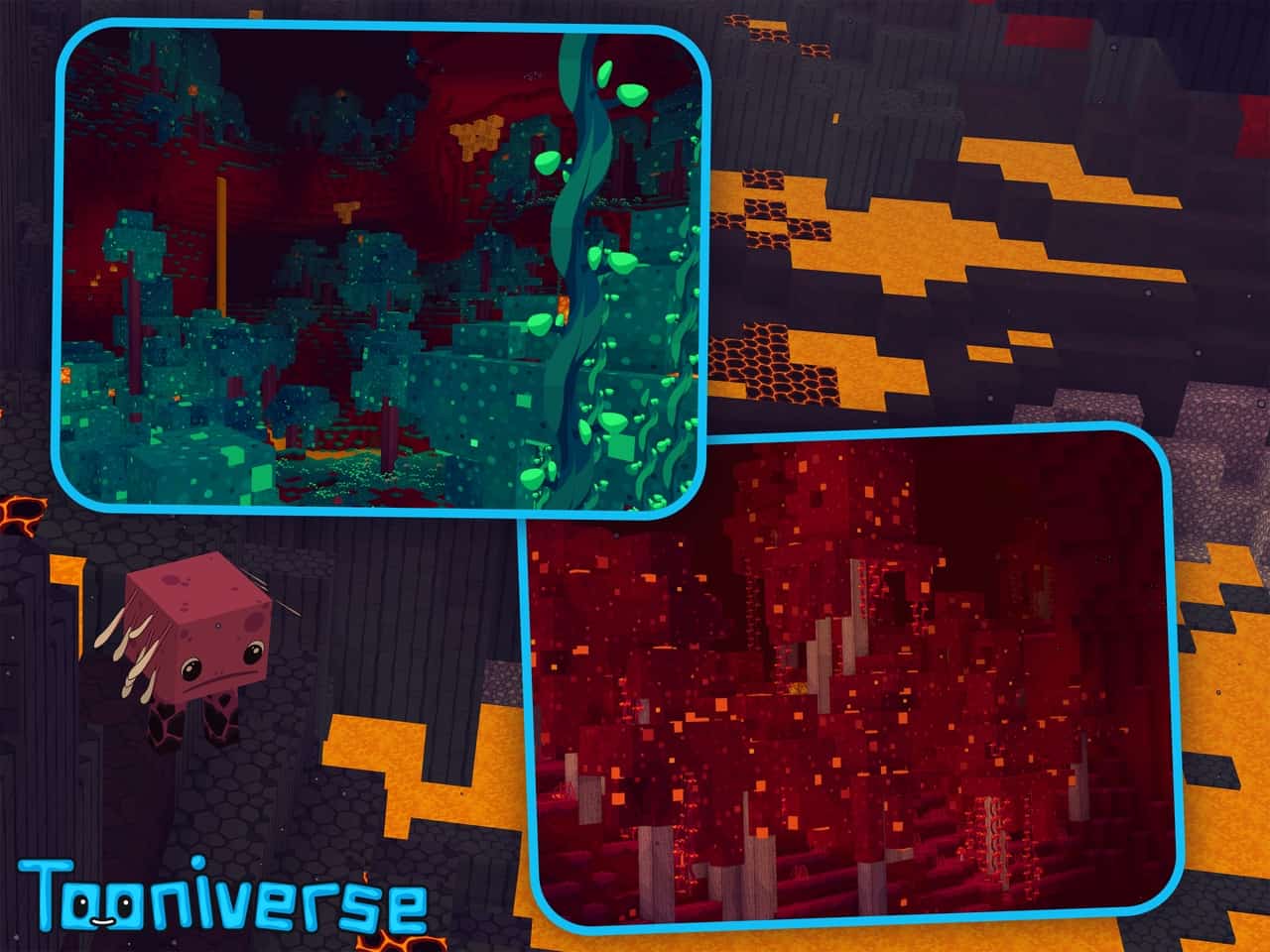
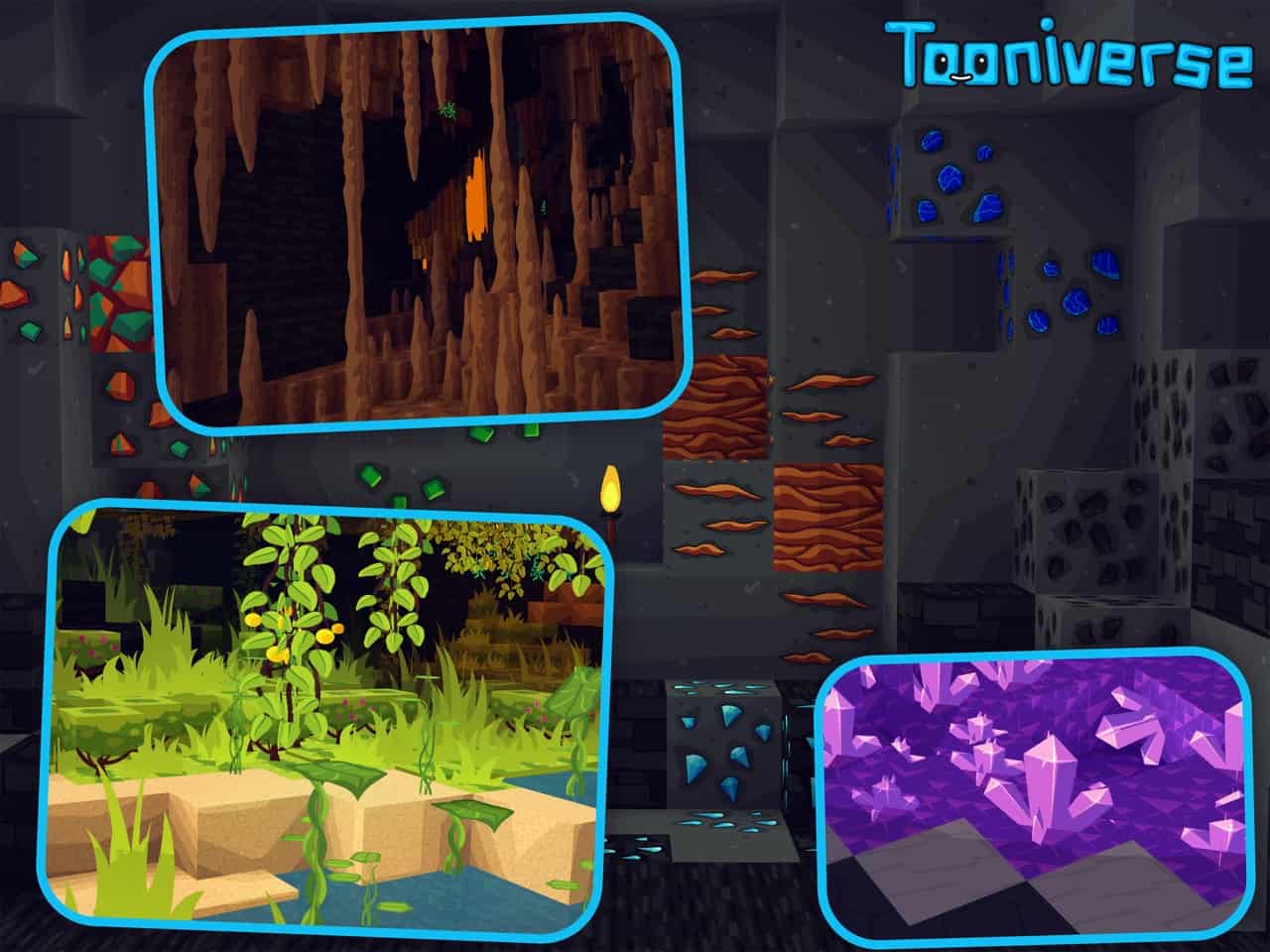
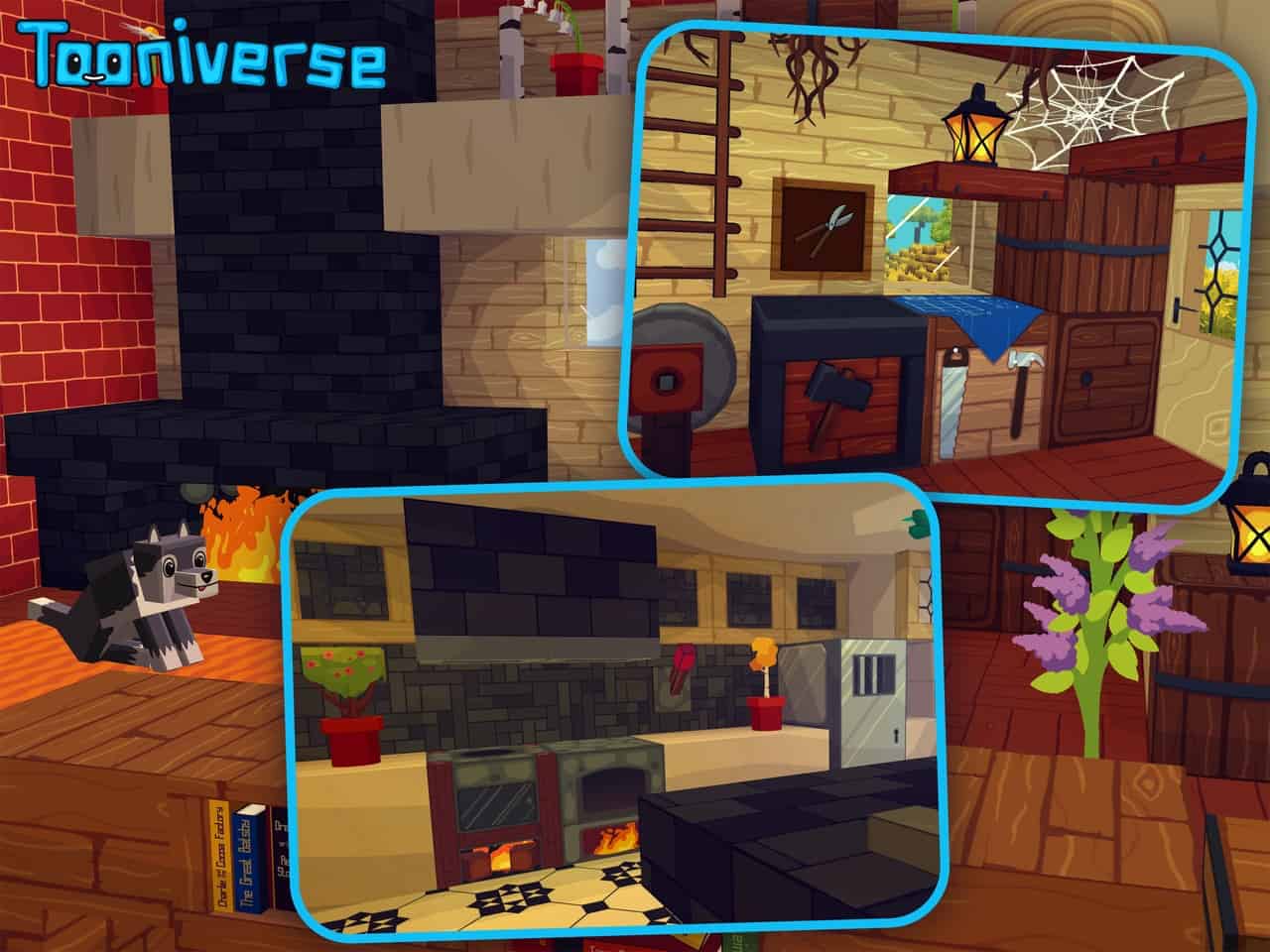
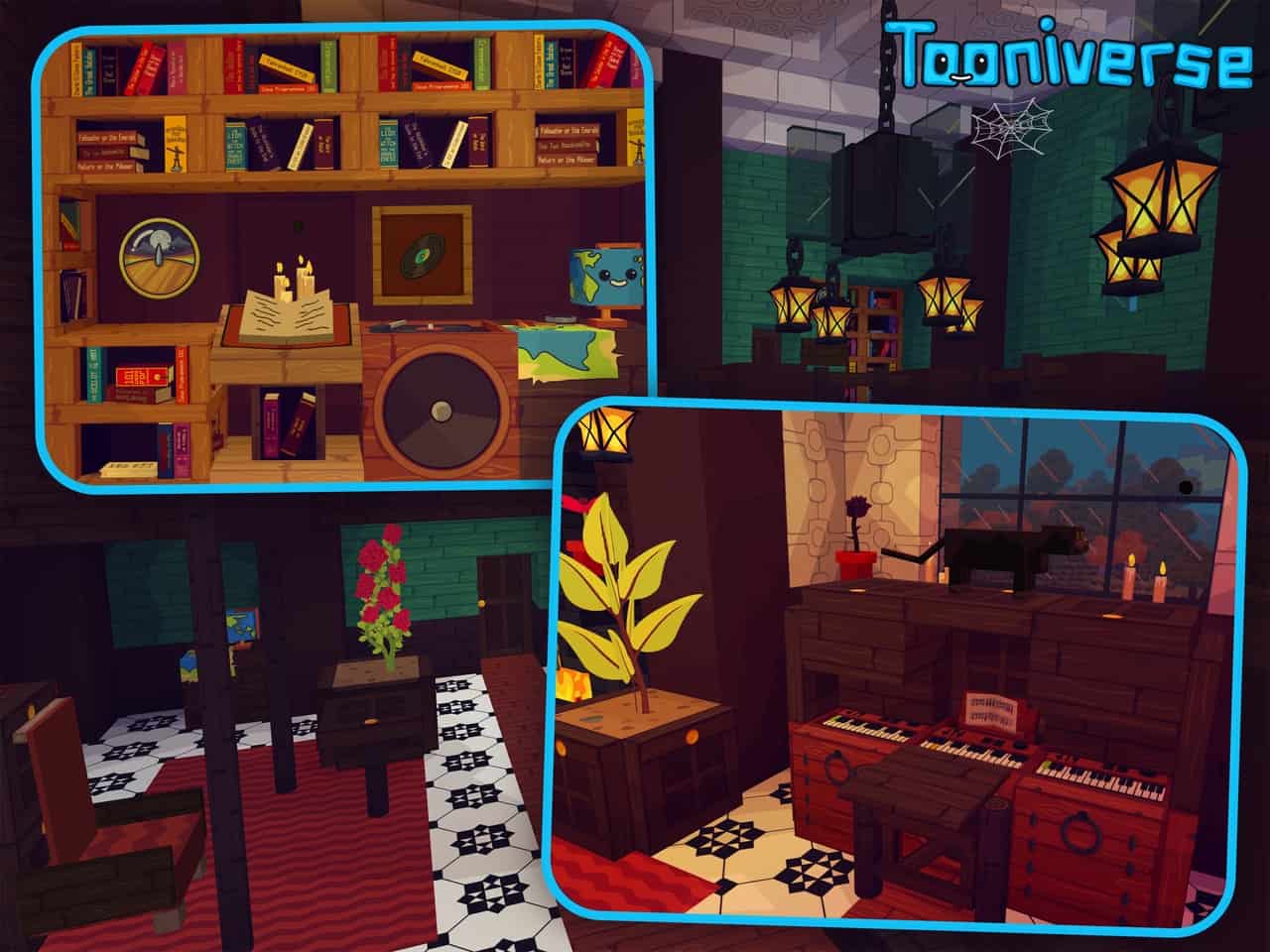
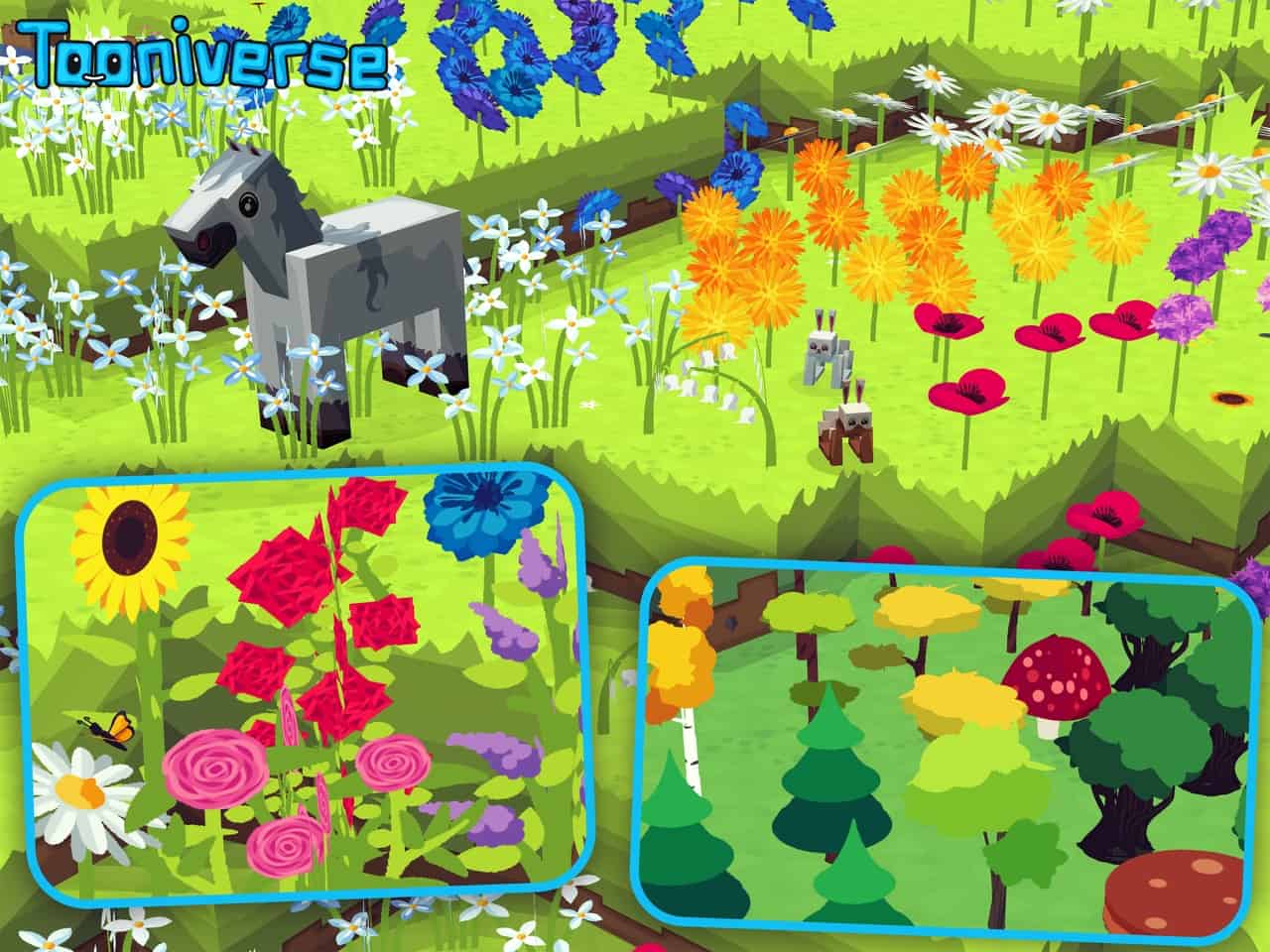
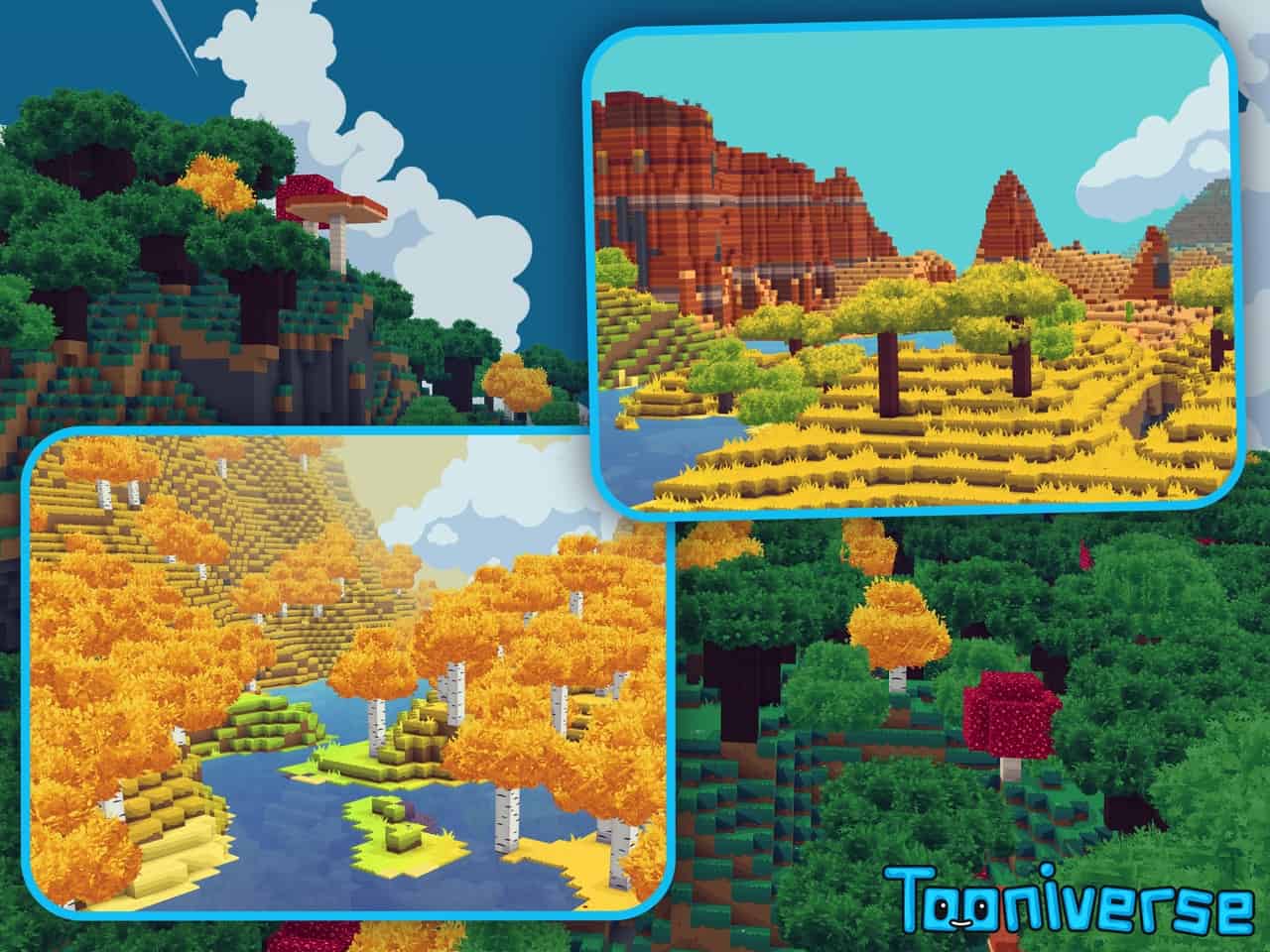
As the years have passed by, Minecraft has certainly gone through plenty of amazing quality-of-life improvements. While most updates tend to focus heavily on features, I always felt that visual enhancements were a bit neglected. For all of us, Minecraft remains that wonderful blocky game that delivers endless enjoyment whenever we play. Resource packs have consistently tried to make Minecraft look even better, and I love seeing how each pack brings its own unique artistic direction, with some proving to be far more impressive than others. The Tooniverse resource pack is one of those fantastic options that aims to make Minecraft look wonderfully cartoonish while adding a brilliant level of smoothness to the in-game textures. Fortunately, I found that it manages to achieve this goal with truly great success! The visuals in the Tooniverse texture pack felt instantly familiar to me, clearly inspired by the gorgeous aesthetics of modern-day cartoons. It introduces striking solid colors across the textures and skillfully removes some of the noisy details. Despite having details trimmed from certain textures, blocks, mobs, objects, and items in the game, everything gains an amazing added level of smoothness. I honestly found it much harder to distinguish individual pixels on textures due to the noticeably increased resolution, making these new textures feel genuinely fresh and unique rather than just a simple recoloring job. Brand-new textures have been lovingly crafted for all types of terrain, blocks, ores, trees, leaves, animals, crops, flowers, and so much more. All of these fresh textures genuinely look as if a talented artist hand-drew and colored them manually. To put it simply, Tooniverse makes Minecraft look wonderfully smooth, featuring clean textures and vibrant colors that pop. Even the skybox elements like clouds, the sun, and the moon have been completely retexturized to match that delightful cartoonish look.
One aspect that I know many players will deeply appreciate is the incredible amount of added detail poured into the icons, menu items, and inventory screens. Everything looks so much smoother and distinctly cartoonish, with icons that feel significantly less blocky and wonderfully detailed. The playful cartoon design of the menu and inventory system completely complements the overall in-game visuals. Tooniverse can easily be considered a premium resource pack given the sheer amount of hard work and dedication invested into it. While the pack is graciously available for free to players who want to try it out in a 64x resolution, the higher 128x and 256x versions are locked behind a creator paywall on their official website. By supporting the developer financially, players gain access to these gorgeous higher resolutions, which directly helps sustain them and incentivizes continued updates. The official website is also the best place to grab the latest version first, check out exciting previews of upcoming updates, and interact directly with the developer to suggest future improvements. I was really pleased to find that the free 64x version of Tooniverse runs remarkably well even on older systems; because of its clean textures and optimized visuals, it is definitely not a resource hog, though adding a heavy shader will naturally cause a slight framerate drop, and the demanding 128x and 256x versions certainly require much more powerful hardware. In the latest update, the developer even introduced several wonderful fixes to ensure the pack plays nicely with popular mods like shaders. Before jumping over to the official page to support the developer and grab those ultra-high resolutions, I strongly recommend trying out the free 64x version first to test how well your game performs!
Tooniverse should be compatible with all of these Minecraft versions: 1.21.11 – 1.21.10 – 1.21.9 – 1.21.8 – 1.21.7 – 1.21.6 – 1.21.5 – 1.21.4 – 1.21.3 – 1.21.2 – 1.21.1 – 1.21 – 1.20.6 – 1.20.5 – 1.20.4 – 1.20.3 – 1.20.2 – 1.20.1 – 1.20 – 1.19.4 – 1.19.3 – 1.19.2 – 1.19.1 – 1.19 – 1.18.2 – 1.18.1 – 1.18 – 1.17.1 – 1.17
Screenshots


How to Install Texture Pack (Simple 10 Steps)
- Download OptiFine: Most of the texture packs and shaders need OptiFine. That’s why, first download and install OptiFine for the version of Minecraft you want to play.
- Download the Texture Pack: Get the texture pack you want from the download section. Choose the version that works with your Minecraft and your PC’s performance.
- Open Minecraft Launcher: Start Minecraft using the official game launcher — or even TLauncher, if you use that.
- Go to Options: From the main menu, click on the “Options” button.
- Open Resource Packs: Inside Options, click on “Resource Packs…”.
- Open the Resource Pack Folder: Click on “Open Resource Pack Folder” — this will open a folder named “resourcepacks”.
- Move the Pack File: Copy or move the .zip file you downloaded into that “resourcepacks” folder. (Don’t unzip the file — Minecraft uses it as-is!)
- Go Back and Refresh: Close the folder and click “Done”, then go back into “Resource Packs…” again.
- Activate the Pack: You’ll see the pack on the left side. Hover over it and click the arrow to move it to the right (active side).
Tip: If you get a message that the pack is for a different version, just click “Yes” — it usually works fine. - Click Done and Enjoy: Click “Done” again. Now your pack is ready to use in-game. It’s that easy!
Credits
The Tooniverse resource pack was originally created by Daft-Vader. We do not claim ownership of this content, nor do we host modified versions of the official files. We highly encourage community members to support the original creator by visiting their official pages and contributing to their ongoing projects.
Download Links
Java Edition
Download Instructions
Curseforge: download starts automatically after a few seconds;
Mediafire: click the big blue button with the text “DOWNLOAD”;
Google Drive: in the top right corner you will see a small download icon (down arrow), click it and the download should start;


