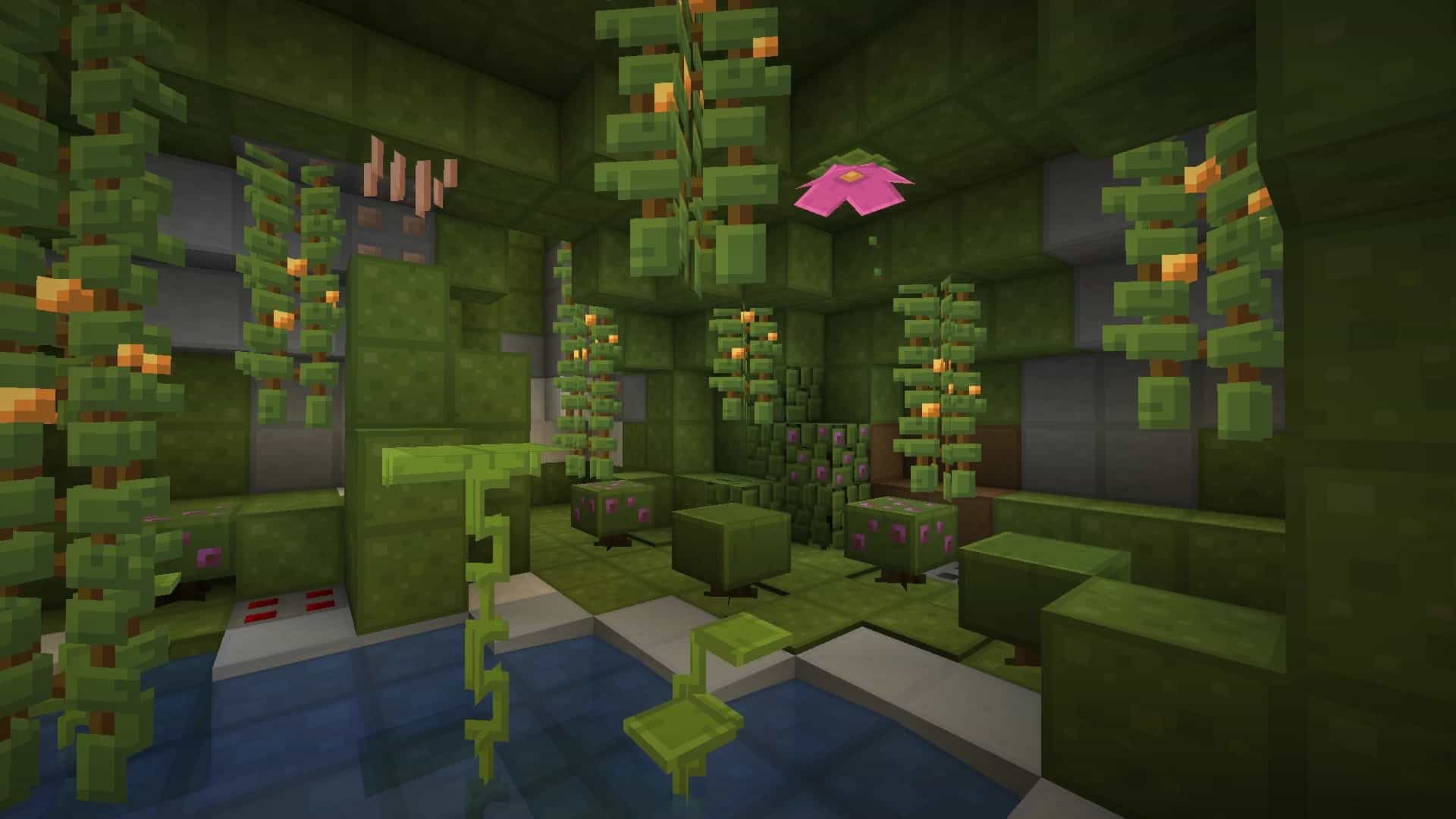
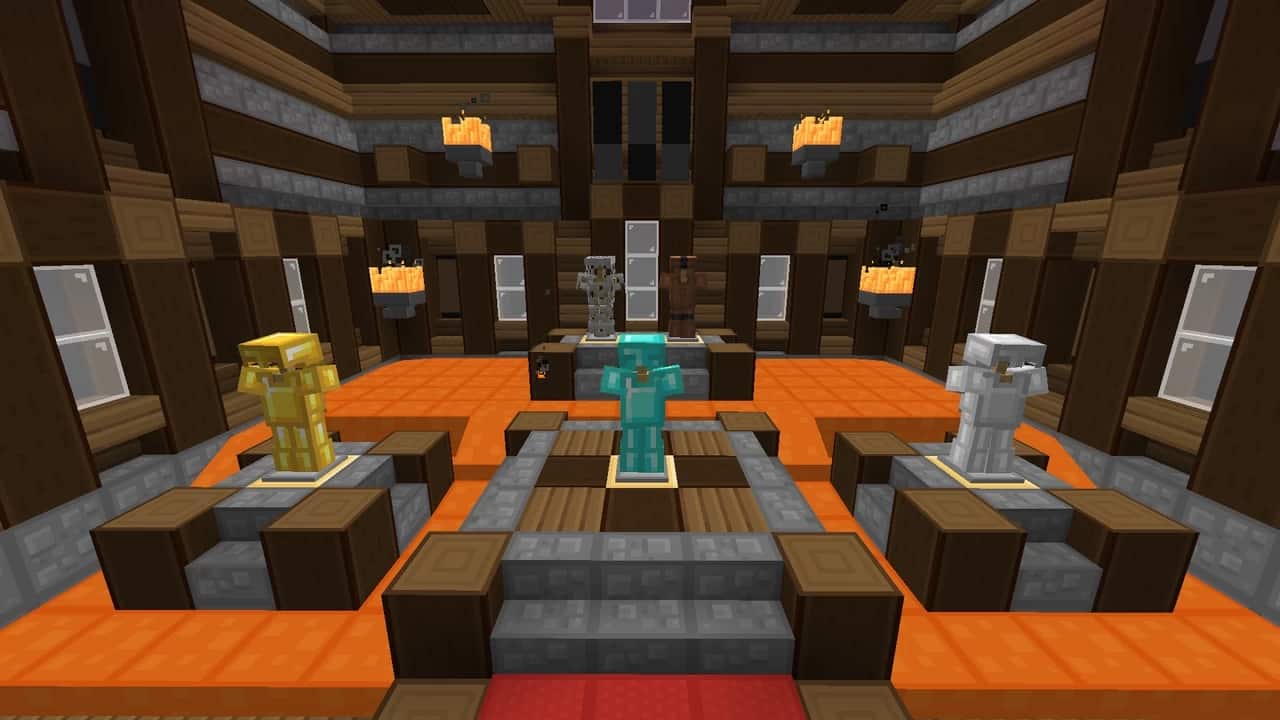
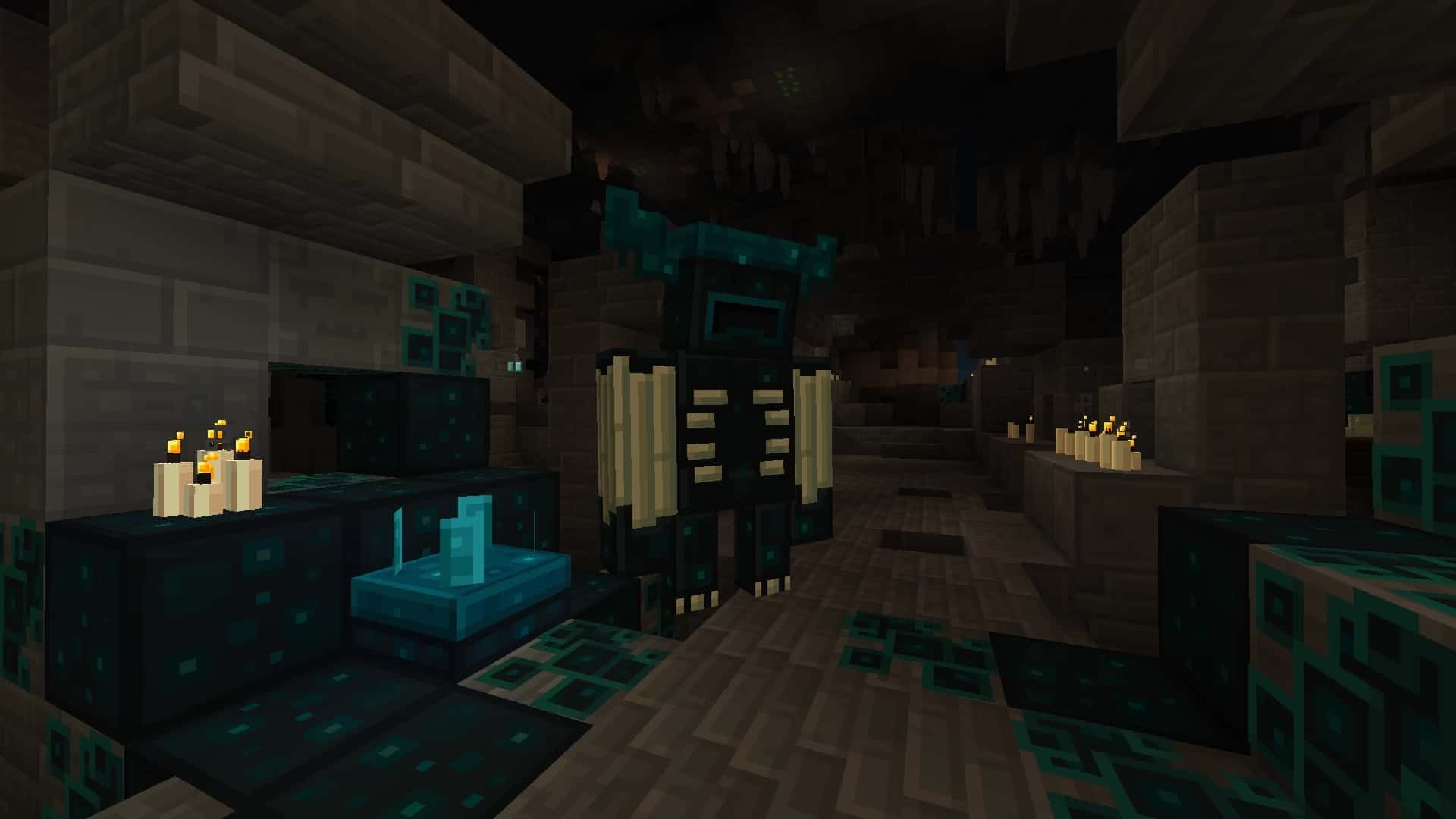
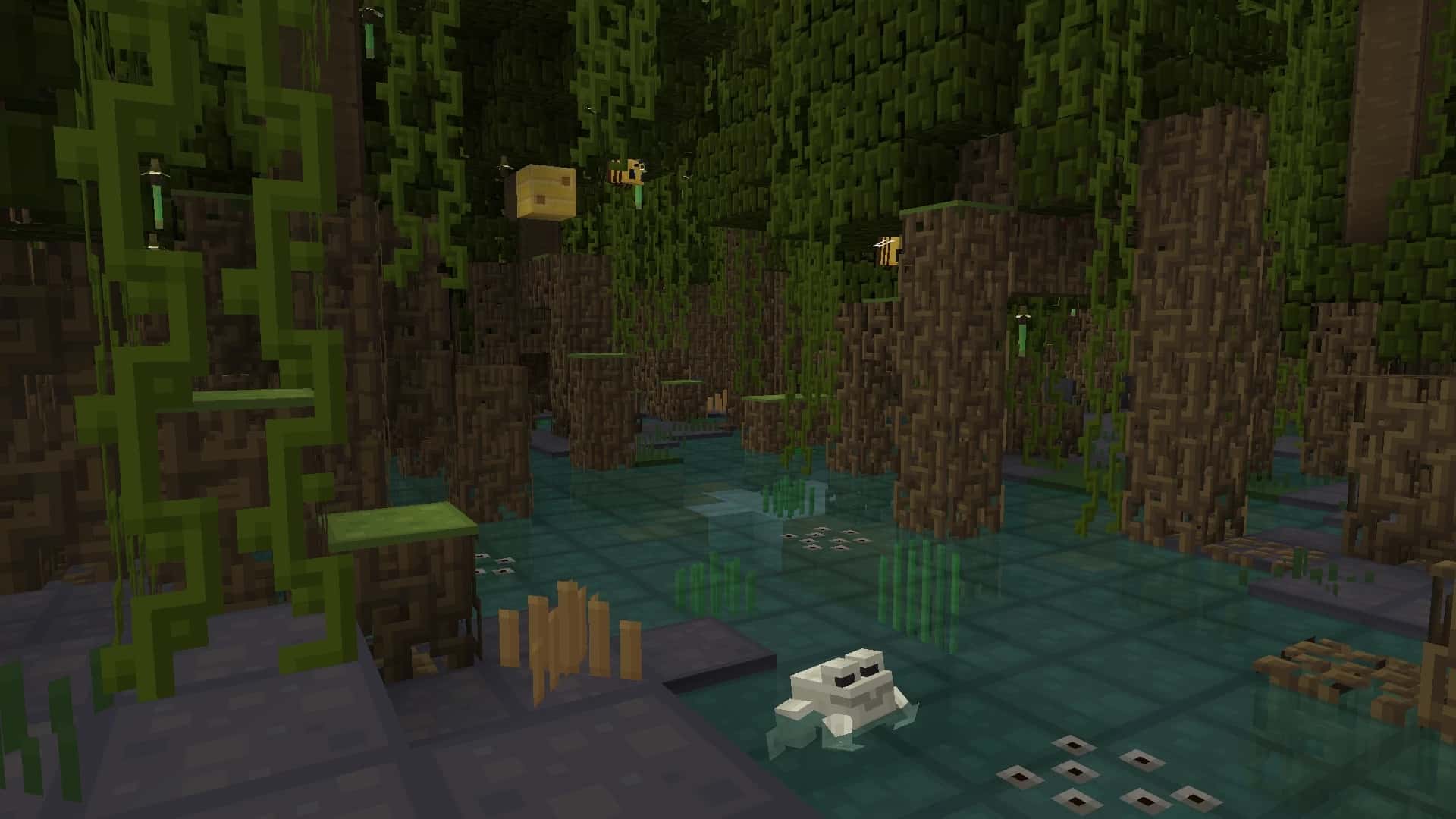
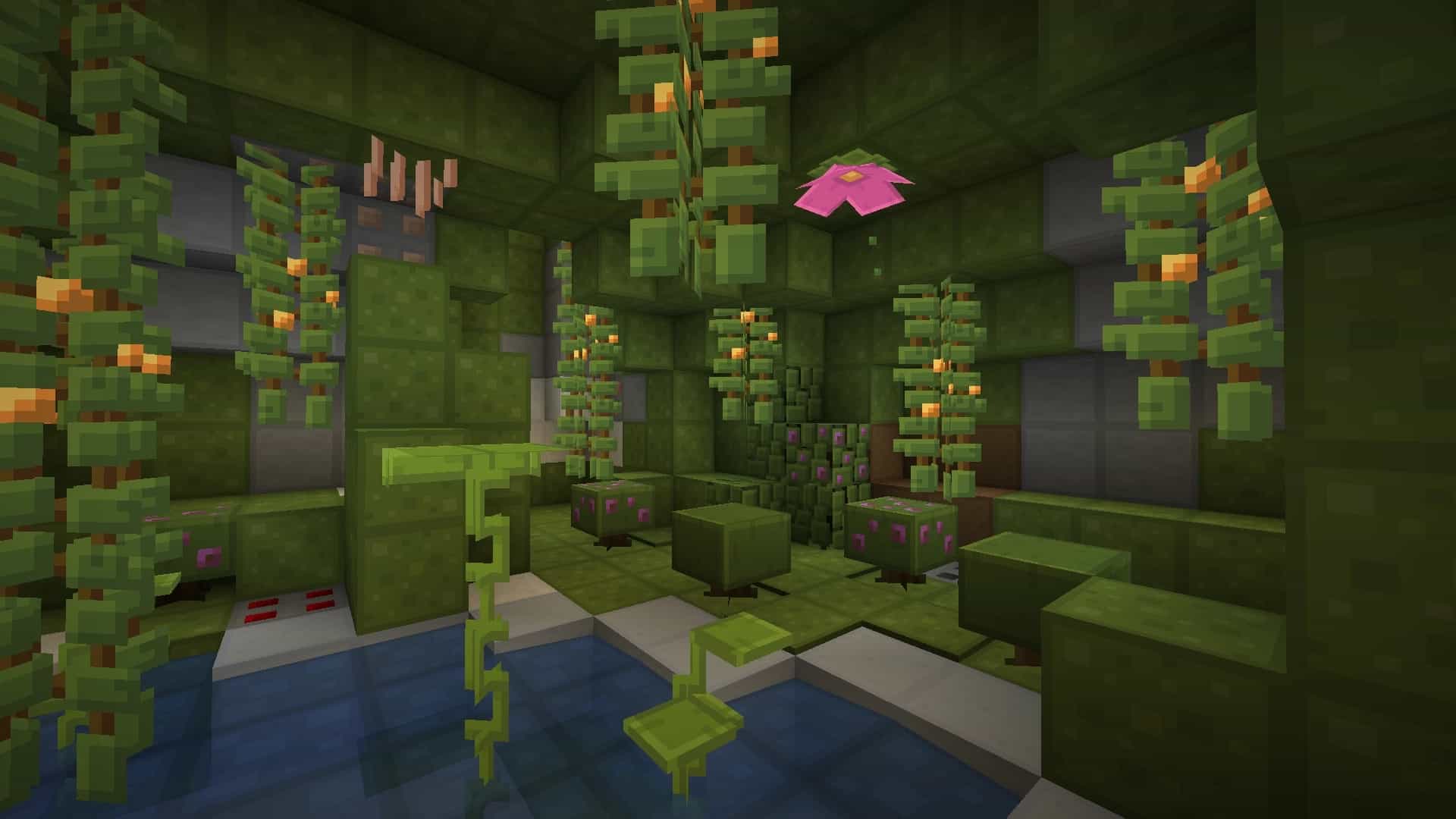
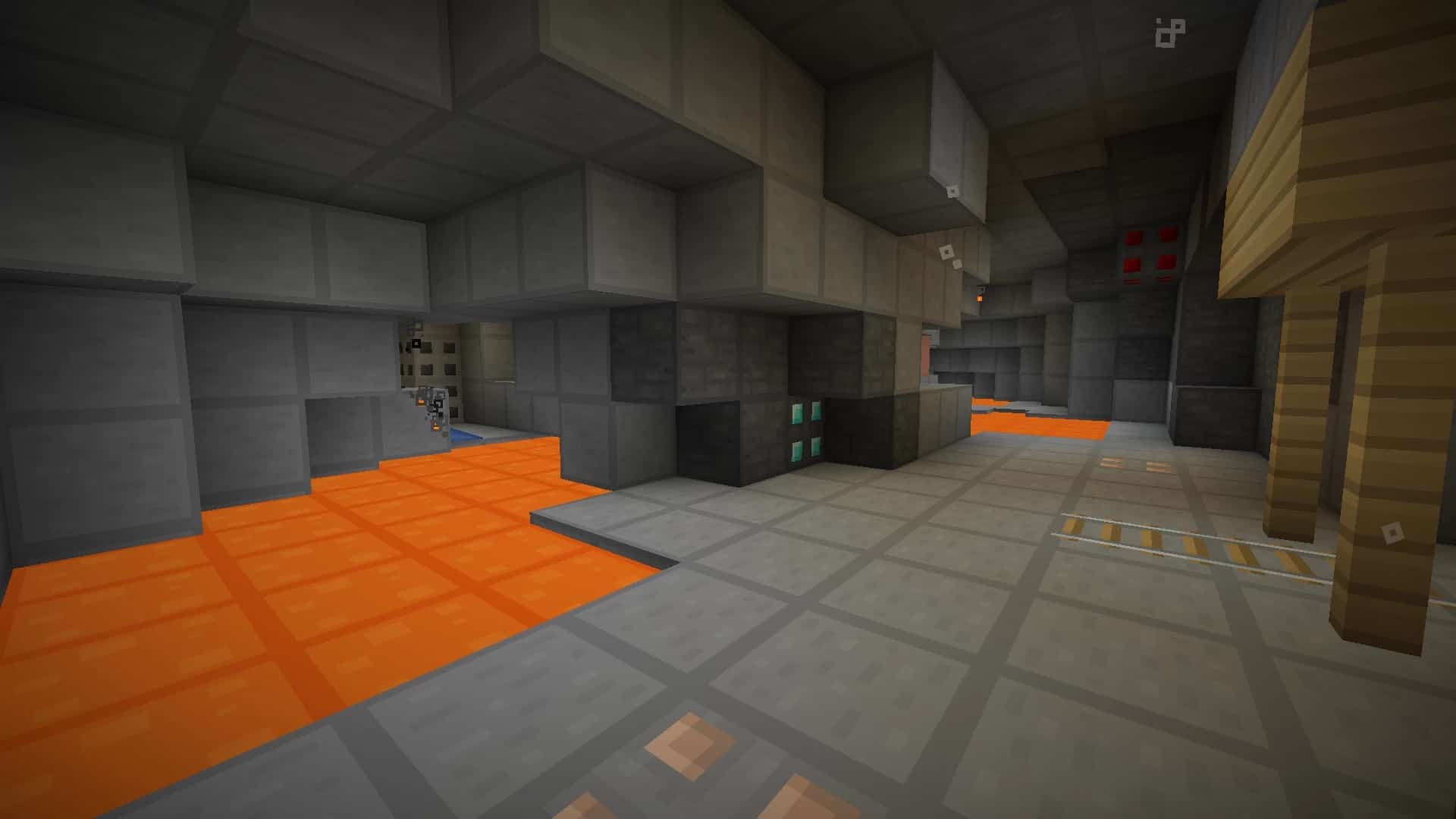
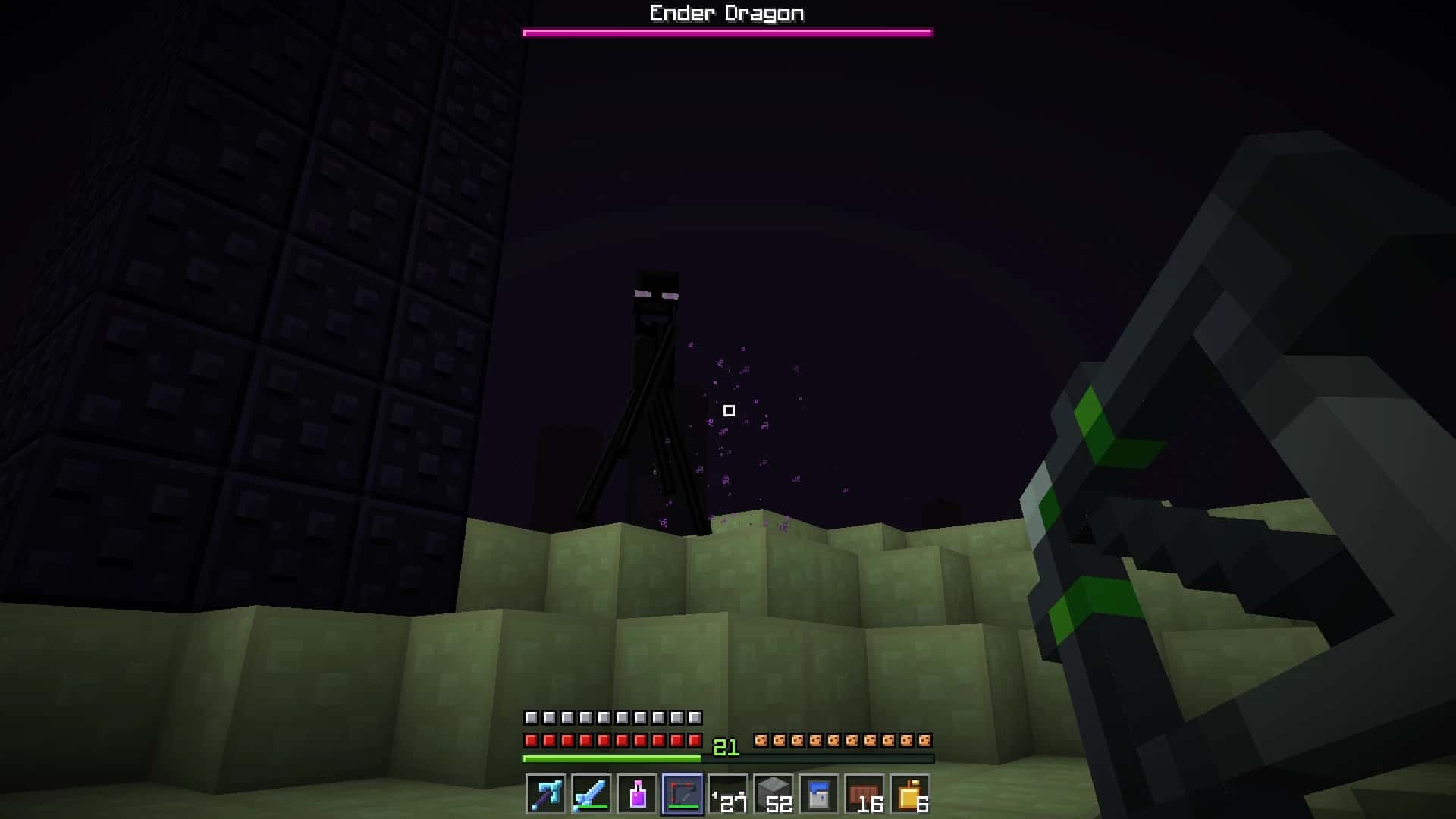
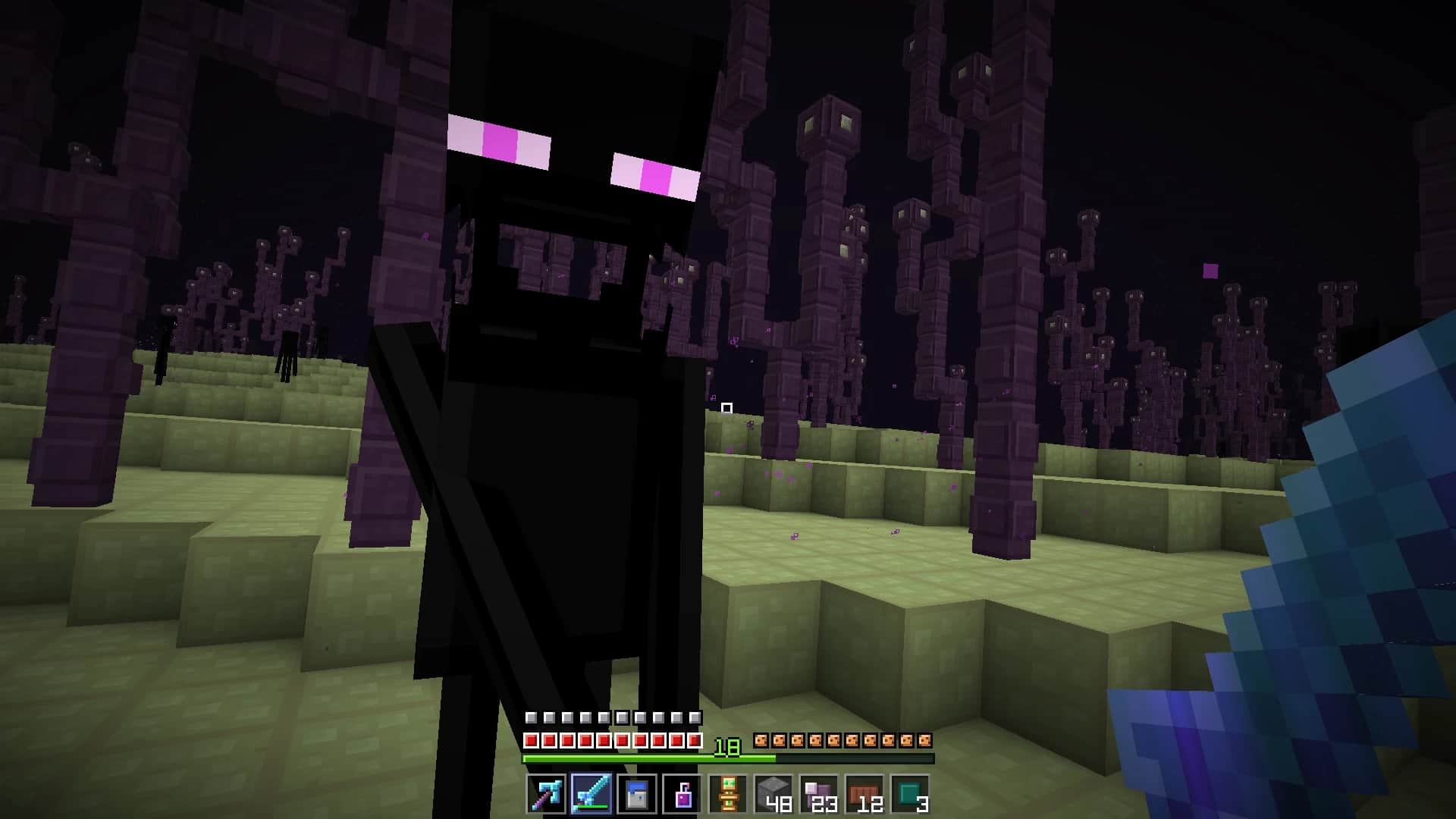
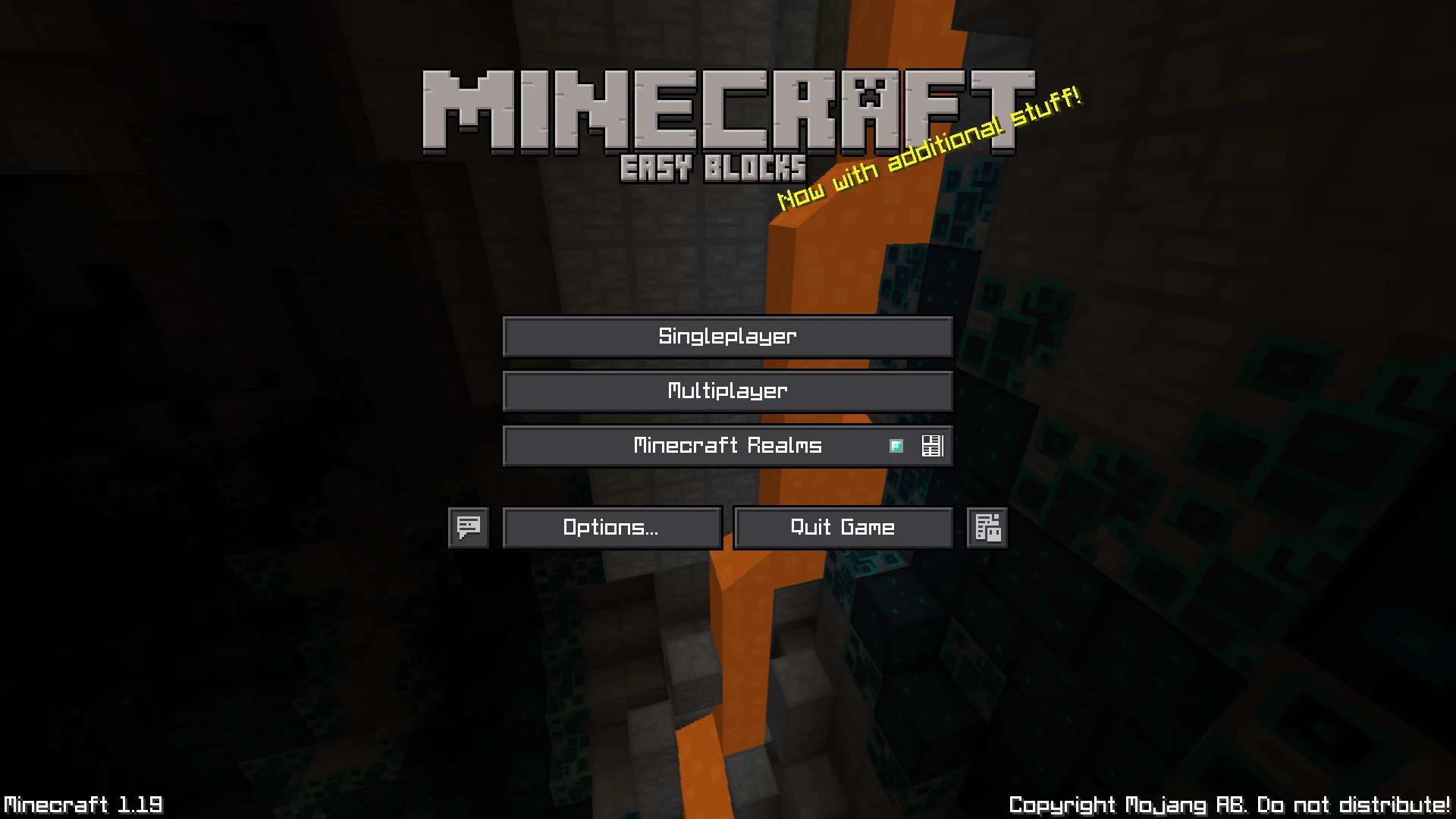
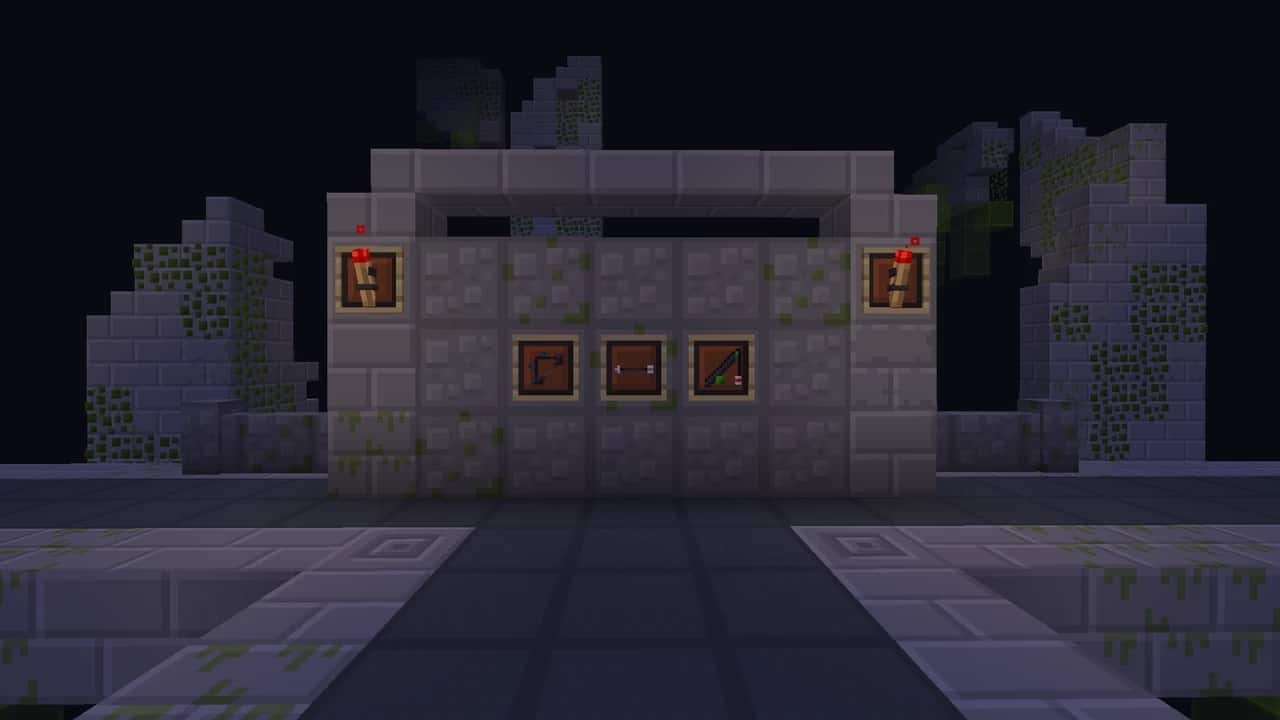
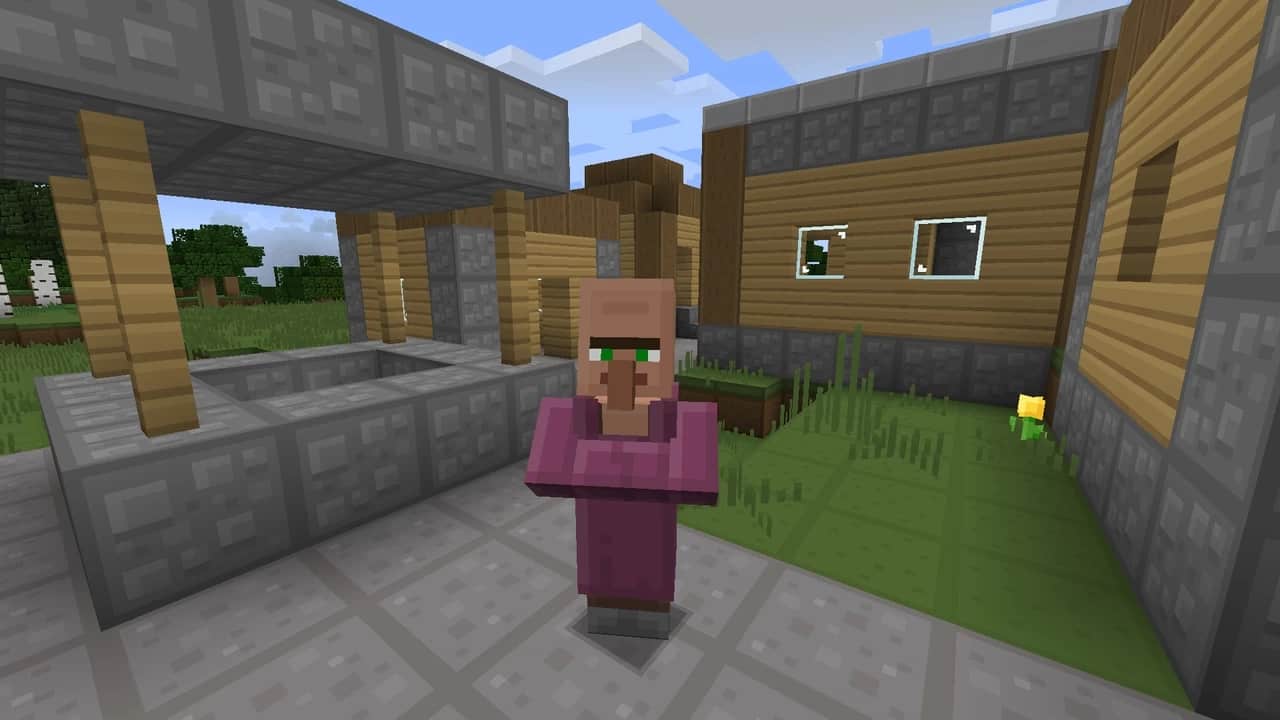
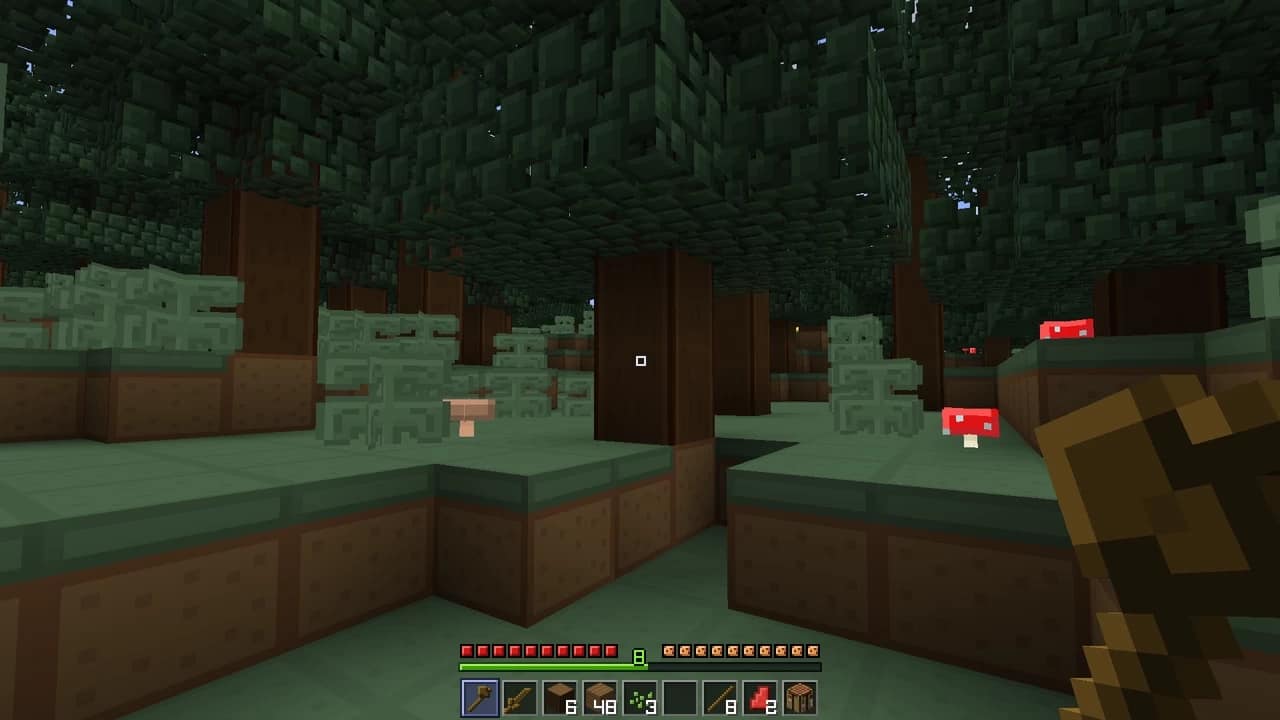
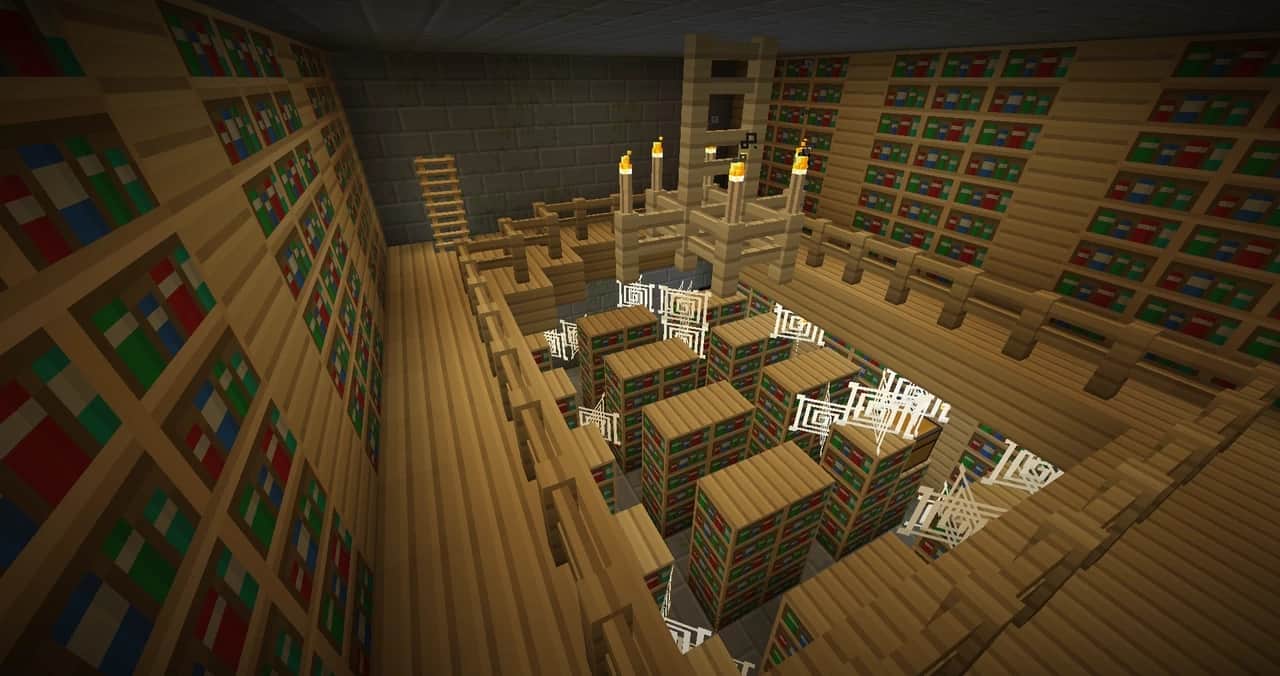
The Easy Blocks resource pack stays wonderfully true to the classic cartoonish aesthetic of Minecraft, and without any grandiose ambitions, I found that it brilliantly manages to inject a fresh new feel into the game. Not everyone is into high-resolution resource packs, and honestly, for many of us, the standard 16x resolution of textures in vanilla Minecraft is more than good enough—it is this specific detail that truly gives Minecraft its iconic identity. Sometimes, less is genuinely more, and that is precisely what Easy Blocks achieves so well. By sticking to the familiar texture resolution while thoughtfully refining the textures themselves for much clearer visuals, Easy Blocks is an absolute must-try choice for all players who still adore vanilla Minecraft but want to experience a resource pack that improves the visuals without unnecessarily cluttering them with extra details. Easy Blocks is a remarkably fresh addition to the community, and despite being a fairly new pack, I was amazed to see it has already surpassed 10,000 downloads, which is a seriously impressive milestone for such a recent release. When I tested it out, I noticed that a huge number of textures were changed in the Easy Blocks resource pack, where details were cleverly removed to leave behind much more solid colors and noticeably less visual noise. Every single texture feels far crisper and the individual pixels are much better separated, resulting in blockier, wonderfully cartoonish visuals that are remarkably easy on the eyes. The updated textures cover all types of blocks including diamonds, cobblestone, granite, stone, dirt, various ores, lapis, and so much more.
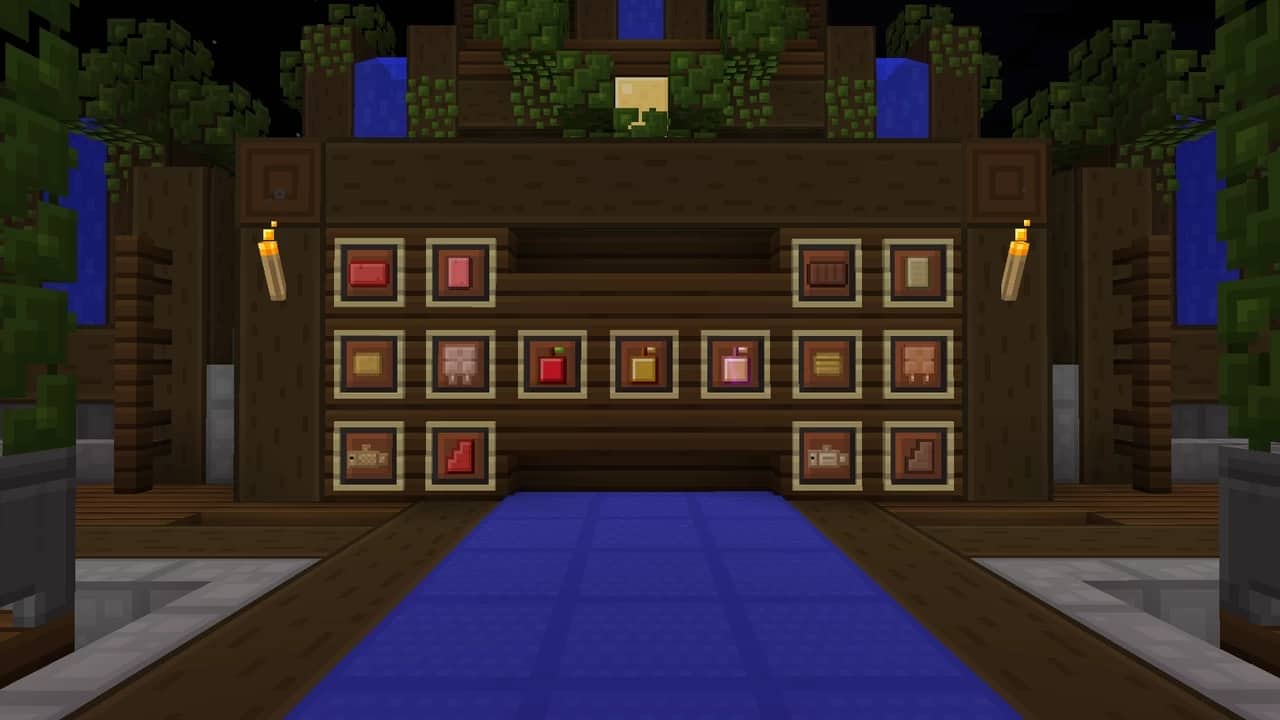
There are also delightful new paintings, fresh textures for ladders and plants, alongside updated items like tables, fences, beds, furniture, the crafting table, and plenty of other surprises. One thing I noticed is that the resource pack purposefully leaves connected textures alone, and there are no extra modifications made to particle effects or animations, keeping the main focus entirely on crisp texture work, clean colors, and balanced lighting. The combined effect of all these thoughtful changes makes different types of blocks and items wonderfully segregated, meaning my exploration and building sessions felt significantly more enjoyable. Even though almost all the textures in the game received an upgrade, every update continues to bring great improvements and redesigns to both classic and newer textures. Another fantastic aspect that got some love is the icons, as most items in the game were tweaked to make them much easier to tell apart at a glance—a notable, game-changing improvement for PvP players in particular. Navigating icons in the HUD and inventory feels so much smoother, making inventory management a breeze. Because the resource pack is built in a lightweight 16x resolution and skips overly advanced features, I experienced zero negative impact on my framerates; anyone who runs vanilla Minecraft comfortably will be able to dive right into Easy Blocks without a hitch. Since it preserves smooth performance while vastly improving visibility and making objects much easier to distinguish, it is easily one of the best resource packs for PvP enthusiasts. Best of all, the Easy Blocks resource pack does not require any kind of shader pack to look great, though pairing it with a shader can certainly elevate your visual experience if your hardware can handle the performance trade-off.
Easy Blocks should be compatible with all of these Minecraft versions: 1.21.5 – 1.21.4 – 1.21.3 – 1.21.2 – 1.21.1 – 1.21 – 1.20.6 – 1.20.5 – 1.20.4 – 1.20.3 – 1.20.2 – 1.20.1 – 1.20 – 1.19.4 – 1.19.3 – 1.19.2 – 1.19.1 – 1.19 – 1.18.2 – 1.18.1 – 1.18 – 1.17.1 – 1.17 – 1.16.5 – 1.16.4 – 1.16.3 – 1.16.2 – 1.16.1 – 1.16 – 1.15.2 – 1.15.1 – 1.15 – 1.8.9 – 1.8.8 – 1.8.1 – 1.8.6 – 1.8 – Bedrock Edition – PE
Screenshots
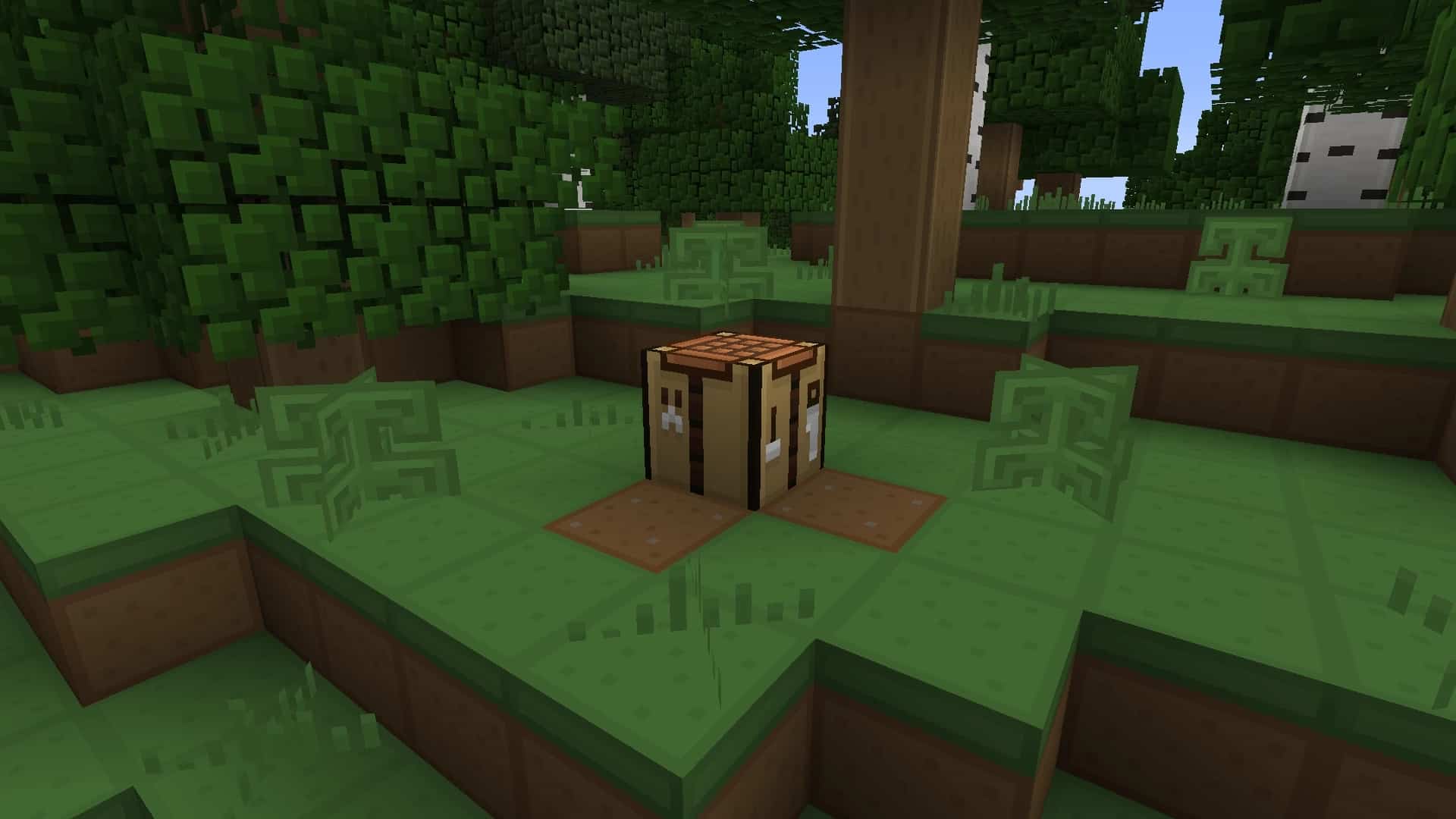
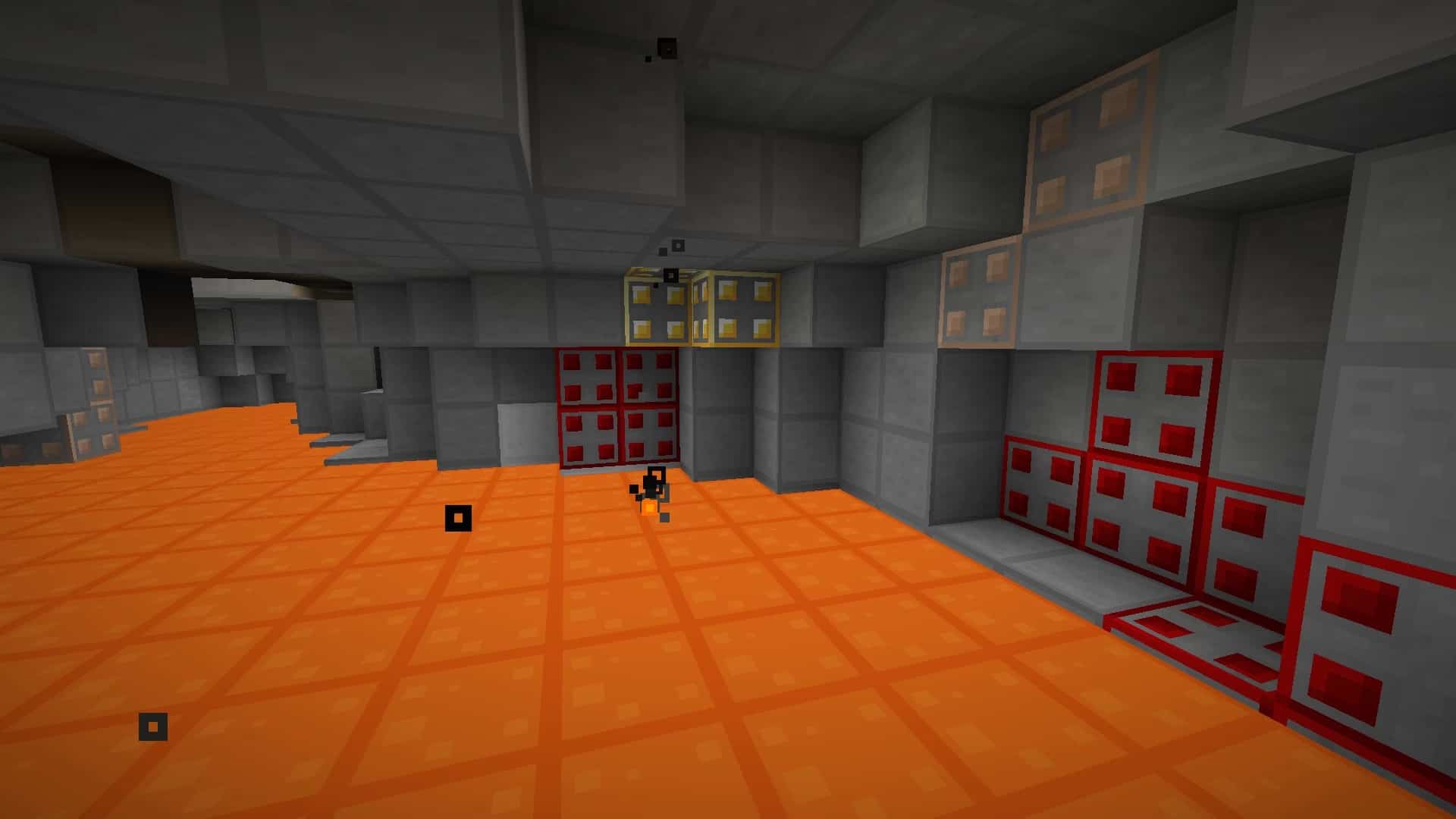
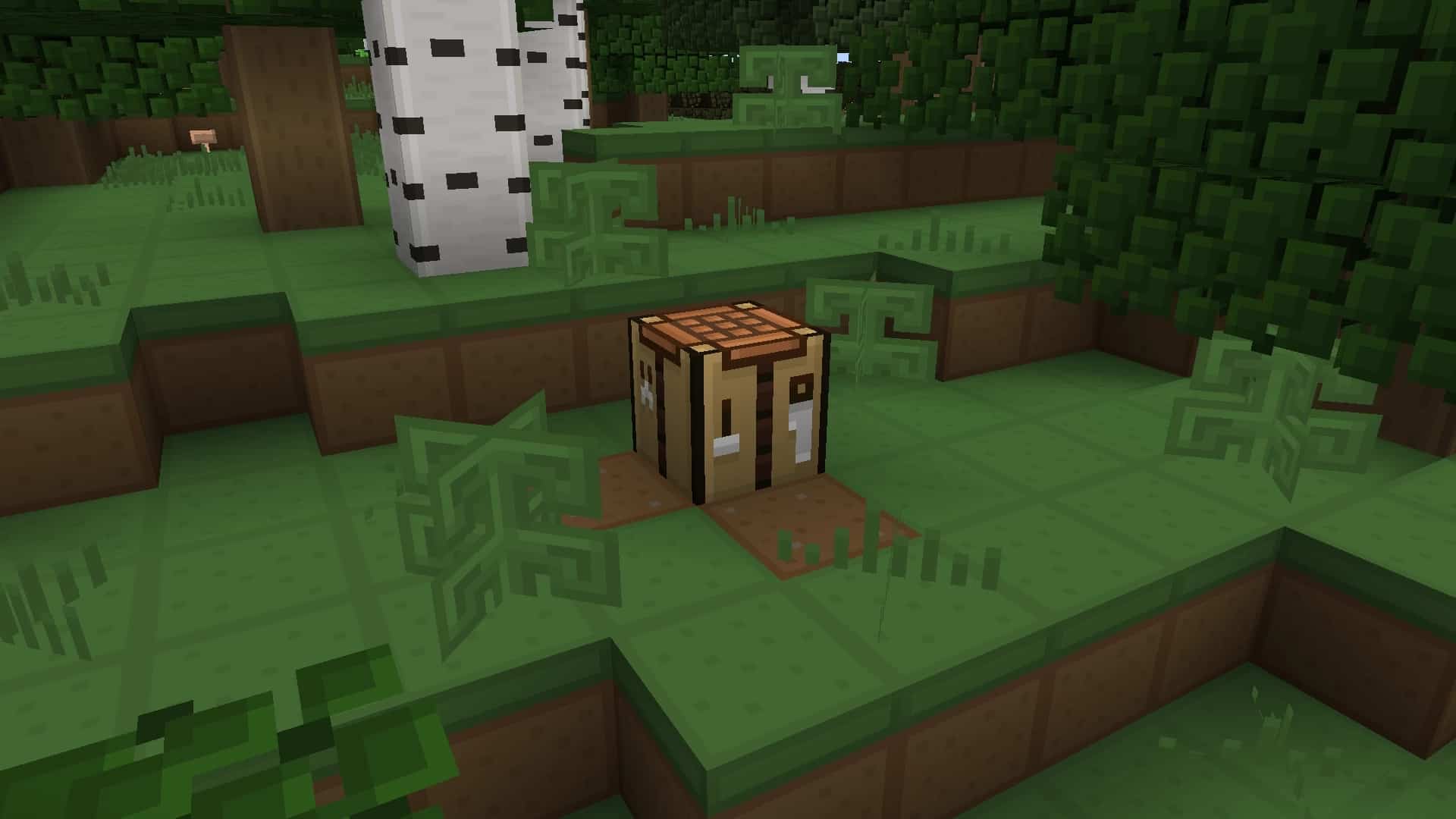
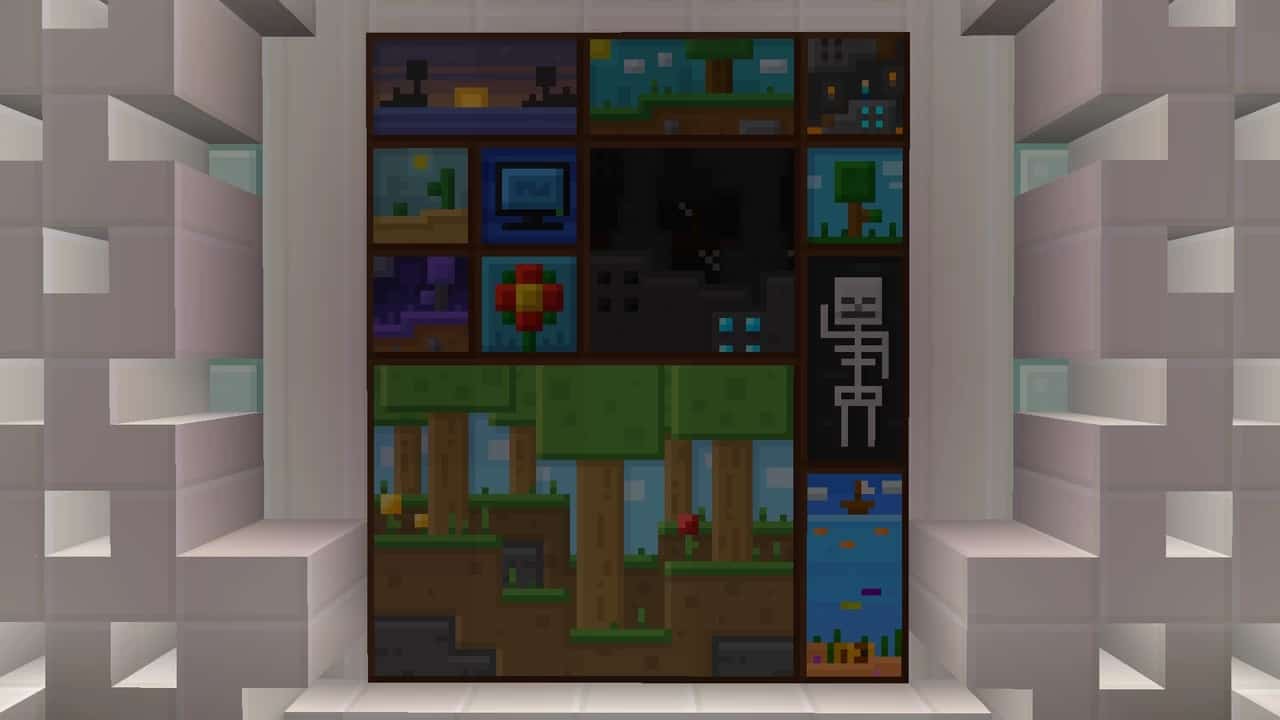
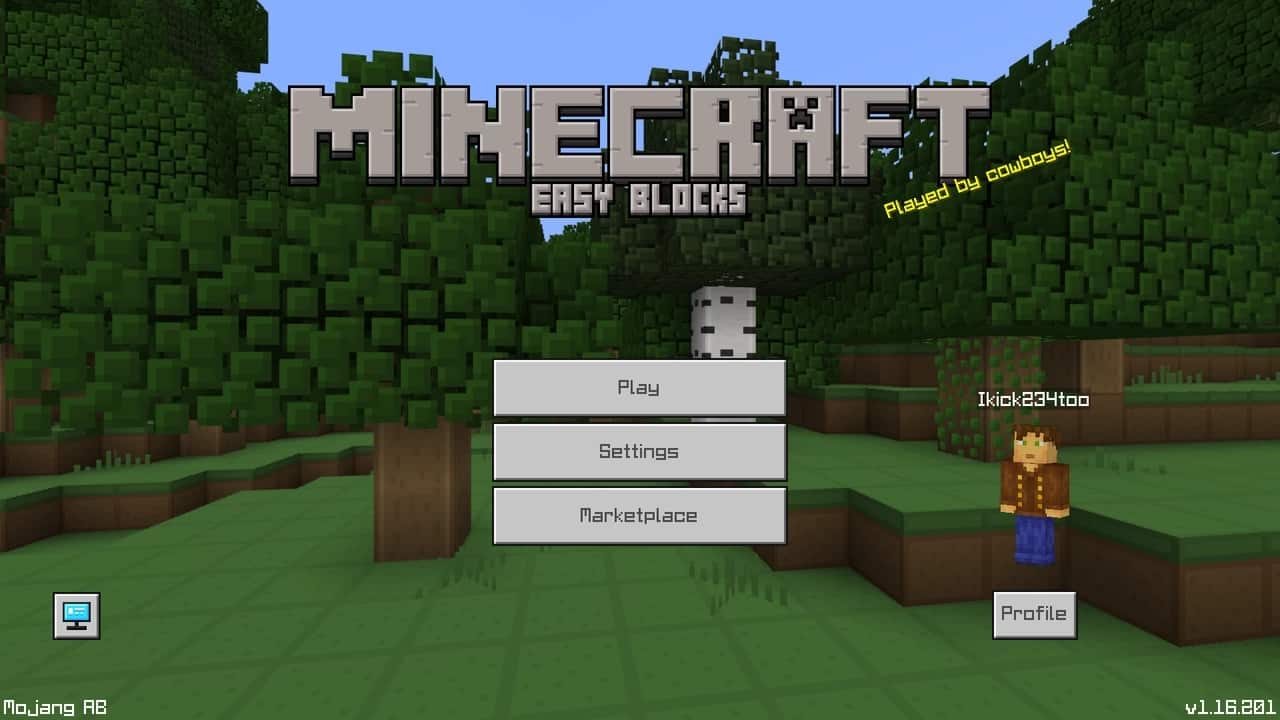
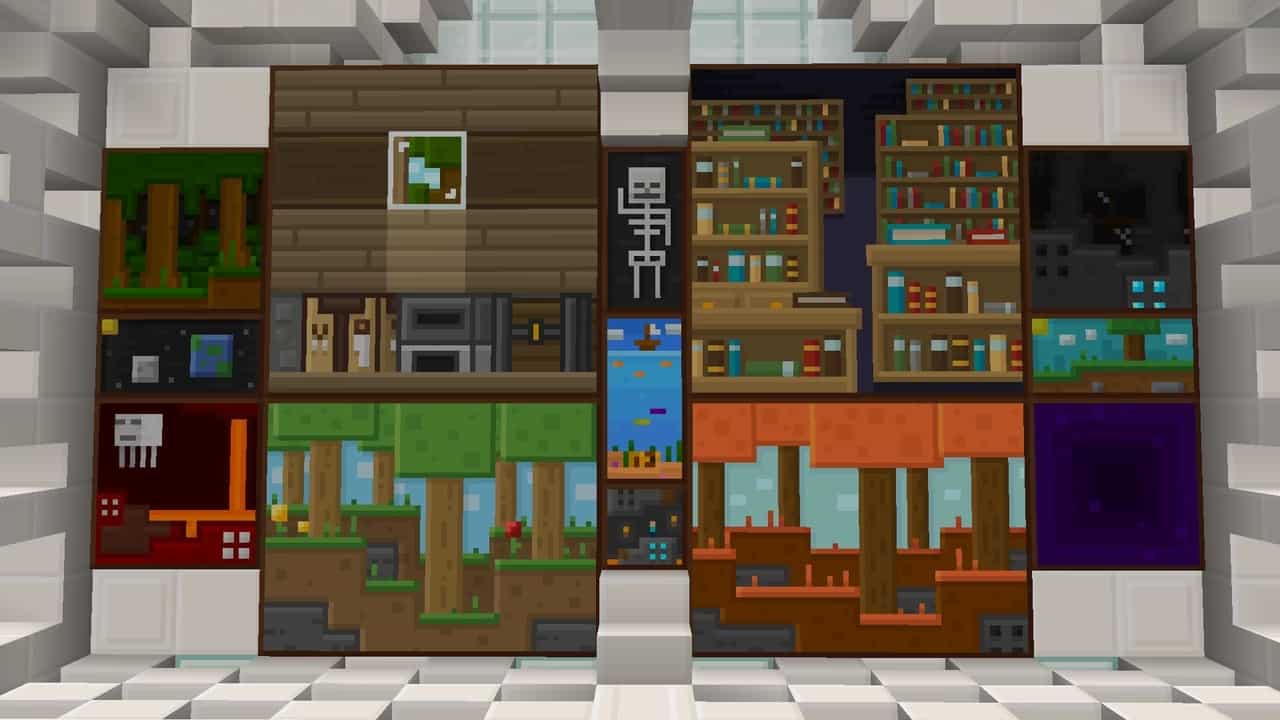
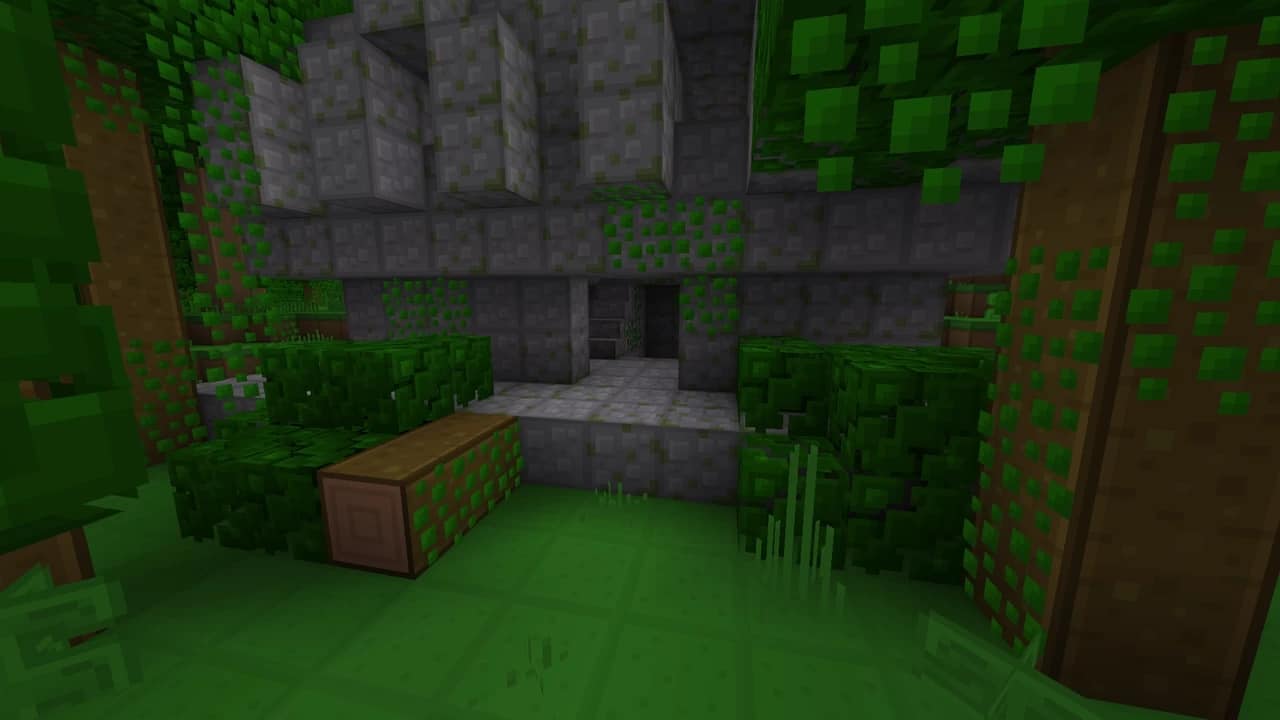
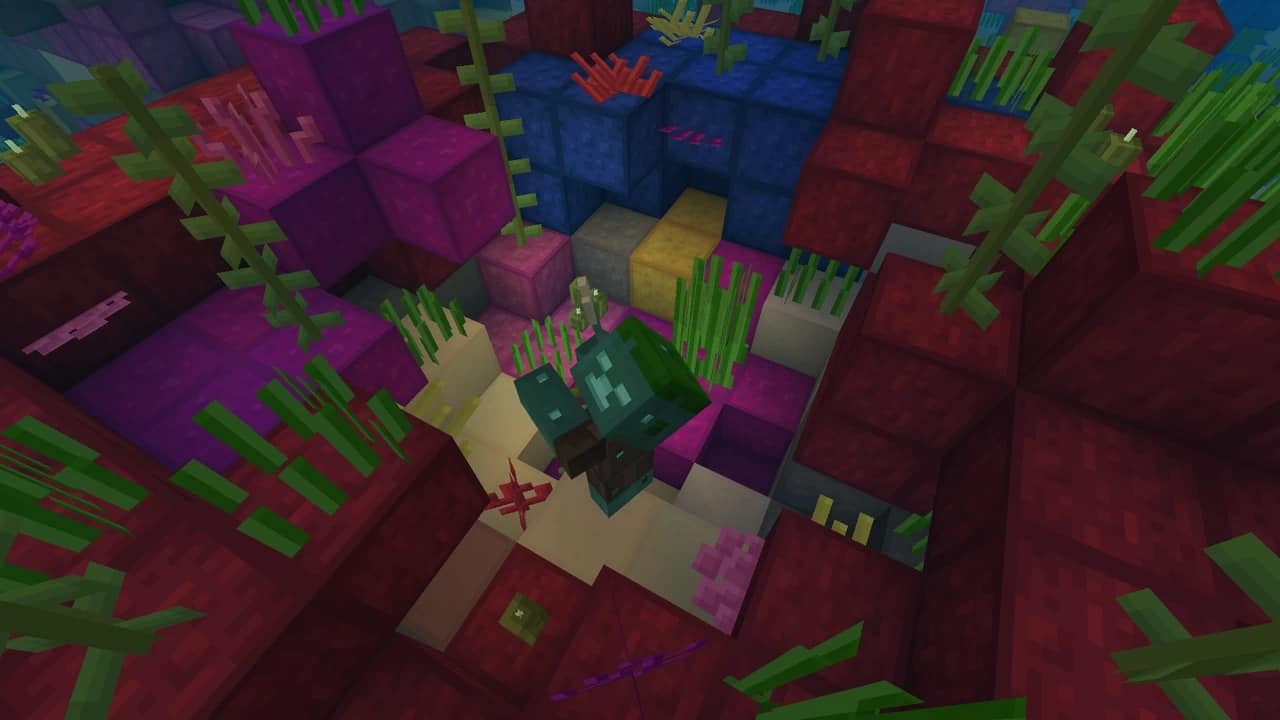
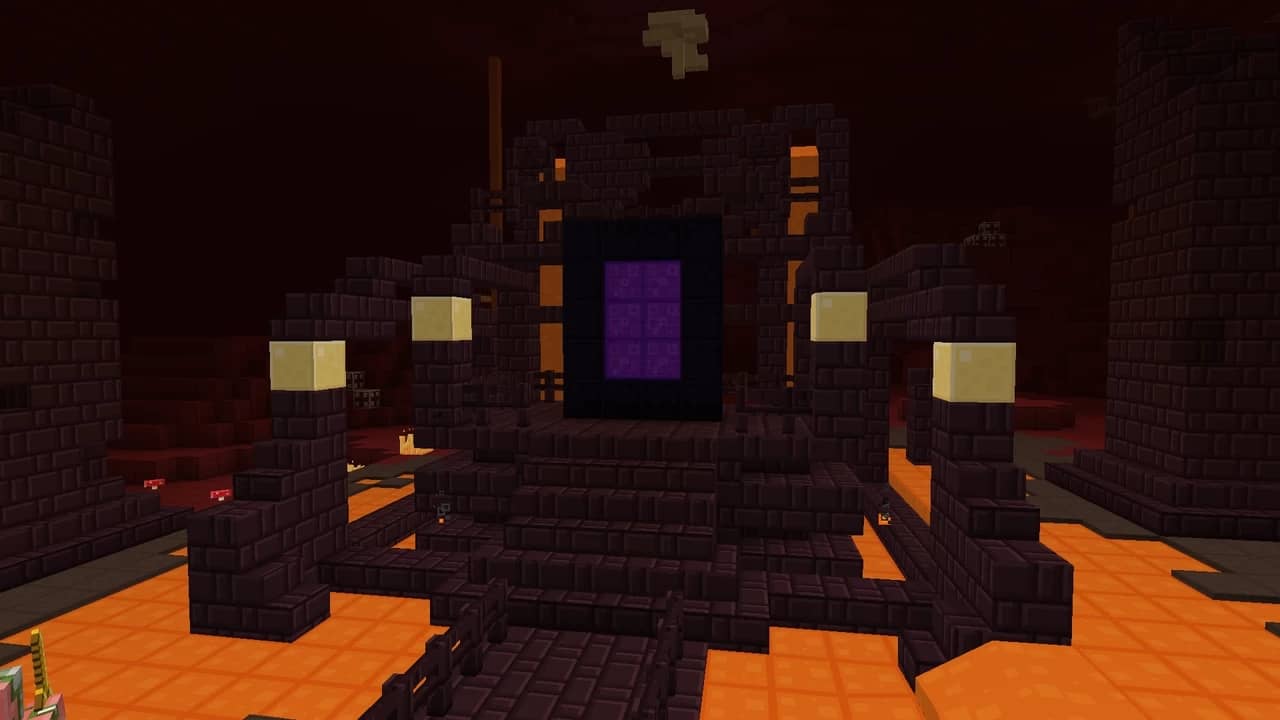
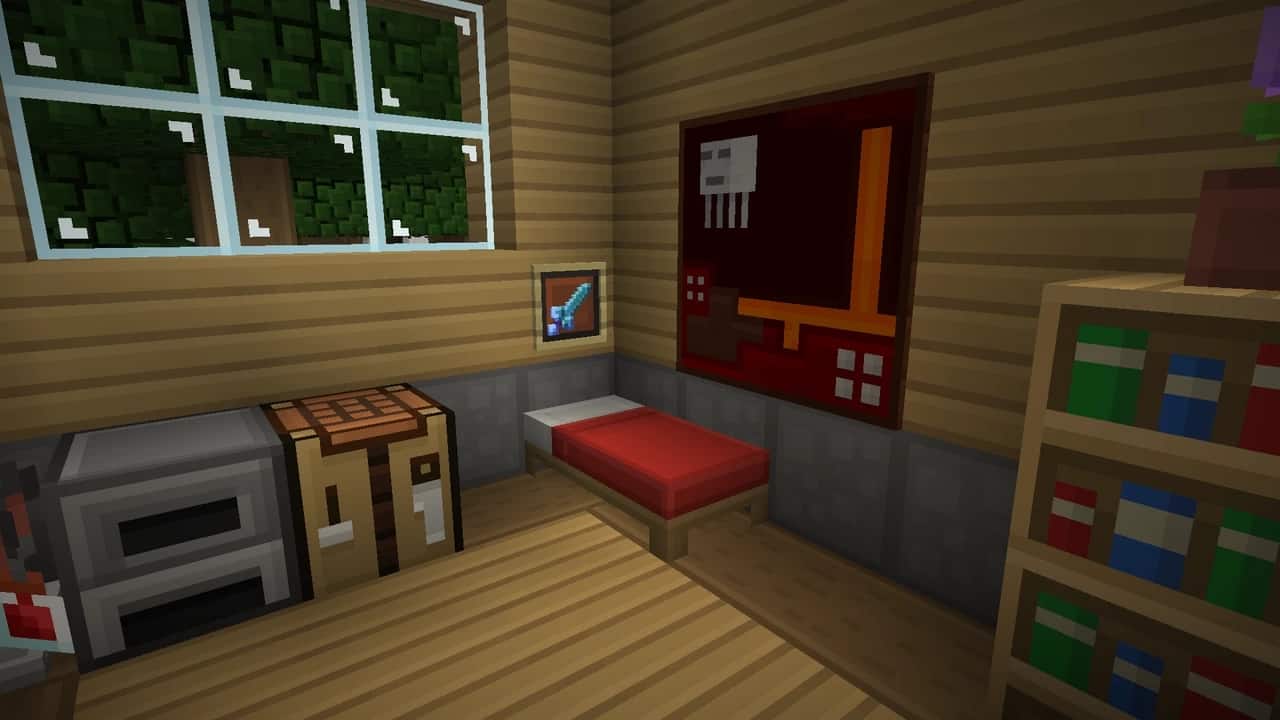
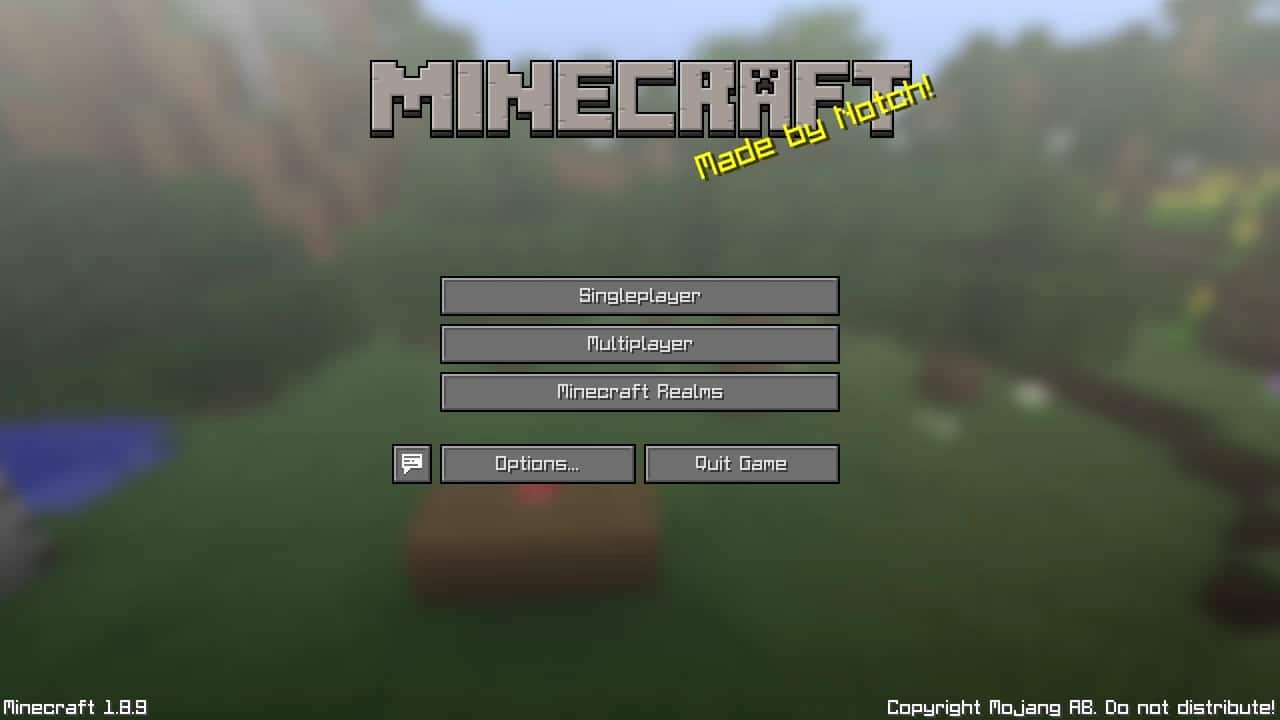
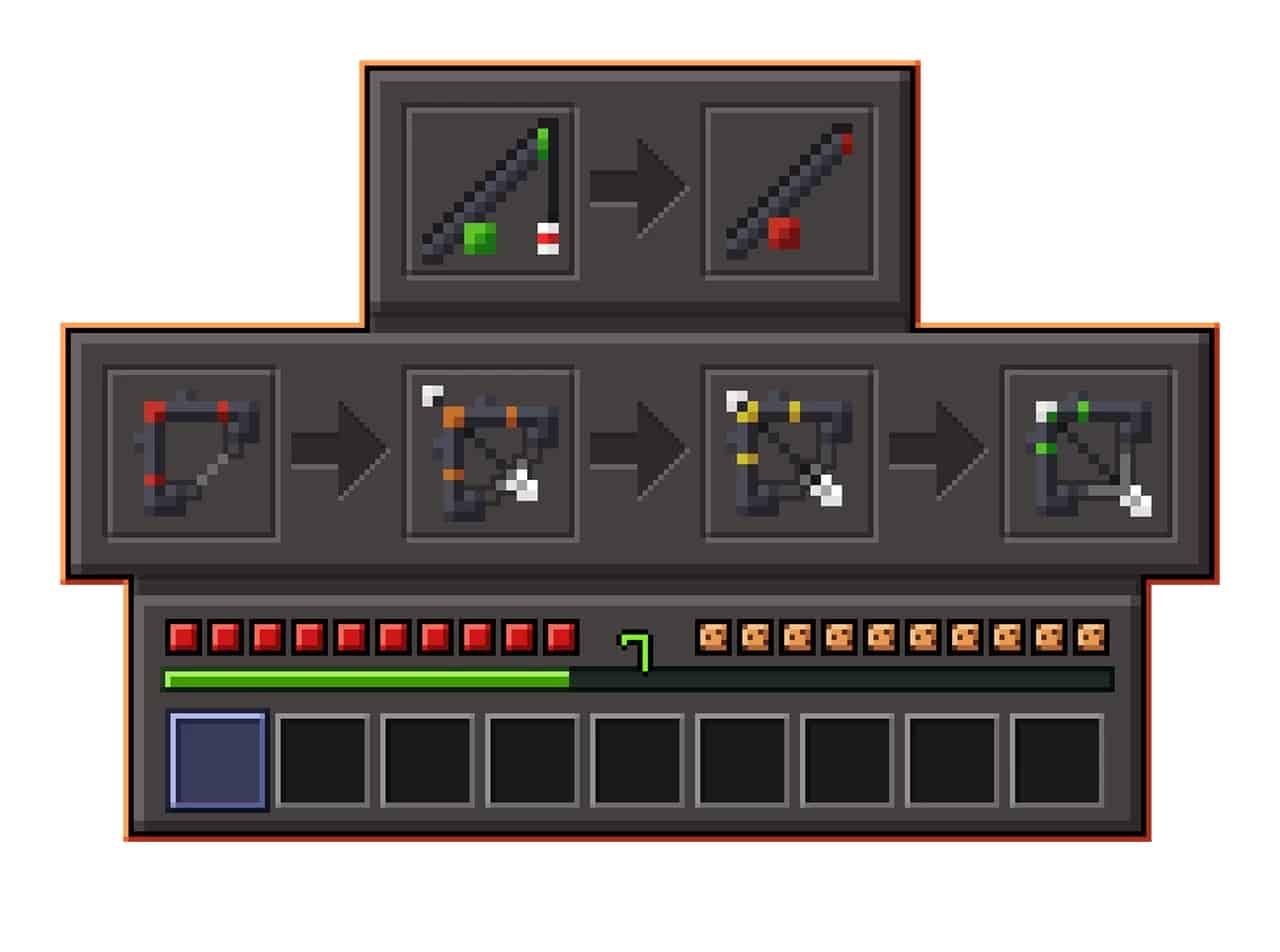
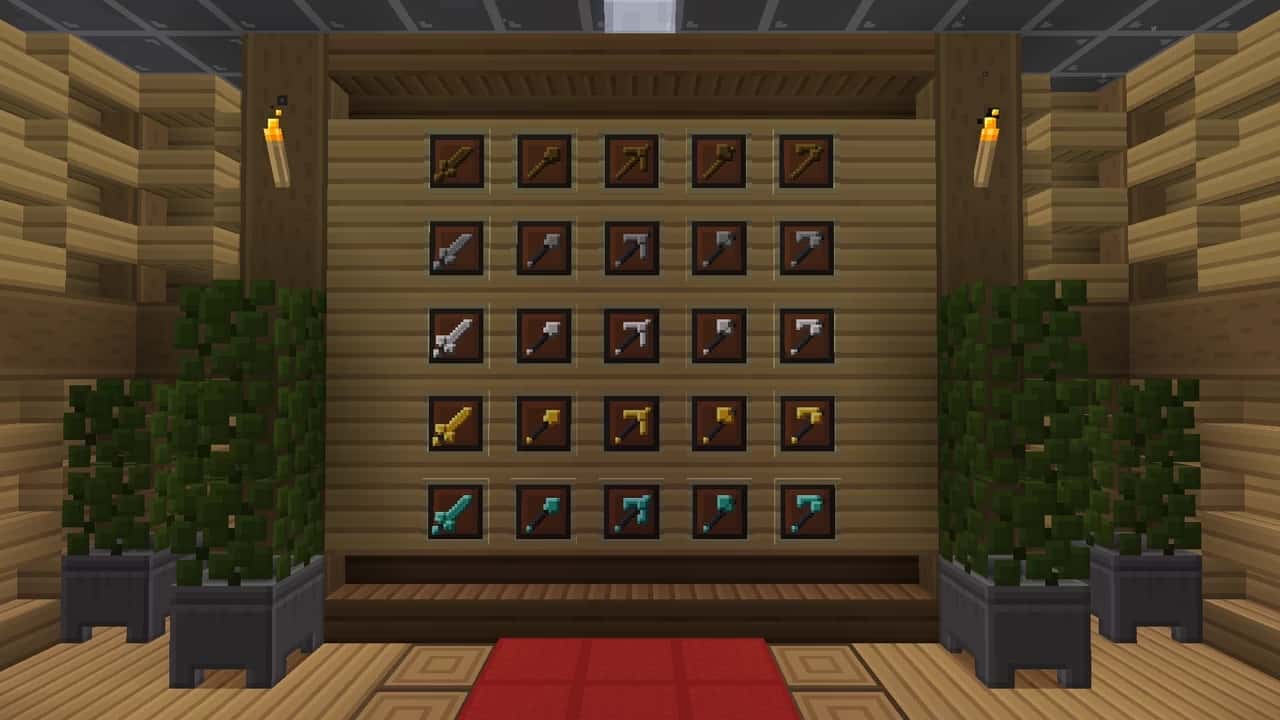
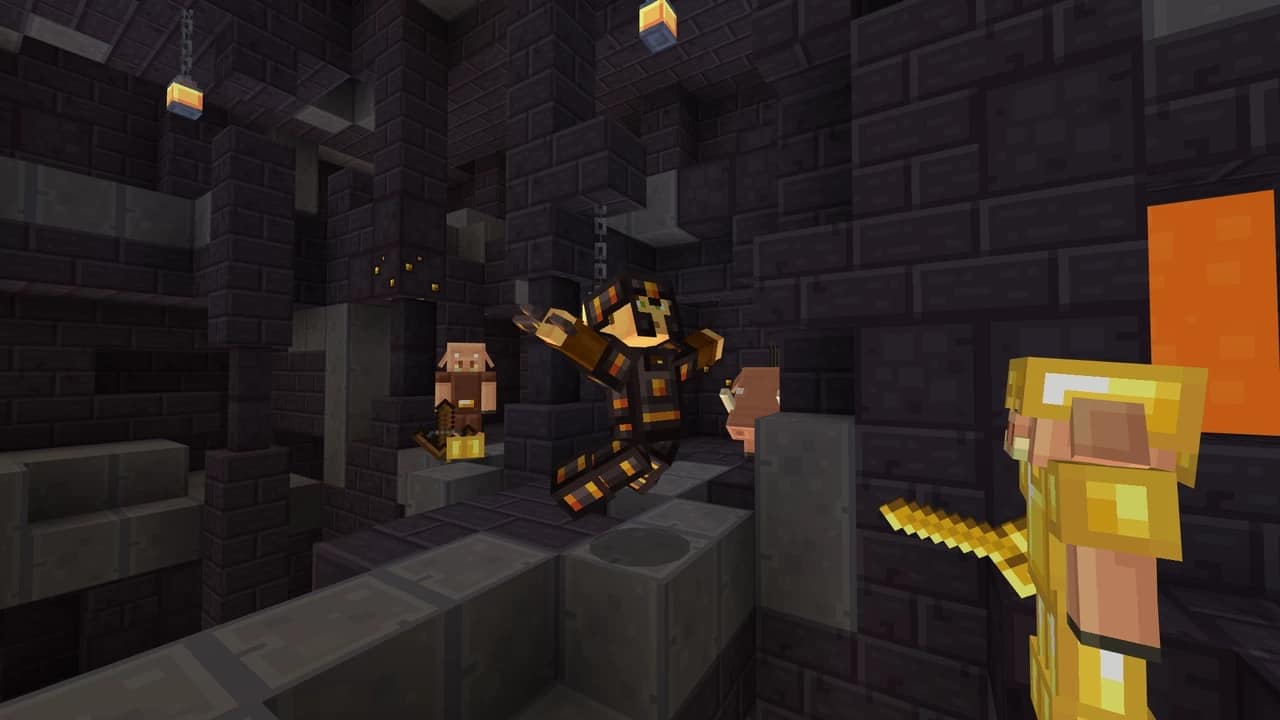
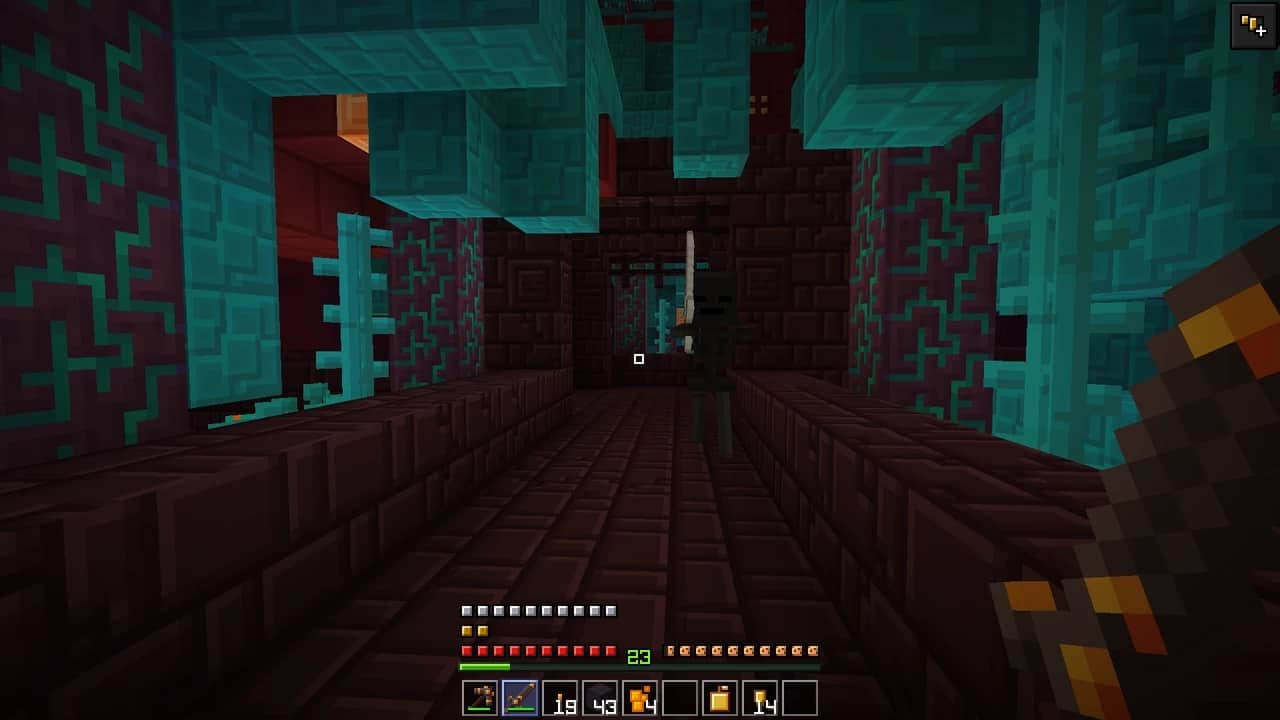

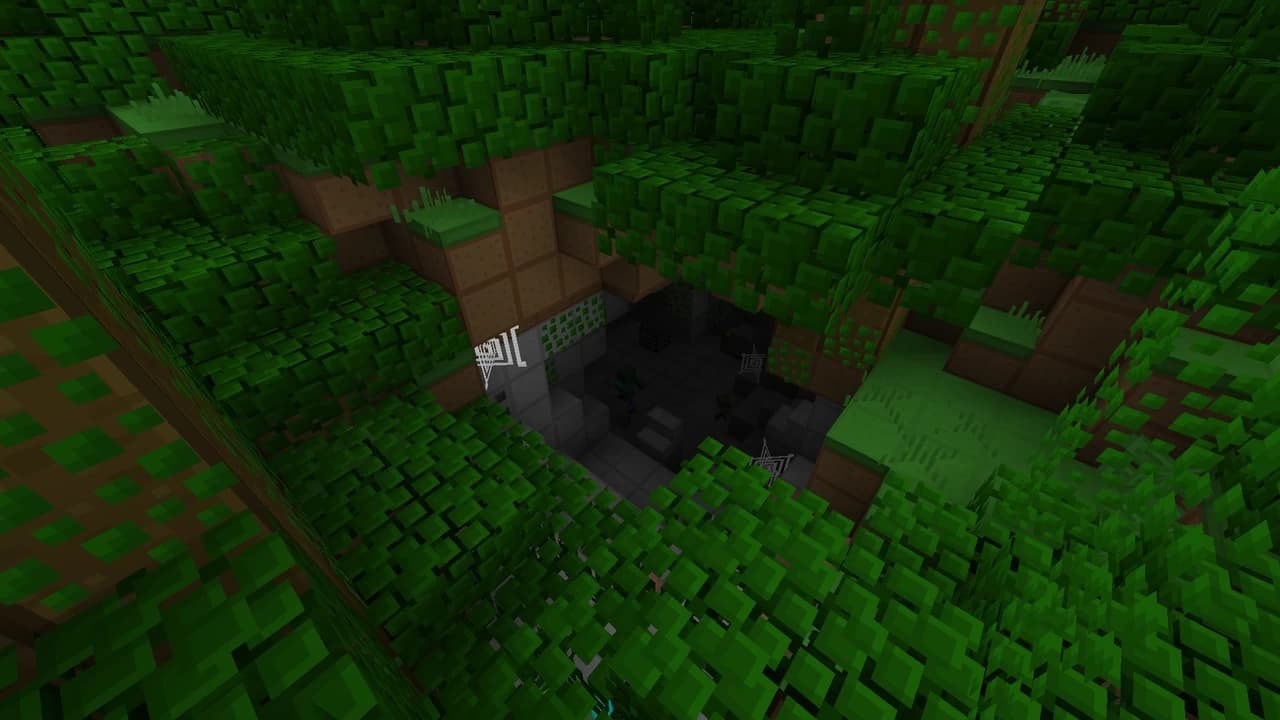
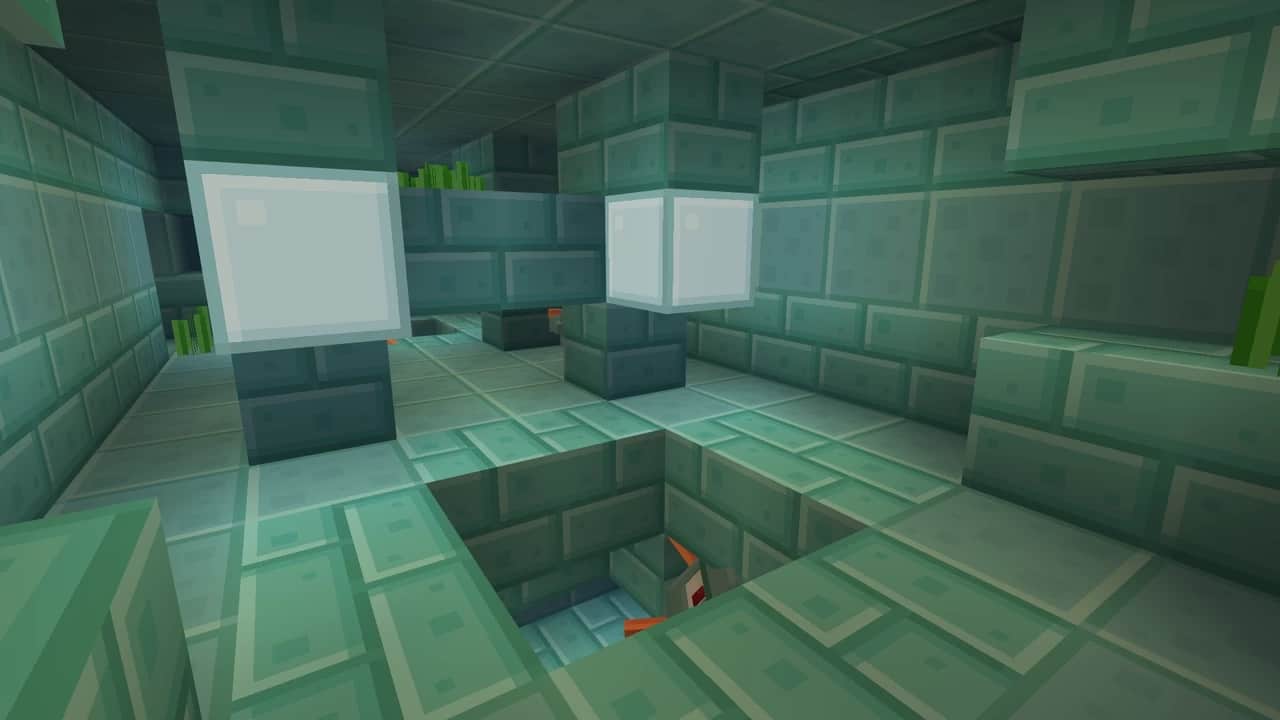
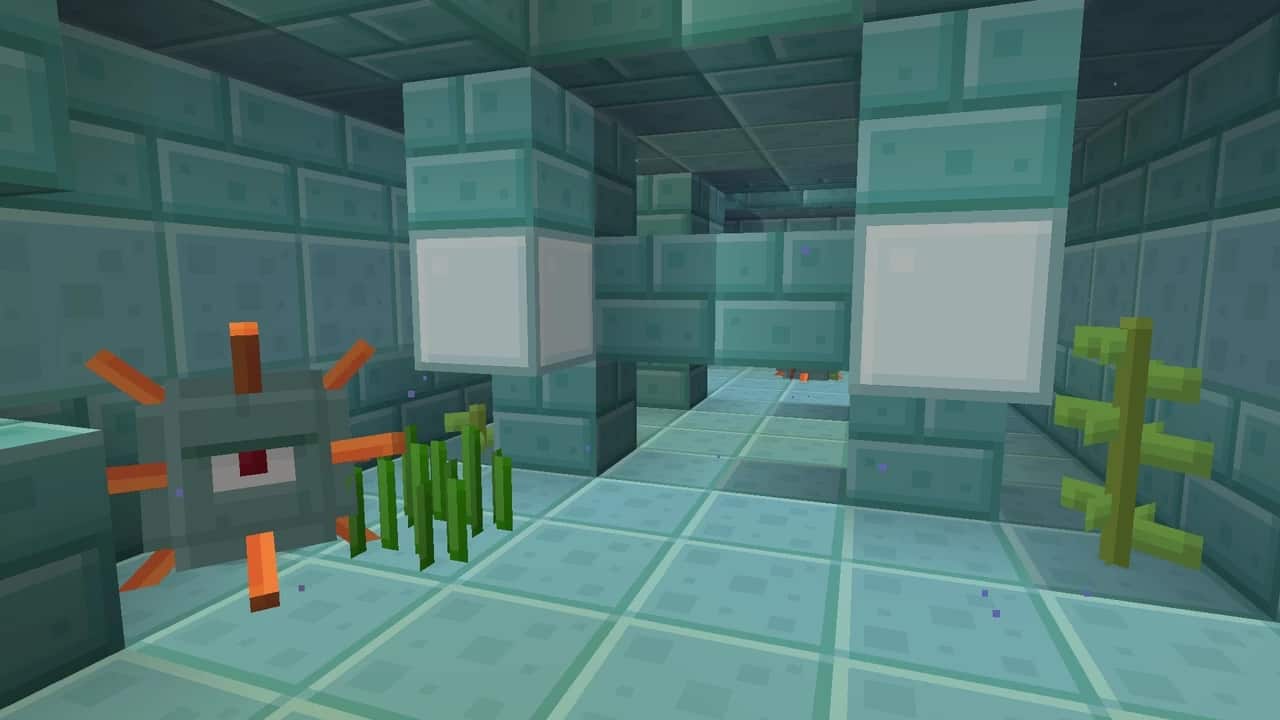
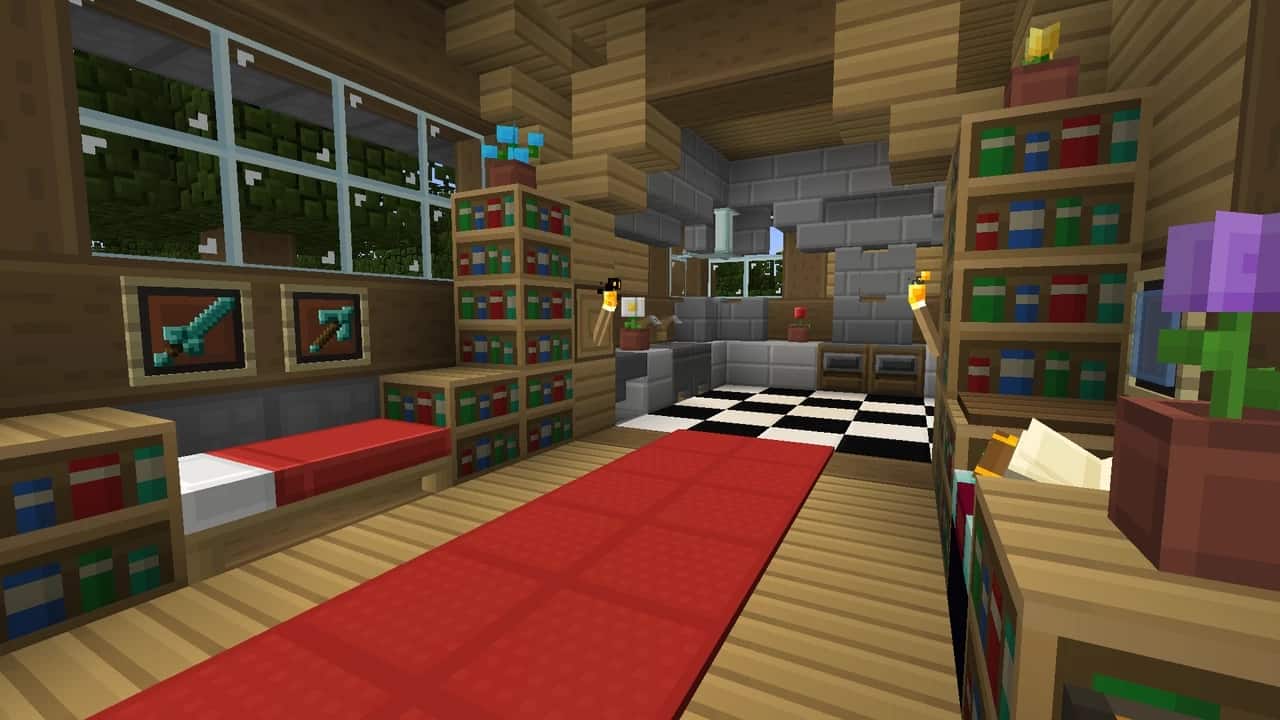
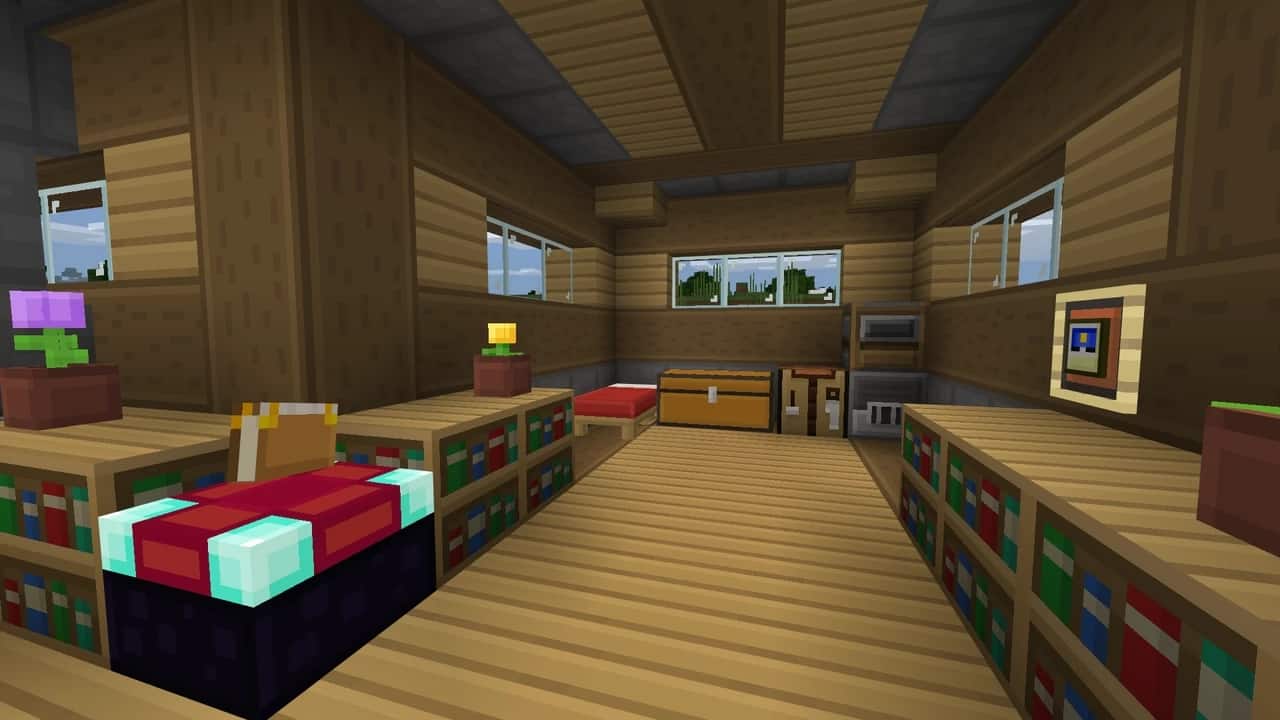
How to Install Texture Pack (Simple 10 Steps)
- Download OptiFine: Most of the texture packs and shaders need OptiFine. That’s why, first download and install OptiFine for the version of Minecraft you want to play.
- Download the Texture Pack: Get the texture pack you want from the download section. Choose the version that works with your Minecraft and your PC’s performance.
- Open Minecraft Launcher: Start Minecraft using the official game launcher — or even TLauncher, if you use that.
- Go to Options: From the main menu, click on the “Options” button.
- Open Resource Packs: Inside Options, click on “Resource Packs…”.
- Open the Resource Pack Folder: Click on “Open Resource Pack Folder” — this will open a folder named “resourcepacks”.
- Move the Pack File: Copy or move the .zip file you downloaded into that “resourcepacks” folder. (Don’t unzip the file — Minecraft uses it as-is!)
- Go Back and Refresh: Close the folder and click “Done”, then go back into “Resource Packs…” again.
- Activate the Pack: You’ll see the pack on the left side. Hover over it and click the arrow to move it to the right (active side).
Tip: If you get a message that the pack is for a different version, just click “Yes” — it usually works fine. - Click Done and Enjoy: Click “Done” again. Now your pack is ready to use in-game. It’s that easy!
Credits
The Easy Blocks resource pack was originally created by 1kick234too. We do not claim ownership of this content, nor have we modified the original files. All rights belong to the original creator. We highly encourage you to support 1kick234too by downloading the pack from the official links provided below.
Download Links
Java Edition
- [16x] Minecraft 1.21.x – 1.19.x
- [16x] Minecraft 1.18.x
- [16x] Minecraft 1.17.x – 1.15.x
- [16x] Minecraft 1.8.x PvP Edition
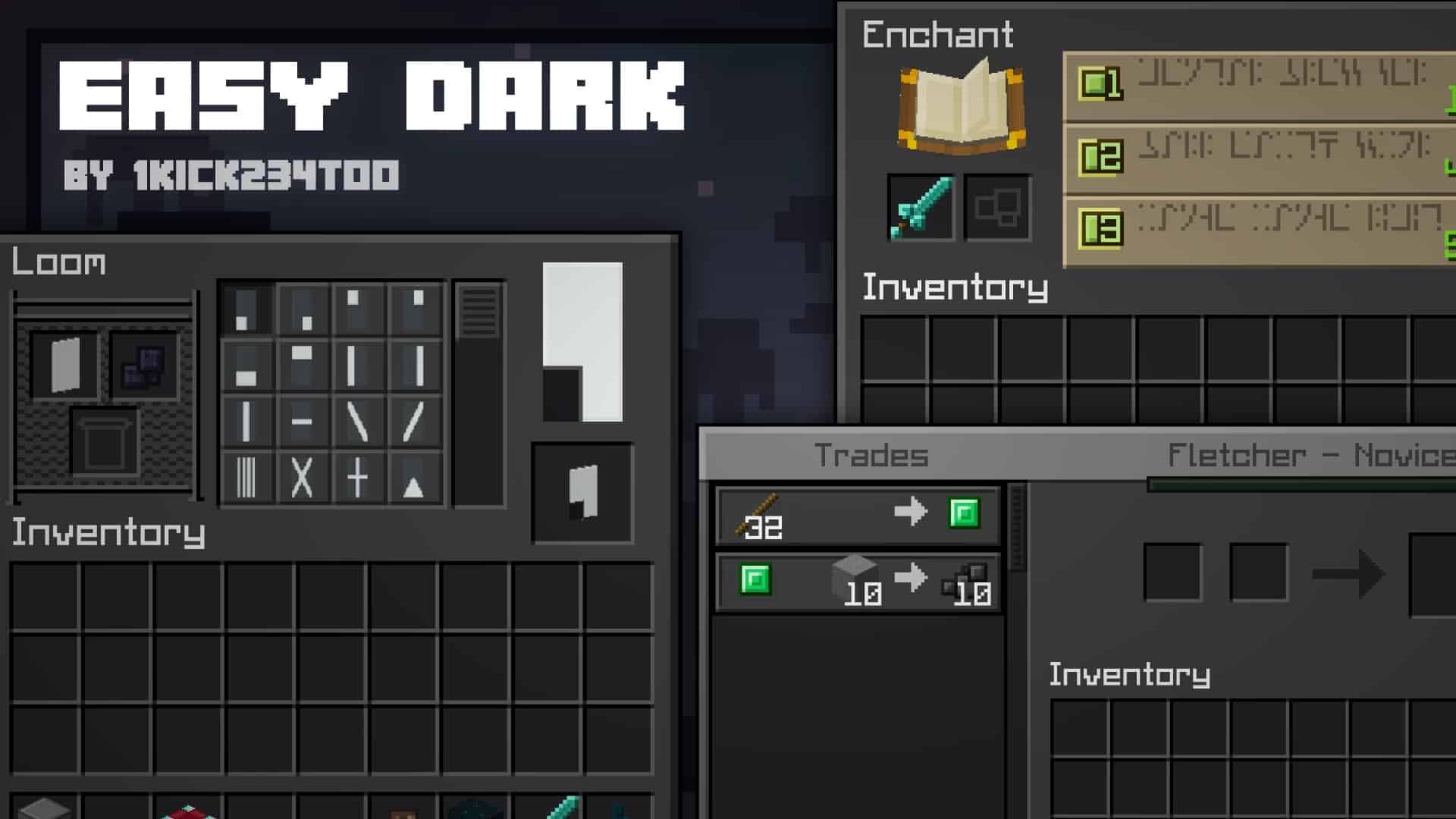
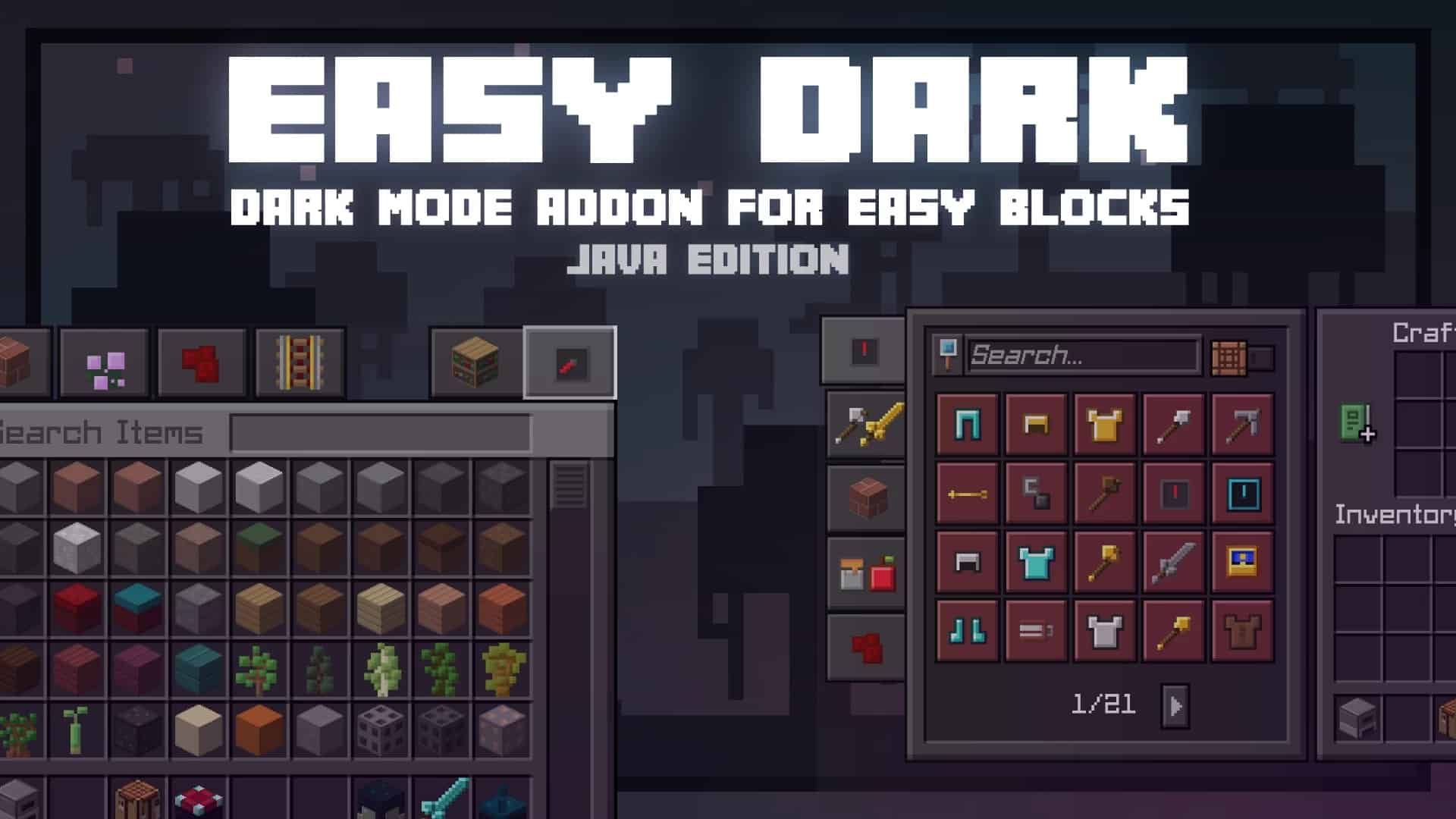
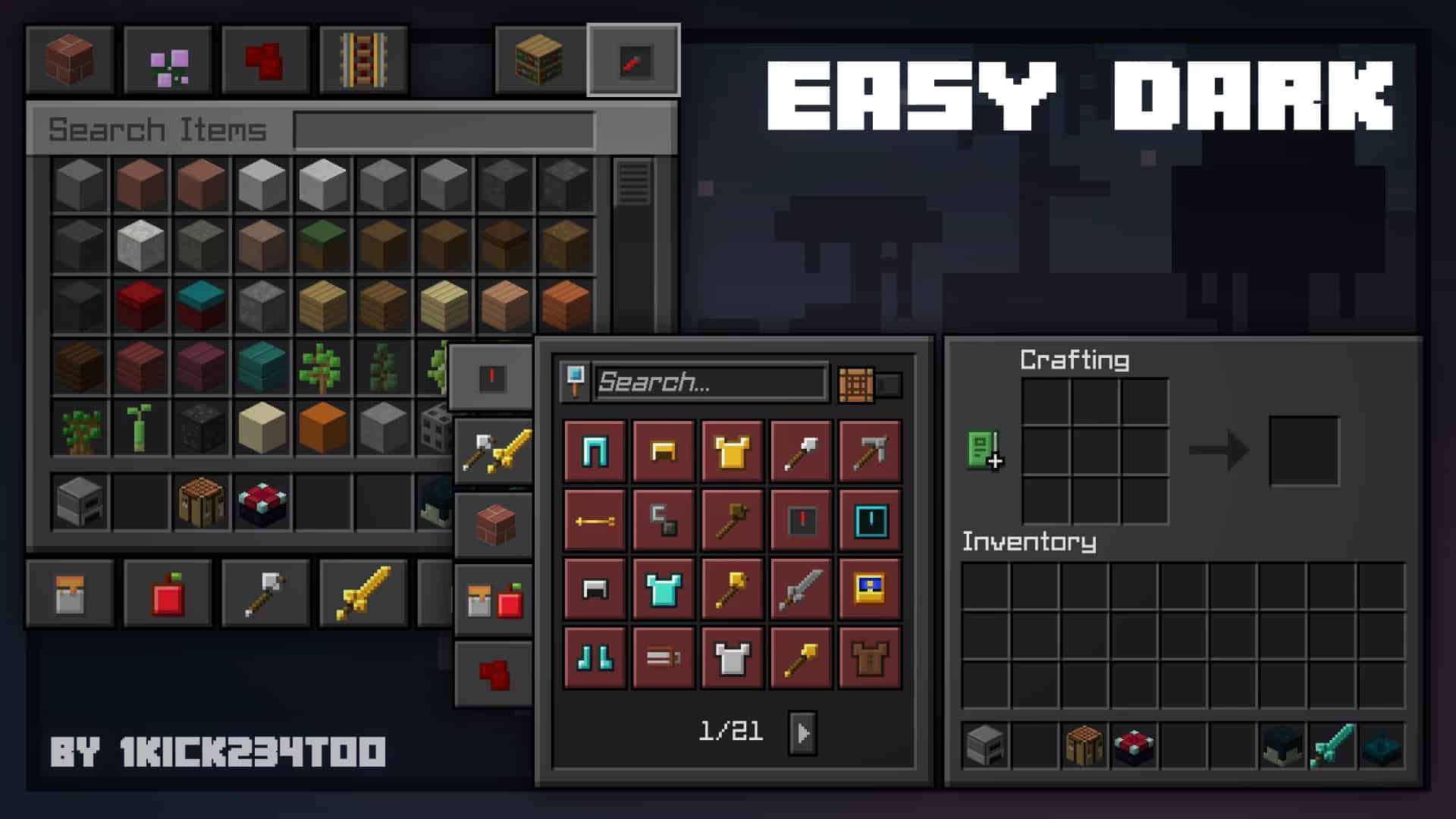
- Dark GUI Theme Add-on
- Aether Add-on
Bedrock Edition
Download Instructions
Curseforge: download starts automatically after a few seconds;
Mediafire: click the big blue button with the text “DOWNLOAD”;
Google Drive: in the top right corner you will see a small download icon (down arrow), click it and the download should start;


