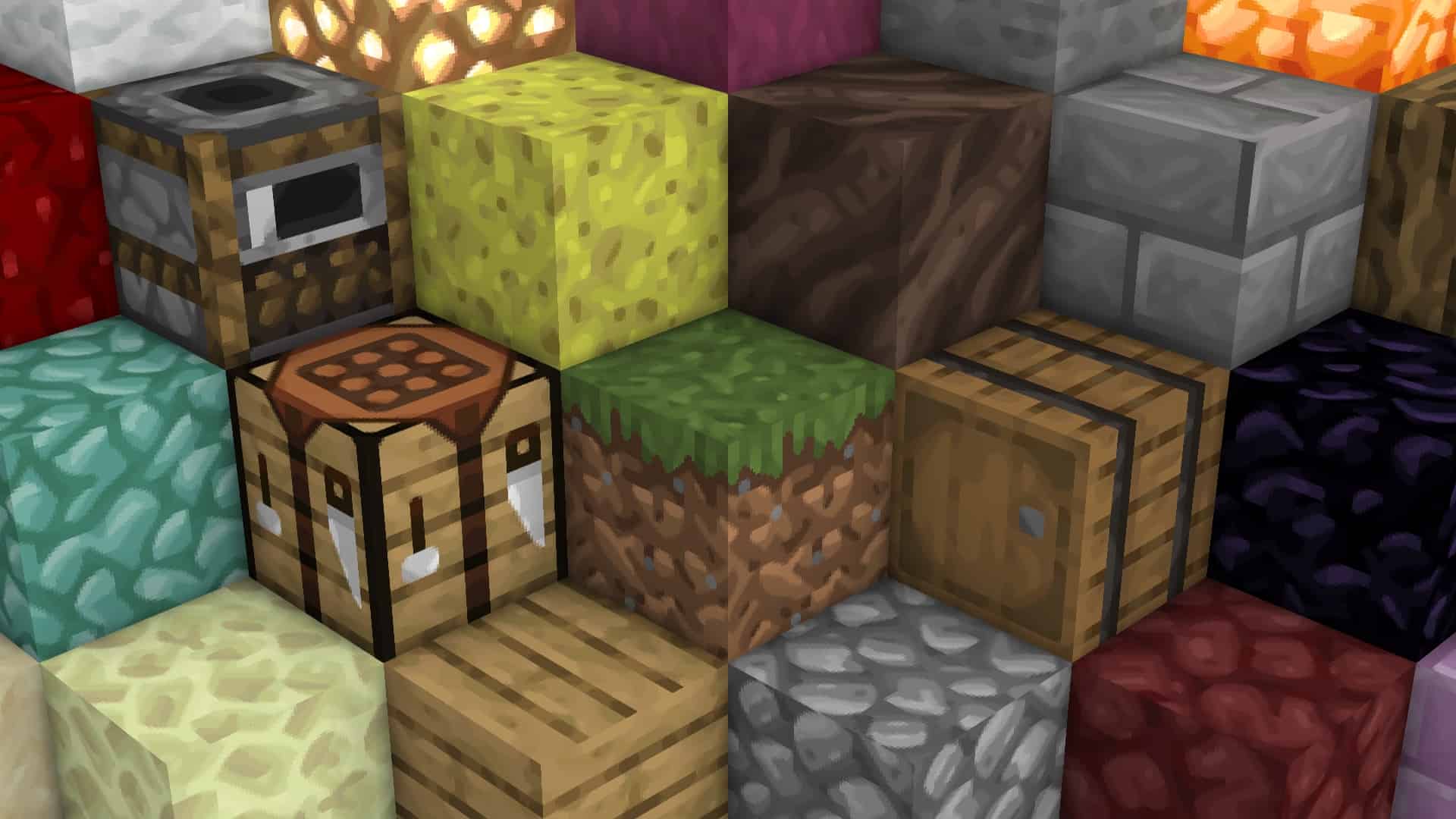
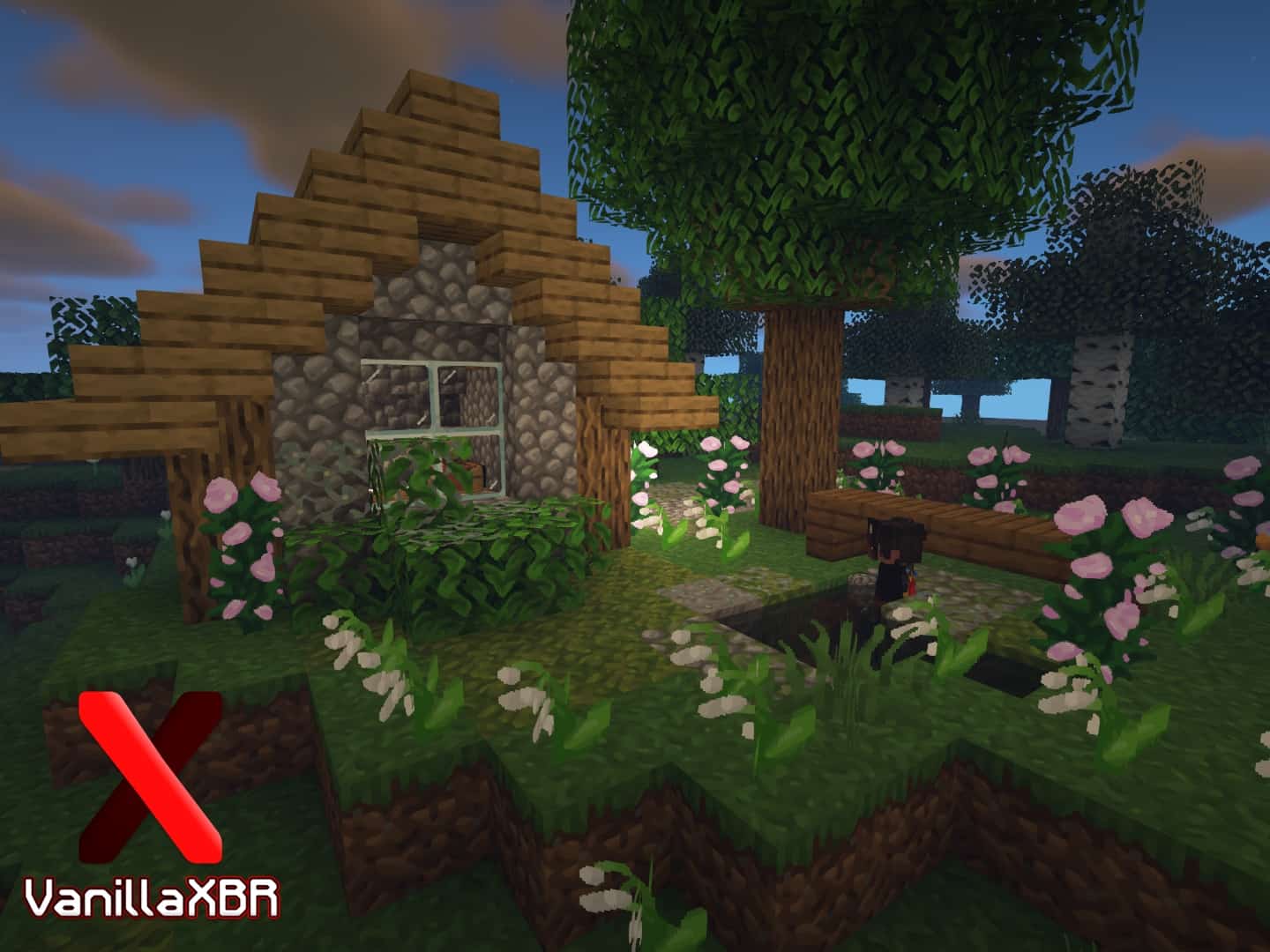
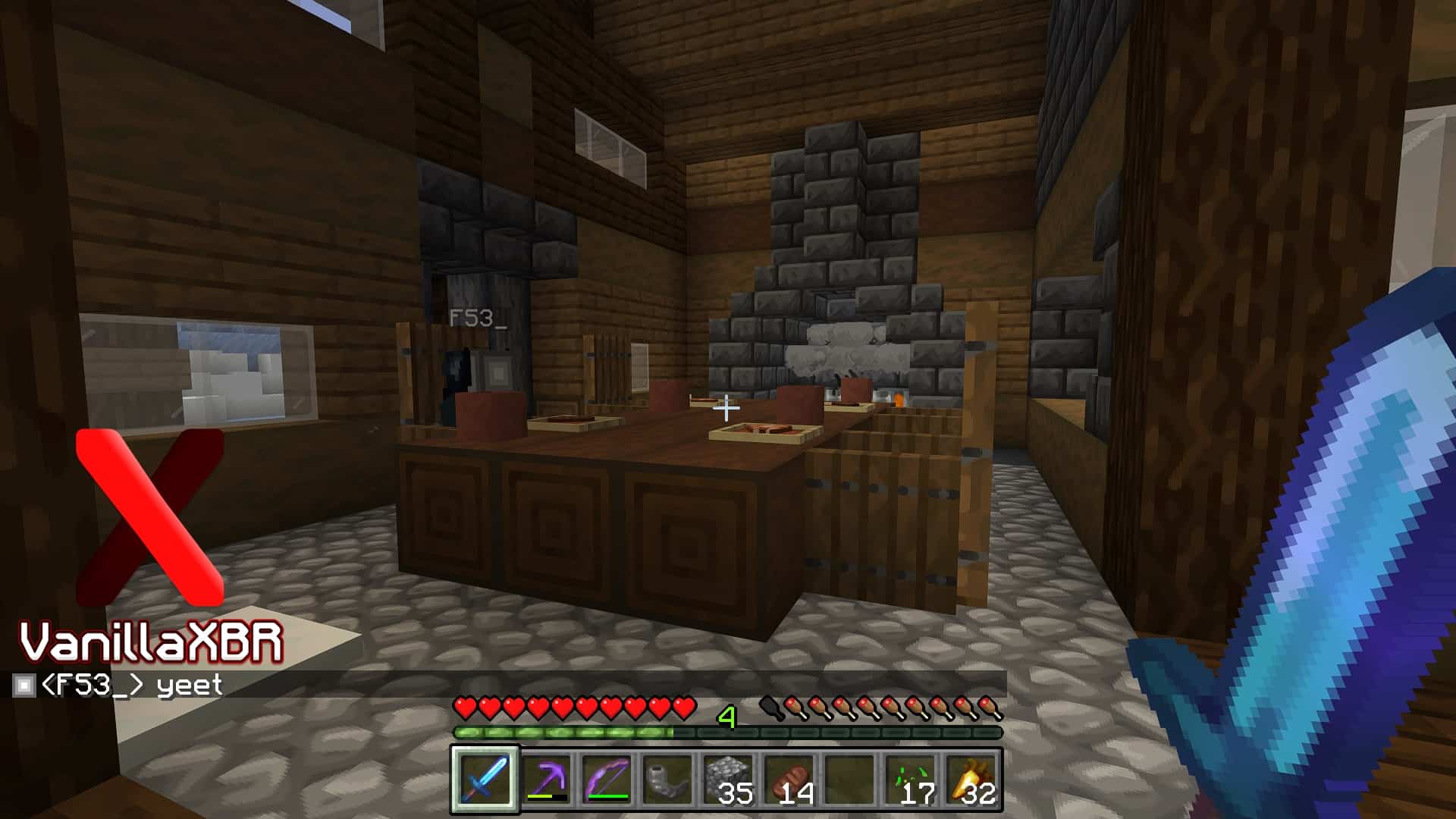
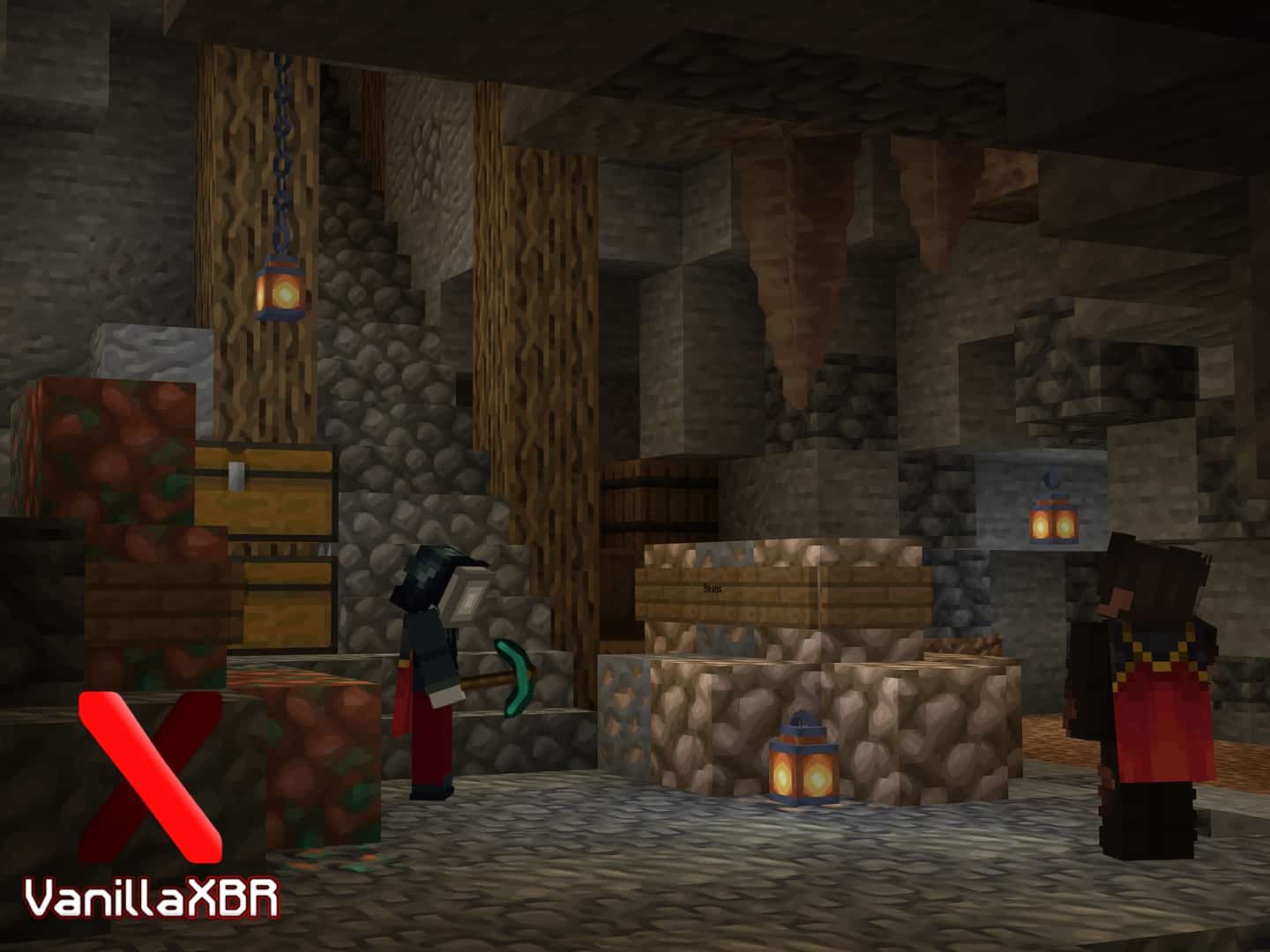
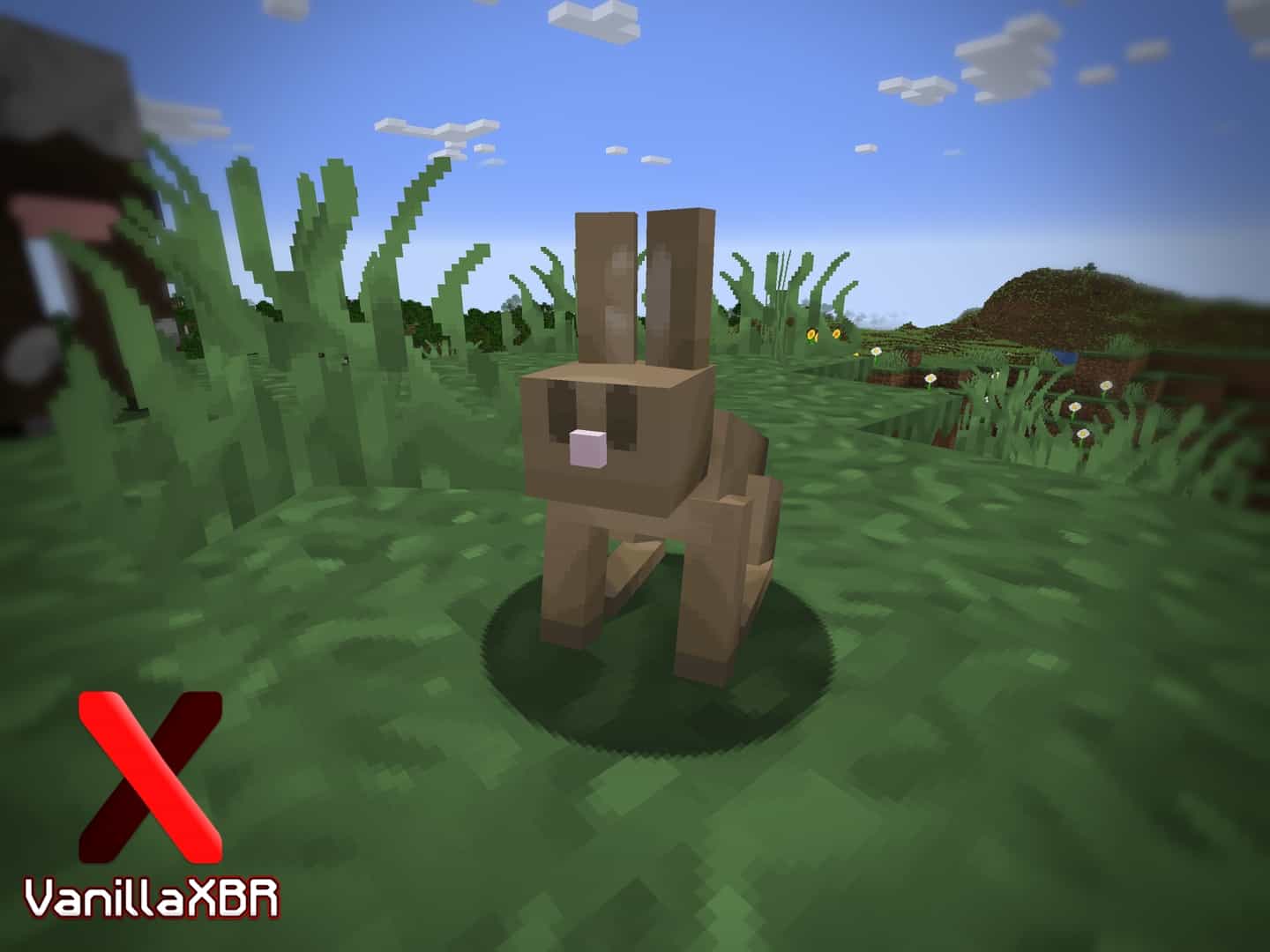
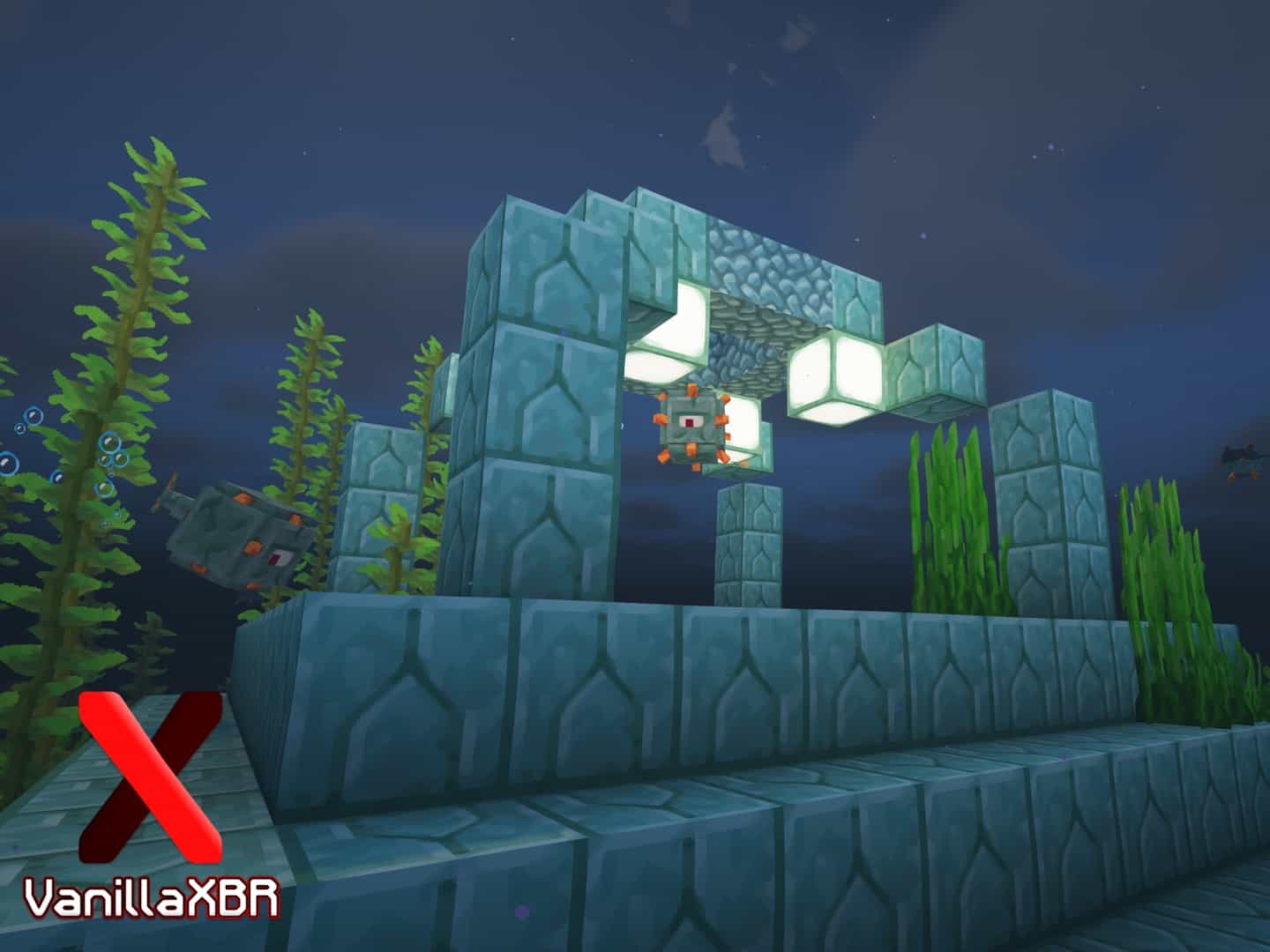
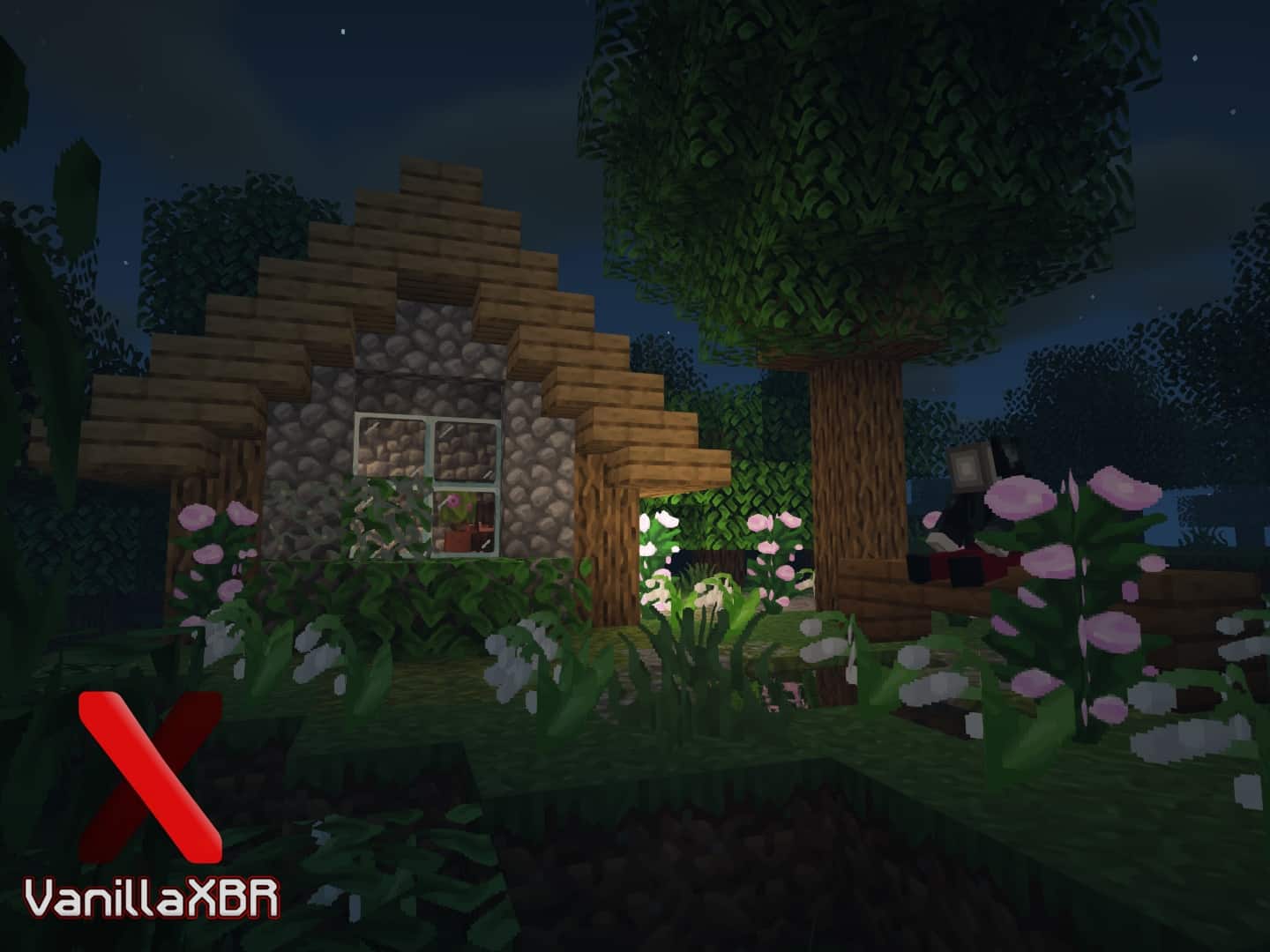
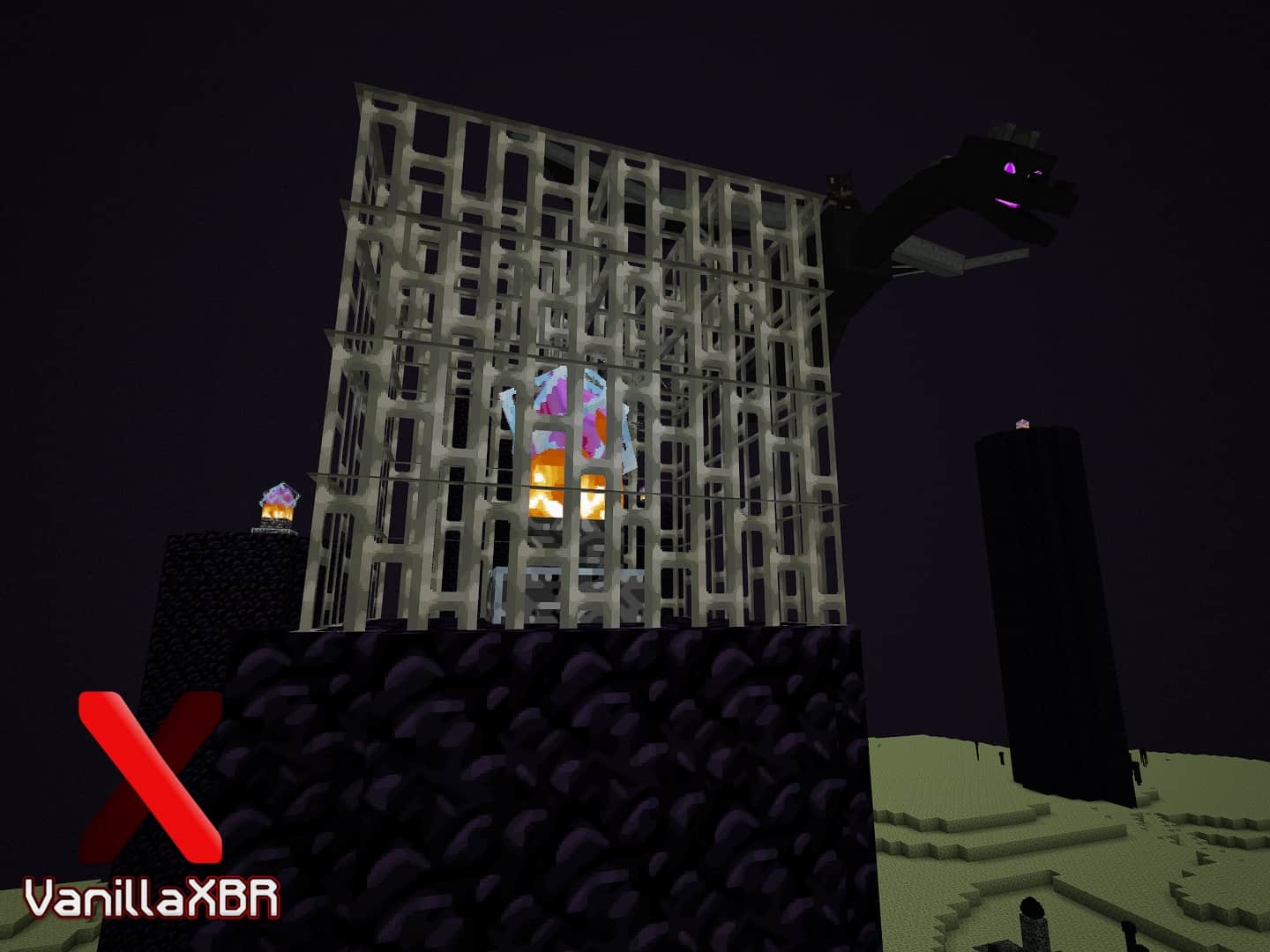
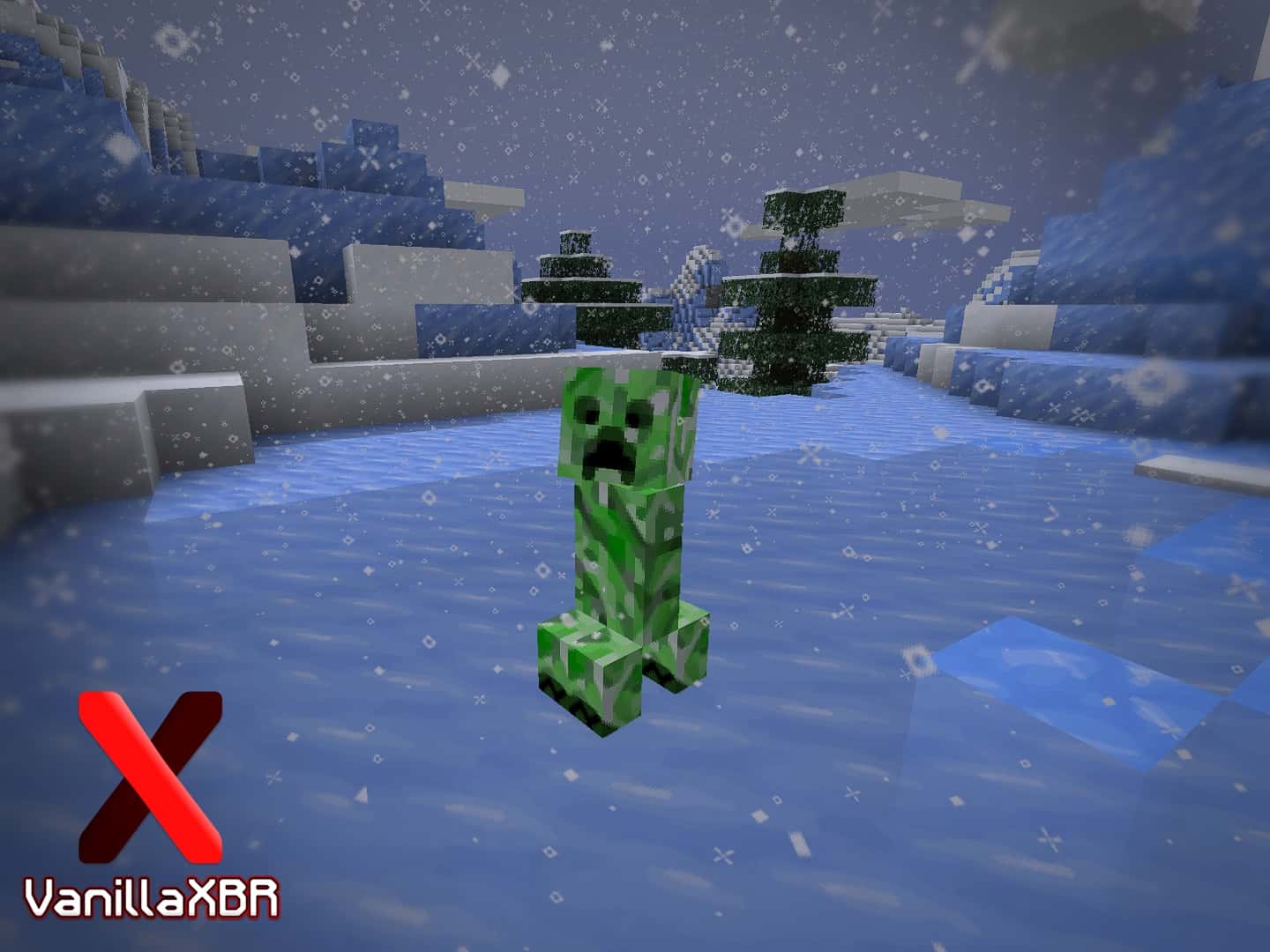
The VanillaXBR resource pack is an absolute dream come true for players who are looking for two specific things at the exact same time. First off, we really wanted our game visuals to feature high detailing and deep immersion, but at the same time, we absolutely did not want to compromise on Minecraft’s classic, default artistic look that we have all loved since its inception. The core idea behind this resource pack is quite common, as many creators have attempted similar concepts in the past. However, when it comes to actual execution and design, VanillaXBR truly stands out from the rest of the pack in the best way possible. You simply have to try it out for yourself to experience the difference. The talented developers of VanillaXBR have meticulously crafted unique textures by resizing them using specialized algorithms, ensuring that all the essential details remain completely intact so that every block looks genuinely delightful to look at after the upscale.
Usually, resource packs of this nature try to cram in far too many extra details. In doing so, developers often end up introducing unwanted elements that heavily distort the iconic vanilla aesthetic of Minecraft. Thankfully, the VanillaXBR texture pack skillfully manages to keep all the key texture elements completely untouched, successfully avoiding any awkward or unwanted changes. Taking a holistic view of the textures, we found them to be wonderfully robust and clean, entirely free from any unnecessary visual noise while still packing plenty of satisfying detail. VanillaXBR comes in a crisp 64×64 resolution, which naturally provides a notable boost in visual fidelity. While higher resolutions do require a bit more from your hardware and might cause minor frame rate dips on older setups, the stunning visual payoff makes it a worthwhile addition for anyone running a capable system.
VanillaXBR should be compatible with all of these Minecraft versions: 1.21.3 – 1.21.2 – 1.21.1 – 1.21 – 1.20.6 – 1.20.5 – 1.20.4 – 1.20.3 – 1.20.2 – 1.20.1 – 1.20 – 1.19.4 – 1.19.3 – 1.19.2 – 1.19.1 – 1.19 – 1.18.2 – 1.18.1 – 1.18 – 1.17.1 – 1.17 – 1.16.5 – 1.16.4 – 1.16.3 – 1.16.2 – 1.16.1 – 1.16 – 1.15.2 – 1.15.1 – 1.15 – 1.14.4 – 1.14.3 – 1.14.2 – 1.14
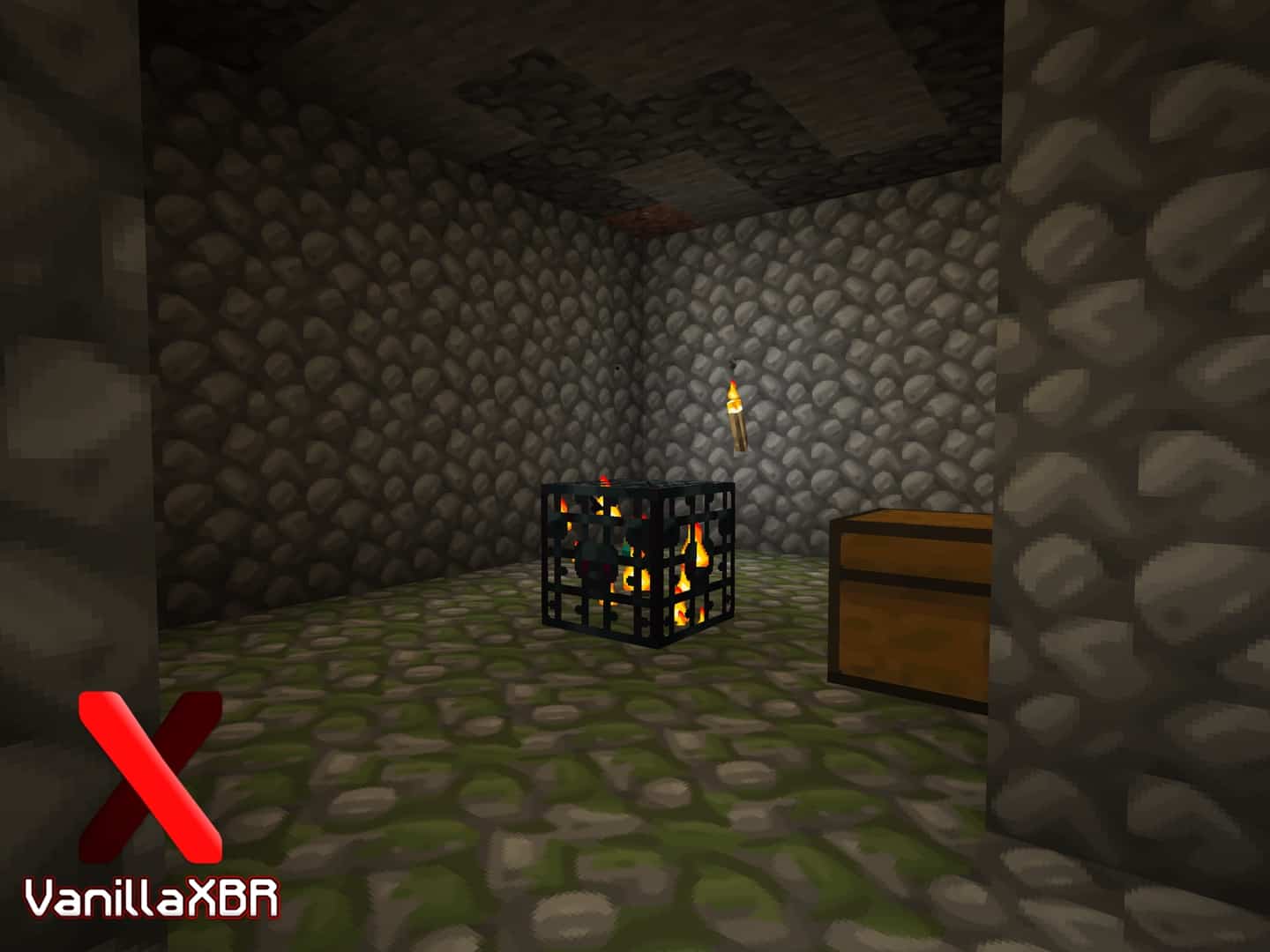
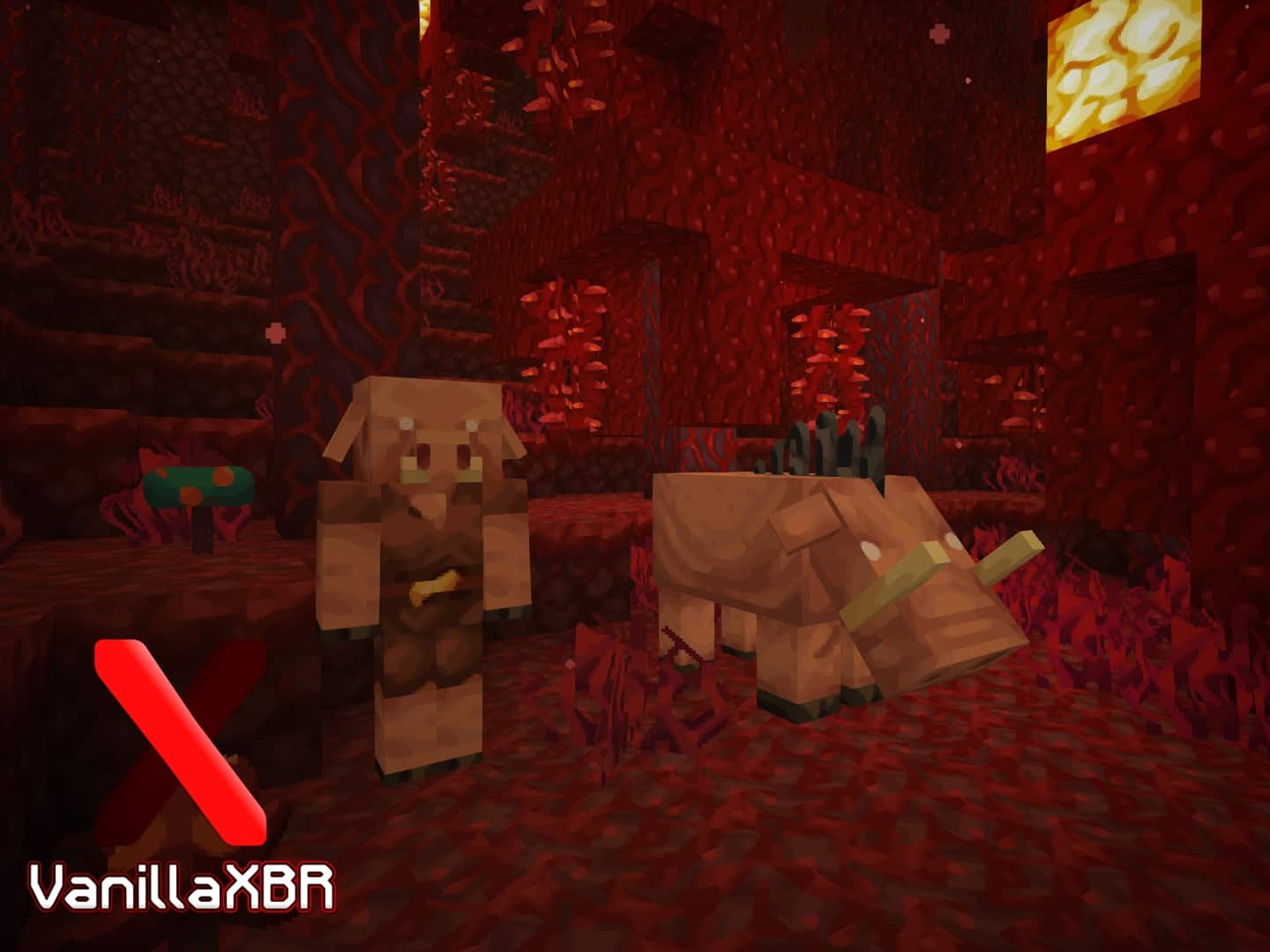
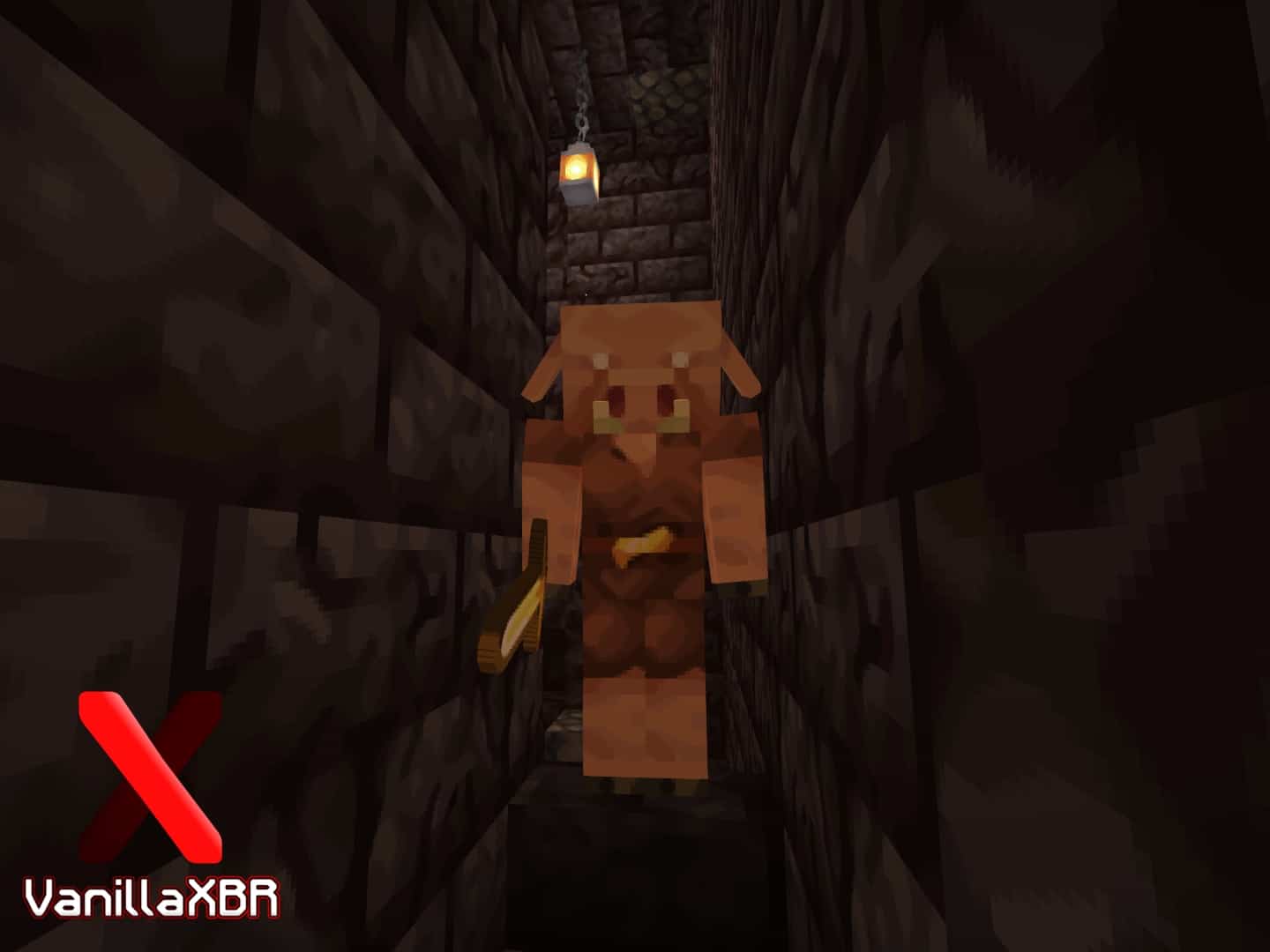
Screenshots


How to Install Texture Pack (Simple 10 Steps)
- Download OptiFine: Most of the texture packs and shaders need OptiFine. That’s why, first download and install OptiFine for the version of Minecraft you want to play.
- Download the Texture Pack: Get the texture pack you want from the download section. Choose the version that works with your Minecraft and your PC’s performance.
- Open Minecraft Launcher: Start Minecraft using the official game launcher — or even TLauncher, if you use that.
- Go to Options: From the main menu, click on the “Options” button.
- Open Resource Packs: Inside Options, click on “Resource Packs…”.
- Open the Resource Pack Folder: Click on “Open Resource Pack Folder” — this will open a folder named “resourcepacks”.
- Move the Pack File: Copy or move the .zip file you downloaded into that “resourcepacks” folder. (Don’t unzip the file — Minecraft uses it as-is!)
- Go Back and Refresh: Close the folder and click “Done”, then go back into “Resource Packs…” again.
- Activate the Pack: You’ll see the pack on the left side. Hover over it and click the arrow to move it to the right (active side).
Tip: If you get a message that the pack is for a different version, just click “Yes” — it usually works fine. - Click Done and Enjoy: Click “Done” again. Now your pack is ready to use in-game. It’s that easy!
Credits
This resource pack was created by Misterk7_-. We do not claim ownership of this content, nor have we modified the original files. All rights remain with the original author, and we strongly encourage supporting Misterk7_- by downloading the pack from their official links.
Download Links
Java Edition
Download Instructions
Curseforge: download starts automatically after a few seconds;
Mediafire: click the big blue button with the text “DOWNLOAD”;
Google Drive: in the top right corner you will see a small download icon (down arrow), click it and the download should start;


