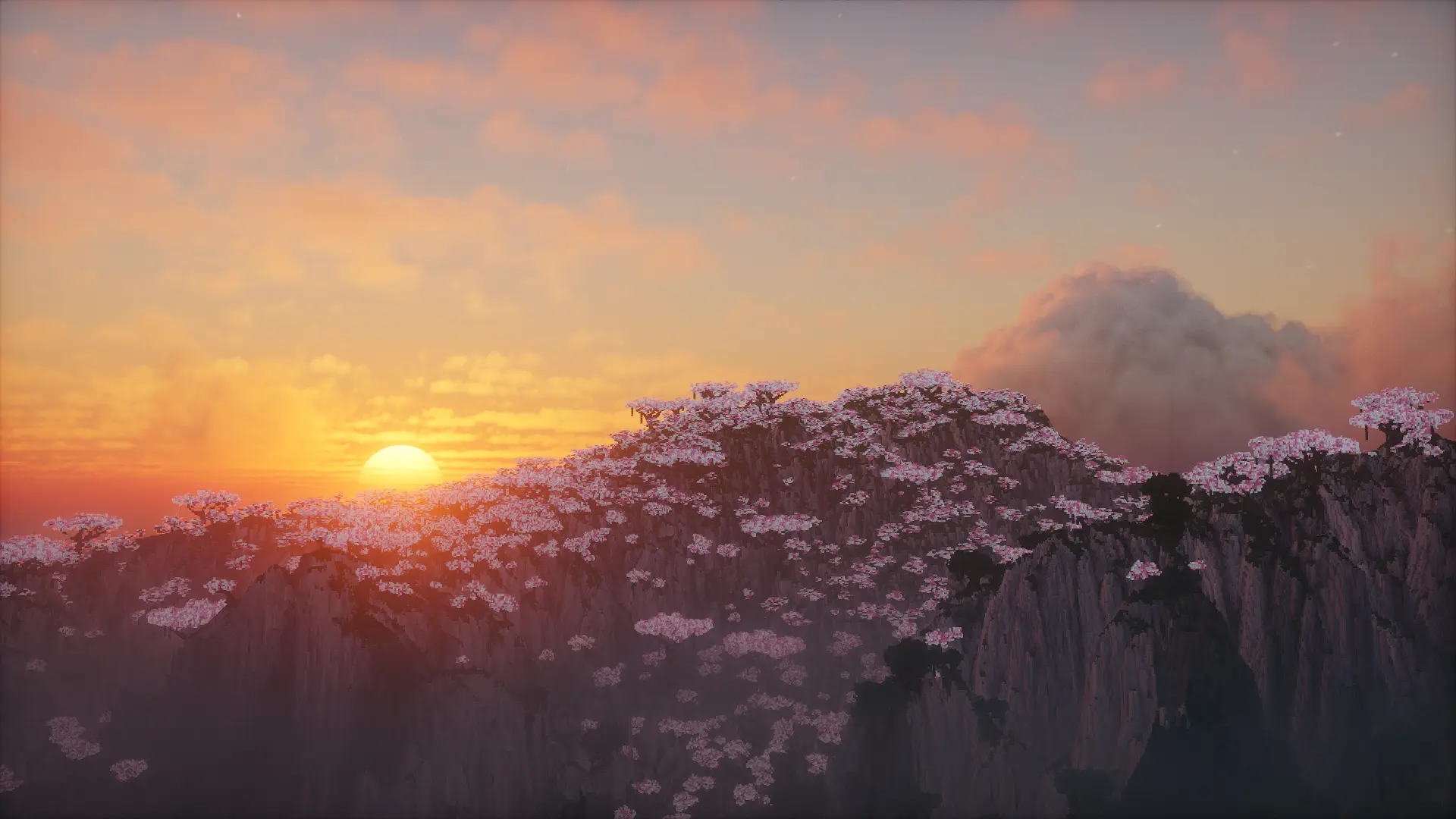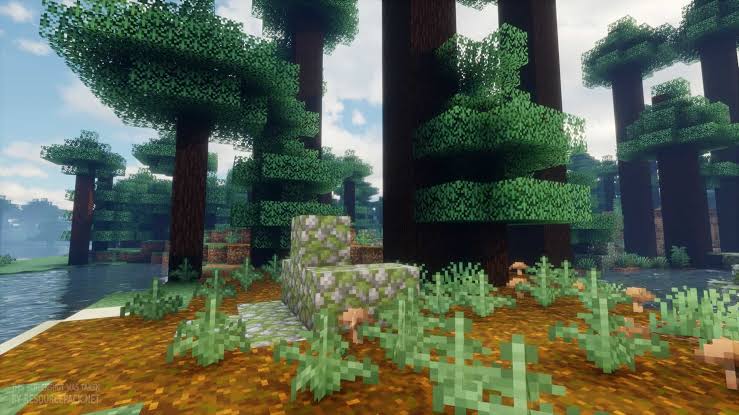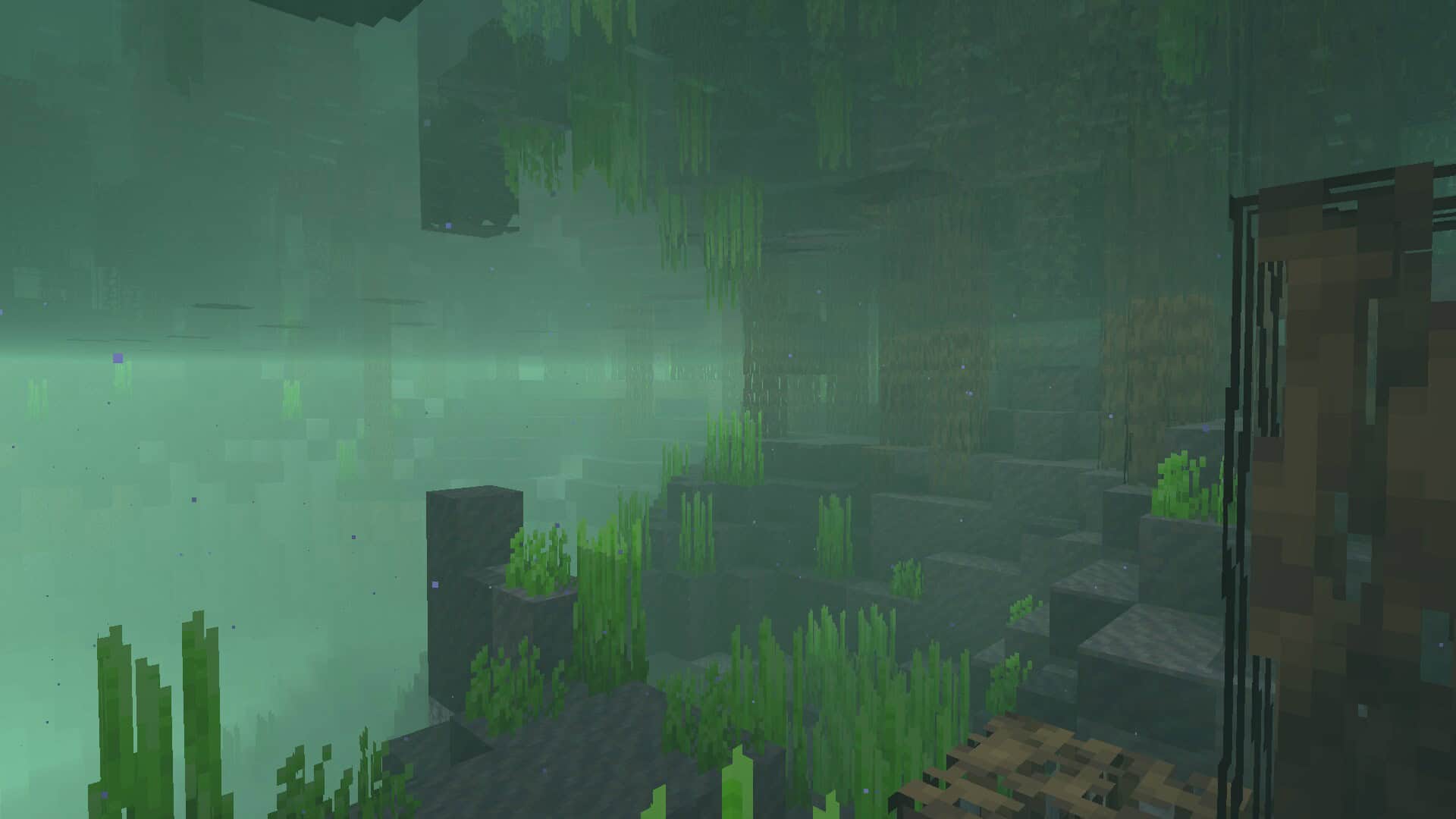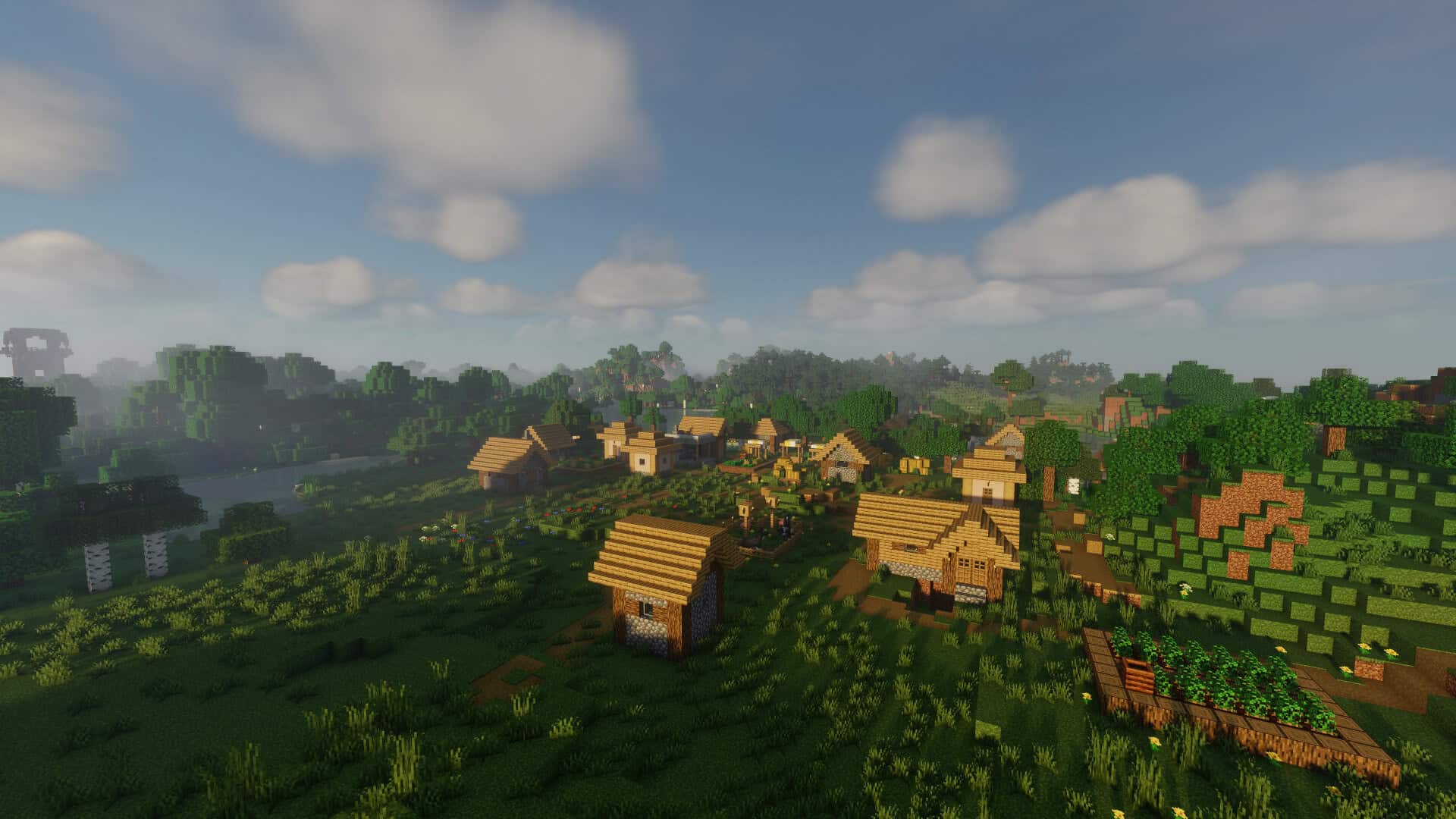
Lots of players honestly feel that the default lighting effects provided in vanilla Minecraft just do not cut it. Even when your computer’s graphics settings are fully optimized and smooth lighting is turned on, everything still tends to look a bit flat and blocky. Because of this, a ton of shader packs have been created to totally revamp how the game looks by adding gorgeous lighting effects that make everything feel so much more immersive and realistic. Chocapic13’s Shaders pack is easily one of the absolute best options out there, and you will notice the incredible visual upgrades the second you load into your world. Once you install it, this shader pack makes light sources cast genuinely lifelike shadows and gives dark corners a much more natural, realistic look. Instead of rendering harsh, block-wise shadows, they are smoothly rendered dynamically in the actual direction of the light. On top of that, you will see stunning overhauls to the appearance of water, the sky, flying particles, the sun, the moon, and even the twinkling stars!
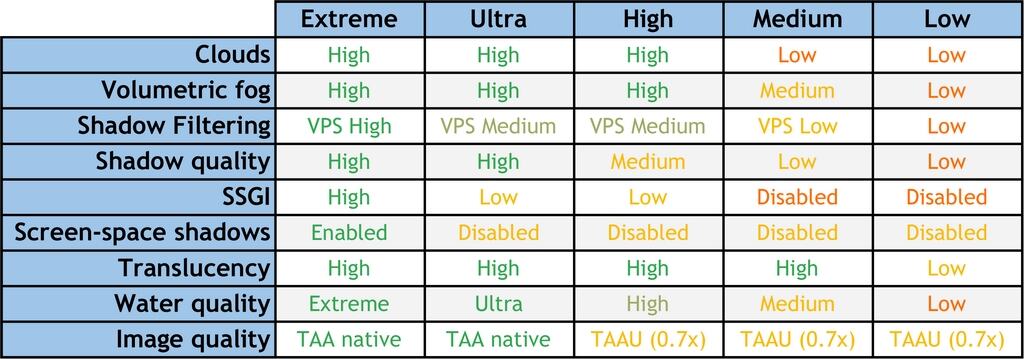
Just like the stars and the moon, the shader brilliantly utilizes natural sunlight emissions to make daylight look breathtakingly real. Beyond that, the color, texture, reflection maps, and fluid animations for the water, sky, and particles are completely overhauled. While this shader pack definitely demands some extra graphical processing power just like any other high-end shader, it also offers a massive variety of customizable options that make it accessible to way more players. A major hurdle with most popular shaders is that they are either locked to high-end PCs or restricted only to Windows, but Chocapic13’s pack is wonderfully compatible across nearly all operating systems. There are multiple performance editions available so that almost anyone can enjoy it, regardless of their hardware specs, operating system, or Minecraft version. You can choose from Extreme, High, Lite, Low, Medium, Toaster, and Ultra versions depending on what your rig can handle. If you do not have a super powerful graphics card but are dying to experience gorgeous shaders in your game, this pack is seriously the best way to dive in.
Chocapic13’s Shaders should be compatible with all of these Minecraft versions: 26.2 – 26.1.2 – 26.1.1 – 26.1 – 1.21.11 – 1.21.10 – 1.21.9 – 1.21.8 – 1.21.7 – 1.21.6 – 1.21.5 – 1.21.4 – 1.21.3 – 1.21.2 – 1.21.1 – 1.21 – 1.20.6 – 1.20.5 – 1.20.4 – 1.20.3 – 1.20.2 – 1.20.1 – 1.20 – 1.19.4 – 1.19.3 – 1.19.2 – 1.19.1 – 1.19 – 1.18.2 – 1.18.1 – 1.18 – 1.17.1 – 1.17 – 1.16.5 – 1.16.4 – 1.16.3 – 1.16.2 – 1.16.1 – 1.16 – 1.15.2 – 1.15.1 – 1.15 – 1.14.4 – 1.14.3 – 1.14.2 – 1.14 – 1.13.2 – 1.13.1 – 1.13 – 1.12.2 – 1.12
Screenshots
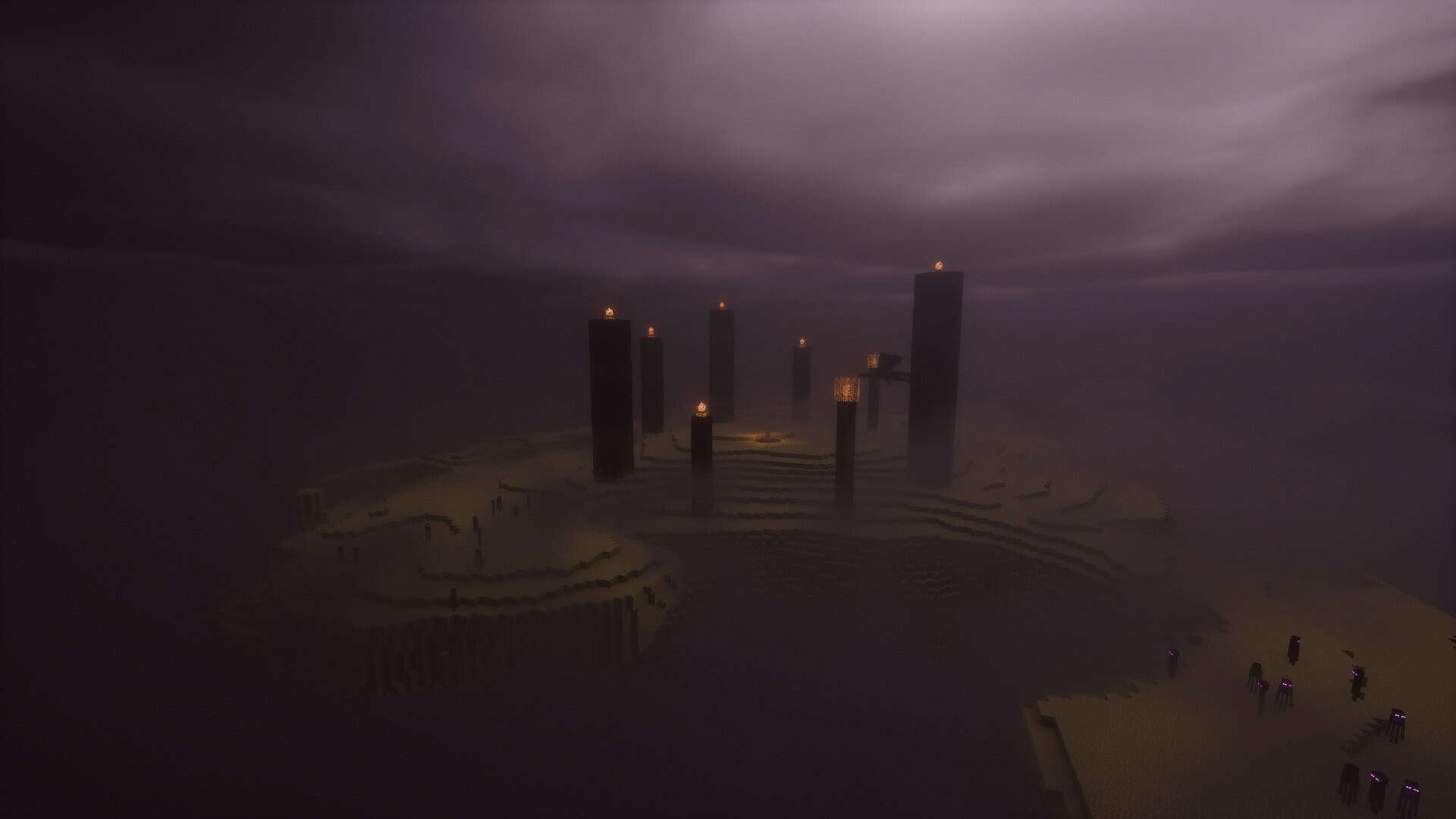
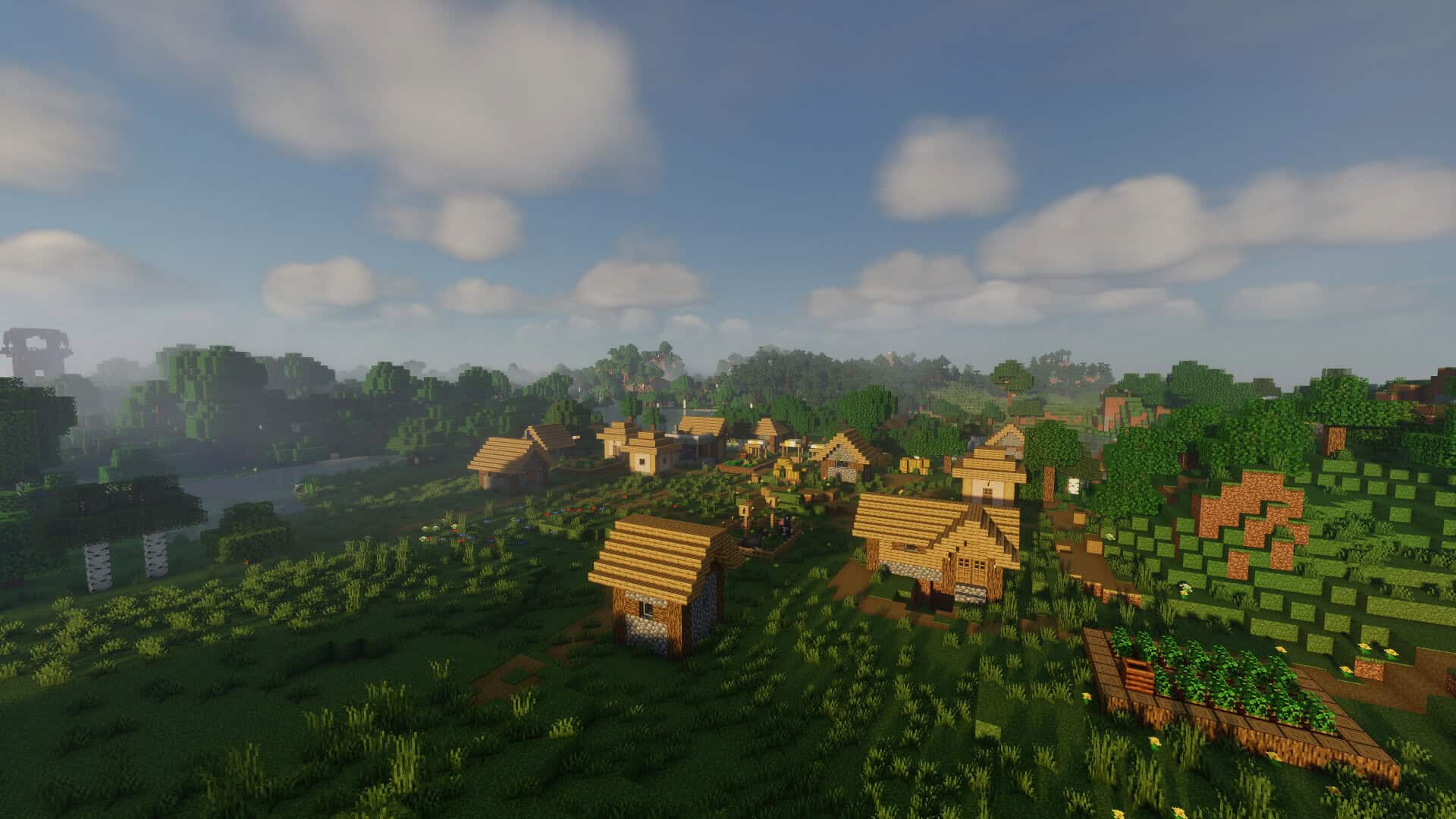
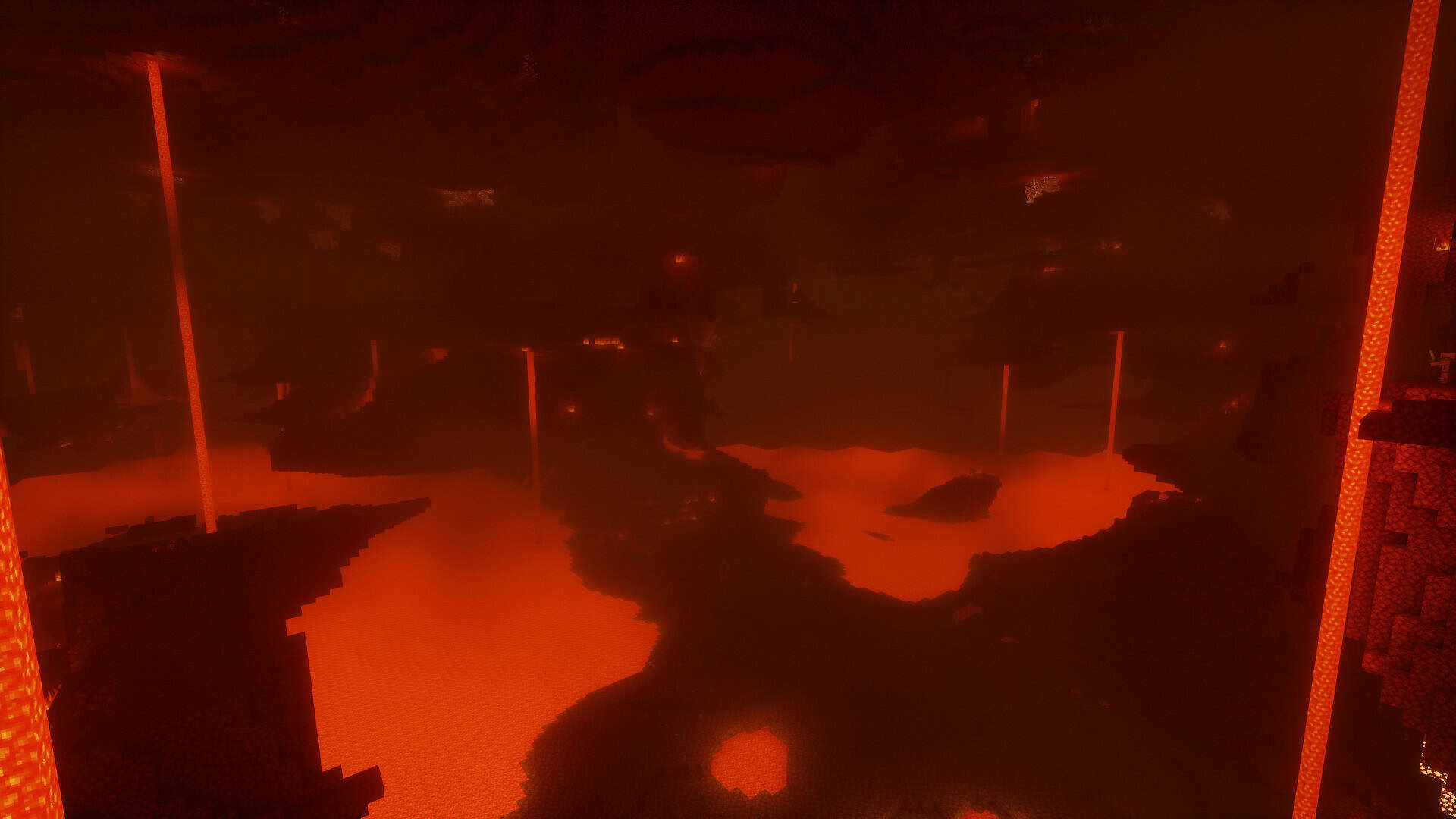
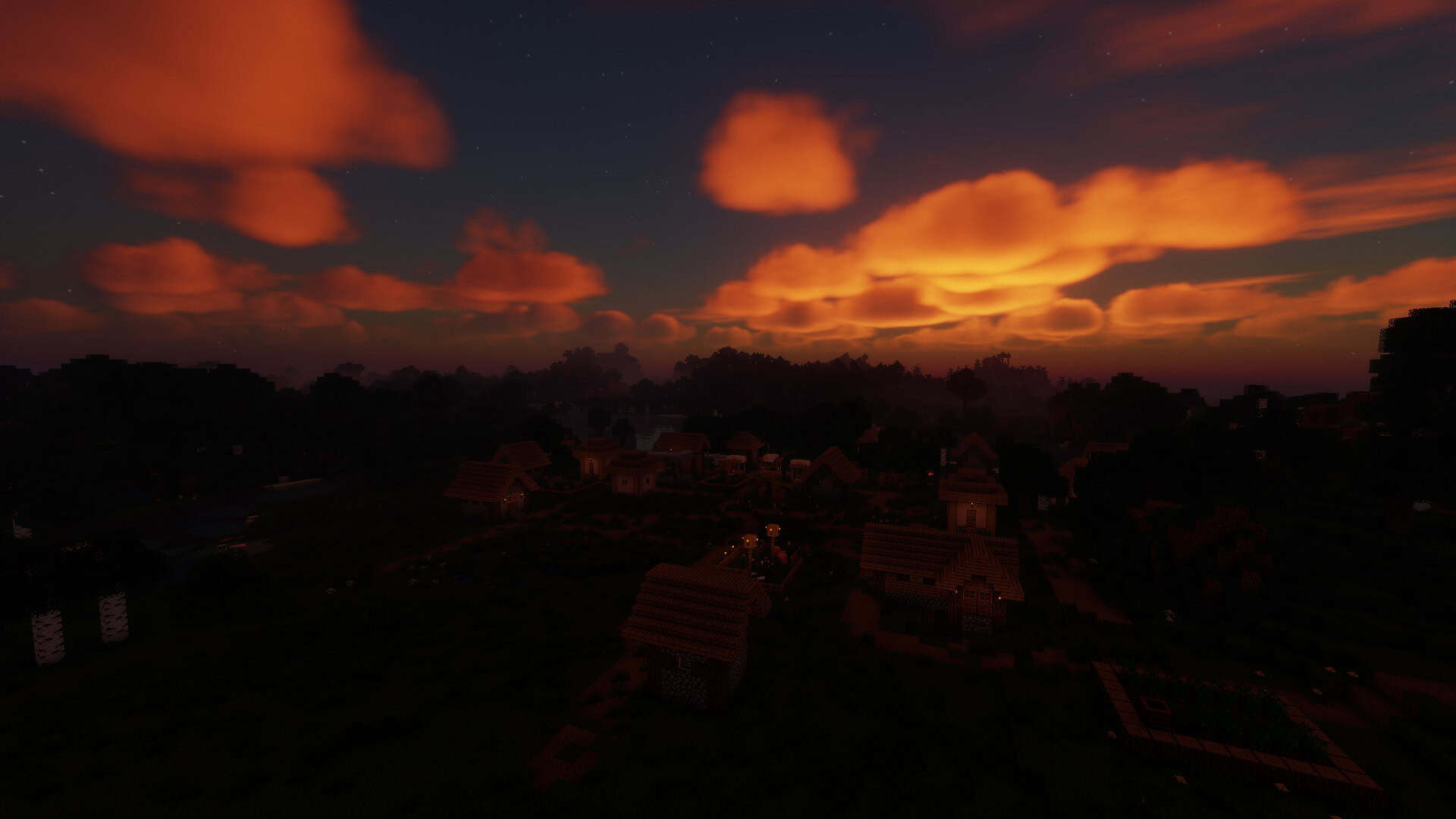
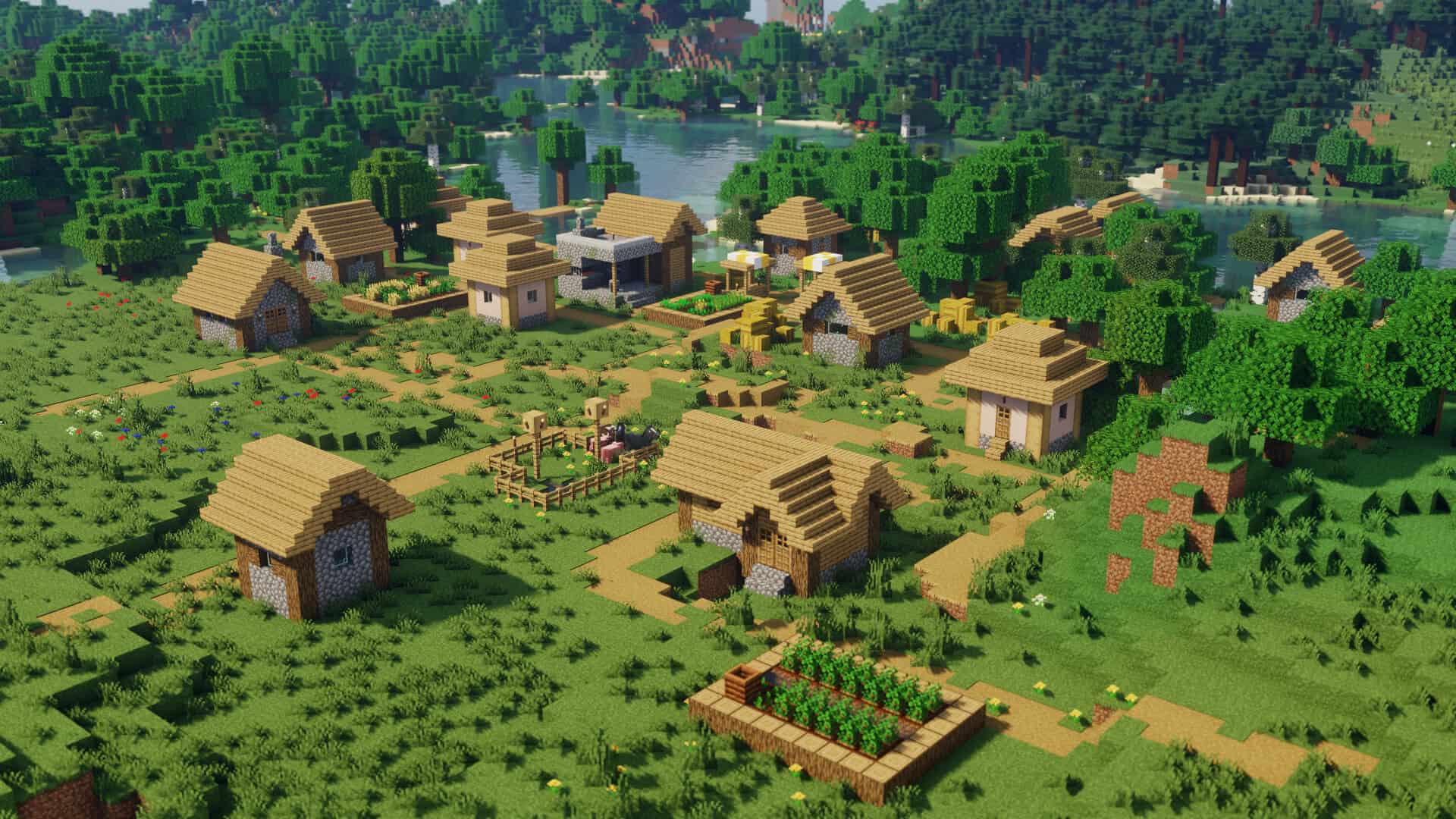
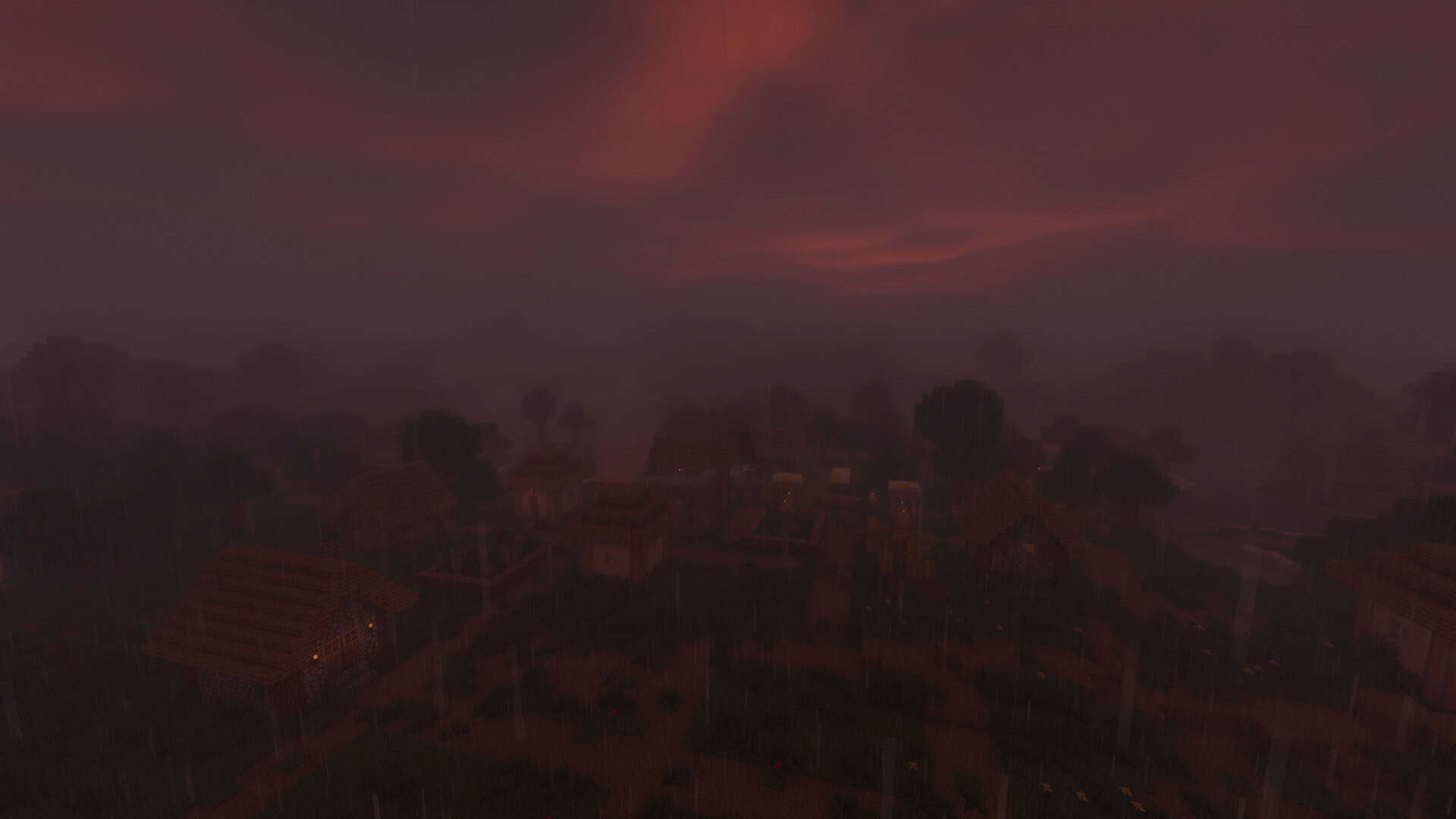
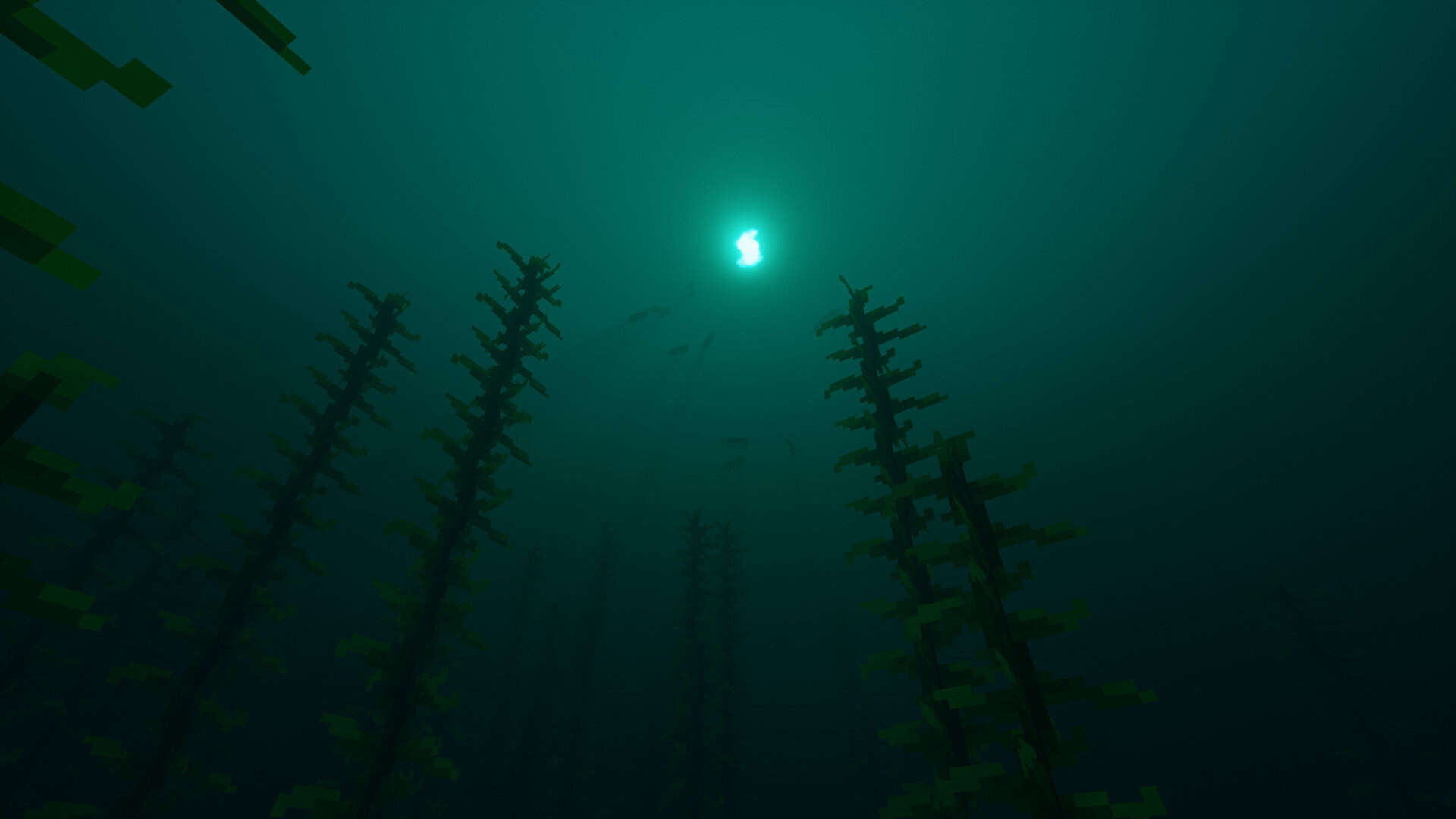
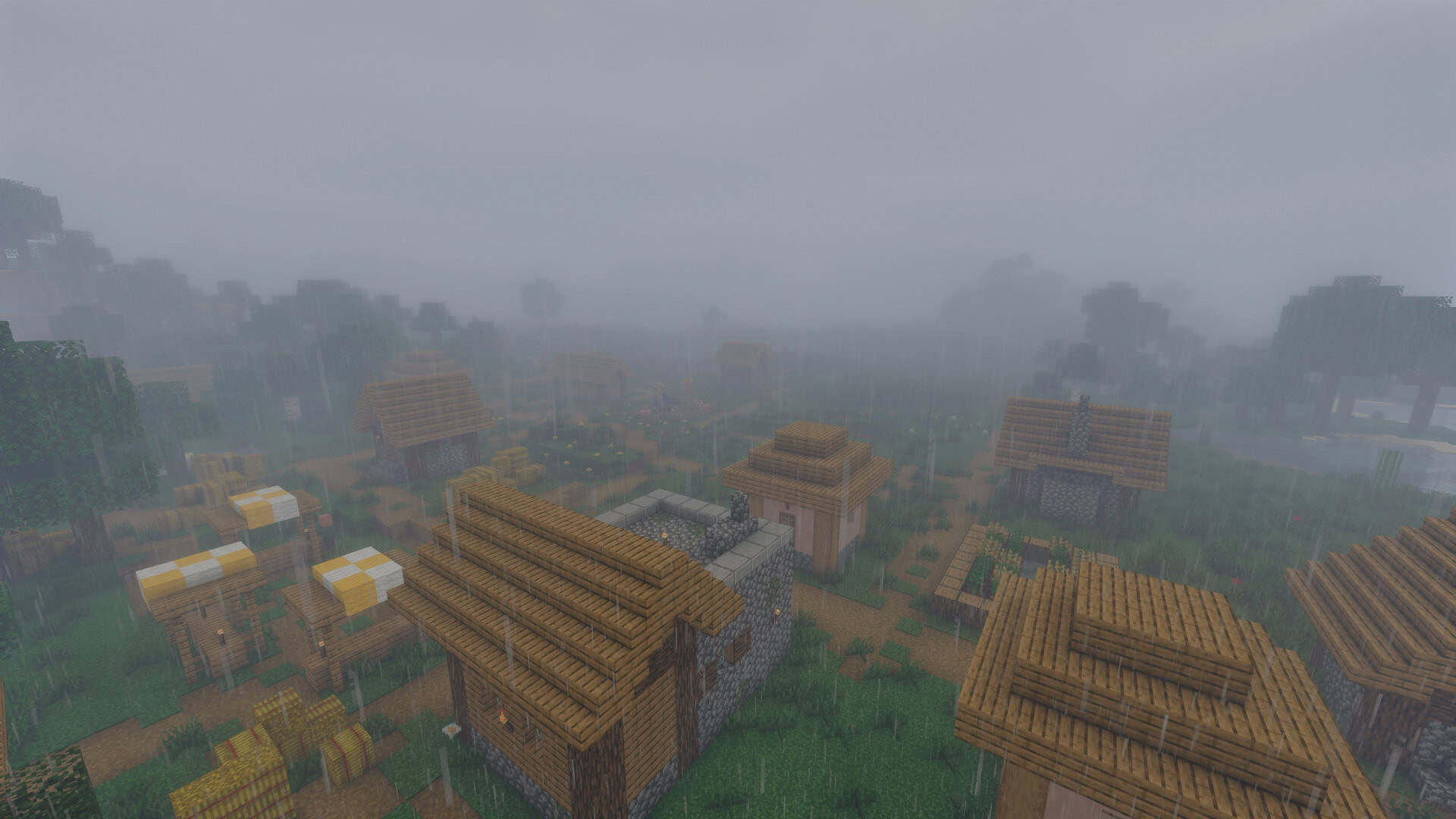
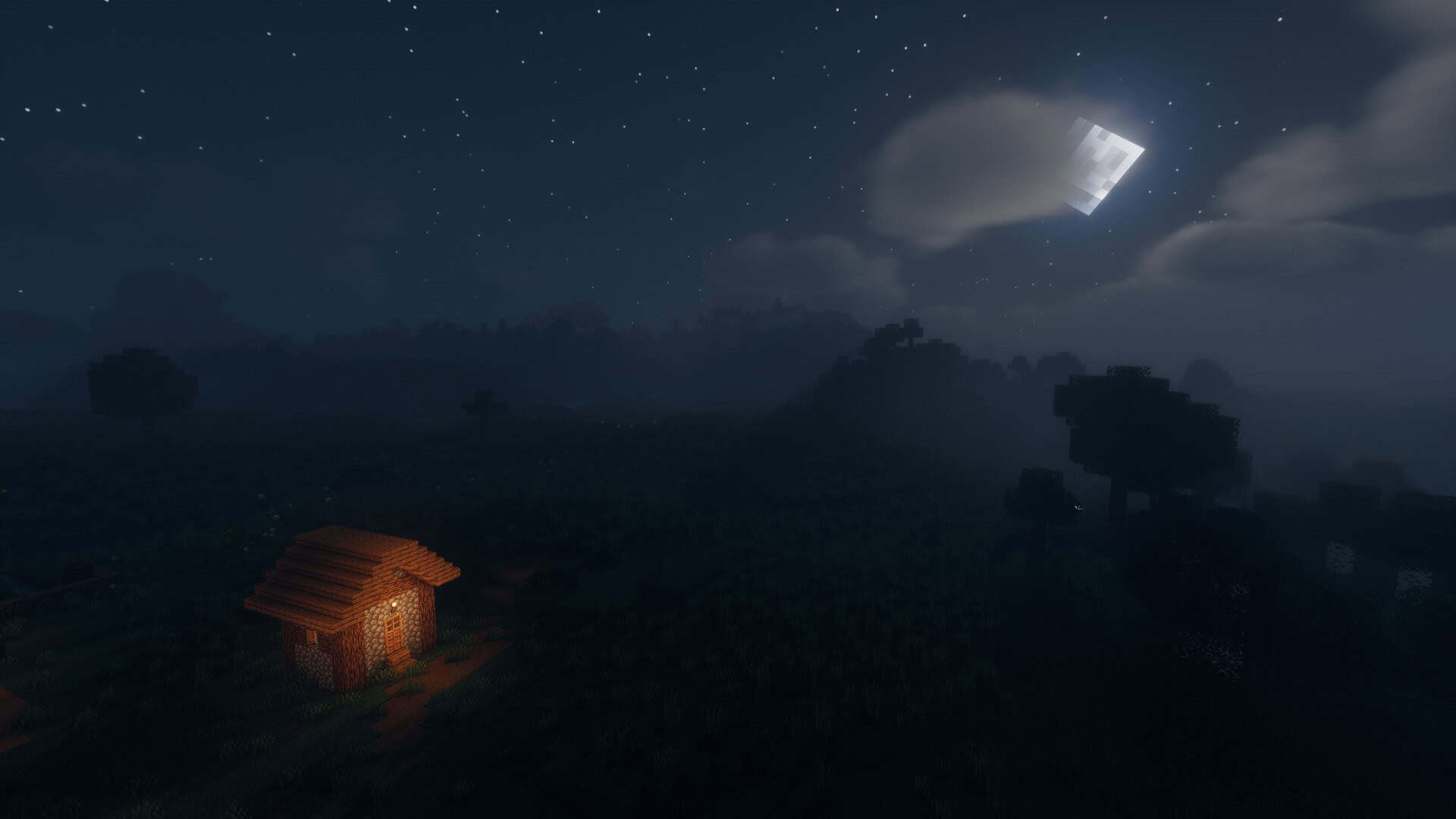
How to Install Shader Pack (Simple and Easy 7 Steps)
- Install Minecraft: Make sure to have Minecraft on your PC.
- Set the Game Version: Open the Minecraft Launcher, go to the “Installations” tab, click “New Installation”, choose the version you want to play, and click “Create”.
- Install OptiFine or Iris: Download and install OptiFine or Iris (we recommend Iris for better performance).
- To download Iris, click here.
- To download OptiFine, click here.
- Launch with the Shader Mod: Open the Minecraft Launcher again and select the OptiFine or Iris profile you installed.
- Download the Shader Pack: Download the shader pack (.zip file) from the download section below. (Don’t unzip it!)
- Open the Shaderpacks Folder:
- For OptiFine: Go to Options > Video Settings > Shaders > Shaders Folder
- For Iris: Go to Options > Video Settings > Shader Packs > Open Shader Pack Folder
- Add and Activate the Shader Pack: Move the downloaded .zip file into the shaderpacks folder. Then go back to the game, select the shader pack from the list, and click “Done” to activate it.
Credits
This shader pack was originally created and developed by Choca_13. We do not claim ownership of this content, nor do we host modified versions of the files. We highly recommend supporting the original creator by downloading the pack directly from their official release pages and following their guidelines.
Download Links
Java Edition
Download Instructions
Curseforge: download starts automatically after a few seconds;
Mediafire: click the big blue button with the text “DOWNLOAD”;
Google Drive: in the top right corner you will see a small download icon (down arrow), click it and the download should start;