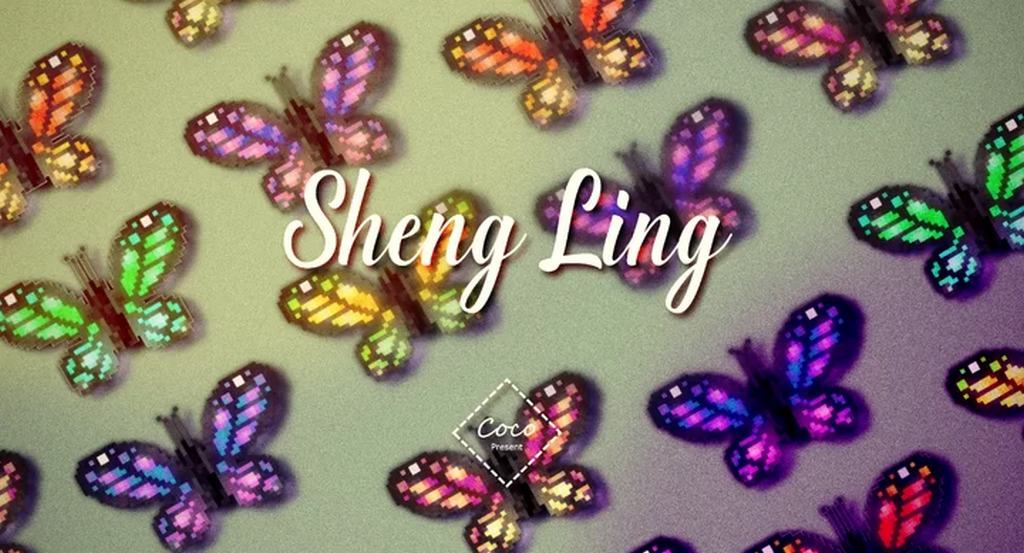
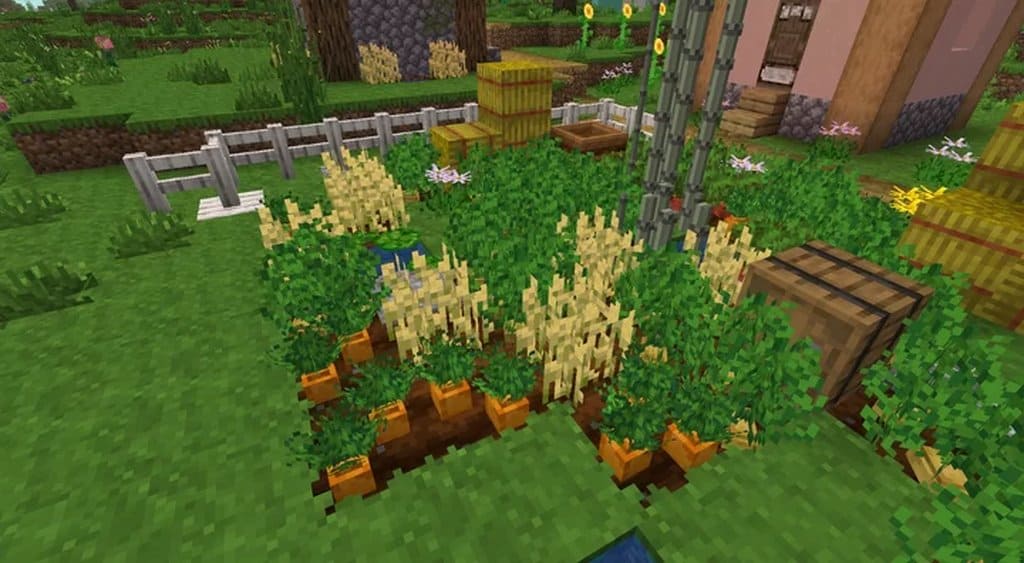
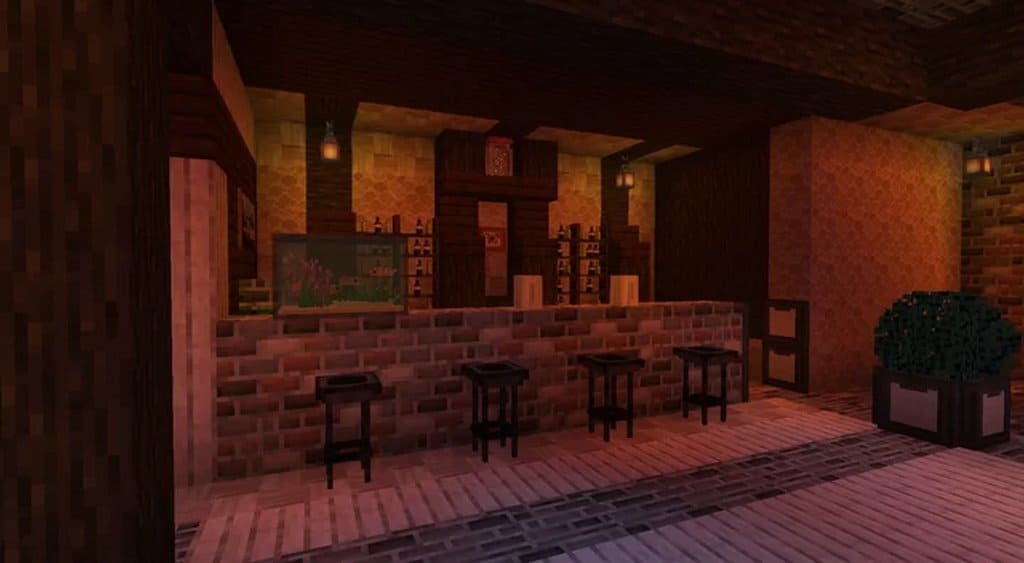
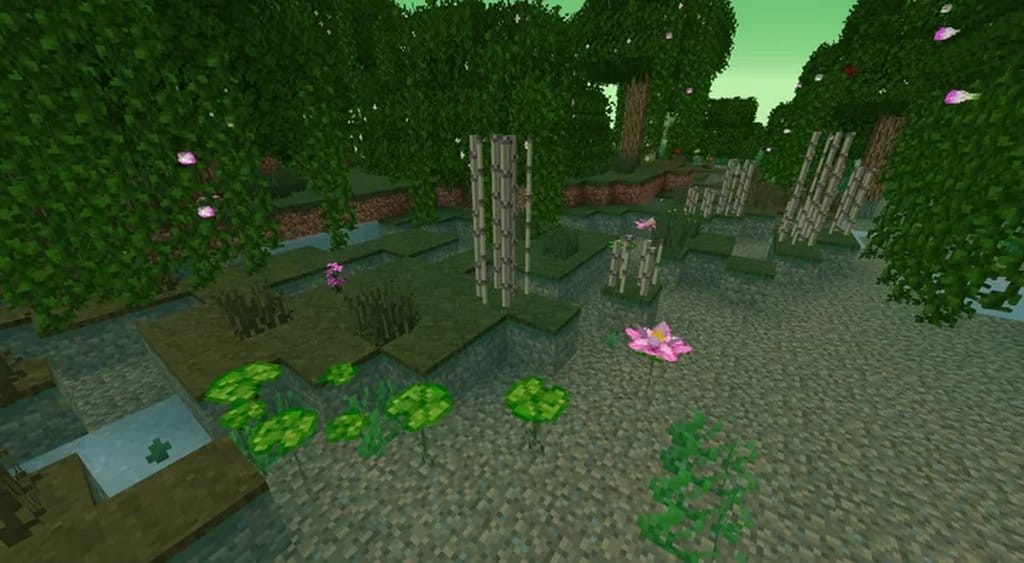
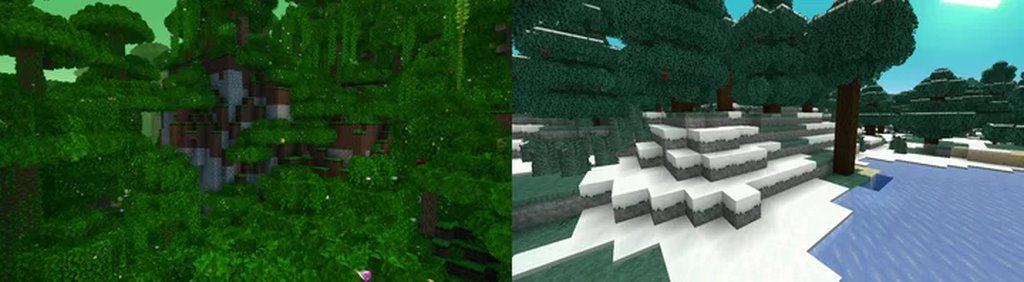
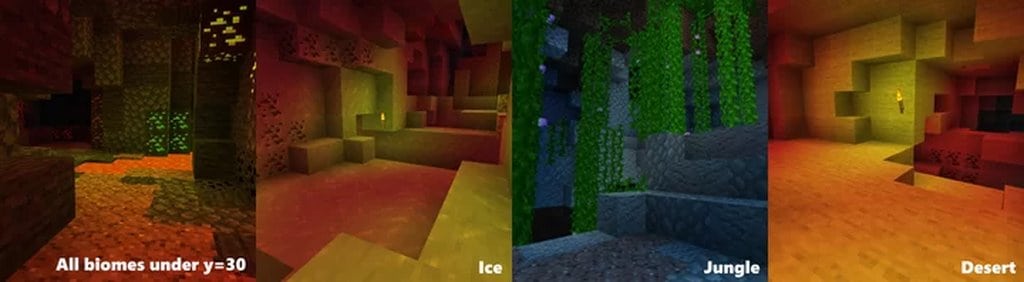
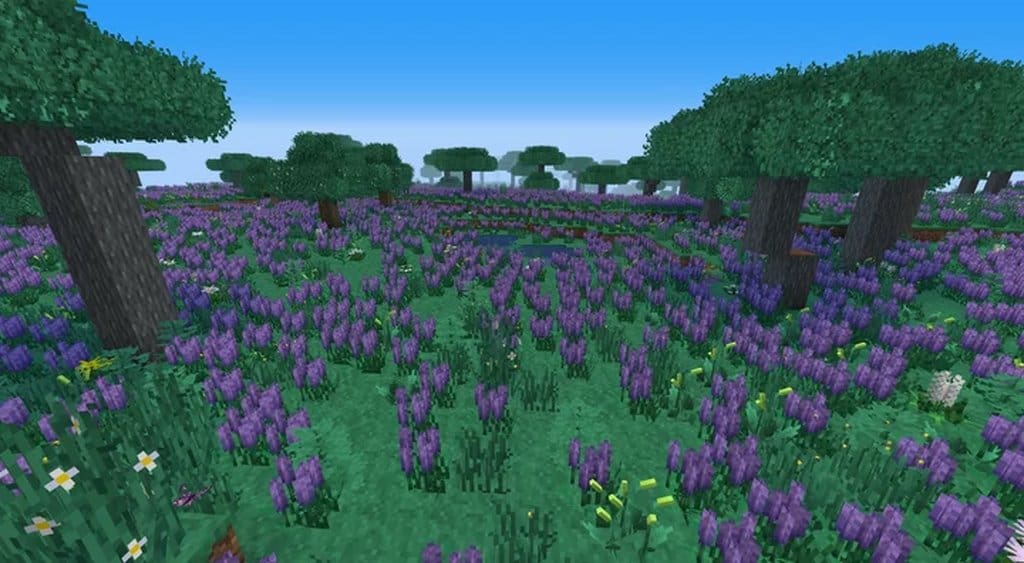
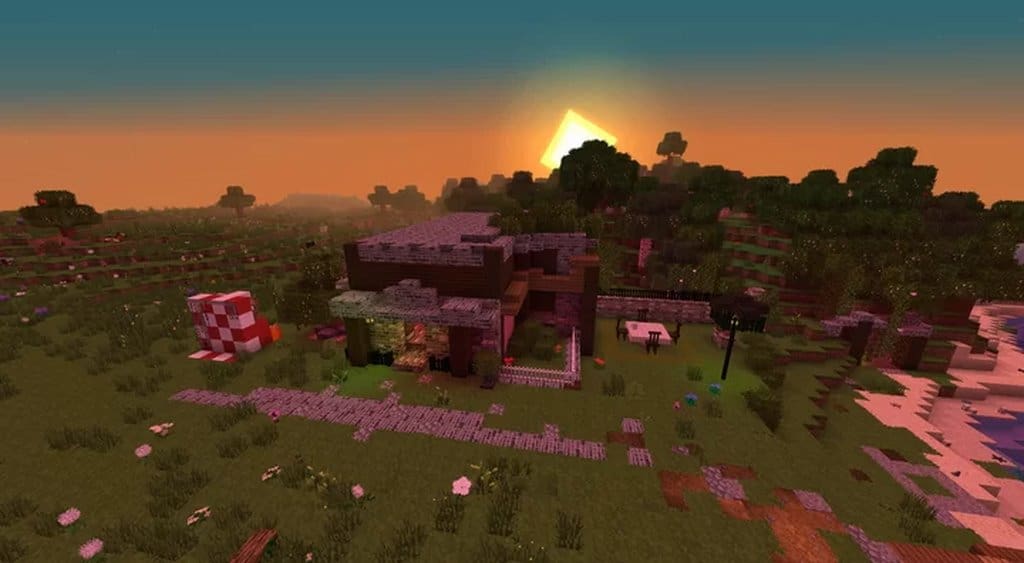
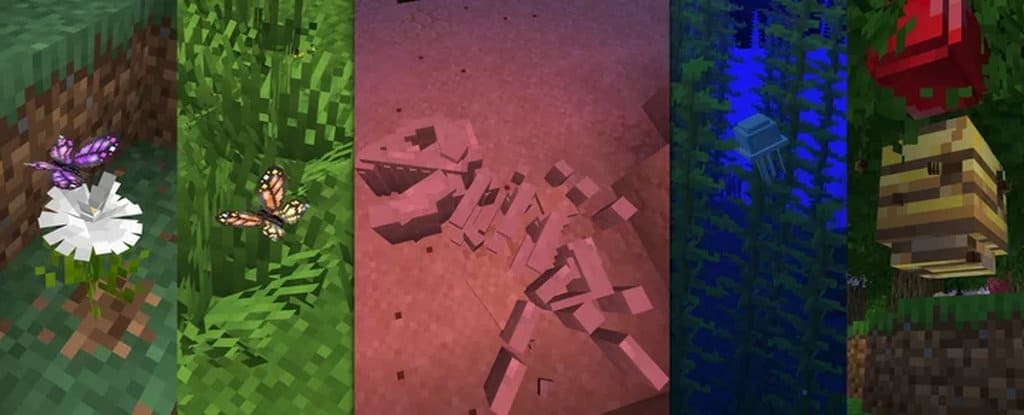
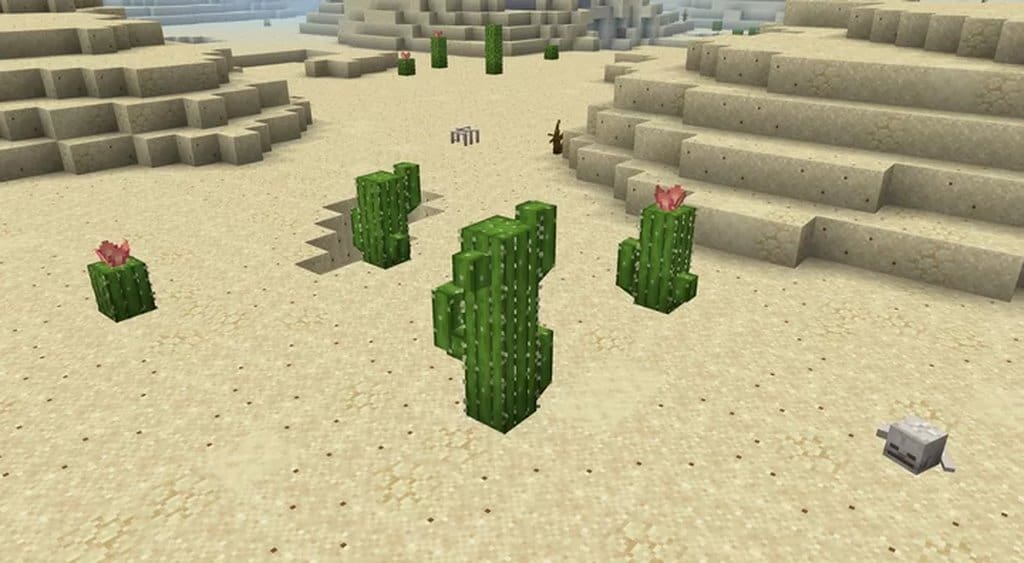
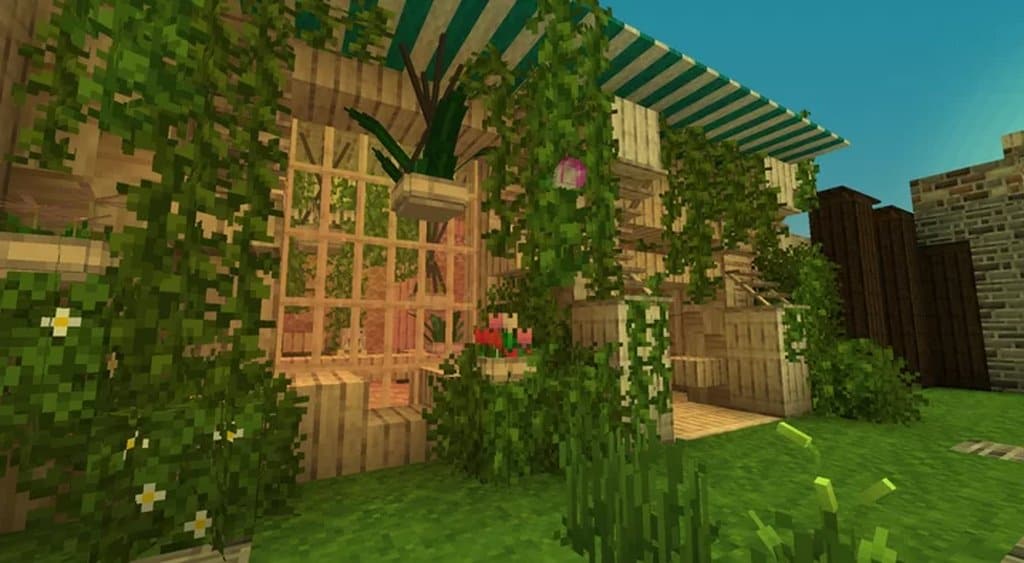
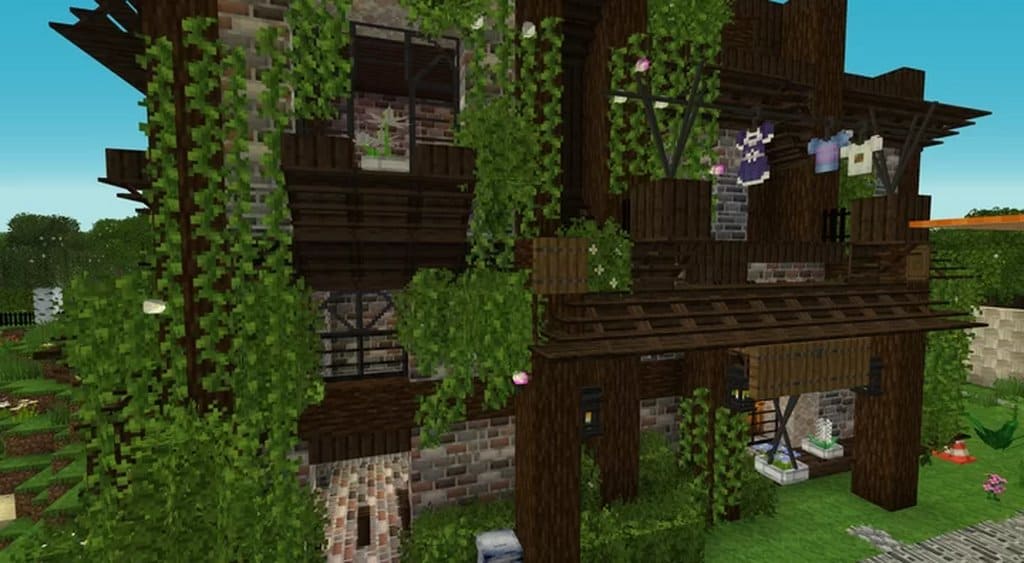
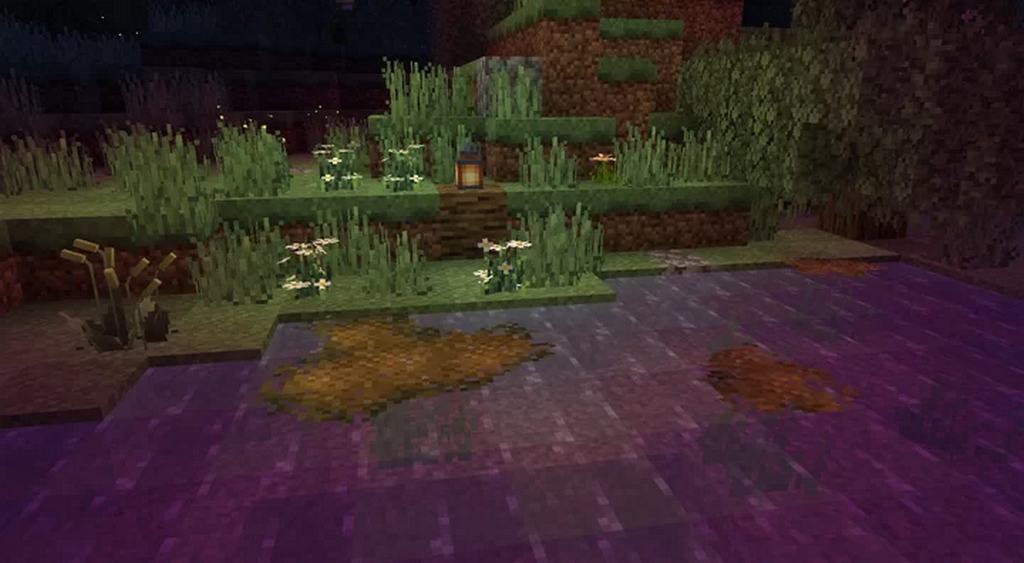
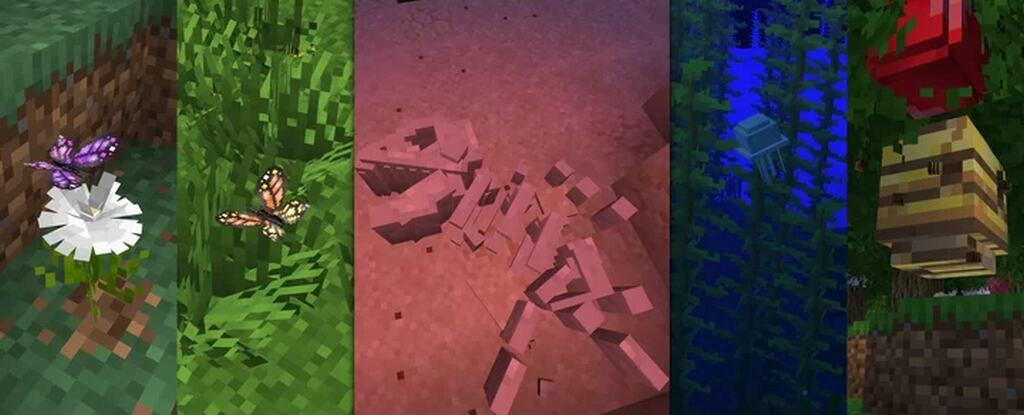
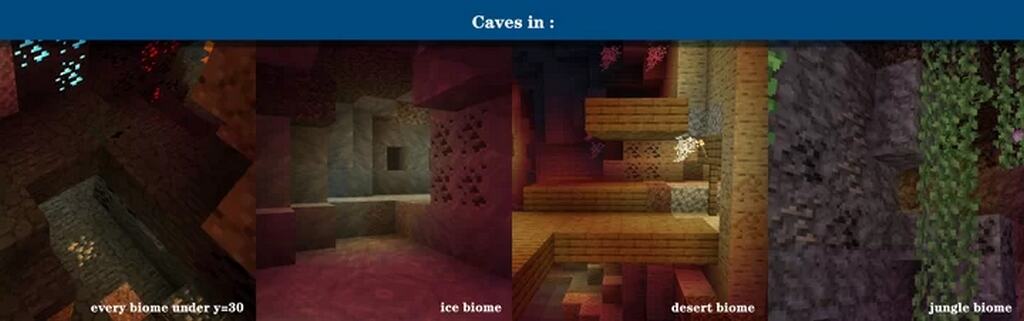
I recently tested out the ShengLing resource pack, and it truly offers amazing new features and a heightened realism to the Minecraft gameplay that will make your worlds feel genuinely true to life. It builds beautifully upon the graphics of the vanilla environment, adding realistic detail to leaves, grasses, and crops while completely preserving the basic game you know and love. I noticed that stones appear different at various depths underground due to the clever addition of stratum, much like the layers of rocks that exist in the real world. The lighting is also wonderfully expressive, allowing your worlds to have shadows similar to those you would achieve with a heavy shader mod. I was delighted to find that the ShengLing texture pack transforms birches into gorgeous cherry blossom trees, complete with actual cherries, and with butterflies, dragonflies, and bees randomly generated alongside forty-two different kinds of delightful flowers, it genuinely takes your Minecraft adventures to thrilling new horizons.
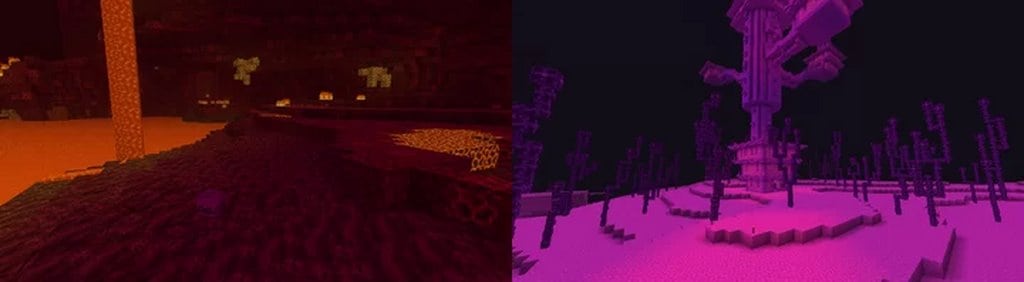
The ShengLing also adds gliding jellyfish in the oceans and adorable snails on the logs, as well as fascinating signs of ancient life that once roamed the lands. You can actually unearth dinosaur fossils in the desert and uncover skulls in the nether, which is just perfect for satisfying your inner spirit of exploration. Unlike bulky mods, the ShengLing is a streamlined resource pack, meaning it does not require you to type in complex commands—all the features listed above are simply generations that naturally occur in the normal survival world right after you install it. Any flowers you place can randomly appear as one of three different kinds, so if you put down a rose, it has the potential to appear as an aster flower or daisy in addition to its original form. Because of the stratum feature, the advanced lighting, and CTM, I found that the resource pack requires the Optifine mod to be installed beforehand to work properly. So if you are ready to dive into new worlds of possibility, the ShengLing Resource Pack is an absolute must-play. Your inner adventurer will definitely rejoice!
ShengLing should be compatible with all of these Minecraft versions: 1.16.5 – 1.16.4 – 1.16.3 – 1.16.2 – 1.16.1 – 1.16 – 1.15.2 – 1.15.1 – 1.15 – 1.14.4 – 1.14.3 – 1.14.2 – 1.14 – 1.13.2 – 1.13.1 – 1.13 – 1.12.2 – 1.12 – 1.11.2 – 1.11
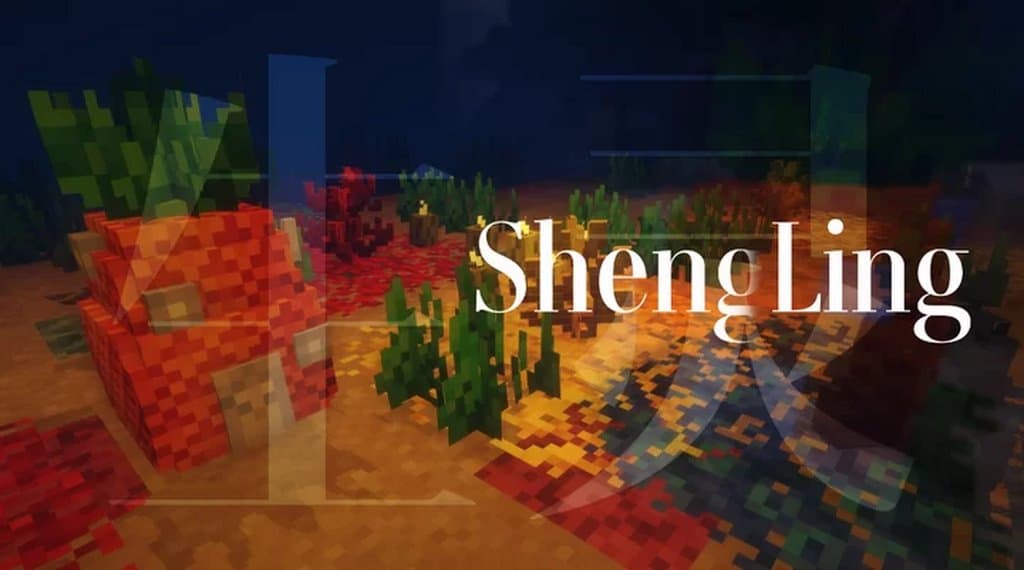
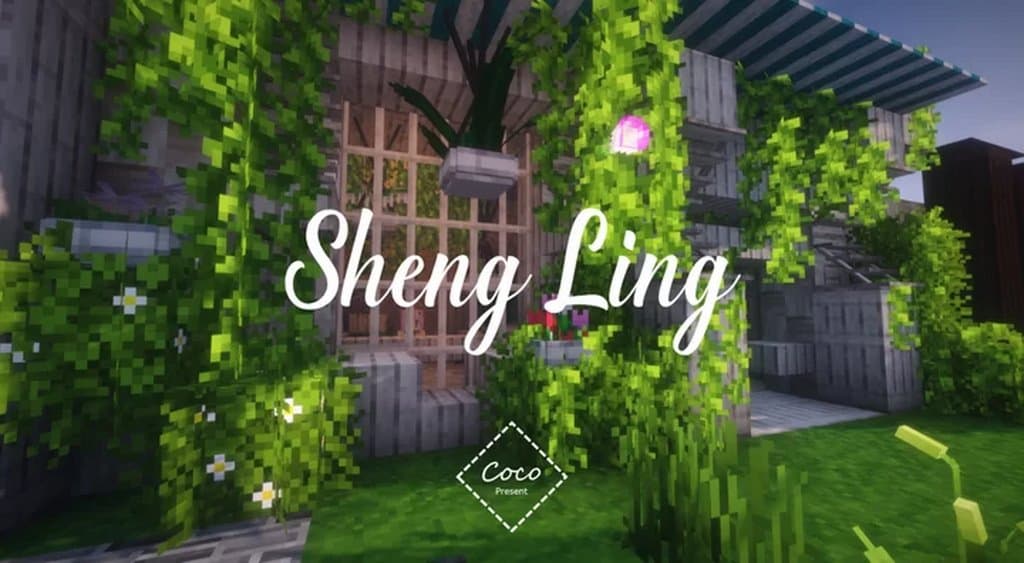
Screenshots


How to Install Texture Pack (Simple 10 Steps)
- Download OptiFine: Most of the texture packs and shaders need OptiFine. That’s why, first download and install OptiFine for the version of Minecraft you want to play.
- Download the Texture Pack: Get the texture pack you want from the download section. Choose the version that works with your Minecraft and your PC’s performance.
- Open Minecraft Launcher: Start Minecraft using the official game launcher — or even TLauncher, if you use that.
- Go to Options: From the main menu, click on the “Options” button.
- Open Resource Packs: Inside Options, click on “Resource Packs…”.
- Open the Resource Pack Folder: Click on “Open Resource Pack Folder” — this will open a folder named “resourcepacks”.
- Move the Pack File: Copy or move the .zip file you downloaded into that “resourcepacks” folder. (Don’t unzip the file — Minecraft uses it as-is!)
- Go Back and Refresh: Close the folder and click “Done”, then go back into “Resource Packs…” again.
- Activate the Pack: You’ll see the pack on the left side. Hover over it and click the arrow to move it to the right (active side).
Tip: If you get a message that the pack is for a different version, just click “Yes” — it usually works fine. - Click Done and Enjoy: Click “Done” again. Now your pack is ready to use in-game. It’s that easy!
Credits
Credits to creator coco_fish82 for developing the ShengLing Resource Pack. We do not own or modify this file, and we advise supporting the original creator on their official page.
Download Links
Java Edition
Download Instructions
Curseforge: download starts automatically after a few seconds;
Mediafire: click the big blue button with the text “DOWNLOAD”;
Google Drive: in the top right corner you will see a small download icon (down arrow), click it and the download should start;


