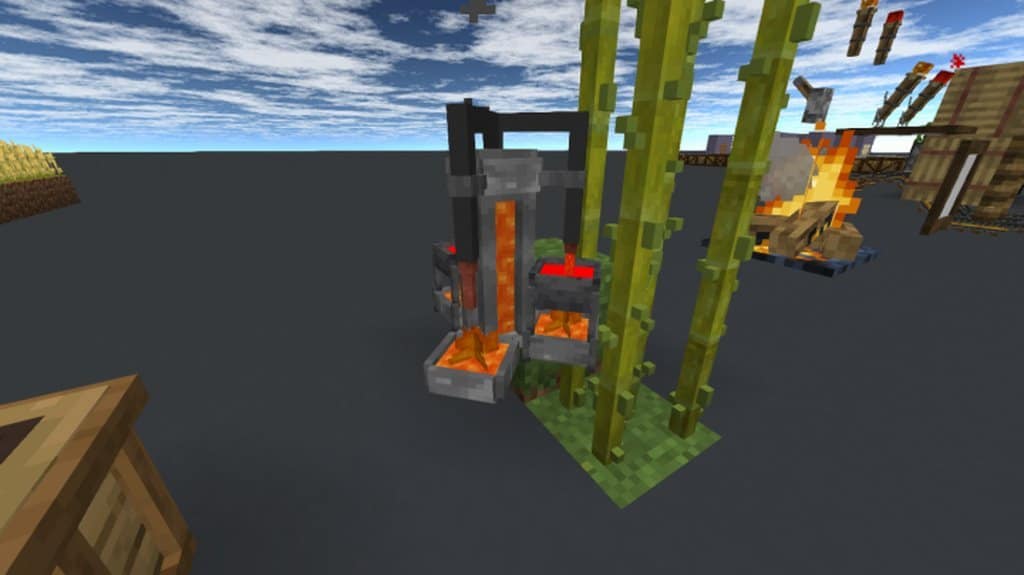
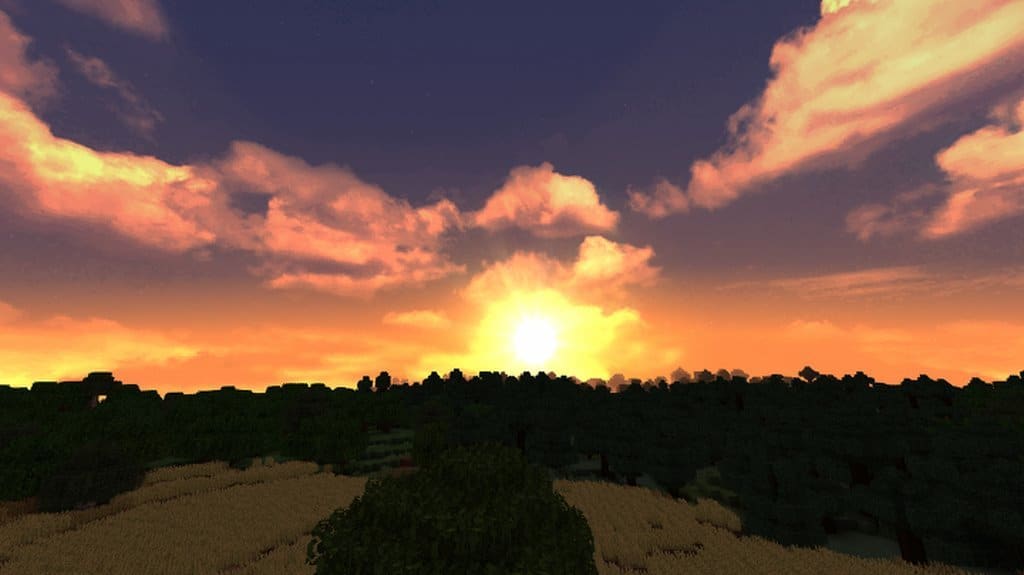
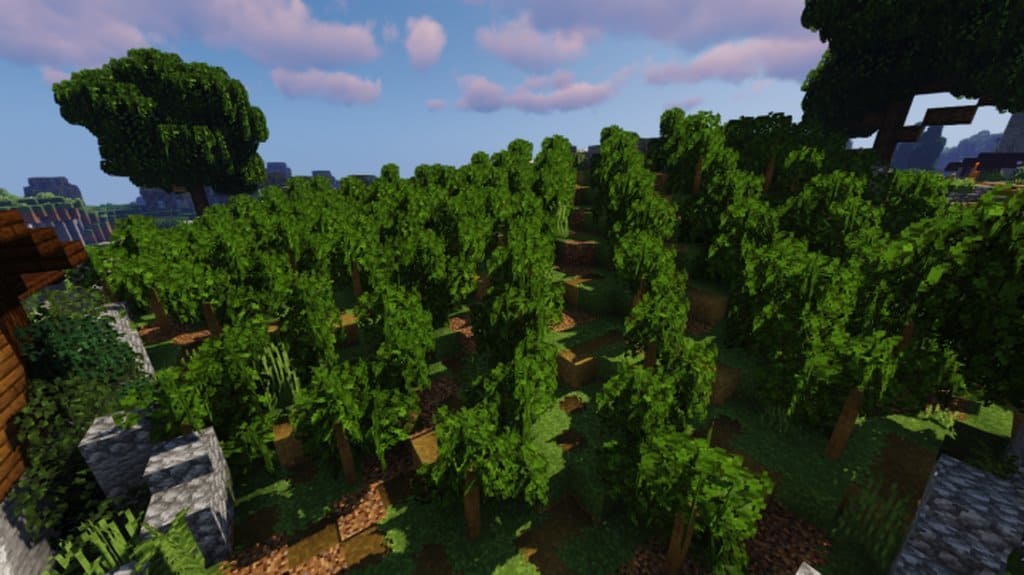
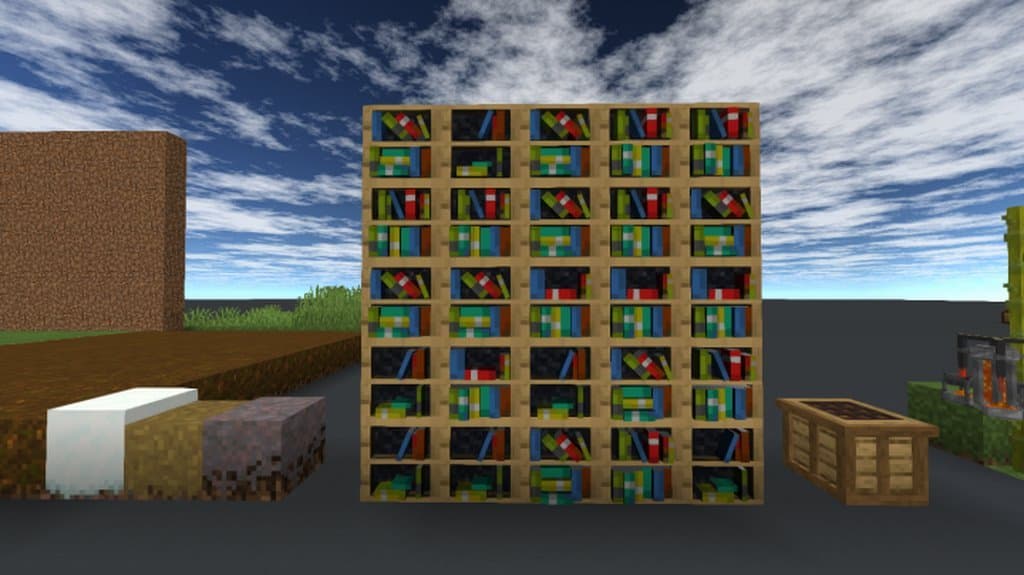
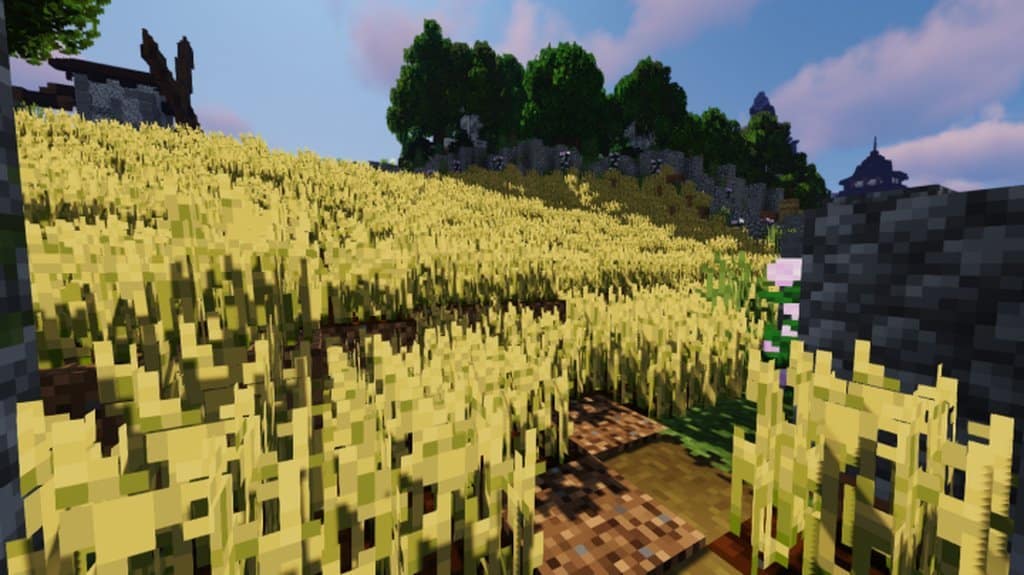
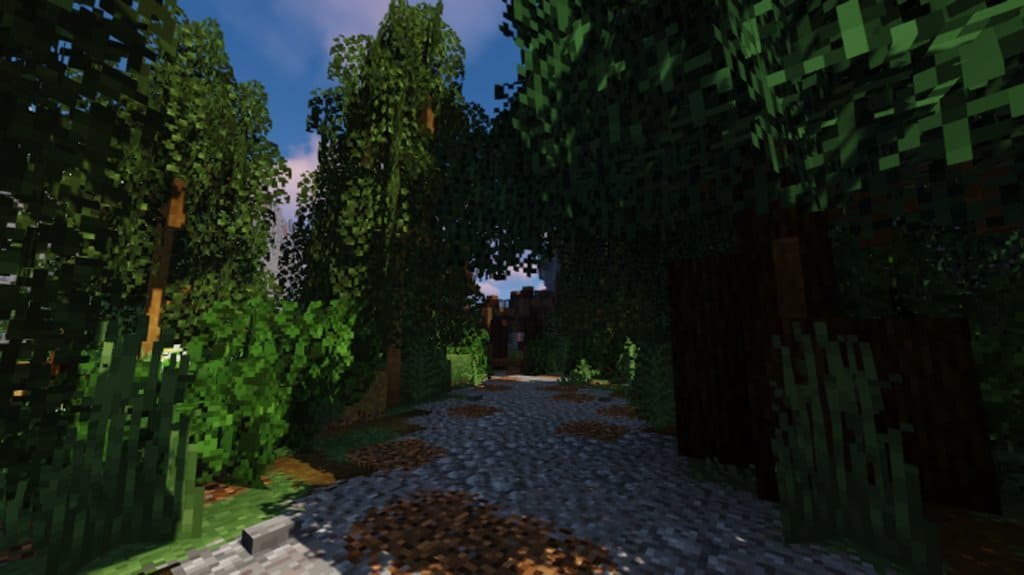
I was totally blown away when I tested out the KDesp resource pack because it goes the extra mile by both including a bunch of custom 3d models created KDesp himself, but also by strictly adhering to Minecraft’s default art style and aesthetics. This means, at a quick glance or to the untrained eye, the game visually looks a lot like vanilla Minecraft except a bit more vibrant. In addition, thanks to all the additional 3d models in the pack, you have a lot more stuff to create and do. This is not the only resource pack that does these things, but it is one of the best attempts at extending the visuals beyond the default, while staying true to the core art design of the game and introducing new content. When developing the KDesp resource pack, the goal was to stick with Minecraft’s default 16×16 texture resolution and to add many new items and blocks.
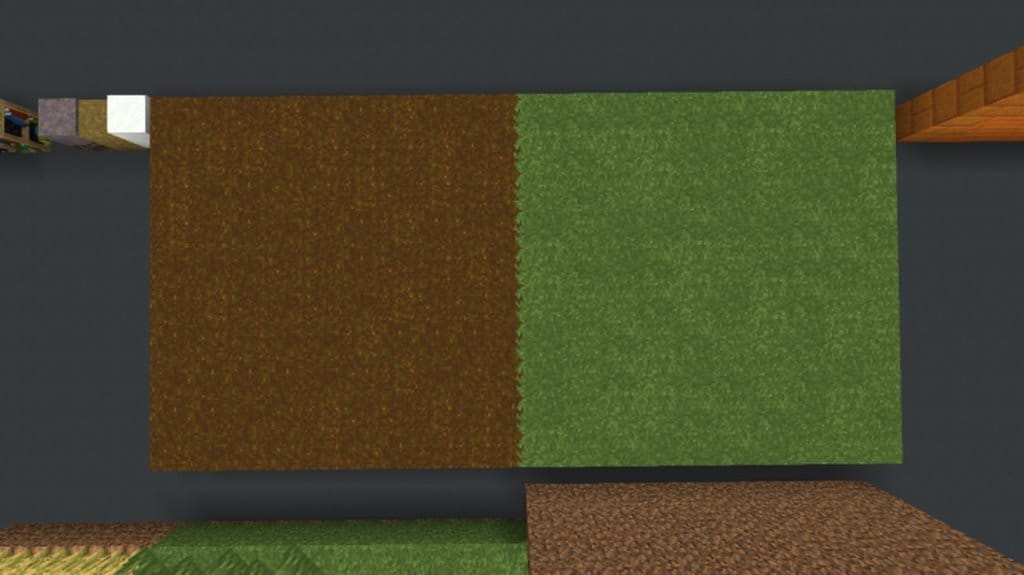
I really love how all the new additions were carefully textured so that they seamlessly blend in with the style and art direction of the vanilla game. The KDesp resource pack adheres strongly to the iconic Minecraft look and feel, but the texture work and 3d modeling do extend and enhance the game’s atmosphere in subtle and creative ways. One big difference with the texture work in this resource pack, is that there is much more detail and clarity, while it still manages to look 100% appropriate for Minecraft. The developer of the pack worked hard to create a new color scheme that fits with the tone of the original, and yet adds a new level of brightness and vibrance to make the visuals stand out. This is a great resource pack for anyone who wants to play as close to a vanilla experience as possible while still extending and enhancing Minecraft’s visuals in a subtle, yet beautiful way.
KDesp’s Better Default should be compatible with all of these Minecraft versions: 1.17.1 – 1.17 – 1.16.5 – 1.16.4 – 1.16.3 – 1.16.2 – 1.16.1 – 1.16 – 1.15.2 – 1.15.1 – 1.15 – 1.14.4 – 1.14.3 – 1.14.2 – 1.14 – Bedrock Edition – PE
Screenshots





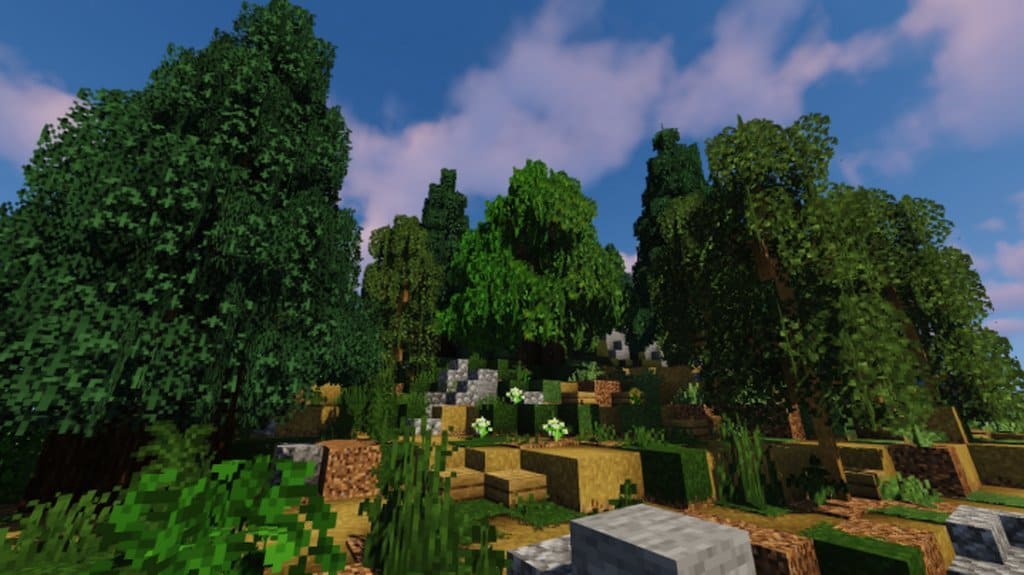
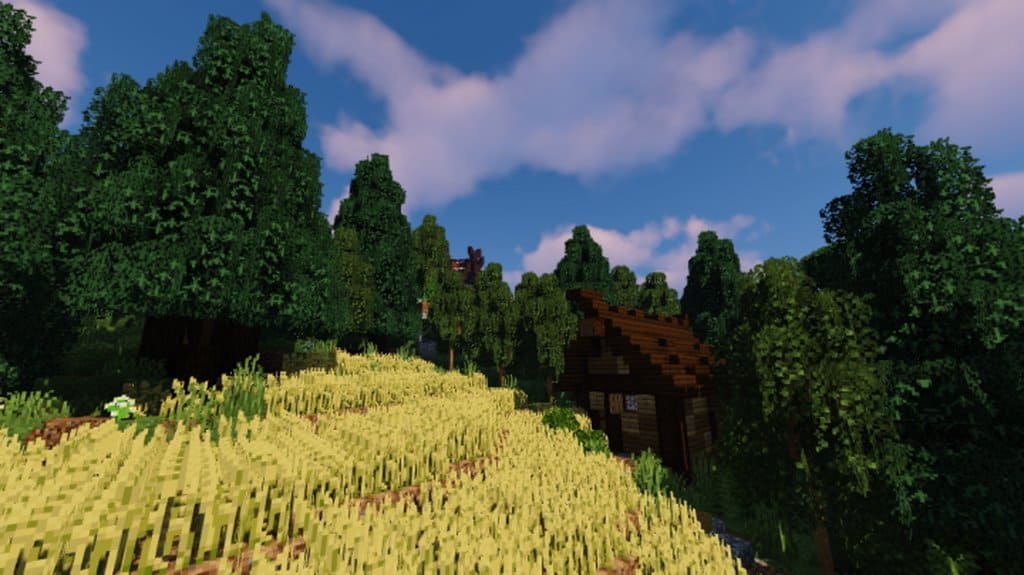
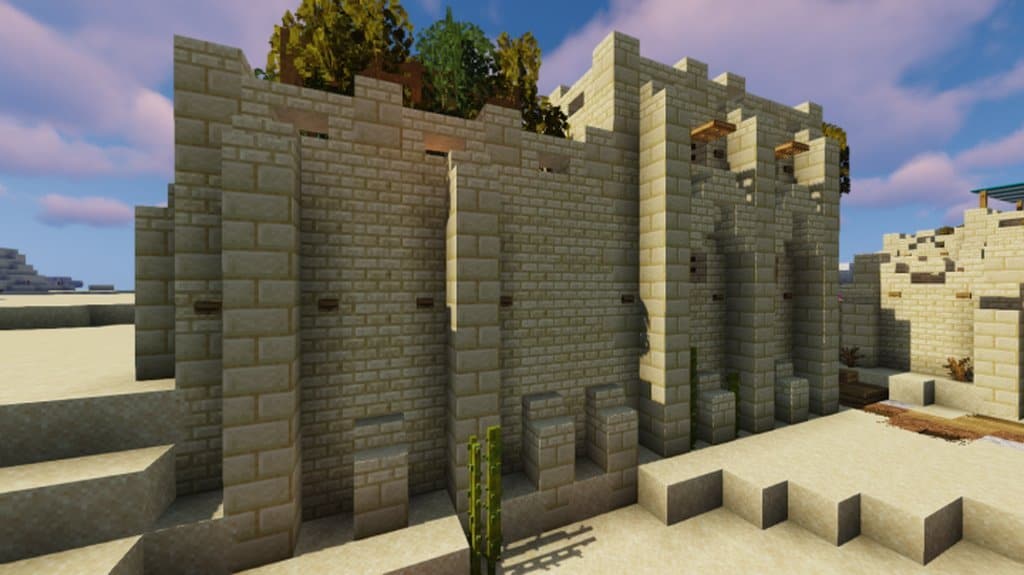
How to Install Texture Pack (Simple 10 Steps)
- Download OptiFine: Most of the texture packs and shaders need OptiFine. That’s why, first download and install OptiFine for the version of Minecraft you want to play.
- Download the Texture Pack: Get the texture pack you want from the download section. Choose the version that works with your Minecraft and your PC’s performance.
- Open Minecraft Launcher: Start Minecraft using the official game launcher — or even TLauncher, if you use that.
- Go to Options: From the main menu, click on the “Options” button.
- Open Resource Packs: Inside Options, click on “Resource Packs…”.
- Open the Resource Pack Folder: Click on “Open Resource Pack Folder” — this will open a folder named “resourcepacks”.
- Move the Pack File: Copy or move the .zip file you downloaded into that “resourcepacks” folder. (Don’t unzip the file — Minecraft uses it as-is!)
- Go Back and Refresh: Close the folder and click “Done”, then go back into “Resource Packs…” again.
- Activate the Pack: You’ll see the pack on the left side. Hover over it and click the arrow to move it to the right (active side).
Tip: If you get a message that the pack is for a different version, just click “Yes” — it usually works fine. - Click Done and Enjoy: Click “Done” again. Now your pack is ready to use in-game. It’s that easy!
Credits
This resource pack was created by KDesp. We do not claim ownership of this content, nor have we modified the original files. All rights belong to the original author. We strongly encourage you to support the creator by visiting their official platforms.
Download Links
Java Edition
Bedrock Edition
Download Instructions
Curseforge: download starts automatically after a few seconds;
Mediafire: click the big blue button with the text “DOWNLOAD”;
Google Drive: in the top right corner you will see a small download icon (down arrow), click it and the download should start;


