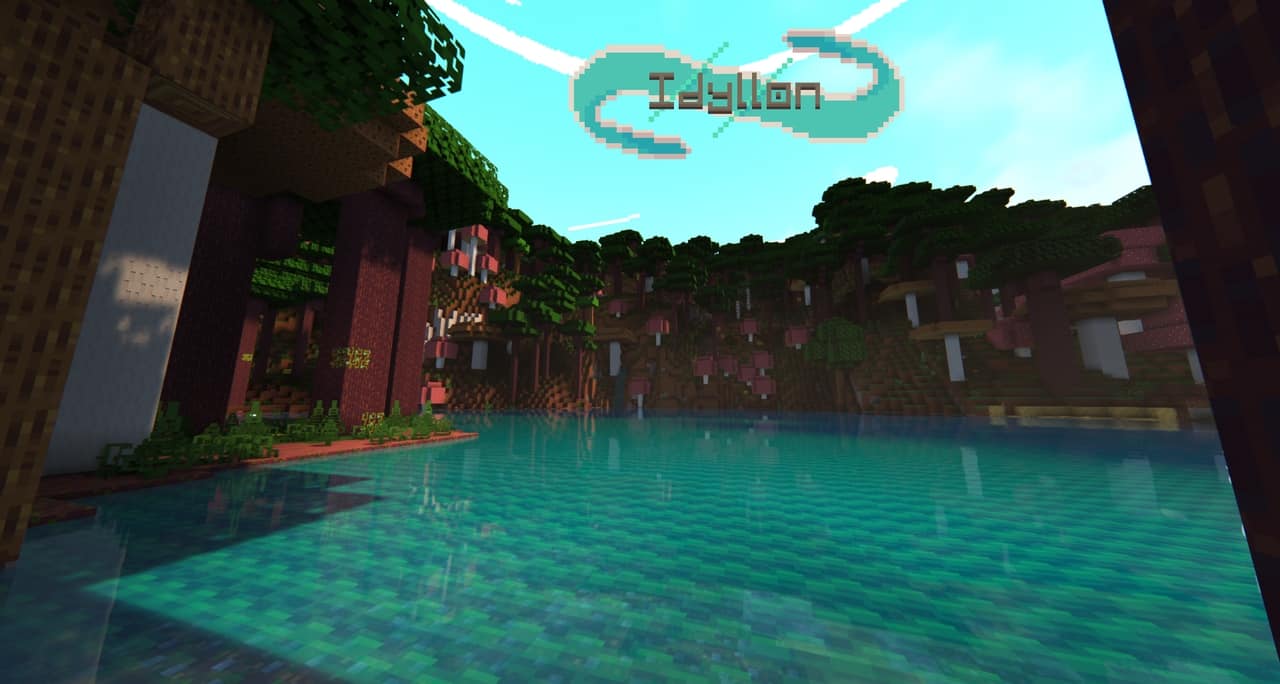
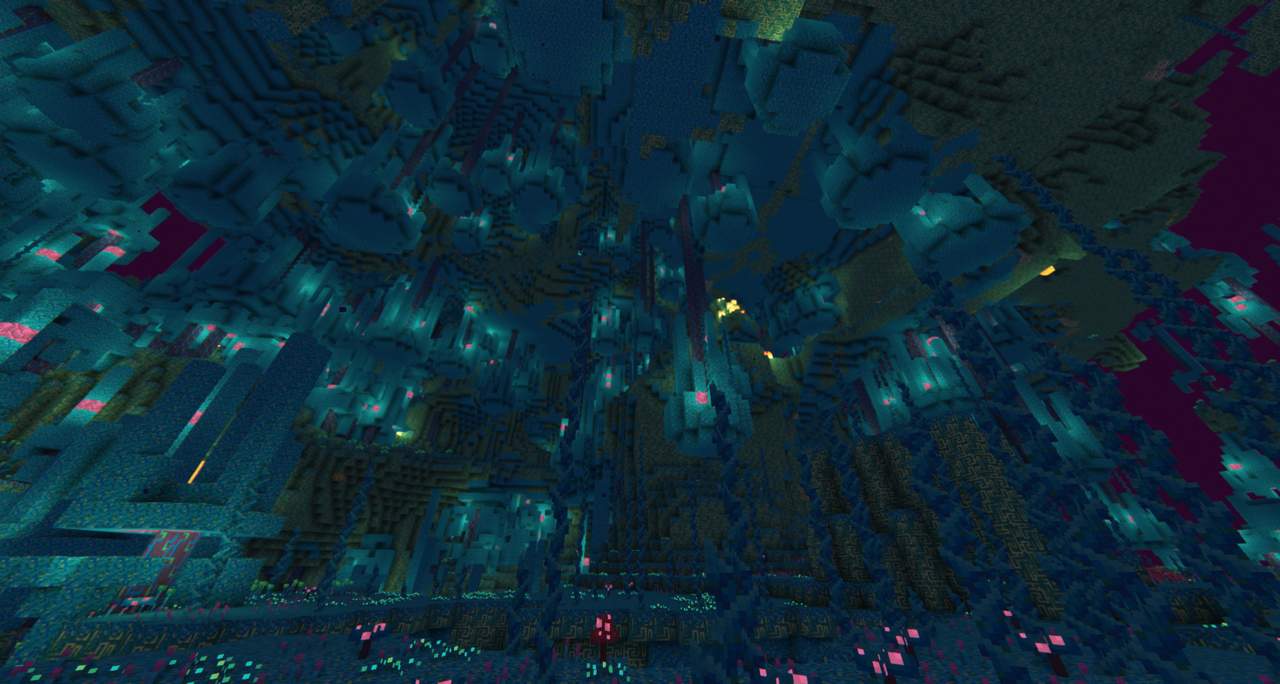
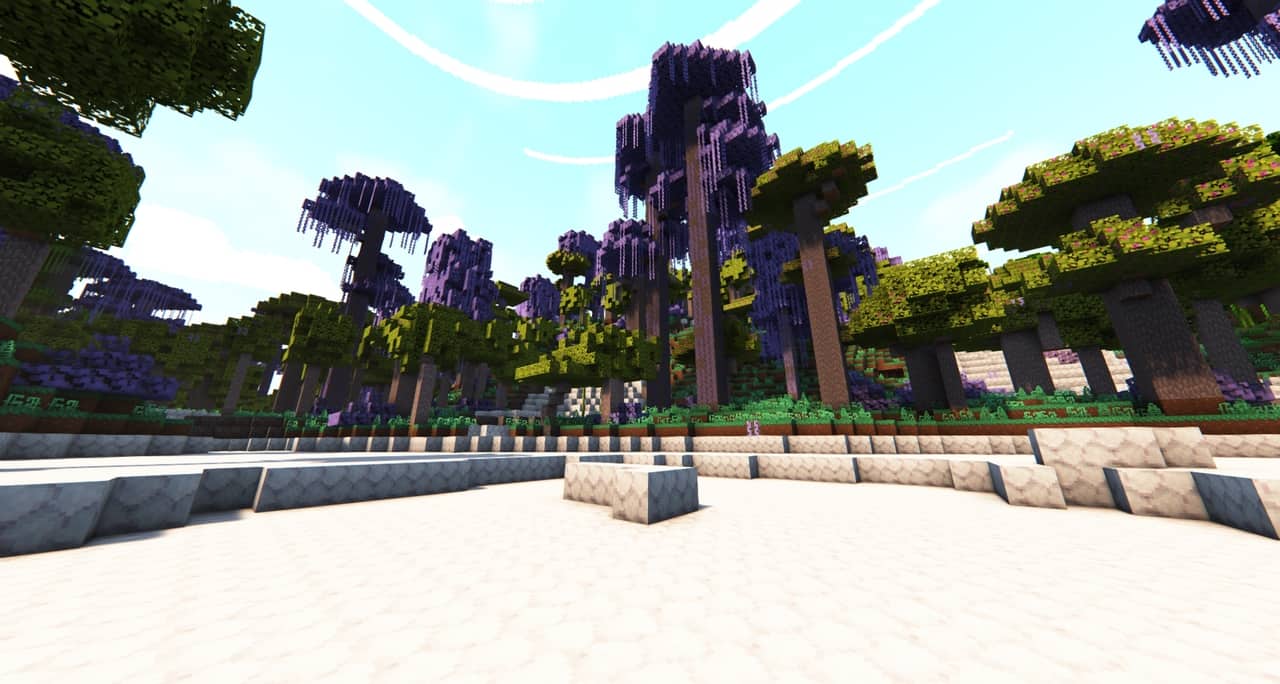
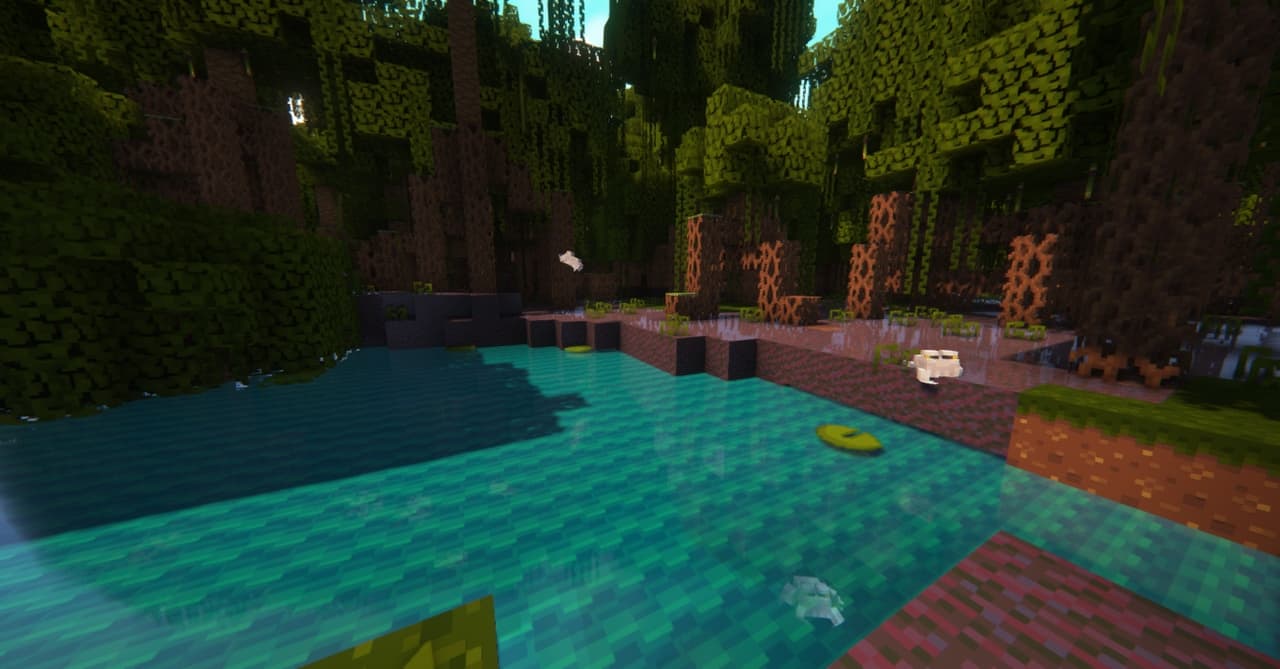
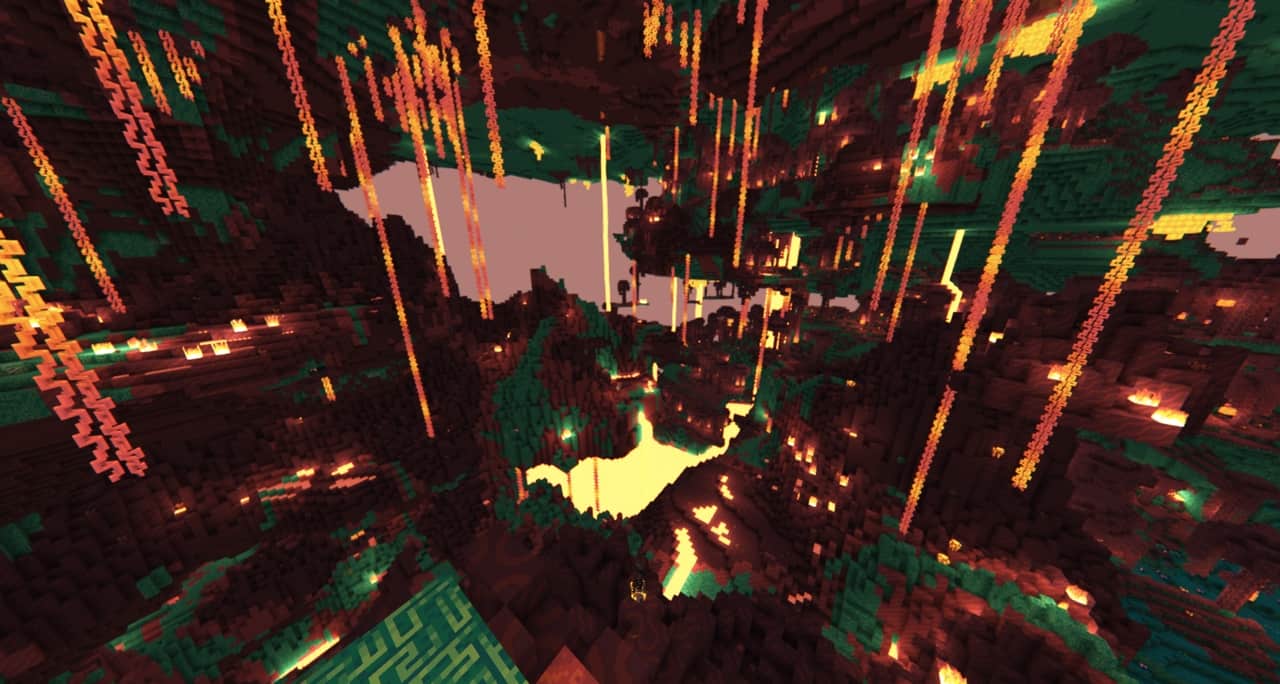
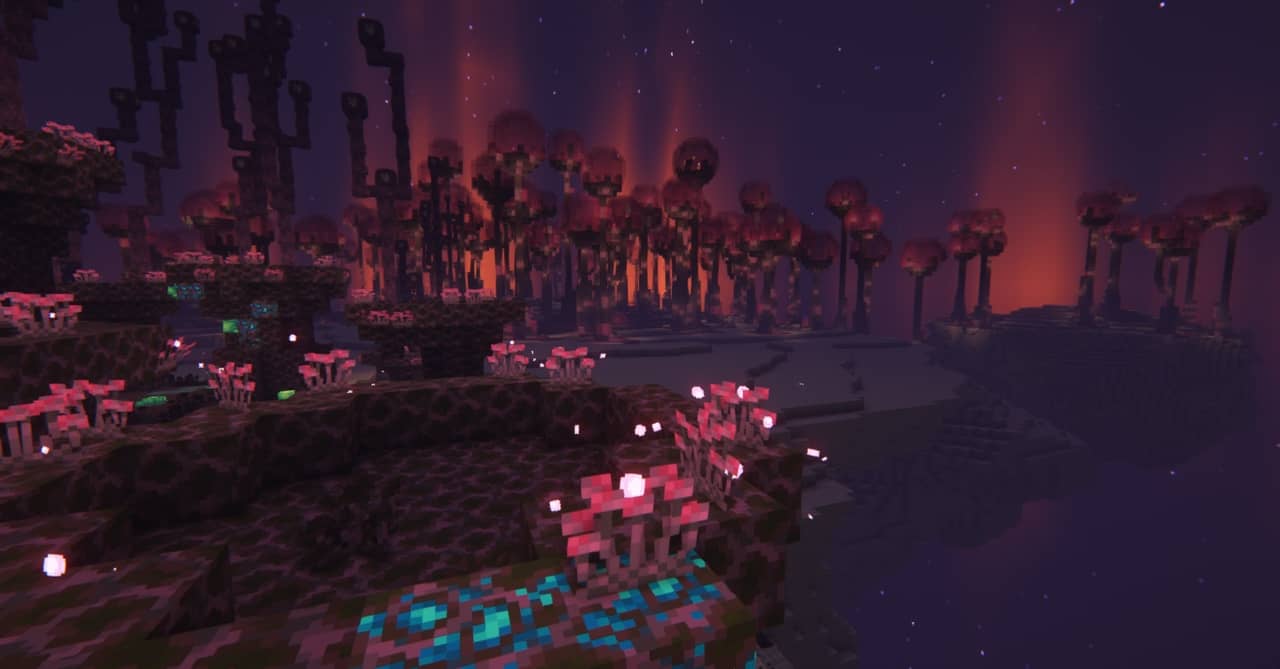
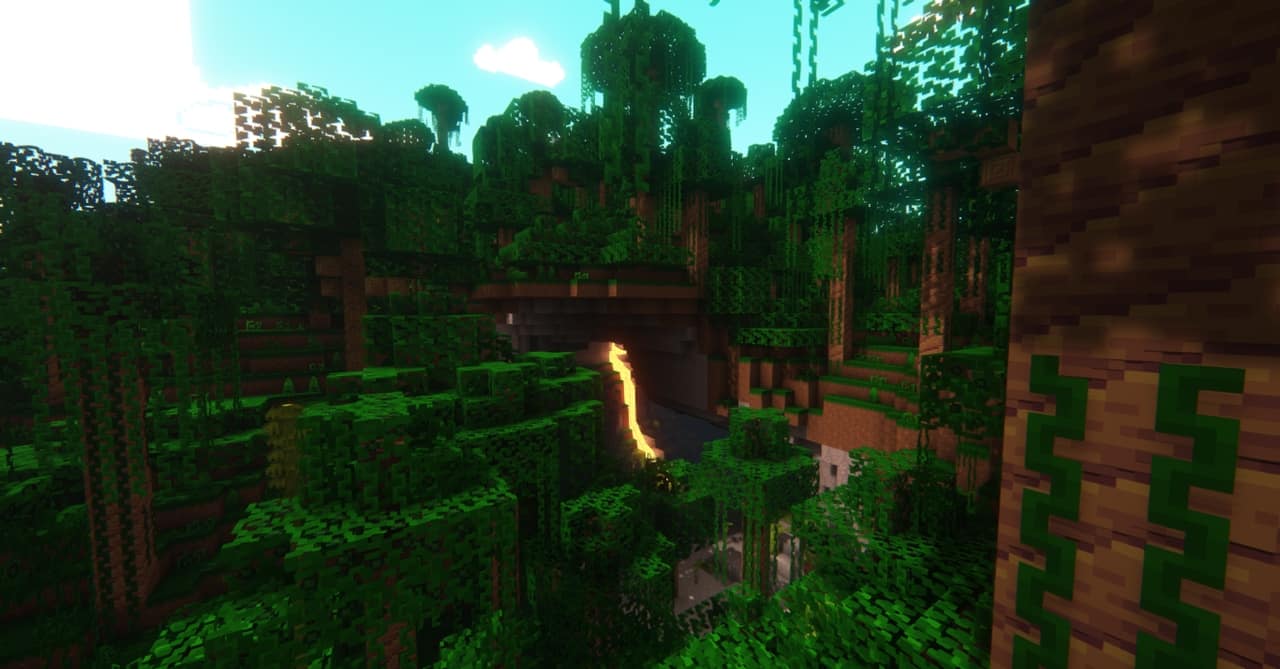
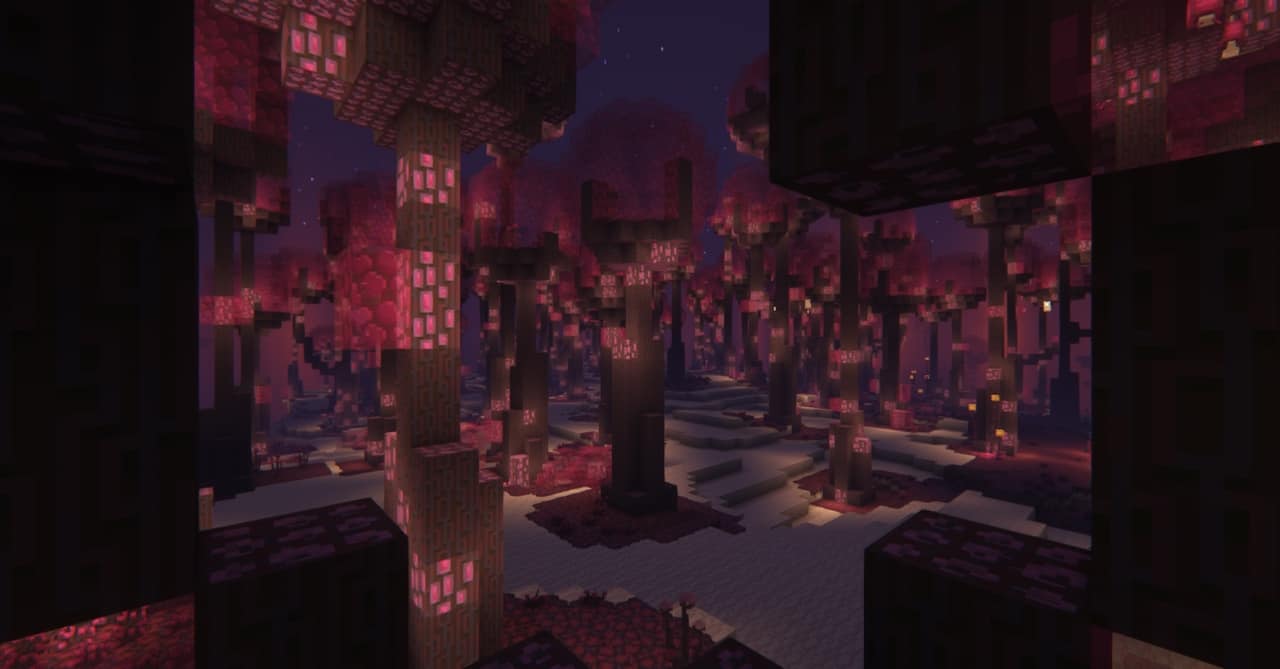
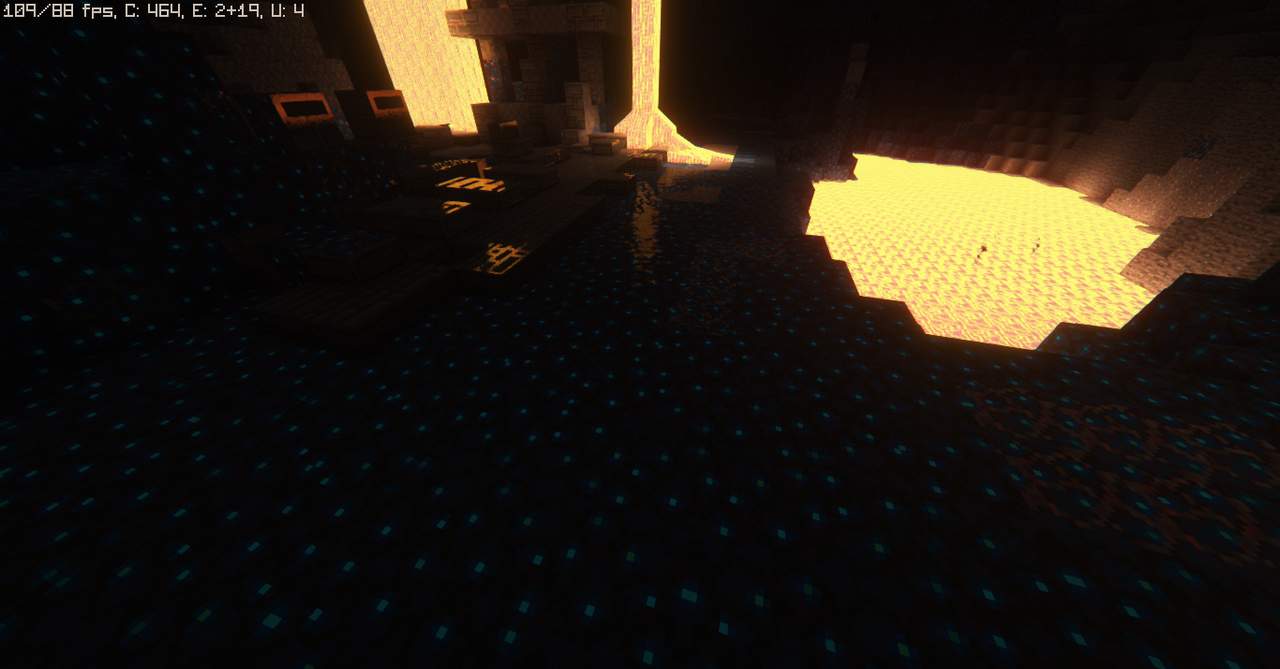
Gaming is an absolute blast, serving as a cherished hobby for many and a wonderful way to wind down after a demanding workday. Diving in with the Teyemas resource pack has truly made Minecraft infinitely more interesting for me. Teyemas is a recently launched collection of textures, and ever since its release, it has been rapidly growing in popularity. By now, players have executed thousands of downloads, marking this as Meyeswat’s first truly successful resource pack attempt, delivering some exceptional visuals that current players will genuinely appreciate. It is worth noting that classic packs like Dandelion have heavily inspired the artistic style of Teyemas, making it wonderfully accessible for anyone already familiar with the Dandelion aesthetic since they share closely related features. The incredible ability of the Teyemas resource pack to maintain exceptionally clean textures completely free from the usual clutter and noise truly cements its emergence as one of the very best additions to the Minecraft world.
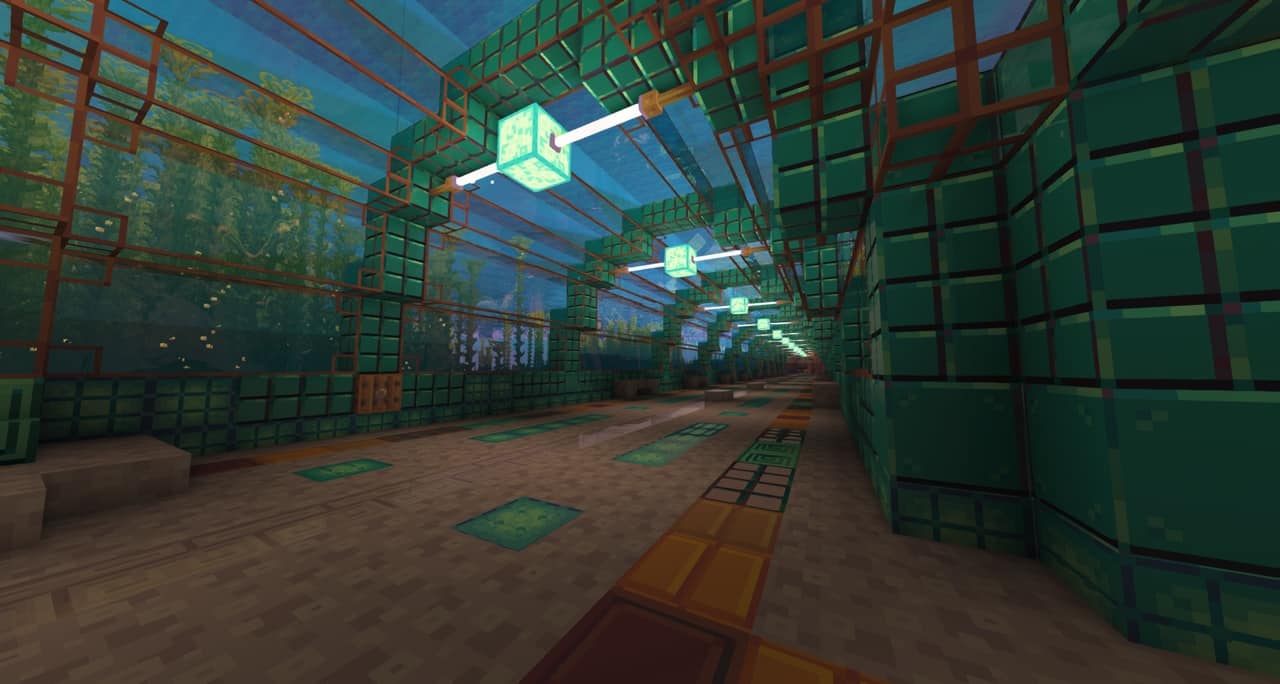
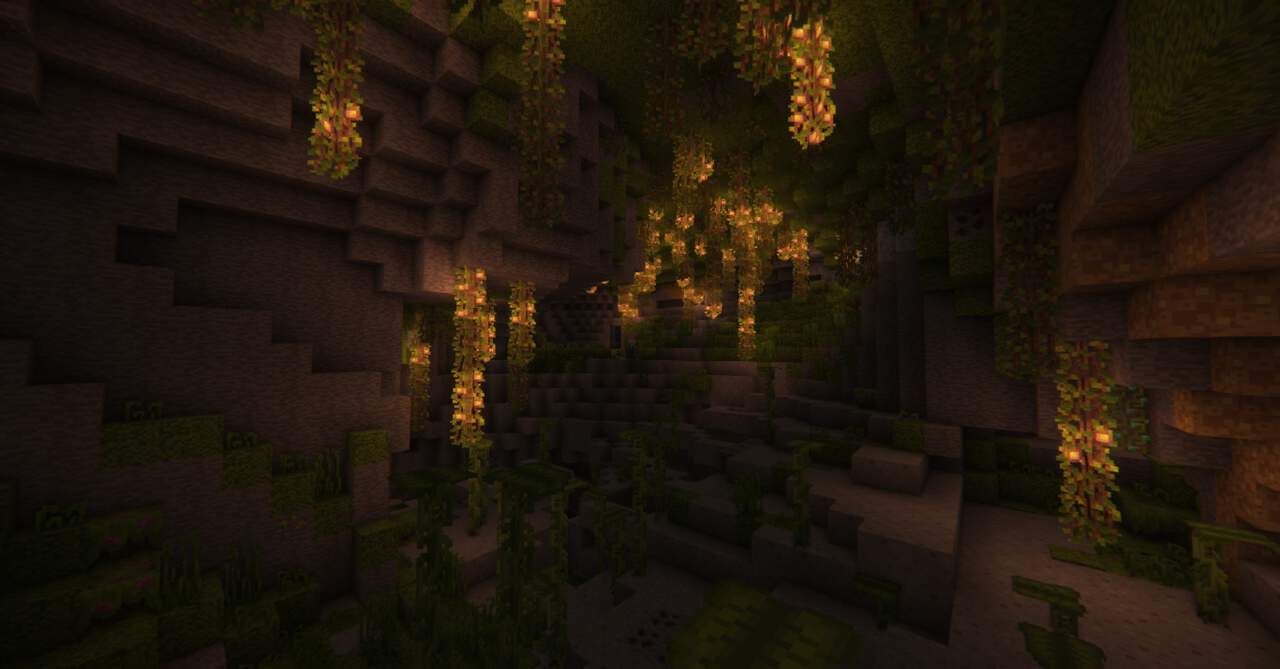
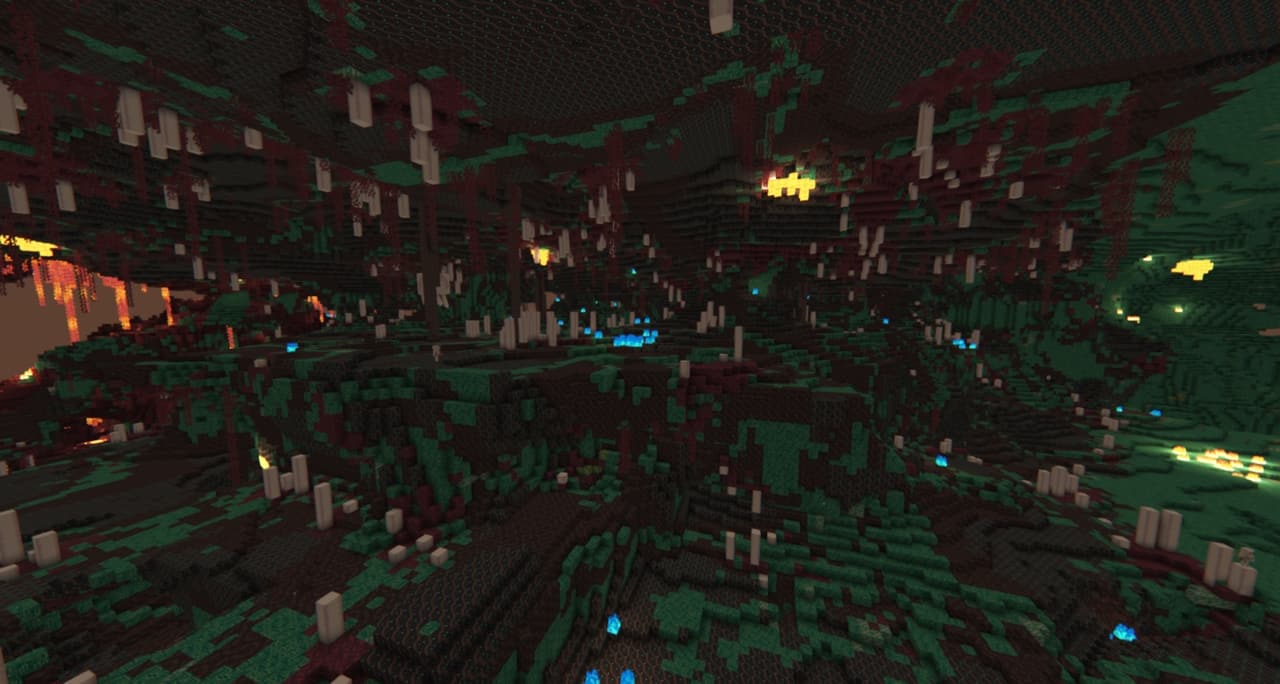
In other words, Teyemas feels remarkably clean and refreshing, dodging all the unnecessary clutter and noise that often accompany other familiar texture packs. This unique smoothness does come with a deliberate choice to tone down the overall level of detail, but even with this fine-tuning, Teyemas still produces stunning textures that are brilliantly brought to life by a vibrant color palette which will never disappoint at all. Operating at a classic 16×16 resolution, the Teyemas resource pack guarantees that its charm perfectly aligns with standard Minecraft aesthetics. As long as you run Minecraft on a computer equipped with hardware compatible with vanilla game versions, Teyemas will never give you any trouble, running smoothly and effortlessly. Just make sure your machine is in good working order to fully enjoy all the great features Teyemas has to offer. I strongly recommend making every second count when exploring your worlds by opting to use the Teyemas resource pack. In the end, quality matters in everything we do, and with Teyemas textures, that philosophy shines through brilliantly.
Idyllon (previously Teyemas) should be compatible with all of these Minecraft versions: 26.2 – 26.1.2 – 26.1.1 – 26.1 – 1.21.11 – 1.21.10 – 1.21.9 – 1.21.8 – 1.21.7 – 1.21.6 – 1.21.5 – 1.21.4 – 1.21.3 – 1.21.2 – 1.21.1 – 1.21 – 1.20.6 – 1.20.5 – 1.20.4 – 1.20.3 – 1.20.2 – 1.20.1 – 1.20 – 1.19.4 – 1.19.3 – 1.19.2 – 1.19.1 – 1.19 – 1.18.2 – 1.18.1 – 1.18 – 1.17.1 – 1.17 – 1.16.5 – 1.16.4 – 1.16.3 – 1.16.2 – 1.16.1 – 1.16 – 1.15.2 – 1.15.1 – 1.15 – 1.14.4 – 1.14.3 – 1.14.2 – 1.14 – 1.13.2 – 1.13.1 – 1.13 – 1.12.2 – 1.12 – 1.11.2 – 1.11 – 1.10.2 – 1.10 – 1.9.4 – 1.9 – 1.8.9 – 1.8.8 – 1.8.1 – 1.8.6 – 1.8 – 1.7.10 – 1.7.9 – 1.7.4 – 1.7 – Bedrock Edition – PE
Screenshots

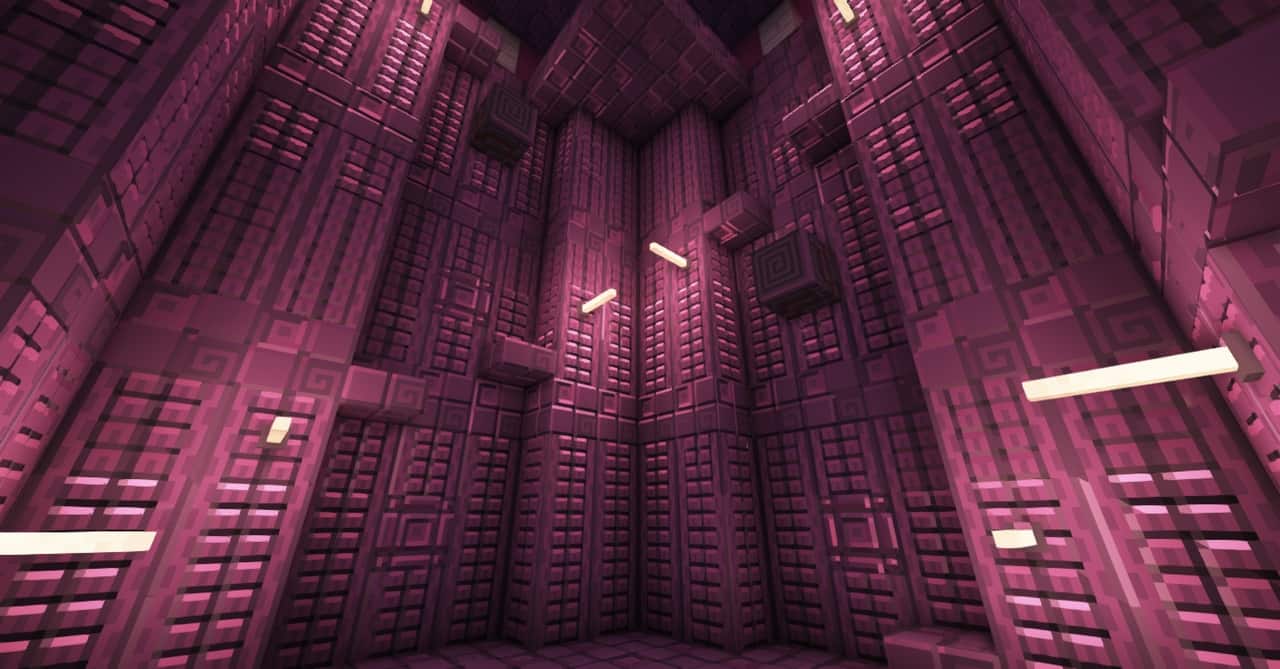
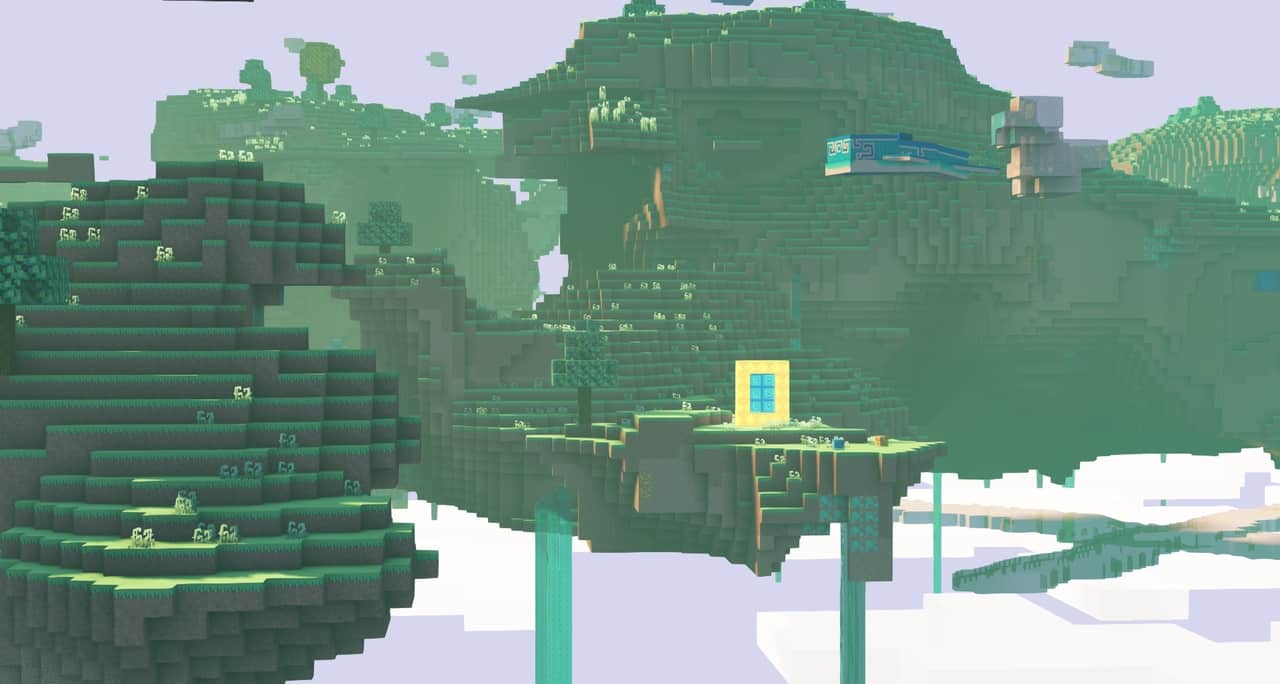
How to Install Texture Pack (Simple 10 Steps)
- Download OptiFine: Most of the texture packs and shaders need OptiFine. That’s why, first download and install OptiFine for the version of Minecraft you want to play.
- Download the Texture Pack: Get the texture pack you want from the download section. Choose the version that works with your Minecraft and your PC’s performance.
- Open Minecraft Launcher: Start Minecraft using the official game launcher — or even TLauncher, if you use that.
- Go to Options: From the main menu, click on the “Options” button.
- Open Resource Packs: Inside Options, click on “Resource Packs…”.
- Open the Resource Pack Folder: Click on “Open Resource Pack Folder” — this will open a folder named “resourcepacks”.
- Move the Pack File: Copy or move the .zip file you downloaded into that “resourcepacks” folder. (Don’t unzip the file — Minecraft uses it as-is!)
- Go Back and Refresh: Close the folder and click “Done”, then go back into “Resource Packs…” again.
- Activate the Pack: You’ll see the pack on the left side. Hover over it and click the arrow to move it to the right (active side).
Tip: If you get a message that the pack is for a different version, just click “Yes” — it usually works fine. - Click Done and Enjoy: Click “Done” again. Now your pack is ready to use in-game. It’s that easy!
Credits
Credits to meyeswat for creating the Teyemas (Idyllon) resource pack. We do not claim ownership of this content, nor do we modify or host the original files on our servers. We highly encourage players to visit the creator’s official release pages to support their ongoing work.
Download Links
Java Edition
- [16x] [26.2.x] Download Idyllon Resource Pack
- [16x] [26.1.x] Download Idyllon Resource Pack
- [16x] [1.21.11] Download Idyllon Resource Pack
- [16x] [1.21.10 – 1.21.9] Download Idyllon Resource Pack
- [16x] [1.21.8 – 1.21.6] Download Idyllon Resource Pack
- [16x] [1.21.5] Download Idyllon Resource Pack
- [16x] [1.21.4] Download Idyllon Resource Pack
- [16x] [1.21.3 – 1.21.2] Download Idyllon Resource Pack
- [16x] [1.21.1 – 1.21] Download Idyllon Resource Pack
- [16x] [1.20.6 – 1.20.5] Download Idyllon Resource Pack
- [16x] [1.20.4 – 1.20.3] Download Idyllon Resource Pack
- [16x] [1.20.2] Download Idyllon Resource Pack
- [16x] [1.20.1 – 1.20] Download Idyllon Resource Pack
- [16x] [1.19.4 – 1.19.3] Download Idyllon Resource Pack
- [16x] [1.19.2 – 1.19] Download Idyllon Resource Pack
- [16x] [1.18.x] Download Idyllon Resource Pack
- [16x] [1.17.x] Download Idyllon Resource Pack
- [16x] [1.16.x] Download Idyllon Resource Pack
- [16x] [1.19.x] [Biomes O’ Plenty] Download Idyllon Biomes O’ Plenty Modded Resource Pack
- [16x] [1.18.x] [Biomes O’ Plenty] Download Idyllon Biomes O’ Plenty Modded Resource Pack
- [16x] [1.16.x] [Biomes O’ Plenty] Download Idyllon Biomes O’ Plenty Modded Resource Pack
- [16x] [1.15.x] [Biomes O’ Plenty] Download Idyllon Biomes O’ Plenty Modded Resource Pack
- [16x] [1.14.x] [Biomes O’ Plenty] Download Idyllon Biomes O’ Plenty Modded Resource Pack
- [16x] [1.12.x] [Biomes O’ Plenty] Download Idyllon Biomes O’ Plenty Modded Resource Pack
- [16x] [1.20.2+] Download Idyllon Aether Legacy Modded Resource Pack
- [16x] [1.19.x] Download Idyllon Aether Legacy Modded Resource Pack
- [16x] [1.12.x] Download Idyllon Aether Legacy Modded Resource Pack
- [16x] [1.19.x] Download Idyllon Endergetic Expansion Modded Resource Pack
- [16x] [1.16.x] Download Idyllon Endergetic Expansion Modded Resource Pack
Bedrock Edition
Download Instructions
Curseforge: download starts automatically after a few seconds;
Mediafire: click the big blue button with the text “DOWNLOAD”;
Google Drive: in the top right corner you will see a small download icon (down arrow), click it and the download should start;


