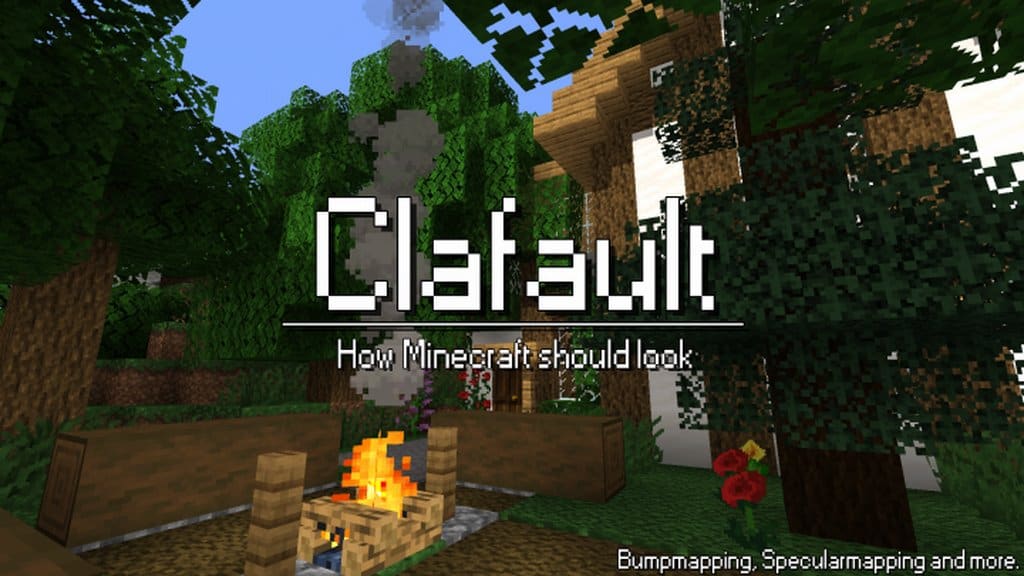
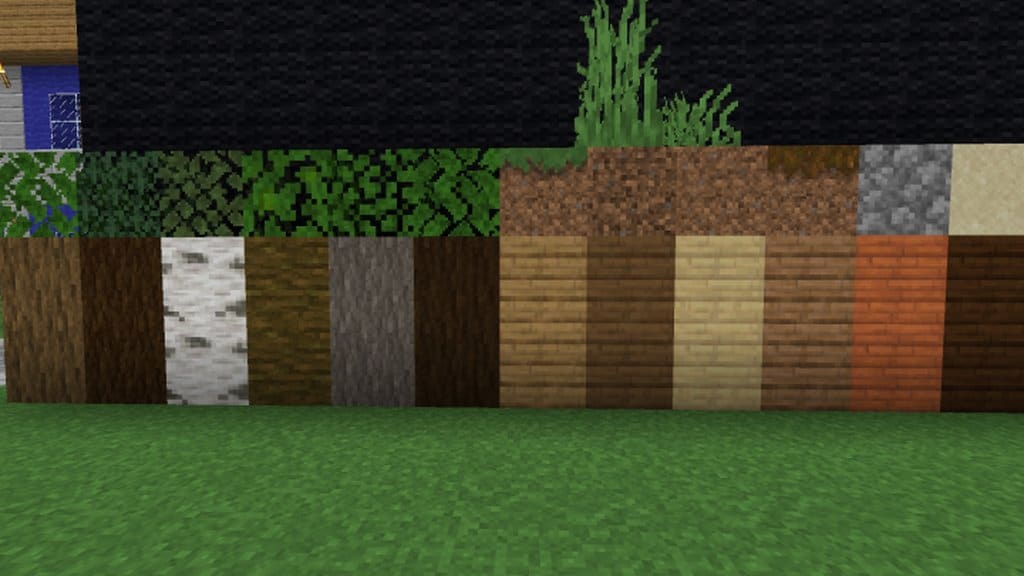
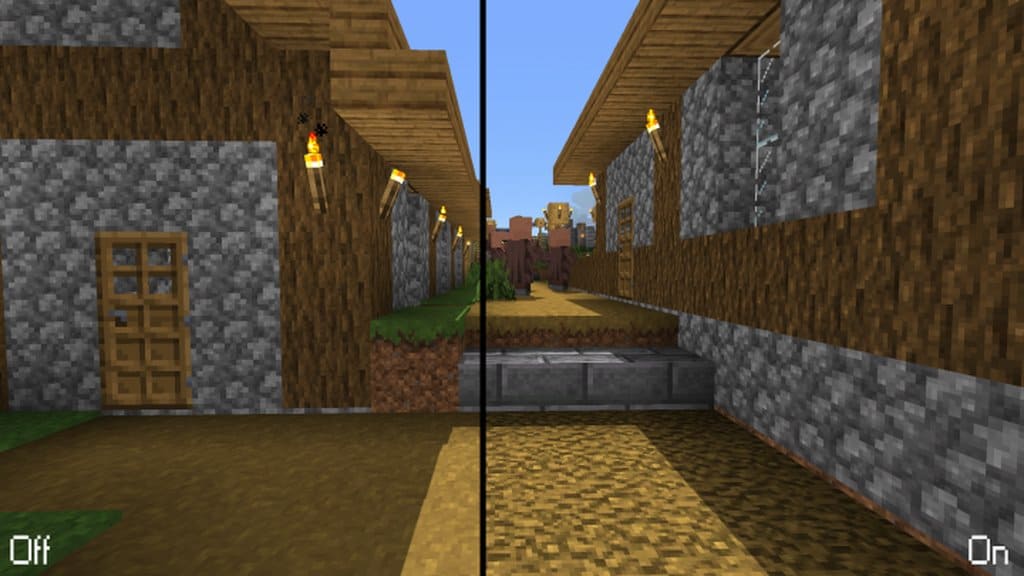
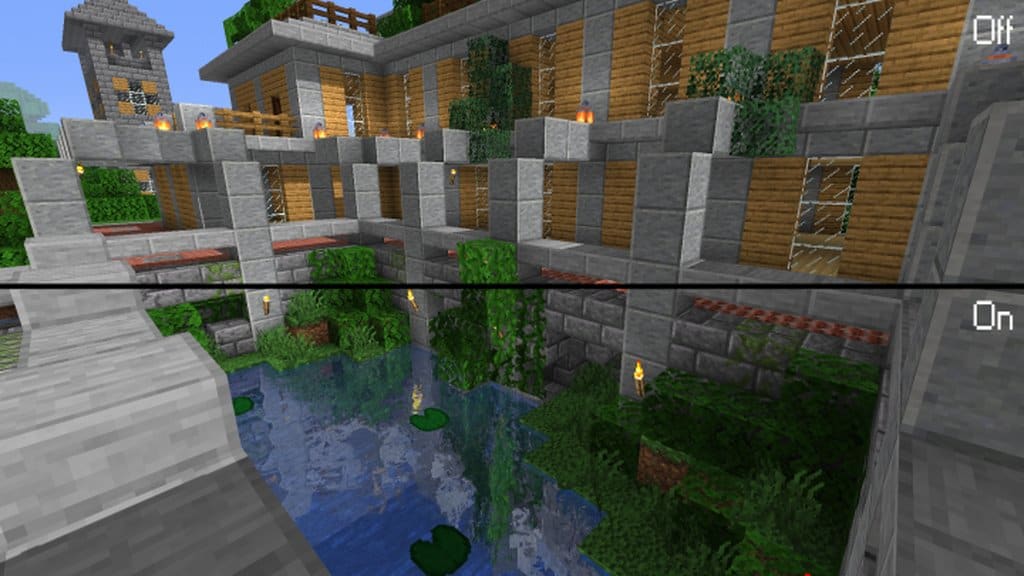
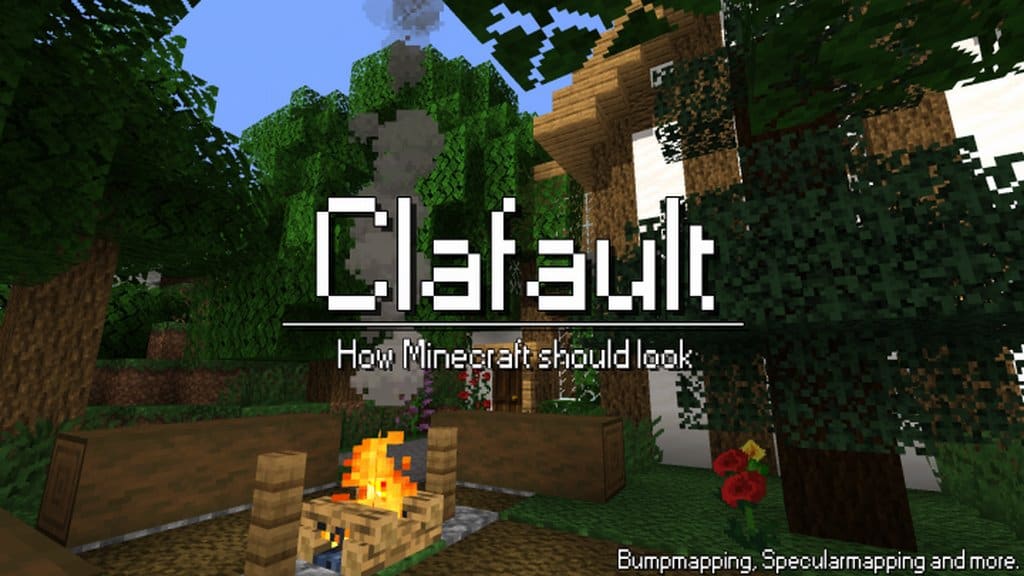
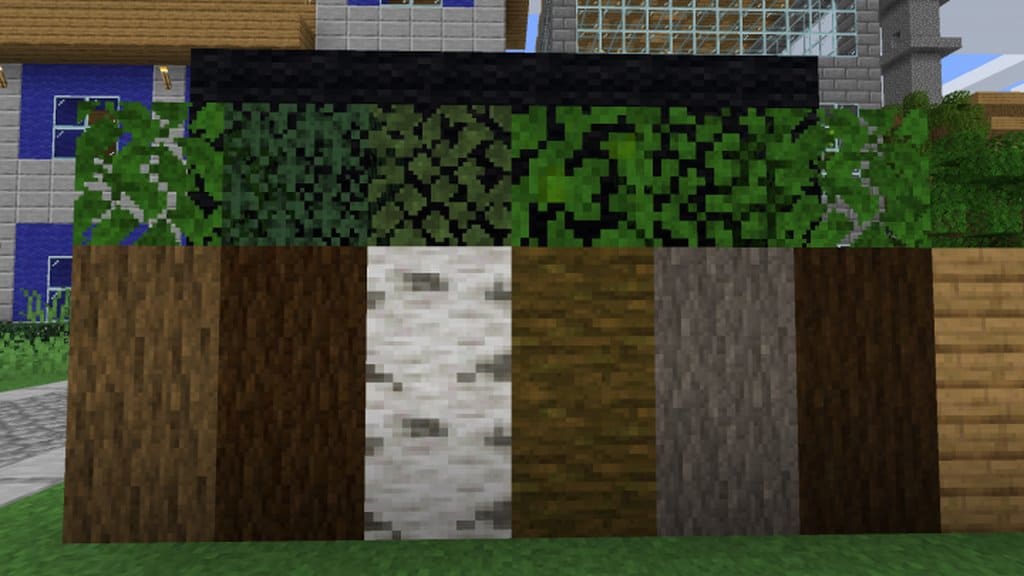
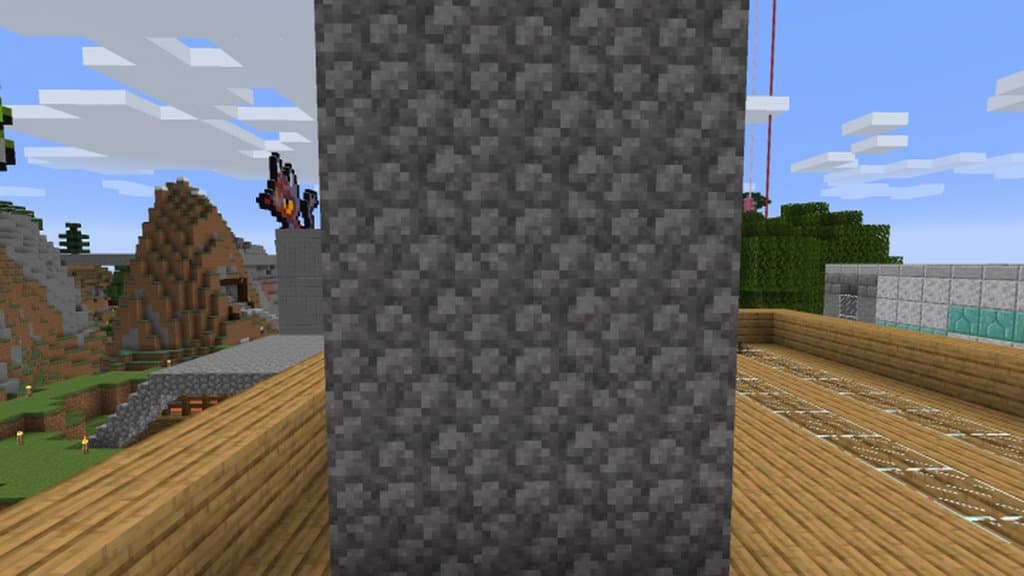
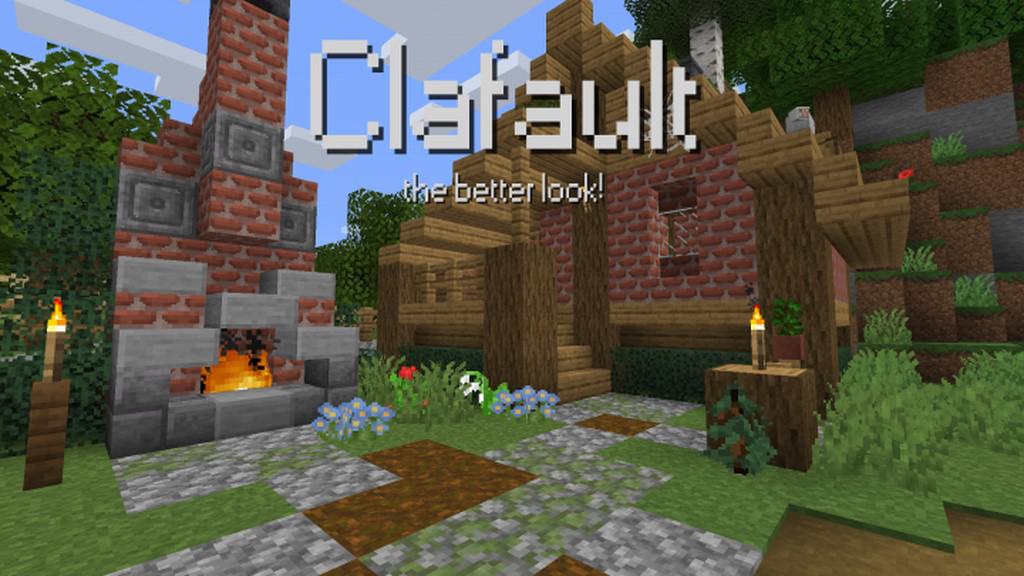
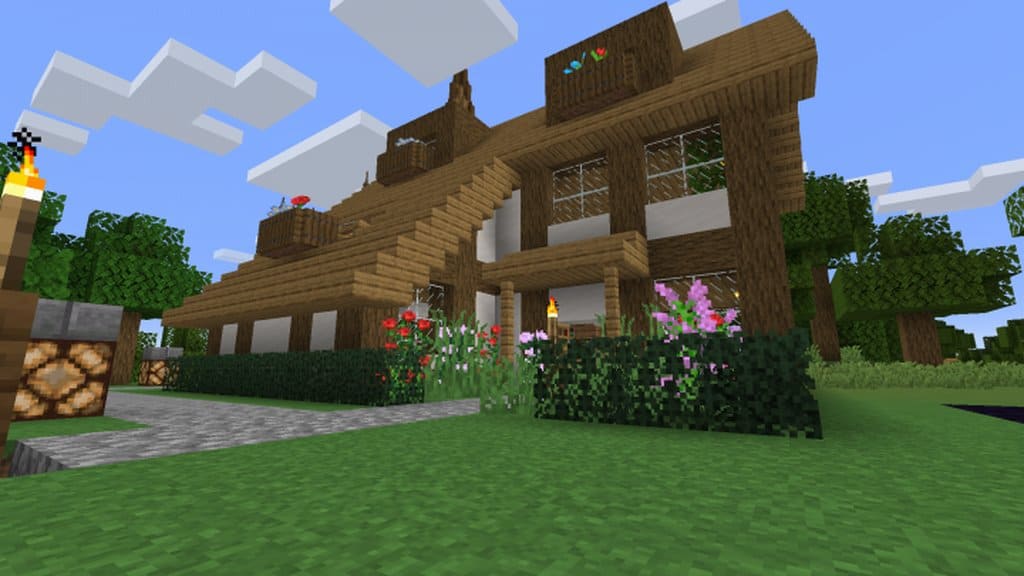
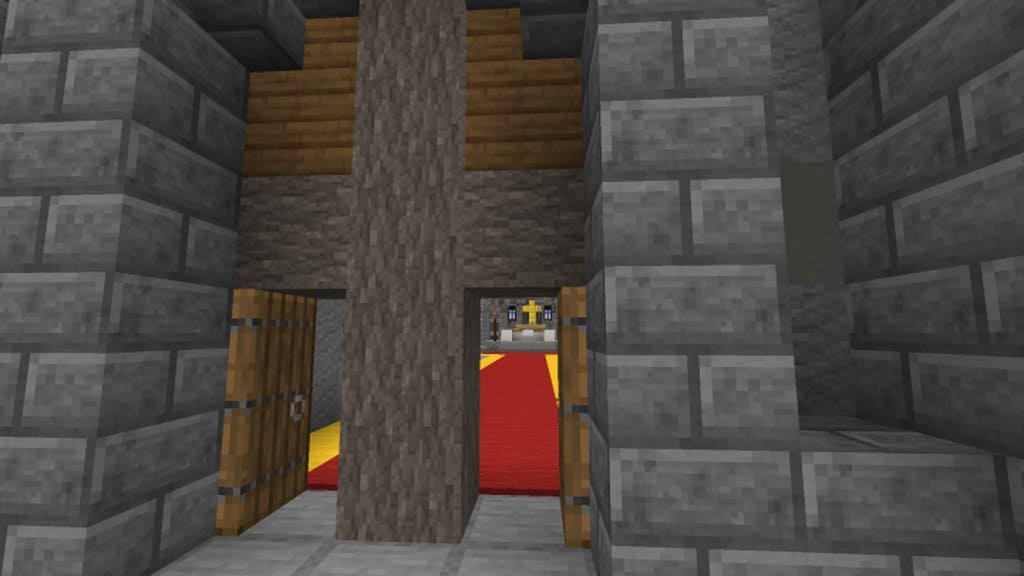
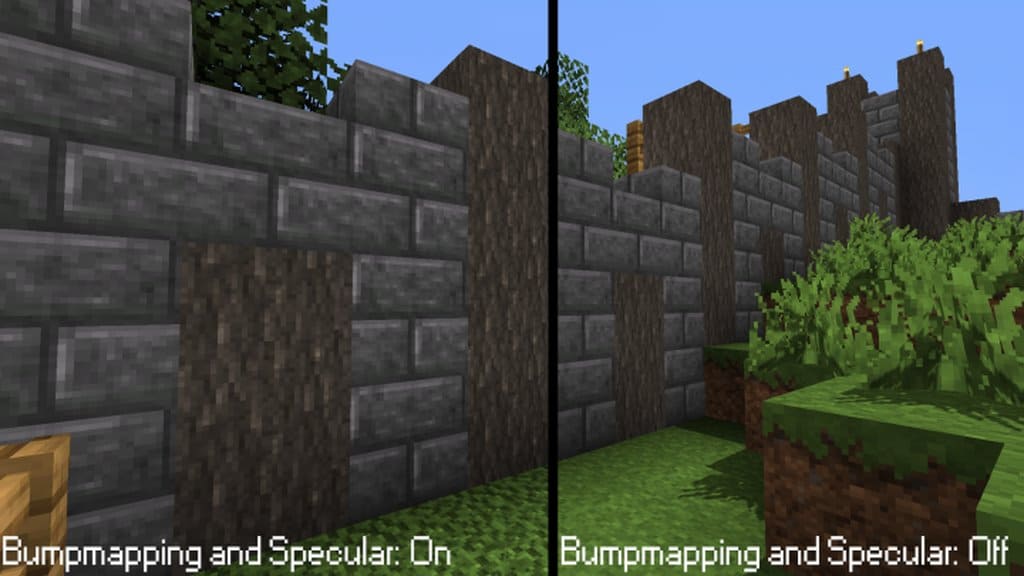
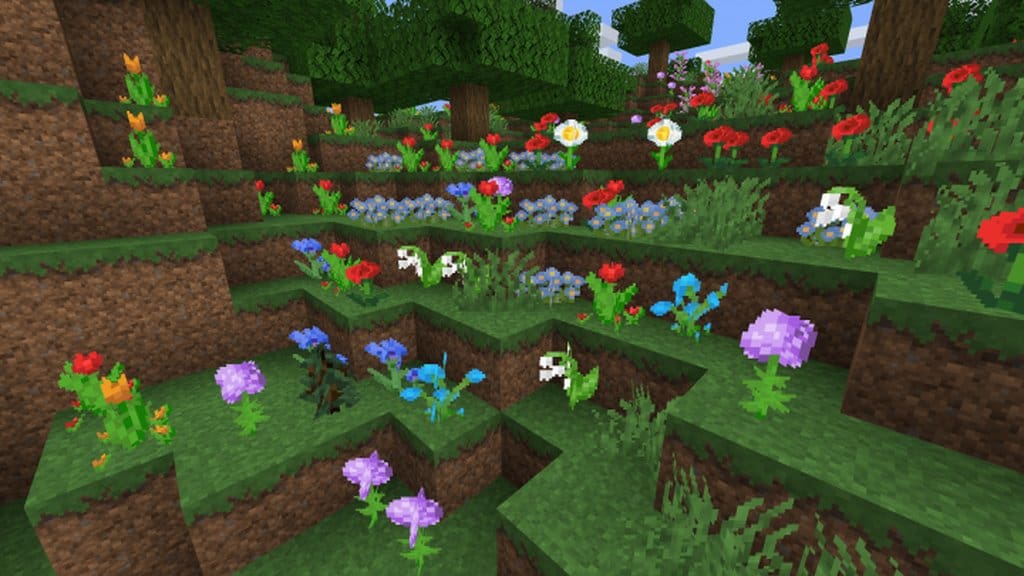
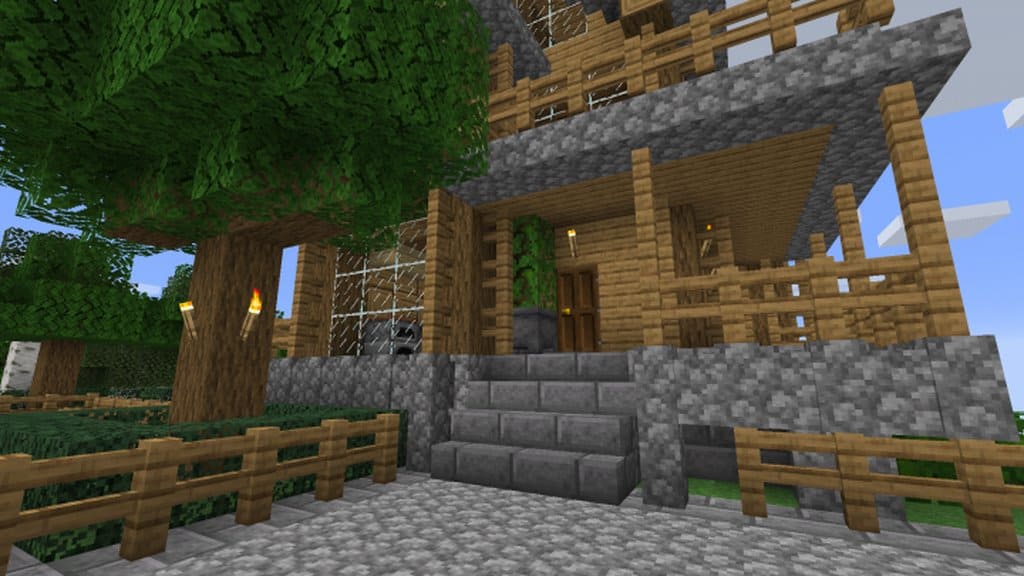
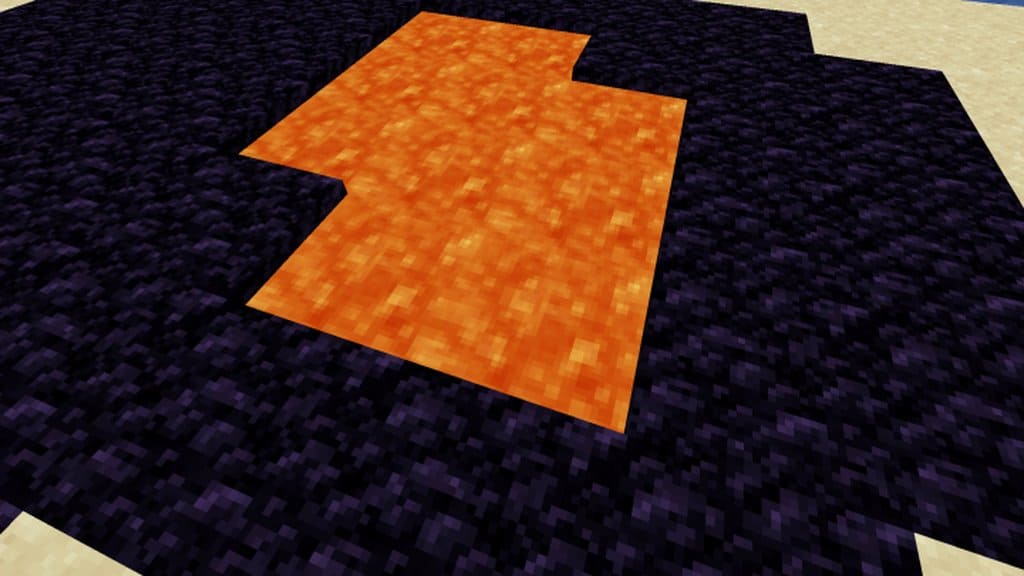
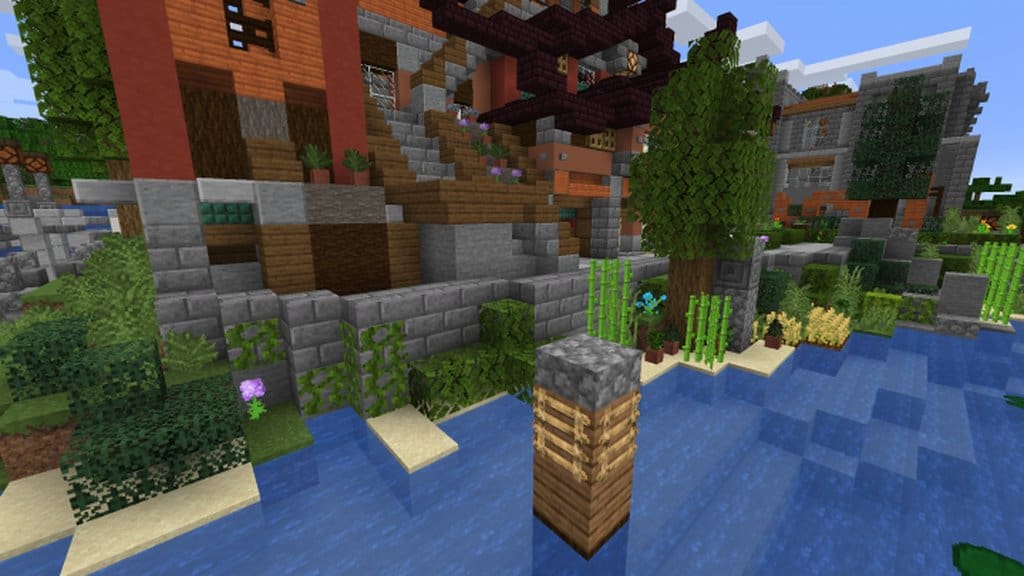
When I tried out the Clafault resource pack, I was genuinely impressed by how it manages to improve on game visuals without getting too far away from the art style that makes the game what it is. Unfortunately, the majority of the resource packs that do come out for minecraft improve the overall visuals but tend to stray away from the overall feel and look that has made this game so unique and popular. This is something that the player base does not lean towards and feels passionately that the overall “feel” of the game should remain the same. The Clafault resource pack is one of the few that manages to keep the overall gameplay that makes minecraft what it is, yet still manages to improve on the overall visual style to make for a far more memorable and immersive experience. Perhaps the biggest change that you will see in the Clafault pack is just how clean all of the textures look.
Though vanilla minecraft textures have their moments to shine, there is no doubt that the visuals can look unclear and a bit noisy. Clafault keeps the overall tone of the game but brings down the volume with the visuals, creating a smoother and cleaner experience than many of the resource packs available. Offering a 32×32 resolution, which is a slight bump from the main 16×16 standard, it is easy to see why the Clafault pack textures look so much more detailed than any of the others. If you have a system that can support vanilla minecraft, your system should be able to support and run the Clafault pack to provide a smoother overall experience without ruining the ambiance that minecraft brings to the table. The Clafault set of textures is definitely worth installing and should make your gameplay experience all the better and infinitely smoother all the way around.
Clafault should be compatible with all of these Minecraft versions: 1.14.4 – 1.14.3 – 1.14.2 – 1.14 – 1.13.2 – 1.13.1 – 1.13
Screenshots
How to Install Texture Pack (Simple 10 Steps)
- Download OptiFine: Most of the texture packs and shaders need OptiFine. That’s why, first download and install OptiFine for the version of Minecraft you want to play.
- Download the Texture Pack: Get the texture pack you want from the download section. Choose the version that works with your Minecraft and your PC’s performance.
- Open Minecraft Launcher: Start Minecraft using the official game launcher — or even TLauncher, if you use that.
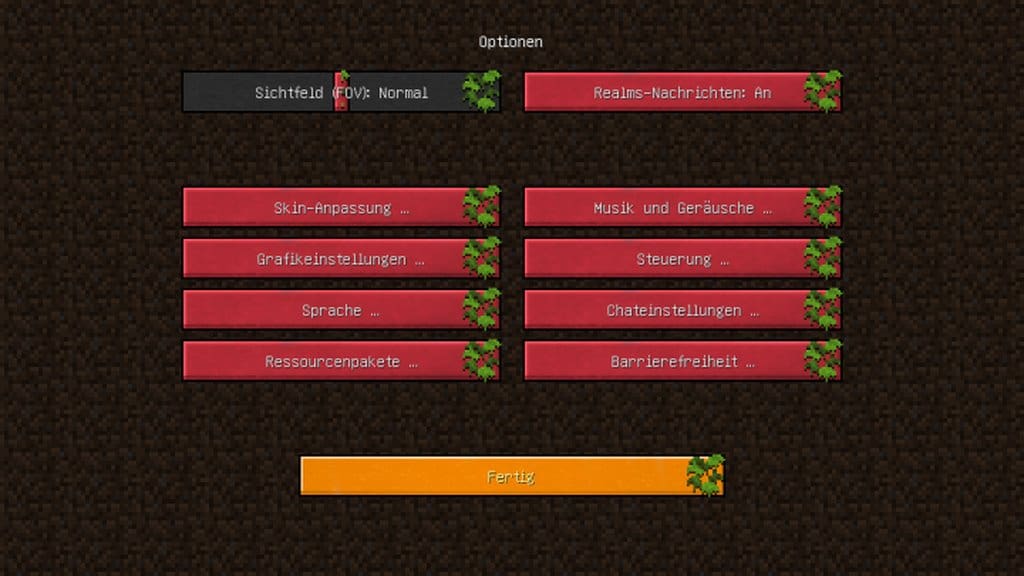
- Go to Options: From the main menu, click on the “Options” button.
- Open Resource Packs: Inside Options, click on “Resource Packs…”.
- Open the Resource Pack Folder: Click on “Open Resource Pack Folder” — this will open a folder named “resourcepacks”.
- Move the Pack File: Copy or move the .zip file you downloaded into that “resourcepacks” folder. (Don’t unzip the file — Minecraft uses it as-is!)
- Go Back and Refresh: Close the folder and click “Done”, then go back into “Resource Packs…” again.
- Activate the Pack: You’ll see the pack on the left side. Hover over it and click the arrow to move it to the right (active side).
Tip: If you get a message that the pack is for a different version, just click “Yes” — it usually works fine. - Click Done and Enjoy: Click “Done” again. Now your pack is ready to use in-game. It’s that easy!
Credits
This resource pack was created by Rikox3. We do not claim ownership of this content, nor do we modify the download files. All rights belong to the original author. Please visit the official source to support the creator.
Download Instructions
Curseforge: download starts automatically after a few seconds;
Mediafire: click the big blue button with the text “DOWNLOAD”;
Google Drive: in the top right corner you will see a small download icon (down arrow), click it and the download should start;


