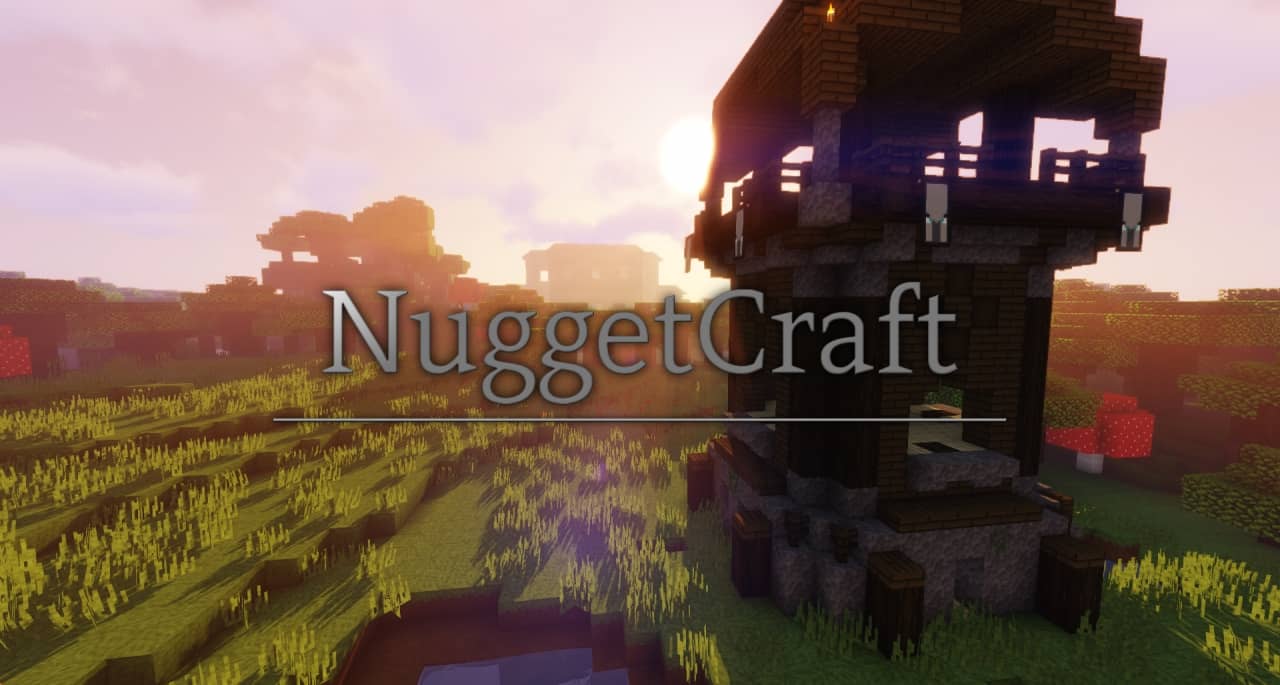
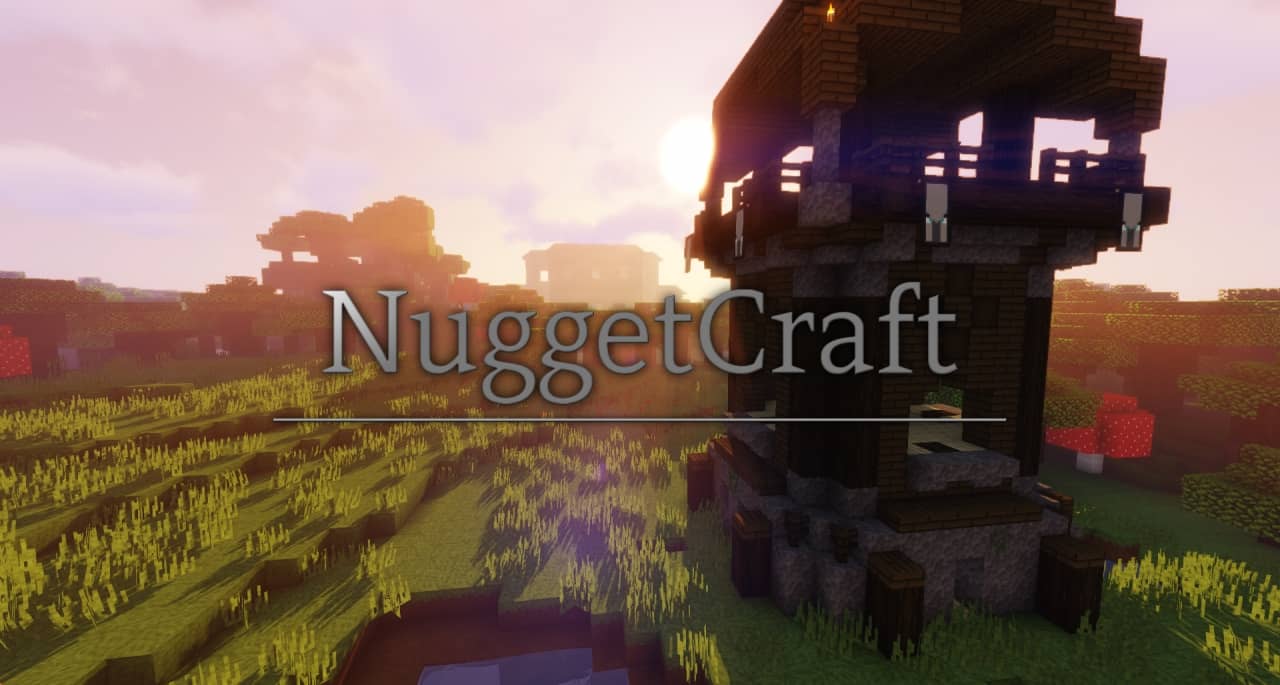
I had an absolute blast testing out NuggetCraft, a cartoon-themed resource pack by NuggetCake that totally transforms your Minecraft world into a vibrant and high-quality masterpiece! It is super interesting to learn that despite starting with a dark and moody theme and facing some development troubles, the pack evolved into what we see today. Originally planned as a 32×32 resolution pack, it was smartly dialed back to 16×16 to ensure smooth gameplay for users with lower-end PCs. The cartoonish aesthetic leans directly into the playfully fun style that Minecraft was always meant to have. Those once boring and dull grass blocks now sport a lively, dynamic green appearance that is a joy to look at. Cartoon resource packs can sometimes go way overboard and turn the game into an overly bright, eye-stabbing mess of oversaturated lines and colors, but NuggetCraft successfully strikes that elusive perfect balance to suit every kind of player. Trust me, nobody wants their game to look like a messy child’s drawing, and even though this pack completely overhauls the world, it cleverly retains just enough of the original textures to keep that classic Minecraft feel intact.
Don’t let the modest 16×16 resolution fool you for a single second; NuggetCraft was meticulously crafted, pixel by pixel, to guarantee top-tier visual quality while keeping your performance impact virtually non-existent. Every single block shows off a tremendous amount of special attention to detail. I really love how NuggetCraft blends a slightly brighter aesthetic reminiscent of early Minecraft Alpha versions with a mildly darker theme that genuinely pulls you in for total immersion. It supports modern Minecraft versions, and even though it is continually expanding, all the most common blocks already feature a fantastic trademark look. Once it reaches 100% completion, every single texture in the game will be touched. On top of that, NuggetCraft introduces a brand new set of fresh GUI elements that really spice up your menus even when you are just hanging out in the user interface. These interface changes are refreshingly subtle, ensuring a completely non-intrusive experience. Honestly, NuggetCraft feels like the ultimate bread and butter of Minecraft resource packs because every little detail has been thoughtfully considered to deliver a completely fresh experience without dropping a single frame from your FPS.
NuggetCraft should be compatible with all of these Minecraft versions: 1.16.5 – 1.16.4 – 1.16.3 – 1.16.2 – 1.16.1 – 1.16 – 1.15.2 – 1.15.1 – 1.15 – 1.14.4 – 1.14.3 – 1.14.2 – 1.14 – 1.13.2 – 1.13.1 – 1.13
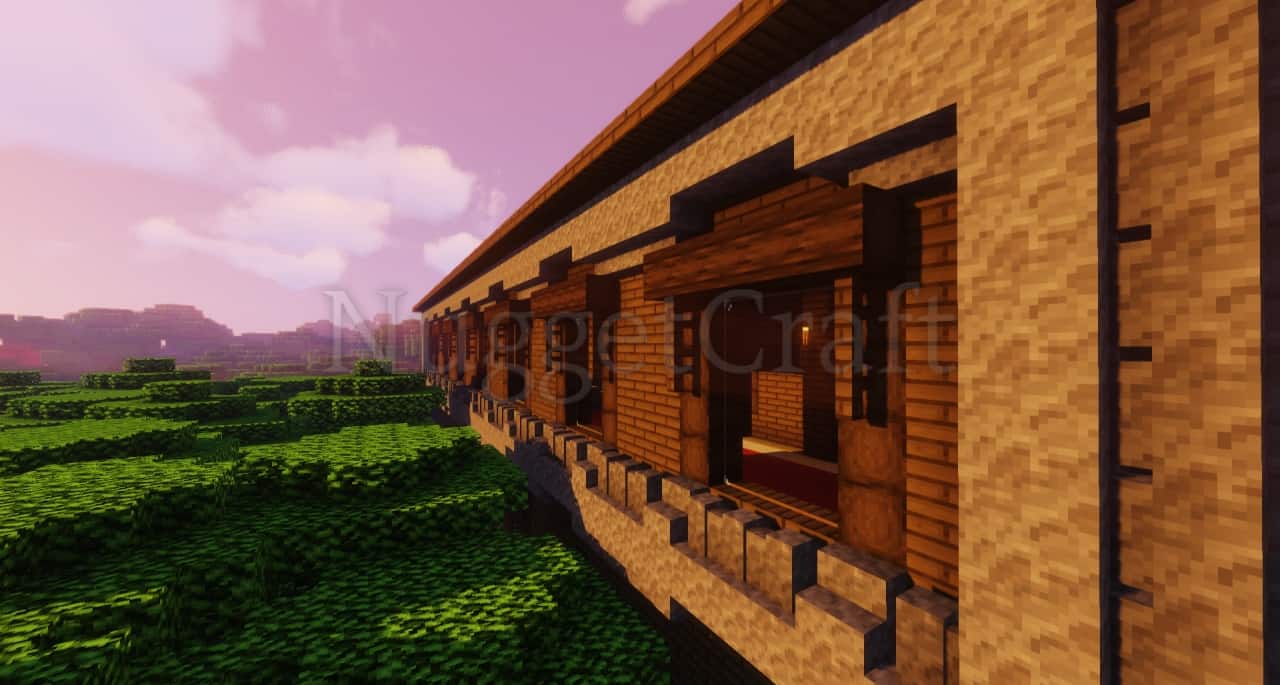
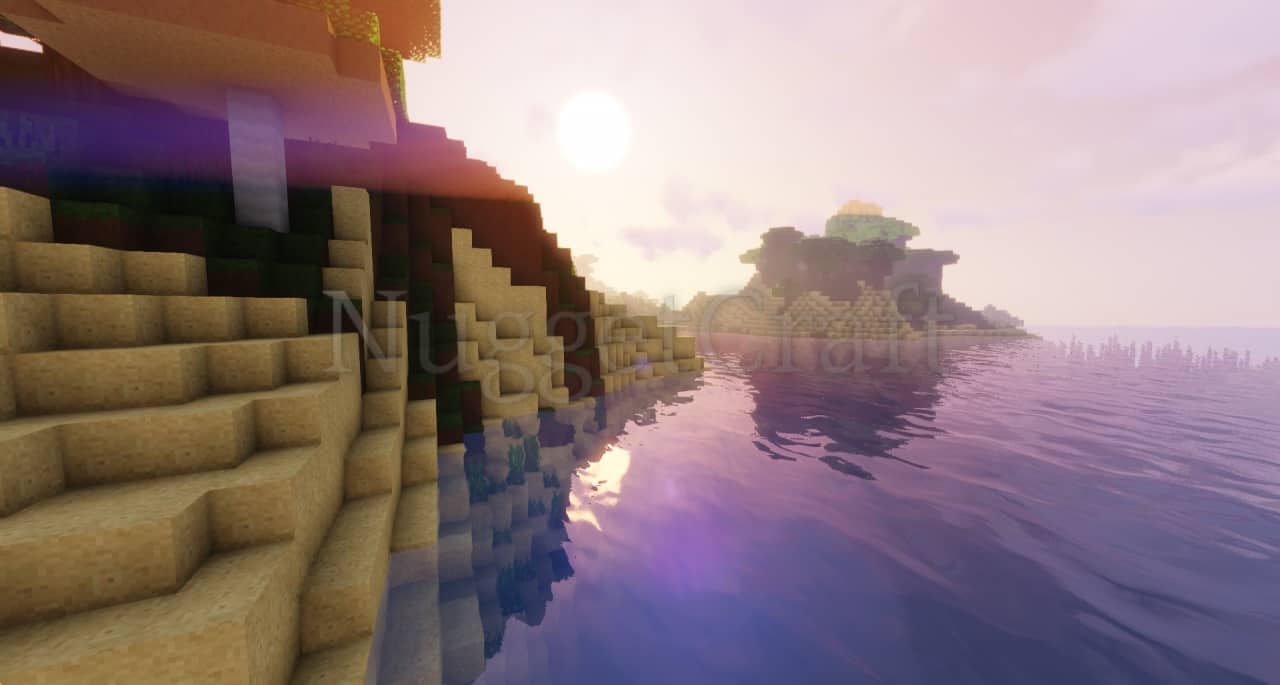
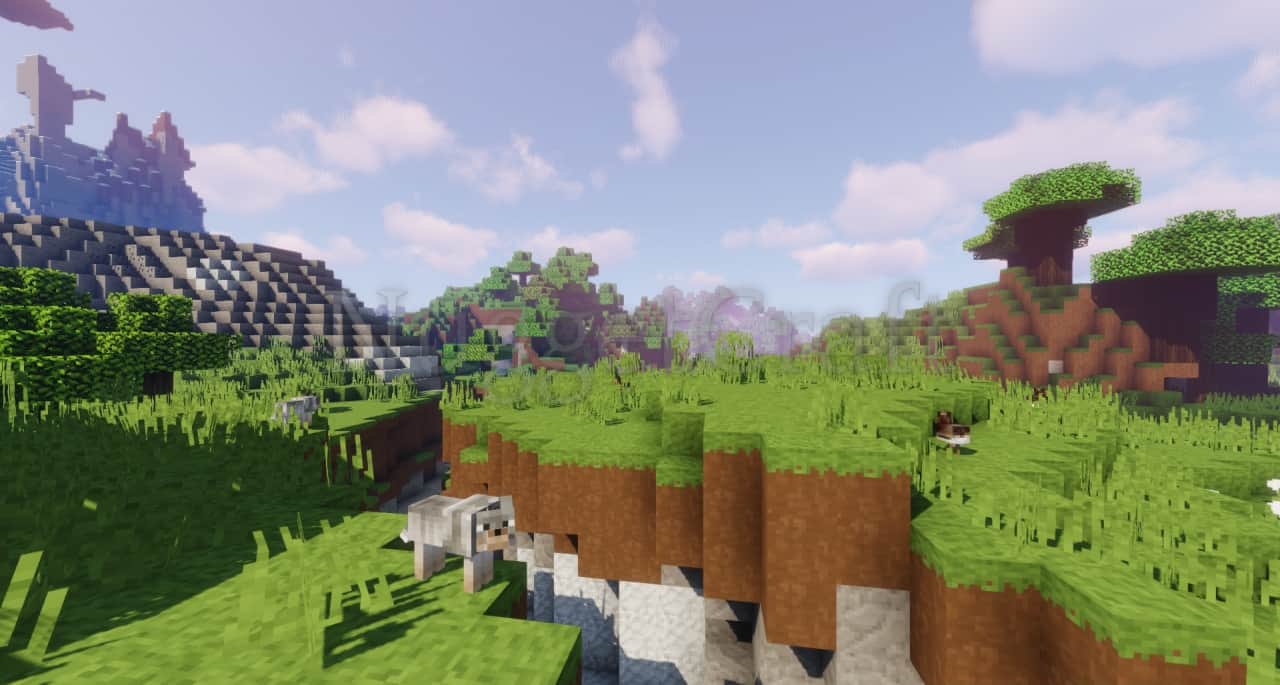
Screenshots
How to Install Texture Pack (Simple 10 Steps)
- Download OptiFine: Most of the texture packs and shaders need OptiFine. That’s why, first download and install OptiFine for the version of Minecraft you want to play.
- Download the Texture Pack: Get the texture pack you want from the download section. Choose the version that works with your Minecraft and your PC’s performance.
- Open Minecraft Launcher: Start Minecraft using the official game launcher — or even TLauncher, if you use that.
- Go to Options: From the main menu, click on the “Options” button.
- Open Resource Packs: Inside Options, click on “Resource Packs…”.
- Open the Resource Pack Folder: Click on “Open Resource Pack Folder” — this will open a folder named “resourcepacks”.
- Move the Pack File: Copy or move the .zip file you downloaded into that “resourcepacks” folder. (Don’t unzip the file — Minecraft uses it as-is!)
- Go Back and Refresh: Close the folder and click “Done”, then go back into “Resource Packs…” again.
- Activate the Pack: You’ll see the pack on the left side. Hover over it and click the arrow to move it to the right (active side).
Tip: If you get a message that the pack is for a different version, just click “Yes” — it usually works fine. - Click Done and Enjoy: Click “Done” again. Now your pack is ready to use in-game. It’s that easy!
Credits
This resource pack was created by NuggetCake. We are not the original owners, nor do we host or modify any files on our servers. All rights belong fully to the original creator. We highly recommend supporting NuggetCake by downloading the pack through the official channels provided below.
Download Instructions
Curseforge: download starts automatically after a few seconds;
Mediafire: click the big blue button with the text “DOWNLOAD”;
Google Drive: in the top right corner you will see a small download icon (down arrow), click it and the download should start;


