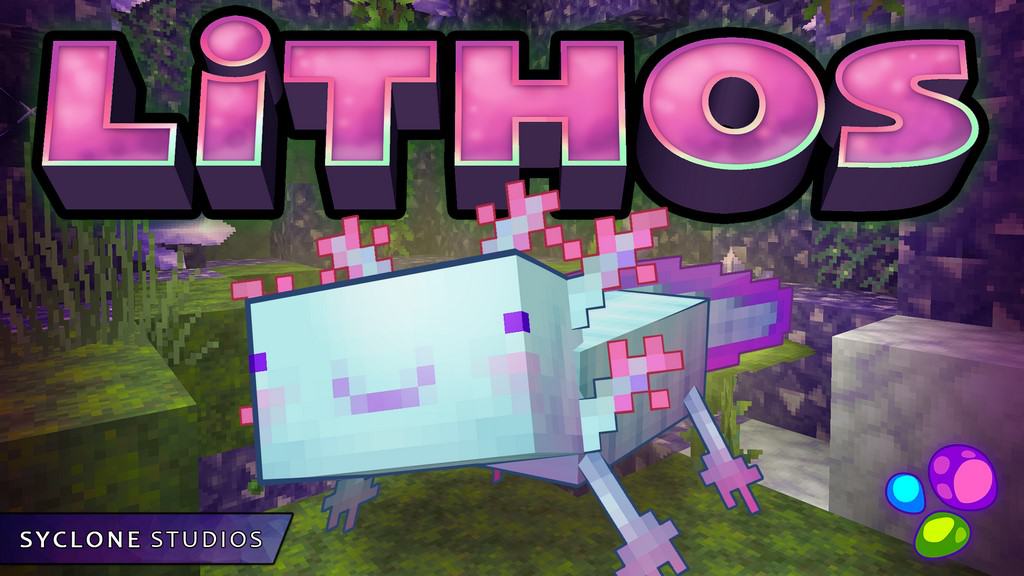
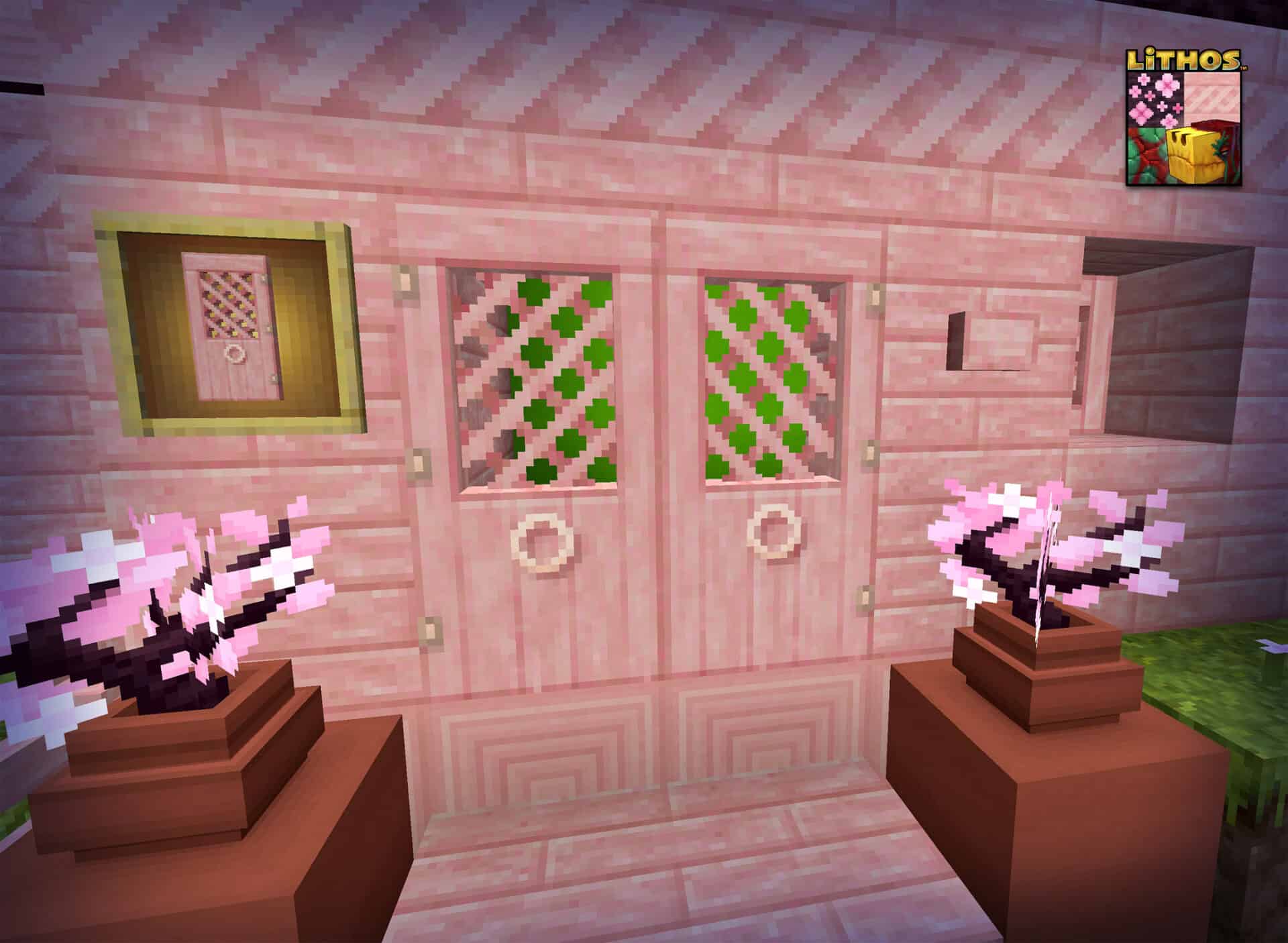
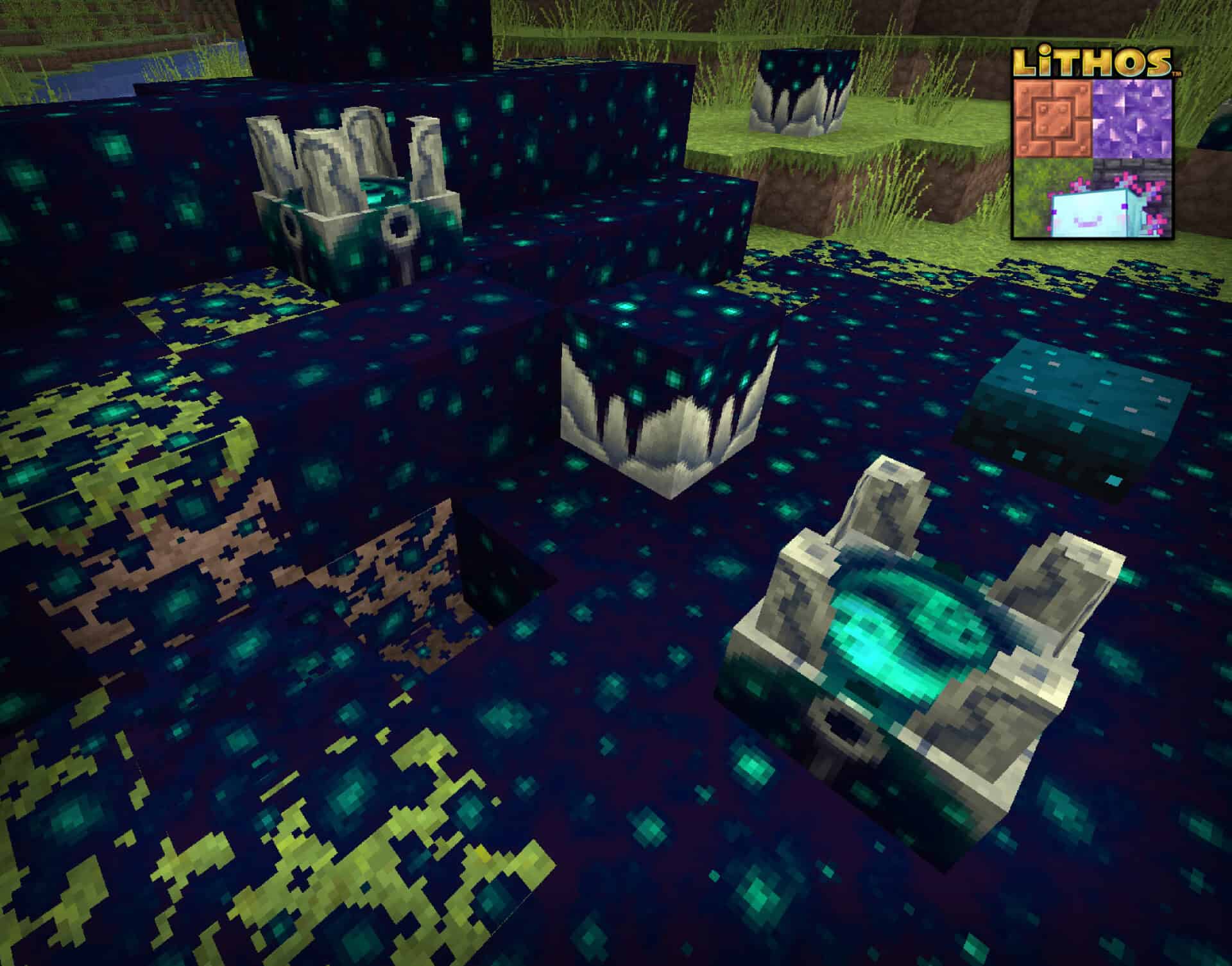
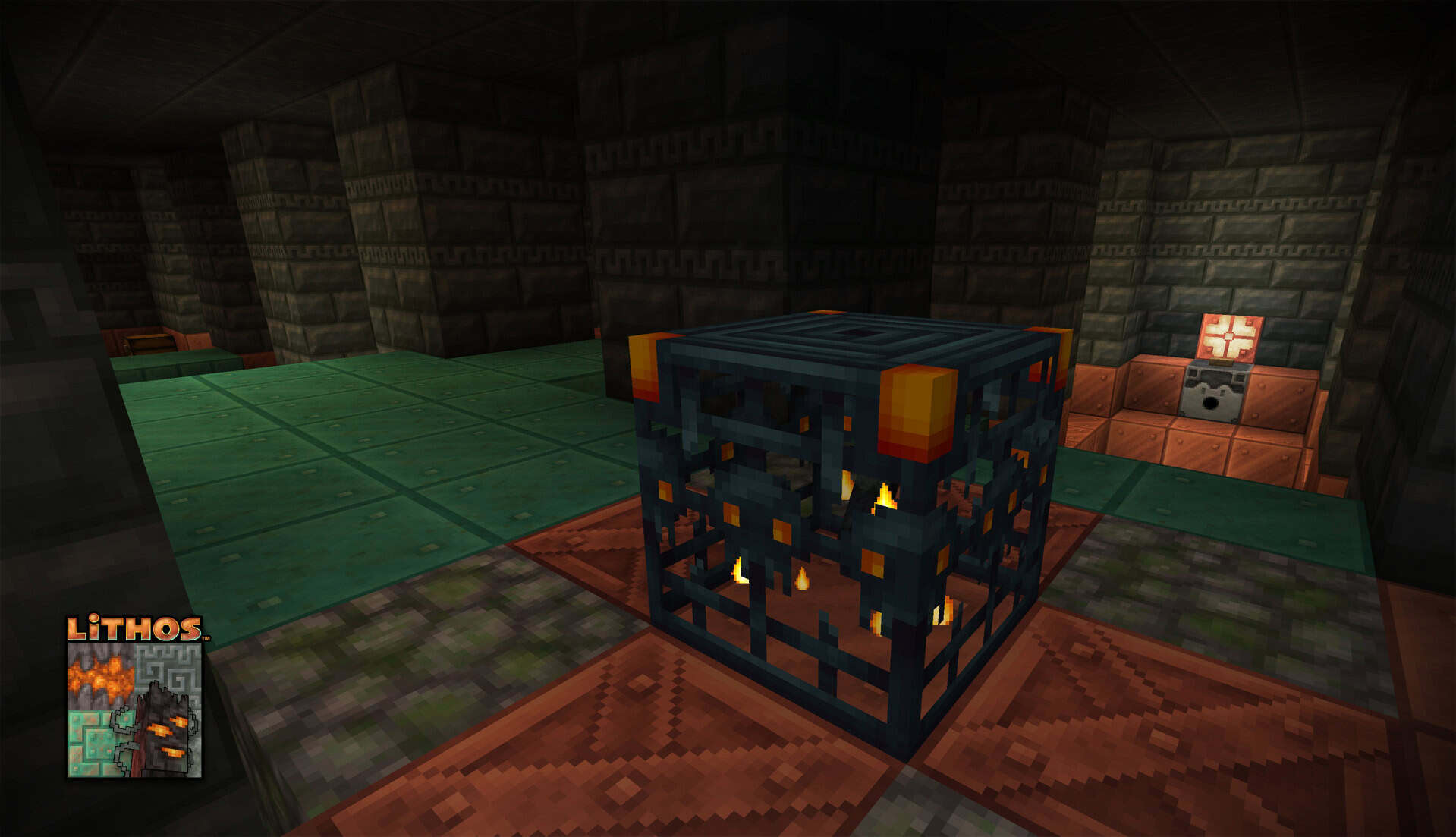
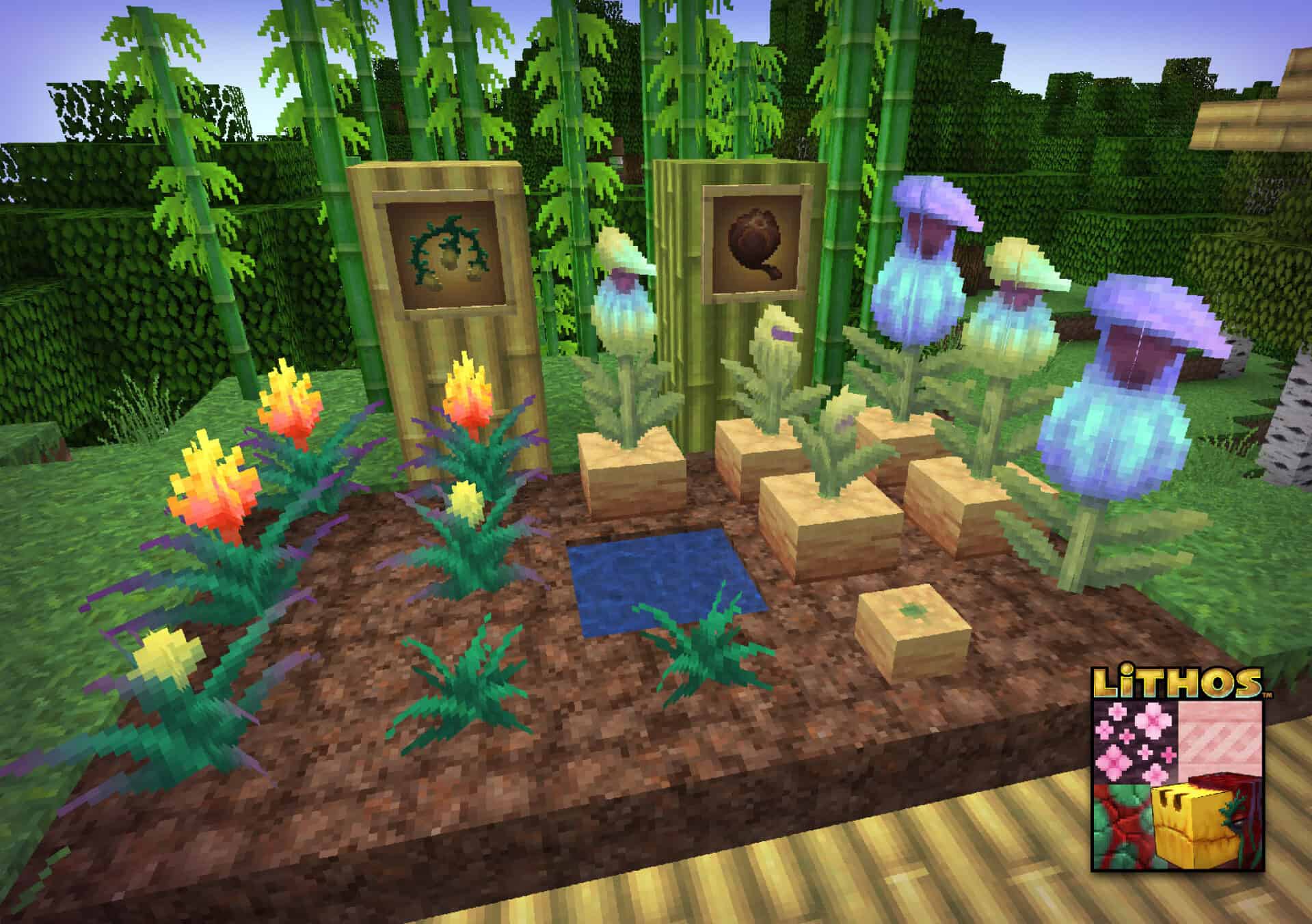
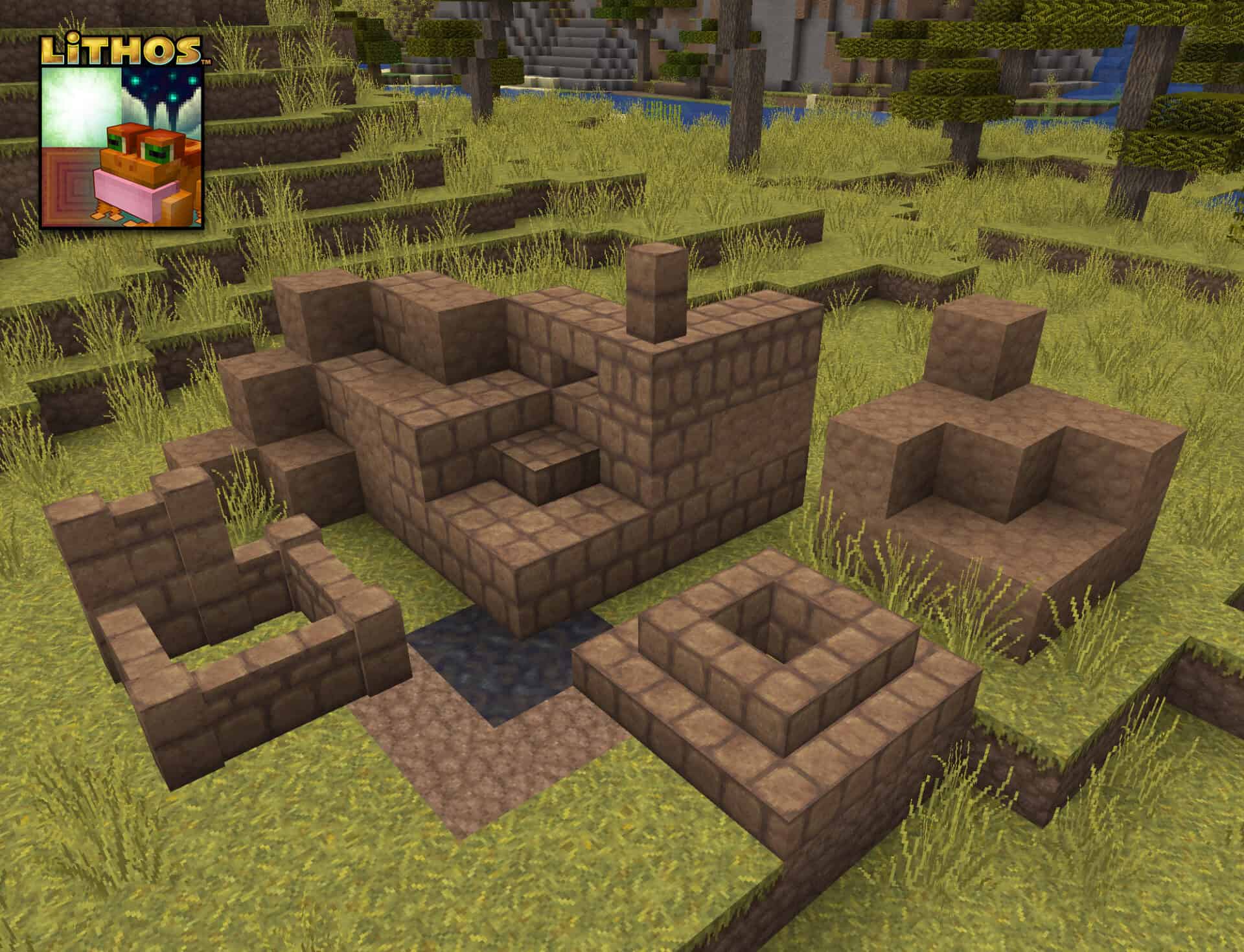
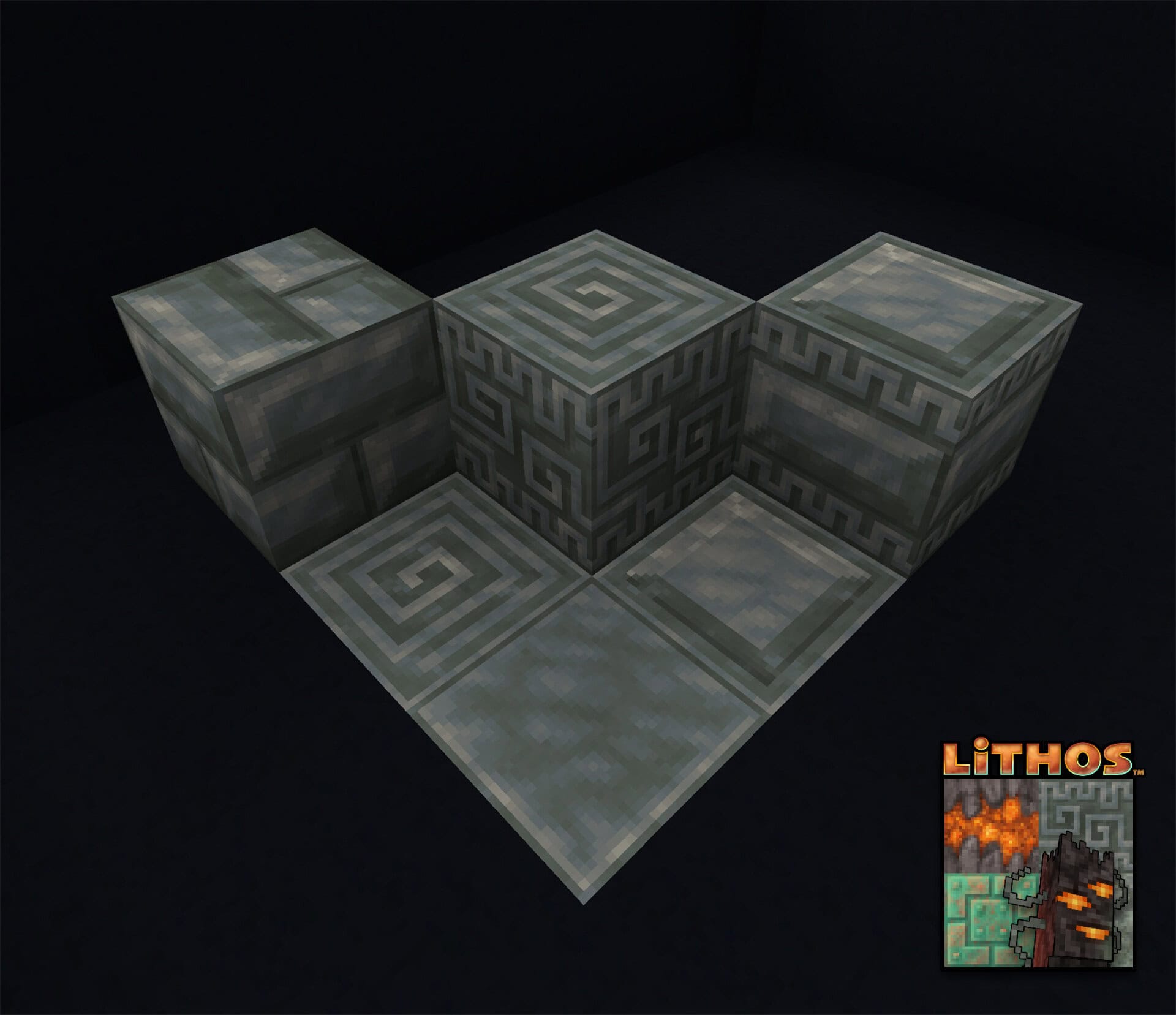
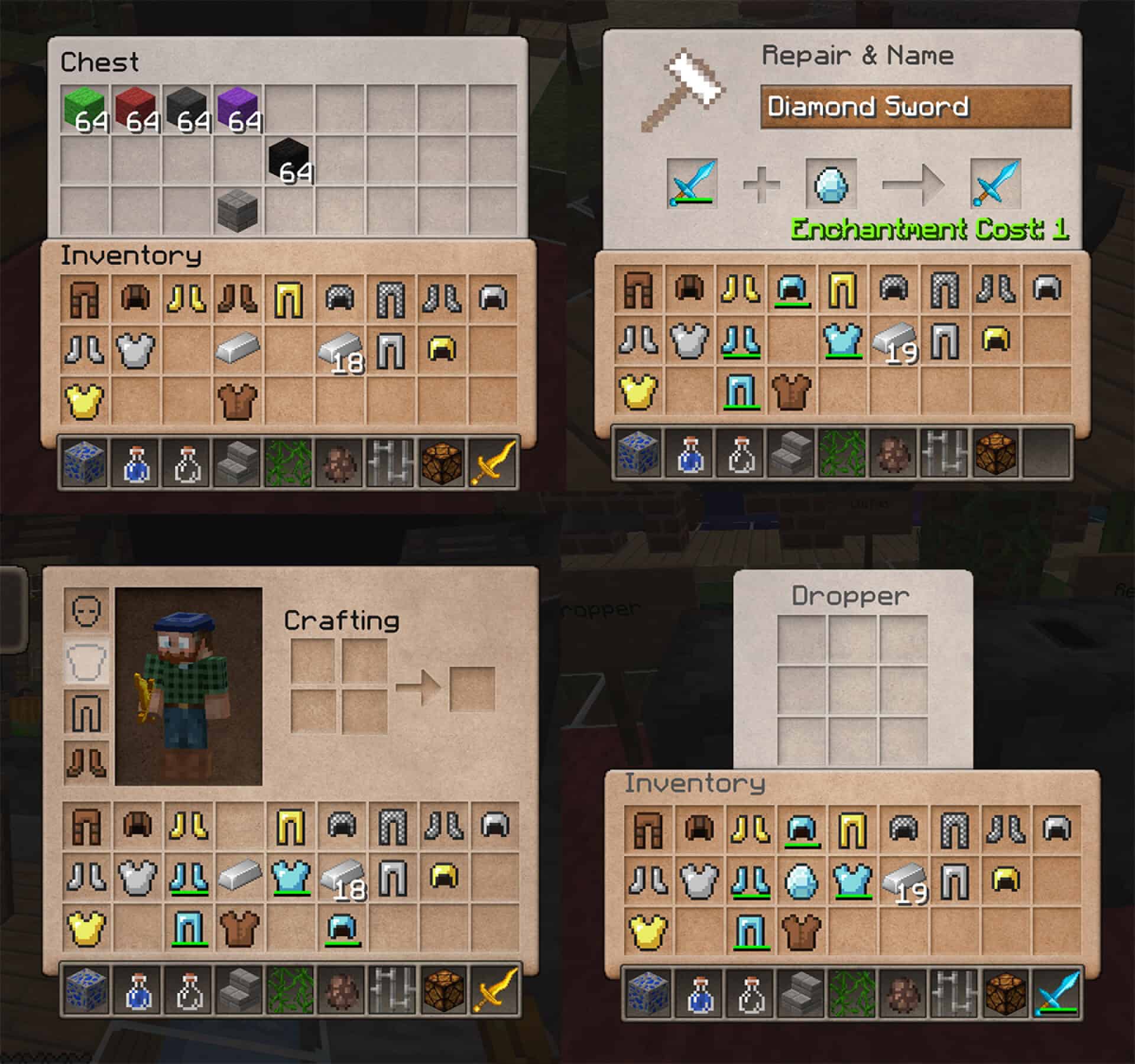
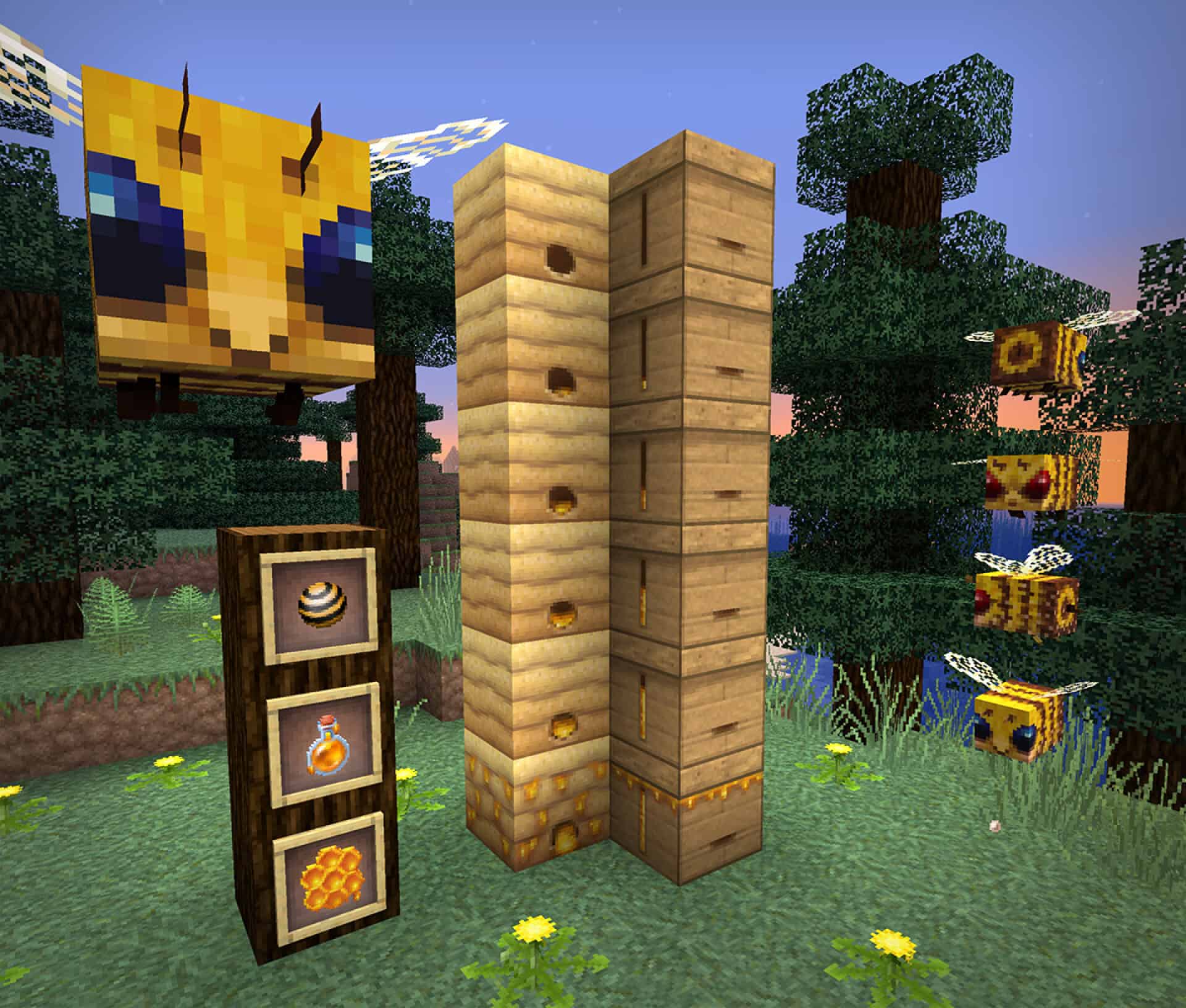
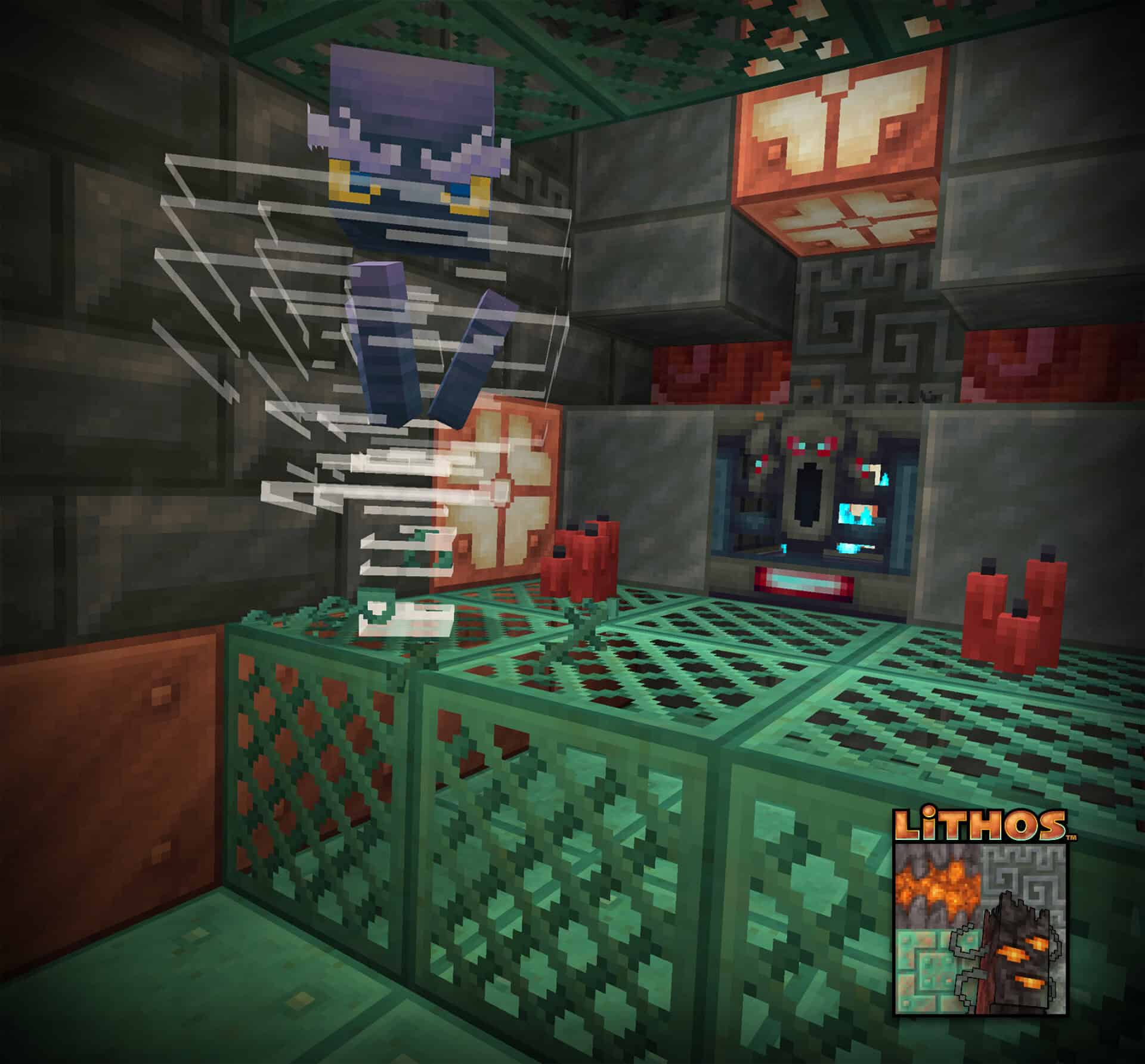
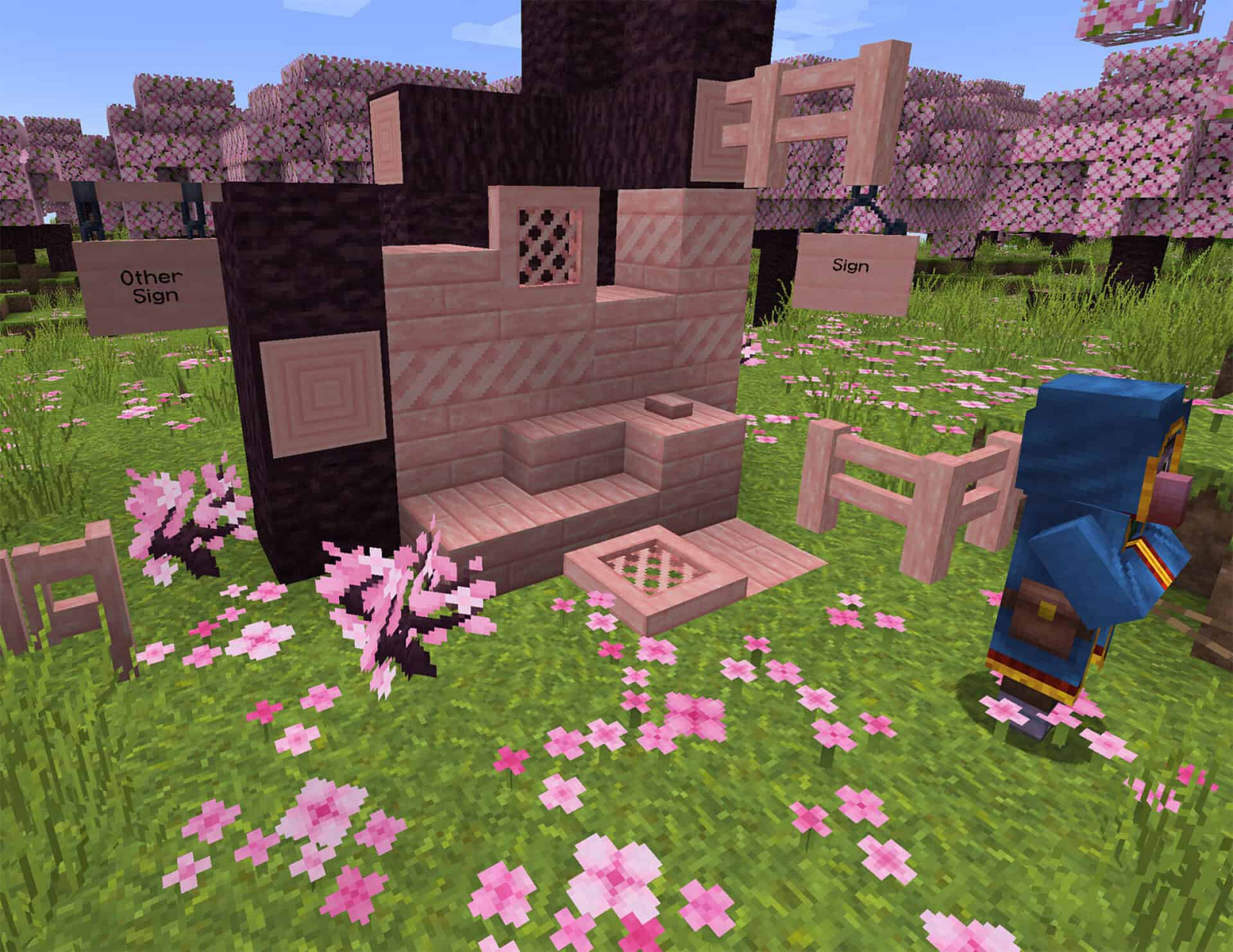
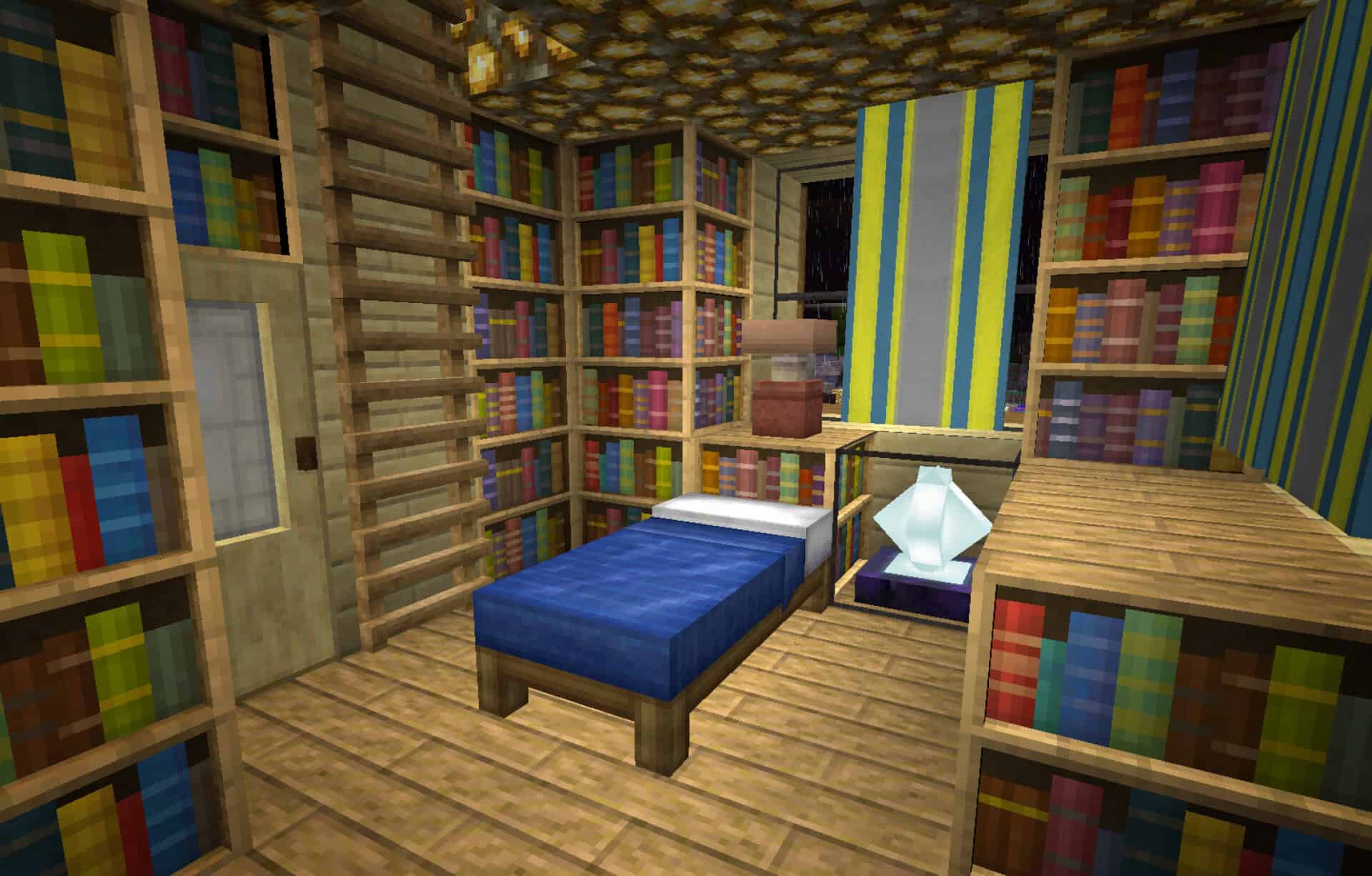
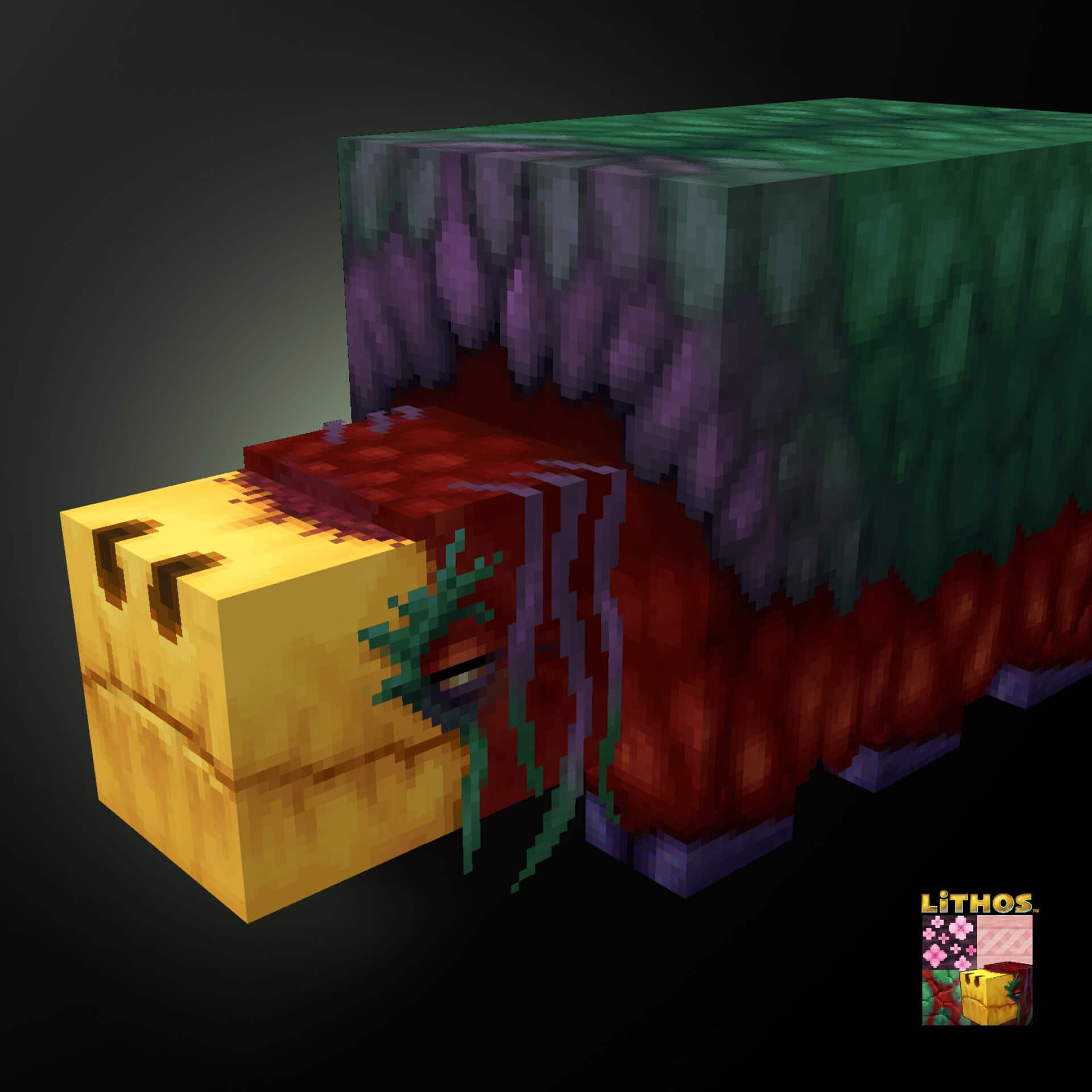
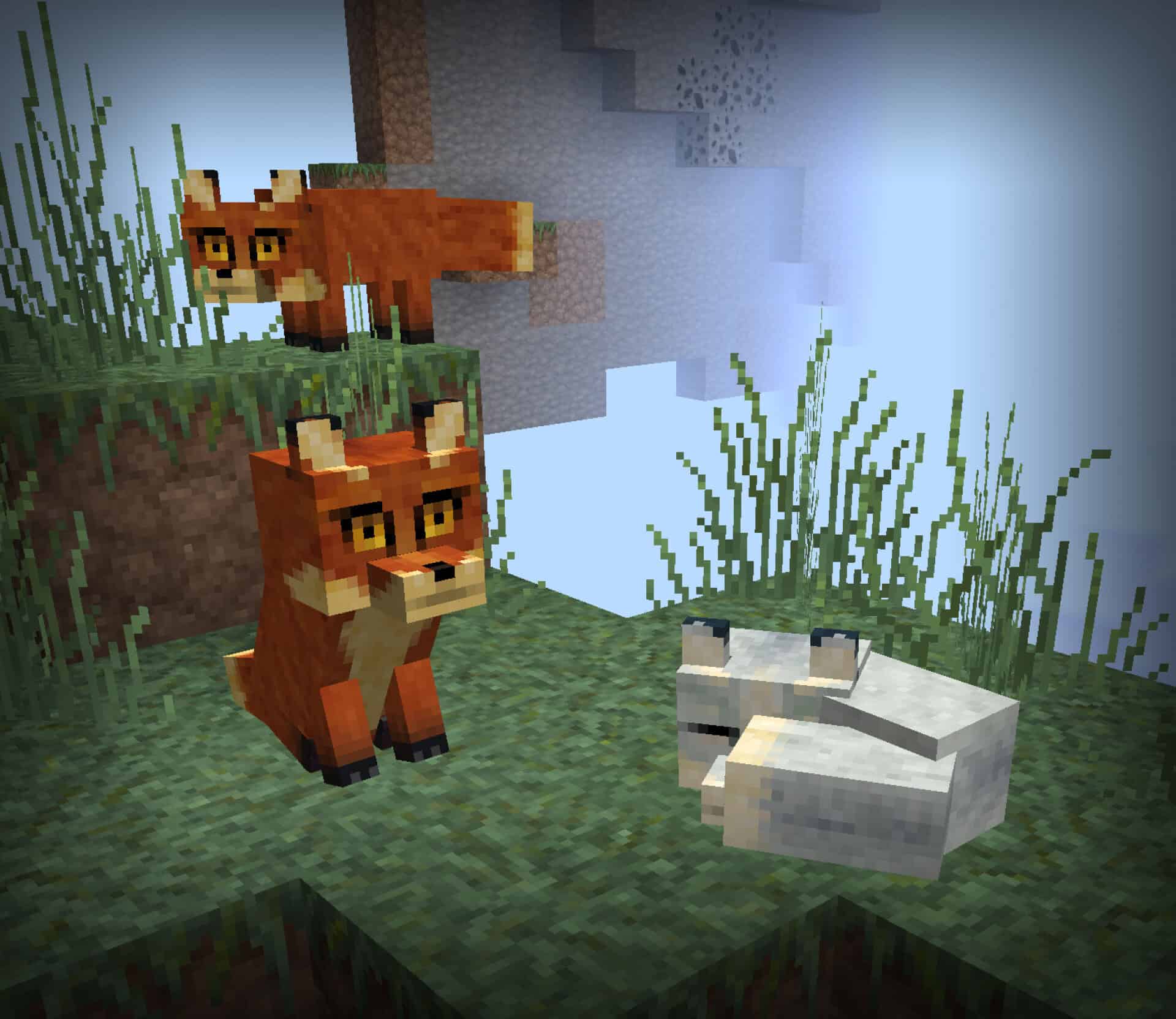
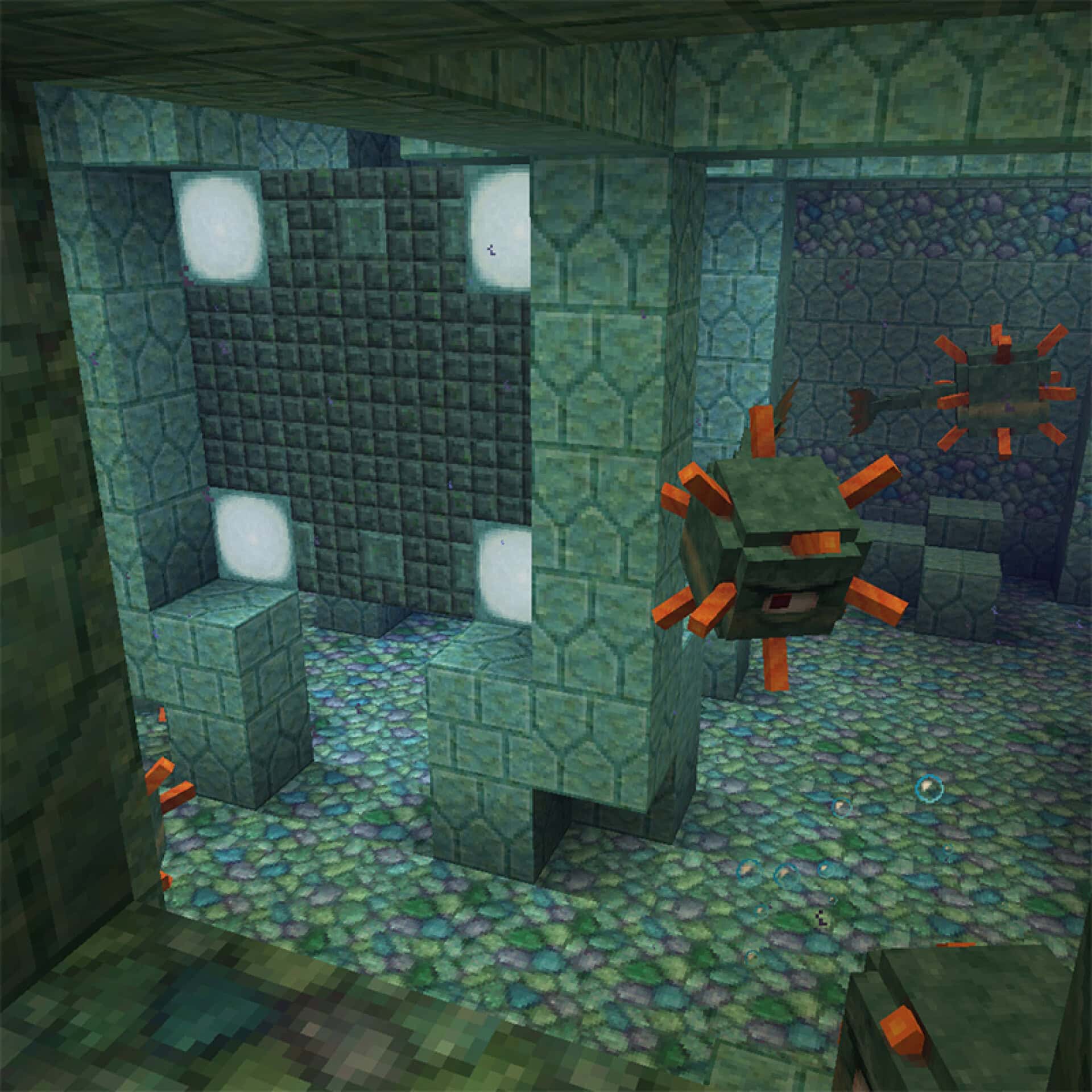
If you genuinely love the core vibe of Faithful-inspired resource packs but want to inject a bit more visual spice into your worlds instead of sticking completely to vanilla, you should definitely check out the incredible Lithos texture pack. It introduces just the right amount of delightful novelty to keep players thoroughly engaged while still delivering a remarkably comfortable experience even during those marathon Minecraft gaming sessions. This isn’t the kind of pack that relies on overwhelming, eye-striking gimmicks, but rather every single included asset is carefully brought to an impressive near-perfection. Having first debuted all the way back in 2013, the developer has enjoyed a massive amount of time to actively listen to community feedback and thoughtfully polish every last missing piece. The pack proudly boasts a slightly cartoonish aesthetic, subtly calling to mind the classic, beloved old-school Sphax textures. Abundant elements like natural wood and grass feature significantly heightened details alongside subtle 3D improvements that you might barely notice until you get up close and personal with them. Yet, these wonderful tiny additions are applied meticulously to almost every single block in the game, ensuring Lithos leaves absolutely no texture unchanged. You will also quickly notice that identical block types can appear slightly different from one another, thanks to the brilliant addition of countless random, alternate textures that do not even require any extra mods to be installed. Another immediately striking feature is the complete overhaul of the GUI, which now features a warm, skin-colored background imparting a deeply rustic atmosphere reminiscent of classic RPGs. Weapons and tool models follow this exact same design philosophy wonderfully, sporting curved blades that immensely elevate their overall visual appeal. Unsurprisingly, the updated GUI also houses a brand-new font that feels much softer and significantly easier on the eyes, further enhancing the entire gaming experience. While the overall color palette can occasionally lean a bit dimmer, it is honestly a fantastic design choice; decorative and building blocks have all been painstakingly recolored to offer exceptional contrast, making your creative builds pop even more. Even amidst these slightly gloomier settings, exploring deep caves feels remarkably easier to navigate through, heavily aided by the redesigned ore textures. Every single type of metal now displays varying densities and unique shapes in its models, allowing players to effortlessly tell them apart at a glance, and this thoughtful change carries right over into the armor sets, where higher tiers reward you with increasingly gorgeous details on every single piece.
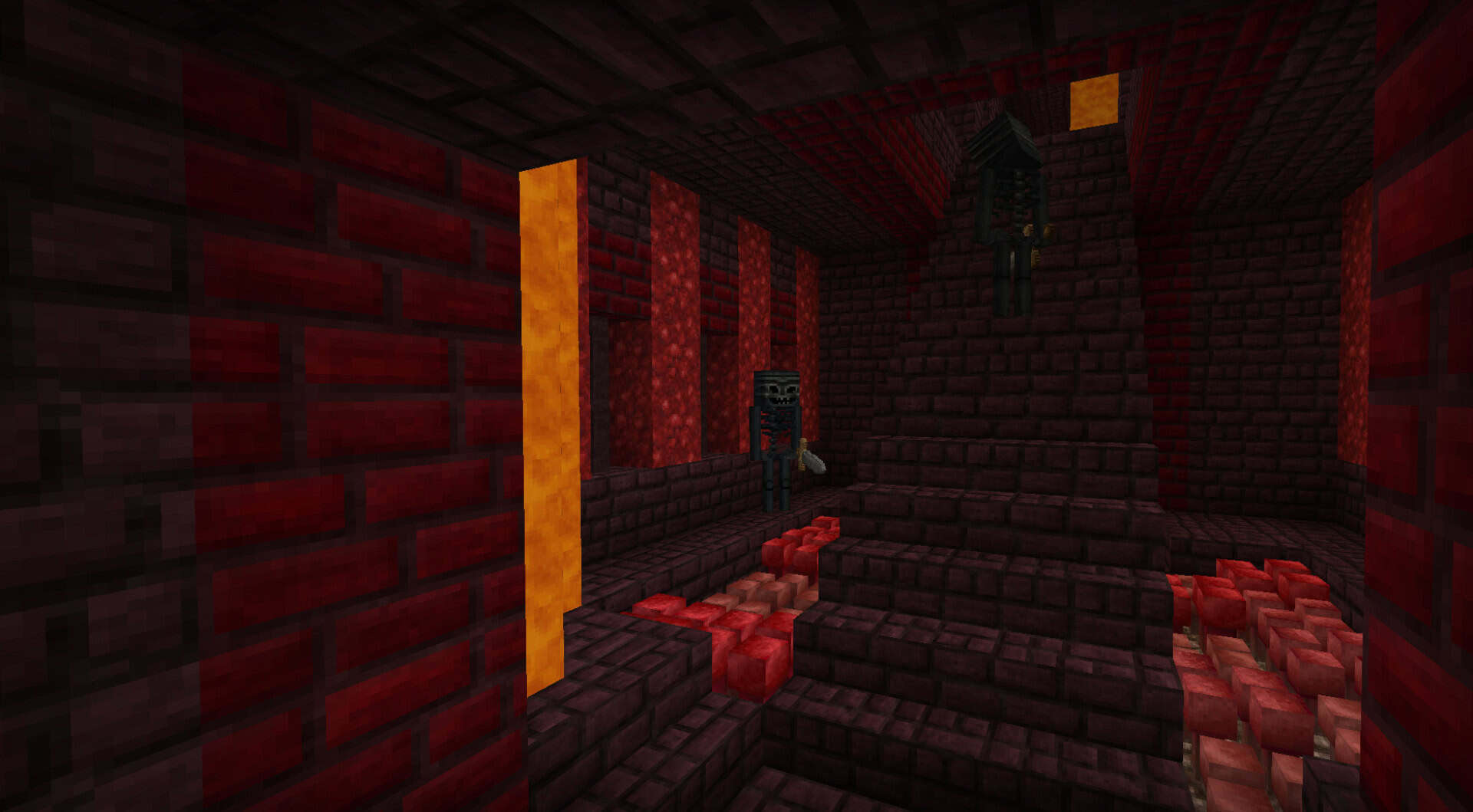
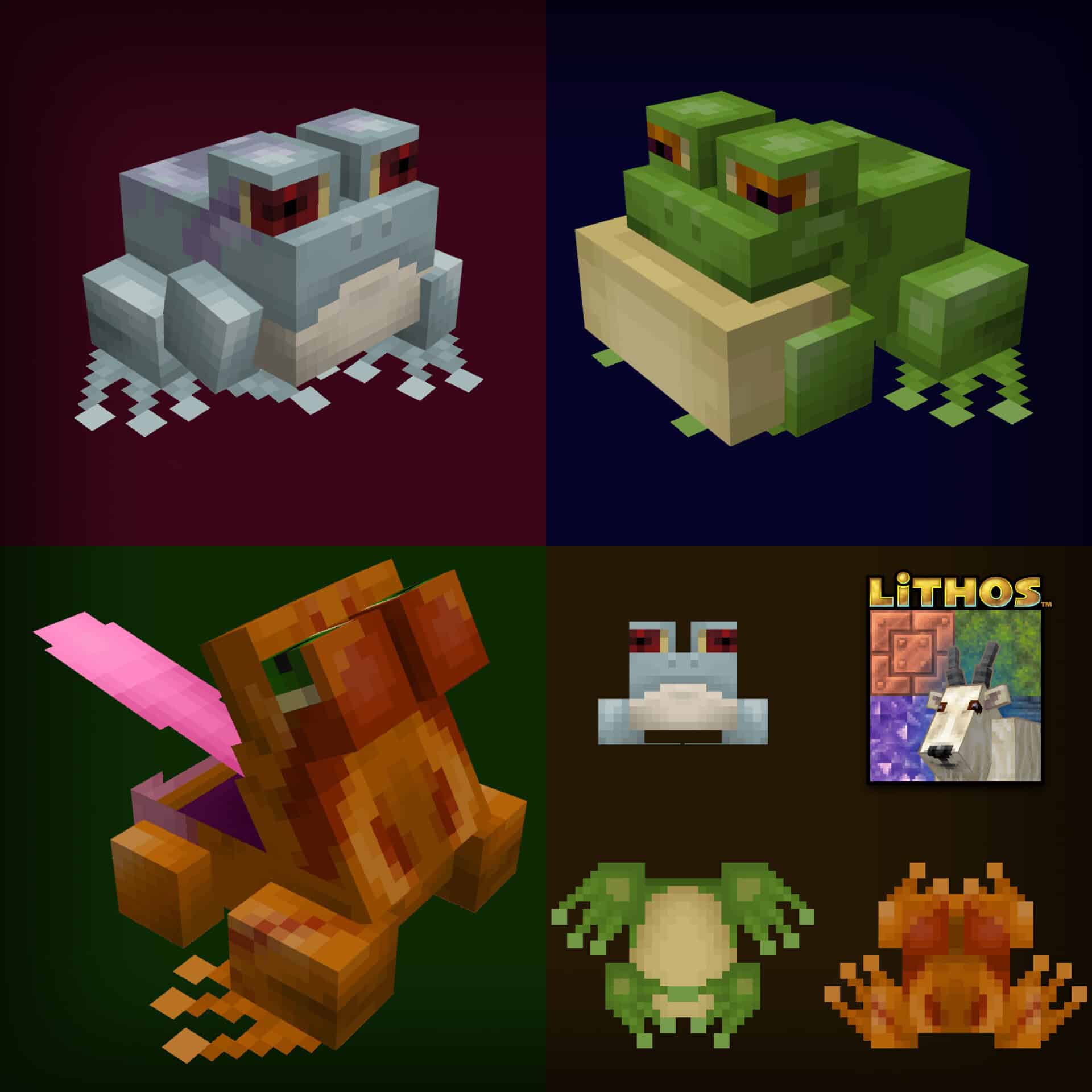
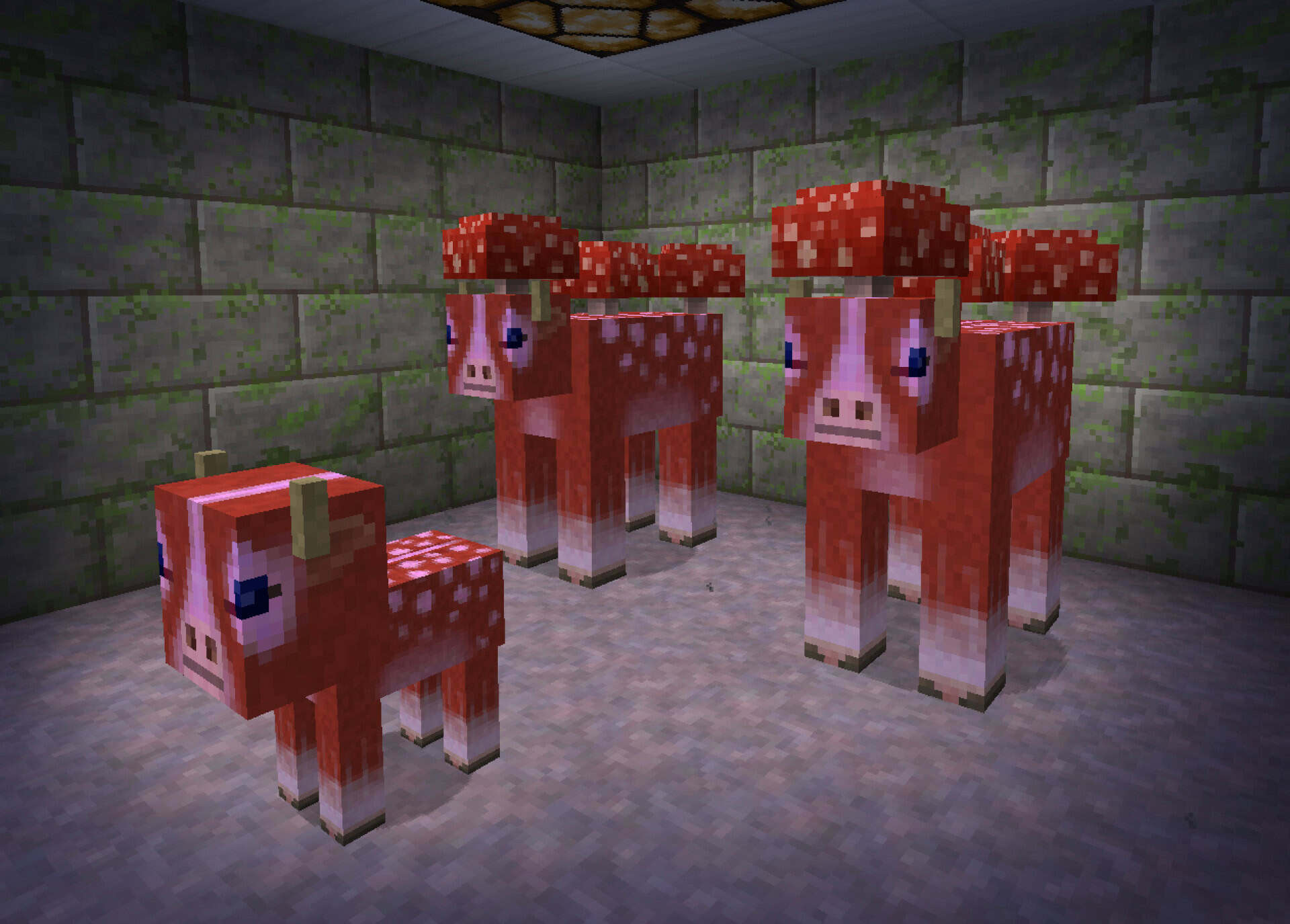
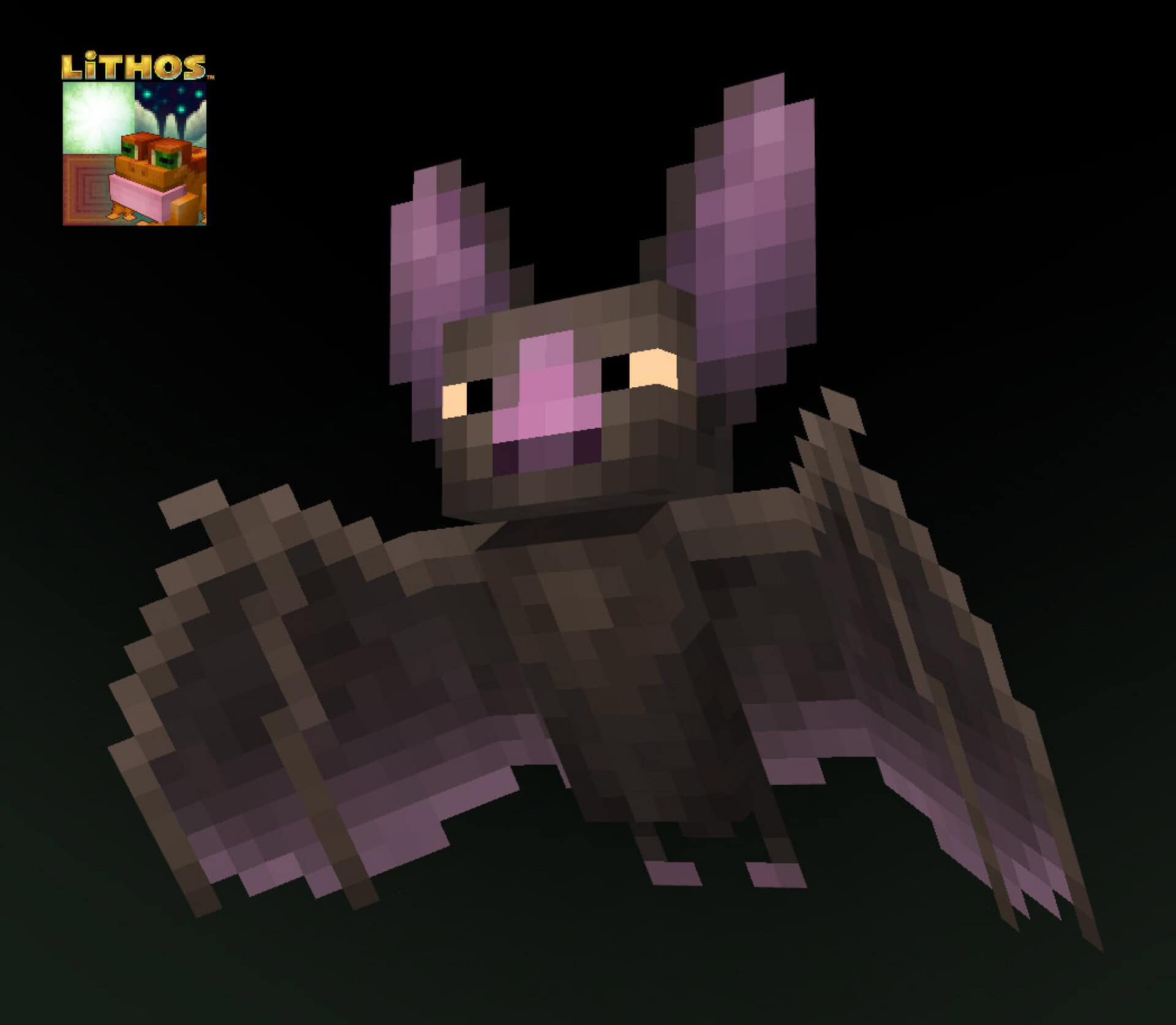
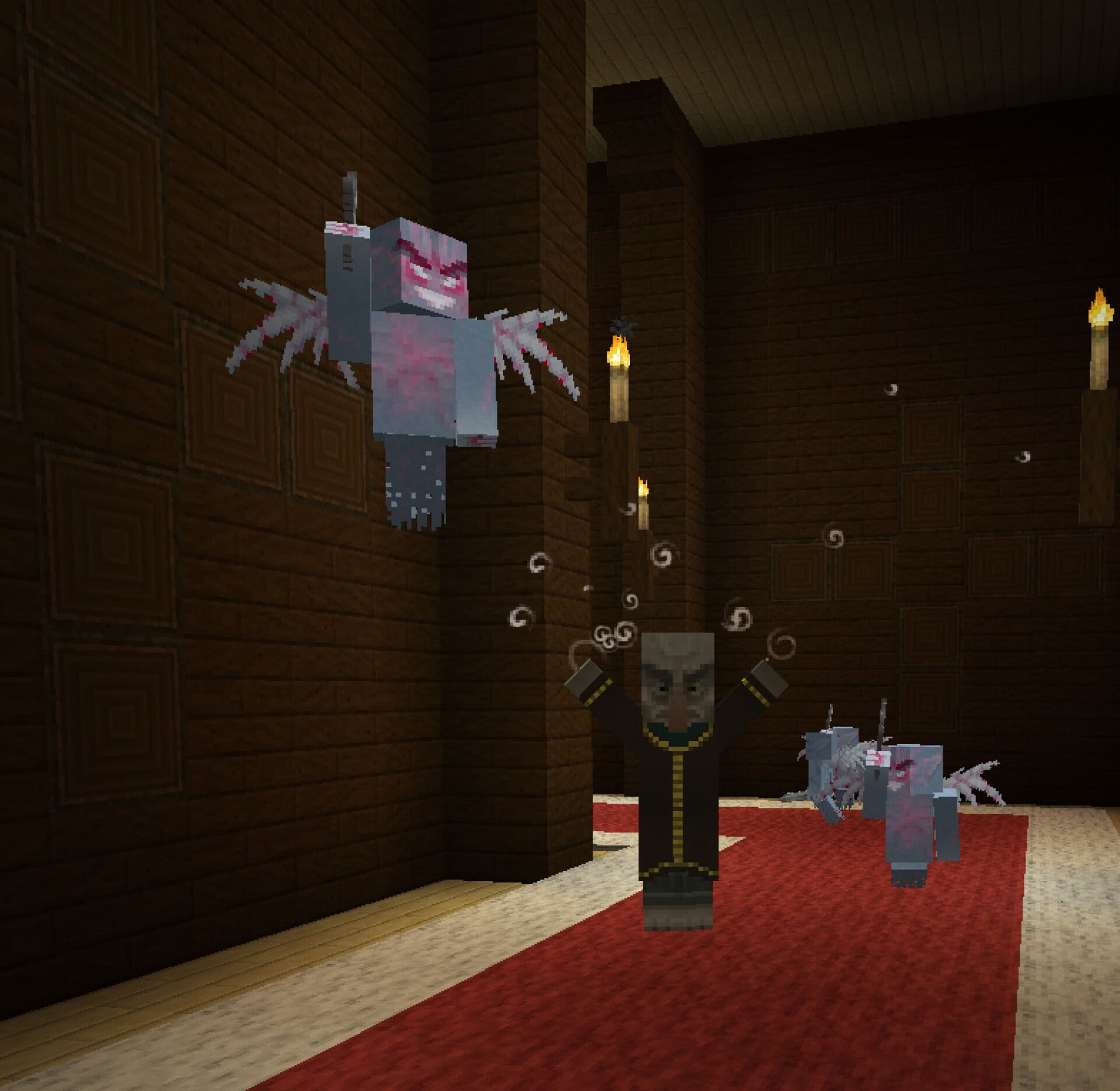
Without a doubt, one of the most astonishing transformations in the entire pack belongs to the mob textures, where enemies from humble skeletons to terrifying withers look infinitely scarier, especially when you stumble upon them unexpectedly in pitch darkness. Skeletons, for instance, now sport tattered cloth draped over their heads and torsos, piercing yellowish eyes, and a thoroughly unsettling grin that will keep you on edge. Spiders receive a massive upgrade as well, boasting much hairier bodies and distinct, eerie patterns mapped onto their models. If you happen to run Optifine or MCPatcher alongside the pack, you will also unlock the fantastic random mobs feature, granting some of the most common creatures multiple unique appearances that spawn entirely at random for incredible variety. As for bonus features, Lithos is packed to the brim; it natively supports an incredible 62 different mods, meaning you will never have to stare at an ugly visual clash of mismatched vanilla textures when modding your game. Furthermore, the brilliant developer has thoughtfully crafted a handful of stellar add-ons: Christmas, Luminous, and Springtime. The Christmas add-on swaps out standard assets for festive treats like gingerbread replacing sandstone and blankets of snow covering every tree. The Luminous add-on tweaks faithful textures to maximize visual appeal while steering slightly away from pure vanilla styling. Finally, the Springtime add-on bathes your world in much greener, fresher, and lighter tones accompanied by a delightful spring-themed GUI. Best of all, one of the greatest strengths of the Lithos resource pack is its practically nonexistent system requirements. Because the textures utilize a clean 32×32 resolution—merely double the pixel density of the original defaults—you do not need a high-end PC to enjoy smooth performance. While you certainly do not have to install tools like Optifine, they are wonderful additions if you want to experience those fantastic random mob variations. Even though this legendary pack is well over a decade old, Lithos continues to receive occasional updates to this day, standing proudly as one of the most comprehensive resource packs ever created, backed by a level of mod compatibility that is truly hard to rival. With all of these phenomenal features on offer, you owe it to yourself to give it a try.
Lithos should be compatible with all of these Minecraft versions: 26.2 – 26.1.2 – 26.1.1 – 26.1 – 1.21.11 – 1.21.10 – 1.21.9 – 1.21.8 – 1.21.7 – 1.21.6 – 1.21.5 – 1.21.4 – 1.21.3 – 1.21.2 – 1.21.1 – 1.21 – 1.20.6 – 1.20.5 – 1.20.4 – 1.20.3 – 1.20.2 – 1.20.1 – 1.20 – 1.19.4 – 1.19.3 – 1.19.2 – 1.19.1 – 1.19 – 1.18.2 – 1.18.1 – 1.18 – 1.17.1 – 1.17 – 1.16.5 – 1.16.4 – 1.16.3 – 1.16.2 – 1.16.1 – 1.16 – 1.15.2 – 1.15.1 – 1.15 – 1.14.4 – 1.14.3 – 1.14.2 – 1.14 – 1.13.2 – 1.13.1 – 1.13 – 1.12.2 – 1.12 – 1.11.2 – 1.11 – 1.10.2 – 1.10 – 1.9.4 – 1.9 – 1.8.9 – 1.8.8 – 1.8.1 – 1.8.6 – 1.8 – 1.7.10 – 1.7.9 – 1.7.4 – 1.7 – Bedrock Edition – PE
Screenshots
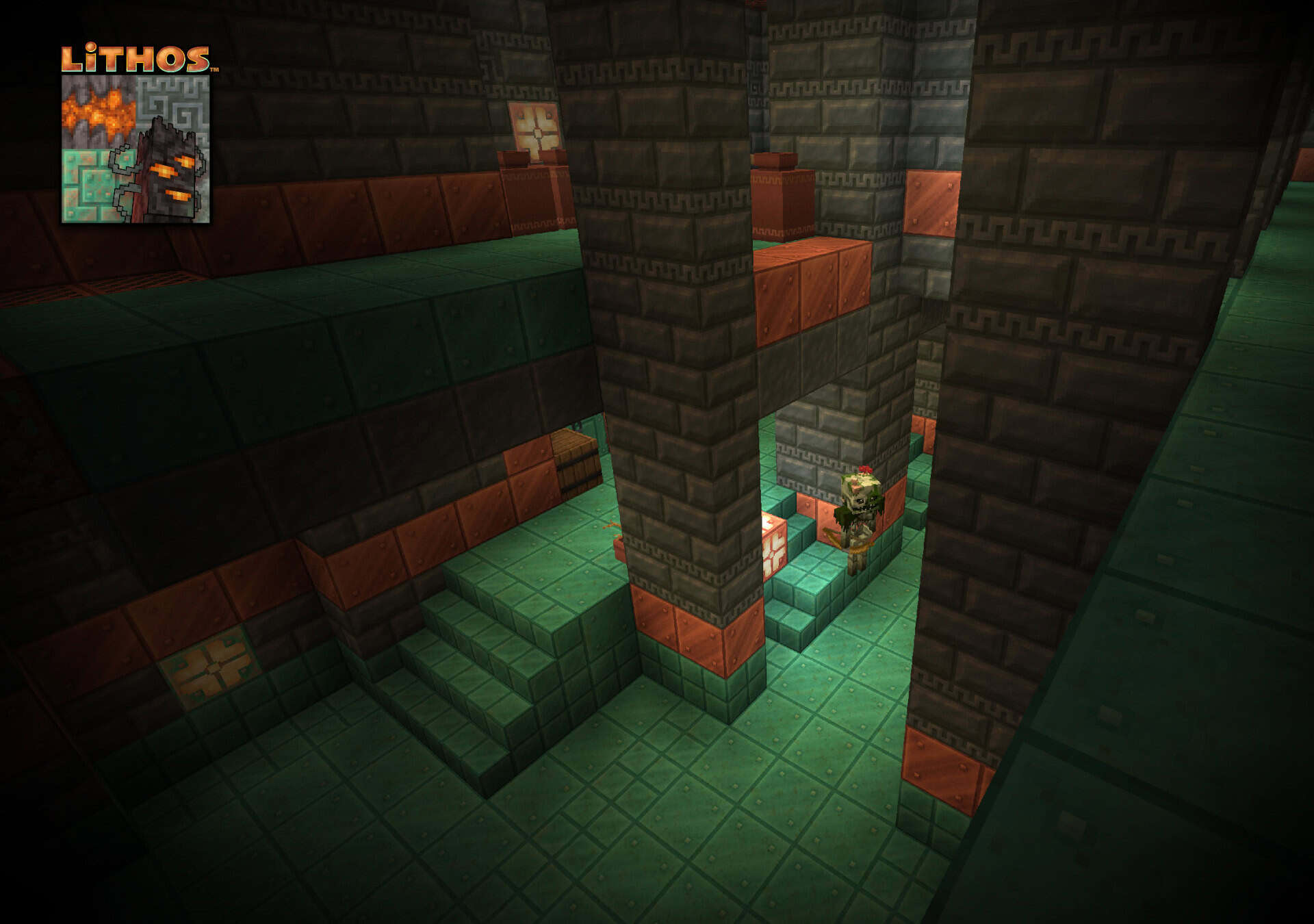
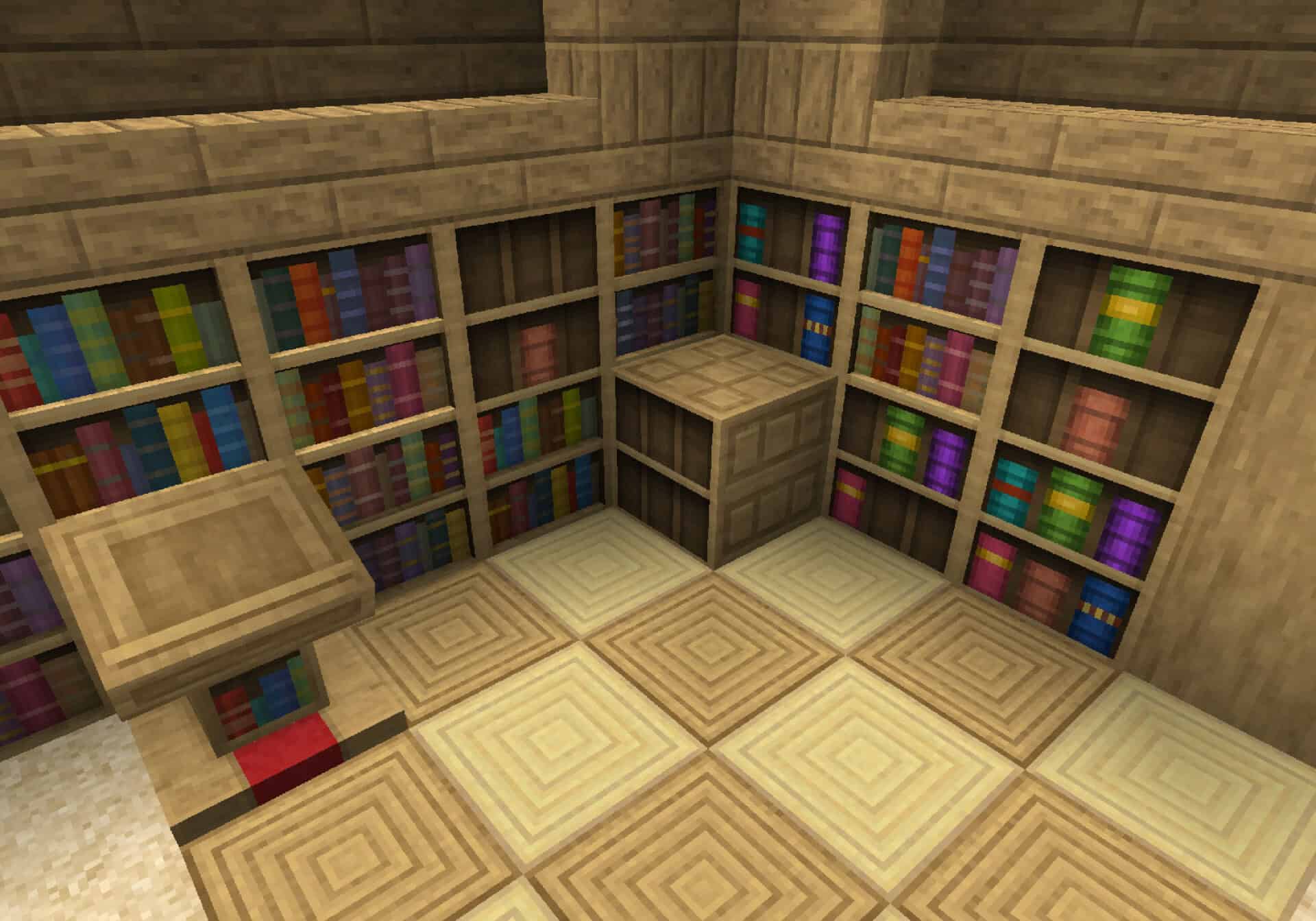
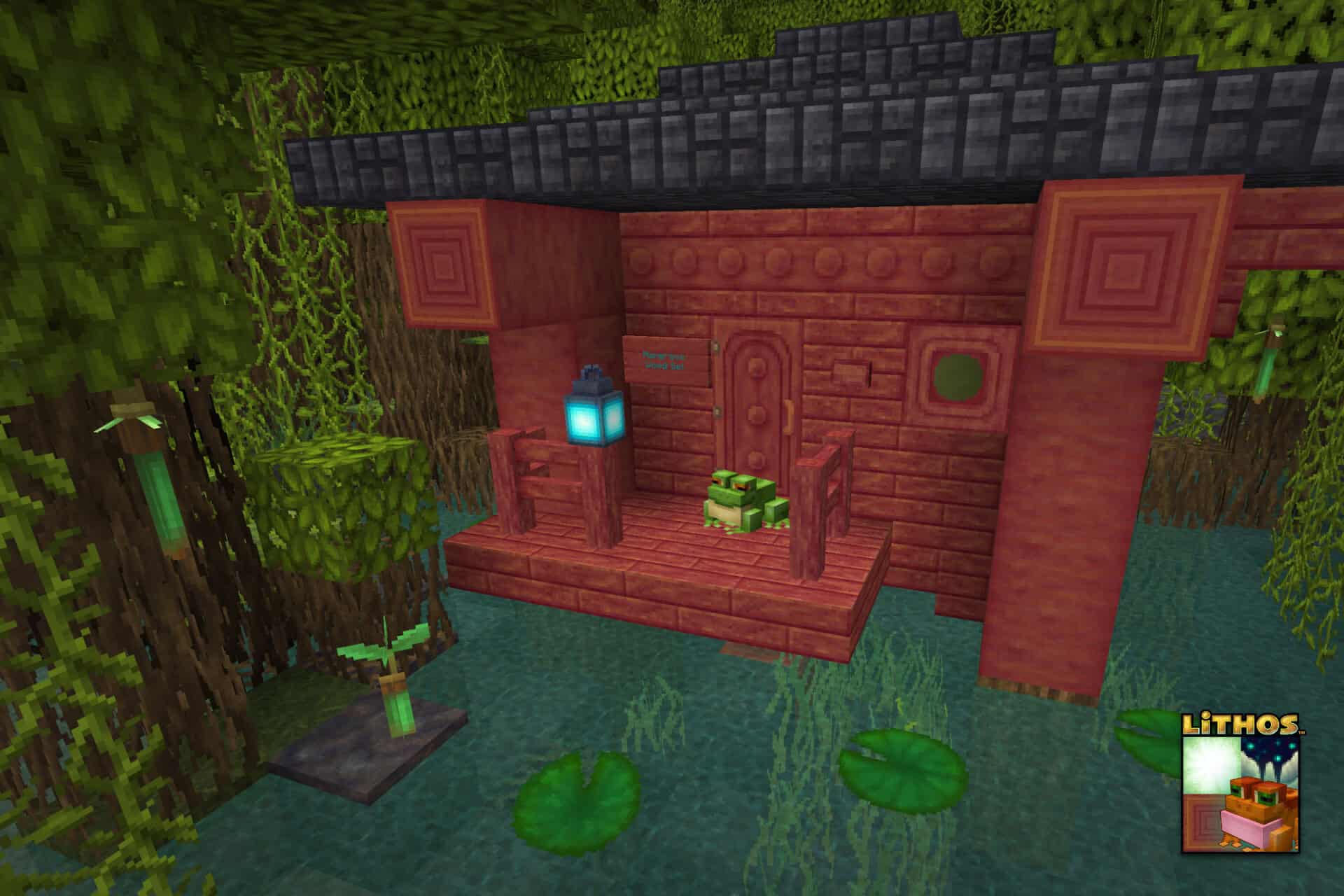
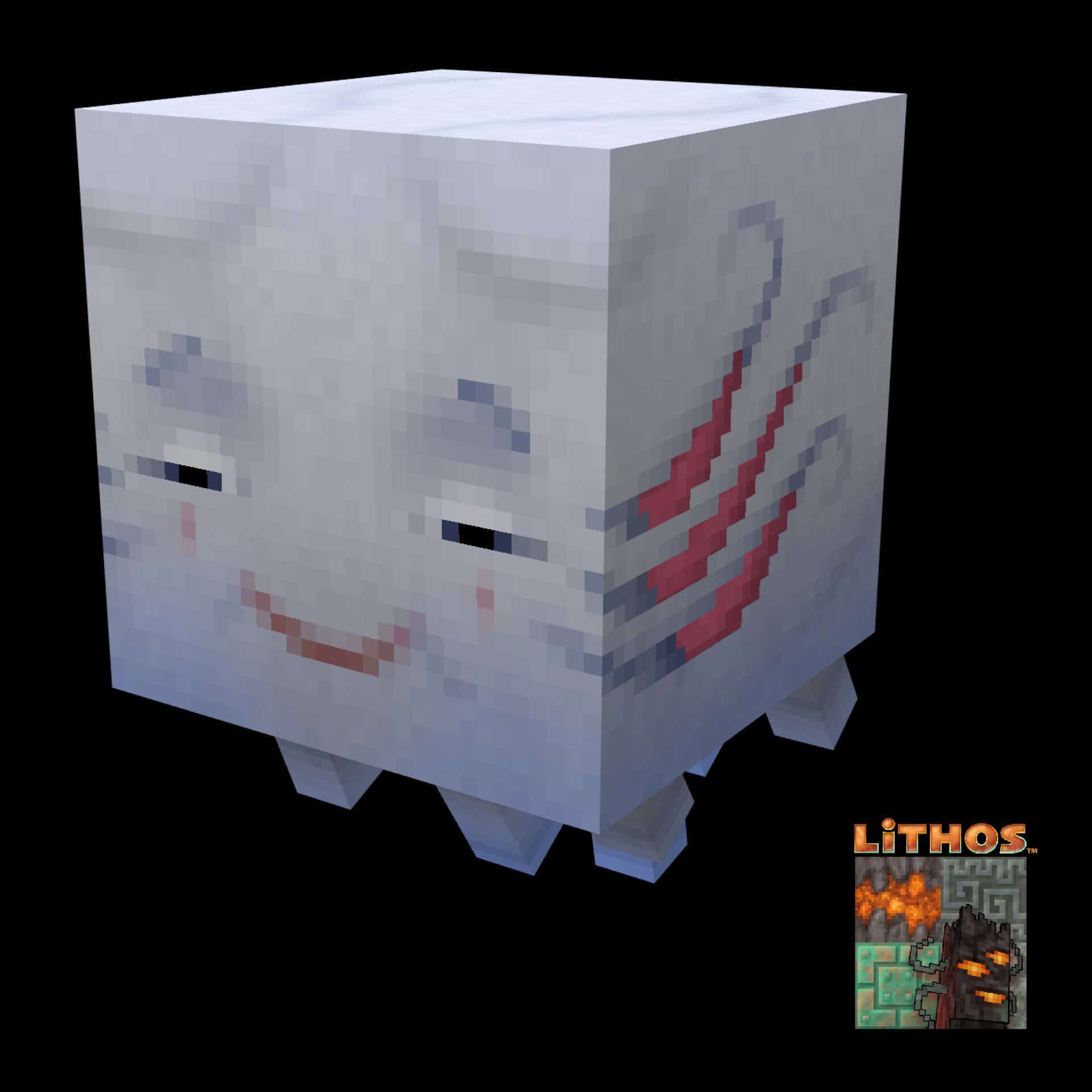
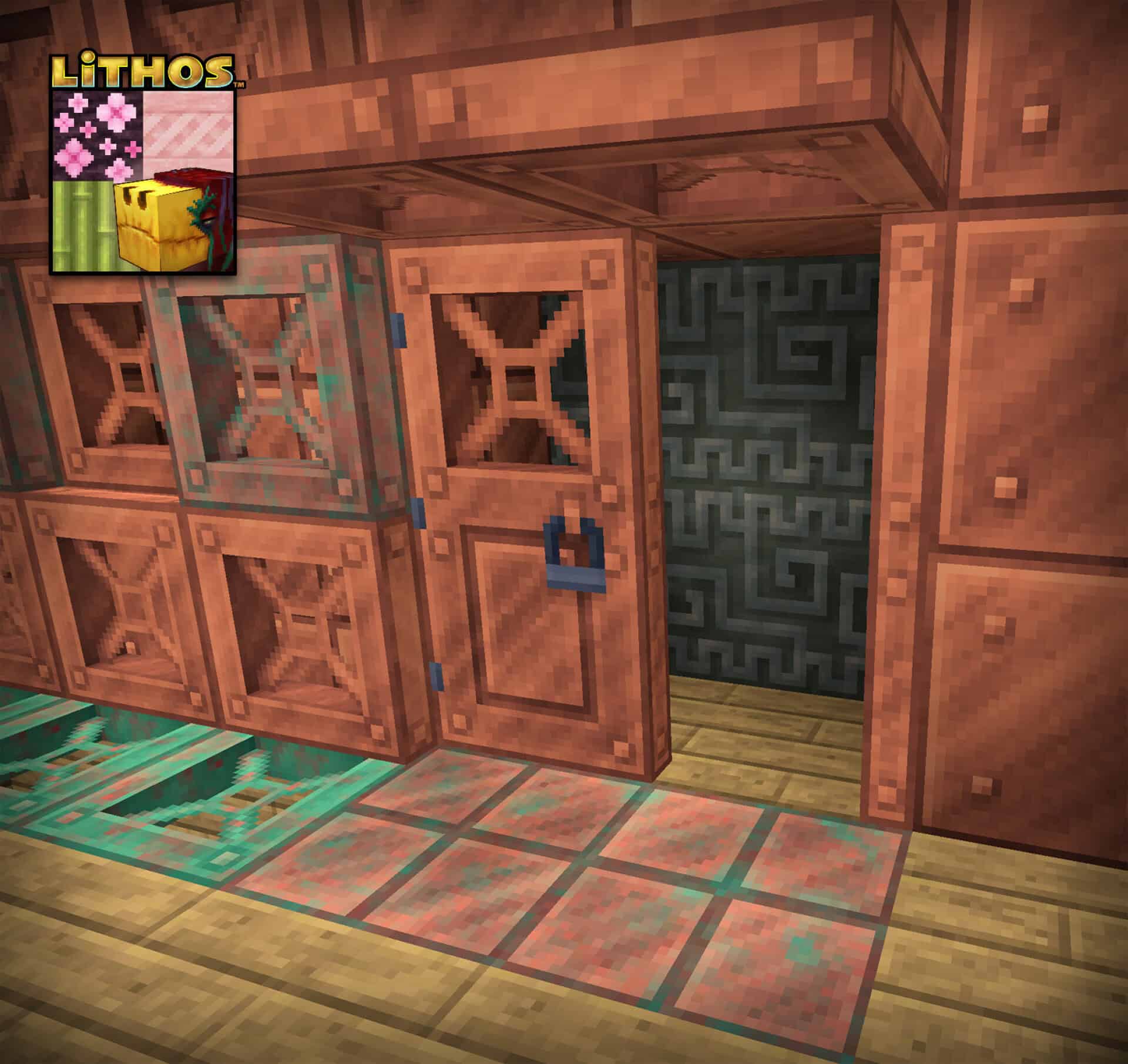
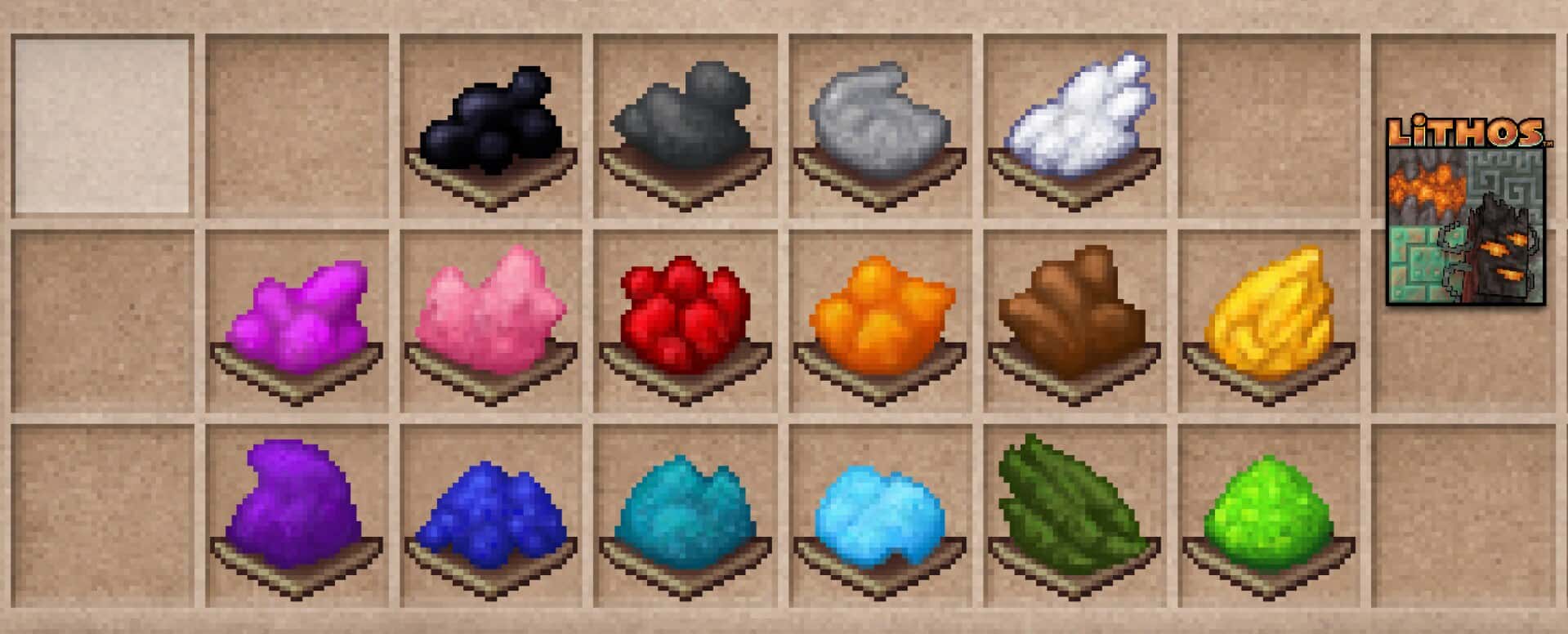
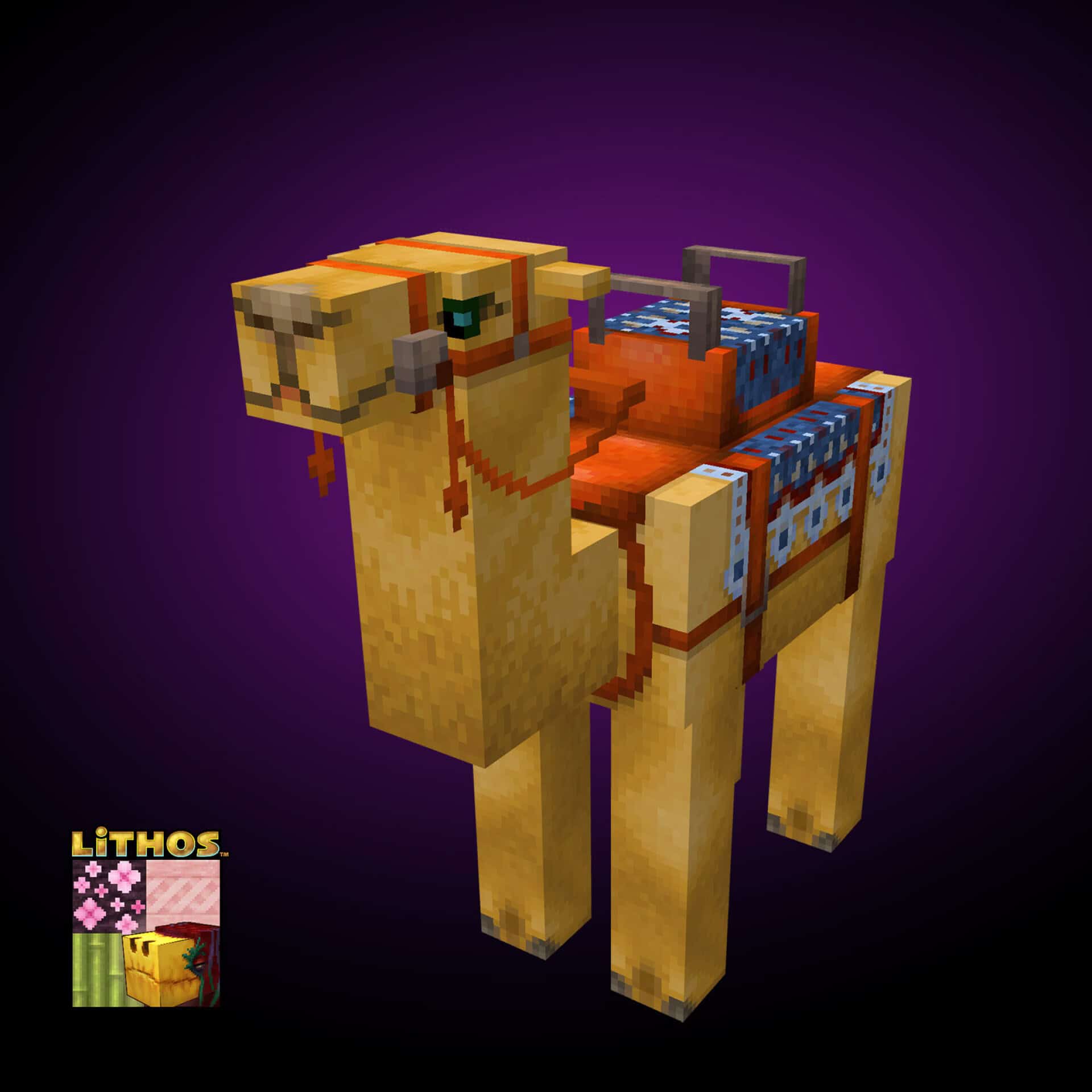
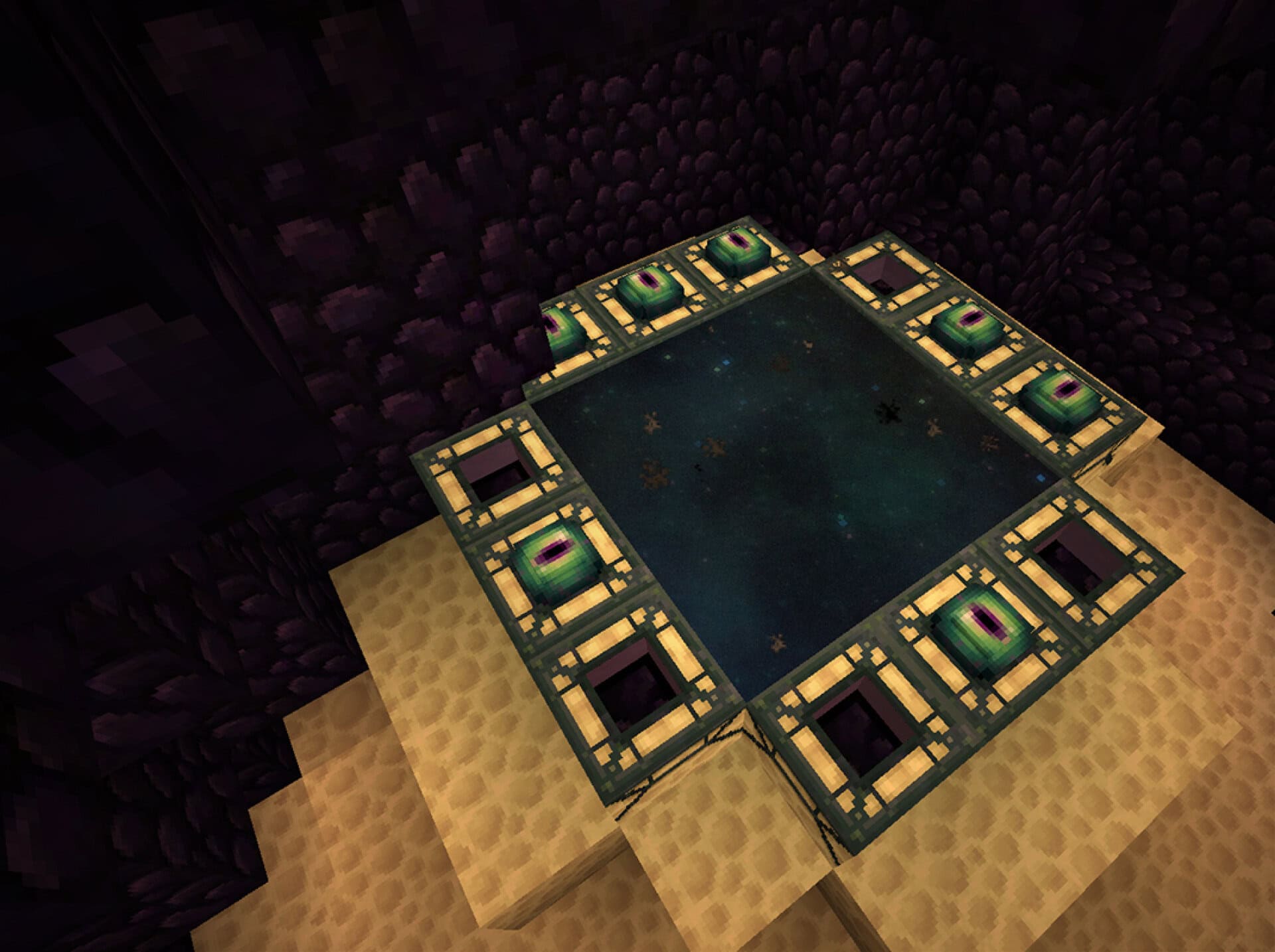
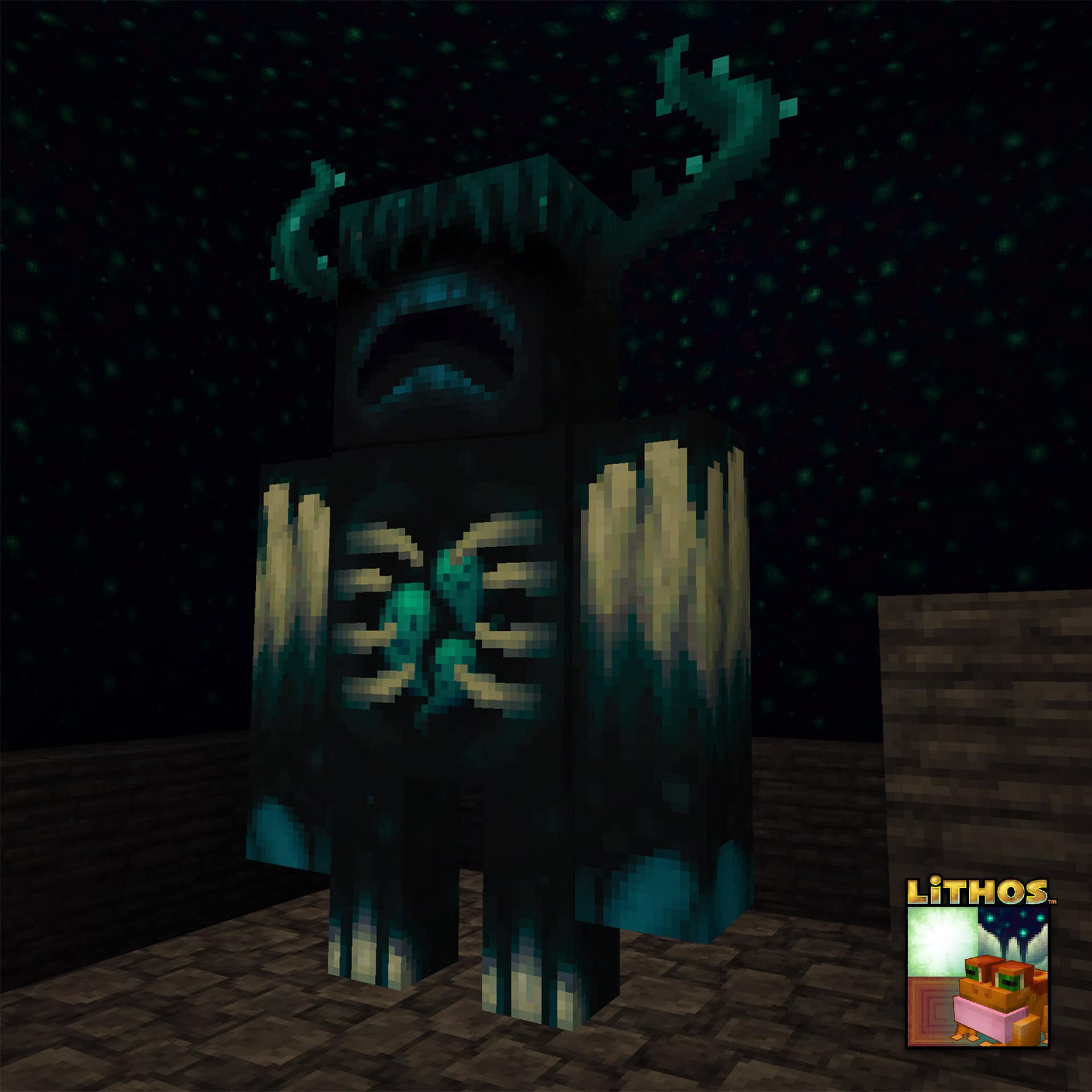
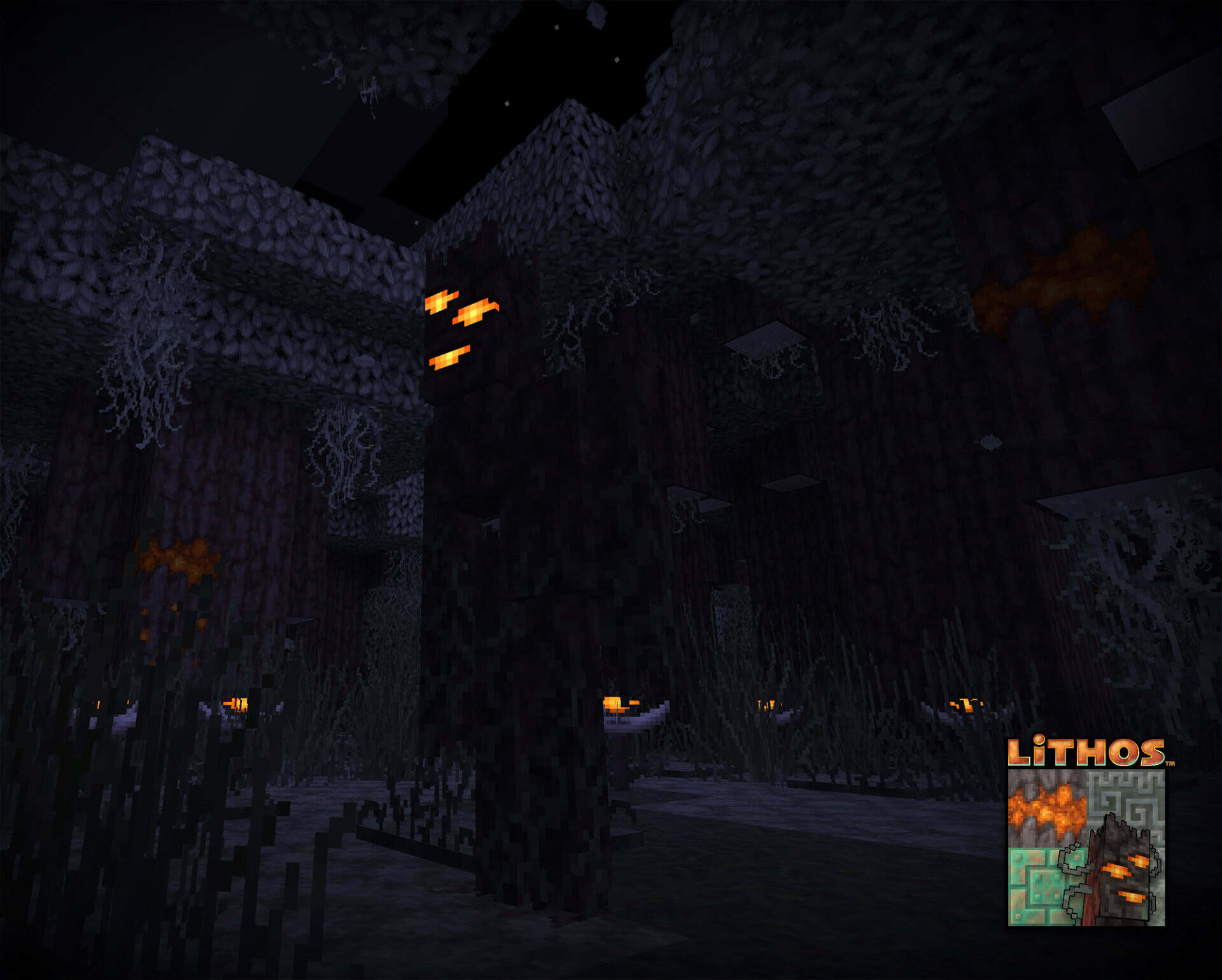
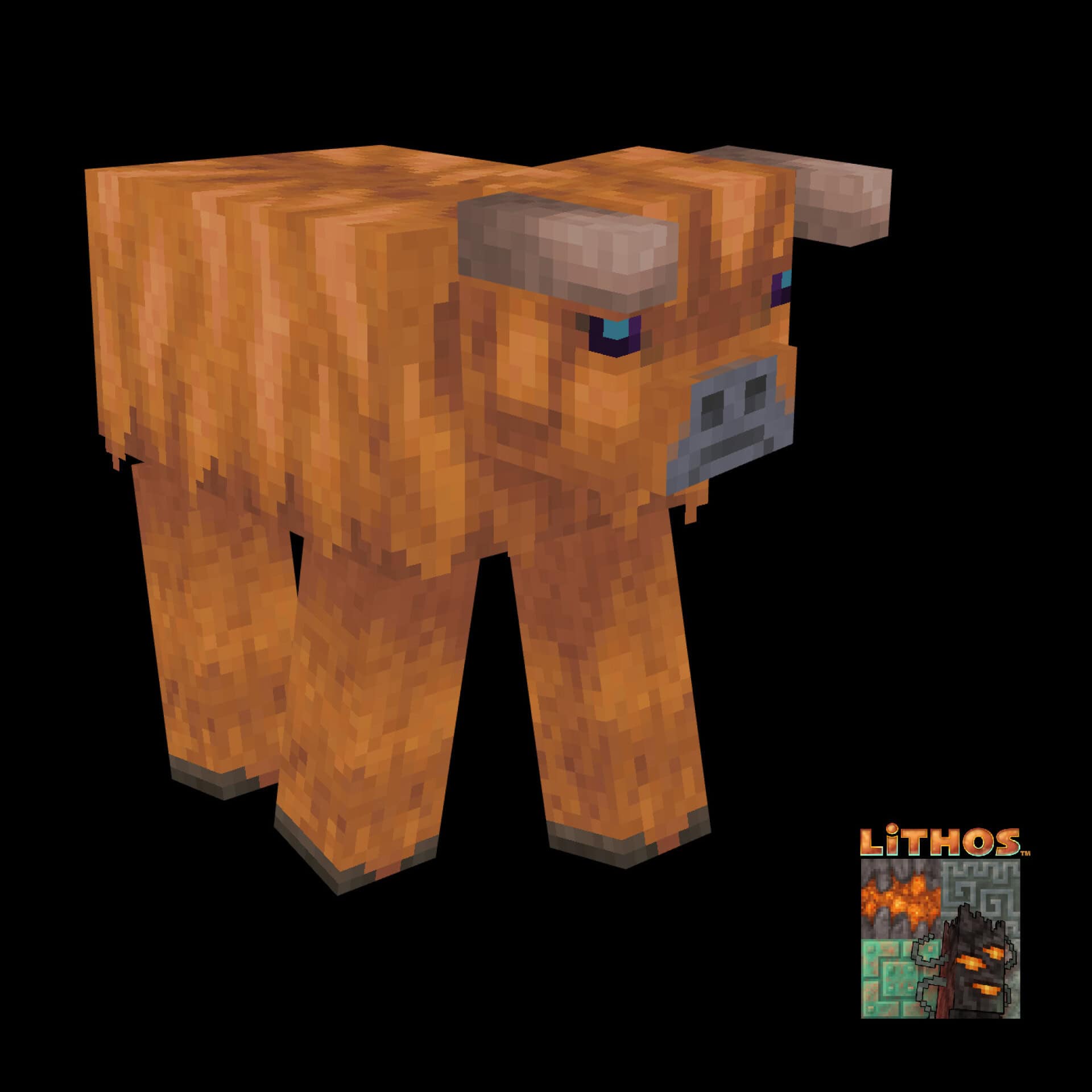
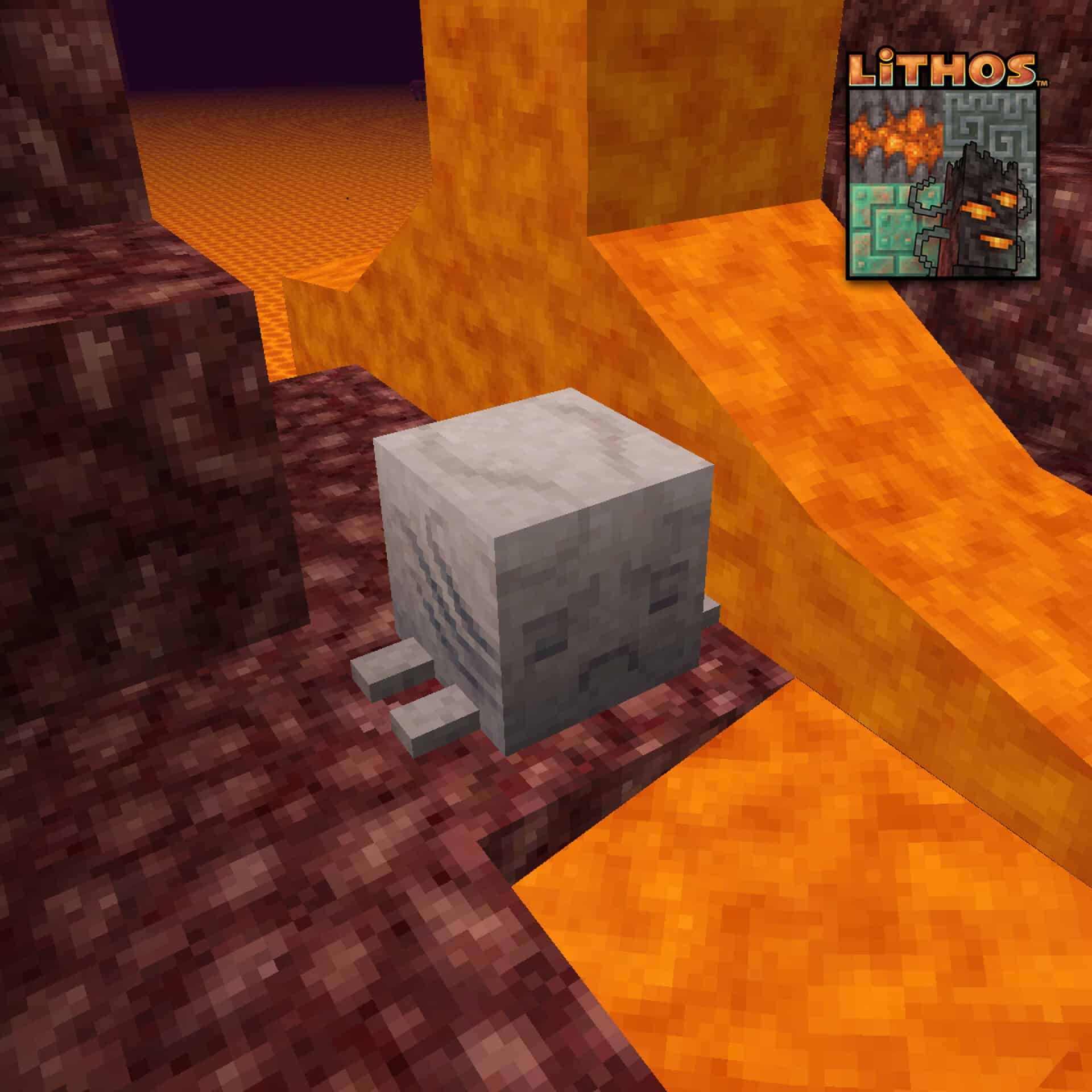
How to Install Texture Pack (Simple 10 Steps)
- Download OptiFine: Most of the texture packs and shaders need OptiFine. That’s why, first download and install OptiFine for the version of Minecraft you want to play.
- Download the Texture Pack: Get the texture pack you want from the download section. Choose the version that works with your Minecraft and your PC’s performance.
- Open Minecraft Launcher: Start Minecraft using the official game launcher — or even TLauncher, if you use that.
- Go to Options: From the main menu, click on the “Options” button.
- Open Resource Packs: Inside Options, click on “Resource Packs…”.
- Open the Resource Pack Folder: Click on “Open Resource Pack Folder” — this will open a folder named “resourcepacks”.
- Move the Pack File: Copy or move the .zip file you downloaded into that “resourcepacks” folder. (Don’t unzip the file — Minecraft uses it as-is!)
- Go Back and Refresh: Close the folder and click “Done”, then go back into “Resource Packs…” again.
- Activate the Pack: You’ll see the pack on the left side. Hover over it and click the arrow to move it to the right (active side).
Tip: If you get a message that the pack is for a different version, just click “Yes” — it usually works fine. - Click Done and Enjoy: Click “Done” again. Now your pack is ready to use in-game. It’s that easy!
Credits
The Lithos Resource Pack was originally created and is maintained by eleazzaar. We do not claim ownership of this content, nor do we modify the original download files. We highly recommend supporting the creator directly through their official distribution channels.
Download Links
Java Edition
- [32x] Minecraft 26.1.x – 26.2.x
- [32x] Minecraft 1.21.x
- [32x] Minecraft 1.20.x
- [32x] Minecraft 1.19.x
- [32x] Minecraft 1.18.x
- [32x] Minecraft 1.17.x
- [32x] Minecraft 1.16.x
- [32x] Minecraft 1.15.x
- [32x] Minecraft 1.14.x
- [32x] Minecraft 1.13.x
- [32x] Minecraft 1.12.x
- [32x] Minecraft 1.11.x
- [32x] Minecraft 1.9.x – 1.10.x
- [32x] Minecraft 1.8.x
- [32x] Minecraft 1.7.x
- Minecraft 1.20.x Font Add-on
- Minecraft 1.18.x Font Add-on
- Minecraft 1.17.x Font Add-on
- Minecraft 1.15.x – 1.16.x Font Add-on
- Minecraft 1.14.x Font Add-on
- Minecraft 1.13.x Font Add-on
- Minecraft 1.12.x Font Add-on
- Minecraft 1.11.x Font Add-on
- Minecraft 1.9.x – 1.10.x Font Add-on
- Minecraft 1.6.x – 1.8.x Font Add-on
- [32x] Minecraft 1.16.x Christmas Add-on
- [32x] Minecraft 1.15.x Christmas Add-on
- [32x] Minecraft 1.13.x – 1.14.x Christmas Add-on
- [32x] Minecraft 1.12.x Christmas Add-on
- [32x] Minecraft 1.11.x Christmas Add-on
- [32x] Minecraft 1.10.x Christmas Add-on
- [32x] Minecraft 1.9.x Christmas Add-on
- [32x] Minecraft 1.8.x Christmas Add-on
Bedrock Edition
Download Instructions
Curseforge: download starts automatically after a few seconds;
Mediafire: click the big blue button with the text “DOWNLOAD”;
Google Drive: in the top right corner you will see a small download icon (down arrow), click it and the download should start;


