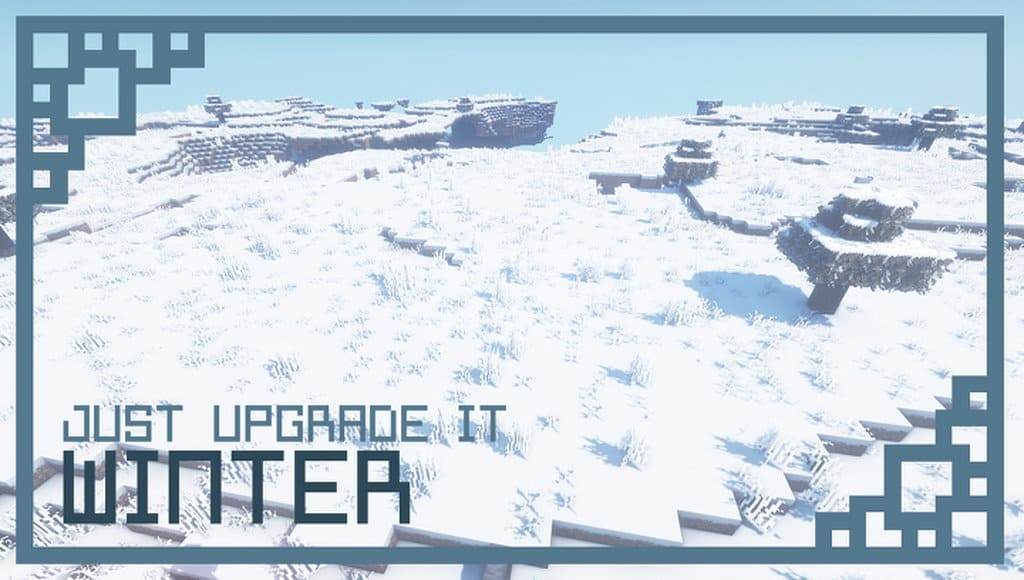
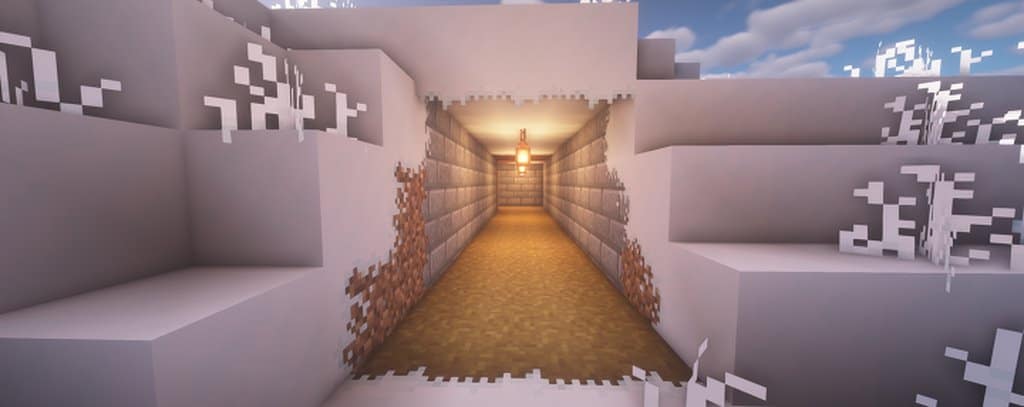
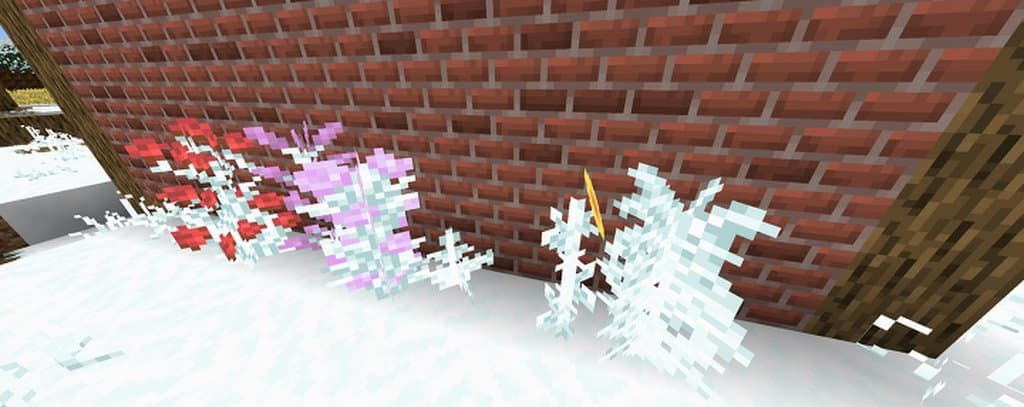
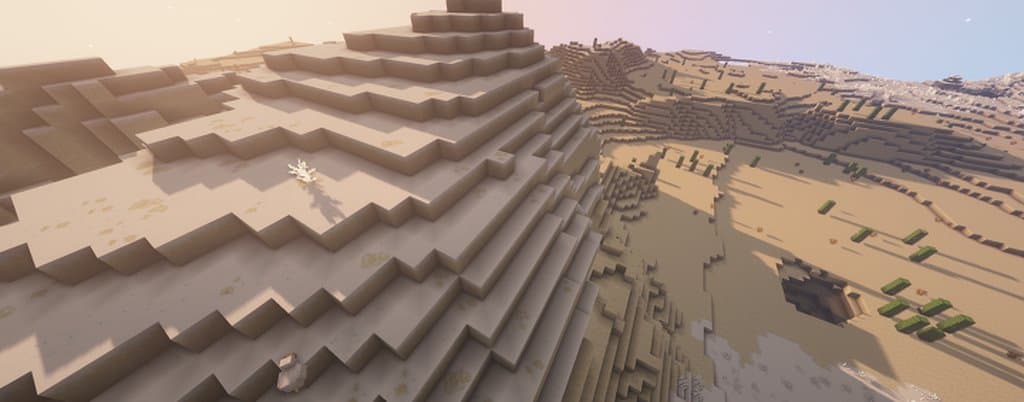
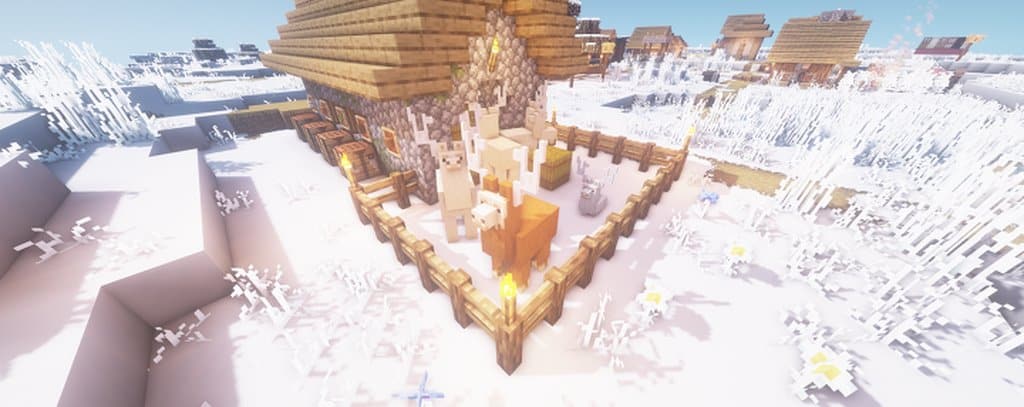
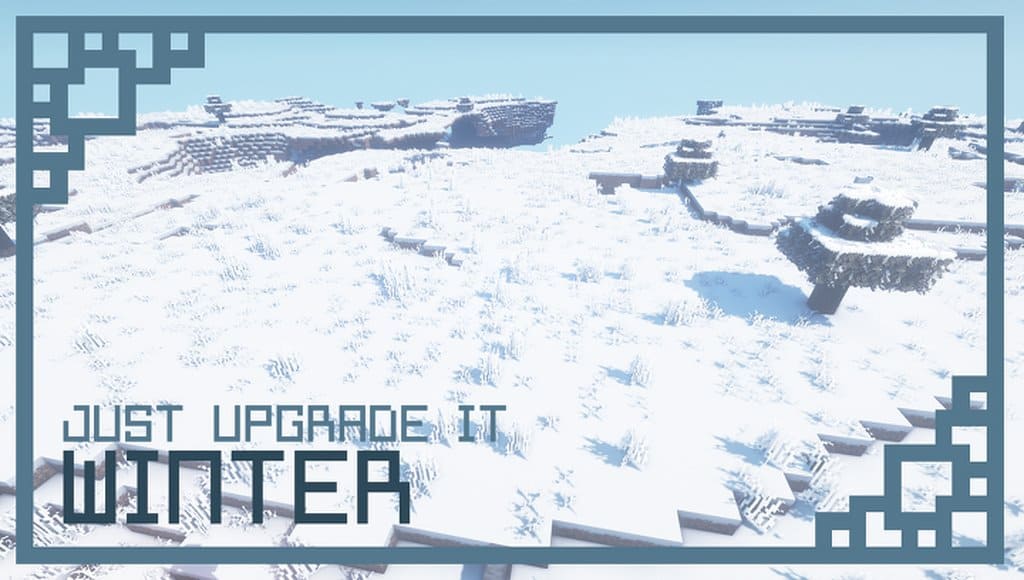
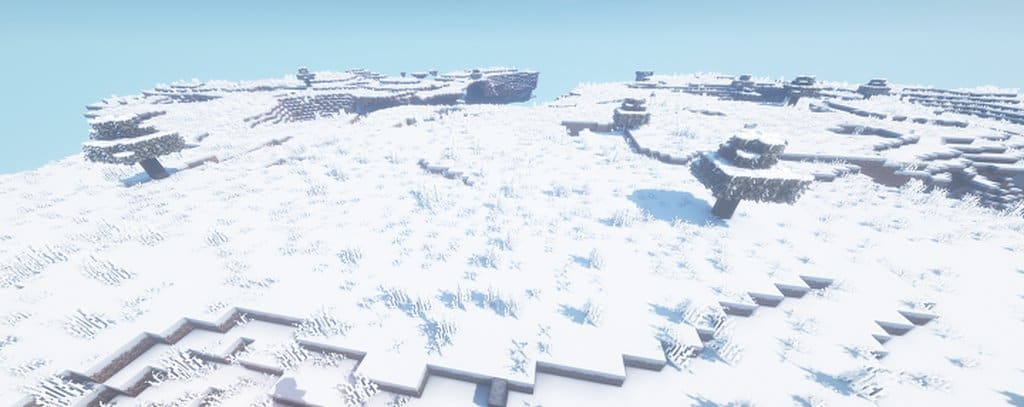
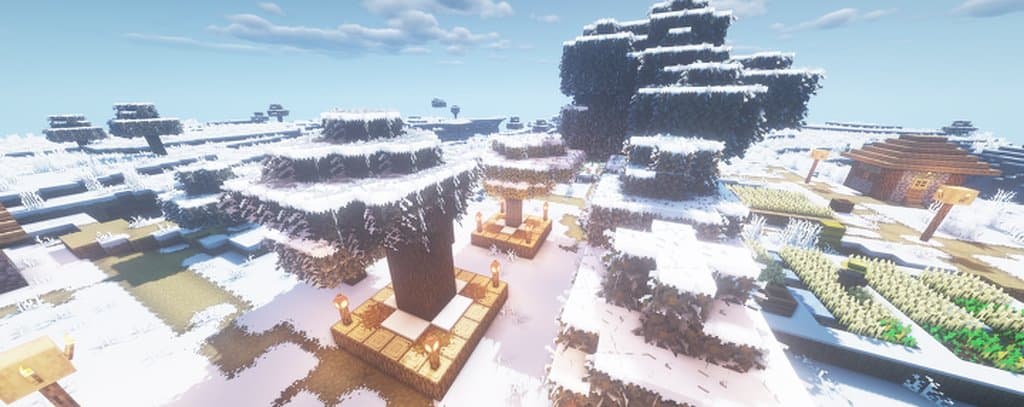
The Just Upgrade It: Winter Edition is an absolute top-notch resource pack focused primarily on delightful winter-themed twists. I found that this resource pack provides an unimaginable graphical experience and truly turns your Minecraft games into fun-filled adventures. Texture packs are usually created on the basis of reality to provide users with an exciting visual experience, and I must say this winter edition resource pack launched recently has proven to be a massive bonus for any gamer, which is precisely why such an edition deserves to go into the Hall of Fame of Minecraft stock for resource packs. If you are searching for anything extraordinary, I strongly suggest giving the Winter Edition a try. It introduces an entirely new land of modified plants, vegetation, and flowers, seamlessly fitting snow into your game and connecting it with a wide variety of different objects and blocks.
This resource pack is simply astonishing if you want to bring a real winter feel to your cube planet. The developer has exciting plans to introduce a few snow mobs with exclusive graphics and designs in the future too. While the graphics do not consist of overly complex details, I noticed that this is never an issue when you look at the complete pack it offers. Thanks to this edition, the textures are extremely well detailed and the noise in the color palettes and textures is exceptional as well. Focusing purely on the theme, I am genuinely delighted with the winter-themed snowy textures that offer impeccable graphics, making the resource pack both unique and beautiful. Best of all, the texture pack comes in a friendly 16×16 resolution, meaning the latest system upgrades are not needed with this edition. Running this resolution means it should perform without any issues, offering the best possible FPS for any gamer.
Just Upgrade It: Winter Edition should be compatible with all of these Minecraft versions: 1.16.5 – 1.16.4 – 1.16.3 – 1.16.2 – 1.16.1 – 1.16 – 1.15.2 – 1.15.1 – 1.15 – 1.14.4 – 1.14.3 – 1.14.2 – 1.14 – 1.13.2 – 1.13.1 – 1.13
Screenshots

How to Install Texture Pack (Simple 10 Steps)
- Download OptiFine: Most of the texture packs and shaders need OptiFine. That’s why, first download and install OptiFine for the version of Minecraft you want to play.
- Download the Texture Pack: Get the texture pack you want from the download section. Choose the version that works with your Minecraft and your PC’s performance.
- Open Minecraft Launcher: Start Minecraft using the official game launcher — or even TLauncher, if you use that.
- Go to Options: From the main menu, click on the “Options” button.
- Open Resource Packs: Inside Options, click on “Resource Packs…”.
- Open the Resource Pack Folder: Click on “Open Resource Pack Folder” — this will open a folder named “resourcepacks”.
- Move the Pack File: Copy or move the .zip file you downloaded into that “resourcepacks” folder. (Don’t unzip the file — Minecraft uses it as-is!)
- Go Back and Refresh: Close the folder and click “Done”, then go back into “Resource Packs…” again.
- Activate the Pack: You’ll see the pack on the left side. Hover over it and click the arrow to move it to the right (active side).
Tip: If you get a message that the pack is for a different version, just click “Yes” — it usually works fine. - Click Done and Enjoy: Click “Done” again. Now your pack is ready to use in-game. It’s that easy!
Credits
This resource pack was created by xalixilax. We do not claim ownership of this content, and all rights remain with the original author. We encourage you to support xalixilax by visiting their official download sources and checking out their other projects.
Download Instructions
Curseforge: download starts automatically after a few seconds;
Mediafire: click the big blue button with the text “DOWNLOAD”;
Google Drive: in the top right corner you will see a small download icon (down arrow), click it and the download should start;


