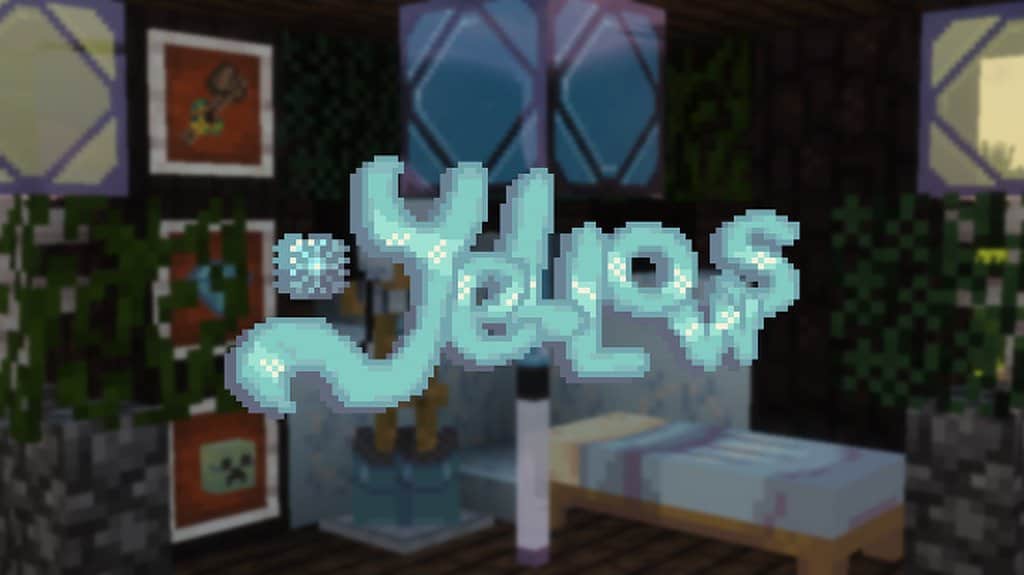
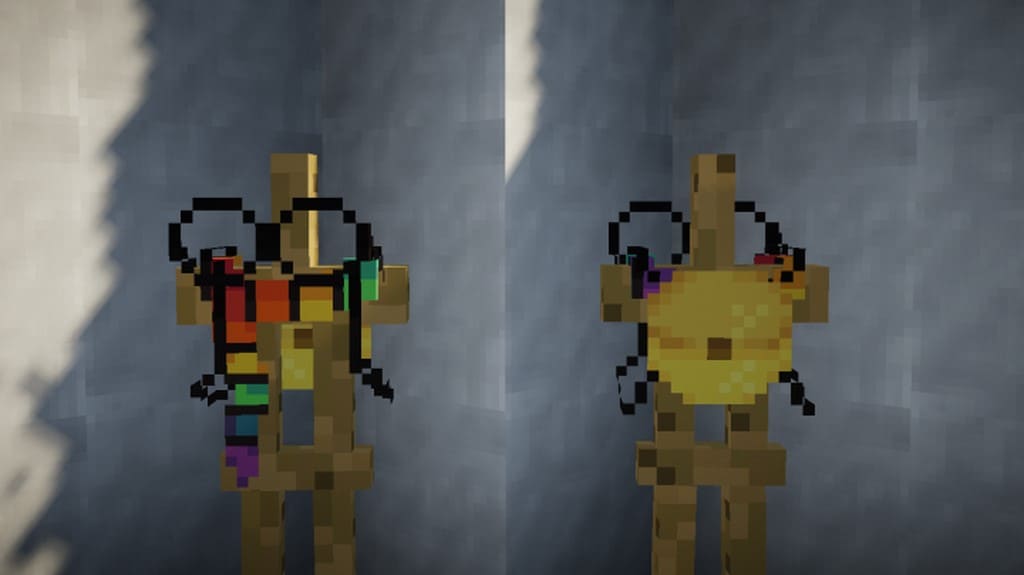
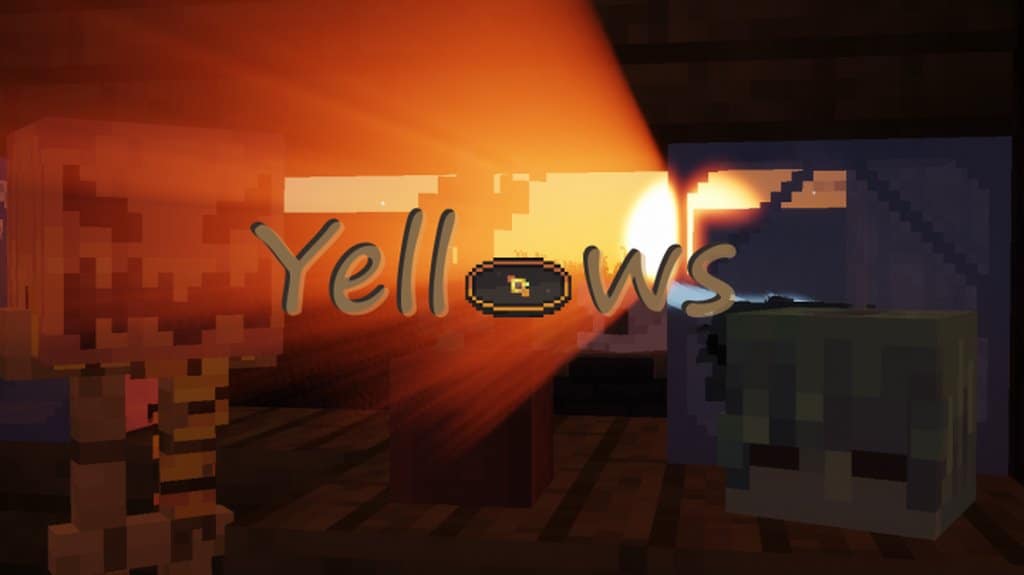
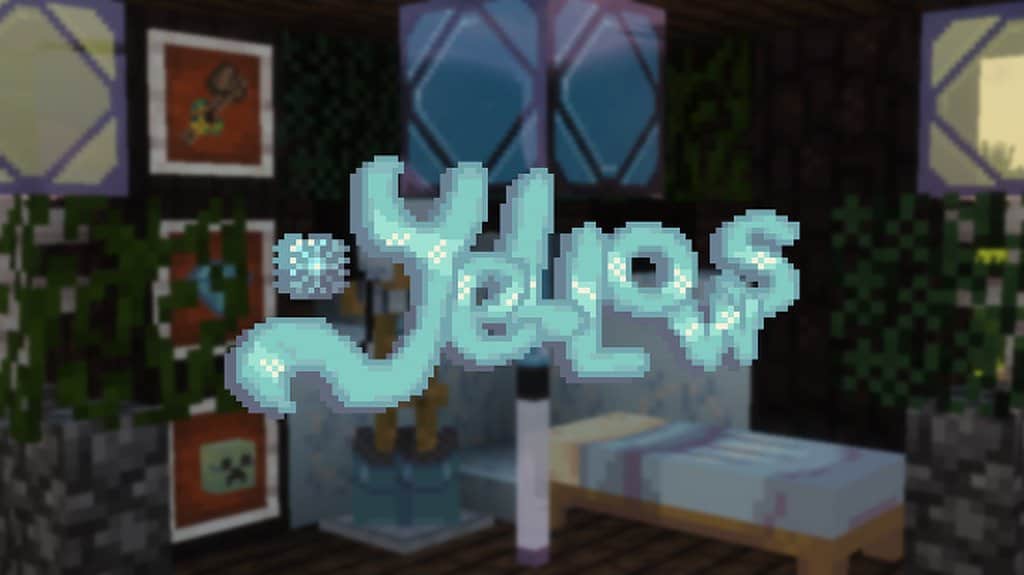
There is genuinely a lot going for the Yellows resource pack! It is a fairly new pack, so updates are definitely going to be forthcoming and plentiful, but the textures that are currently included are completely worthy of your attention. For those who might be concerned about their computer’s processing power and overall compatibility with the Yellows resource pack, you can totally rest easy. The Yellows resource pack won’t slow you down at all, even if you are playing from a less-than-stellar laptop or a dusty old desktop. The Yellows resource pack boosts the resolution of default textures from the standard 16×16 to a far more aesthetically pleasing 32×32 resolution. This wonderful increase does not come at a big cost to your processing speed, making it even more attractive to use. The current list of textures included in the pack is guaranteed to change as more textures are added in the future, but some of the most common block textures found within the entire Minecraft universe can already be found in the Yellows resource pack.
From glass to grass and dirt to bricks, the Yellows pack has some extraordinary textures to make your world come alive much more vibrantly than before! The Yellows also includes the textures for some animal byproducts like leather and wool, along with various foods and armors as well, making it so much more than just a one-note resource pack. When you remember that there are so many more textures yet to be added, it only adds to the awesomeness that is the Yellows resource pack. New updates are said to include wooden objects, the totality of all food items, lovely planks, and more weapons. Imagine walking around the game world, completely surrounded by gorgeous 32×32 textures! The Yellows resource pack is still actively in development, but why be late to the game when you can dive right in? The Yellows resource pack already features a brilliant amount and quality of textures for you to try out right now!
Yellows should be compatible with all of these Minecraft versions: 1.14.4 – 1.14.3 – 1.14.2 – 1.14 – 1.13.2 – 1.13.1 – 1.13 – 1.12.2 – 1.12
Screenshots
How to Install Texture Pack (Simple 10 Steps)
- Download OptiFine: Most of the texture packs and shaders need OptiFine. That’s why, first download and install OptiFine for the version of Minecraft you want to play.
- Download the Texture Pack: Get the texture pack you want from the download section. Choose the version that works with your Minecraft and your PC’s performance.
- Open Minecraft Launcher: Start Minecraft using the official game launcher — or even TLauncher, if you use that.
- Go to Options: From the main menu, click on the “Options” button.
- Open Resource Packs: Inside Options, click on “Resource Packs…”.
- Open the Resource Pack Folder: Click on “Open Resource Pack Folder” — this will open a folder named “resourcepacks”.
- Move the Pack File: Copy or move the .zip file you downloaded into that “resourcepacks” folder. (Don’t unzip the file — Minecraft uses it as-is!)
- Go Back and Refresh: Close the folder and click “Done”, then go back into “Resource Packs…” again.
- Activate the Pack: You’ll see the pack on the left side. Hover over it and click the arrow to move it to the right (active side).
Tip: If you get a message that the pack is for a different version, just click “Yes” — it usually works fine. - Click Done and Enjoy: Click “Done” again. Now your pack is ready to use in-game. It’s that easy!
Credits
This resource pack was created by Rhines. We do not own, host, or modify this resource pack. All rights and original ownership belong to Rhines. We strongly encourage you to support the creator by downloading the files from their official links.
Download Links
Java Edition
Download Instructions
Curseforge: download starts automatically after a few seconds;
Mediafire: click the big blue button with the text “DOWNLOAD”;
Google Drive: in the top right corner you will see a small download icon (down arrow), click it and the download should start;


