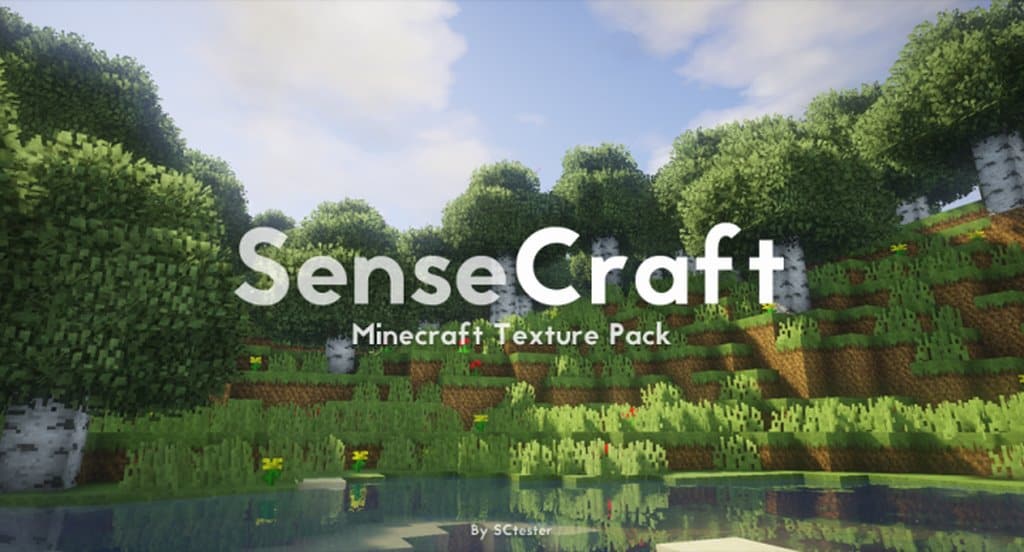
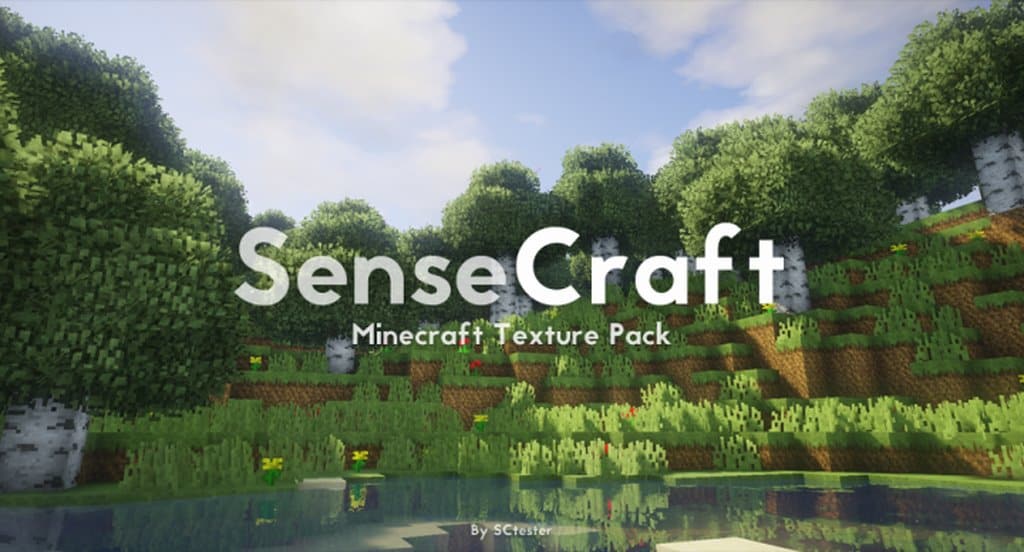
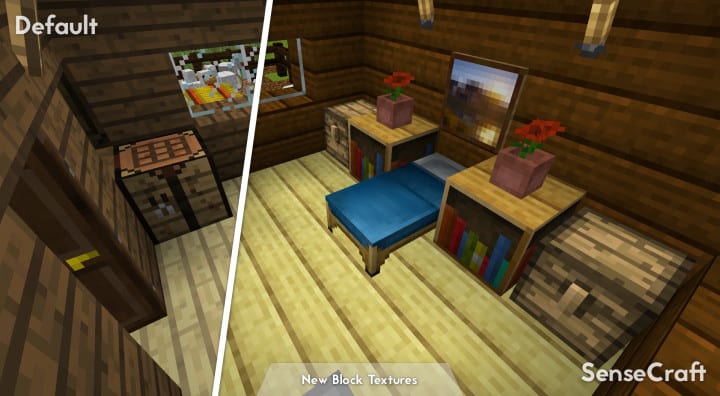
We all know that resource packs are definitely nothing new to Minecraft fans. There are so many packs available nowadays, however, most people will probably appreciate the SenseCraft Resource Pack because it doesn’t have nearly as much interest in drastically transforming the core look of Minecraft. The pack was originally created by SCtester with a resolution of 16x, which makes it an ideal resource pack for anyone who truly loves the default aesthetics. This pack is overall an awesome texture pack that was designed to make sure that every single visual element of Minecraft looks as good as possible. In that regard, you cannot help but commend it for being one of the more polished resource packs to hit the internet in recent times because it endeavors, first and foremost, to refine the look of the game. And when all is said and done, it will give the game’s visual elements a fantastic boost.
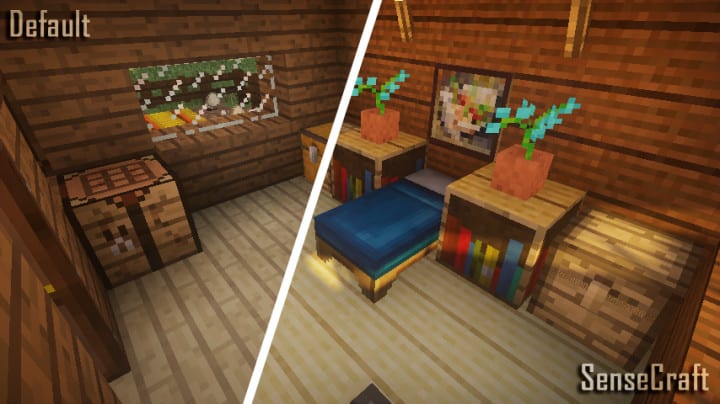
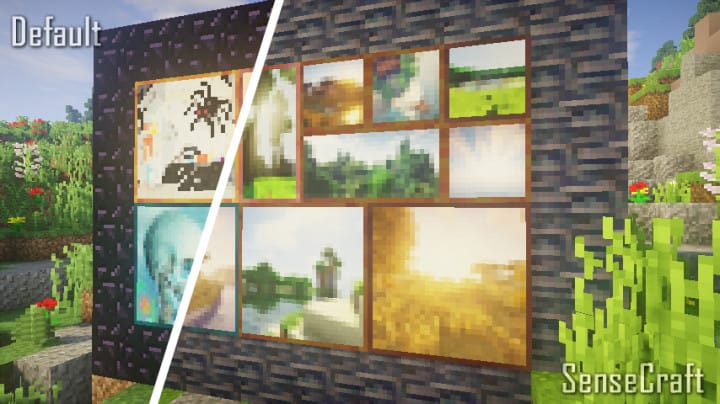
The pack primarily works to deliver all manner of improvements to the default appearance of Minecraft. There is little to complain about, especially for fans of vanilla Minecraft. Sure, you have probably heard similar boasts made before; however, there is genuine truth to the claims that have been made about SenseCraft. You will notice right away that the water textures are much smoother than the default ones. The color palette chosen for designing this set of textures is just perfect. Everything feels very vibrant and lush, while item, weapon, and armor textures have been thoroughly reworked too. The user interface, or just the UI, wasn’t forgotten either. Minecraft has so many notable visual aspects that it would be impossible to point out every single transformation that SenseCraft makes; however, you can expect all these major and minor changes to deliver a breathtaking result that truly justifies the hype surrounding SenseCraft.
SenseCraft should be compatible with all of these Minecraft versions: 1.16.5 – 1.16.4 – 1.16.3 – 1.16.2 – 1.16.1 – 1.16 – 1.15.2 – 1.15.1 – 1.15 – 1.14.4 – 1.14.3 – 1.14.2 – 1.14 – 1.13.2 – 1.13.1 – 1.13 – 1.12.2 – 1.12 – 1.11.2 – 1.11
Screenshots
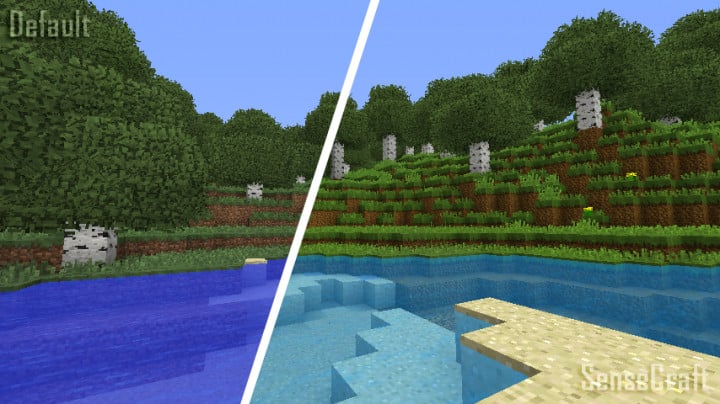
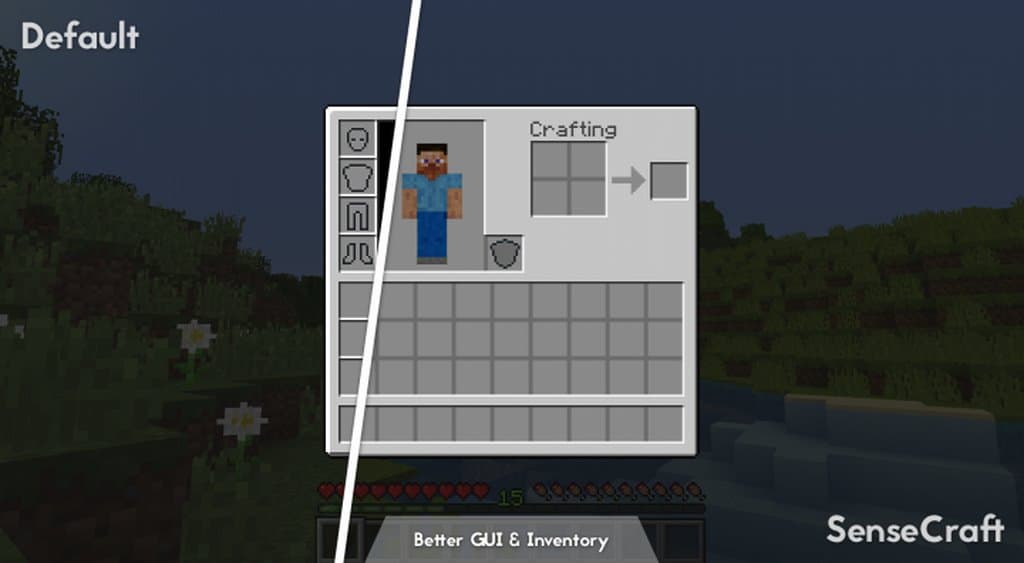
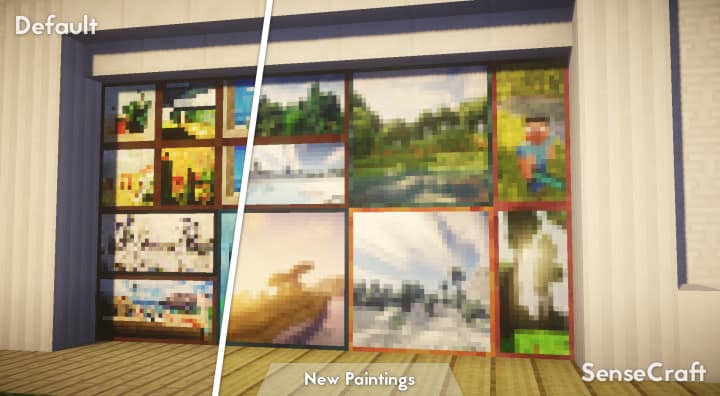
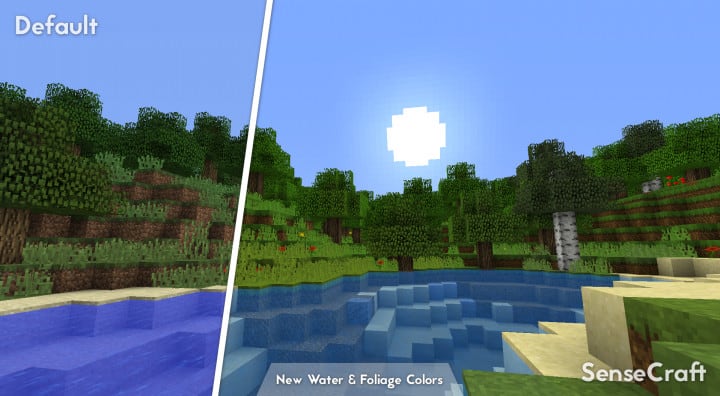
How to Install Texture Pack (Simple 10 Steps)
- Download OptiFine: Most of the texture packs and shaders need OptiFine. That’s why, first download and install OptiFine for the version of Minecraft you want to play.
- Download the Texture Pack: Get the texture pack you want from the download section. Choose the version that works with your Minecraft and your PC’s performance.
- Open Minecraft Launcher: Start Minecraft using the official game launcher — or even TLauncher, if you use that.
- Go to Options: From the main menu, click on the “Options” button.
- Open Resource Packs: Inside Options, click on “Resource Packs…”.
- Open the Resource Pack Folder: Click on “Open Resource Pack Folder” — this will open a folder named “resourcepacks”.
- Move the Pack File: Copy or move the .zip file you downloaded into that “resourcepacks” folder. (Don’t unzip the file — Minecraft uses it as-is!)
- Go Back and Refresh: Close the folder and click “Done”, then go back into “Resource Packs…” again.
- Activate the Pack: You’ll see the pack on the left side. Hover over it and click the arrow to move it to the right (active side).
Tip: If you get a message that the pack is for a different version, just click “Yes” — it usually works fine. - Click Done and Enjoy: Click “Done” again. Now your pack is ready to use in-game. It’s that easy!
Credits
SenseCraft was originally developed and created by SCtester. We do not own, host, or modify this resource pack, and all rights remain with the original creator. We strongly encourage players to visit the official creator links to download the pack and support their ongoing work.
Download Links
Java Edition
Download Instructions
Curseforge: download starts automatically after a few seconds;
Mediafire: click the big blue button with the text “DOWNLOAD”;
Google Drive: in the top right corner you will see a small download icon (down arrow), click it and the download should start;


