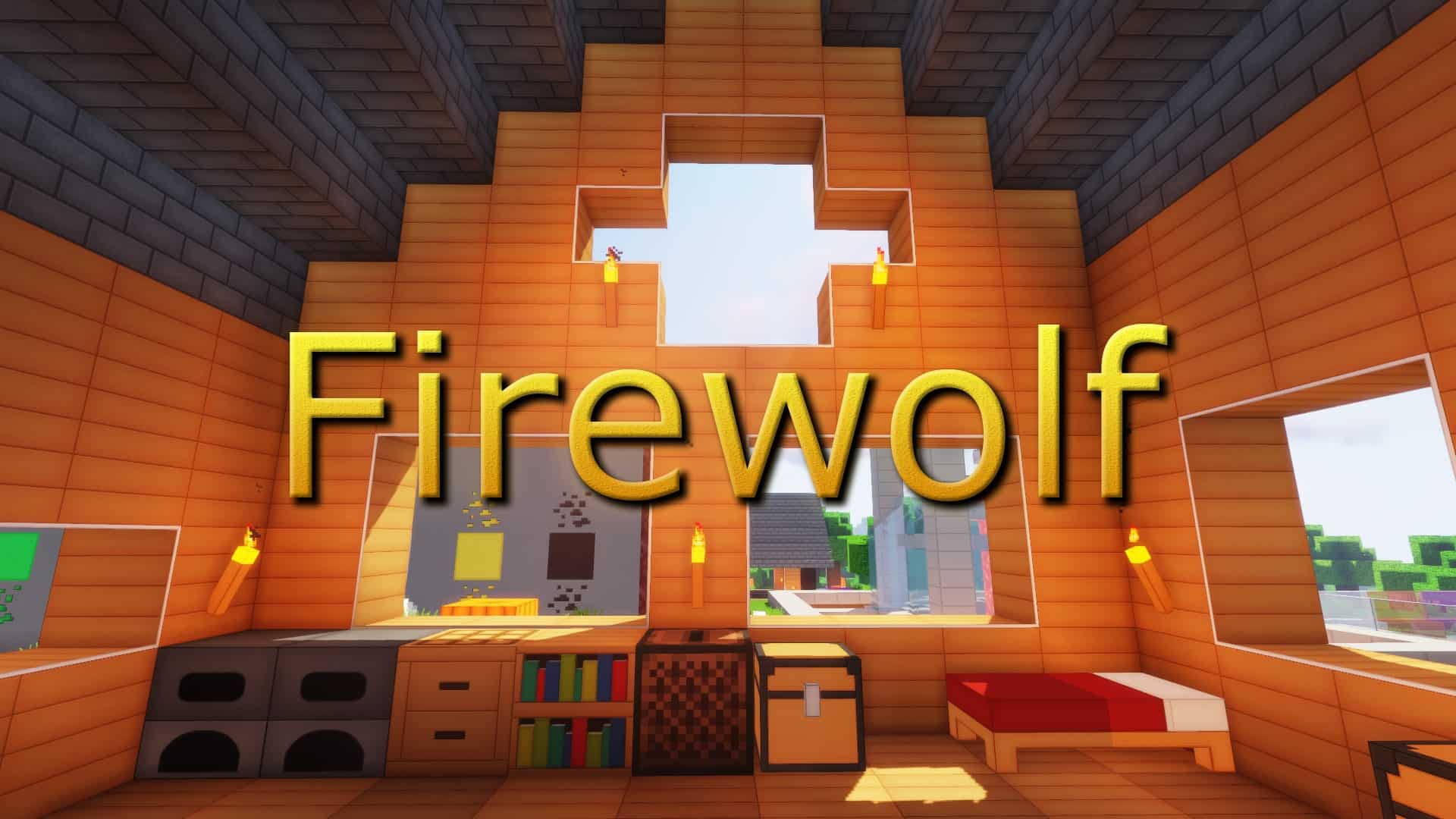
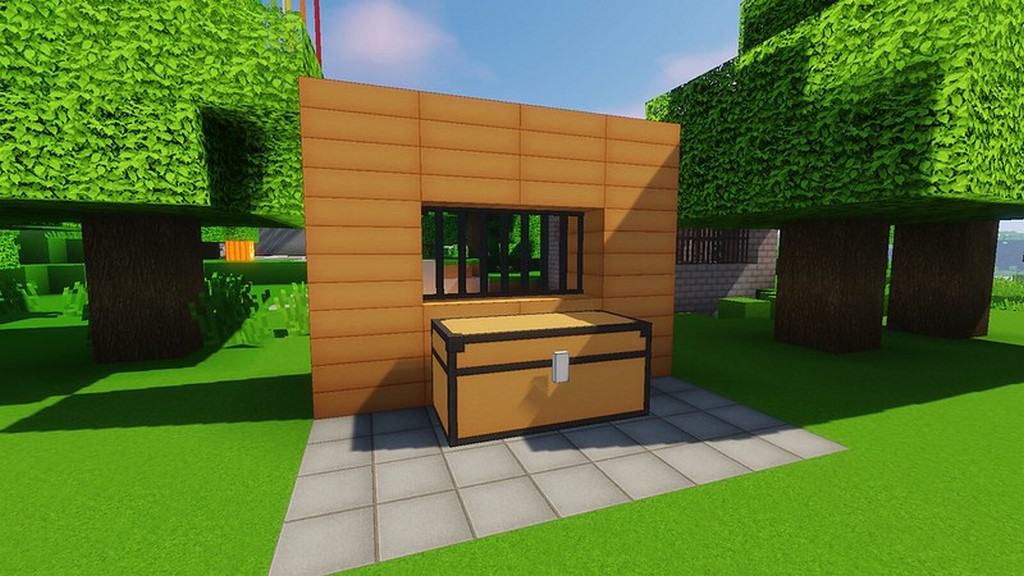
Minecraft players absolutely love the Firewolf resource pack with its opulent colors and rich textures! More and more players are learning to appreciate the classic vanilla art style of Minecraft. For many people, if all they had in Minecraft was the well-known default style of the game, with its blocks and cubes, they would be happy for a while. Of course, the detail issue is always there and players tend to wish there was more of it. This desire for detail could explain the wide use of certain texture packs. And there are some packs that are used more than others. In fact, they are so popular, that they are called faithful. The Faithful 32×32 is one of these favorites. Another widely played resource pack is Firewolf. This pack has been downloaded almost one million times and that is only counting the times on CurseForge. Like the faithful-themed texture packs, Firewolf chooses not to totally reinvent Minecraft. Instead, it takes the attributes that make Minecraft stand out among games, such as the look and the feel, and retains them while improving upon the textures for which Minecraft became famous. The 128x resolution has been around a while and is looking exceptionally good.
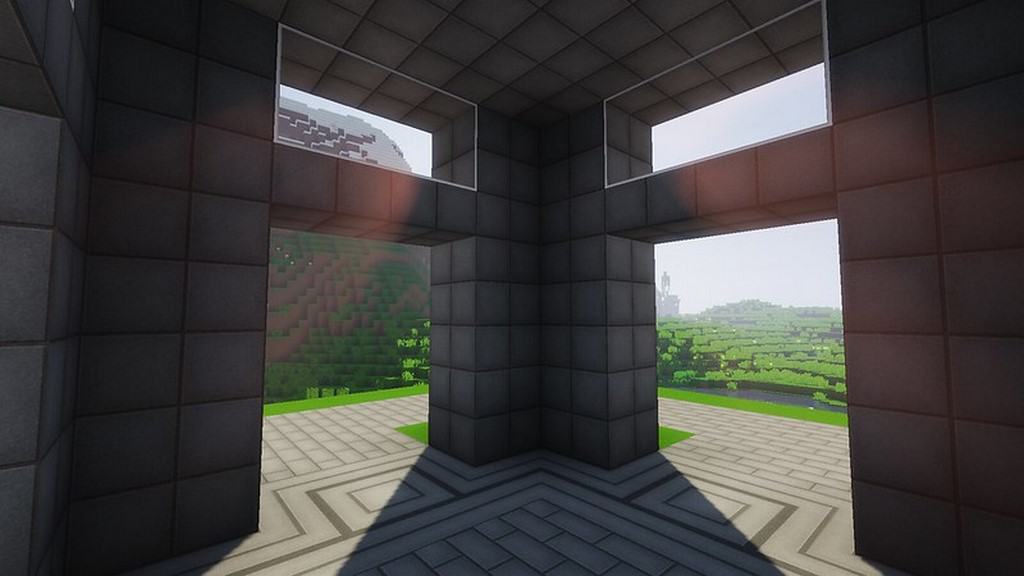
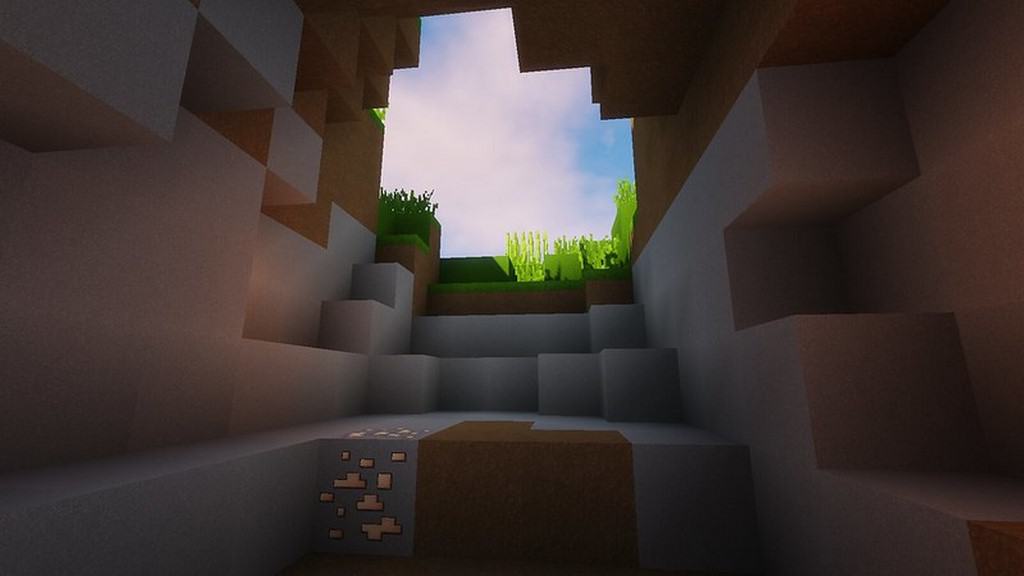
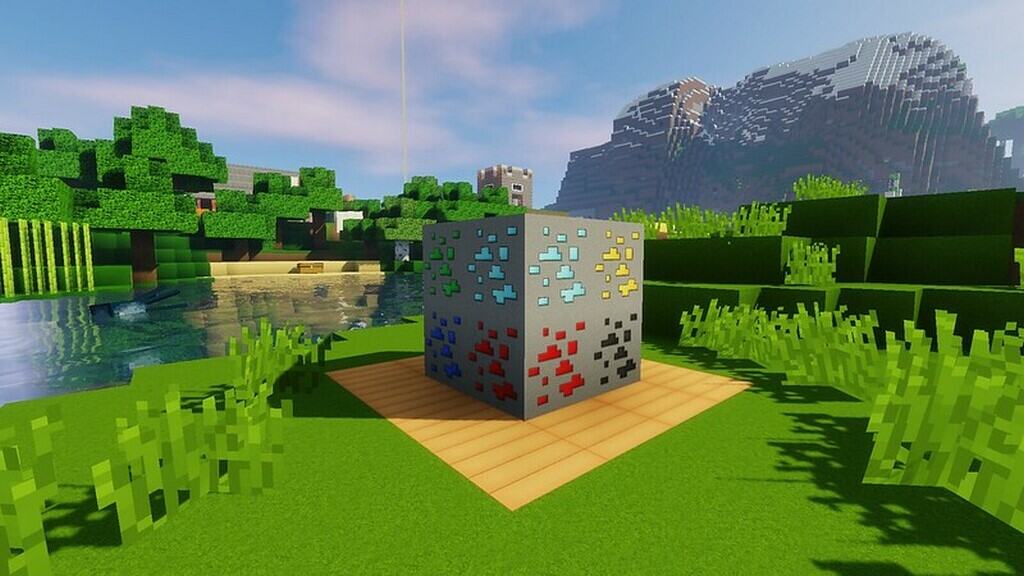
This resource pack was designed with two main objectives: to give players dynamic, clear, straightforward visuals, and to have the game be clean and attractive. Happily, this pack really hits the targets. There is also fantastic 3D integration in Firewolf. Ladders, doors, and rails all seem to jump right out at the player. The Firewolf resource pack has a somewhat high texture resolution, comparatively speaking, of 128×128. But there is a lot of incredible detail tucked into the textures of this pack. The high resolution is to be expected, perhaps even pretty much a given. Another given is the fact that with a resolution this high, frame rate can sometimes be a problem. It can be a problem, that is, if this resource pack is run through anything other than a high-end system. But it can definitely be worth it. For instance, there is also a feature to connect textures for glass and stained glass. Of course, players will need to install OptiFine in order to access this feature. But these features, along with the amazing 3D elements, make it very enticing. It might appear at first glance that the Firewolf resource pack requires a lot for maximum fun—a high-end system and OptiFine—but with the vibrant colors, gorgeous textures, wonderful features, and 3D models, it is a resource pack that is truly worth it.
Firewolf HD should be compatible with all of these Minecraft versions: 1.17.1 – 1.17 – 1.16.5 – 1.16.4 – 1.16.3 – 1.16.2 – 1.16.1 – 1.16 – 1.15.2 – 1.15.1 – 1.15 – 1.14.4 – 1.14.3 – 1.14.2 – 1.14 – 1.13.2 – 1.13.1 – 1.13 – 1.12.2 – 1.12 – 1.9.4 – 1.9 – Bedrock Edition – PE
Screenshots
How to Install Texture Pack (Simple 10 Steps)
- Download OptiFine: Most of the texture packs and shaders need OptiFine. That’s why, first download and install OptiFine for the version of Minecraft you want to play.
- Download the Texture Pack: Get the texture pack you want from the download section. Choose the version that works with your Minecraft and your PC’s performance.
- Open Minecraft Launcher: Start Minecraft using the official game launcher — or even TLauncher, if you use that.
- Go to Options: From the main menu, click on the “Options” button.
- Open Resource Packs: Inside Options, click on “Resource Packs…”.
- Open the Resource Pack Folder: Click on “Open Resource Pack Folder” — this will open a folder named “resourcepacks”.
- Move the Pack File: Copy or move the .zip file you downloaded into that “resourcepacks” folder. (Don’t unzip the file — Minecraft uses it as-is!)
- Go Back and Refresh: Close the folder and click “Done”, then go back into “Resource Packs…” again.
- Activate the Pack: You’ll see the pack on the left side. Hover over it and click the arrow to move it to the right (active side).
Tip: If you get a message that the pack is for a different version, just click “Yes” — it usually works fine. - Click Done and Enjoy: Click “Done” again. Now your pack is ready to use in-game. It’s that easy!
Credits
This resource pack was created by Keitsu. We do not own or claim ownership of this content, and no modifications have been made to the original files provided by the author. All credit and rights belong fully to Keitsu. We highly recommend supporting the creator by visiting their official download pages and following their ongoing projects.
Download Links
Java Edition
- [128x] Minecraft 1.17.x
- [128x] Minecraft 1.16.x – 1.15.x
- [128x] Minecraft 1.14.x
- [128x] Minecraft 1.13.x
- [128x] Minecraft 1.12.x
Bedrock Edition
Download Instructions
Curseforge: download starts automatically after a few seconds;
Mediafire: click the big blue button with the text “DOWNLOAD”;
Google Drive: in the top right corner you will see a small download icon (down arrow), click it and the download should start;


