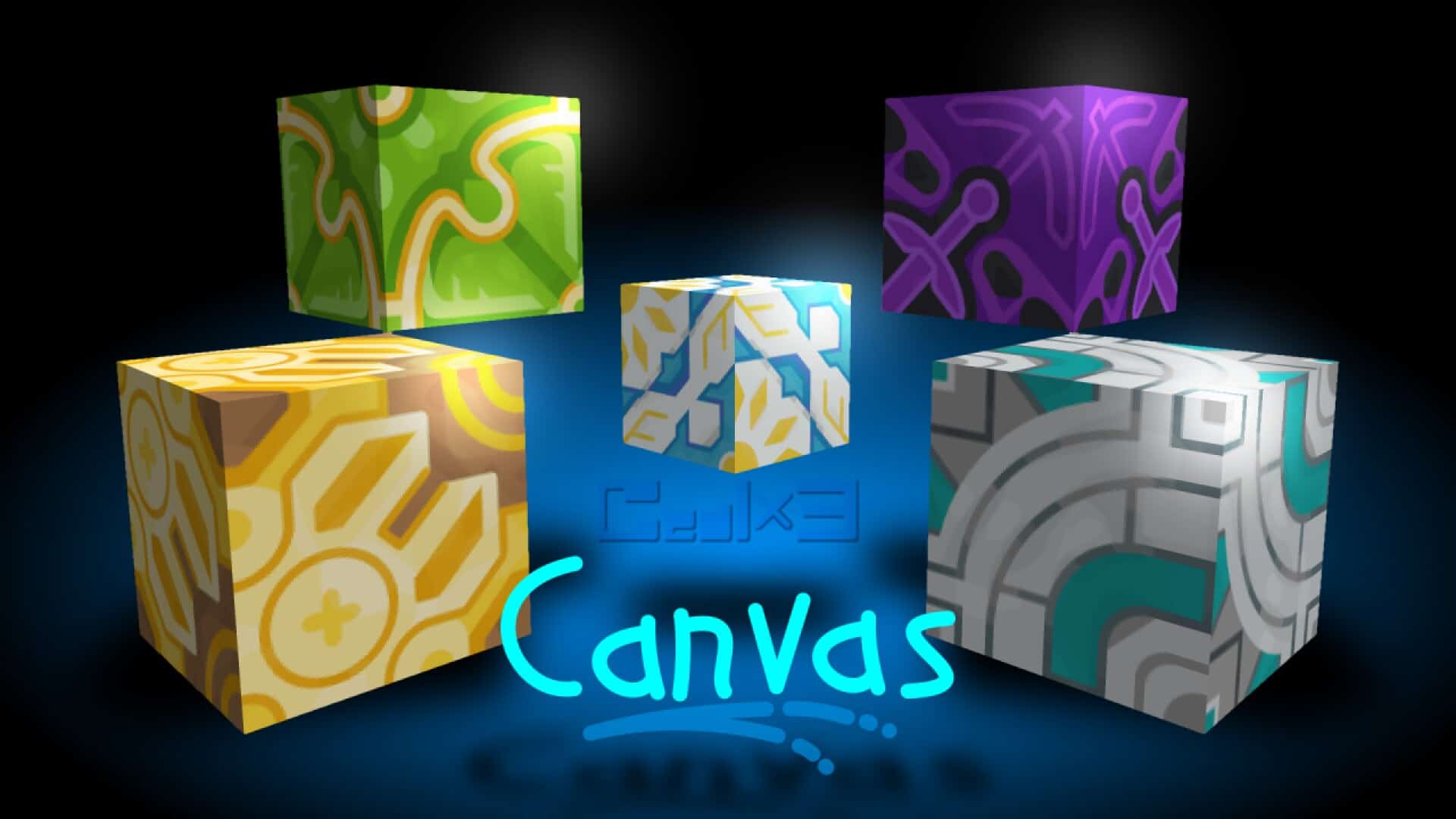
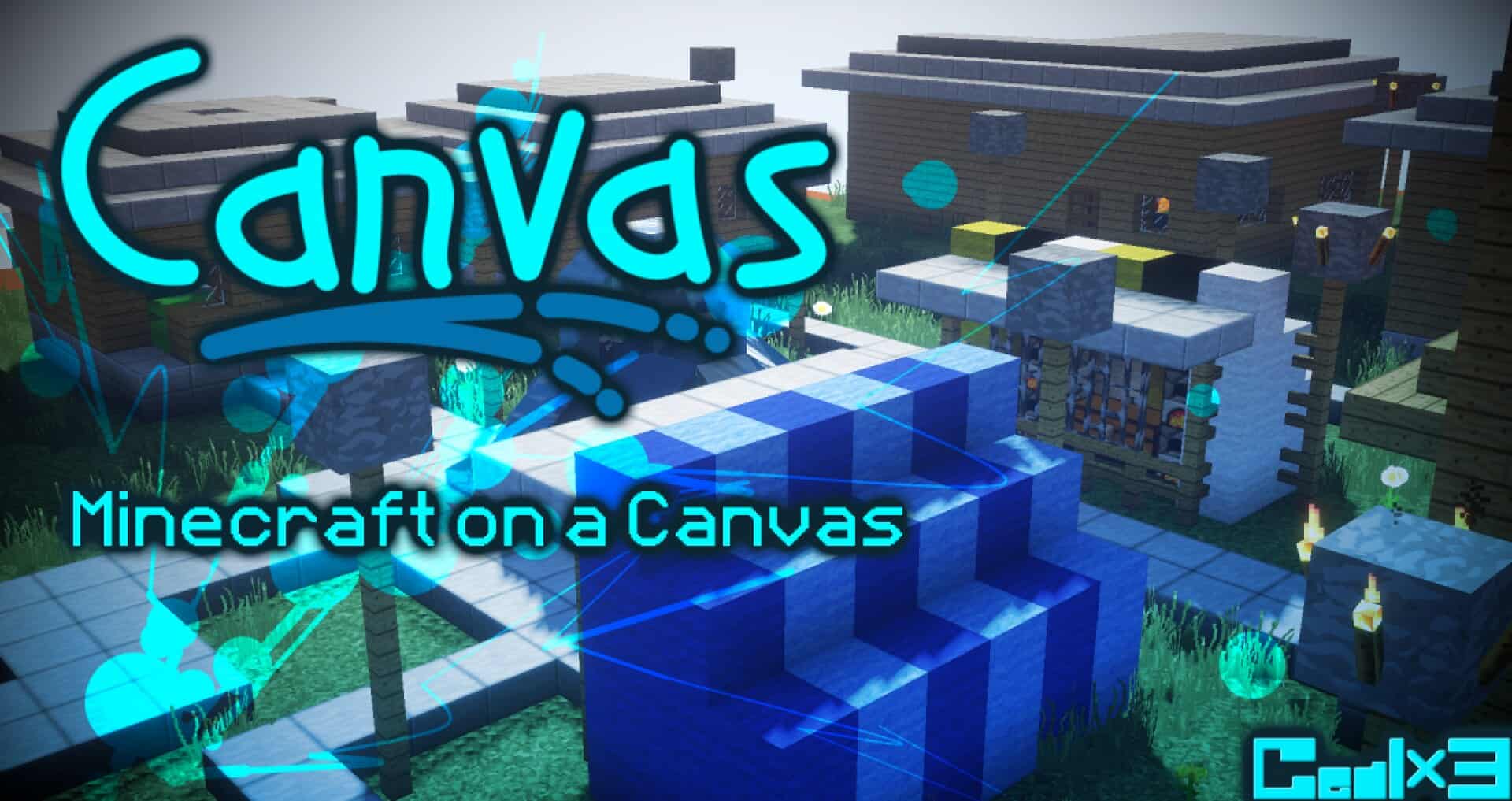
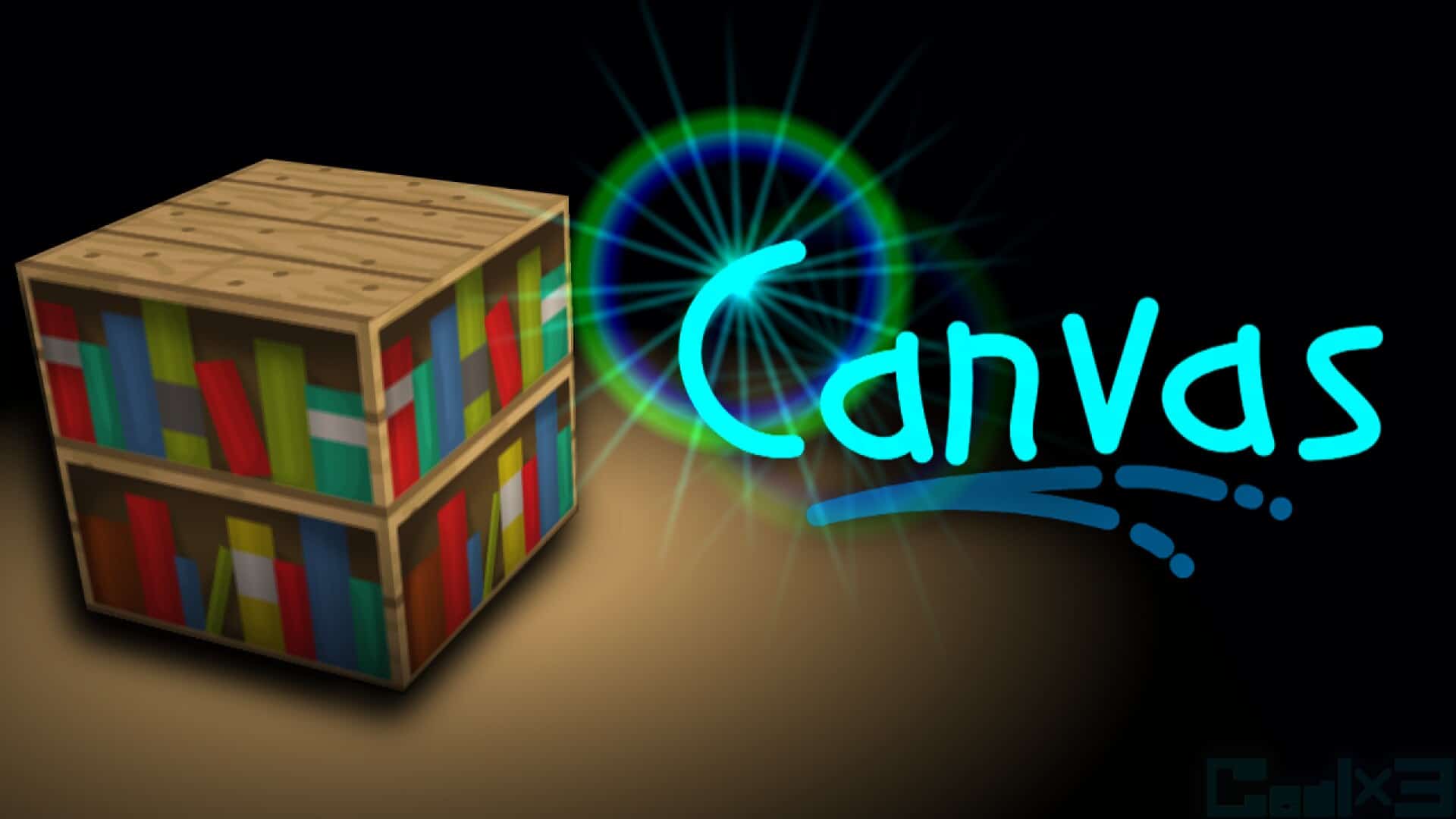
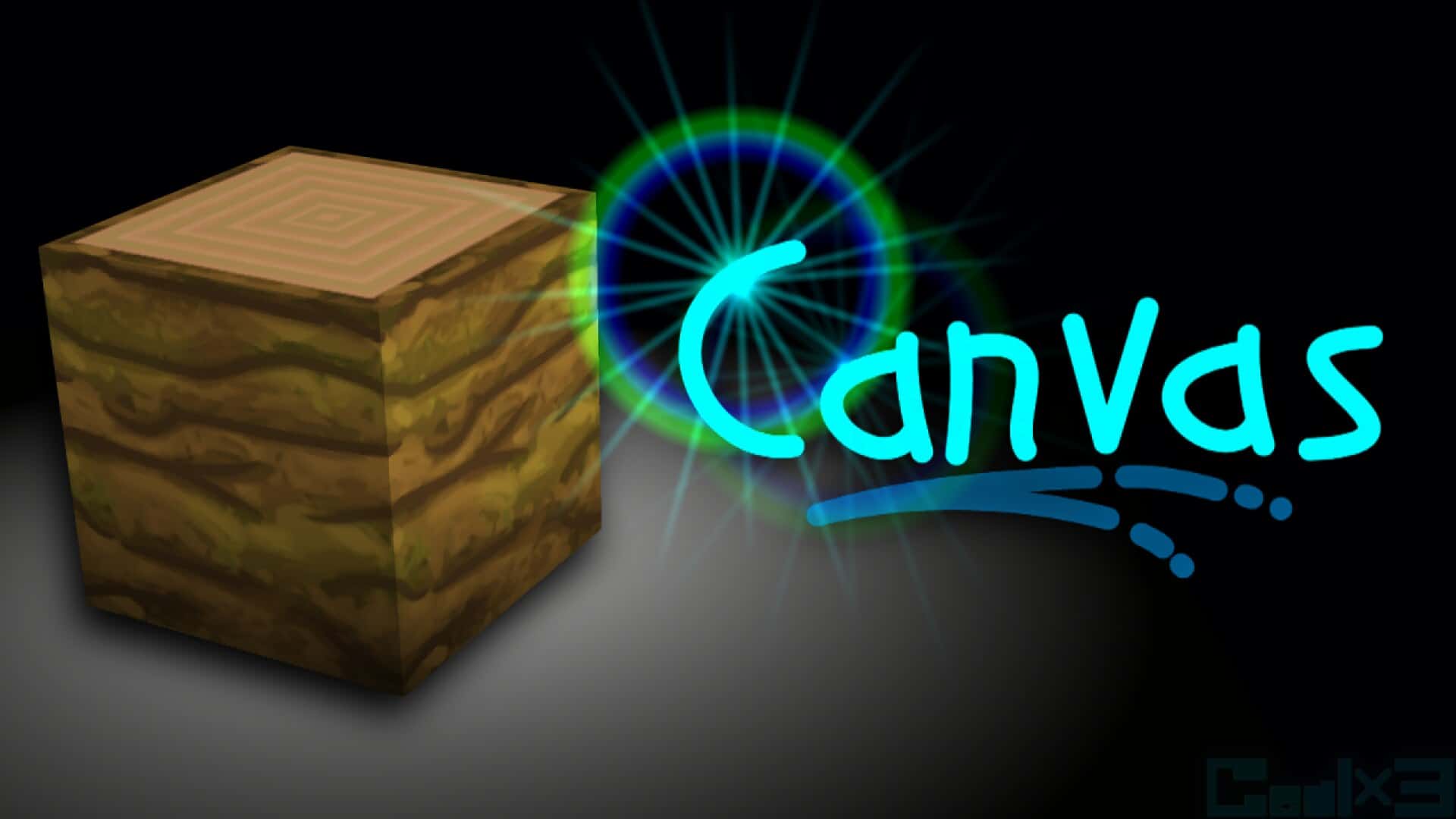
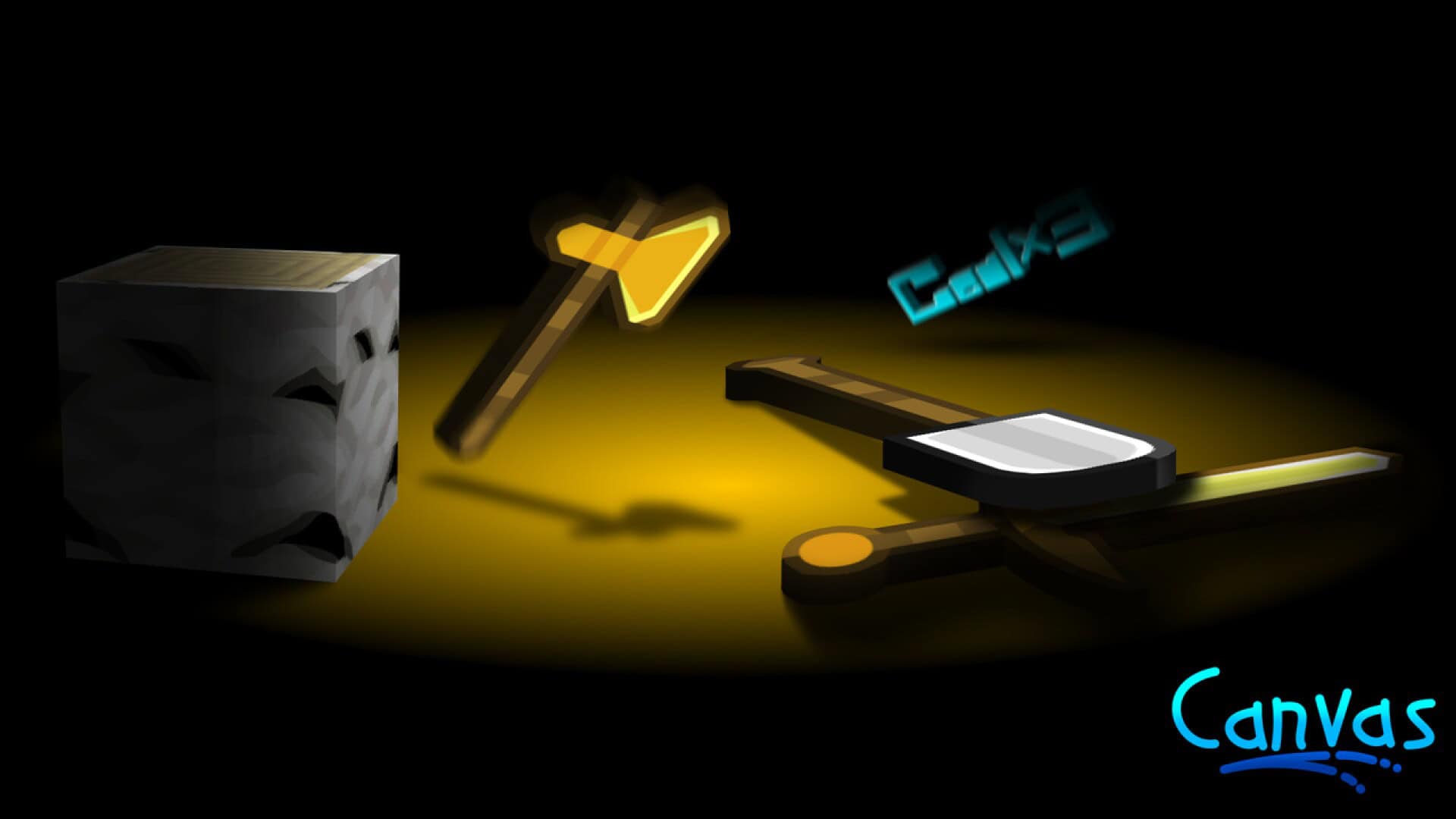
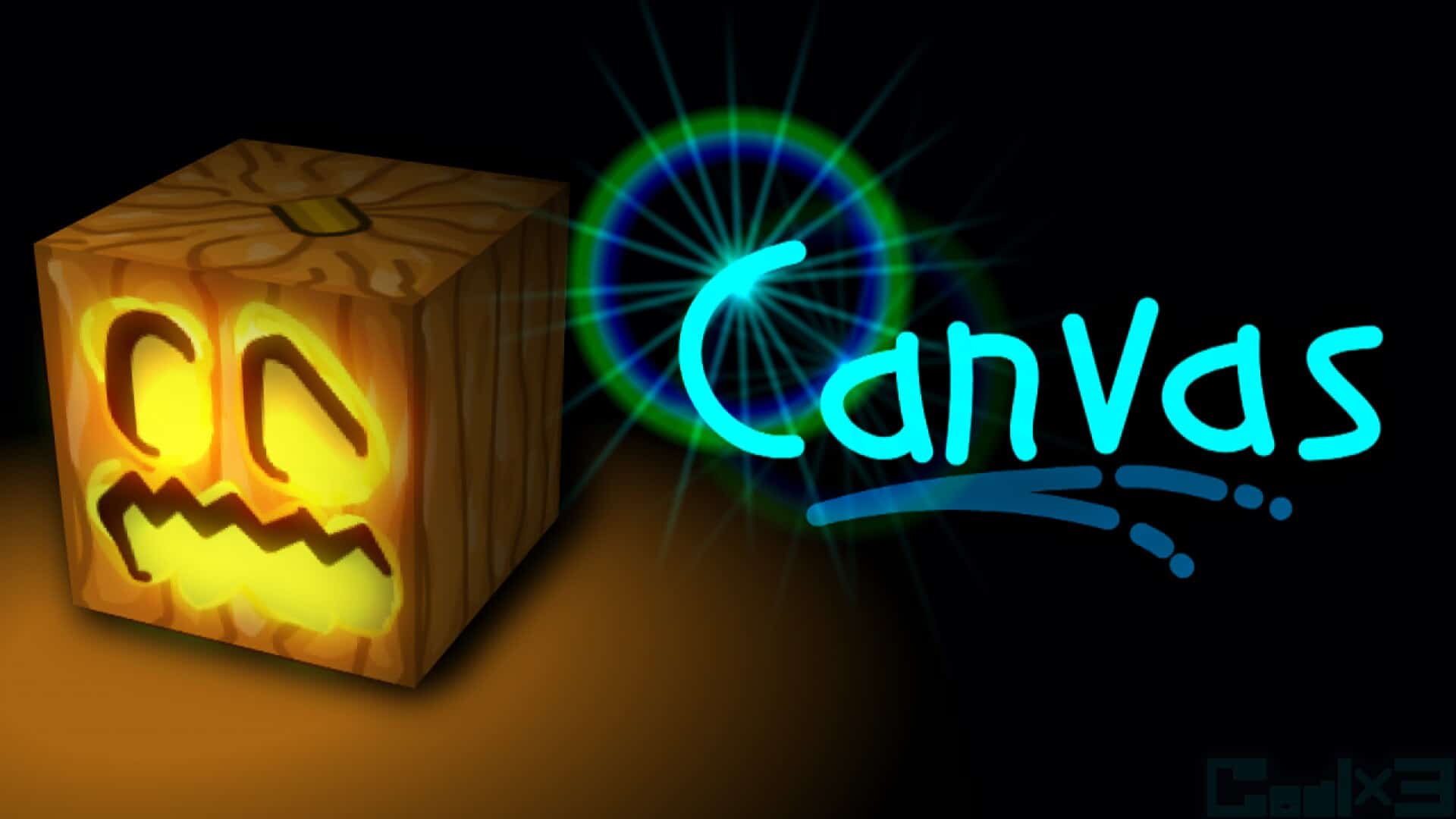
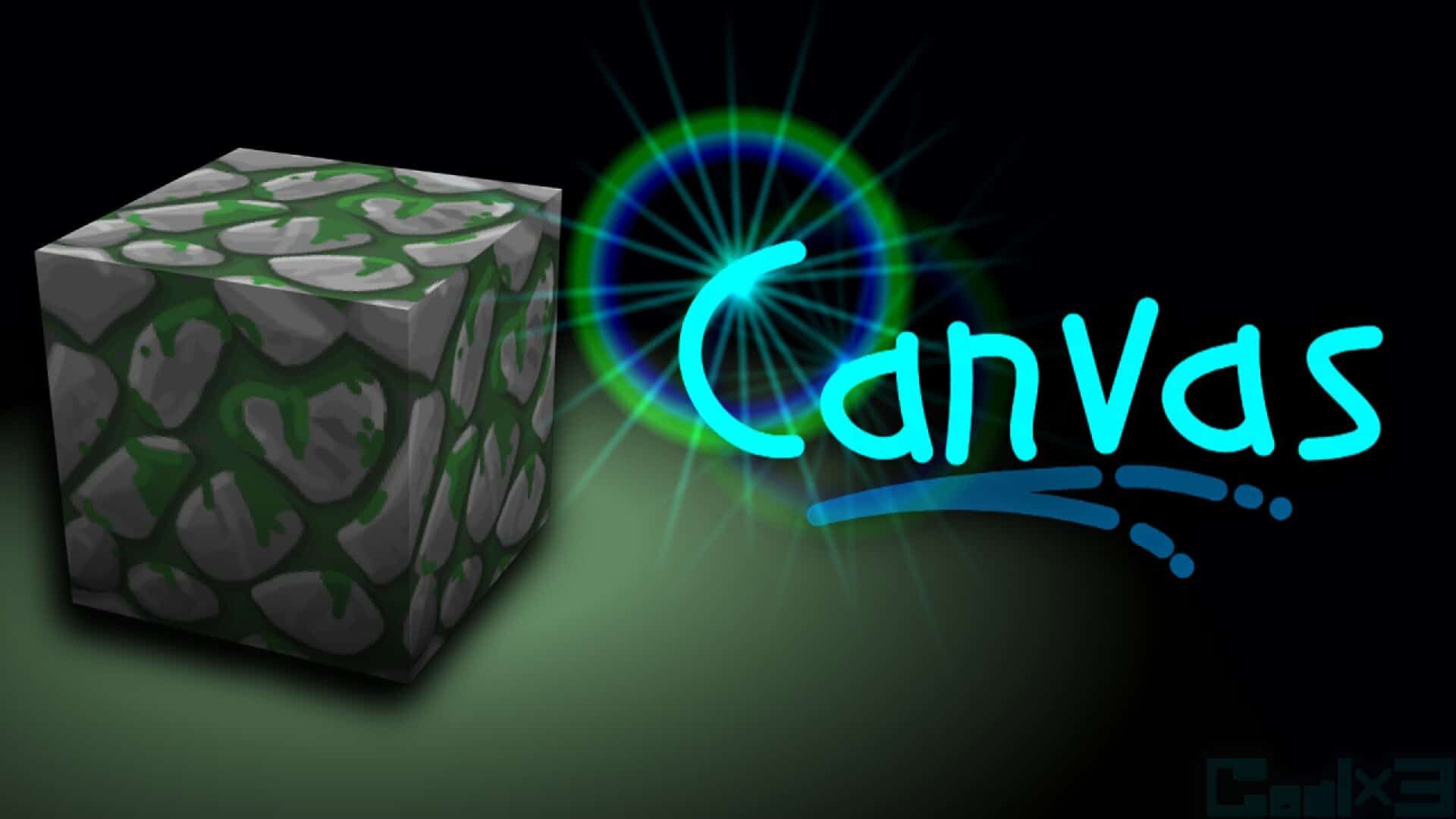
Promising a slogan of “Minecraft in Brush”, the Canvas resource pack delivers absolutely everything you could possibly want from a top-tier faithful-style pack. It truly stands out as one of the absolute most labor-intensive resource packs ever created, which becomes wonderfully obvious the moment you step into the world and start playing around with it. If you ever feel like vanilla Minecraft lacks just a tiny bit of refinement and visual polish, Canvas is precisely the solution you need. What really separates this resource pack from the hundreds of other faithful-based alternatives on the market is that its brilliant artist, Gealx3, does everything entirely by hand, manually painting all the textures using a dedicated image editor. The sheer amount of detail and genuine attention that goes into every single texture is genuinely astonishing, and it is no wonder that all of the pieces fit together so harmoniously once they are combined in the game. You will be particularly surprised by the seamless connections between blocks of different types. This is the direct result of meticulous hand-drawn design that is rarely found anywhere else, and it is easily what brought this pack its well-deserved popularity. It is genuinely hard to imagine improving the textures of standard blocks like dirt or stone, but as soon as you try out the pack, you will be immediately blown away. All of these classic textures possess a totally new level of depth that completely transforms your surroundings. Each individual stone block features four or five different shades of gray, which almost makes it look fully three-dimensional. The ores themselves look like they are genuinely embedded right into each stone piece, giving your everyday cave diving adventures a whole new layer of allure. This wonderfully unique experience extends right down to your tools as well, seeing as all of them have gone through a comprehensive overhaul designed to make them look smoother, sharper, and much more pleasant to the eye. Even with all these stellar improvements, Canvas manages to avoid going overboard with wild novelties, keeping the game feeling as delightfully vanilla as possible. As you can easily guess, the Overworld was not the only dimension to undergo a stunning transformation. Preparing a portal and stepping into the Nether opens you up to an entirely new realm that looks drastically better than before. Its main building elements like lava, fire, and Netherrack are significantly more true-to-life than ever.
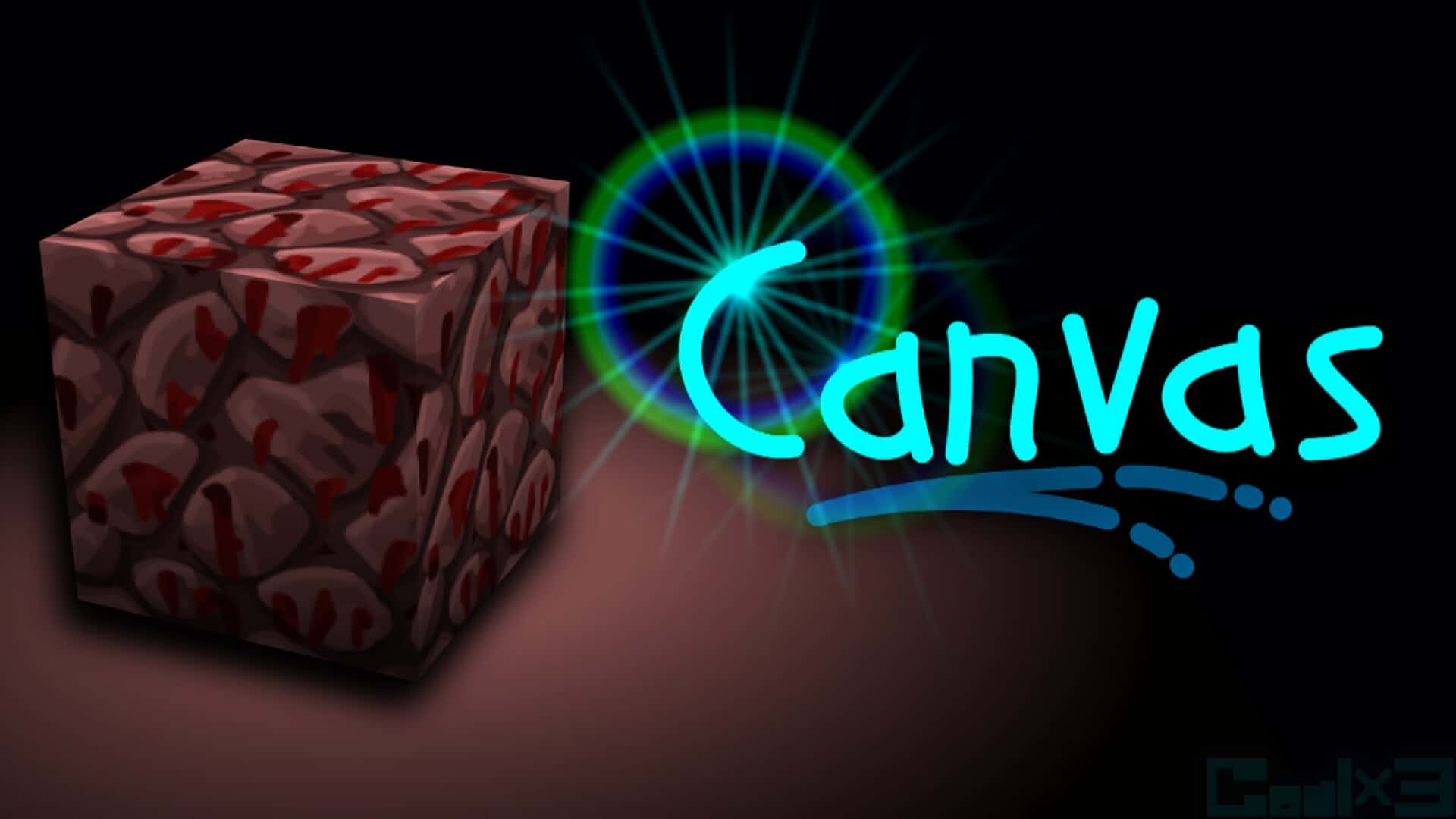
The Netherrack received a treatment very similar to cobblestone, featuring smartly implemented shadows tucked neatly between its individual rocks that make them visually pop right off the screen. Even the bastions and their Blackstone have been thoughtfully modified to give every single structure a much more dramatic and immersive appearance. If you really want to appreciate the staggering amount of effort that went into these wonderful designs, the developer even published a video of himself working exclusively on the Blackstone texture for a whopping three hours! Absolutely no stone has been left unturned in this pack, and that thoughtful coverage explicitly includes mobs, armor, and weapons alike. Both friendly creatures and hostile enemies have been polished up, though the changes are nicely subtle so you will probably just notice cleaner edges and fewer pixels on them. As far as swords are concerned, they finally ditch those awkward, outdated zig-zag lines entirely. Instead, they appear completely smooth with a much sleeker, longer blade than the original textures offered. Armor sets look much shinier overall, with the biggest and most noticeable difference found on chainmail, which now appears almost fully transparent. Another welcome, albeit slightly less prominent modification, involves the in-game art style. All of the paintings have been updated to include richer details, yet they manage to faithfully retain the exact same classic theme as the default ones. In terms of overall performance and system requirements, the Canvas resource pack is remarkably flexible due to the fascinating, unique process used to craft the textures. The developer initially takes the vanilla texture and modifies it into a 32×32 resolution before scaling it up to 256×256 to serve as the master base for his detailed hand-painted modifications. Consequently, this gorgeous resource pack is readily available in x64, x128, and x256 resolution variants. If your computer can already run regular Minecraft at a decent frame rate, there is a very high likelihood that you can run at least the lowest resolution version without running into any issues whatsoever. It does not strictly require Optifine to function correctly, but you are still much better off installing it just to be safe. If nothing else, it will easily squeeze out a few extra frames per second for you. Even though it might seem like the developer paused updates for a little while, it proudly remains one of the absolute most popular faithful-like packs within the entire Minecraft community today. Over seven years of dedicated work are clearly visible in every single block, making it genuinely difficult to find a single flaw. Do yourself a massive favor and try out this truly one-of-a-kind resource pack today!
Faithful Canvas: Minecraft in Brush Up should be compatible with all of these Minecraft versions: 1.17.1 – 1.17 – 1.16.5 – 1.16.4 – 1.16.3 – 1.16.2 – 1.16.1 – 1.16 – 1.15.2 – 1.15.1 – 1.15 – 1.14.4 – 1.14.3 – 1.14.2 – 1.14 – 1.13.2 – 1.13.1 – 1.13 – 1.12.2 – 1.12 – 1.11.2 – 1.11 – 1.10.2 – 1.10 – 1.9.4 – 1.9 – 1.8.9 – 1.8.8 – 1.8.1 – 1.8.6 – 1.8 – Bedrock Edition – PE
Screenshots
How to Install Texture Pack (Simple 10 Steps)
- Download OptiFine: Most of the texture packs and shaders need OptiFine. That’s why, first download and install OptiFine for the version of Minecraft you want to play.
- Download the Texture Pack: Get the texture pack you want from the download section. Choose the version that works with your Minecraft and your PC’s performance.
- Open Minecraft Launcher: Start Minecraft using the official game launcher — or even TLauncher, if you use that.
- Go to Options: From the main menu, click on the “Options” button.
- Open Resource Packs: Inside Options, click on “Resource Packs…”.
- Open the Resource Pack Folder: Click on “Open Resource Pack Folder” — this will open a folder named “resourcepacks”.
- Move the Pack File: Copy or move the .zip file you downloaded into that “resourcepacks” folder. (Don’t unzip the file — Minecraft uses it as-is!)
- Go Back and Refresh: Close the folder and click “Done”, then go back into “Resource Packs…” again.
- Activate the Pack: You’ll see the pack on the left side. Hover over it and click the arrow to move it to the right (active side).
Tip: If you get a message that the pack is for a different version, just click “Yes” — it usually works fine. - Click Done and Enjoy: Click “Done” again. Now your pack is ready to use in-game. It’s that easy!
Credits
This resource pack was originally created by Gealx3. We do not claim ownership of this content, nor have we modified the original files. All rights, intellectual property, and appreciation belong entirely to the original author. We strongly encourage players to support the creator by downloading from their official links and checking out their other projects.
Download Links
Java Edition
- [256x] Minecraft 1.17.x
- [256x] Minecraft 1.16.x
- [256x] Minecraft 1.15.x
- [256x] Minecraft 1.14.x
- [256x] Minecraft 1.8.x
- [128x] Minecraft 1.17.x
- [128x] Minecraft 1.16.x
- [128x] Minecraft 1.15.x
- [128x] Minecraft 1.14.x
- [128x] Minecraft 1.13.x
- [128x] Minecraft 1.12.x
- [128x] Minecraft 1.11.x – 1.9.x
- [128x] Minecraft 1.8.x
- [64x] Minecraft 1.17.x
- [64x] Minecraft 1.16.x
- [64x] Minecraft 1.15.x
- [64x] Minecraft 1.14.x
- [64x] Minecraft 1.13.x
- [64x] Minecraft 1.12.x
- [64x] Minecraft 1.11.x – 1.9.x
- [64x] Minecraft 1.8.x
Bedrock Edition
Download Instructions
Curseforge: download starts automatically after a few seconds;
Mediafire: click the big blue button with the text “DOWNLOAD”;
Google Drive: in the top right corner you will see a small download icon (down arrow), click it and the download should start;


