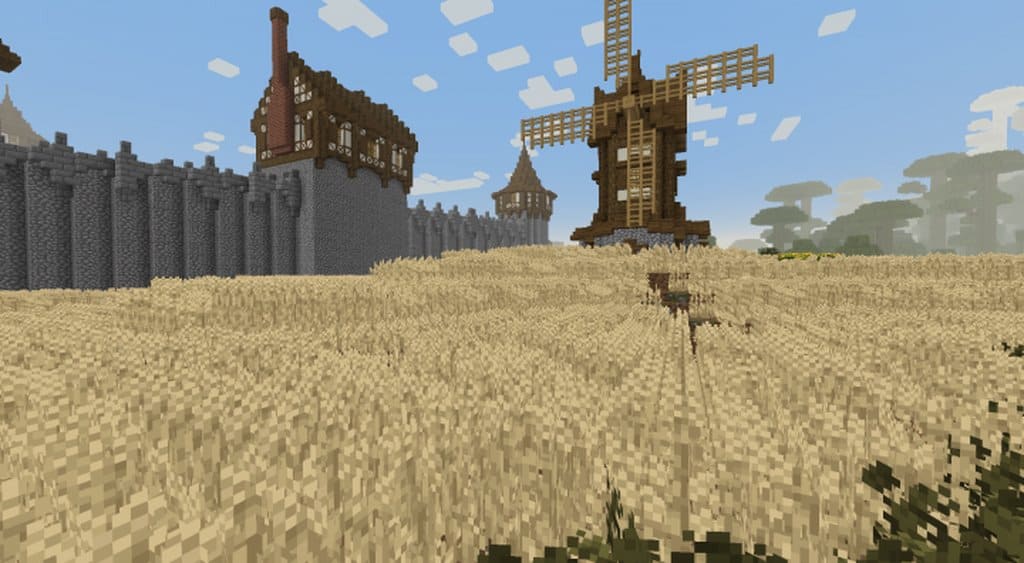
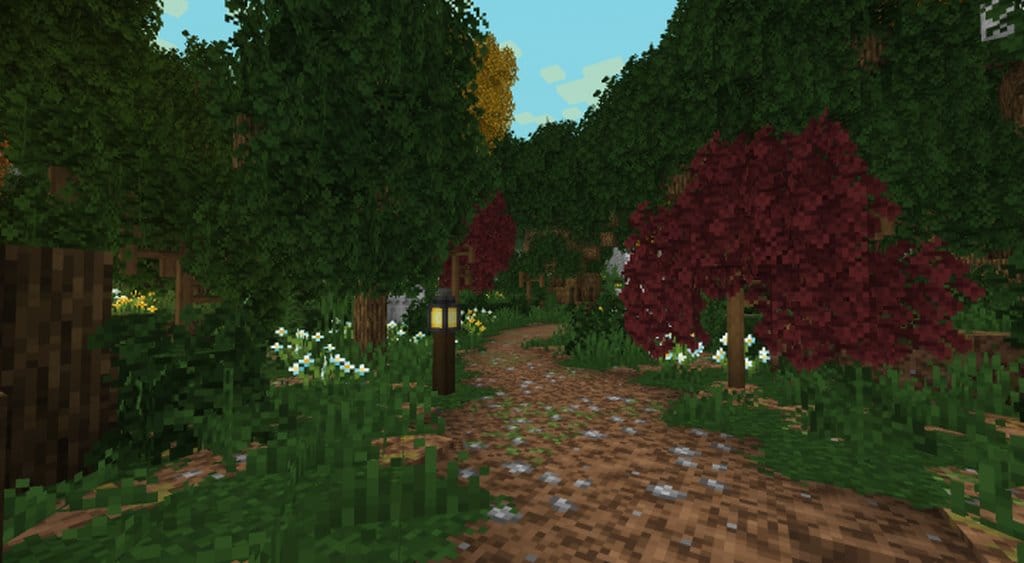
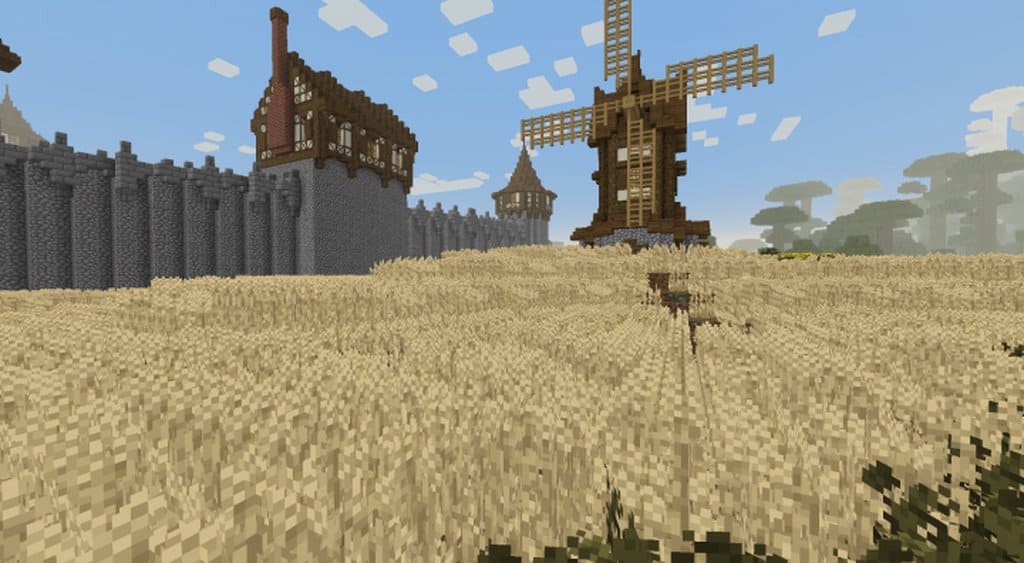
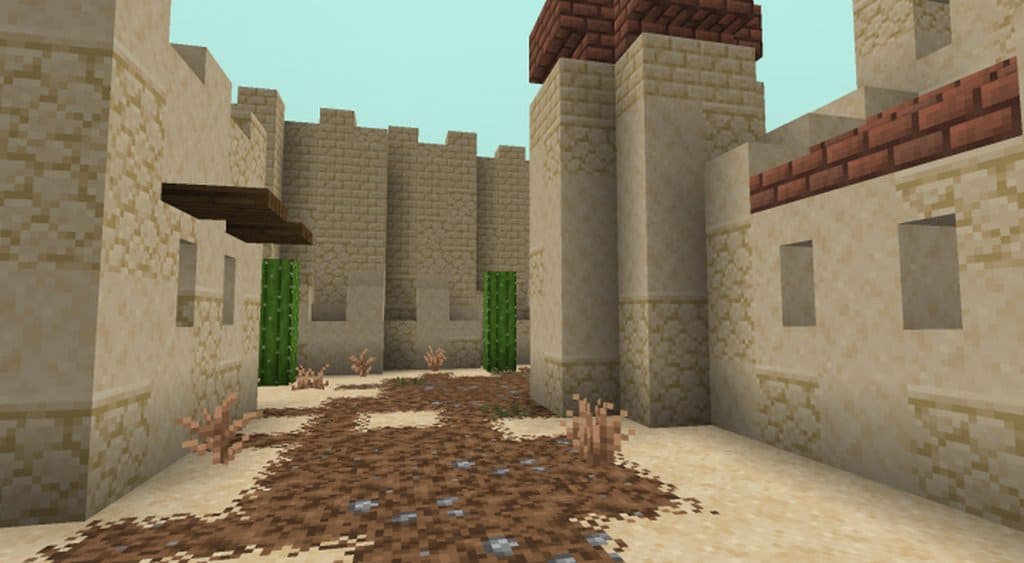
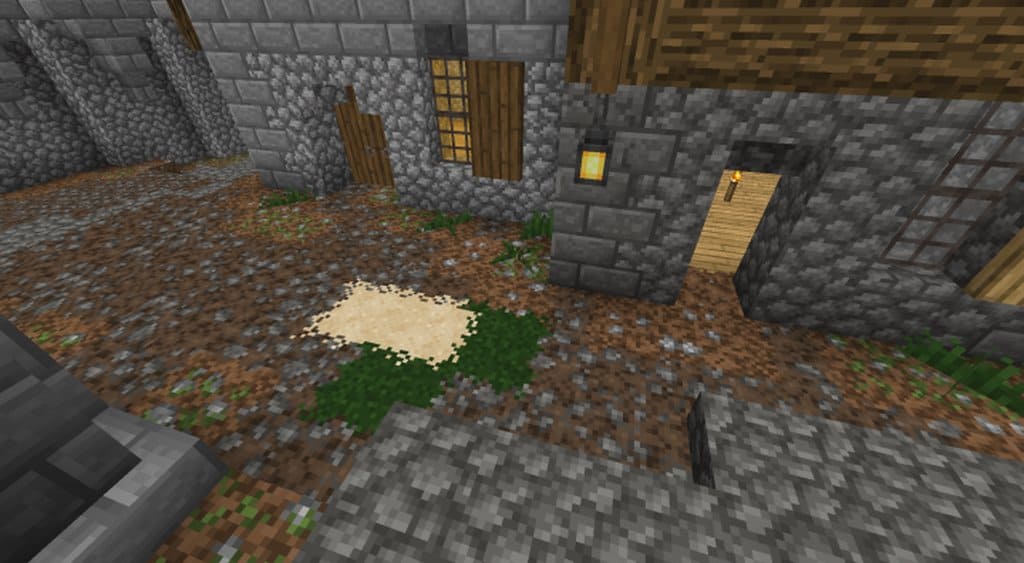
A Little Taste of Jerm is an incredible resource pack lovingly crafted by JermsyBoy over the past few years originally for his own personal use. Now that A Little Taste of Jerm resource pack has finally been released to the public, I found it to be a fantastic way for Minecraft fans to significantly enhance their visual experience while exploring the game world. Inside, you will discover many new and improved textures that, thanks to JermsyBoy’s brilliant custom colors and connected textures features, make the pack look far superior to many other resource packs out there. Along with the refreshing new and improved textures, a gorgeous custom sky texture is included to further immerse you in your gameplay. A Little Taste of Jerm features textures designed in a standard 16 by 16 resolution, which matches the baseline of default Minecraft. For players who are concerned about performance, this classic 16 by 16 resolution ensures that you will experience absolutely no loss of frame-rate.
I was thrilled to find that the resource pack can even be installed smoothly on older or lower-end computers without any hassle. For A Little Taste of Jerm to work properly and look its best, you must make sure you have installed the latest version of Optifine beforehand. Optifine is an essential tool that, alongside improving the overall performance of Minecraft, also provides incredible enhanced graphics. A Little Taste of Jerm texture pack works in perfect unison with Optifine and delivers an utterly unparalleled visual experience that you are going to love. It is therefore not recommended running A Little Taste of Jerm without Optifine because while the resource pack will not cause any harm to your system or the game, many of its defining features will simply be unavailable to you. A Little Taste of Jerm was first released back in April 2018 and is still actively being updated by the creator. Just like most other wonderful resource packs, A Little Taste of Jerm is both completely free to download and free to play.
A Little Taste of Jerm should be compatible with all of these Minecraft versions: 1.16.2 – 1.16.1 – 1.16 – 1.15.2 – 1.15.1 – 1.15 – 1.14.4 – 1.14.3 – 1.14.2 – 1.14 – 1.13.2 – 1.13.1 – 1.13 – 1.12.2 – 1.12
Screenshots
How to Install Texture Pack (Simple 10 Steps)
- Download OptiFine: Most of the texture packs and shaders need OptiFine. That’s why, first download and install OptiFine for the version of Minecraft you want to play.
- Download the Texture Pack: Get the texture pack you want from the download section. Choose the version that works with your Minecraft and your PC’s performance.
- Open Minecraft Launcher: Start Minecraft using the official game launcher — or even TLauncher, if you use that.
- Go to Options: From the main menu, click on the “Options” button.
- Open Resource Packs: Inside Options, click on “Resource Packs…”.
- Open the Resource Pack Folder: Click on “Open Resource Pack Folder” — this will open a folder named “resourcepacks”.
- Move the Pack File: Copy or move the .zip file you downloaded into that “resourcepacks” folder. (Don’t unzip the file — Minecraft uses it as-is!)
- Go Back and Refresh: Close the folder and click “Done”, then go back into “Resource Packs…” again.
- Activate the Pack: You’ll see the pack on the left side. Hover over it and click the arrow to move it to the right (active side).
Tip: If you get a message that the pack is for a different version, just click “Yes” — it usually works fine. - Click Done and Enjoy: Click “Done” again. Now your pack is ready to use in-game. It’s that easy!
Credits
This resource pack was created by JermsyBoy. All rights to the original assets and content belong to the original author. We do not claim ownership of this modification and host no modified files on our servers. We strongly encourage players to support the creator by downloading from the official links.
Download Links
Java Edition
Download Instructions
Curseforge: download starts automatically after a few seconds;
Mediafire: click the big blue button with the text “DOWNLOAD”;
Google Drive: in the top right corner you will see a small download icon (down arrow), click it and the download should start;


