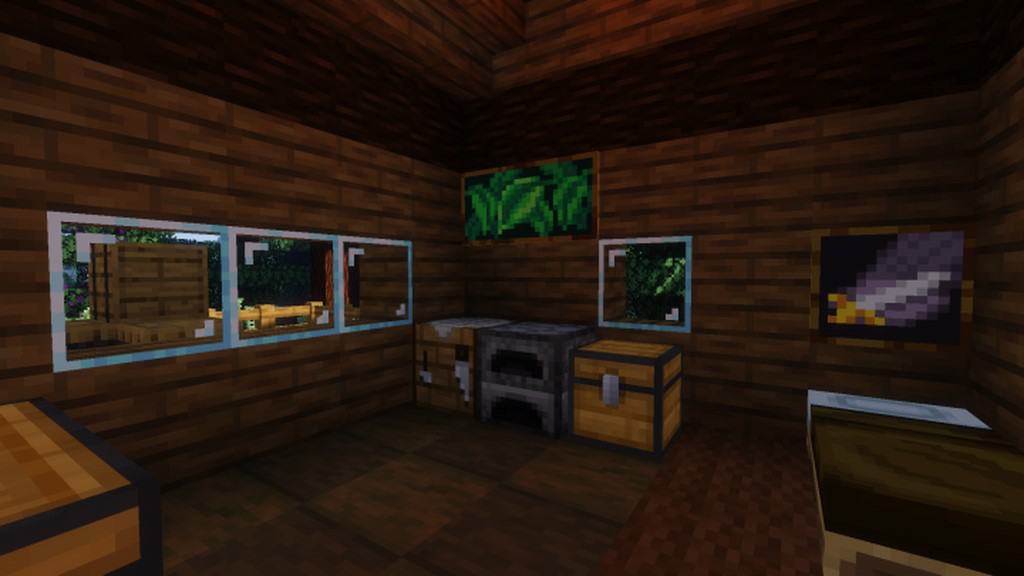
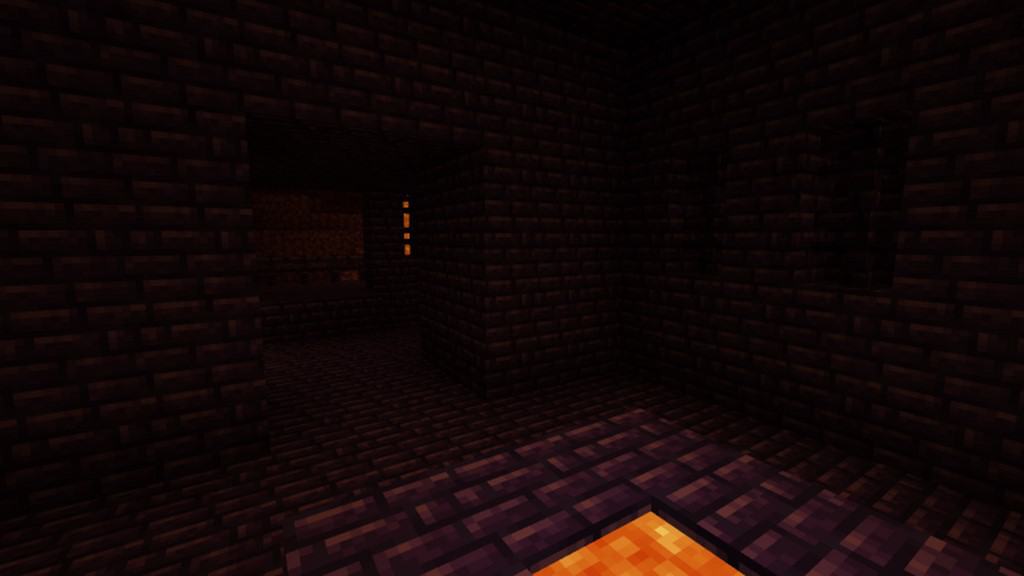
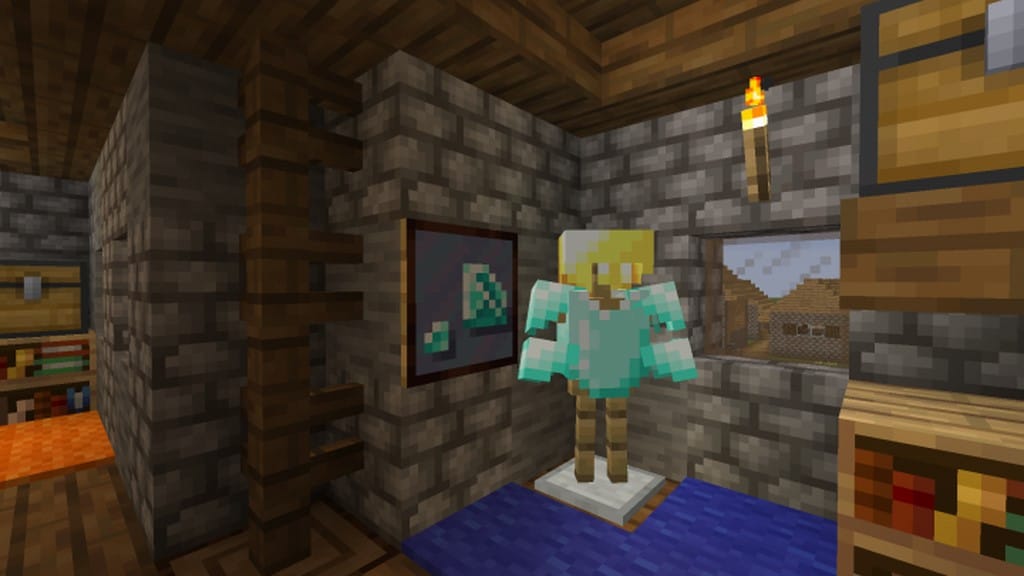
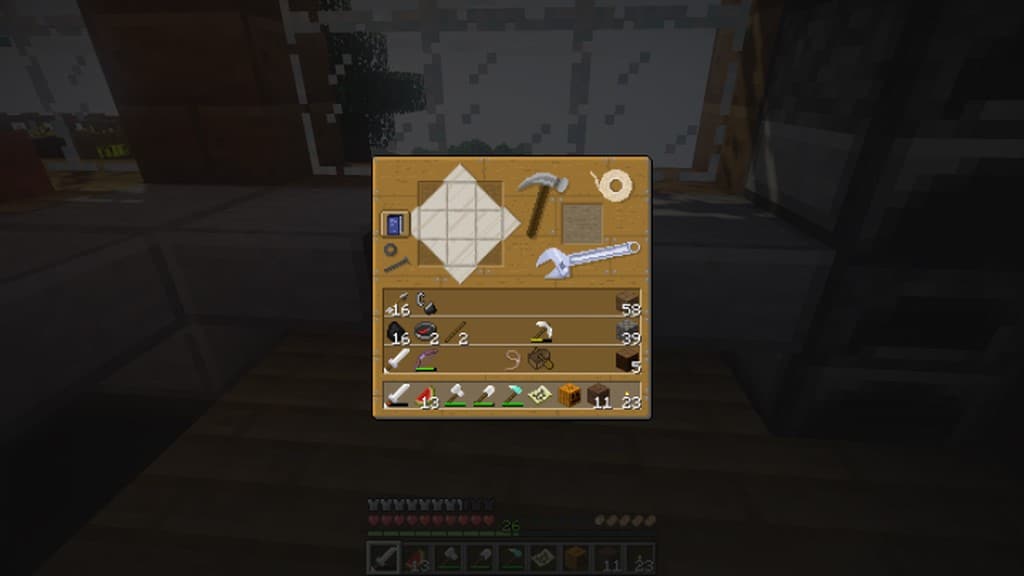
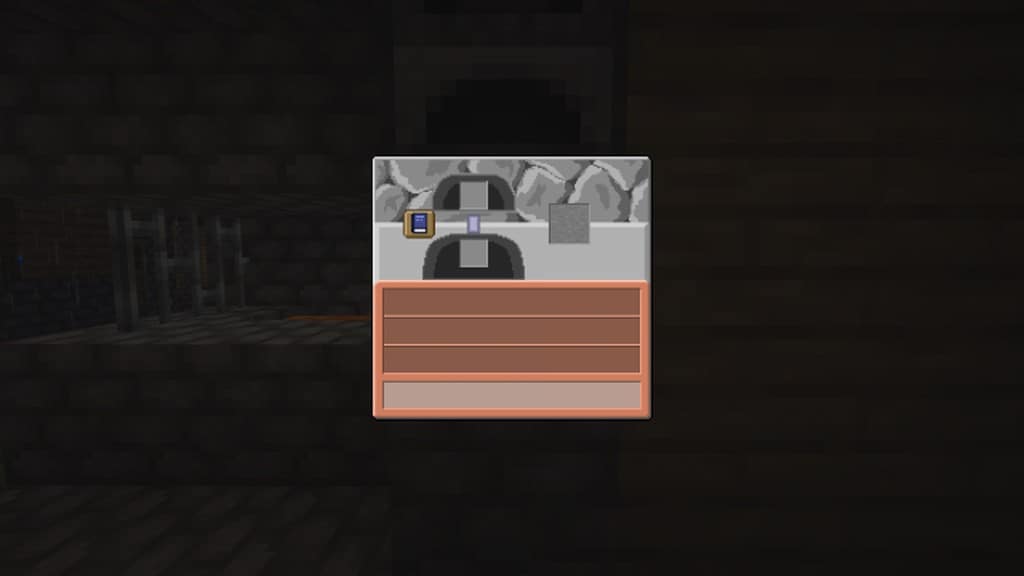
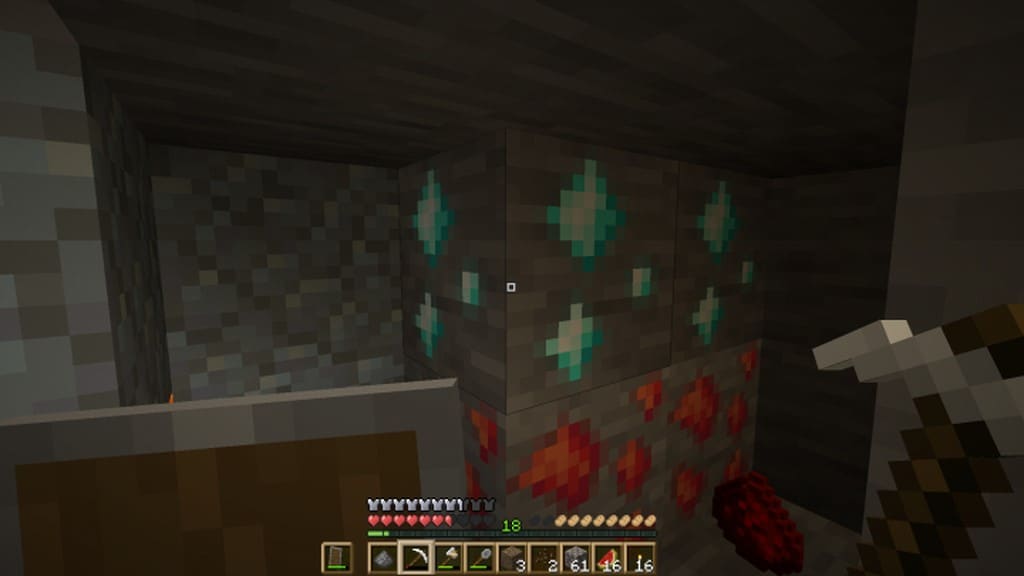
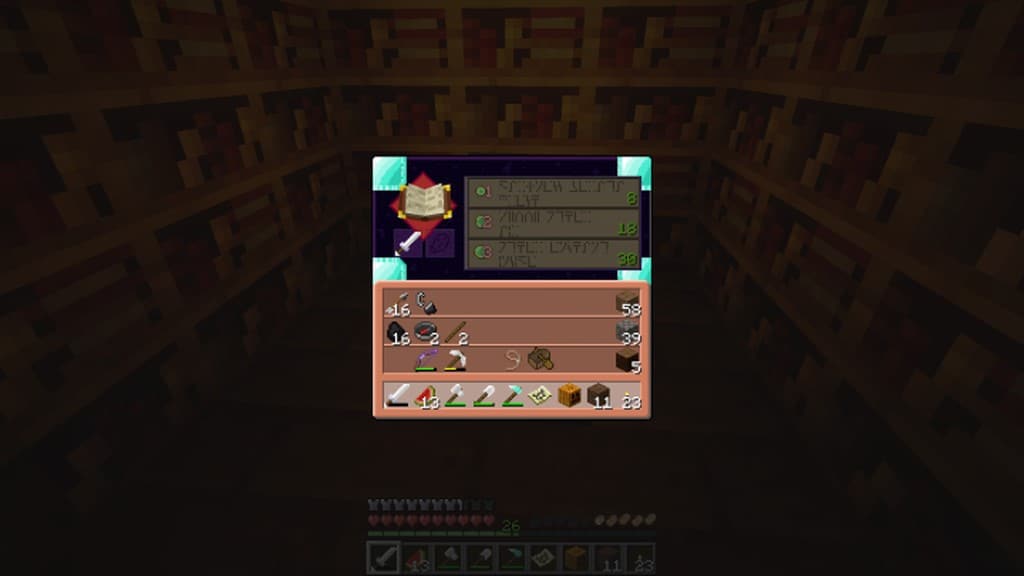
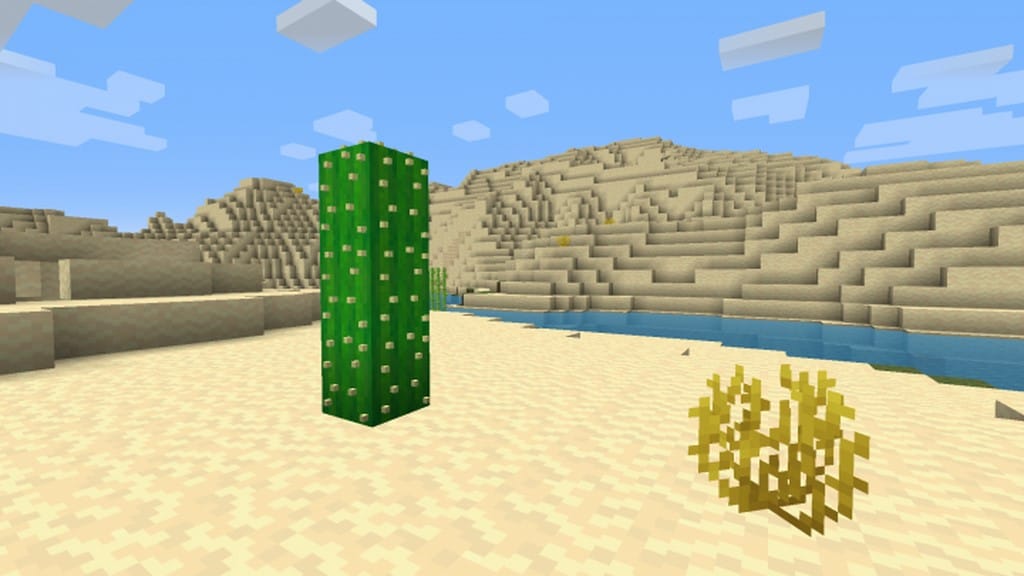
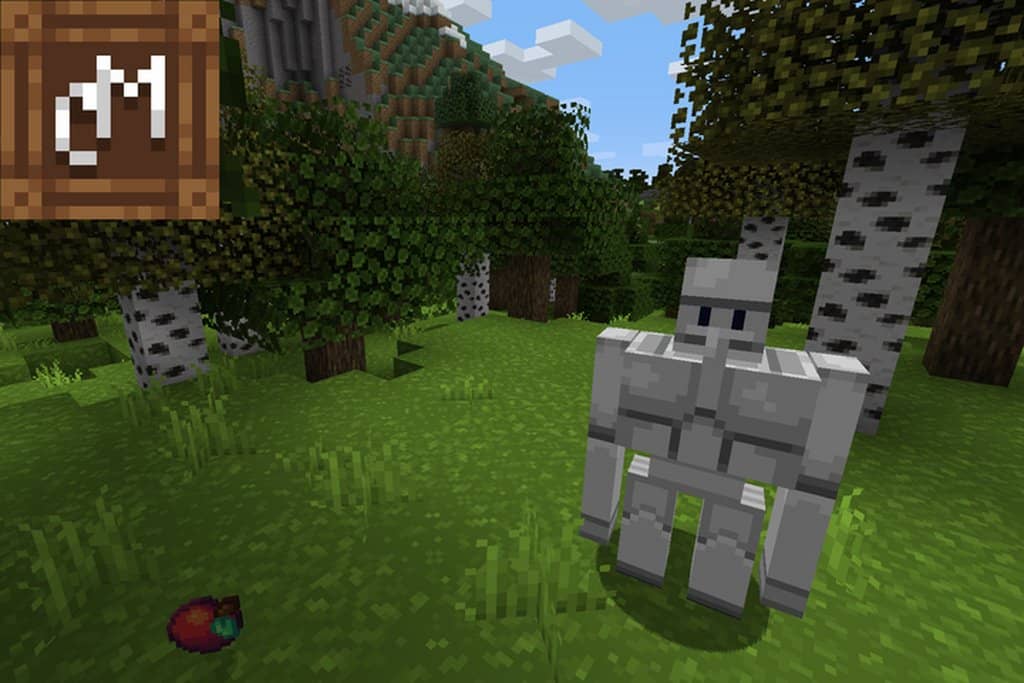
When playing Minecraft, having a tool that elevates the graphics display is often something every fan dreams of, and these amazing tools are commonly known as resource packs. For players who are completely accustomed to the classic Vanilla Minecraft look, resource packs might not seem essential at first. However, CraftMania is a phenomenal resource pack that even hardcore Vanilla design lovers will genuinely fall in love with. This resource pack carefully tweaks the user interface and textures of the game, making everything feel so much more realistic. Unlike most resource packs that completely overhaul the game graphics and textures, the CraftMania resource pack brilliantly adds a realistic feel and touch to the visual display without changing any other core attributes. It truly enhances Minecraft gameplay, making the world look incredibly authentic and wonderfully naturalistic. Paradoxically, while Minecraft graphics resource packs are the most abundant mods available, CraftMania uniquely gives you a massive advantage in graphical fidelity and cutting-edge display.
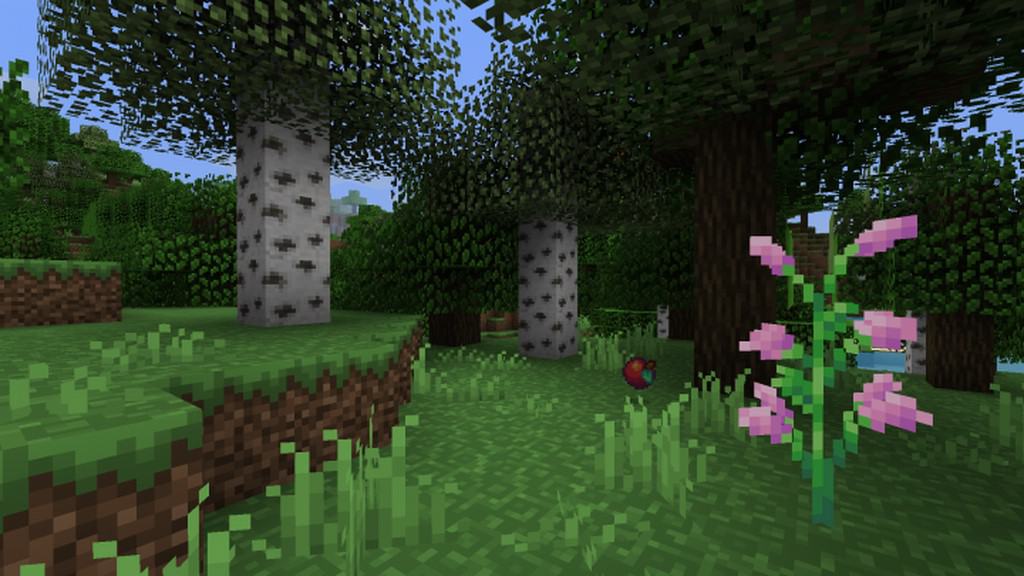
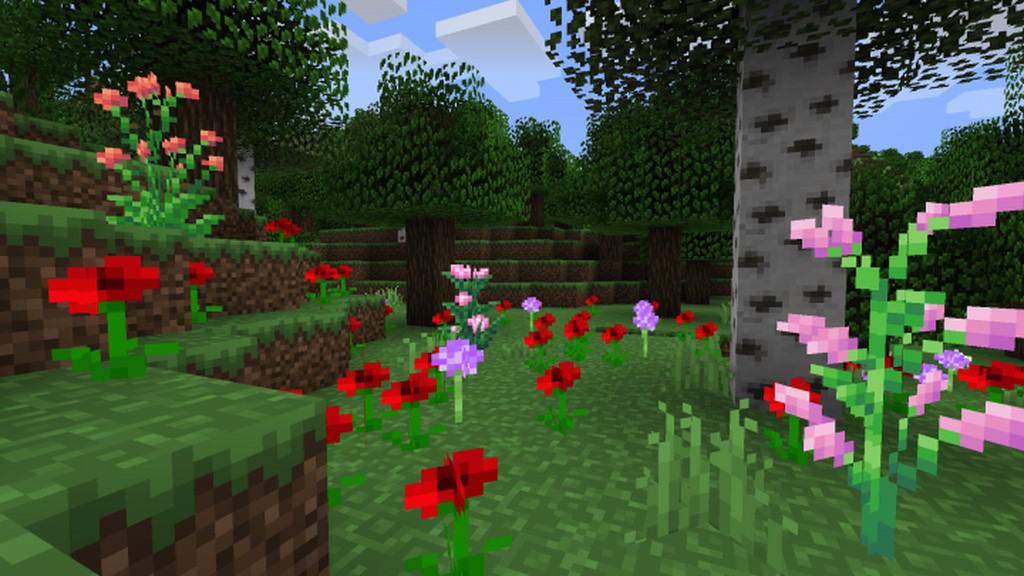
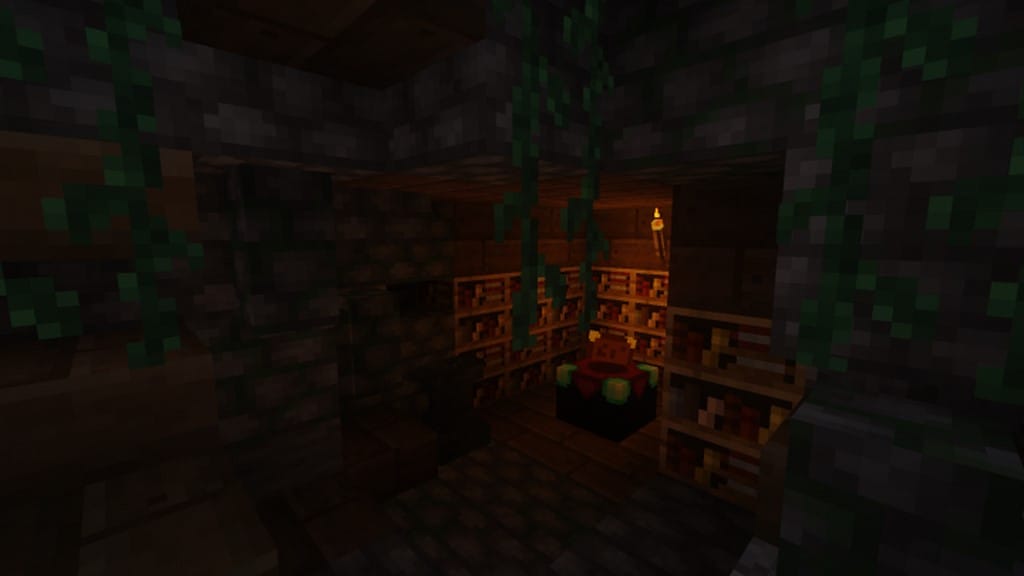
Anti-aliasing is a fantastic feature that has been heavily and brilliantly incorporated into the CraftMania resource pack. It has been ingeniously crafted to effectively alleviate the visual noise within all the textures outlined throughout the game. The display is remarkably more vivid, thanks in huge part to the sleekly designed tincture palette. Although it stands apart from traditional packs, the moderated hue brilliance of CraftMania gives you a much more authentic and natural look. This specific attention to texture detail is precisely what great resource packs strive to achieve, injecting intricate elements that are usually missing from regular gameplay. Best of all, if your PC can comfortably handle standard Vanilla Minecraft, you can easily run this pack without worry; built in a 16×16 standard for maximum accessibility, players can rest assured they will overcome any frame-rate problems they might have encountered elsewhere. For the most part, whatever hardware is necessary to run Vanilla Minecraft is all you need, making CraftMania the absolute best option available.
CraftMania should be compatible with all of these Minecraft versions: 1.16.5 – 1.16.4 – 1.16.3 – 1.16.2 – 1.16.1 – 1.16 – 1.15.2 – 1.15.1 – 1.15 – 1.14.4 – 1.14.3 – 1.14.2 – 1.14 – 1.13.2 – 1.13.1 – 1.13
Screenshots
How to Install Texture Pack (Simple 10 Steps)
- Download OptiFine: Most of the texture packs and shaders need OptiFine. That’s why, first download and install OptiFine for the version of Minecraft you want to play.
- Download the Texture Pack: Get the texture pack you want from the download section. Choose the version that works with your Minecraft and your PC’s performance.
- Open Minecraft Launcher: Start Minecraft using the official game launcher — or even TLauncher, if you use that.
- Go to Options: From the main menu, click on the “Options” button.
- Open Resource Packs: Inside Options, click on “Resource Packs…”.
- Open the Resource Pack Folder: Click on “Open Resource Pack Folder” — this will open a folder named “resourcepacks”.
- Move the Pack File: Copy or move the .zip file you downloaded into that “resourcepacks” folder. (Don’t unzip the file — Minecraft uses it as-is!)
- Go Back and Refresh: Close the folder and click “Done”, then go back into “Resource Packs…” again.
- Activate the Pack: You’ll see the pack on the left side. Hover over it and click the arrow to move it to the right (active side).
Tip: If you get a message that the pack is for a different version, just click “Yes” — it usually works fine. - Click Done and Enjoy: Click “Done” again. Now your pack is ready to use in-game. It’s that easy!
Credits
This resource pack was originally created by Gianqui. We do not own or claim ownership of this content, and we do not modify the original files in any way. We strongly recommend visiting the official sources and supporting the creator for their hard work.
Download Links
Java Edition
Download Instructions
Curseforge: download starts automatically after a few seconds;
Mediafire: click the big blue button with the text “DOWNLOAD”;
Google Drive: in the top right corner you will see a small download icon (down arrow), click it and the download should start;


