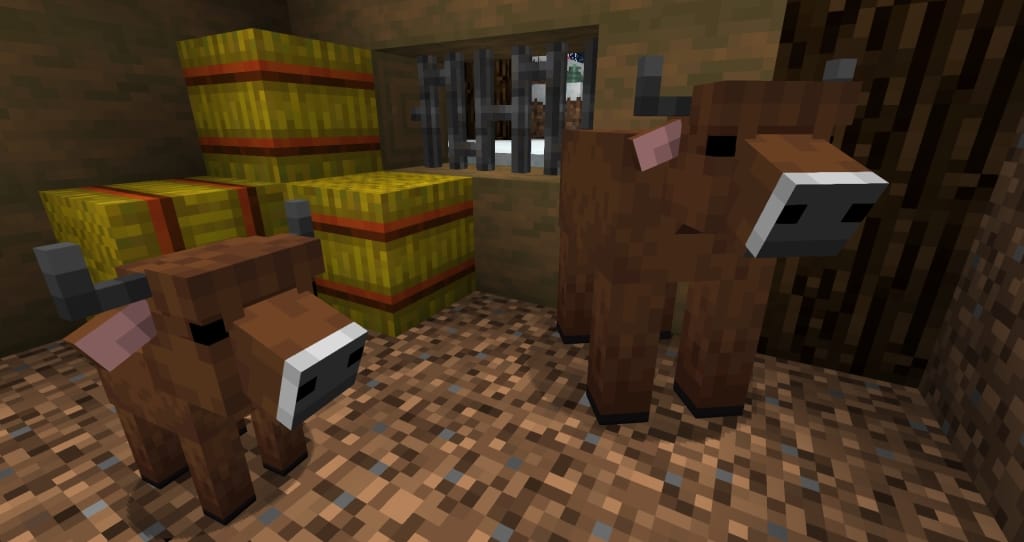
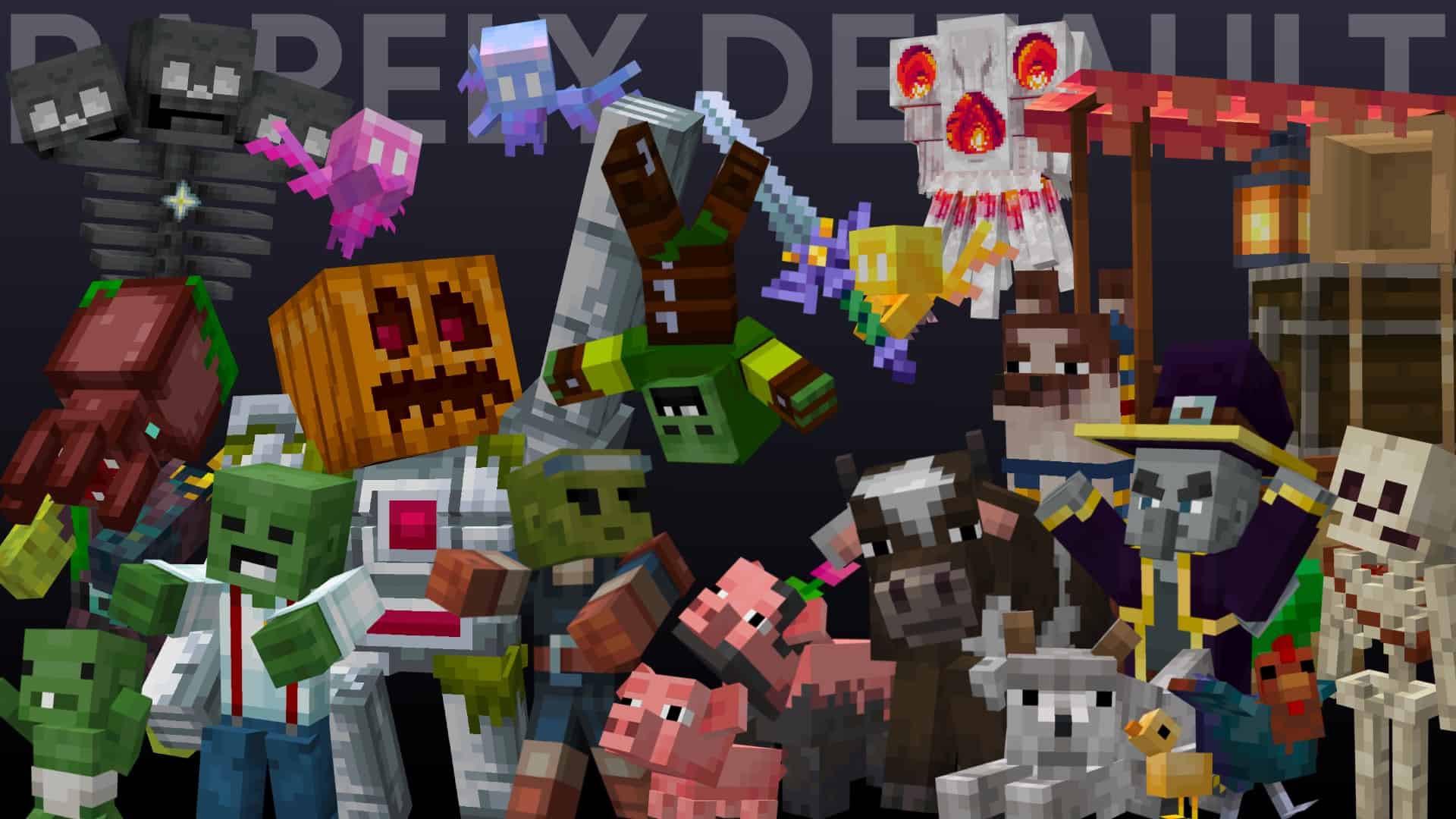
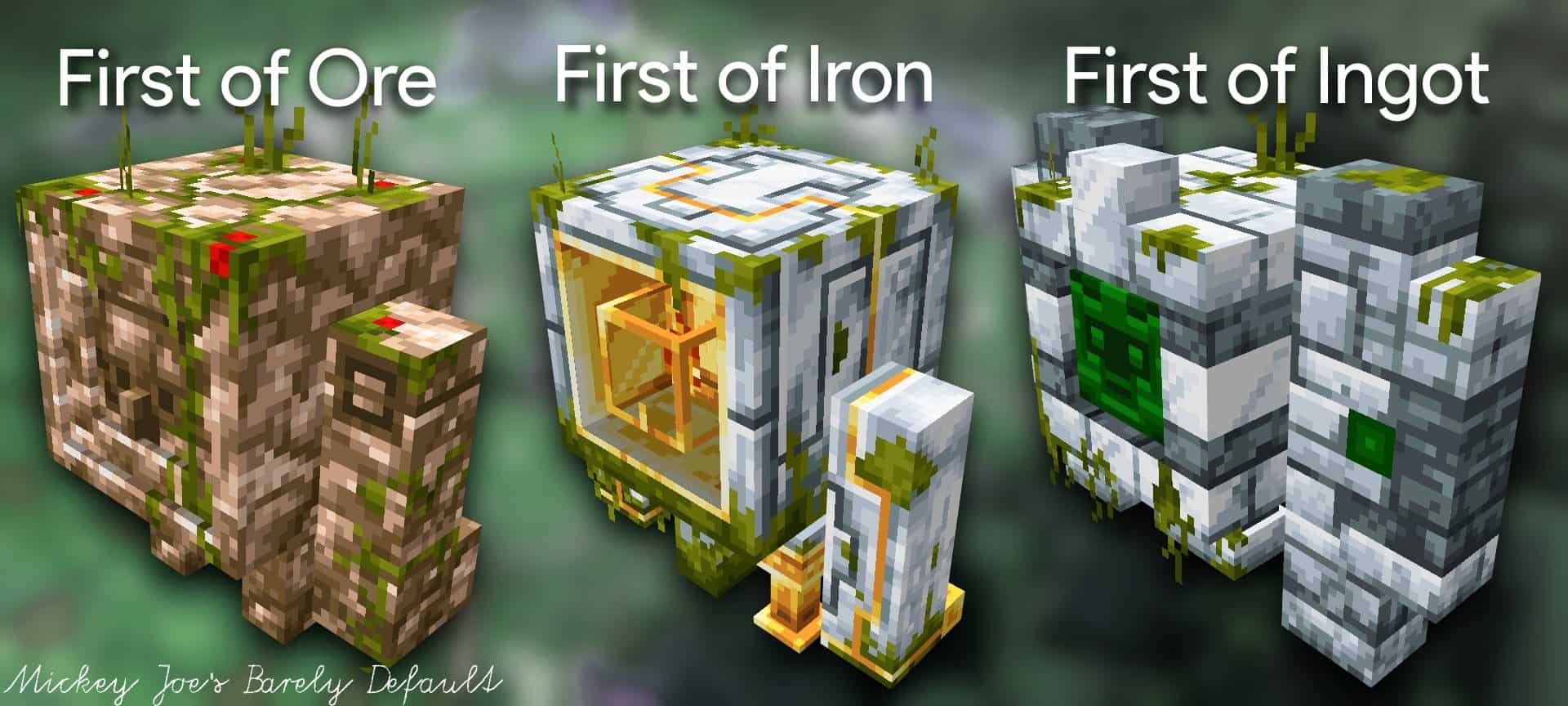
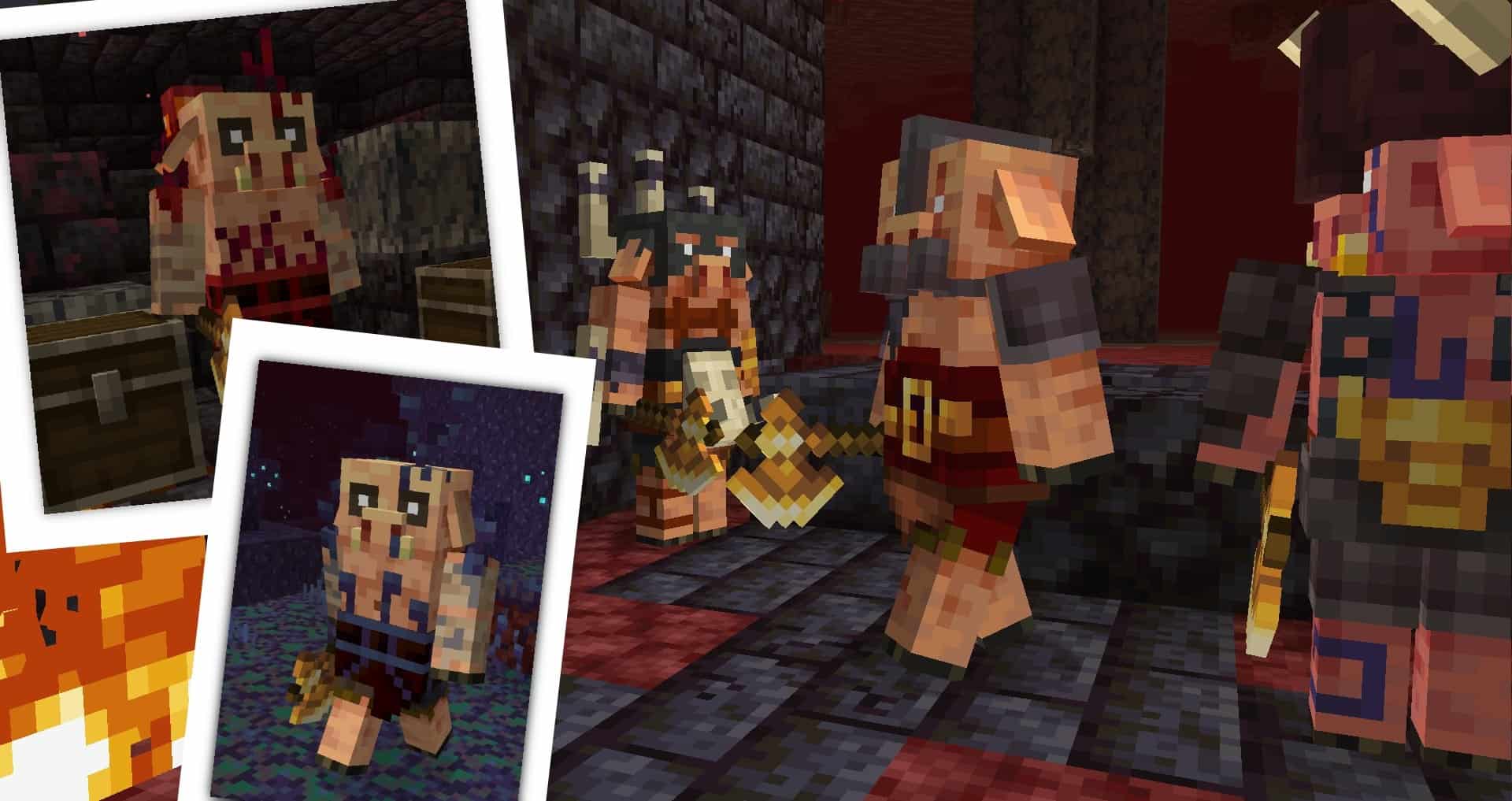
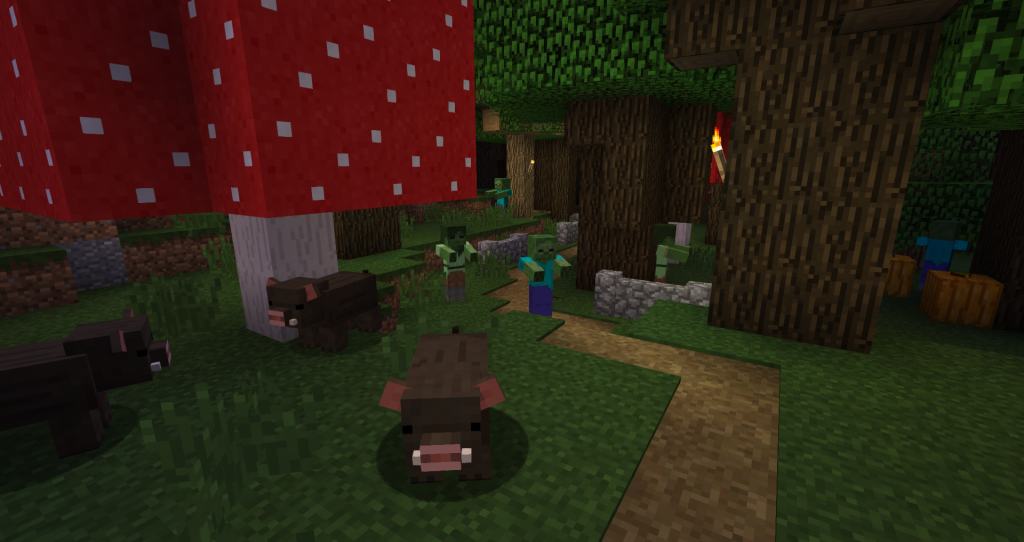
For players who have become slightly bored with the standard vanilla Minecraft experience, Mickey Joe’s Relatively Improved Default resource pack proves to be an absolute ideal upgrade. It is a wonderfully simple texture pack that cleverly alters the default visuals in Minecraft, offering a much more immersive experience overall. Originally designed by the developer purely for his own personal enjoyment, encouraging feedback from other players inspired Mickey Joe to publish the resource pack and deliver constant, dedicated updates. Developed by MushirMickeyJoe, this pack has received overwhelmingly positive feedback for the numerous smart upgrades it delivers over vanilla Minecraft. Amongst the many changes, the resource pack includes impressive new 3D models for llama heads, custom skins for villagers, intricate 3D models for door elements, upgraded weapons, custom sky backgrounds for Mushroom Biomes and Jungles to Aqua, alongside many more texture improvements. The improvements found in the resource pack offer a fantastic variety of changes that never alter the design and core feel of the classic vanilla experience, but simply make it noticeably better. The textures in Mickey Joe’s Relatively Improved Default resource pack are much more colorful, vibrant, and packed with fine details. What is truly impressive about this pack is that it was designed by a single user while managing to include such a wonderfully wide range of visual improvements.
The developer put a lot of hard work into adding 3D models as well, successfully improving Minecraft for himself and all the players who use his resource pack. One particularly important change this pack adds is the complete removal of annoying visual noise found in some of the default textures. Existing textures have been carefully tweaked and improved across multiple upgrades by MushirMickeyJoe, who continued working on the project as a direct result of the wonderful positive feedback from the Minecraft community. Originally posted on Reddit back in 2017, the resource pack has gone through many iterations and updates. Some of the changes introduced are a direct consequence of community feedback, given that MushirMickeyJoe remains an active member among Minecraft players. In order to properly enjoy Mickey Joe’s Relatively Improved Default, also known as the Barely Default resource pack by Mickey Joe, OptiFine is strongly required. The tool needs to be installed in order to fully enjoy the new and improved textures, connected textures, and stunning 3D models. All the textures that have been improved and replaced by the resource pack are in 32x resolution. Utilizing a 32x resolution for textures successfully delivers a genuine, familiar Minecraft vanilla experience. Furthermore, it is wonderfully not resource intensive, allowing it to be easily installed and enjoyed by players with older computers who might otherwise struggle to run modern games. At the same time, the resource pack is relatively small in size and downloads very quickly. Installation is thankfully just as straightforward as any other resource pack that relies on OptiFine for Minecraft.
Barely Default should be compatible with all of these Minecraft versions: Fresh Animations – 26.2 – 26.1.2 – 26.1.1 – 26.1 – 1.21.11 – 1.21.10 – 1.21.9 – 1.21.8 – 1.21.7 – 1.21.6 – 1.21.5 – 1.21.4 – 1.21.3 – 1.21.2 – 1.21.1 – 1.21 – 1.20.6 – 1.20.5 – 1.20.4 – 1.20.3 – 1.20.2 – 1.20.1 – 1.20 – 1.19.4 – 1.19.3 – 1.19.2 – 1.19.1 – 1.19 – 1.18.2 – 1.18.1 – 1.18 – 1.17.1 – 1.17 – 1.16.5 – 1.16.4 – 1.16.3 – 1.16.2 – 1.16.1 – 1.16 – 1.15.2 – 1.15.1 – 1.15 – 1.14.4 – 1.14.3 – 1.14.2 – 1.14 – 1.13.2 – 1.13.1 – 1.13
Screenshots
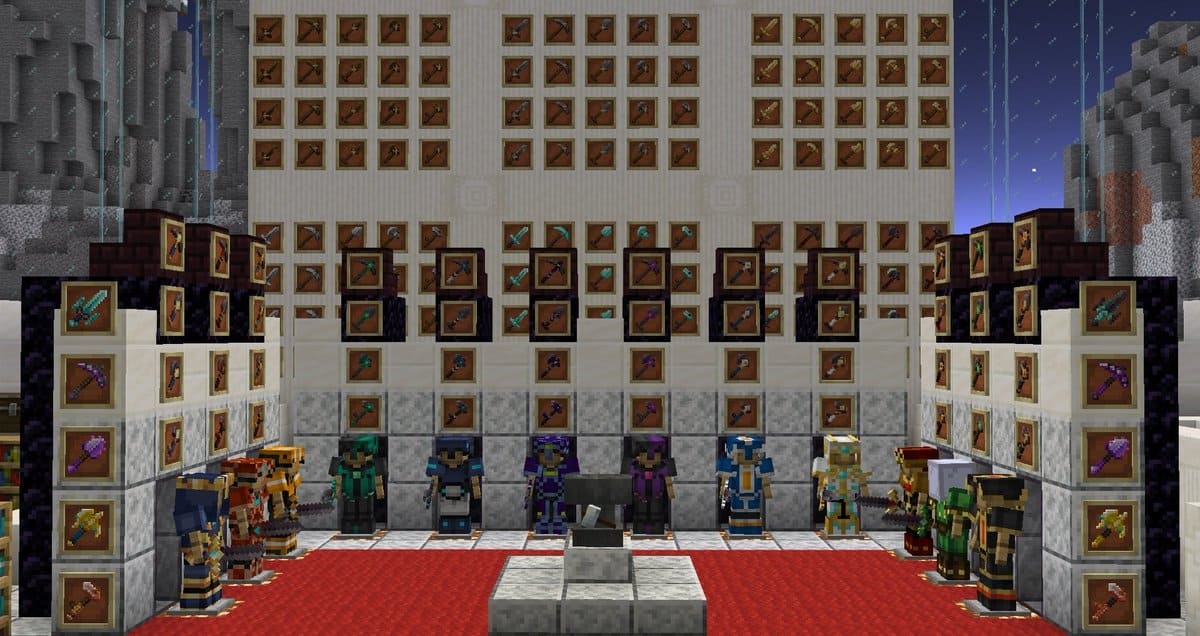
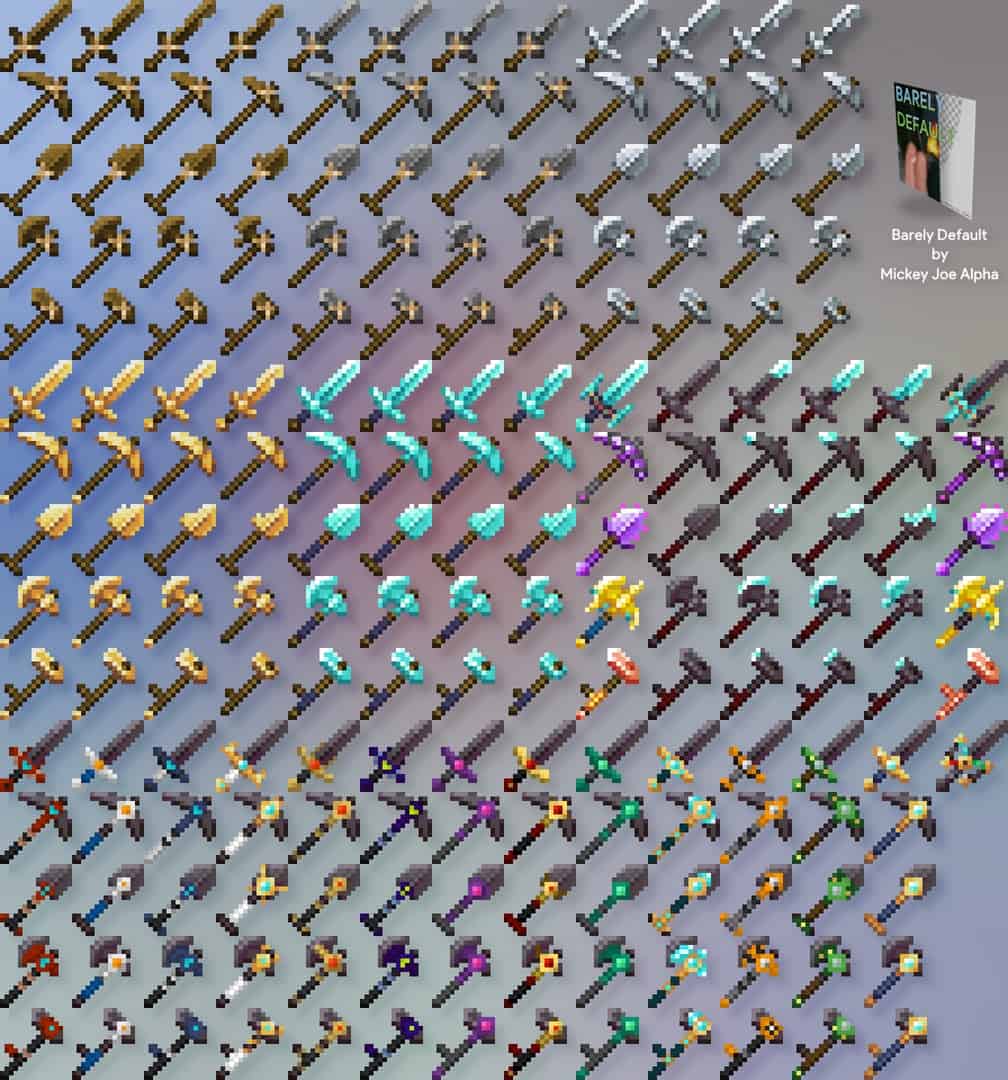
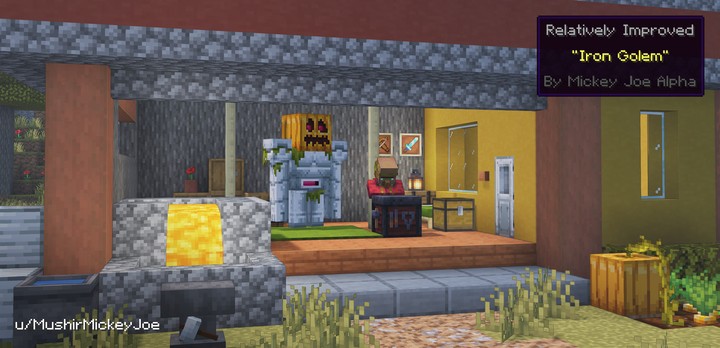
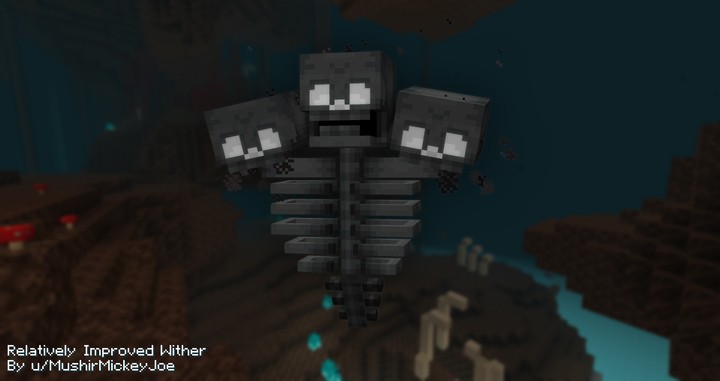
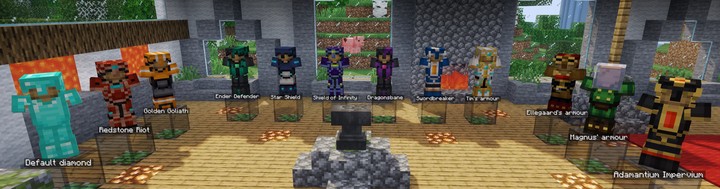

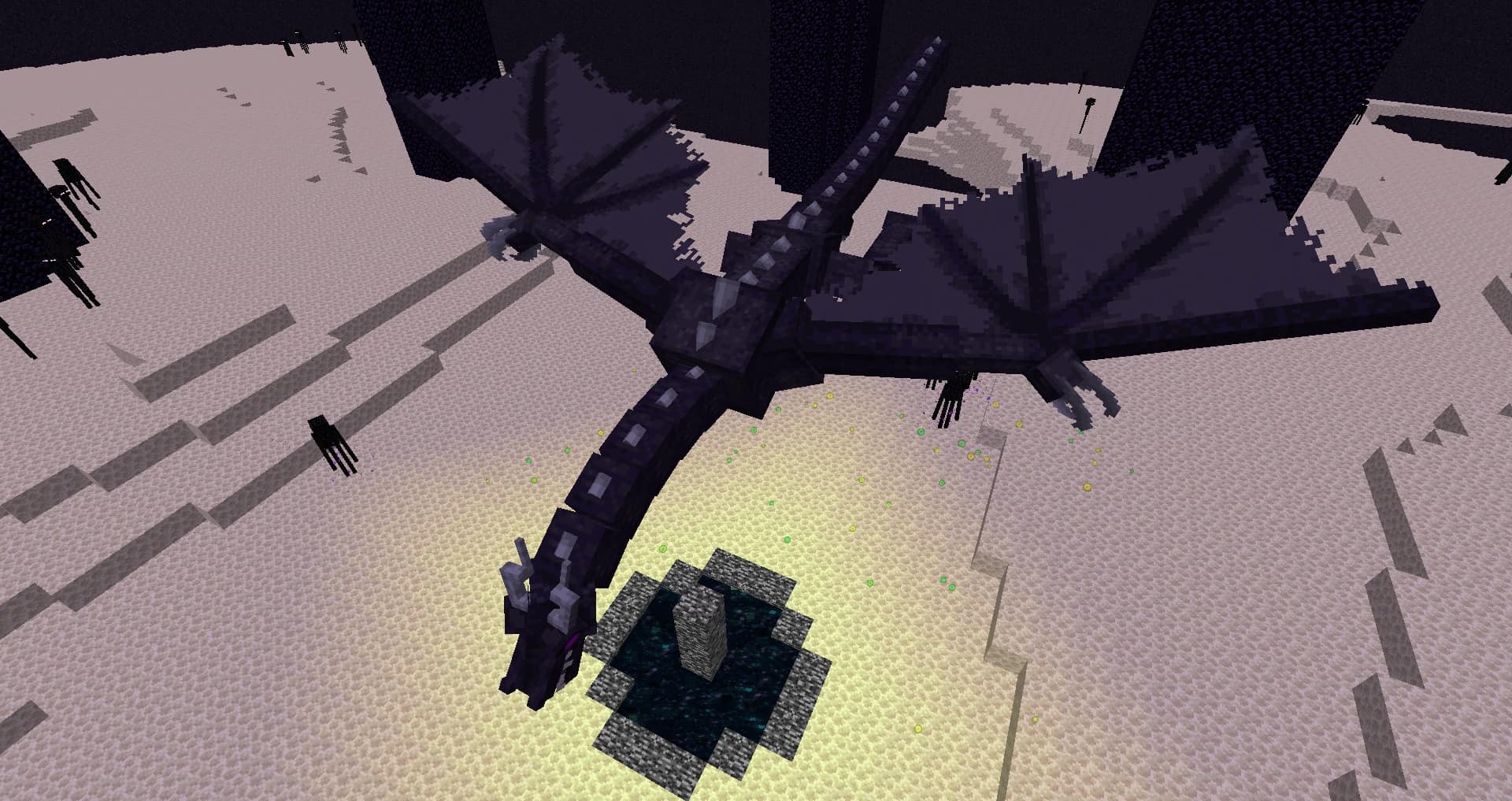
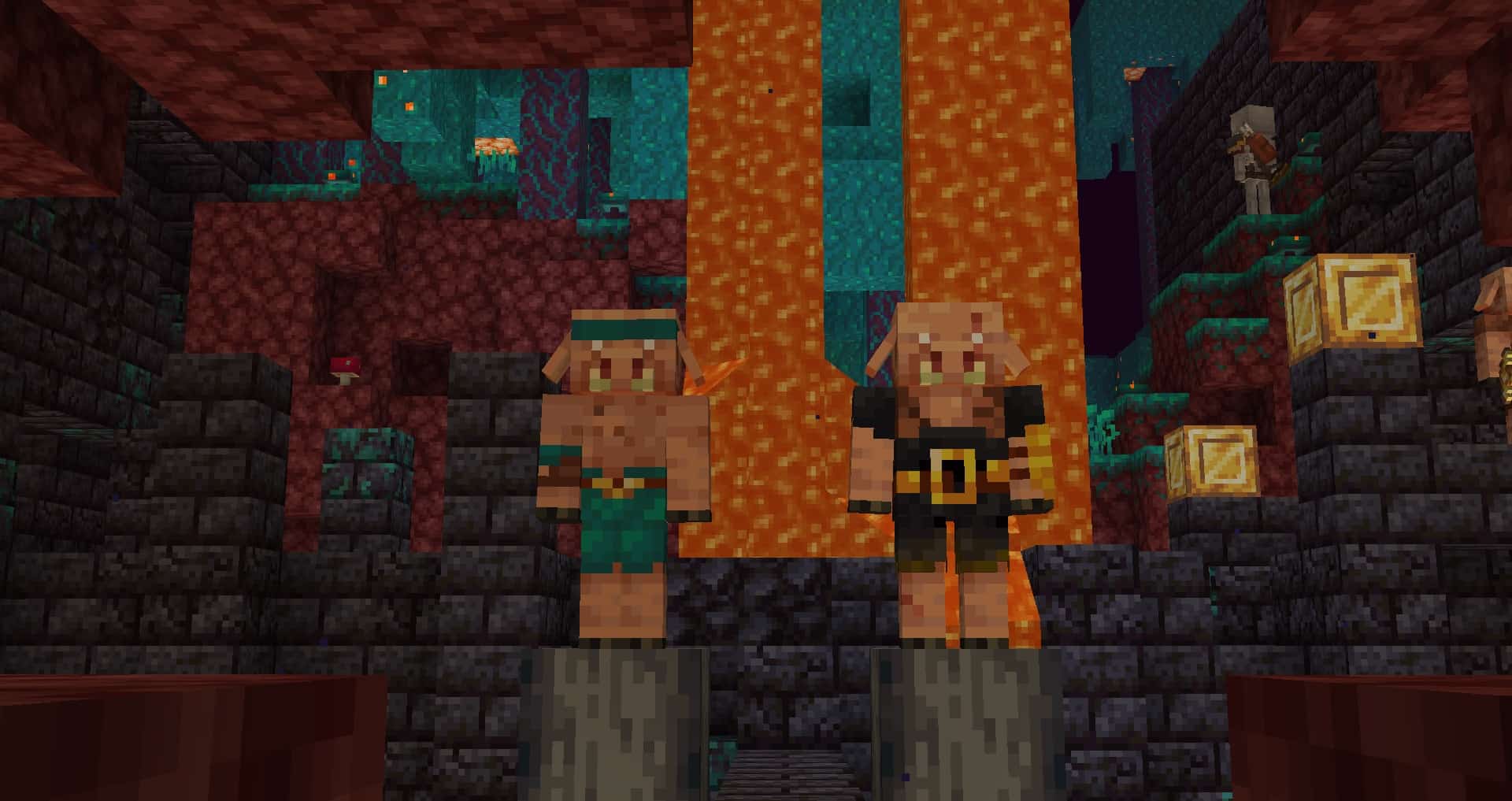
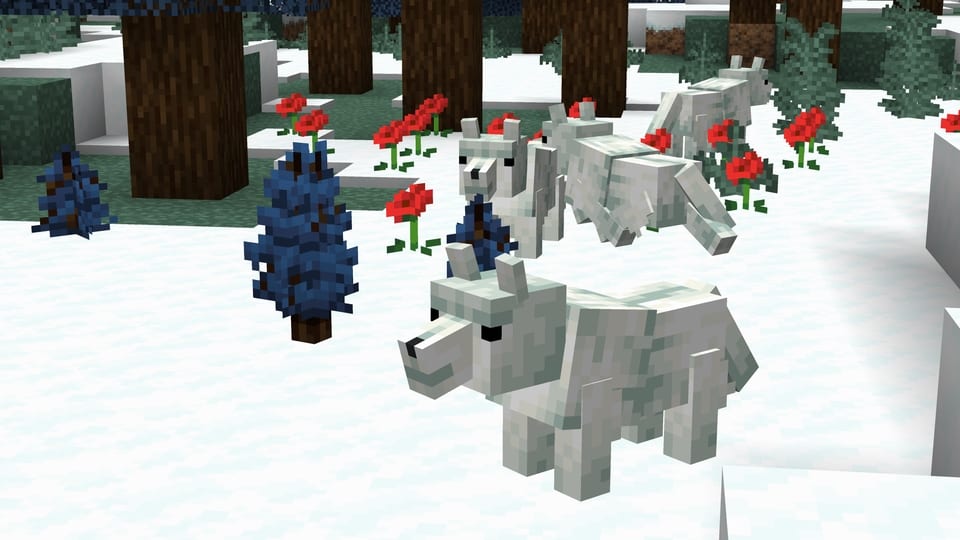
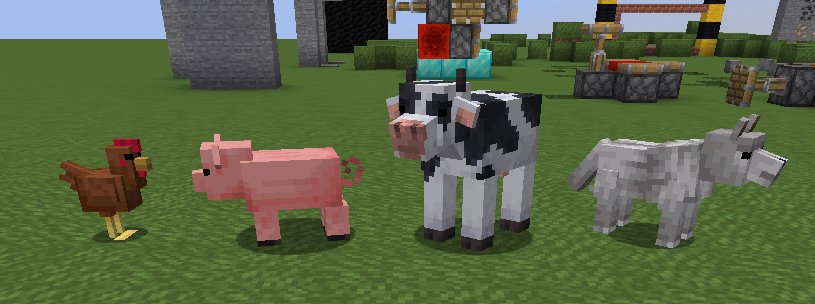
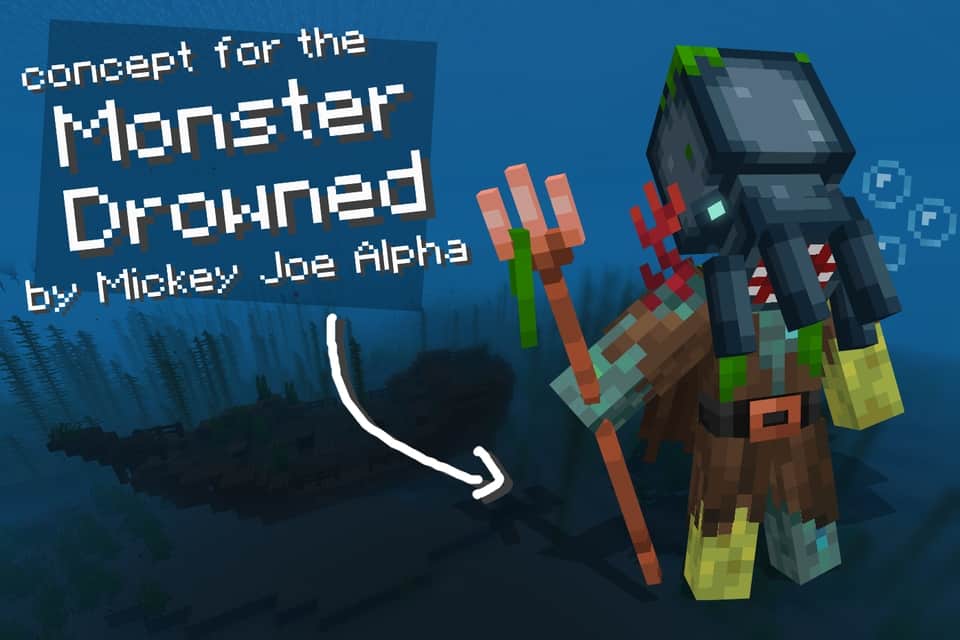
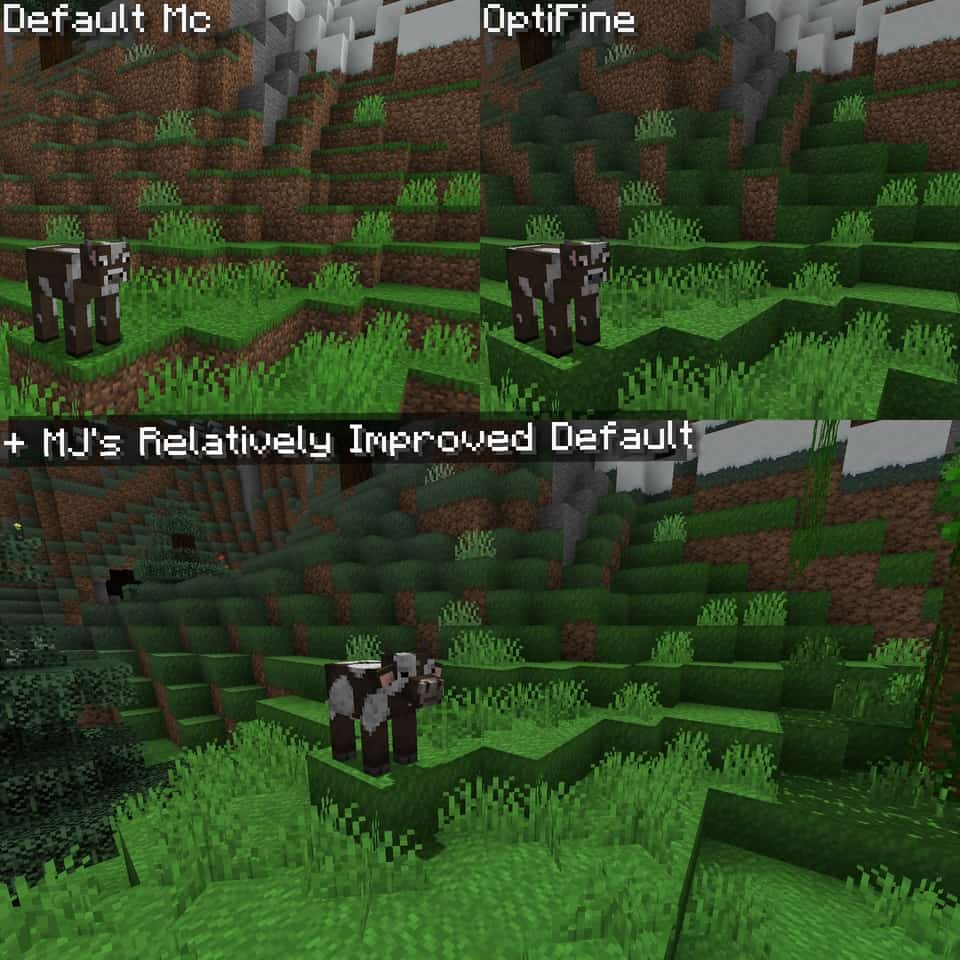
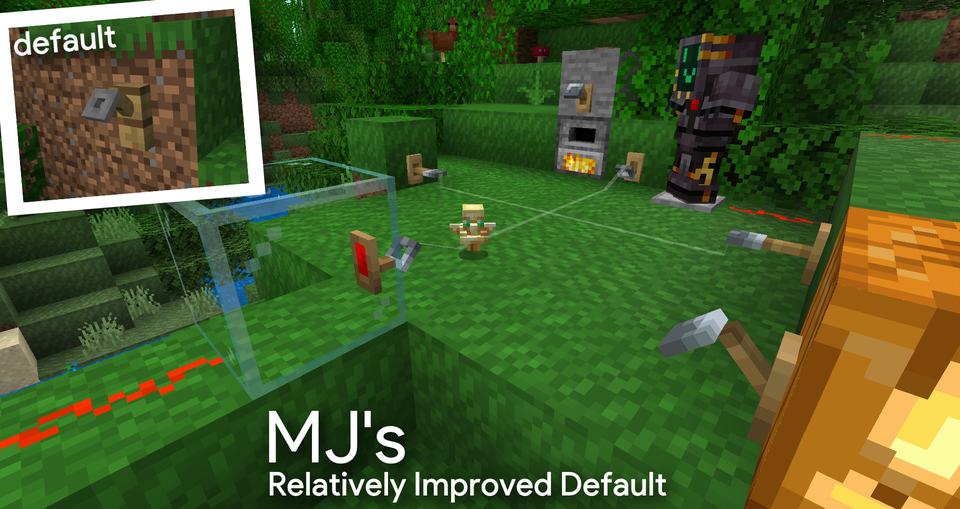
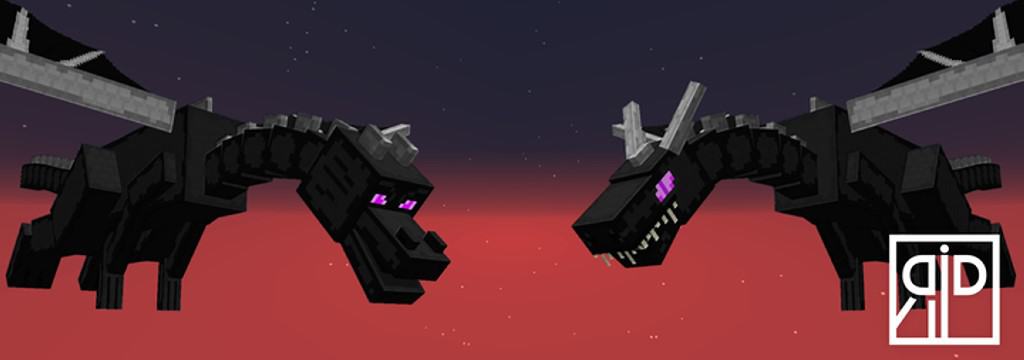
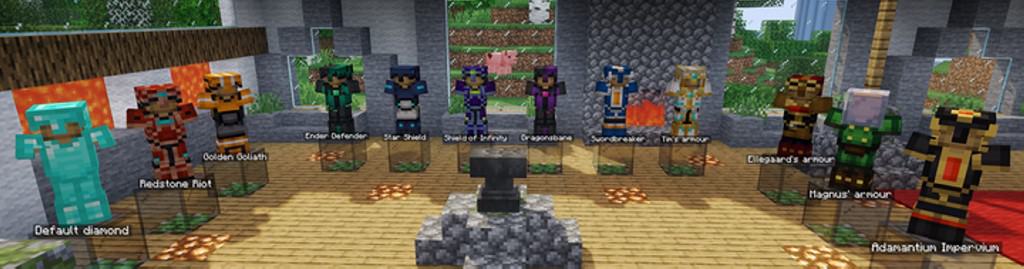
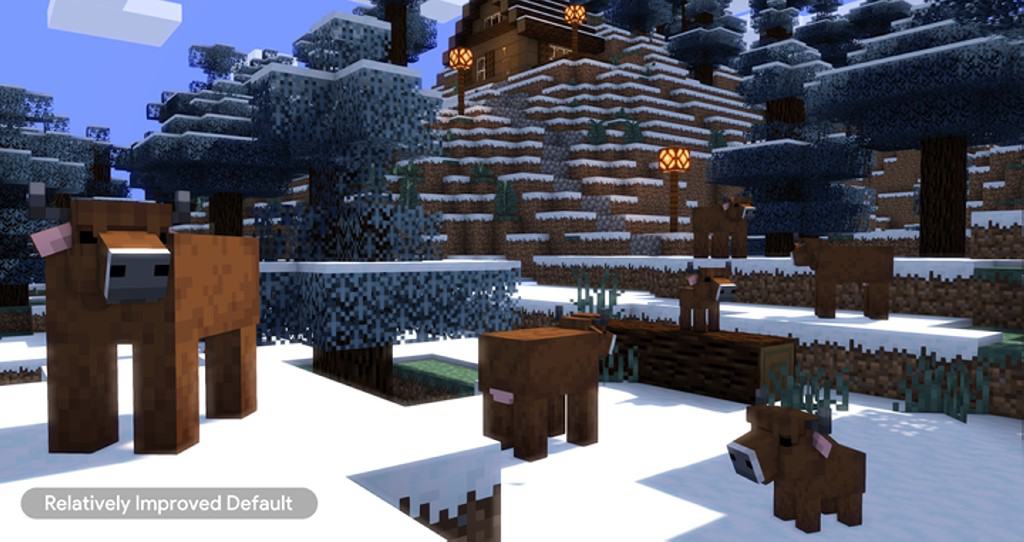

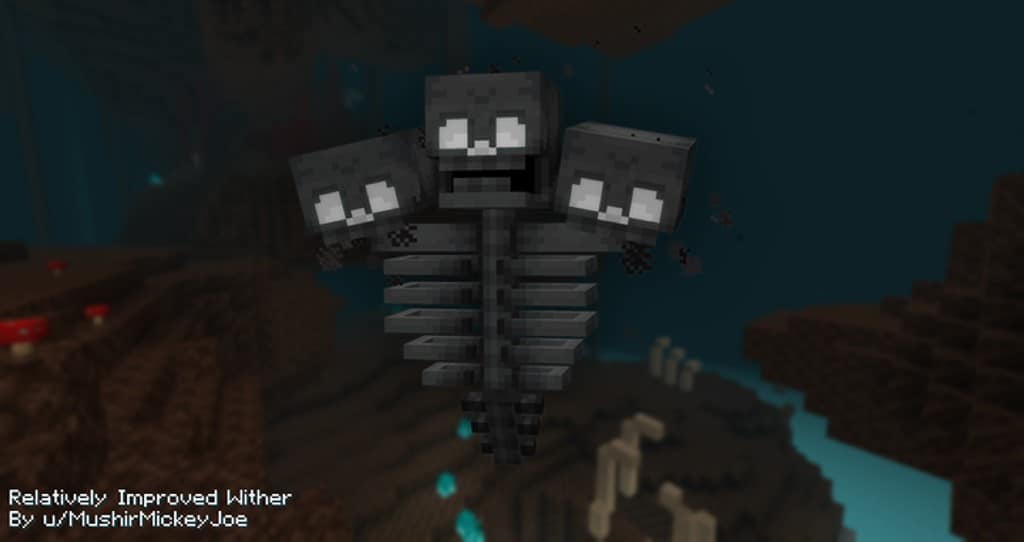
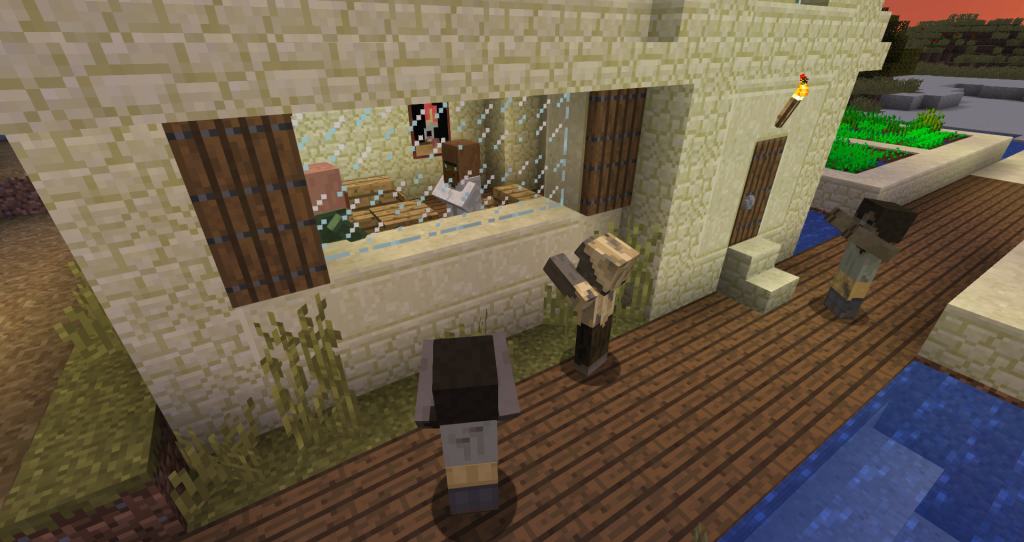
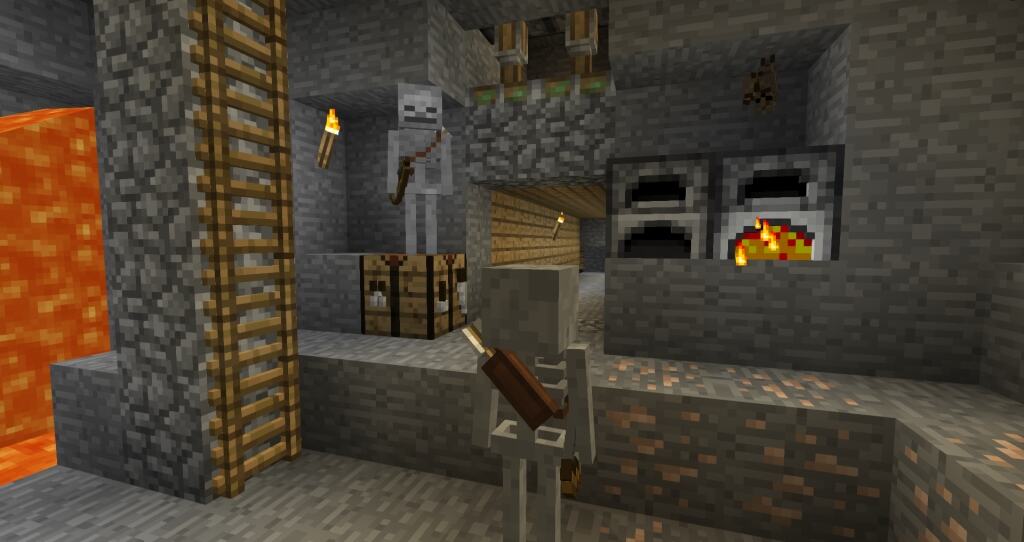
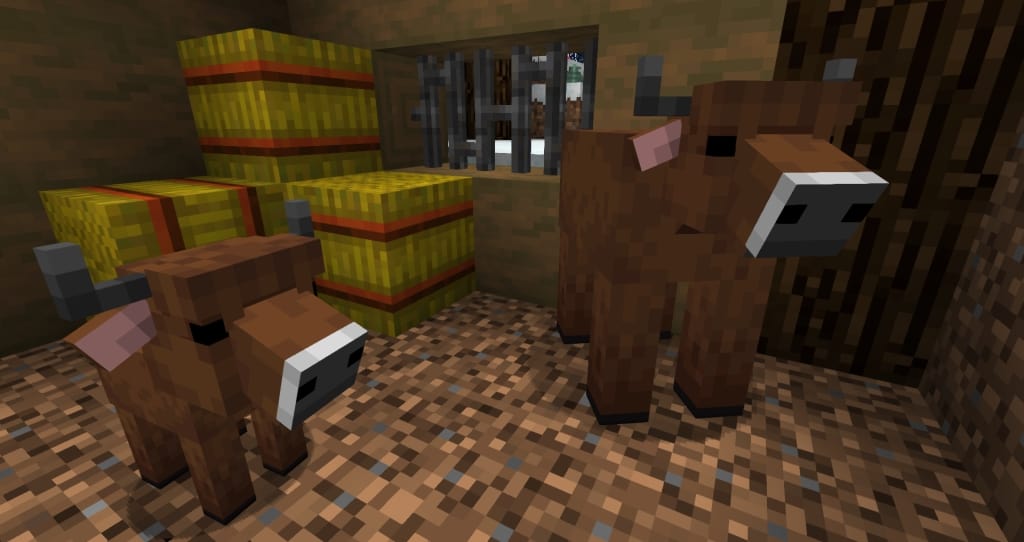
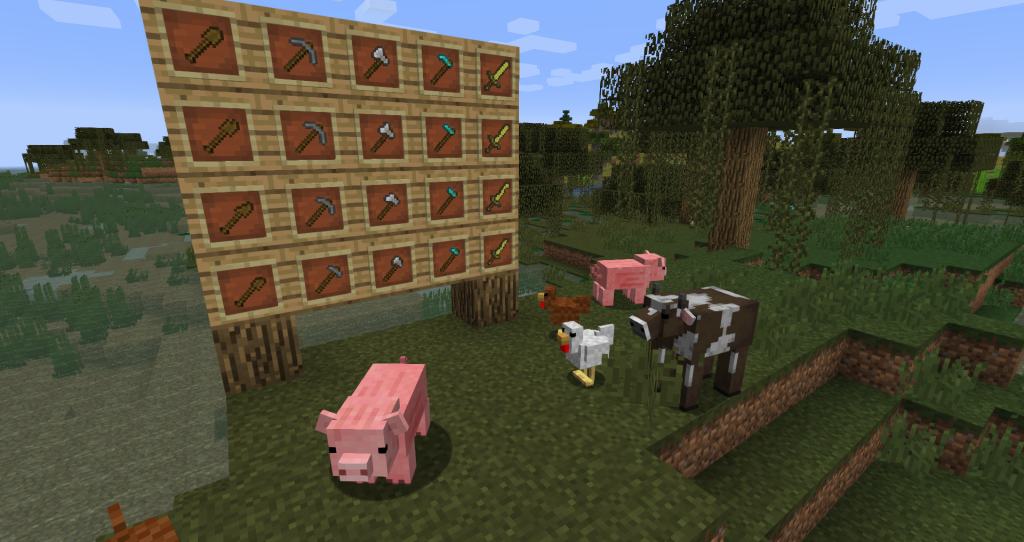
How to Install Texture Pack (Simple 10 Steps)
- Download OptiFine: Most of the texture packs and shaders need OptiFine. That’s why, first download and install OptiFine for the version of Minecraft you want to play.
- Download the Texture Pack: Get the texture pack you want from the download section. Choose the version that works with your Minecraft and your PC’s performance.
- Open Minecraft Launcher: Start Minecraft using the official game launcher — or even TLauncher, if you use that.
- Go to Options: From the main menu, click on the “Options” button.
- Open Resource Packs: Inside Options, click on “Resource Packs…”.
- Open the Resource Pack Folder: Click on “Open Resource Pack Folder” — this will open a folder named “resourcepacks”.
- Move the Pack File: Copy or move the .zip file you downloaded into that “resourcepacks” folder. (Don’t unzip the file — Minecraft uses it as-is!)
- Go Back and Refresh: Close the folder and click “Done”, then go back into “Resource Packs…” again.
- Activate the Pack: You’ll see the pack on the left side. Hover over it and click the arrow to move it to the right (active side).
Tip: If you get a message that the pack is for a different version, just click “Yes” — it usually works fine. - Click Done and Enjoy: Click “Done” again. Now your pack is ready to use in-game. It’s that easy!
Credits
This Resource Pack was created by MushirMickeyJoe. We do not claim ownership of this content, nor do we host modified versions of the files. All rights remain with the original creator. We strongly encourage you to support MushirMickeyJoe by downloading the pack from the official sources.
Download Links
Java Edition
- [16x] Minecraft 26.2.x – 26.1.x
- [16x] Minecraft 1.21.11 – 1.21.5
- [16x] Minecraft 1.21.4 – 1.21
- [16x] Minecraft 1.20.6 – 1.20.2
- [16x] Minecraft 1.20.1 – 1.19.x
- [16x] Minecraft 1.18.x
- [16x] Minecraft 1.17.x
- [16x] Minecraft 1.16.x – 1.15.x
- [16x] Minecraft 1.14.x
- [16x] Minecraft 1.13.x
- [16x] Minecraft 1.21.x – 1.13.x (Fresh Animations Add-on Pack)
Download Instructions
Curseforge: download starts automatically after a few seconds;
Mediafire: click the big blue button with the text “DOWNLOAD”;
Google Drive: in the top right corner you will see a small download icon (down arrow), click it and the download should start;


