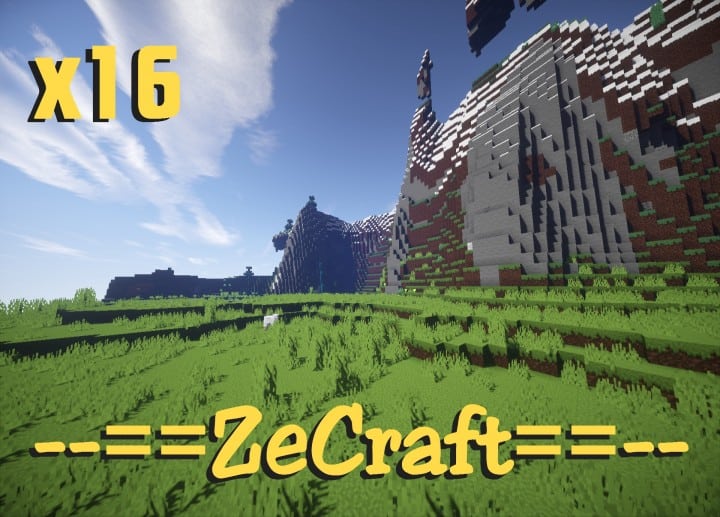
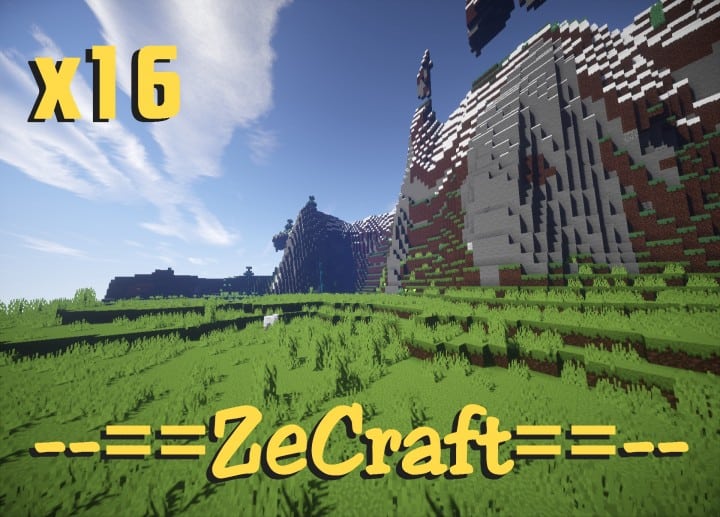
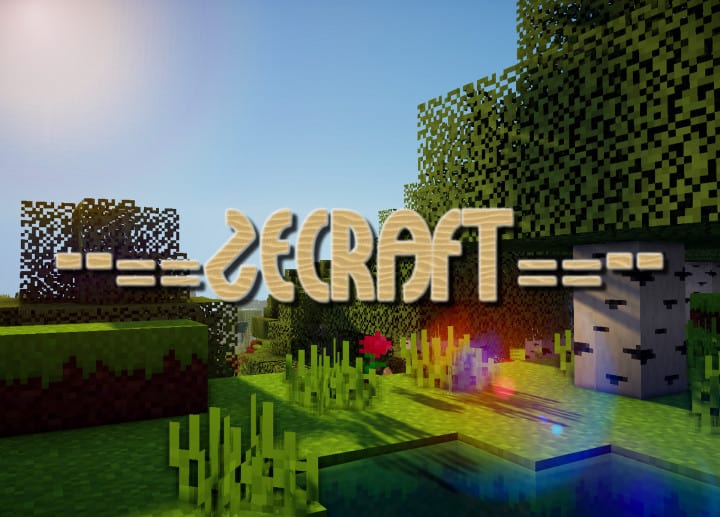
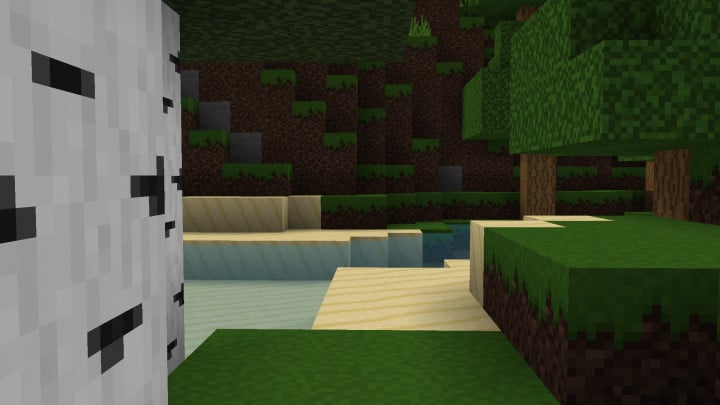
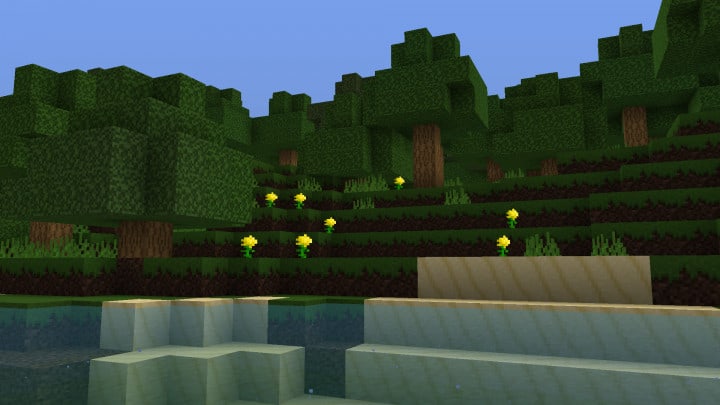
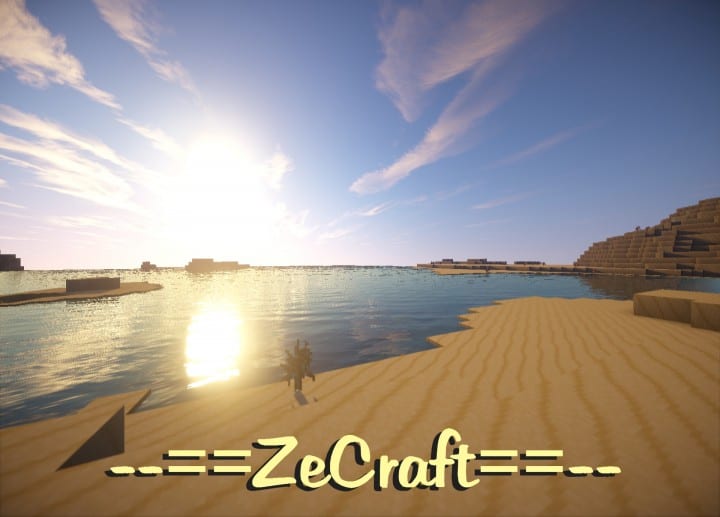
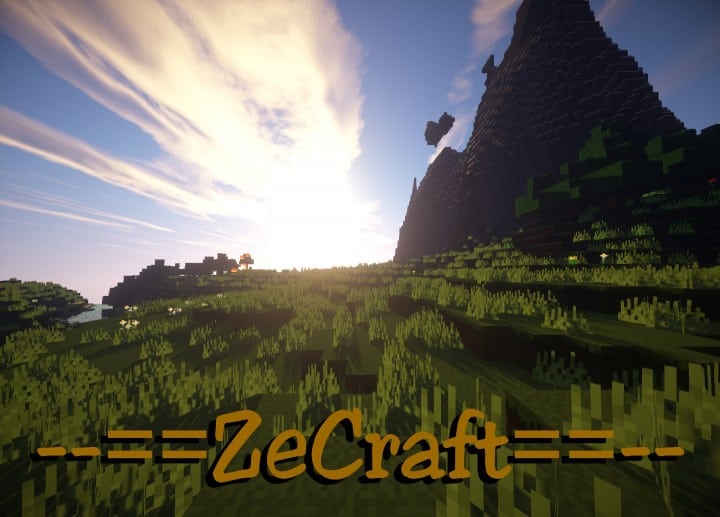
The ZeCraft Resource Pack is finally here, and honestly, this is some fantastic news for all Minecraft enthusiasts out there! Crafted by DelTaz, ZeCraft is an amazing resource pack that provides a truly great boost to Minecraft’s overall look and feel. Even though it features a very low resolution, its visual effect can barely go unnoticeable in your world. The 16x resolution genuinely gives the game a whole new true and authentic visual effect that you will immediately appreciate. With this resource pack applied, the colors of Minecraft’s blocks and items are wonderfully rich, and the glossy effect reflects all light sources in a neat way. The simple and pale sand color looks exceptionally appealing and thoroughly rejuvenated. The light green in grass blocks now proudly features that deep, authentic green color of neatly nurtured, trimmed, and watered grass. Other notable elements that benefit greatly from this resource pack are definitely the trees.
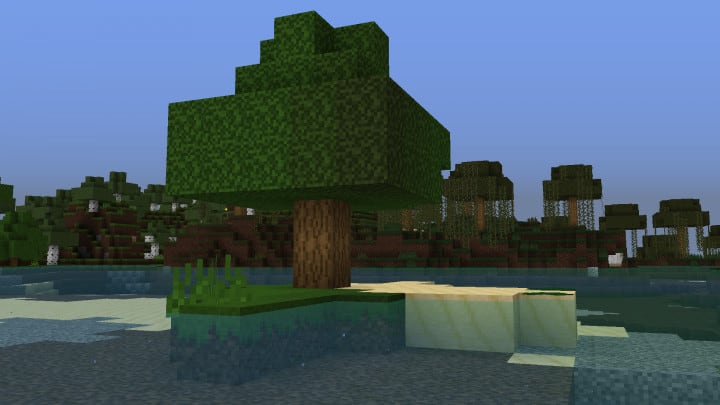
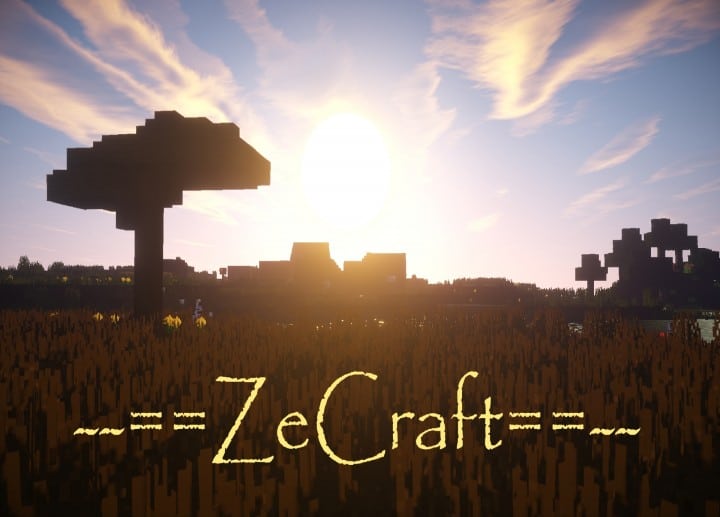
They have been totally redrawn using the new style, giving them a much more realistic visualization that you have to see to believe. The rich, deep green color of vegetation dominates the tree leaves, further complementing the warm brown color scheme on the stems and branches. Unlike the previous, less appealing blocks of mahogany and pale leaves, ZeCraft gives the game a significantly more realistic and pleasing look overall. There are also more features on the way and the pack will be updated as each one is completed by the author. From the fact that it is still actively under development, it can be a bit challenging to give a definitive review of this resource pack, but so far so good—it seriously looks like a massive leap forward for the developer! Even though the 16x resolution sounds very low on paper, the enhancement and thrill it adds to Minecraft can truly only be fully appreciated by the game’s dedicated enthusiasts.
ZeCraft should be compatible with all of these Minecraft versions: 1.12.2 – 1.12 – 1.11.2 – 1.11 – 1.10.2 – 1.10 – 1.9.4 – 1.9 – 1.8.8 – 1.8.1 – 1.8.6 – 1.8
Screenshots
How to Install Texture Pack (Simple 10 Steps)
- Download OptiFine: Most of the texture packs and shaders need OptiFine. That’s why, first download and install OptiFine for the version of Minecraft you want to play.
- Download the Texture Pack: Get the texture pack you want from the download section. Choose the version that works with your Minecraft and your PC’s performance.
- Open Minecraft Launcher: Start Minecraft using the official game launcher — or even TLauncher, if you use that.
- Go to Options: From the main menu, click on the “Options” button.
- Open Resource Packs: Inside Options, click on “Resource Packs…”.
- Open the Resource Pack Folder: Click on “Open Resource Pack Folder” — this will open a folder named “resourcepacks”.
- Move the Pack File: Copy or move the .zip file you downloaded into that “resourcepacks” folder. (Don’t unzip the file — Minecraft uses it as-is!)
- Go Back and Refresh: Close the folder and click “Done”, then go back into “Resource Packs…” again.
- Activate the Pack: You’ll see the pack on the left side. Hover over it and click the arrow to move it to the right (active side).
Tip: If you get a message that the pack is for a different version, just click “Yes” — it usually works fine. - Click Done and Enjoy: Click “Done” again. Now your pack is ready to use in-game. It’s that easy!
Credits
This resource pack was originally created by -DelTaz-. We do not claim ownership of this modification, nor do we host or distribute modified versions of these files. All rights and intellectual property remain strictly with the original creator. We highly encourage you to support -DelTaz- by downloading directly from the official links provided.
Download Instructions
Curseforge: download starts automatically after a few seconds;
Mediafire: click the big blue button with the text “DOWNLOAD”;
Google Drive: in the top right corner you will see a small download icon (down arrow), click it and the download should start;


