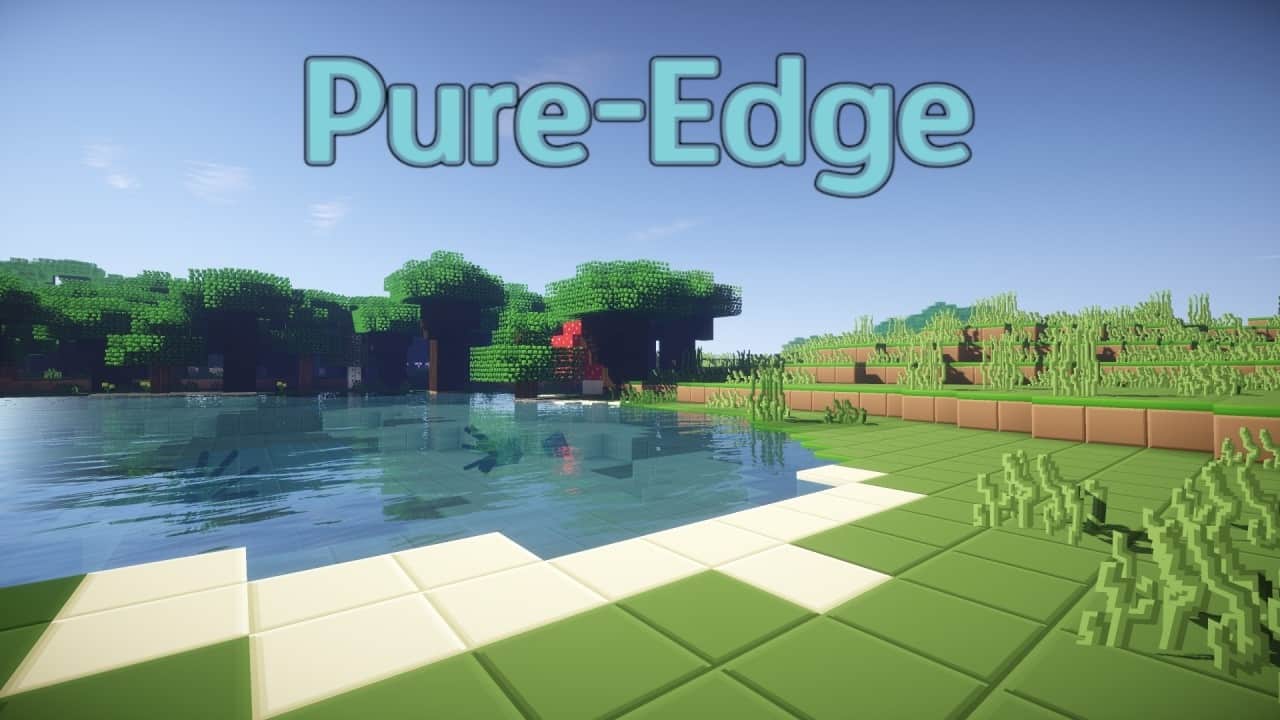
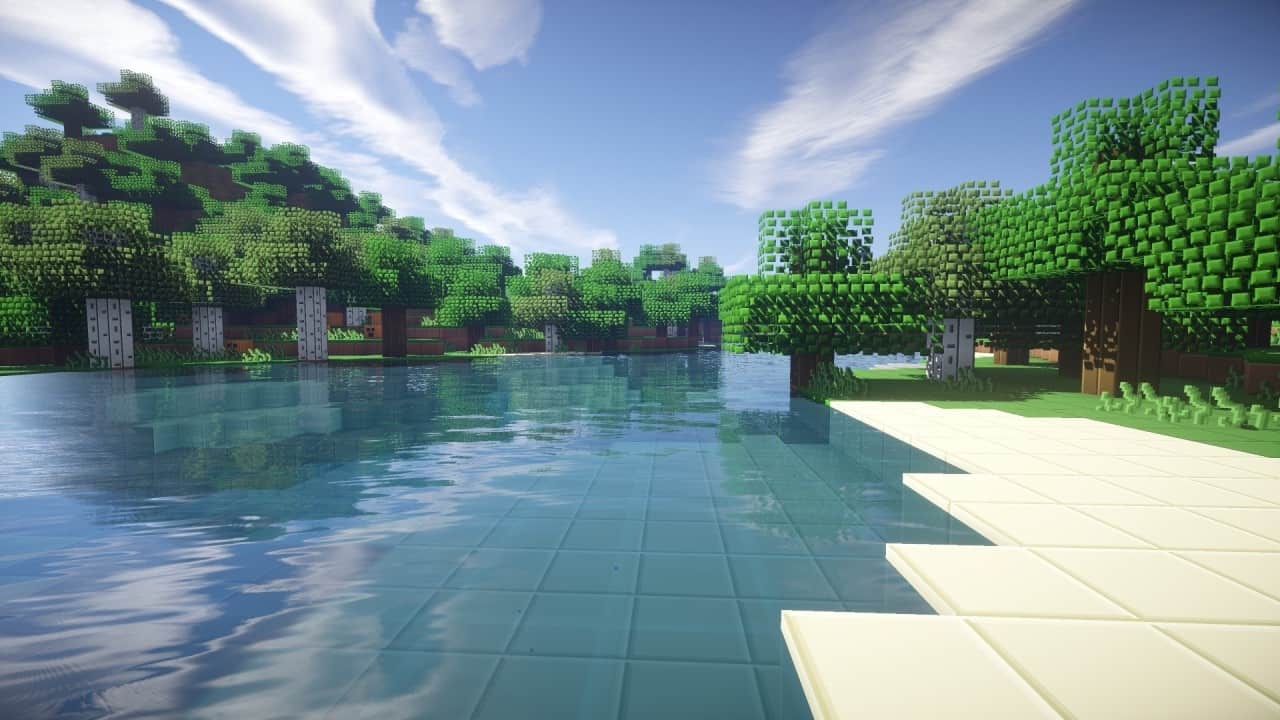
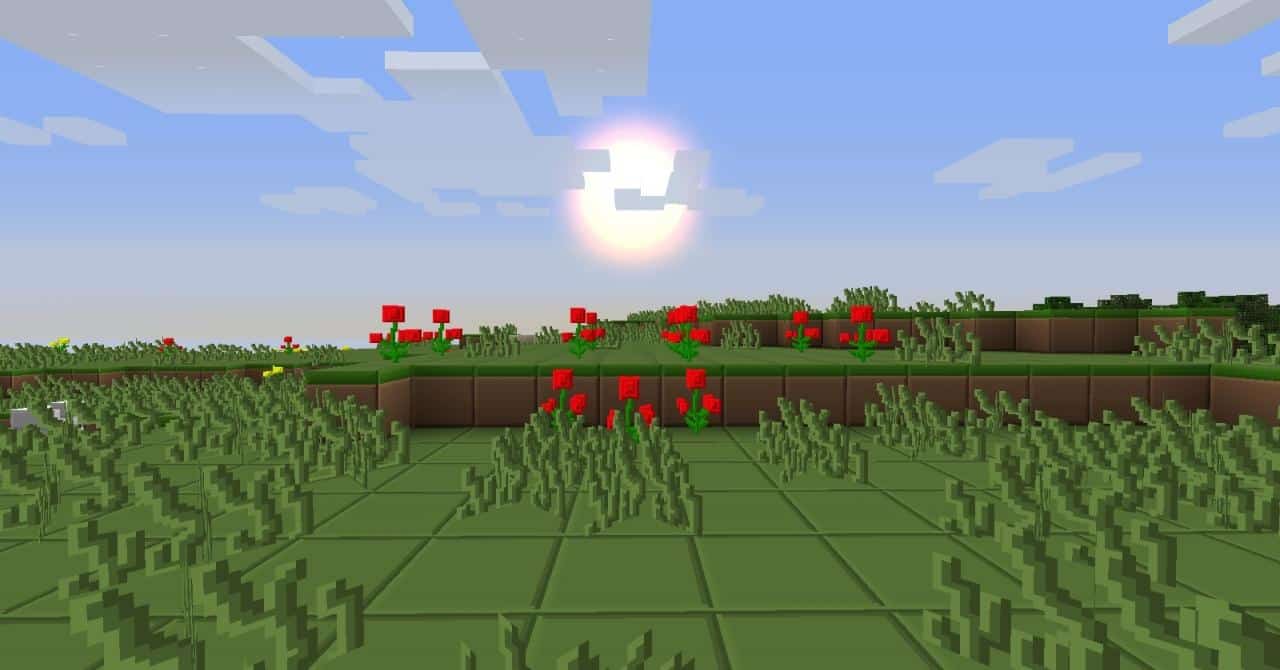
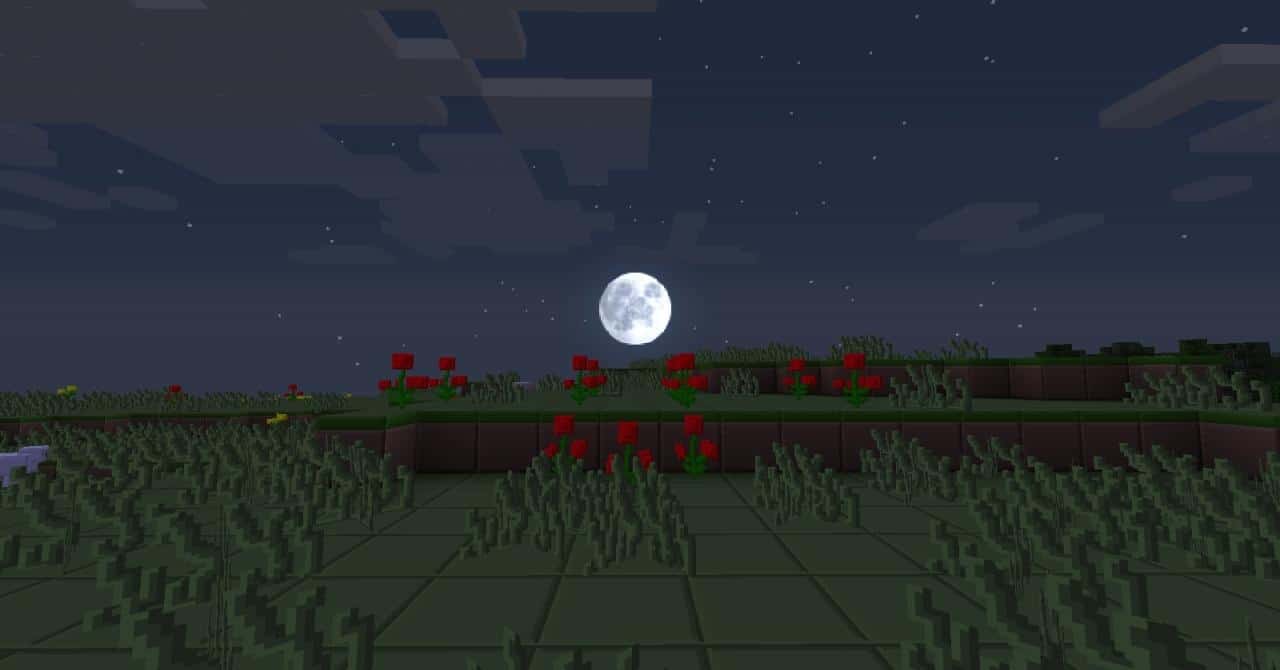
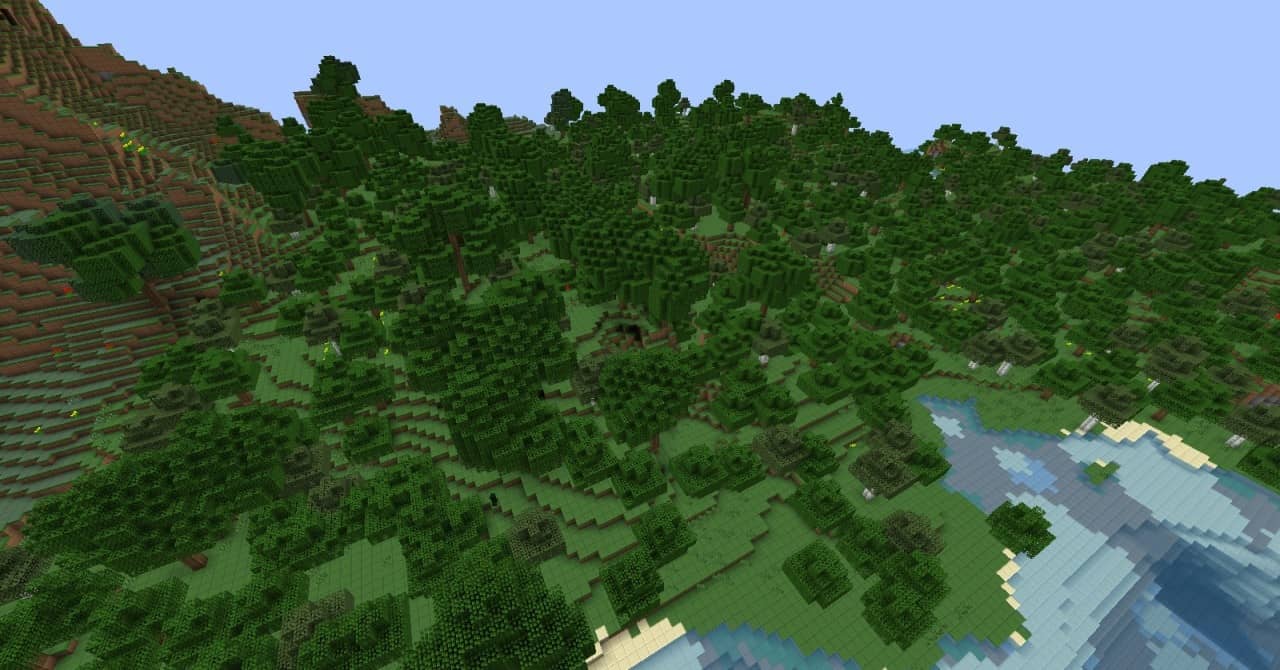
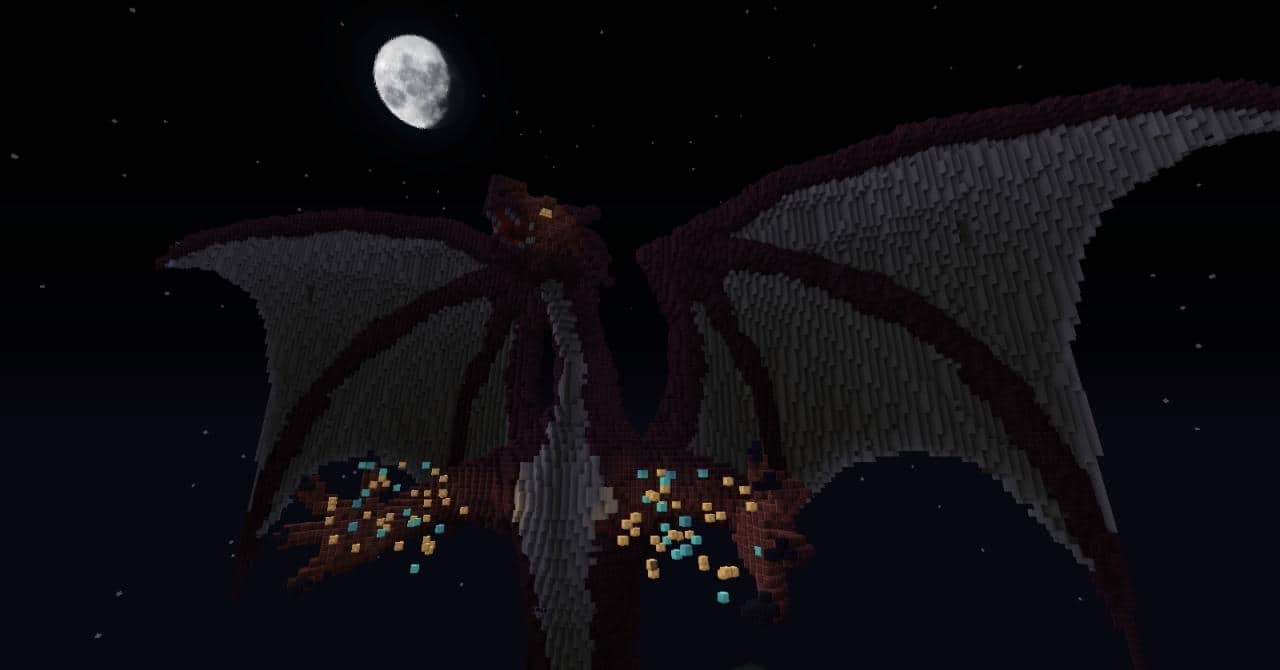
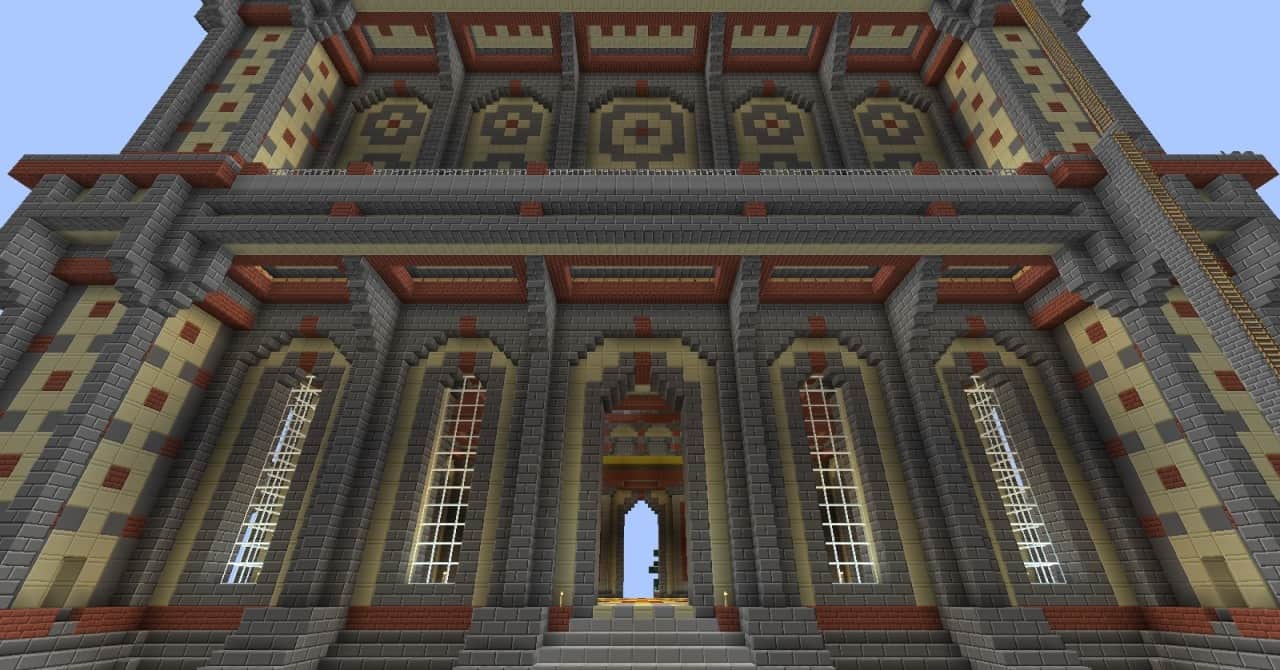
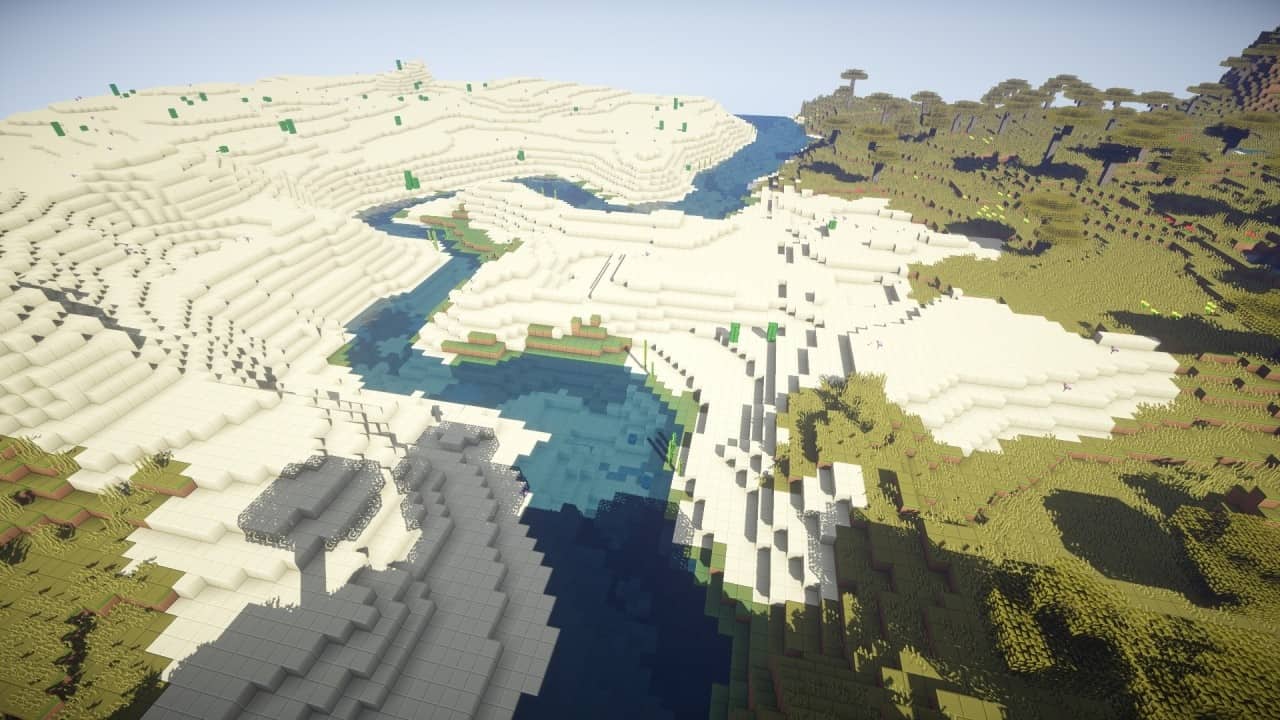
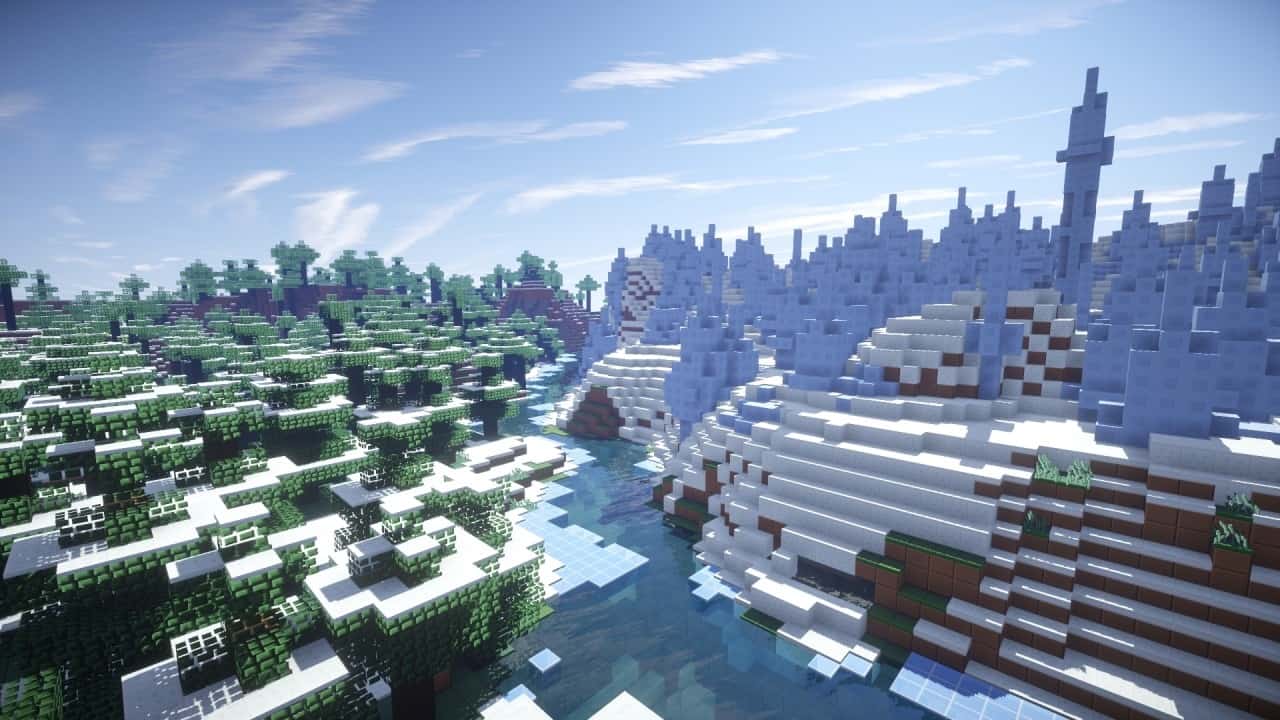
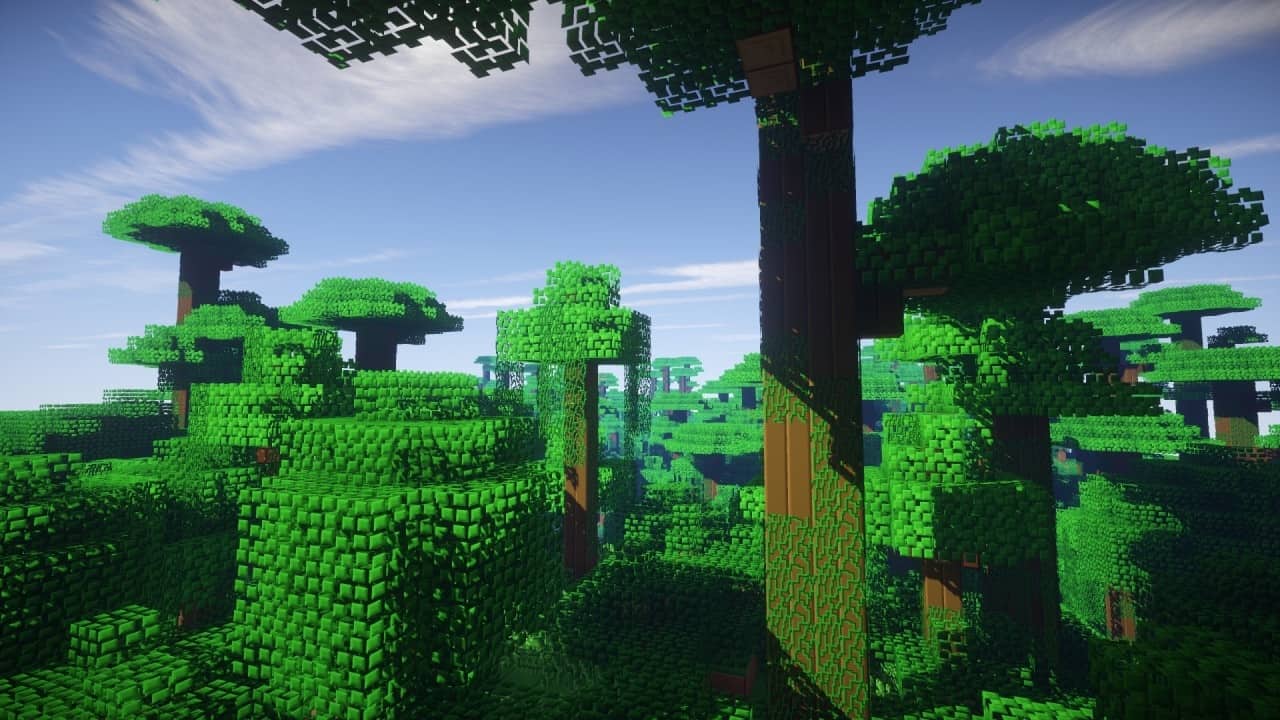
You might not immediately think of Zorocks Pure Edge when brainstorming extraordinary, innovative textures, but I honestly love how it turns out in practice. That is totally fine because its goal isn’t to completely transform Minecraft into an entirely new game with a striking appearance and unrecognizable models; instead, it thoughtfully focuses on improving the existing look, removing unnecessary clutter, and polishing the whole presentation of the game. The developer has been working on it passionately ever since 2012, so you can truly count on the fact that there aren’t any mismatched or out-of-place textures throwing off your immersion. One of the absolute standout features of Zorocks Pure-Edge texture pack is its wonderfully cohesive visual approach. Its name is a great giveaway for the main style that it implements, delivering a clear, outlined border between various blocks that looks so satisfying. The focus is entirely on minimalism and simplicity, featuring straightforward textures that don’t try too hard to be overly innovative. The familiar color palette of the vanilla game is faithfully retained, and all blocks use just a fraction of their original colors in order to make them appear much more uniform. I found the look of all fluids—both lava and water—super interesting, as they also feature blocky textures and a clean, defined border between their source blocks. As far as items go, they sport an enhanced look that blends in really well with the environment. Of course, they don’t strictly follow the blocky style, but the textures themselves feel so much more consistent and smooth. Swords and tools have more pixels and somewhat represent the appearance that you might find in a traditional faithful resource pack, and handheld textures for blocks are pretty much identical to how they appear when placed down. Arguably the most breathtaking change for me involves the leaves. Each leaf block features a unique layout consisting of numerous miniature green cubes that together form a single leaf, and the visuals remain almost identical whether you are playing on a fast or fancy graphics setting. Other types of foliage, such as grass and grass blocks, share a similar color palette that helps them blend together seamlessly. The grass blocks even feature varying heights depending on how much the grass has grown, which is such a lovely detail that really adds to the overall atmosphere of the world.
When you venture into the Nether, you’ll be pleasantly surprised by how incredible glowstone looks. It features a mellow, yellowish hue and is somewhat transparent with delicate light specks scattered throughout. Mobs haven’t been changed drastically, aside from some subtle details; for instance, the patterns on a cow have been modified to be a bit blockier, while its overall appearance remains familiar, and creepers along with other hostile mobs have received a smoother outfit that leans slightly towards a cartoonish style. Still, everything stays wonderfully close to the original so as not to ruin the core theme. A very welcome improvement is definitely regarding glass and glass panes. Instead of the vanilla semi-transparent textures featuring a couple of random lines running through them, Zorocks Pure Edge implements a fully transparent glass block that I personally adore. When it comes to the GUI, the only changes happen in the hotbar and the player’s menu, where the sections separating different blocks in your hotbar are modified to appear more spacious, using just two tiny lines at the top and bottom instead of taking up the whole length. Inside the inventory, partitions are neatly shaped like a plus sign, which makes for a delightfully interesting touch. The ultimate selling point of the Zorocks Pure Edge resource pack is undoubtedly its fantastic performance. All of the textures in the pack are 32×32, which is just double the size of vanilla Minecraft textures. While this might feel a bit compact compared to heavy 256×256 packs, it is more than enough for this style. With a refined look and all unnecessary elements cleared away, it can genuinely help improve your overall FPS. Ever since the pack was updated for Minecraft 1.16, connecting textures for glass have also been introduced, though you will need to install Optifine to enable CTM support. That is just an awesome bonus since Optifine itself will likely squeeze out a few extra frames for you. All in all, if you are a fan of clean, simple, and minimalist resource packs, Zorocks Pure Edge is an absolute must-try that you shouldn’t miss.
Zorocks Pure-Edge should be compatible with all of these Minecraft versions: 1.16.5 – 1.16.4 – 1.16.3 – 1.16.2 – 1.16.1 – 1.16 – 1.15.2 – 1.15.1 – 1.15 – 1.14.4 – 1.14.3 – 1.14.2 – 1.14
Screenshots
How to Install Texture Pack (Simple 10 Steps)
- Download OptiFine: Most of the texture packs and shaders need OptiFine. That’s why, first download and install OptiFine for the version of Minecraft you want to play.
- Download the Texture Pack: Get the texture pack you want from the download section. Choose the version that works with your Minecraft and your PC’s performance.
- Open Minecraft Launcher: Start Minecraft using the official game launcher — or even TLauncher, if you use that.
- Go to Options: From the main menu, click on the “Options” button.
- Open Resource Packs: Inside Options, click on “Resource Packs…”.
- Open the Resource Pack Folder: Click on “Open Resource Pack Folder” — this will open a folder named “resourcepacks”.
- Move the Pack File: Copy or move the .zip file you downloaded into that “resourcepacks” folder. (Don’t unzip the file — Minecraft uses it as-is!)
- Go Back and Refresh: Close the folder and click “Done”, then go back into “Resource Packs…” again.
- Activate the Pack: You’ll see the pack on the left side. Hover over it and click the arrow to move it to the right (active side).
Tip: If you get a message that the pack is for a different version, just click “Yes” — it usually works fine. - Click Done and Enjoy: Click “Done” again. Now your pack is ready to use in-game. It’s that easy!
Credits
This resource pack was created by Zorock. All rights and original ownership belong to the creator. We do not claim ownership of this content and provide these download links as a convenience to the community. We strongly encourage you to support the creator by visiting their official download pages and following their ongoing work.
Download Instructions
Curseforge: download starts automatically after a few seconds;
Mediafire: click the big blue button with the text “DOWNLOAD”;
Google Drive: in the top right corner you will see a small download icon (down arrow), click it and the download should start;


