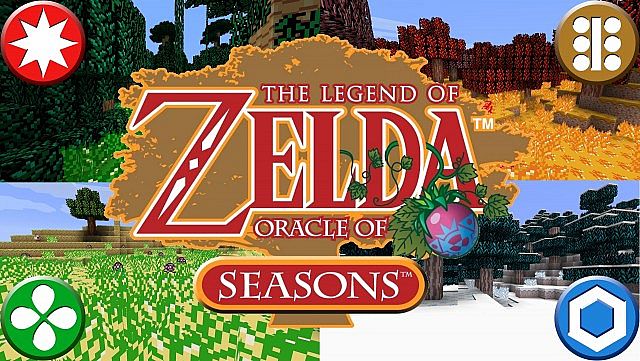
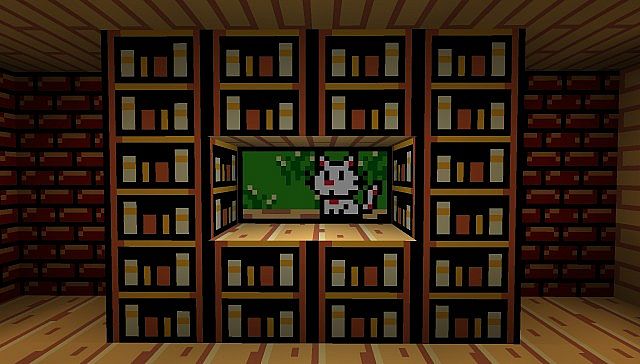
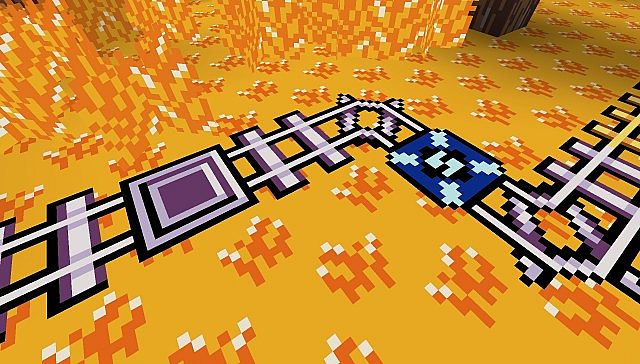
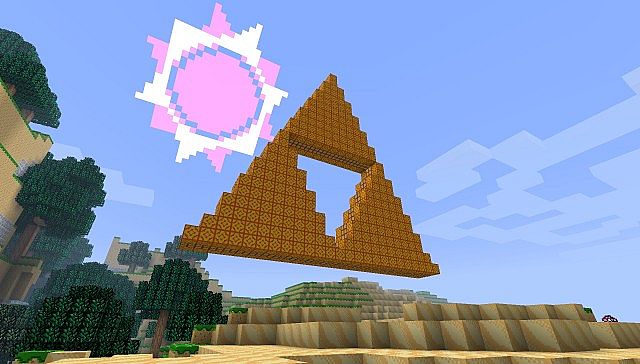
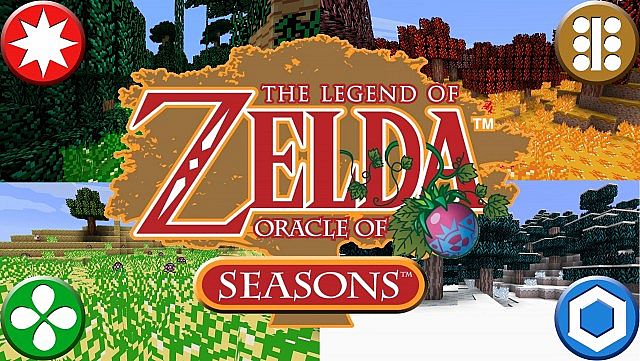
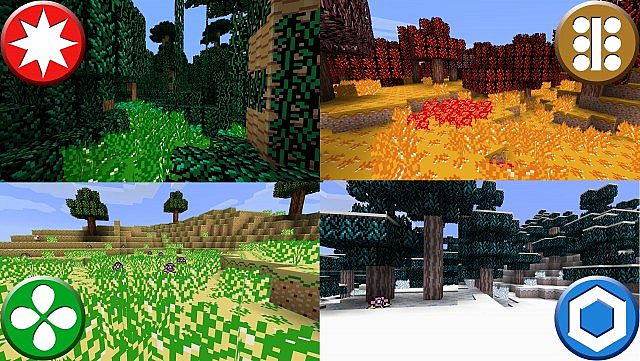
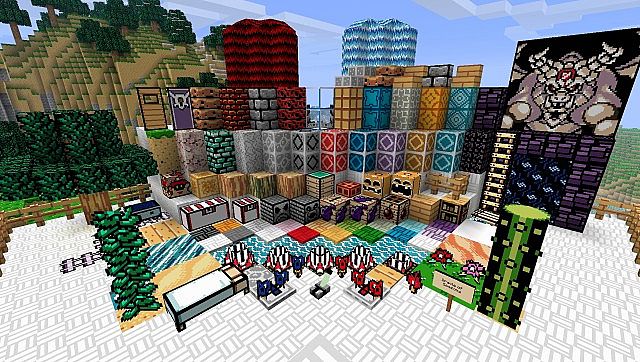
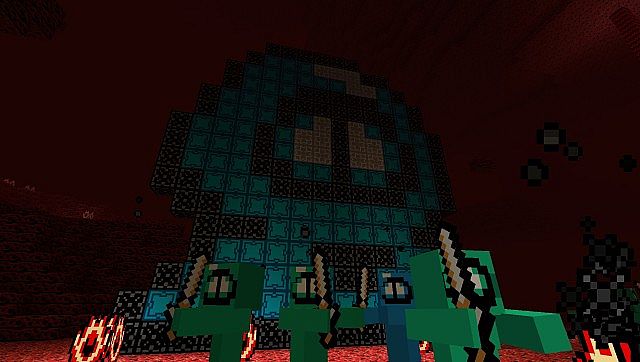
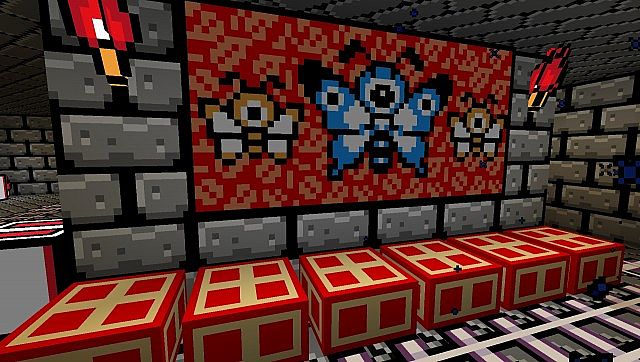
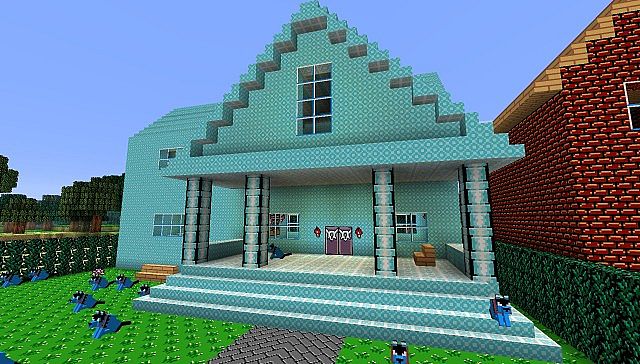
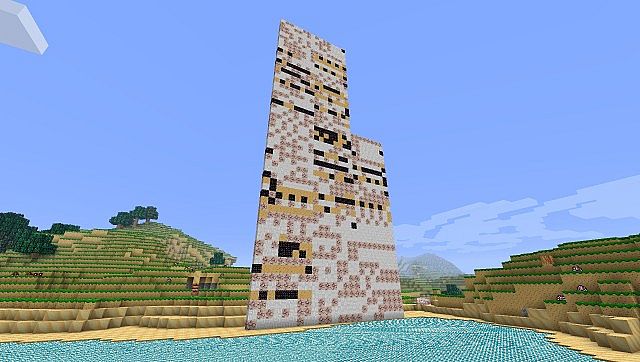
If you are looking for something genuinely nostalgic, LoZ: Oracle of Seasons brings the iconic visual style of the notorious Legend of Zelda theme straight into Minecraft! Honestly, you really just need to take a quick look at the screenshots to see that this resource pack boasts incredibly bright, vibrant colors that capture the true essence of classic retro console graphics. Even if you are someone who never had the chance to play the original Legend of Zelda, you will still easily fall in love with and appreciate the sheer quality of this masterpiece pack. You definitely do not need any prior knowledge of the game to thoroughly enjoy playing with it, though I can personally assure you that longtime fans of The Legend of Zelda series will appreciate and adore the unique atmosphere dominating the world of LoZ: Oracle of Seasons even more!\n\n
Oracle of Seasons should be compatible with all of these Minecraft versions: 1.13.2 – 1.13.1 – 1.13 – 1.12.2 – 1.12 – 1.11.2 – 1.11
Screenshots
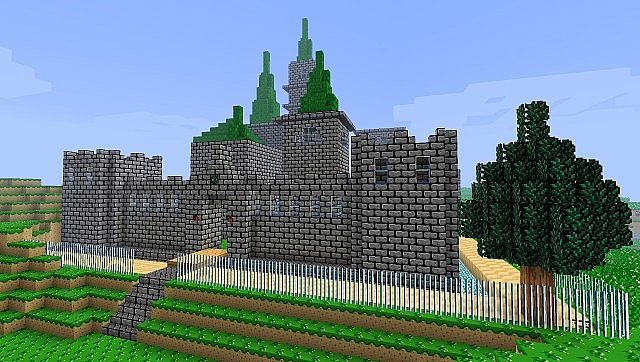
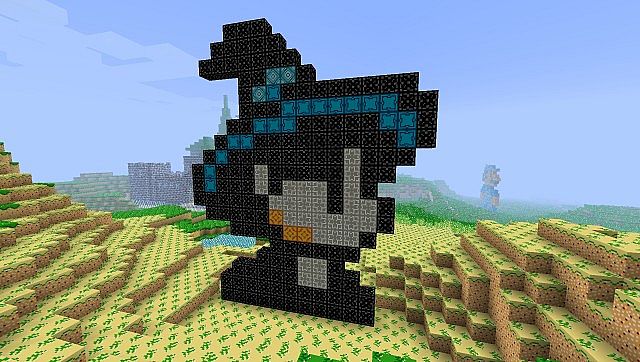
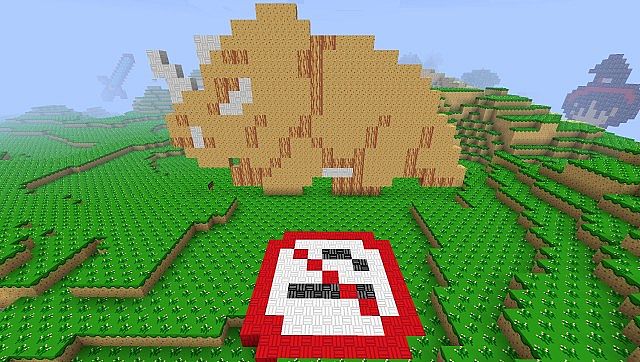
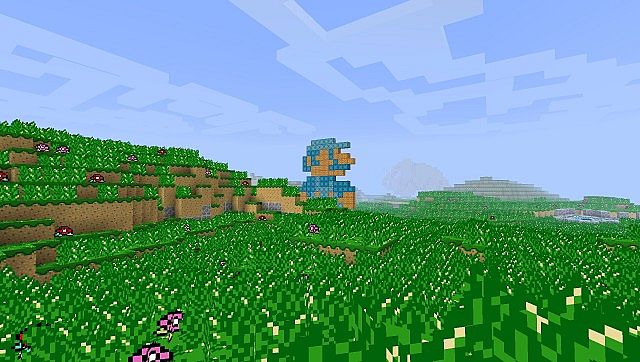
How to Install Texture Pack (Simple 10 Steps)
- Download OptiFine: Most of the texture packs and shaders need OptiFine. That’s why, first download and install OptiFine for the version of Minecraft you want to play.
- Download the Texture Pack: Get the texture pack you want from the download section. Choose the version that works with your Minecraft and your PC’s performance.
- Open Minecraft Launcher: Start Minecraft using the official game launcher — or even TLauncher, if you use that.
- Go to Options: From the main menu, click on the “Options” button.
- Open Resource Packs: Inside Options, click on “Resource Packs…”.
- Open the Resource Pack Folder: Click on “Open Resource Pack Folder” — this will open a folder named “resourcepacks”.
- Move the Pack File: Copy or move the .zip file you downloaded into that “resourcepacks” folder. (Don’t unzip the file — Minecraft uses it as-is!)
- Go Back and Refresh: Close the folder and click “Done”, then go back into “Resource Packs…” again.
- Activate the Pack: You’ll see the pack on the left side. Hover over it and click the arrow to move it to the right (active side).
Tip: If you get a message that the pack is for a different version, just click “Yes” — it usually works fine. - Click Done and Enjoy: Click “Done” again. Now your pack is ready to use in-game. It’s that easy!
Credits
Credits to Heavenly Spoon as the original creator of this content. We do not claim ownership of this resource pack, nor have we modified the files. All rights and intellectual property belong to the original author, and we strongly encourage supporting their work.
Download Instructions
Curseforge: download starts automatically after a few seconds;
Mediafire: click the big blue button with the text “DOWNLOAD”;
Google Drive: in the top right corner you will see a small download icon (down arrow), click it and the download should start;


