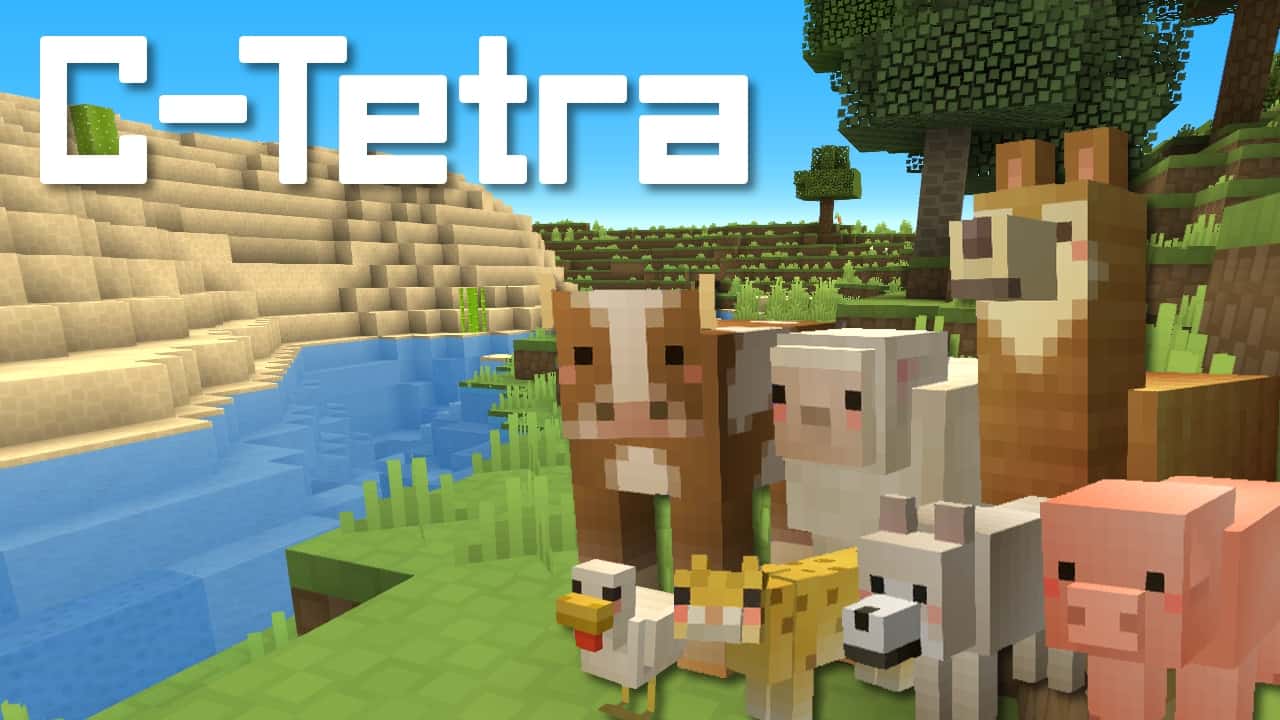
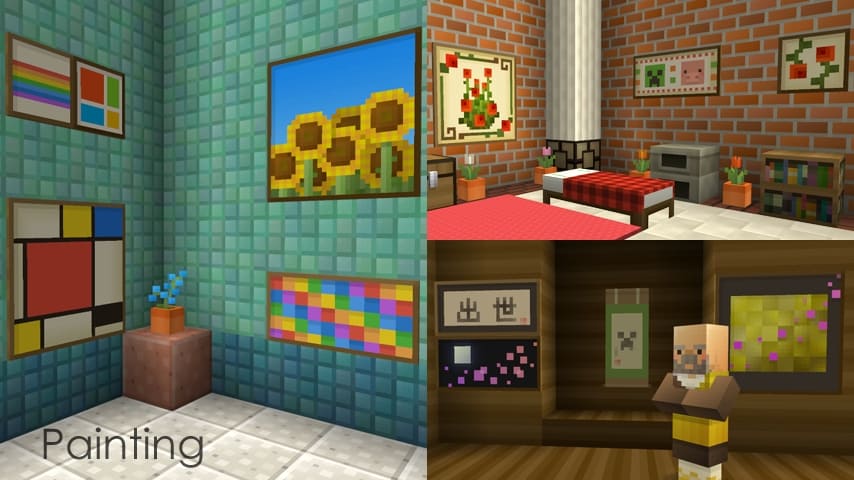
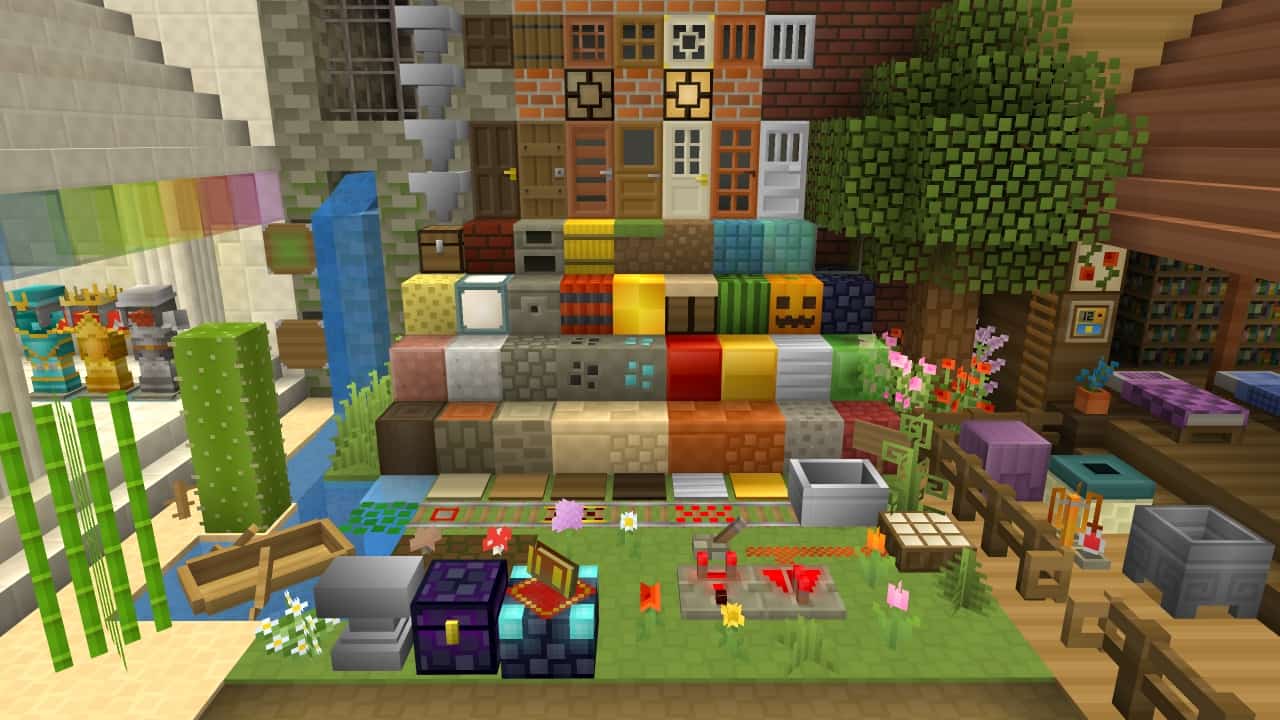
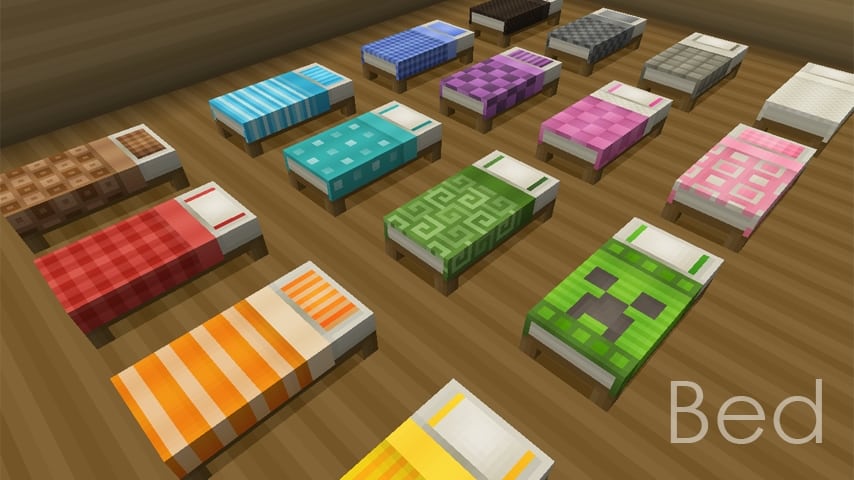
If you have recently been looking for a new texture pack to add to your Minecraft world, I can honestly say that the new C-tetra resource pack is unquestionably worth your time. Having tested it myself, I noticed it pulled in over 6000 downloads in a time shorter than a month, proving right away that the pack is one of the most creative and sleek looking packs released yet. Most other resource packs don’t even come close; C-tetra provides simple, clean graphics that can make your game much easier on the eyes and exceptionally more attractive, and I found it truly outstanding in that perspective. There might be a lot of Minecraft texture packs out there that claim to provide simple, clean looks as well, but the overall visuals supplied by C-tetra are immensely smooth and definitely ahead of any rivaling counterparts. The graphics are wonderfully noise-free, entirely deprived of any unnecessary details that could otherwise spoil the extremely clean aesthetic provided by the pack. Additionally, the vibrant color palette goes extremely well with the textures so that everything just blends in naturally, making your entire world look remarkably attractive and beautiful.
Perhaps the secret to this visual success is that C-tetra comes in a standard 16×16 resolution. You might think that is pretty low, but it is only natural because the pack simply requires no higher resolution. There are no distracting details that would demand a higher resolution; yes, the graphics are indeed that delightfully simplistic. If you are still having your doubts, I really recommend taking a moment to read some of the reviews about the pack. Most players just love it; they have found in it the exact visual style they were looking for that other resource packs simply weren’t able to provide. Players have frequently complimented the happy, colorful looks of the pack and the blocks that can make your game look completely different and unique. Even as someone who isn’t always into the 16×16 resolution, I completely fell in love with this pack after trying it out, which shows just how good it actually is. While there are a ton of resource packs out there for Minecraft, almost none of them really matches up to this fantastic addition. Give it a try for yourself and you will quickly understand why this pack has become so widely sought after.
C-tetra should be compatible with all of these Minecraft versions: 1.16.5 – 1.16.4 – 1.16.3 – 1.16.2 – 1.16.1 – 1.16 – 1.15.2 – 1.15.1 – 1.15 – 1.13.2 – 1.13.1 – 1.13 – 1.12.2 – 1.12 – 1.11.2 – 1.11 – 1.10.2 – 1.10 – 1.9.4 – 1.9 – 1.8.9 – 1.8.8 – 1.8.1 – 1.8.6 – 1.8 – 1.7.10 – 1.7.9 – 1.7.4 – 1.7 – 1.6.4 – 1.6.2 – Bedrock Edition – PE
Screenshots
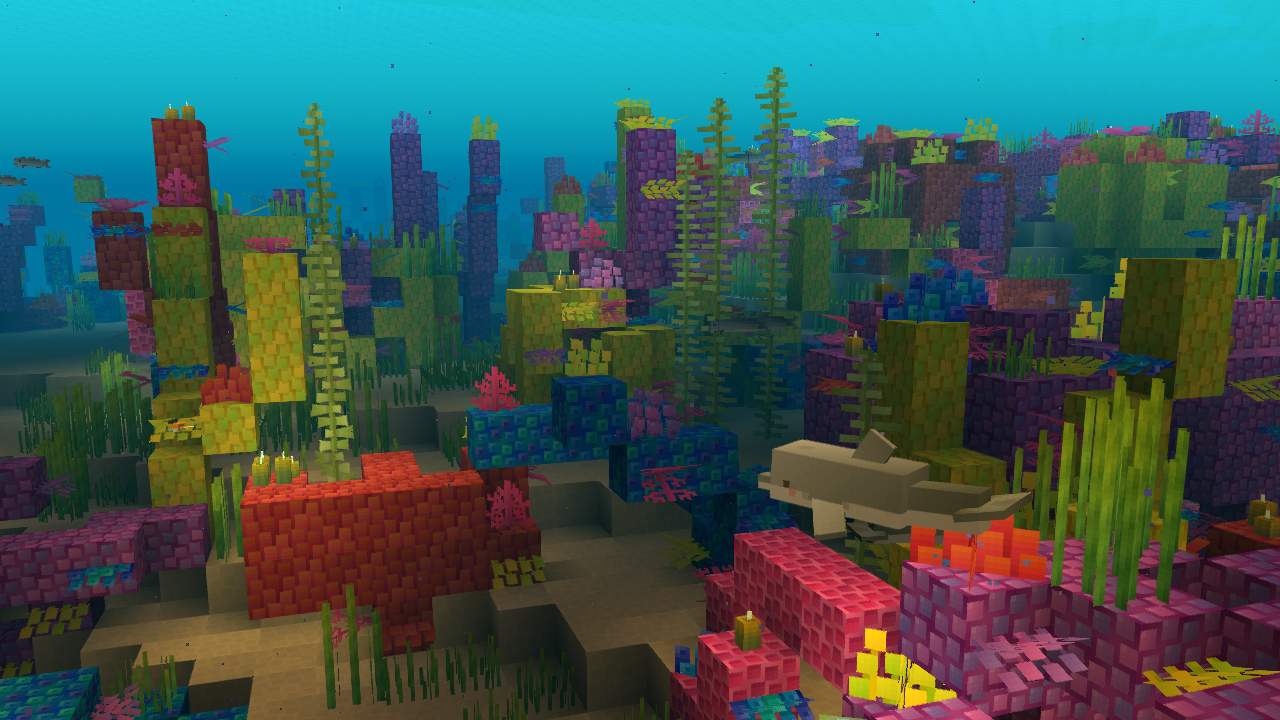
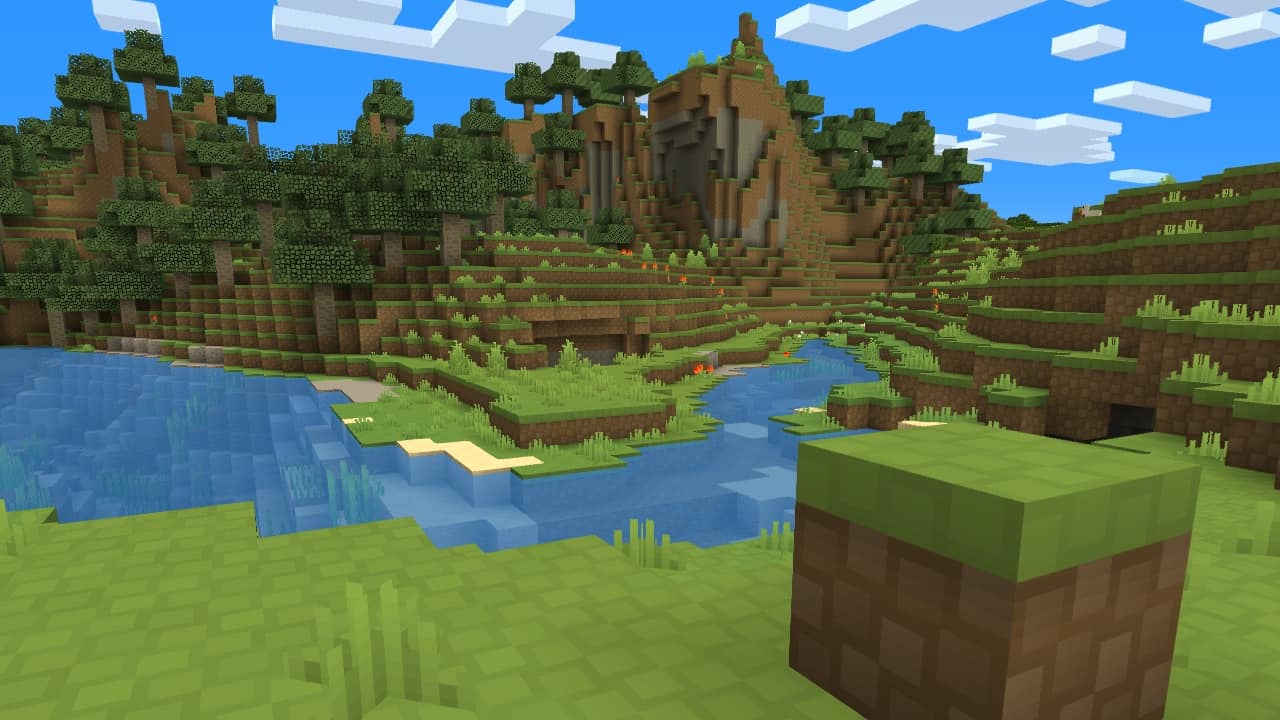
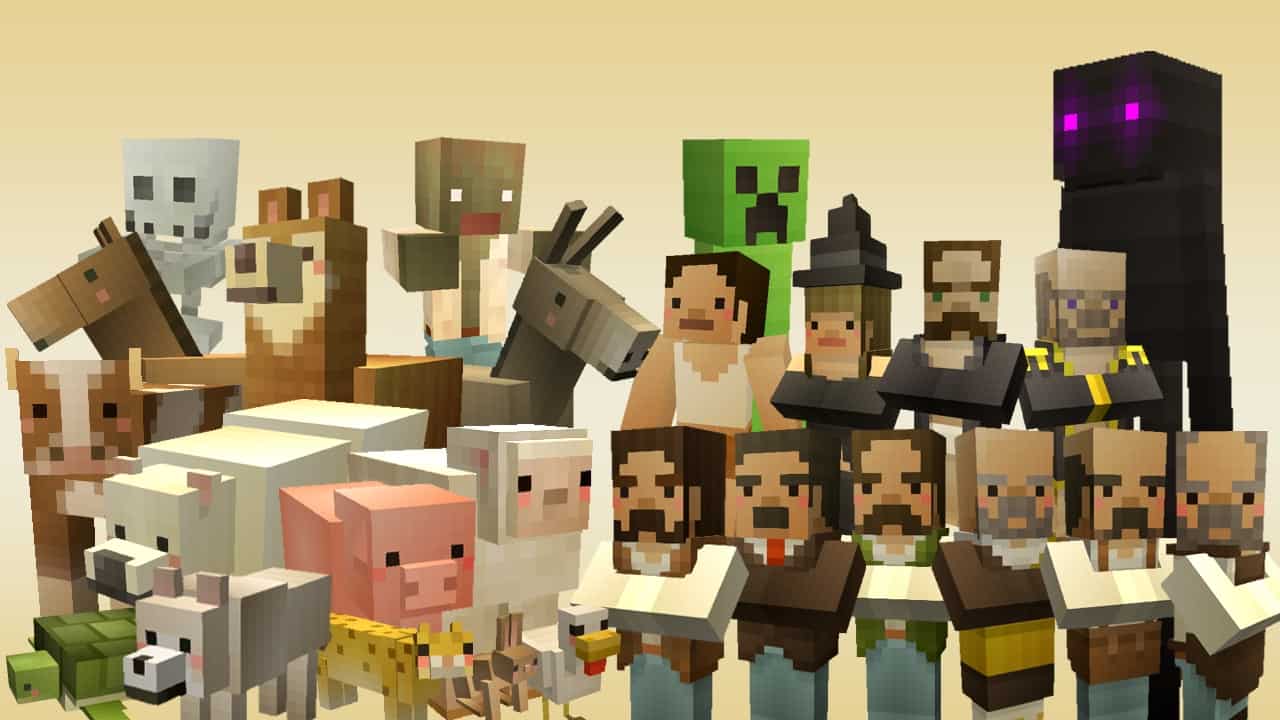
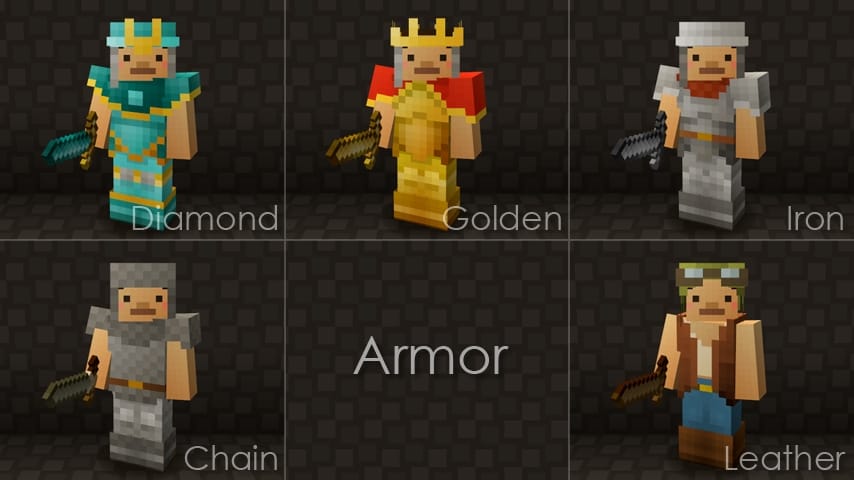
How to Install Texture Pack (Simple 10 Steps)
- Download OptiFine: Most of the texture packs and shaders need OptiFine. That’s why, first download and install OptiFine for the version of Minecraft you want to play.
- Download the Texture Pack: Get the texture pack you want from the download section. Choose the version that works with your Minecraft and your PC’s performance.
- Open Minecraft Launcher: Start Minecraft using the official game launcher — or even TLauncher, if you use that.
- Go to Options: From the main menu, click on the “Options” button.
- Open Resource Packs: Inside Options, click on “Resource Packs…”.
- Open the Resource Pack Folder: Click on “Open Resource Pack Folder” — this will open a folder named “resourcepacks”.
- Move the Pack File: Copy or move the .zip file you downloaded into that “resourcepacks” folder. (Don’t unzip the file — Minecraft uses it as-is!)
- Go Back and Refresh: Close the folder and click “Done”, then go back into “Resource Packs…” again.
- Activate the Pack: You’ll see the pack on the left side. Hover over it and click the arrow to move it to the right (active side).
Tip: If you get a message that the pack is for a different version, just click “Yes” — it usually works fine. - Click Done and Enjoy: Click “Done” again. Now your pack is ready to use in-game. It’s that easy!
Credits
This resource pack was created by canna. We do not claim ownership of this content nor do we modify the original files. All rights belong to the original creator, and we highly encourage supporting them through their official release channels.
Download Links
Java Edition
- [16x] Minecraft 1.16.x – 1.15.x
- [16x] Minecraft 1.13.x
- [16x] Minecraft 1.12.x
- [16x] Minecraft 1.11.x
- [16x] Minecraft 1.10.x – 1.9.x
- [16x] Minecraft 1.8.x
- [16x] Minecraft 1.7.x – 1.6.x
Bedrock Edition
Download Instructions
Curseforge: download starts automatically after a few seconds;
Mediafire: click the big blue button with the text “DOWNLOAD”;
Google Drive: in the top right corner you will see a small download icon (down arrow), click it and the download should start;


