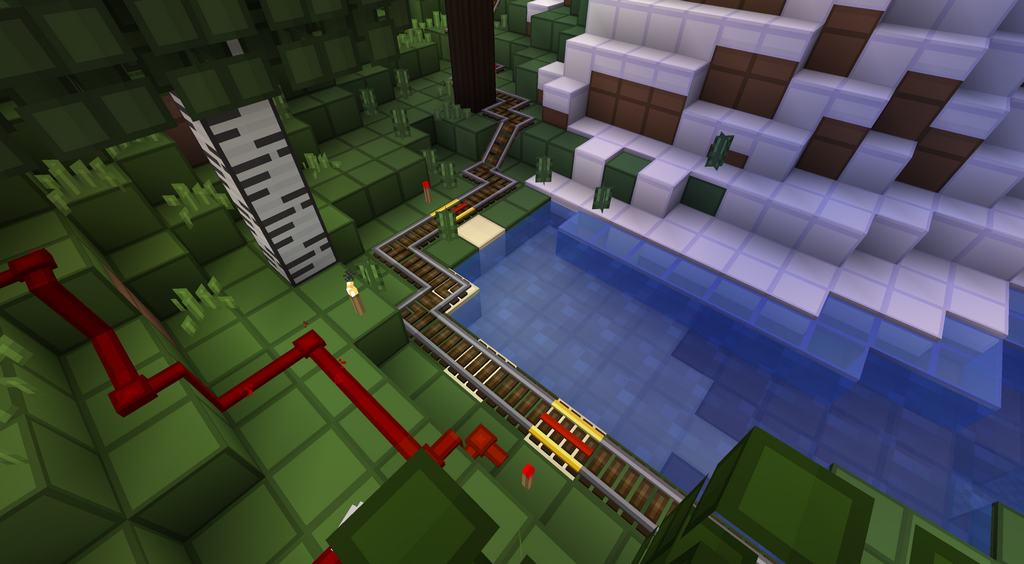
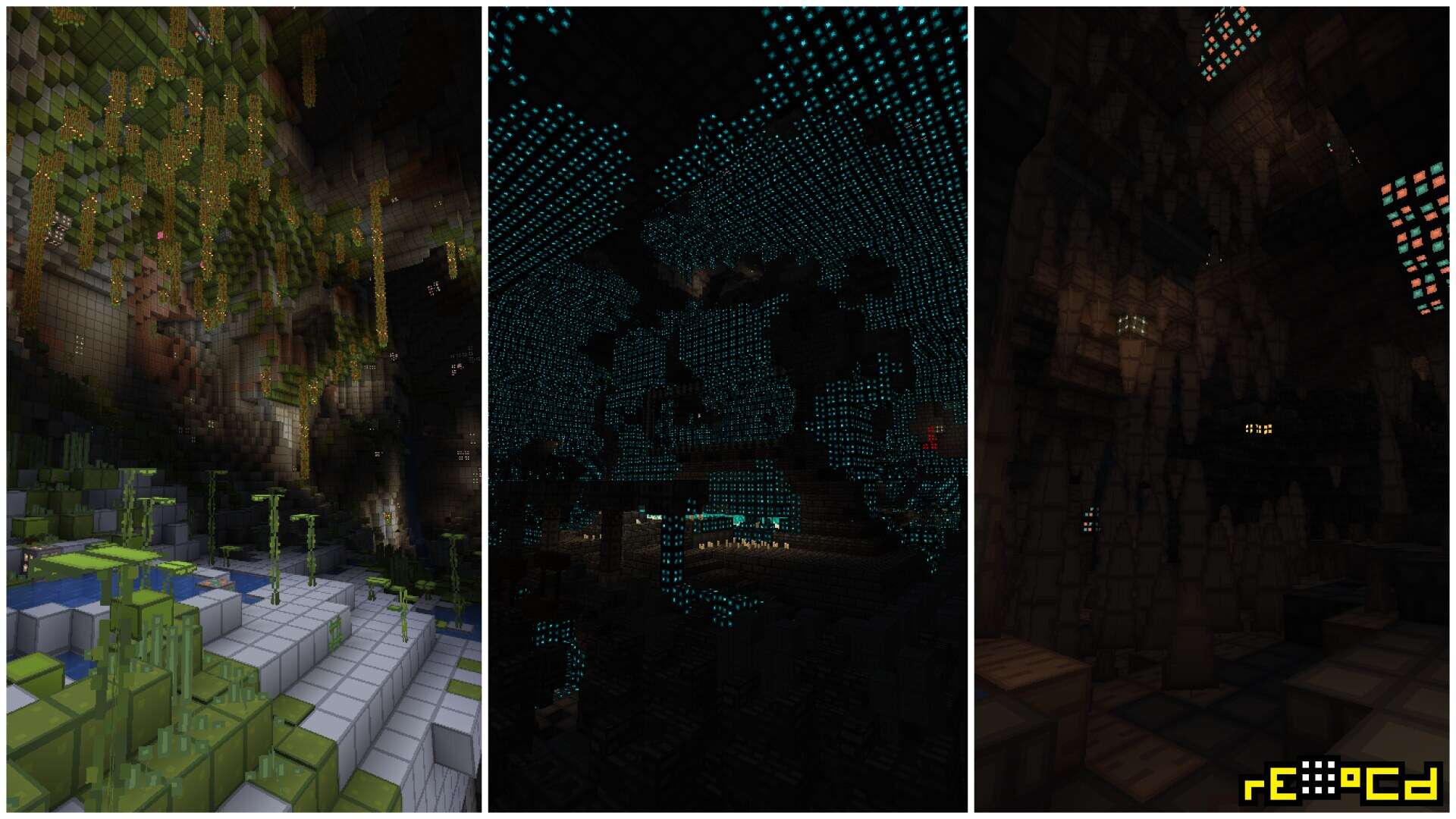
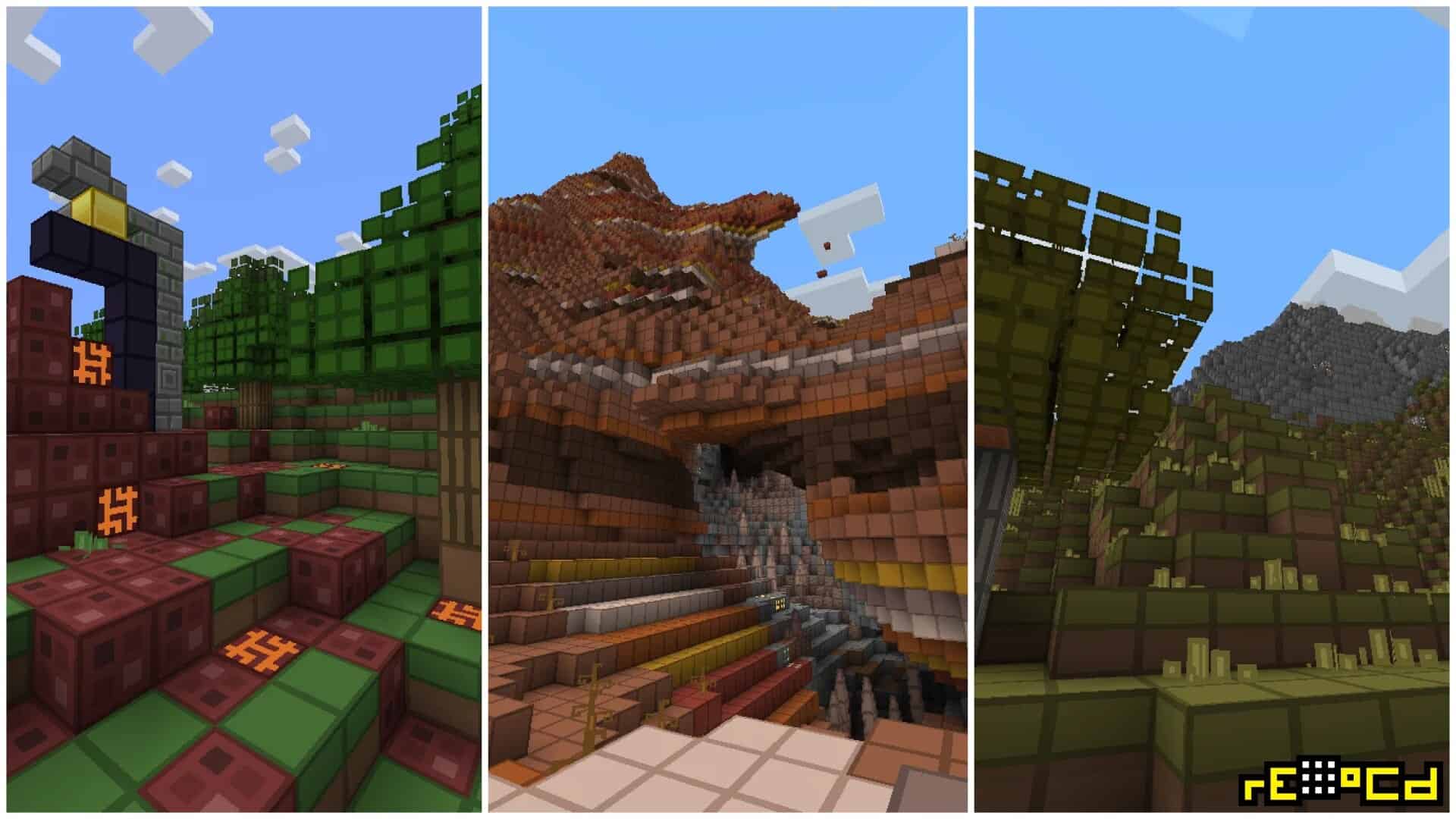
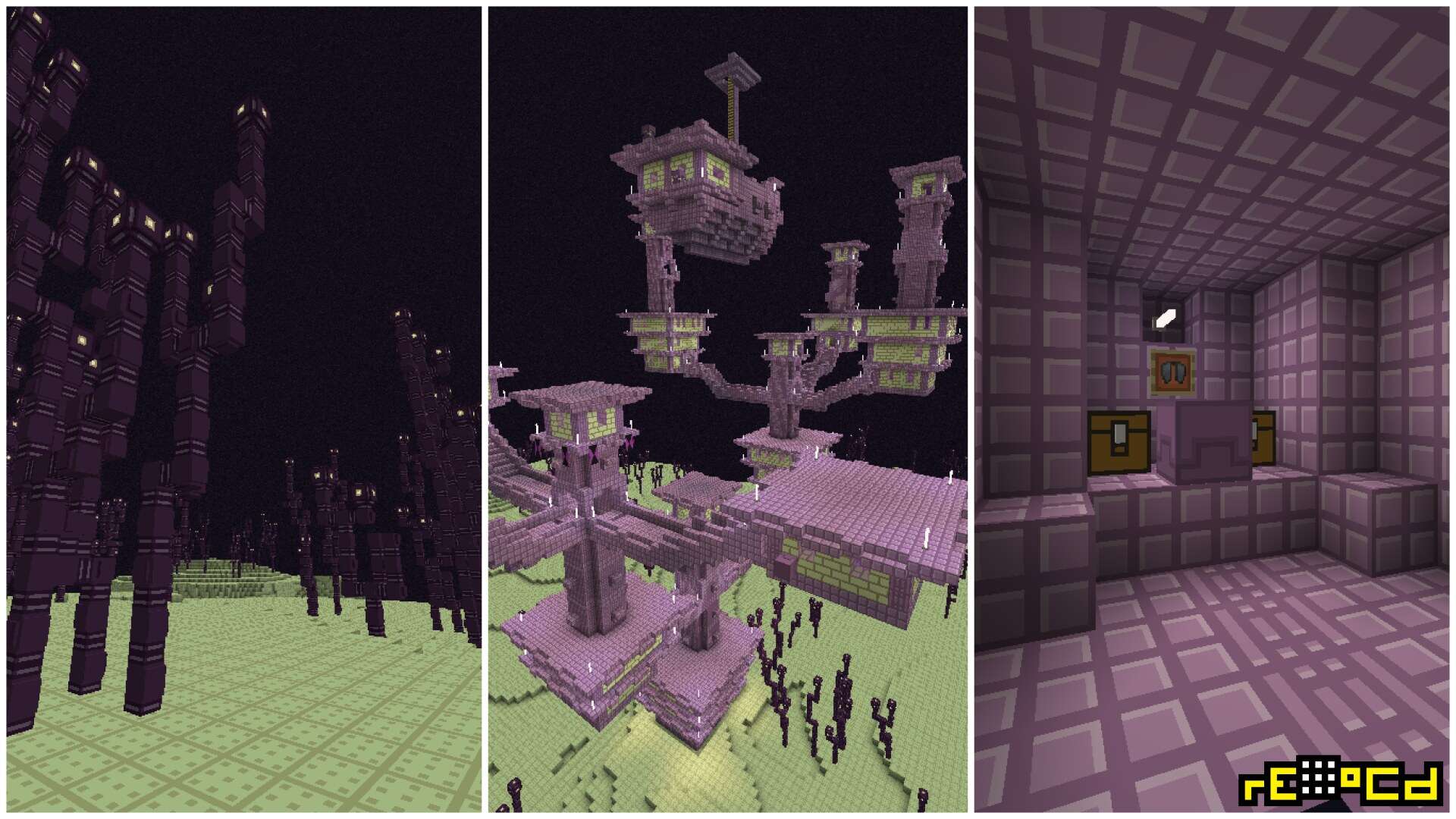
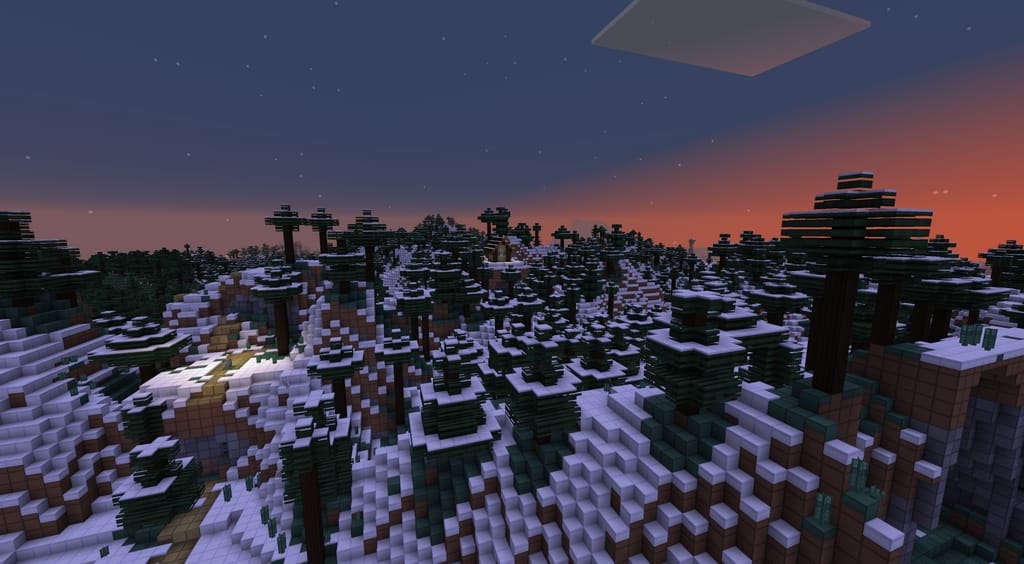
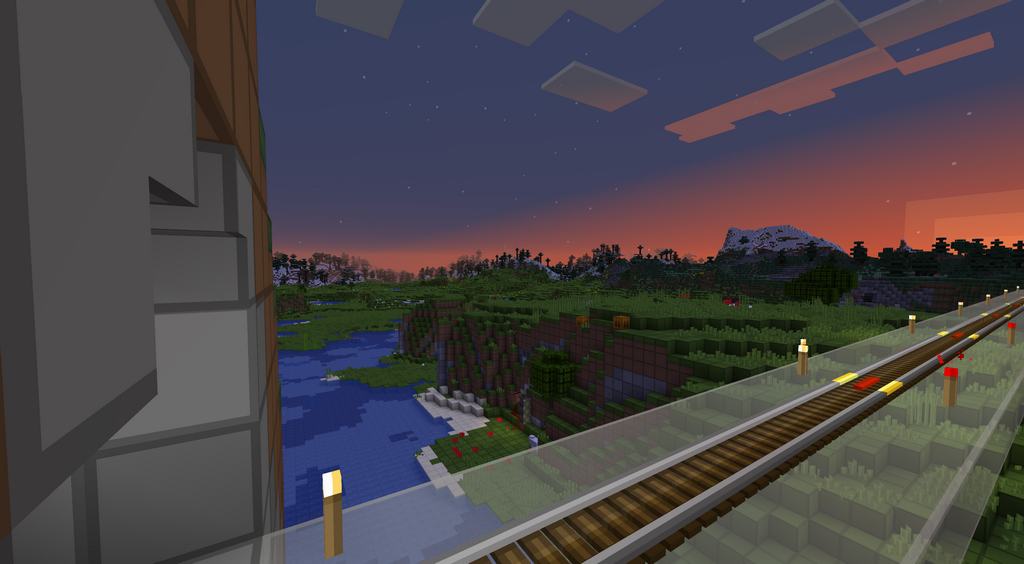
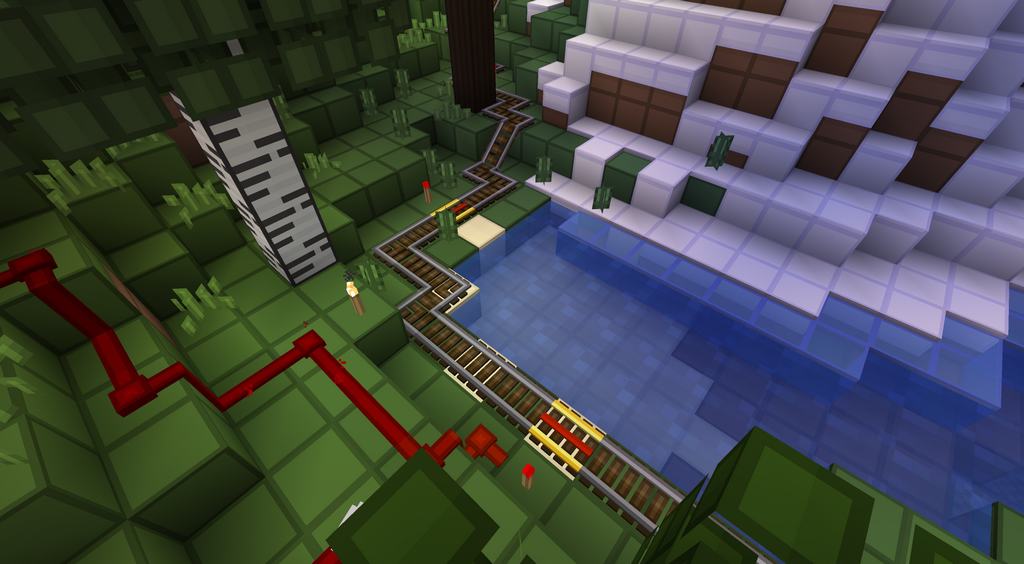
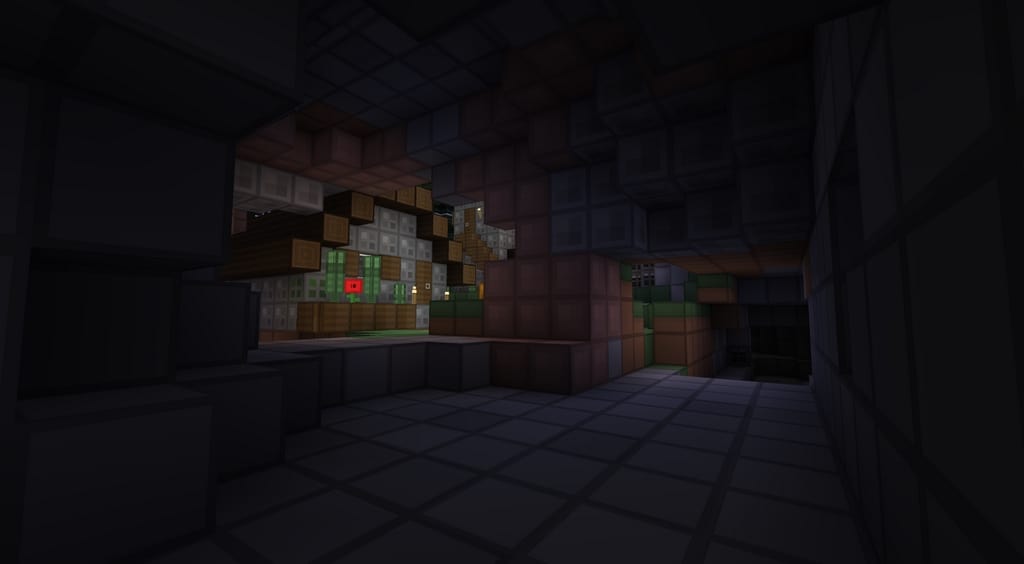
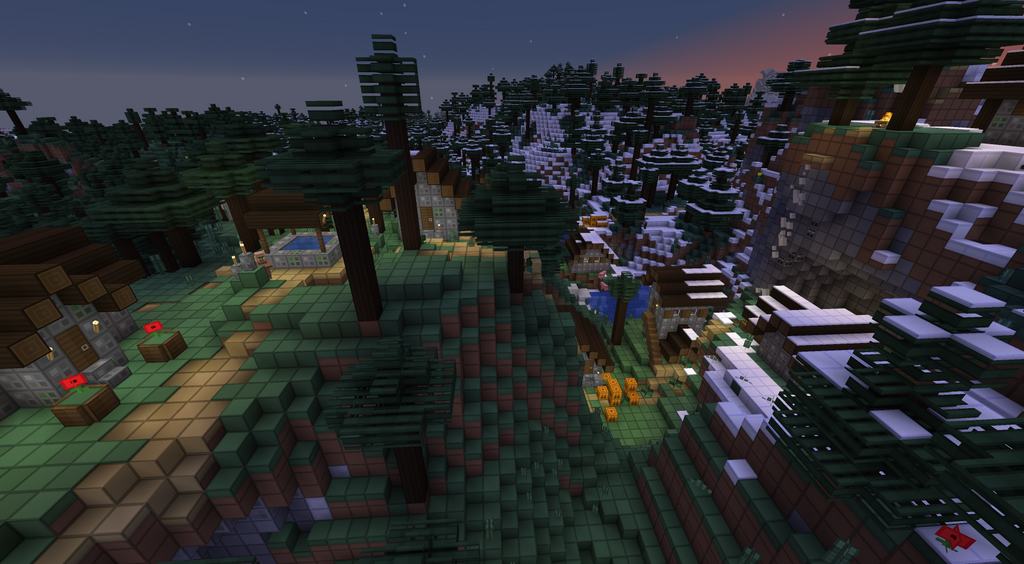
Featuring soft color tones and coming with a calming effect, OCD or obsessive compulsive disorder is a texture pack designed for the Java edition of Minecraft. The pack is created by disco_ and looks clean, minimalist and simple. While the focus for the resource pack sticks to the concept of simplicity, the execution goes for a surprisingly pleasing overdose of minimal. Typically, simplistic resource packs cut on excess or intricate details on the textures to ensure an appealing and clean look to Minecraft. But, OCD resource pack or also known as Sofron resource pack stands out from most such packs even with the fact that it follows the same basic idea of keeping it simple. The pack is quite an unconventional offering and is too simplistic, which makes it perfect for those who want to go for something out-of-the-box. The textures look super attractive to the eyes with a bright color palette that the pack goes for.
Although, very few people notice and acknowledge the fact that the OCD resource pack comes with visuals that have little to zero noise, but this surely makes the pack awesome. Following Minecraft’s default 16x resolution, the pack can be used with complete fluidity without having any potential frame-rate problems. Many users complain of frame-rate lags or issues when going for different resource packs, but OCD is quite a solution to the problem. It will work smoothly with any system that can handle the standard vanilla Minecraft with its default features or requirements. Goodbye to unwanted lags or noise! The low detail textures are rightly complemented with an easy-to-play low resolution, thereby making the oCd resource pack apt and appropriate for almost everyone without facing any troubles. The best part is that it will work even with an outdated hardware that can’t handle high-end packs, and that’s what makes this Minecraft resource pack suitable for most systems.
oCd should be compatible with all of these Minecraft versions: 26.2 – 26.1.2 – 26.1.1 – 26.1 – 1.21.11 – 1.21.10 – 1.21.9 – 1.21.8 – 1.21.7 – 1.21.6 – 1.21.5 – 1.21.4 – 1.21.3 – 1.21.2 – 1.21.1 – 1.21 – 1.20.6 – 1.20.5 – 1.20.4 – 1.20.3 – 1.20.2 – 1.20.1 – 1.20 – 1.19.4 – 1.19.3 – 1.19.2 – 1.19.1 – 1.19 – 1.18.2 – 1.18.1 – 1.18 – 1.17.1 – 1.17 – 1.16.5 – 1.16.4 – 1.16.3 – 1.16.2 – 1.16.1 – 1.16 – 1.15.2 – 1.15.1 – 1.15 – 1.14.4 – 1.14.3 – 1.14.2 – 1.14 – 1.13.1 – 1.13 – 1.12.2 – 1.12 – 1.11.2 – 1.11 – 1.10.2 – 1.10 – 1.9.4 – 1.9 – 1.8.9 – 1.8.8 – 1.8.1 – 1.8.6 – 1.8 – 1.7.10 – 1.7.9 – 1.7.4 – 1.7 – 1.6.4 – 1.6.2
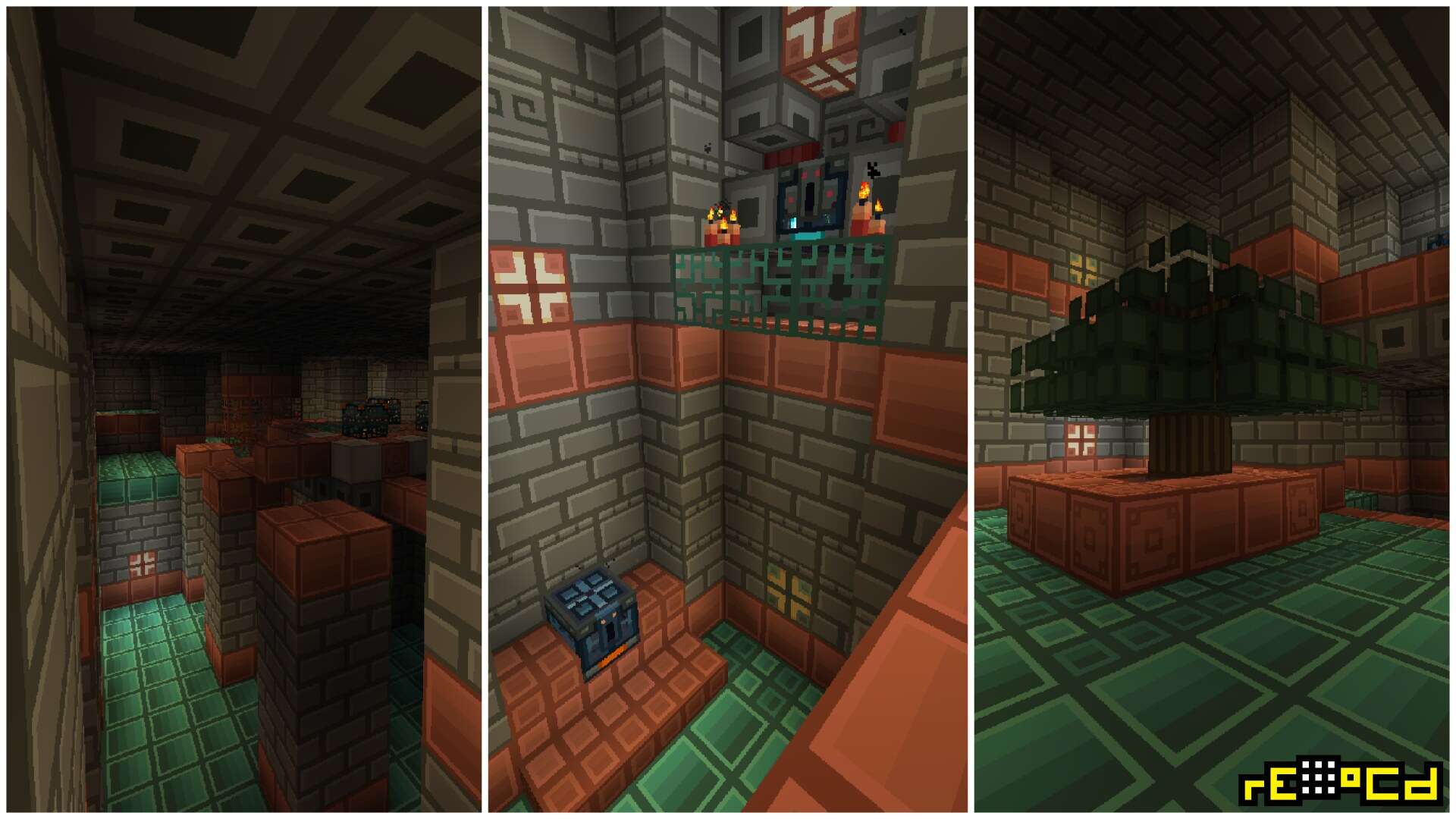
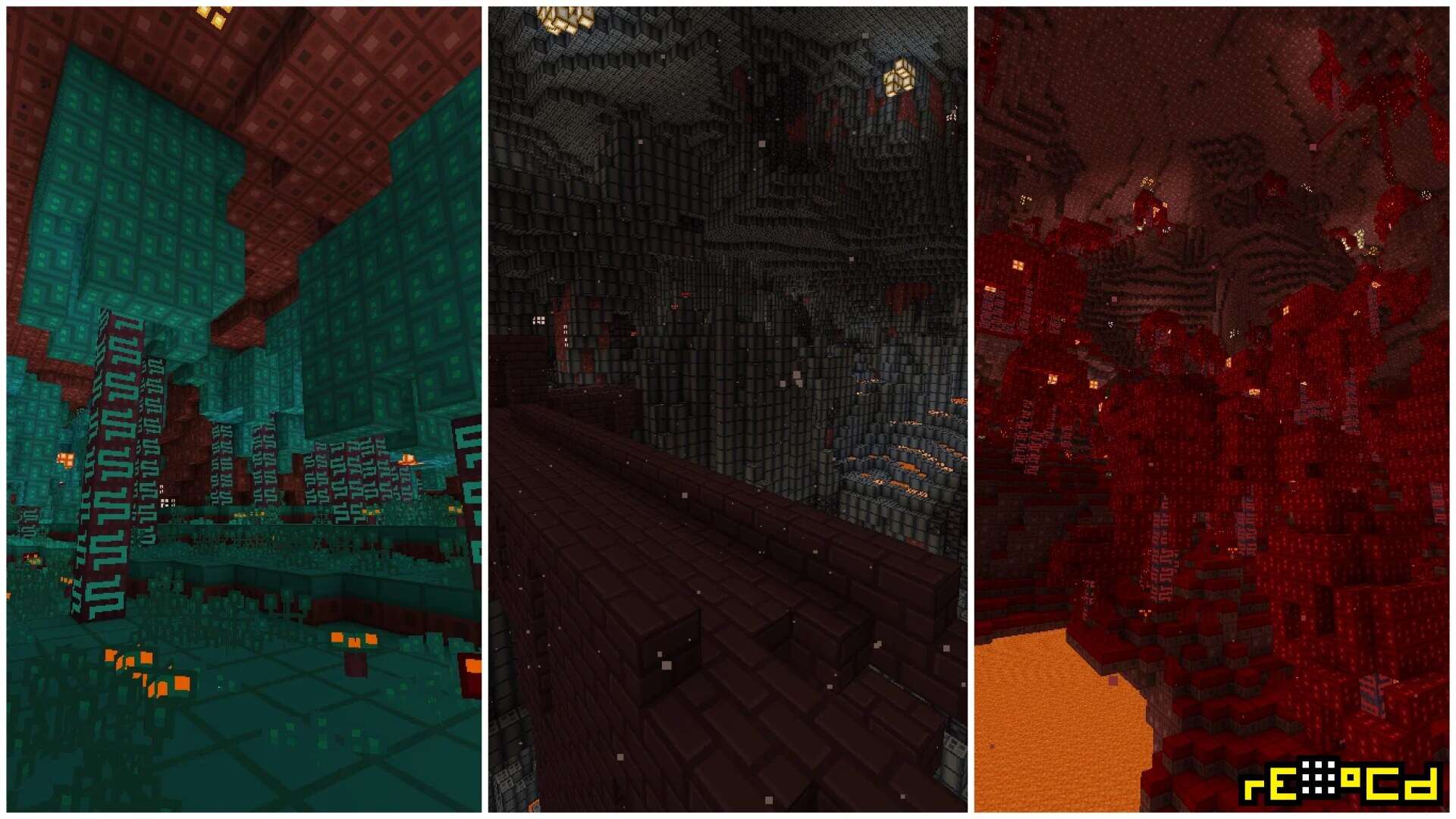
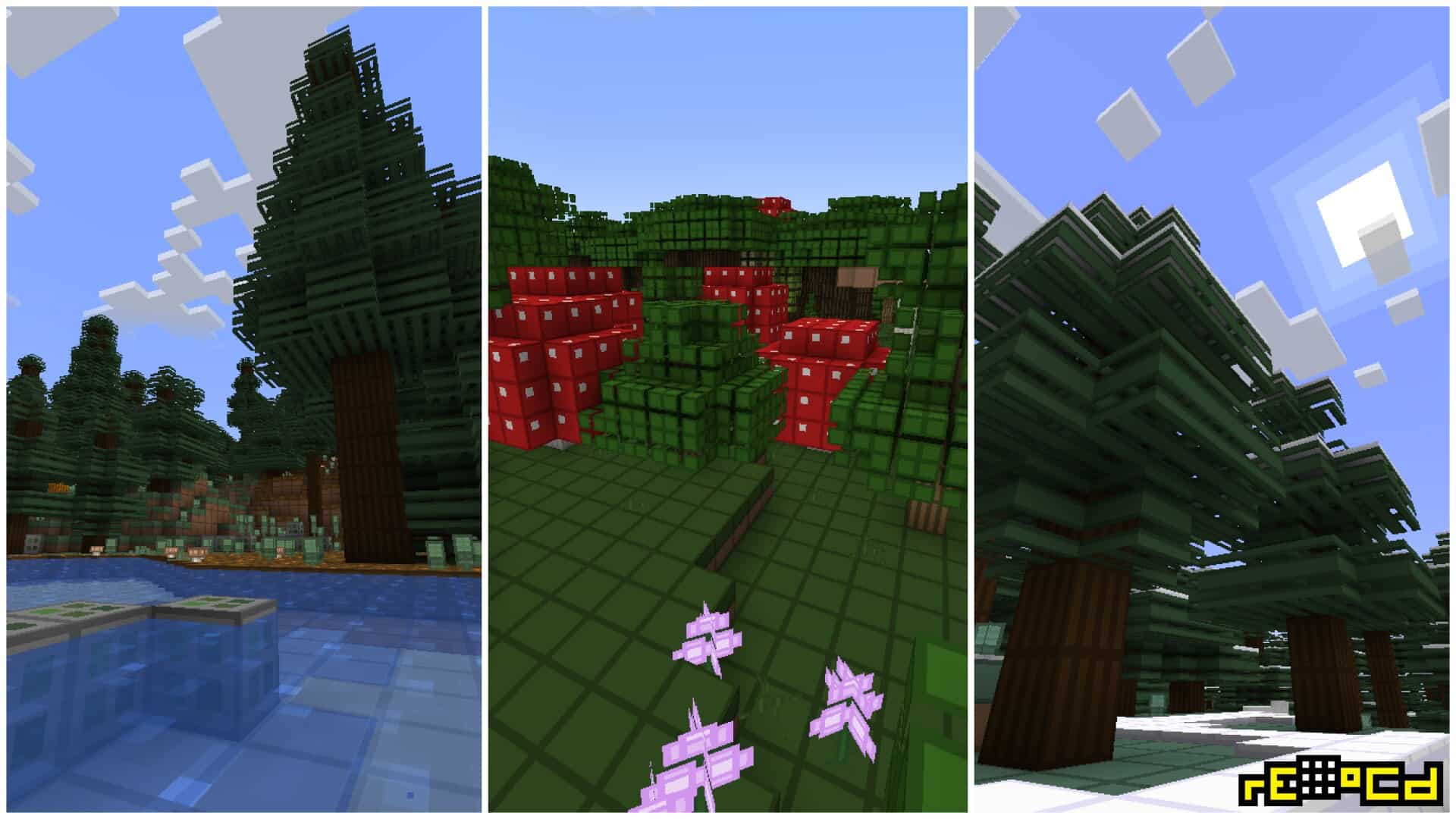
Screenshots

How to Install Texture Pack (Simple 10 Steps)
- Download OptiFine: Most of the texture packs and shaders need OptiFine. That’s why, first download and install OptiFine for the version of Minecraft you want to play.
- Download the Texture Pack: Get the texture pack you want from the download section. Choose the version that works with your Minecraft and your PC’s performance.
- Open Minecraft Launcher: Start Minecraft using the official game launcher — or even TLauncher, if you use that.
- Go to Options: From the main menu, click on the “Options” button.
- Open Resource Packs: Inside Options, click on “Resource Packs…”.
- Open the Resource Pack Folder: Click on “Open Resource Pack Folder” — this will open a folder named “resourcepacks”.
- Move the Pack File: Copy or move the .zip file you downloaded into that “resourcepacks” folder. (Don’t unzip the file — Minecraft uses it as-is!)
- Go Back and Refresh: Close the folder and click “Done”, then go back into “Resource Packs…” again.
- Activate the Pack: You’ll see the pack on the left side. Hover over it and click the arrow to move it to the right (active side).
Tip: If you get a message that the pack is for a different version, just click “Yes” — it usually works fine. - Click Done and Enjoy: Click “Done” again. Now your pack is ready to use in-game. It’s that easy!
Credits
This resource pack was originally created by disco_, AntoniSofron, and HoshinekoSanti. We do not claim ownership of this content, do not host modified files, and strongly encourage users to support the original creators through their official download pages.
Download Links
Java Edition
- [16x] Minecraft 26.2.x
- [16x] Minecraft 26.1.x
- [16x] Minecraft 1.21.x
- [16x] Minecraft 1.20.6 – 1.20.2
- [16x] Minecraft 1.20.1 – 1.20
- [16x] Minecraft 1.19.x
- [16x] Minecraft 1.18.x
- [16x] Minecraft 1.17.x
- [16x] Minecraft 1.16.x
- [16x] Minecraft 1.15.x
- [16x] Minecraft 1.14.x
- [16x] Minecraft 1.13.x
- [16x] Minecraft 1.12.x
- [16x] Minecraft 1.11.x
- [16x] Minecraft 1.10.x
- [16x] Minecraft 1.9.x
- [16x] Minecraft 1.8.x – 1.7.x
- [16x] Minecraft 1.8.x – 1.7.x (Alternative)
- rE-oCd Emissive Add-On
Download Instructions
Curseforge: download starts automatically after a few seconds;
Mediafire: click the big blue button with the text “DOWNLOAD”;
Google Drive: in the top right corner you will see a small download icon (down arrow), click it and the download should start;


