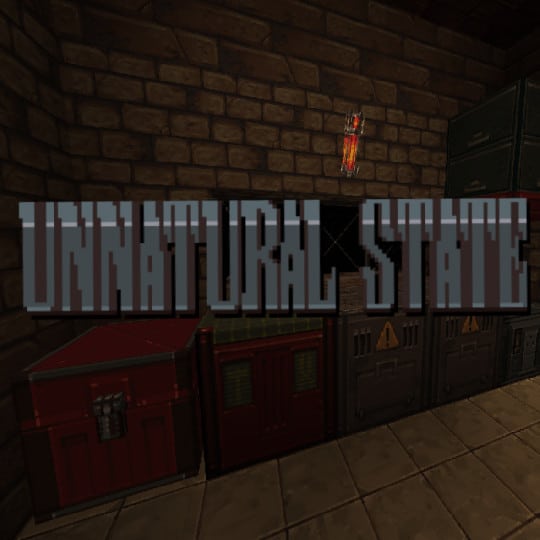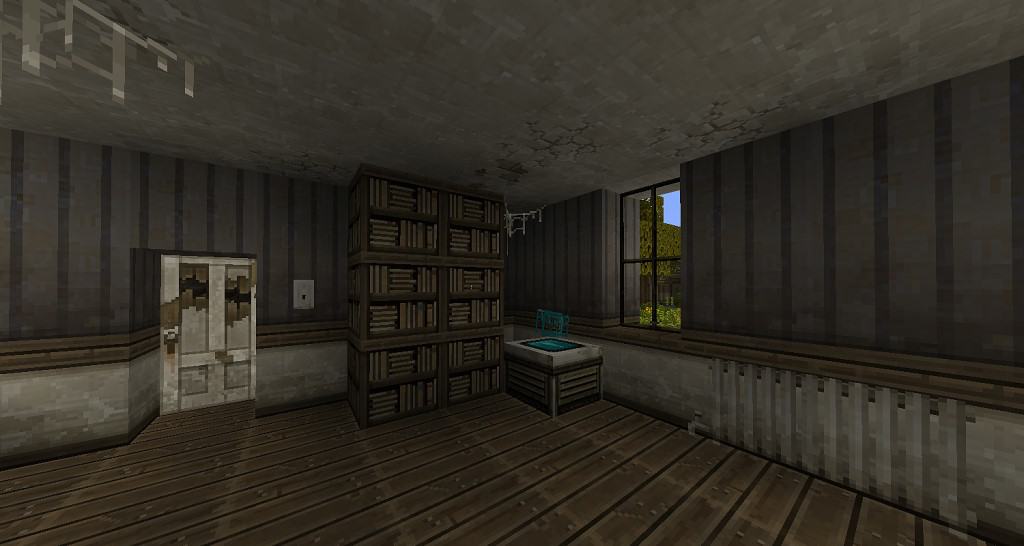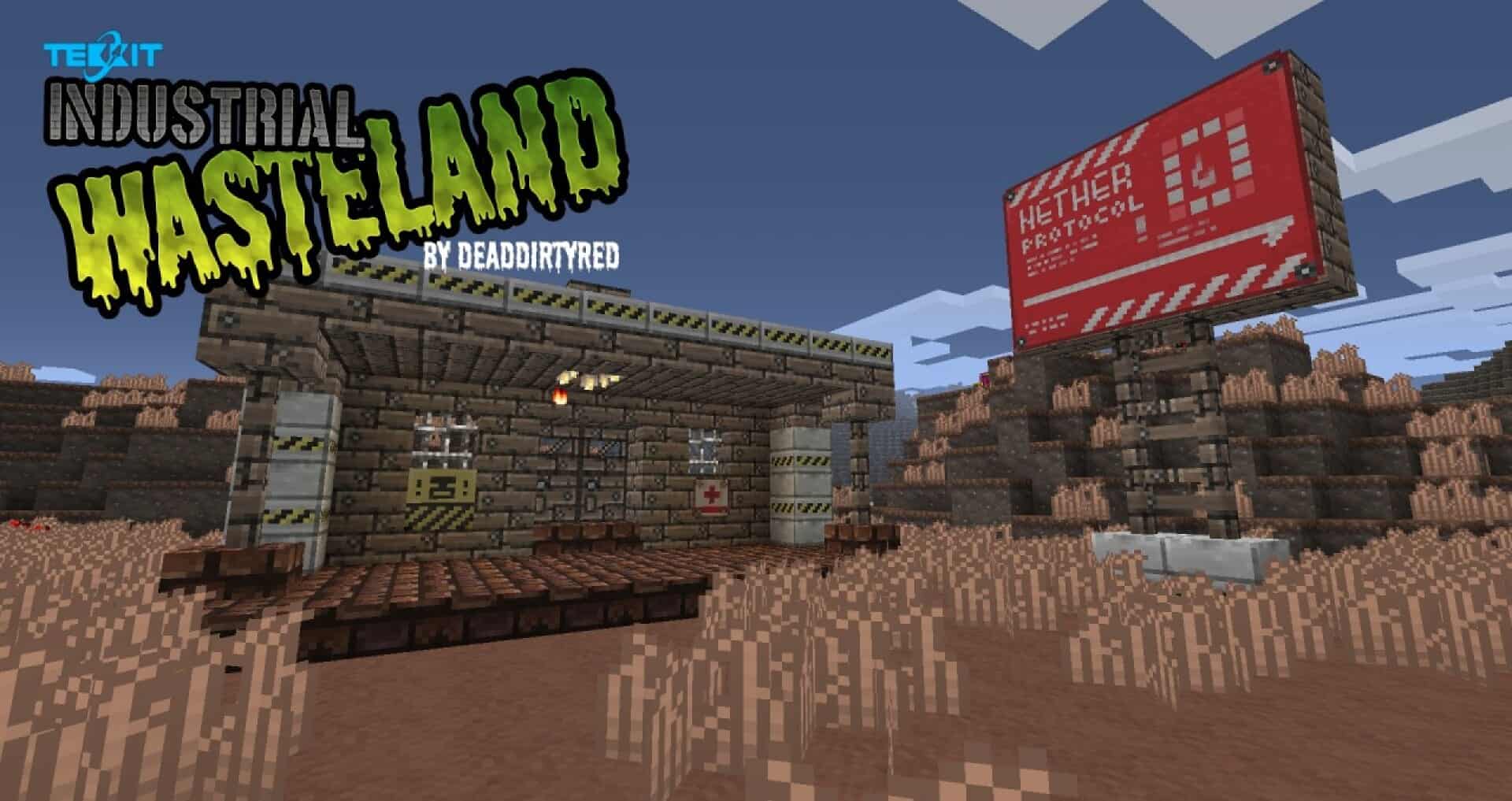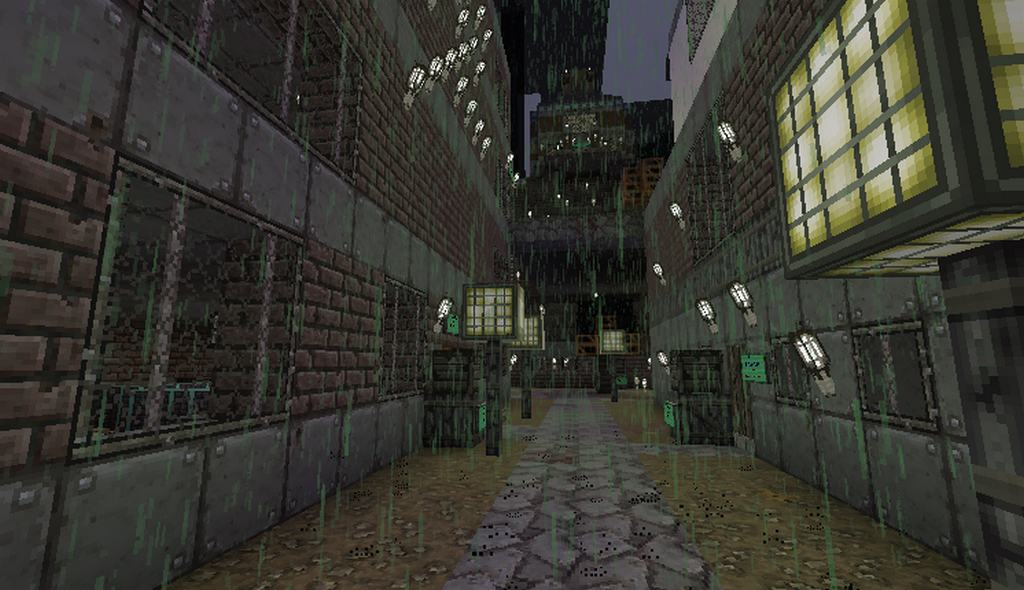
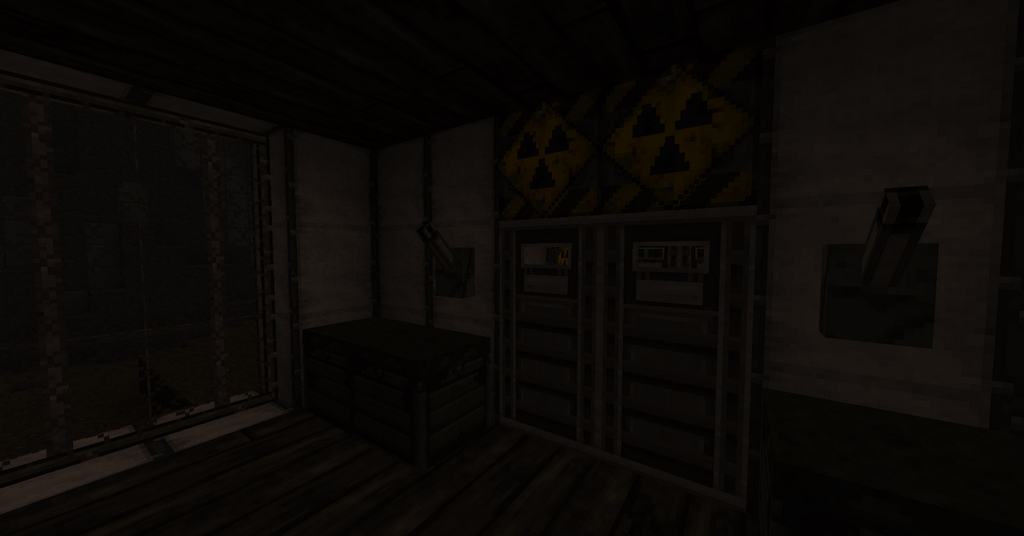
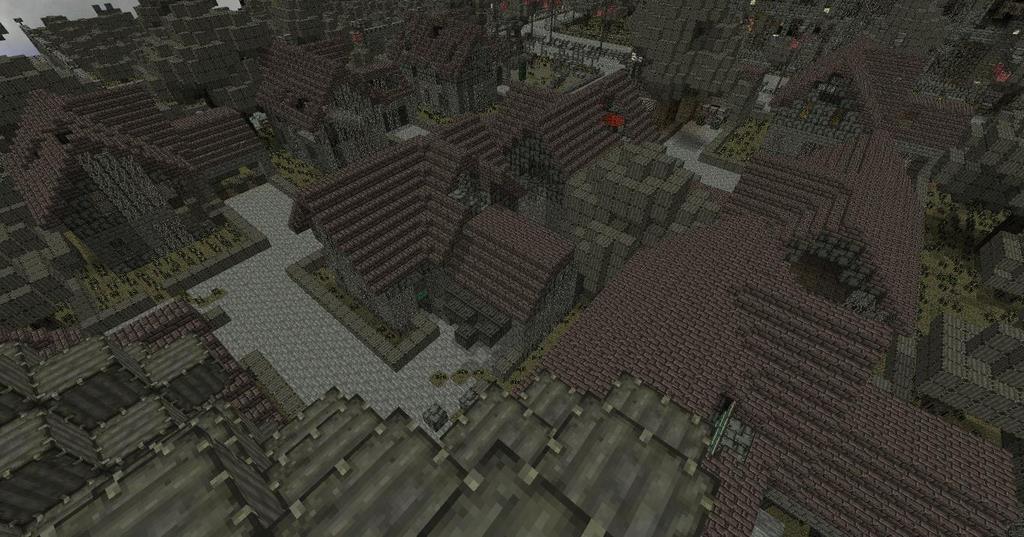
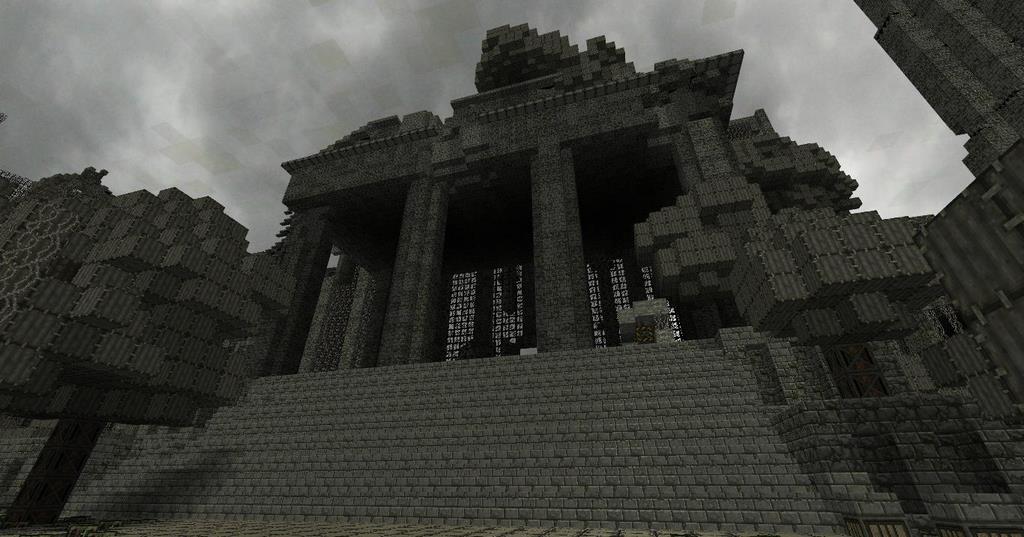
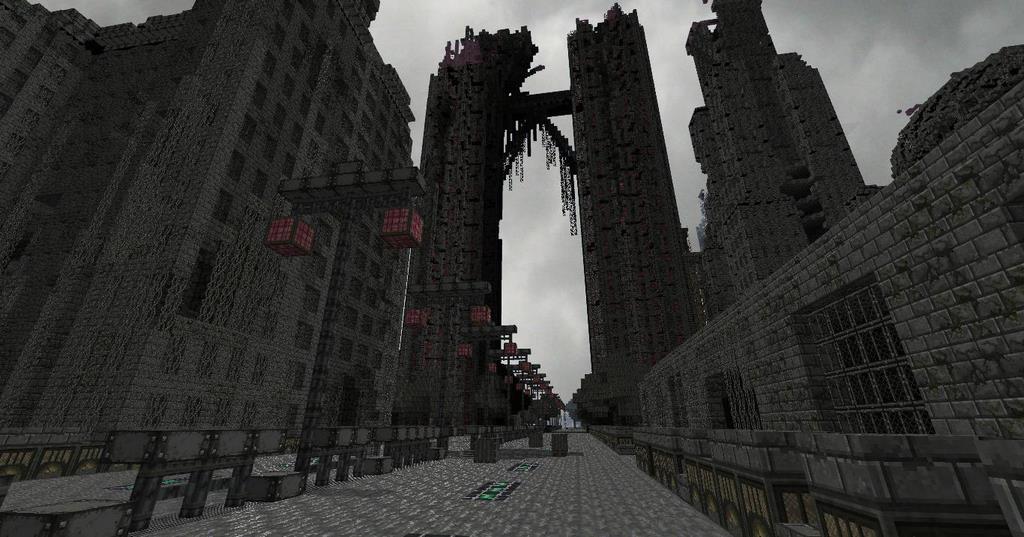
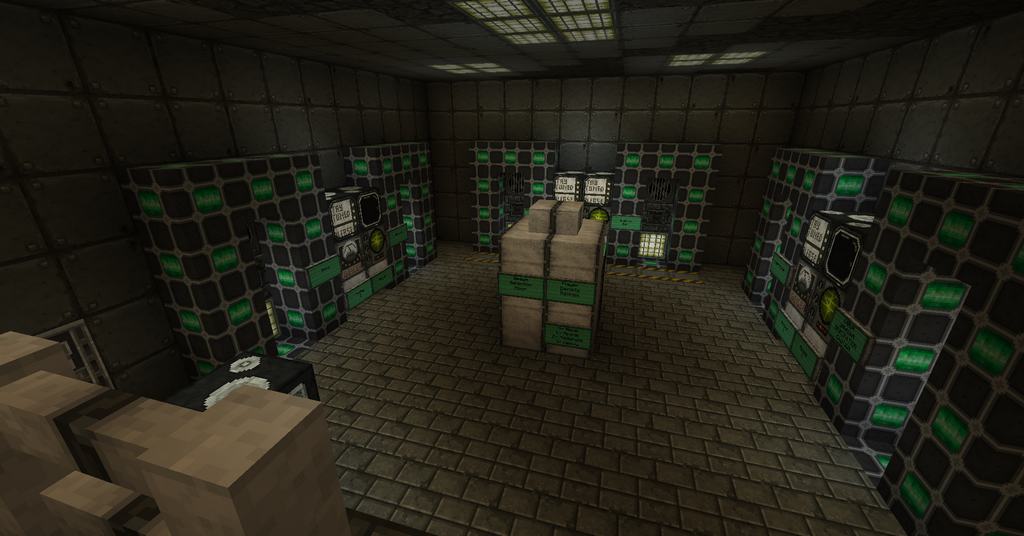
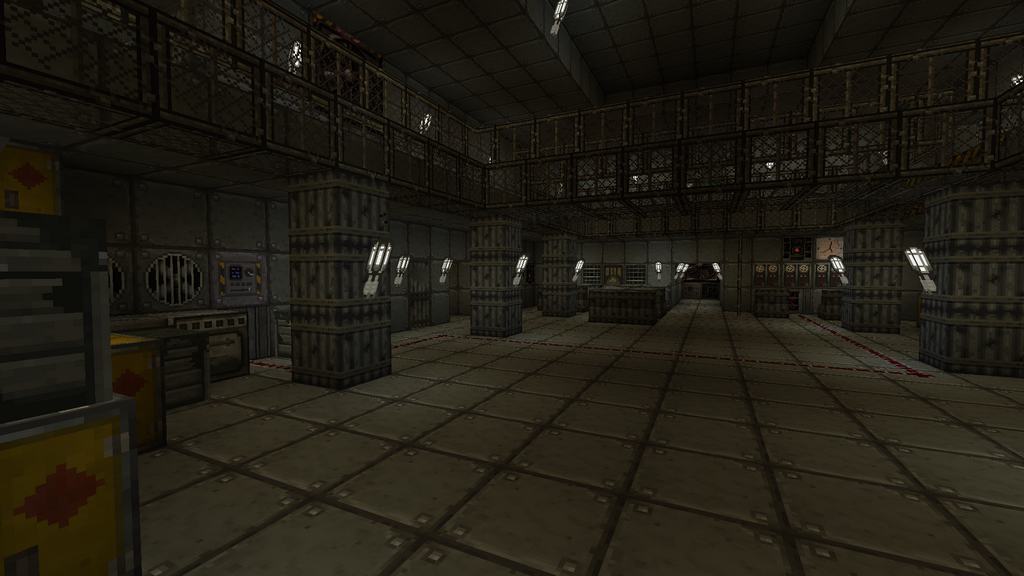
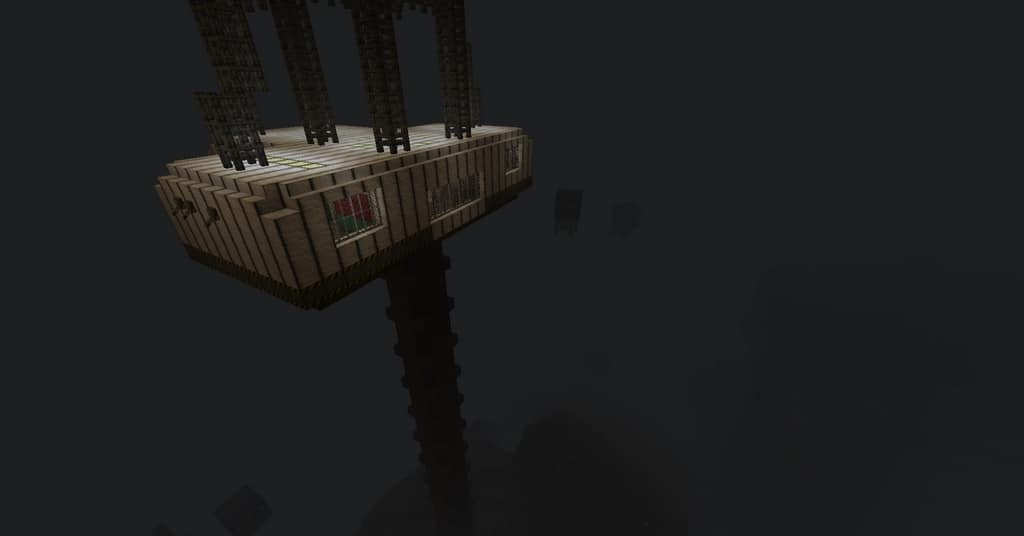
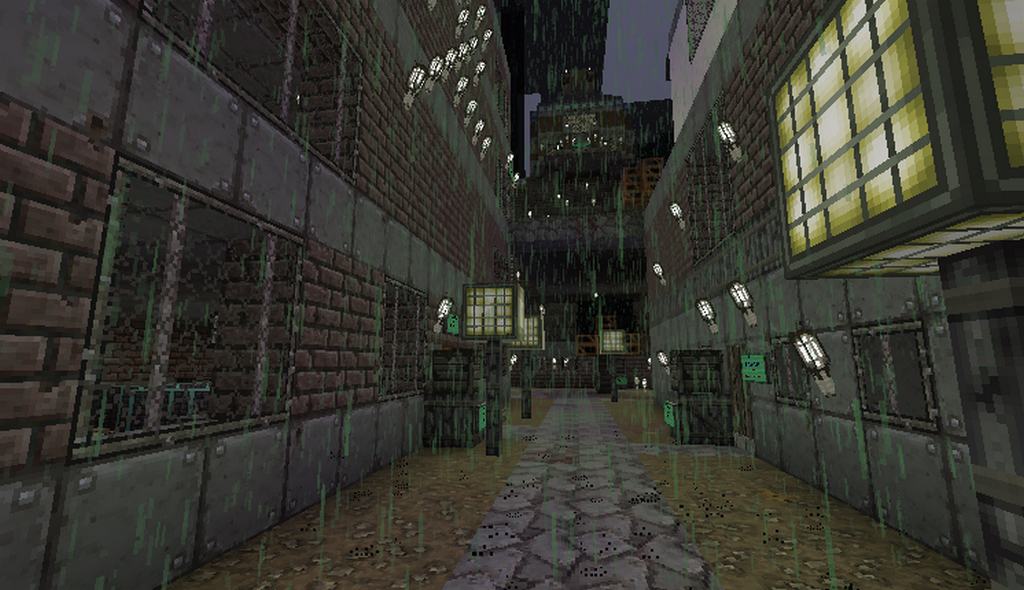
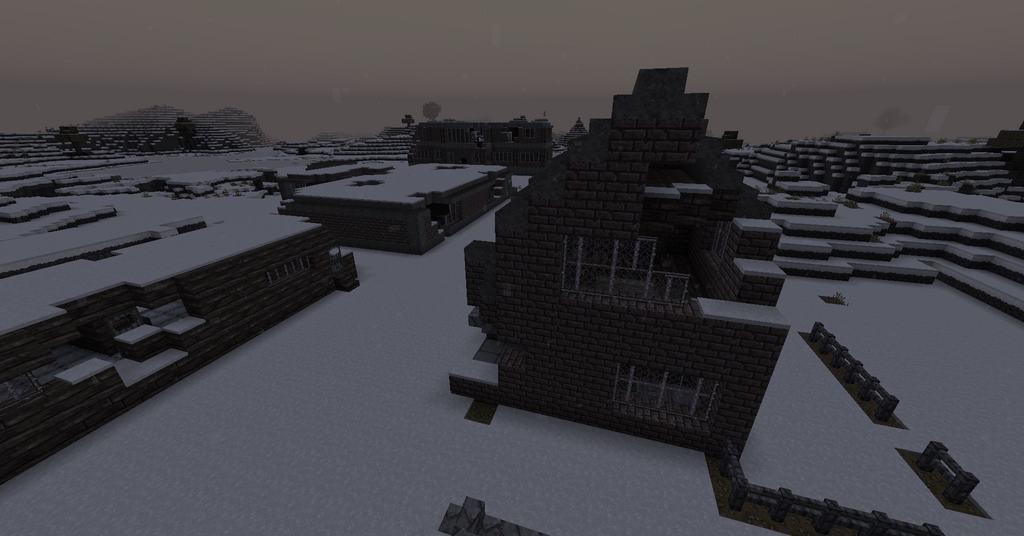
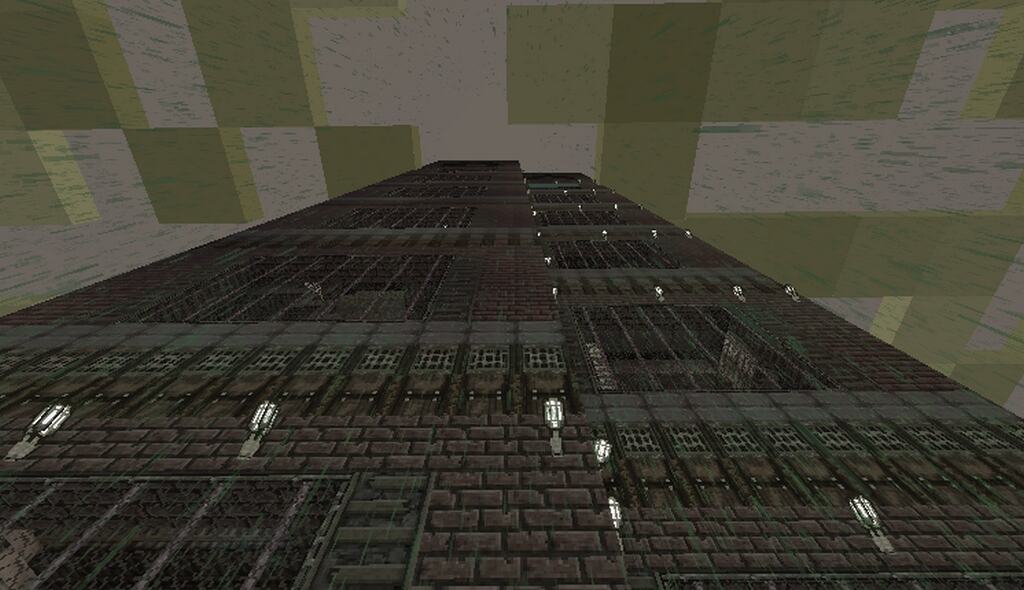
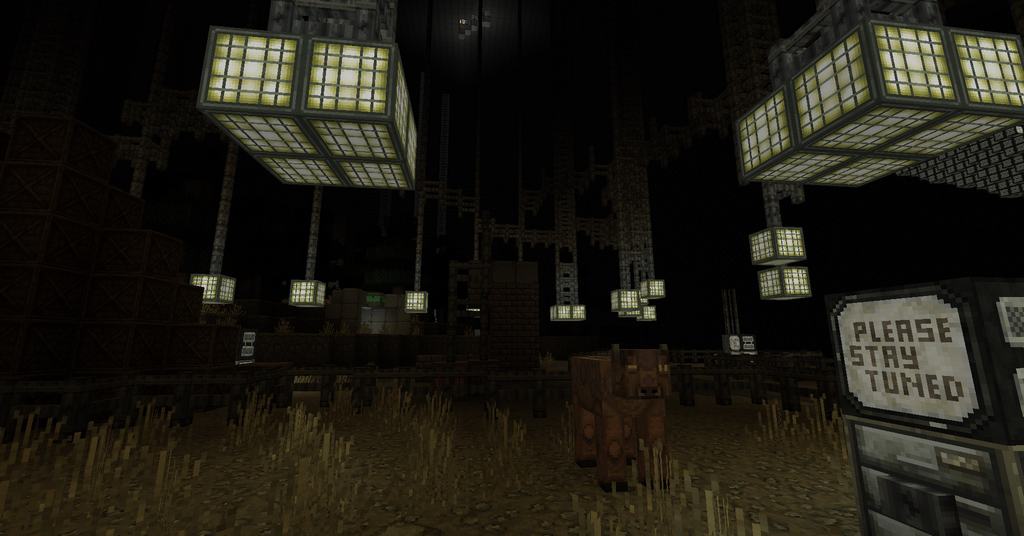
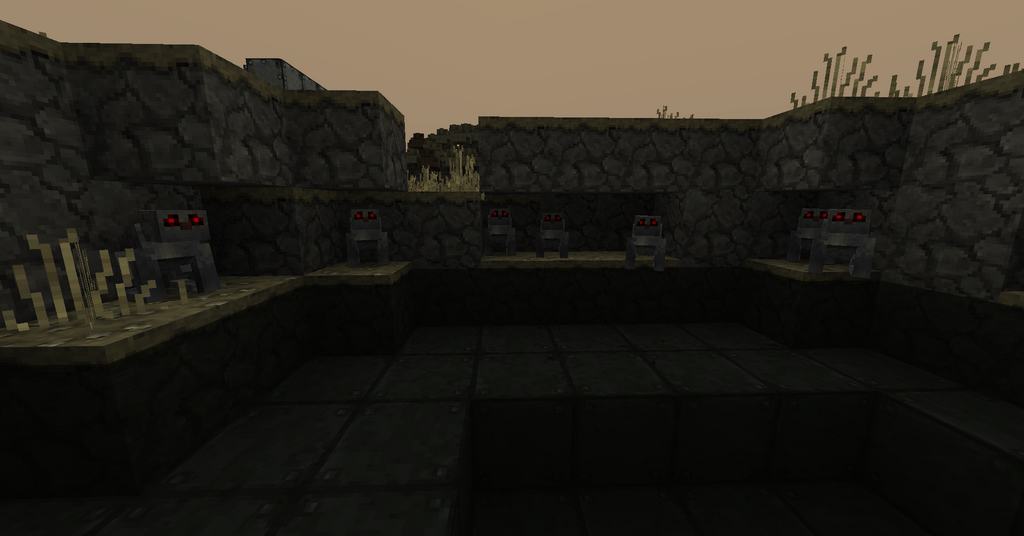
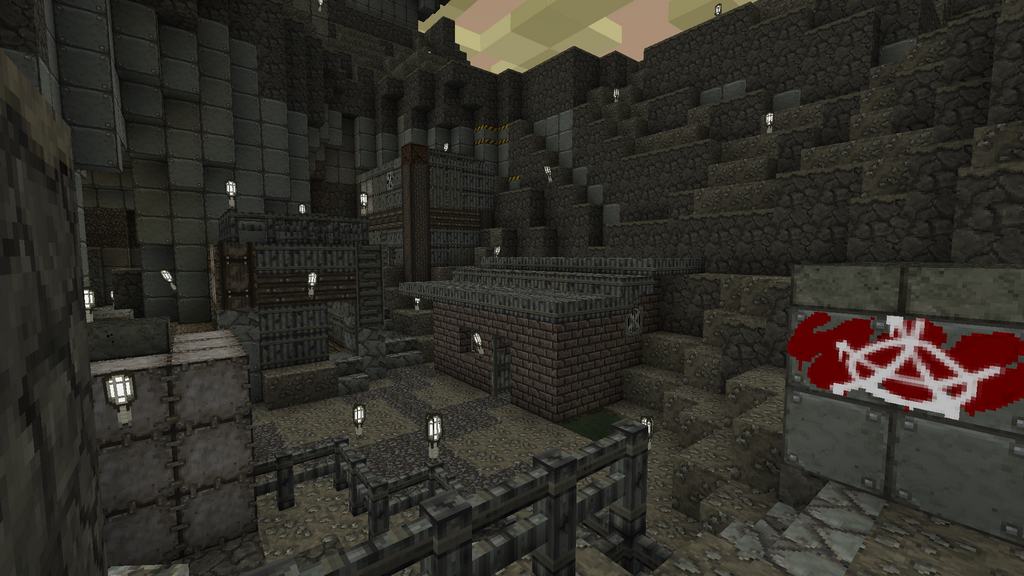
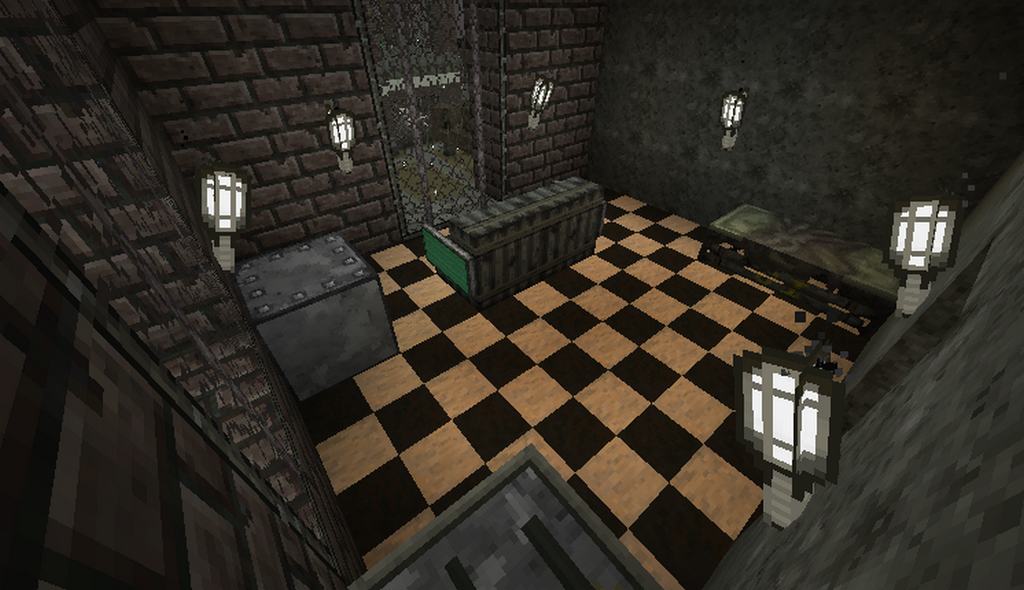
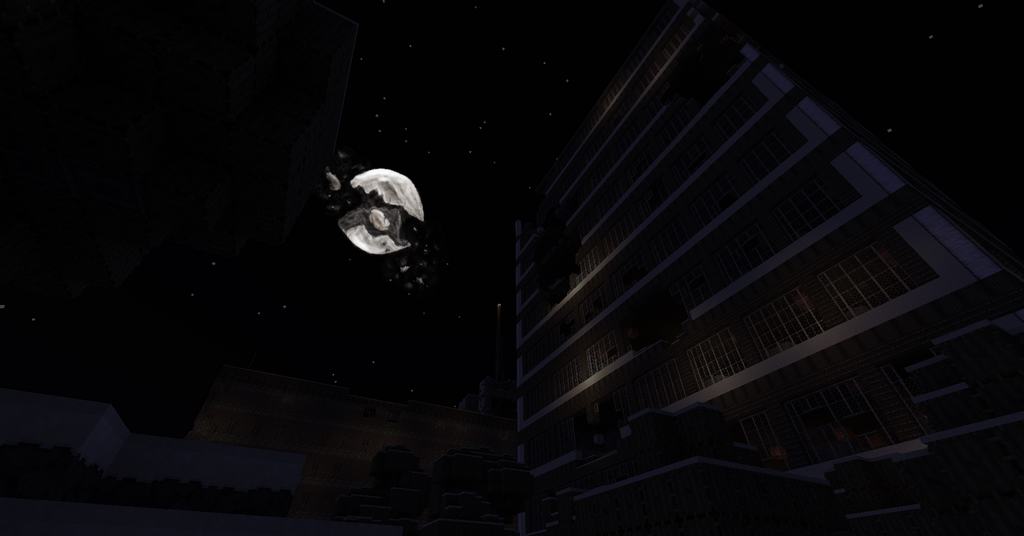
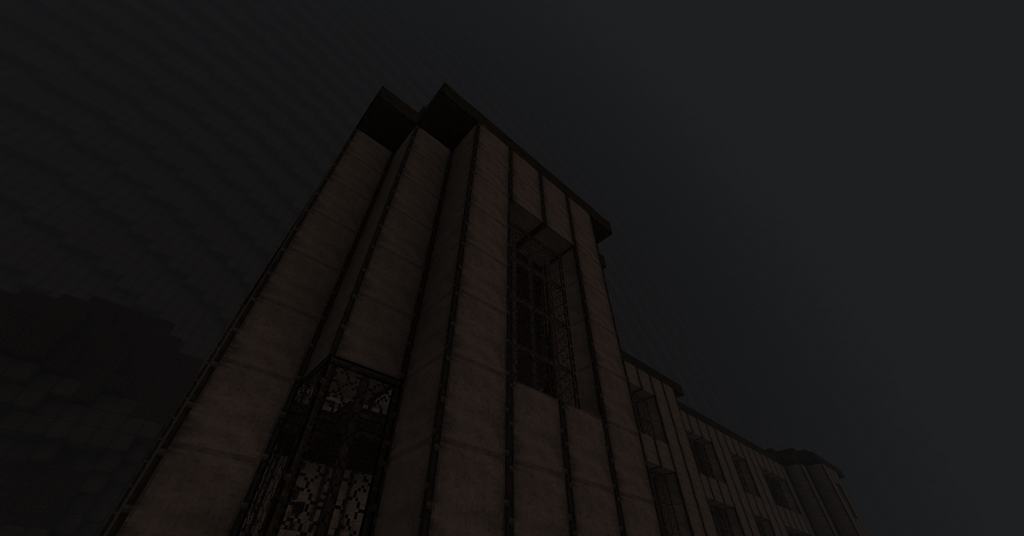
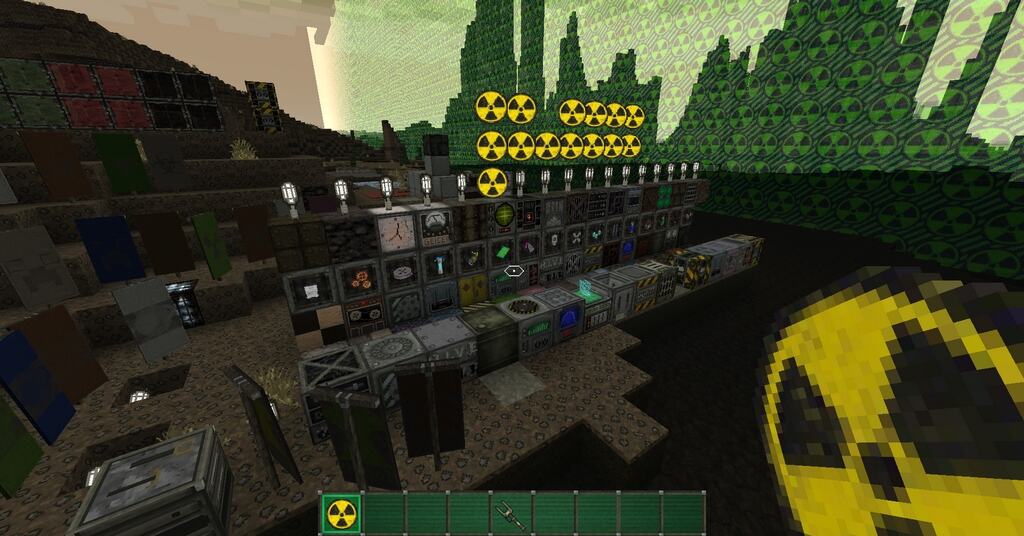
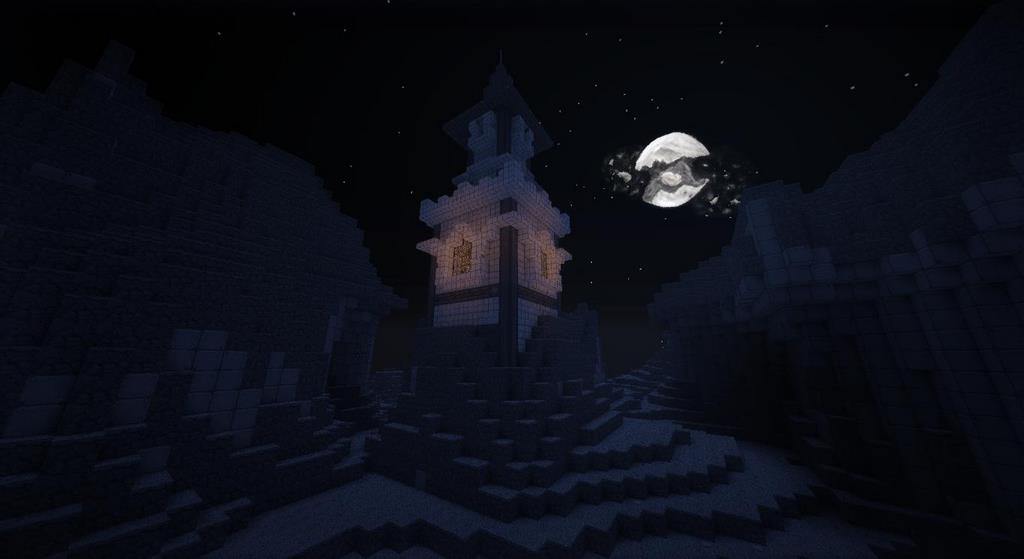
The Last Days resource pack is an incredible original creation by the developer Doku. We all know that apocalypse-inspired resource packs are fantastic, but most of them are created in high resolution, making them very demanding on PC hardware and requiring a powerful computer to run smoothly. Today, we want to give you a detailed overview of how truly wonderful the Last Days texture pack is in terms of both quality and optimization. The core concept was wonderfully simple: to create a world in Minecraft where players can fully immerse themselves in a gripping post-apocalyptic vibe. Unfortunately, Doku never had enough time to completely finish working on Last Days. As a result, it was never fully developed initially and only featured an open world with stones, grass, water, buildings, trees, and other basic elements. Even so, Last Days held an immense amount of potential, and thankfully, other talented developers stepped up to take on the task of finishing it.
After Doku, the dedicated individuals who strived to make it even better were Croco15, History, and Dereksmith. Last Days stands proudly as one of the most phenomenal resource packs ever released for Minecraft. The developers did an exceptional job crafting a post-apocalyptic environment that shares a striking atmosphere with classic survival horror games. Its buildings, weapons, character designs, and various other elements are thoughtfully designed. It feels wonderfully reminiscent of playing older versions of Resident Evil, House of the Dead, and similar titles. The absolute best part about this resource pack is that it runs smoothly even on low-end PCs! Because of this, fans of apocalypse games with potato computers now have the amazing opportunity to experience what it is like living in a harsh post-apocalyptic world simply by installing the Last Days pack. All in all, the gameplay, the design, and the sound effects are remarkably immersive. We definitely recommend that you download Last Days right now and see it for yourself!
Last Days should be compatible with all of these Minecraft versions: 1.17.1 – 1.17 – 1.16.5 – 1.16.4 – 1.16.3 – 1.16.2 – 1.16.1 – 1.16 – 1.15.2 – 1.15.1 – 1.15 – 1.14.4 – 1.14.3 – 1.14.2 – 1.14 – 1.13.2 – 1.13.1 – 1.13 – 1.12.2 – 1.12 – 1.11.2 – 1.11 – 1.10.2 – 1.10 – 1.9.4 – 1.9 – 1.8.9 – 1.8.8 – 1.8.1 – 1.8.6 – 1.8 – 1.7.10 – 1.7.9 – 1.7.4 – 1.7 – 1.6.4 – 1.6.2 – Bedrock Edition – PE
Screenshots
How to Install Texture Pack (Simple 10 Steps)
- Download OptiFine: Most of the texture packs and shaders need OptiFine. That’s why, first download and install OptiFine for the version of Minecraft you want to play.
- Download the Texture Pack: Get the texture pack you want from the download section. Choose the version that works with your Minecraft and your PC’s performance.
- Open Minecraft Launcher: Start Minecraft using the official game launcher — or even TLauncher, if you use that.
- Go to Options: From the main menu, click on the “Options” button.
- Open Resource Packs: Inside Options, click on “Resource Packs…”.
- Open the Resource Pack Folder: Click on “Open Resource Pack Folder” — this will open a folder named “resourcepacks”.
- Move the Pack File: Copy or move the .zip file you downloaded into that “resourcepacks” folder. (Don’t unzip the file — Minecraft uses it as-is!)
- Go Back and Refresh: Close the folder and click “Done”, then go back into “Resource Packs…” again.
- Activate the Pack: You’ll see the pack on the left side. Hover over it and click the arrow to move it to the right (active side).
Tip: If you get a message that the pack is for a different version, just click “Yes” — it usually works fine. - Click Done and Enjoy: Click “Done” again. Now your pack is ready to use in-game. It’s that easy!
Credits
Credits: Created by Doku, with further development and contributions by Dereksmith, History, and Croco15. We do not claim ownership of this resource pack and have not modified the original files. Please support the original creators by downloading from their official links.
Download Links
Java Edition
- [32x] Minecraft 1.17.x Last Days Resource Pack
- [32x] Minecraft 1.16.x – 1.15.x Last Days Resource Pack
- [32x] Minecraft 1.14.x Last Days Resource Pack
- [32x] Minecraft 1.13.x Last Days Resource Pack
- [32x] Minecraft 1.12.x Last Days Resource Pack
- [32x] Minecraft 1.11.x Last Days Resource Pack
- [32x] Minecraft 1.10.x – 1.9.x Last Days Resource Pack
- [32x] Minecraft 1.8.x Last Days Resource Pack
- [32x] Minecraft 1.7.x Last Days Resource Pack
- [32x] Minecraft 1.6.x Last Days Resource Pack
- Minecraft 1.17.x – 1.12.x Last Days Music Add-on
- Minecraft 1.11.x – 1.6.x Last Days Music Add-on
Bedrock Edition
Download Instructions
Curseforge: download starts automatically after a few seconds;
Mediafire: click the big blue button with the text “DOWNLOAD”;
Google Drive: in the top right corner you will see a small download icon (down arrow), click it and the download should start;