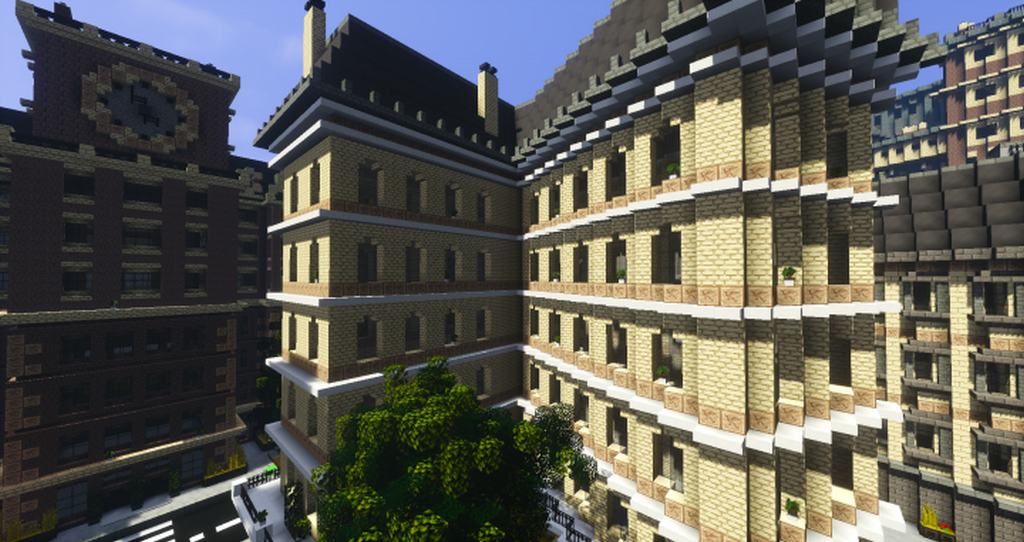
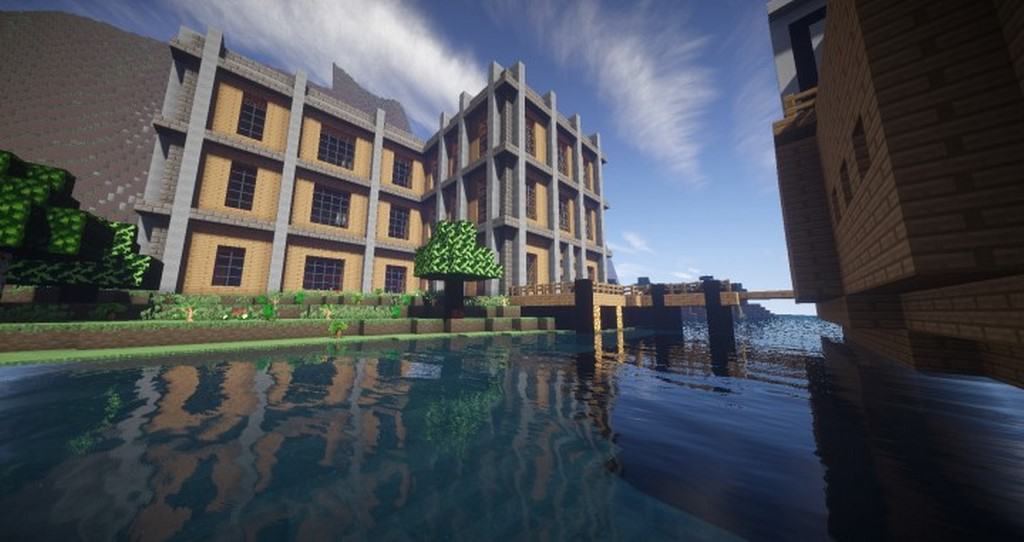
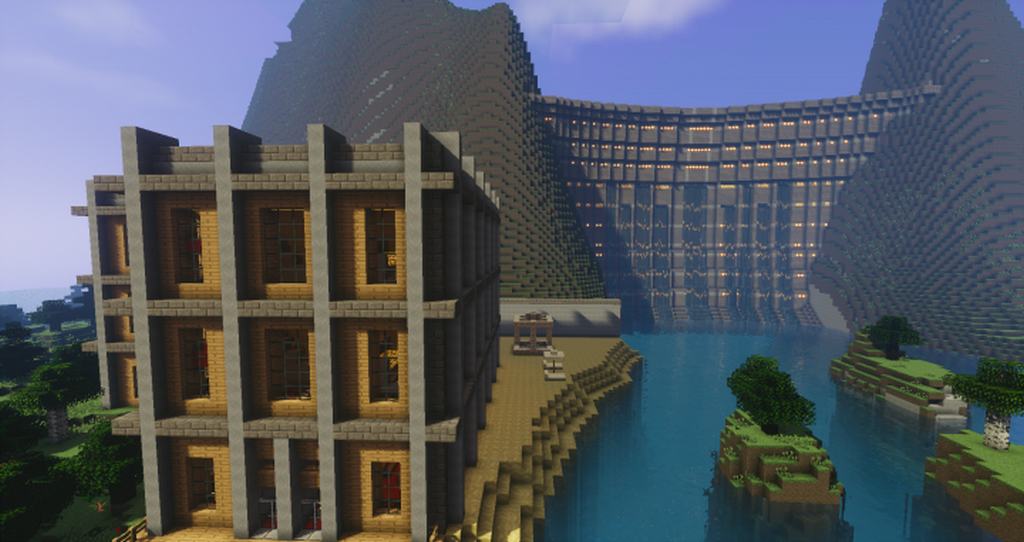
The SilverStone resource pack actually had its development halted a couple of years ago, and honestly, no other developer has picked up the task of working on it since. The absolute most recent release works with Minecraft 1.10, so players who wish to still play using the SilverStone resource pack will need to use the Minecraft launcher and downgrade their installation to version 1.10 or lower. Keep in mind that newer versions of Minecraft may experience various issues running the resource pack. The SilverStone resource pack was made mostly to bring some fantastic improvements to the different types of blocks available in Minecraft, smartly changing some of the color tones and visuals to make the blocks much more distinguishable and significantly easier to differentiate. Best of all, the resource pack is not limited to just simple recoloring of existing assets; it includes entirely new textures and heavily improves existing ones such as sandstone or chiseled sandstone, though it is worth noting that not all objects in the game received new textures.
The last released version of the SilverStone texture pack wonderfully improves on just about 50% of all the assets. The author of the pack also intentionally omitted to change textures for some specific elements such as grassy dirt or tree leaves because they were thoughtfully deemed as not needing to be changed. Since the development stopped, it remains entirely unclear if the original author or developer of the resource pack had any grand plans to improve more textures. The resource pack itself is delightfully small in size but contains more than enough visual improvements to make notable and pleasing changes to the vanilla version of Minecraft. Aside from the improvements to textures, the resource pack cleverly brings a tweaked GUI and a few neat particle effects. Even though it is not a fully completed resource pack, it brings plenty of changes to the default Minecraft visuals to make it completely worth trying out. The textures are crafted in a classic 16×16 resolution and will easily run on both modern and older systems as long as they run Minecraft 1.10.x or earlier.
SilverStone should be compatible with all of these Minecraft versions: 1.10.2 – 1.10 – 1.9.4 – 1.9 – 1.8.9 – 1.8.8 – 1.8.1 – 1.8.6 – 1.8
Screenshots
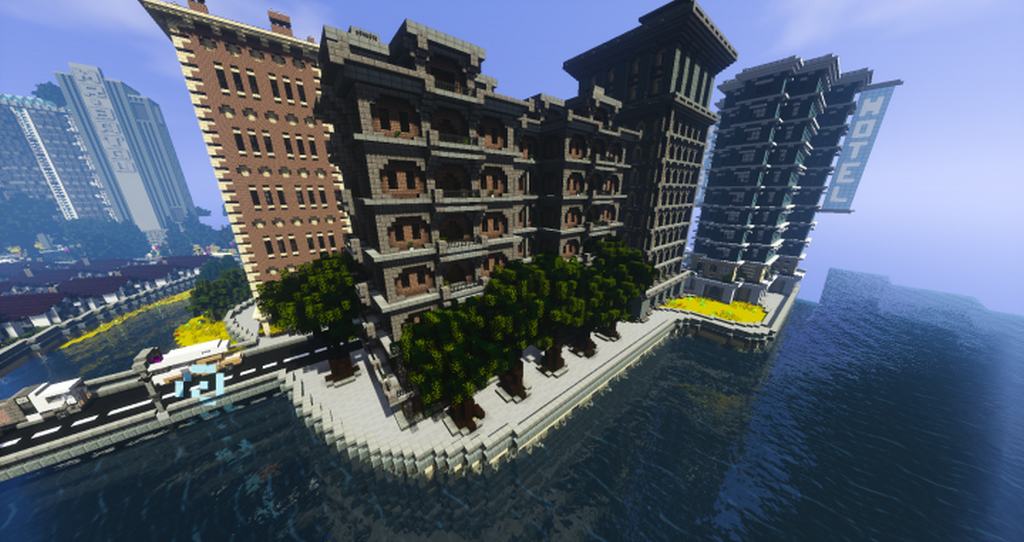
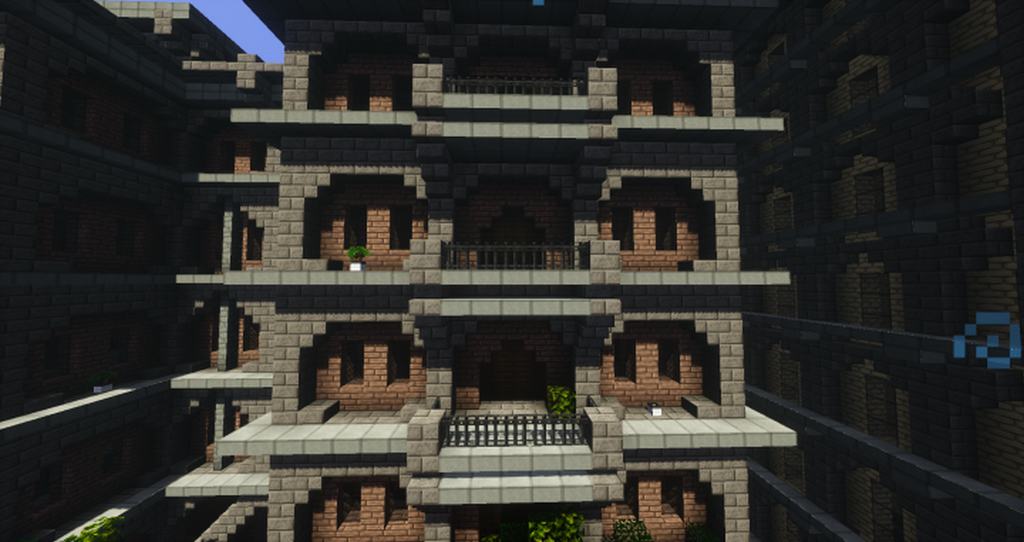
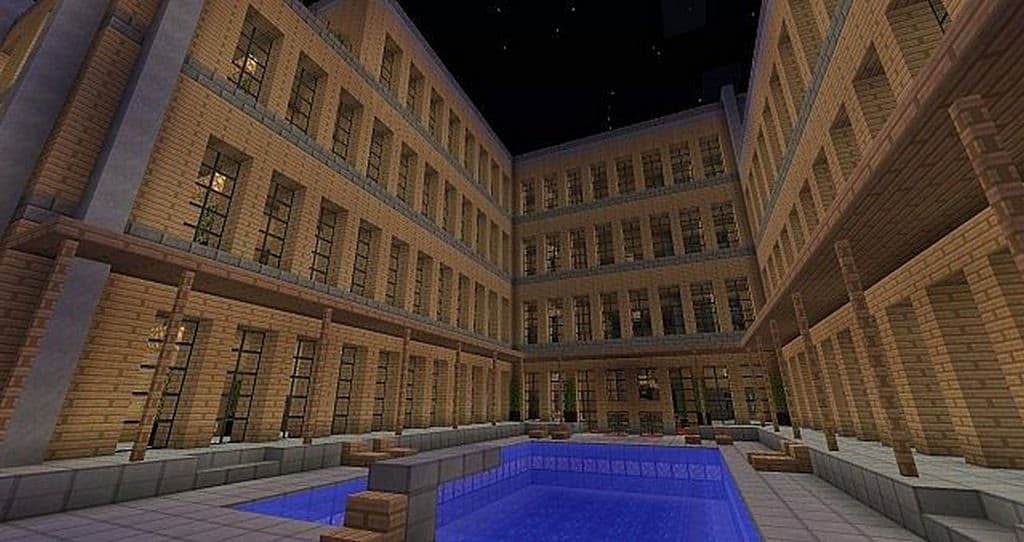
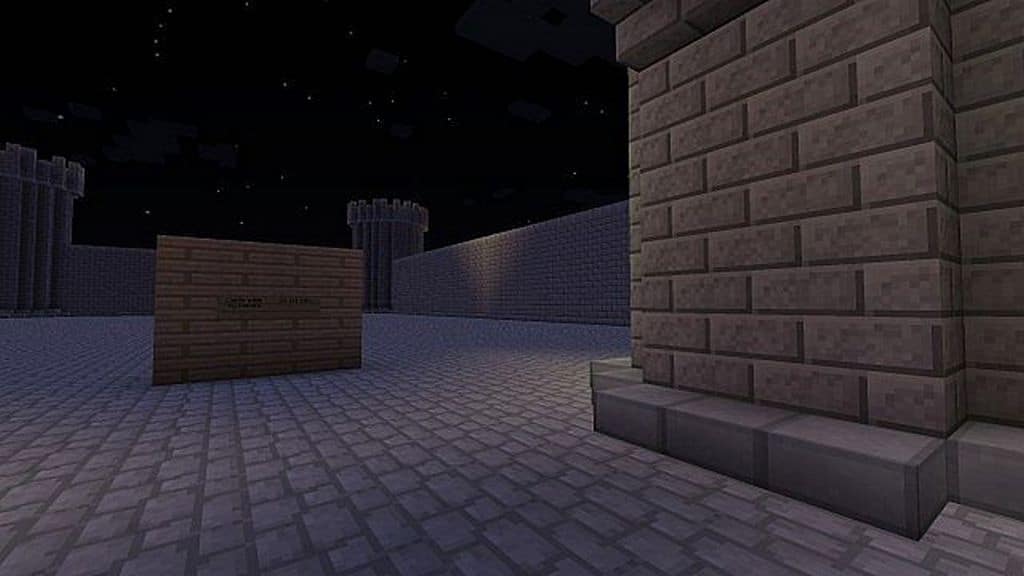
How to Install Texture Pack (Simple 10 Steps)
- Download OptiFine: Most of the texture packs and shaders need OptiFine. That’s why, first download and install OptiFine for the version of Minecraft you want to play.
- Download the Texture Pack: Get the texture pack you want from the download section. Choose the version that works with your Minecraft and your PC’s performance.
- Open Minecraft Launcher: Start Minecraft using the official game launcher — or even TLauncher, if you use that.
- Go to Options: From the main menu, click on the “Options” button.
- Open Resource Packs: Inside Options, click on “Resource Packs…”.
- Open the Resource Pack Folder: Click on “Open Resource Pack Folder” — this will open a folder named “resourcepacks”.
- Move the Pack File: Copy or move the .zip file you downloaded into that “resourcepacks” folder. (Don’t unzip the file — Minecraft uses it as-is!)
- Go Back and Refresh: Close the folder and click “Done”, then go back into “Resource Packs…” again.
- Activate the Pack: You’ll see the pack on the left side. Hover over it and click the arrow to move it to the right (active side).
Tip: If you get a message that the pack is for a different version, just click “Yes” — it usually works fine. - Click Done and Enjoy: Click “Done” again. Now your pack is ready to use in-game. It’s that easy!
Credits
Credits to Bendza as the original creator and owner of this content. We do not claim ownership of this modification, nor have we altered its original files. We strongly encourage you to support the original creator.
Download Instructions
Curseforge: download starts automatically after a few seconds;
Mediafire: click the big blue button with the text “DOWNLOAD”;
Google Drive: in the top right corner you will see a small download icon (down arrow), click it and the download should start;


