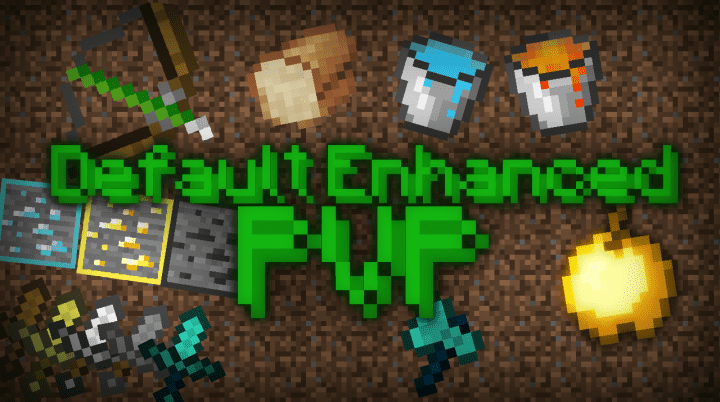
Minecraft is an incredible game that grants you absolute freedom to express your boundless creativity while playing. Unlike traditional video games, Minecraft has no rigid rules or predetermined storylines, allowing you to build houses, explore untapped locations, or dig out an entire hill entirely as you wish. The game features different modes such as survival mode and creative mode, and if you choose survival mode, you will have to fight bad guys so that you can make it alive, offering an adventure like no other. However, it is the basic graphics that have led many gamers to look for resource packs that can improve the visuals, and thankfully, there are many fantastic resource packs available online. One such pack is Default Enhanced PvP, and as the name suggests, this resource pack is a brilliant set of textures specifically designed for PvP combat. This resource pack neatly cleans up the textures and vastly enhances the visuals so as to drastically improve the overall PvP experience for gamers.
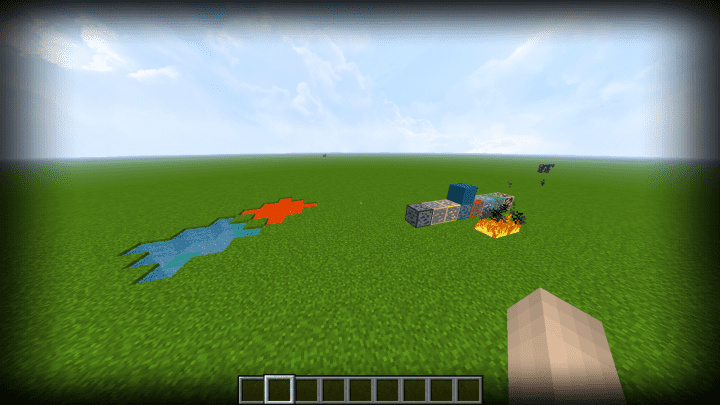
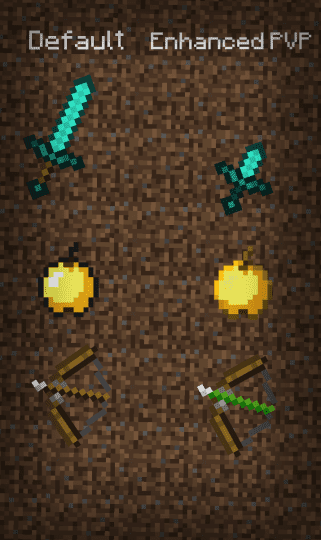
It truly does not matter whether you are a veteran to PvPing or a total newbie; this PvP pack is simply the best of its kind that you need to use. StorySays, the talented maker of this PvP pack, came up with this resource pack because most PvP packs available for the game come with weird art styles that do not gel well with each other, leading to a subpar gaming experience that players really dislike. One of the main objectives of this PvP pack is to provide gamers with access to a top-notch pack that is clean-looking while retaining the familiar visuals of vanilla Minecraft. When you apply this resource pack, you will immediately notice that the axe and sword have reduced lengths, which successfully saves up much-needed screen space and greatly enhances your combat visibility. Other clever changes you will notice include the fire animation being slightly smaller, allowing players to clearly see stuff on the other side during intense battles. There is no doubt that the majority of the alterations included in the resource pack are completely on point. Best of all, this amazing PvP pack comes with a standard 16×16 resolution, making it ideal to use on computers that already run vanilla Minecraft at normal frame rates without any performance drops.
Default Enhanced PvP should be compatible with all of these Minecraft versions: 1.11.2 – 1.11 – 1.10.2 – 1.10
Screenshots
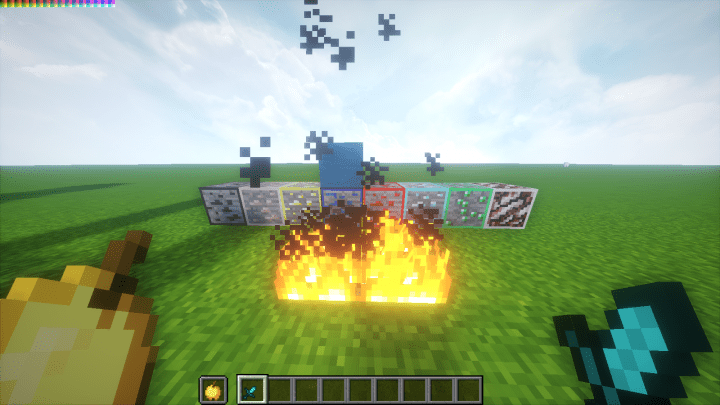
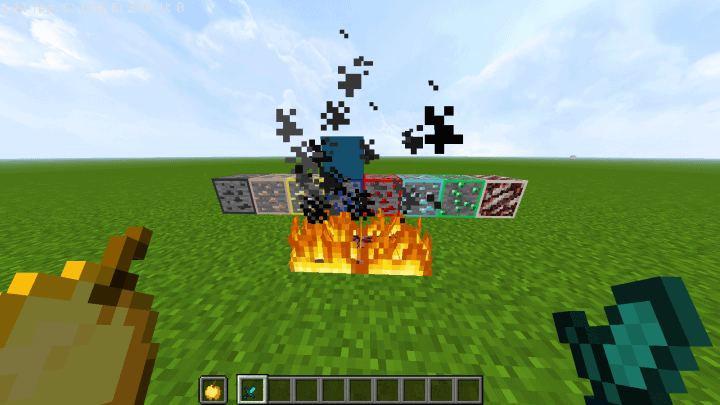
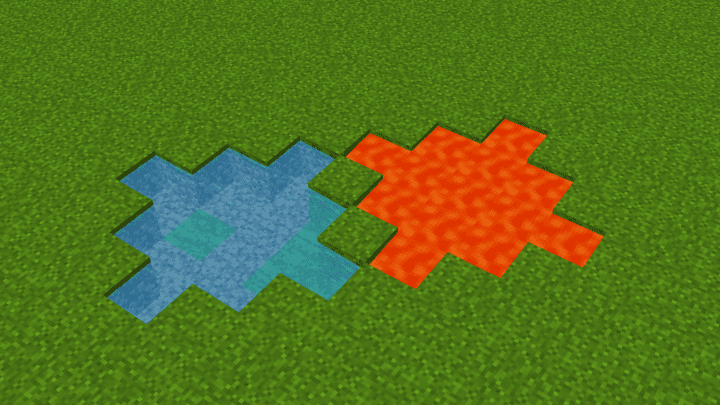
How to Install Texture Pack (Simple 10 Steps)
- Download OptiFine: Most of the texture packs and shaders need OptiFine. That’s why, first download and install OptiFine for the version of Minecraft you want to play.
- Download the Texture Pack: Get the texture pack you want from the download section. Choose the version that works with your Minecraft and your PC’s performance.
- Open Minecraft Launcher: Start Minecraft using the official game launcher — or even TLauncher, if you use that.
- Go to Options: From the main menu, click on the “Options” button.
- Open Resource Packs: Inside Options, click on “Resource Packs…”.
- Open the Resource Pack Folder: Click on “Open Resource Pack Folder” — this will open a folder named “resourcepacks”.
- Move the Pack File: Copy or move the .zip file you downloaded into that “resourcepacks” folder. (Don’t unzip the file — Minecraft uses it as-is!)
- Go Back and Refresh: Close the folder and click “Done”, then go back into “Resource Packs…” again.
- Activate the Pack: You’ll see the pack on the left side. Hover over it and click the arrow to move it to the right (active side).
Tip: If you get a message that the pack is for a different version, just click “Yes” — it usually works fine. - Click Done and Enjoy: Click “Done” again. Now your pack is ready to use in-game. It’s that easy!
Credits
This resource pack was originally created and owned by StorySays. We do not claim ownership of this content, nor have we modified the files. We highly recommend supporting the original creator by downloading the pack through their official links.
Download Instructions
Curseforge: download starts automatically after a few seconds;
Mediafire: click the big blue button with the text “DOWNLOAD”;
Google Drive: in the top right corner you will see a small download icon (down arrow), click it and the download should start;


