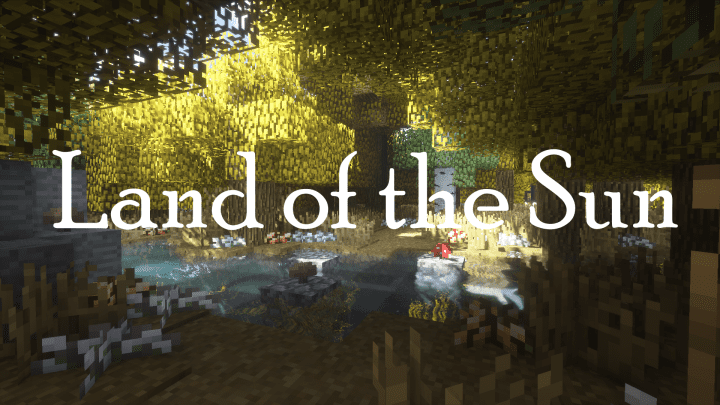
If you are a passionate Minecraft gamer and you have not yet tried the Land of the Sun resource pack, then you truly do not know what you are missing! This fantastic pack adds gorgeous, warm colors to your Minecraft game world, elevating your overall gaming experience to something genuinely out of this world. The sheer reliability and polished gaming experience of this pack make it a cut well above the rest. Apart from its signature warm colors, the resource pack is uniquely designed and wonderfully developed, giving every user a refreshing breath of a brand-new gaming experience. Even though the pack’s warm color palette does not drastically alter every single underlying aspect of the game, it introduces wonderfully significant changes to items, grassy foliage, and various other natural environmental factors that make exploring feel wonderfully close to reality.
When you finally install Land of the Sun, the entire color scheme of your game changes completely for the better, thanks to the introduction of a cozy, warm atmosphere and perpetually sunny days. All of these vibrant colors are displayed in a beautifully simple and artistic way, ensuring that every player experiences the absolute ultimate gameplay session. The pack comes equipped with a truly great combination of colors, making your day-to-day adventures feel wonderfully realistic and truly one of a kind for dedicated Minecraft gamers everywhere. It was meticulously crafted by Light Drifter, a talented creator who also brought us the wonderful Elderwood Majesty and Autumn Season resource packs.
Land of the Sun should be compatible with all of these Minecraft versions: 1.12.2 – 1.12 – 1.11.2 – 1.11
Screenshots
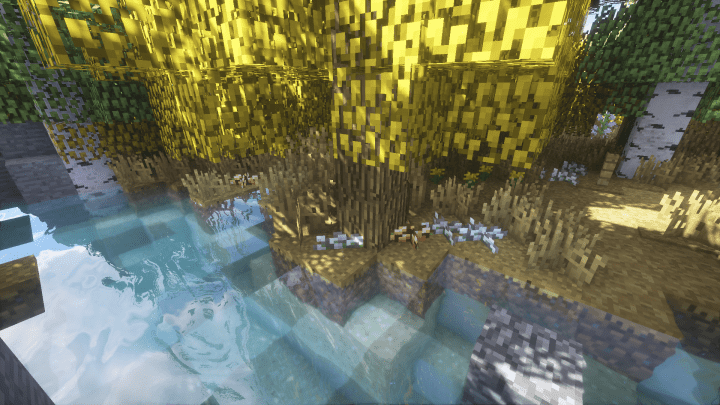
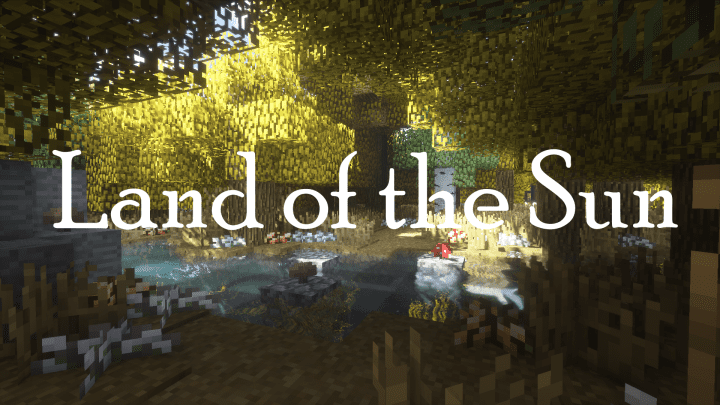
How to Install Texture Pack (Simple 10 Steps)
- Download OptiFine: Most of the texture packs and shaders need OptiFine. That’s why, first download and install OptiFine for the version of Minecraft you want to play.
- Download the Texture Pack: Get the texture pack you want from the download section. Choose the version that works with your Minecraft and your PC’s performance.
- Open Minecraft Launcher: Start Minecraft using the official game launcher — or even TLauncher, if you use that.
- Go to Options: From the main menu, click on the “Options” button.
- Open Resource Packs: Inside Options, click on “Resource Packs…”.
- Open the Resource Pack Folder: Click on “Open Resource Pack Folder” — this will open a folder named “resourcepacks”.
- Move the Pack File: Copy or move the .zip file you downloaded into that “resourcepacks” folder. (Don’t unzip the file — Minecraft uses it as-is!)
- Go Back and Refresh: Close the folder and click “Done”, then go back into “Resource Packs…” again.
- Activate the Pack: You’ll see the pack on the left side. Hover over it and click the arrow to move it to the right (active side).
Tip: If you get a message that the pack is for a different version, just click “Yes” — it usually works fine. - Click Done and Enjoy: Click “Done” again. Now your pack is ready to use in-game. It’s that easy!
Credits
This resource pack was created by Light Drifter, known for their previous work on Elderwood Majesty and Autumn Season. We do not claim ownership of this content, nor have we modified the original files. All rights and intellectual property remain with the original author. We encourage you to support Light Drifter by downloading the pack from their official links and checking out their other creations.
Download Instructions
Curseforge: download starts automatically after a few seconds;
Mediafire: click the big blue button with the text “DOWNLOAD”;
Google Drive: in the top right corner you will see a small download icon (down arrow), click it and the download should start;