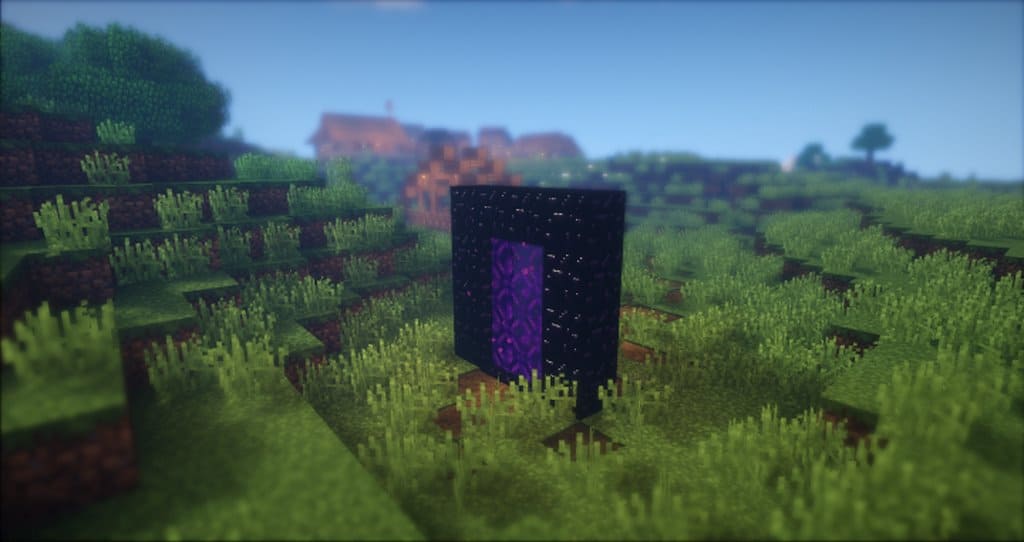
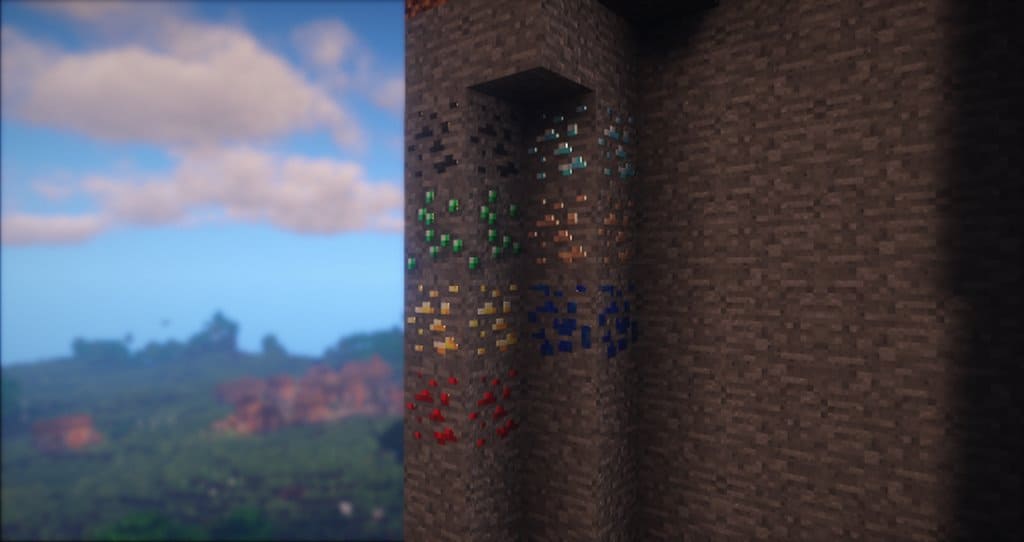
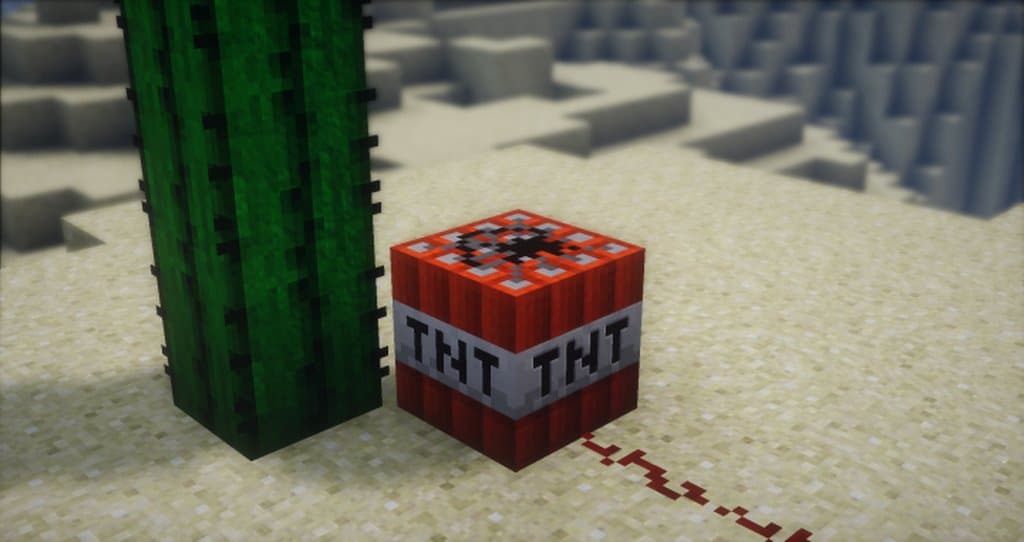
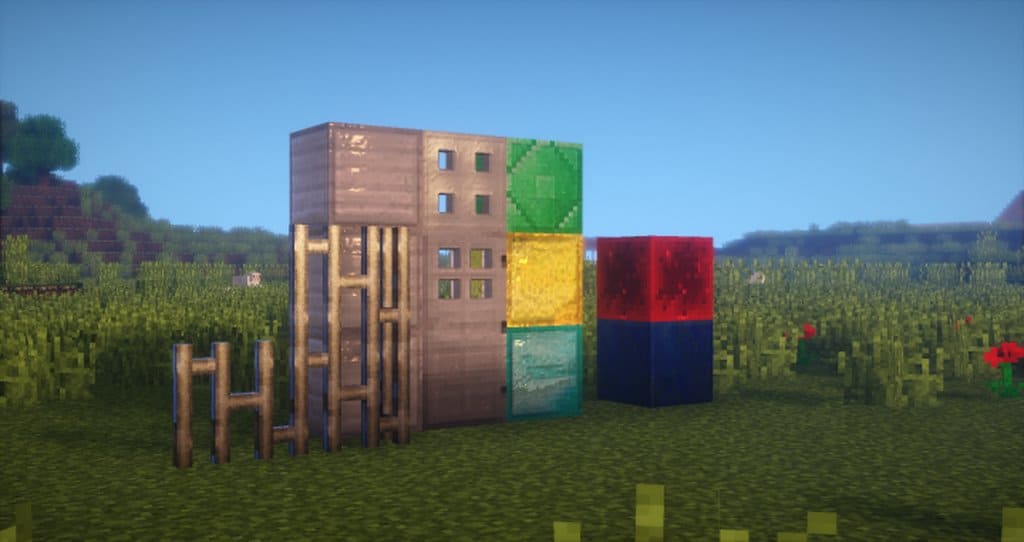
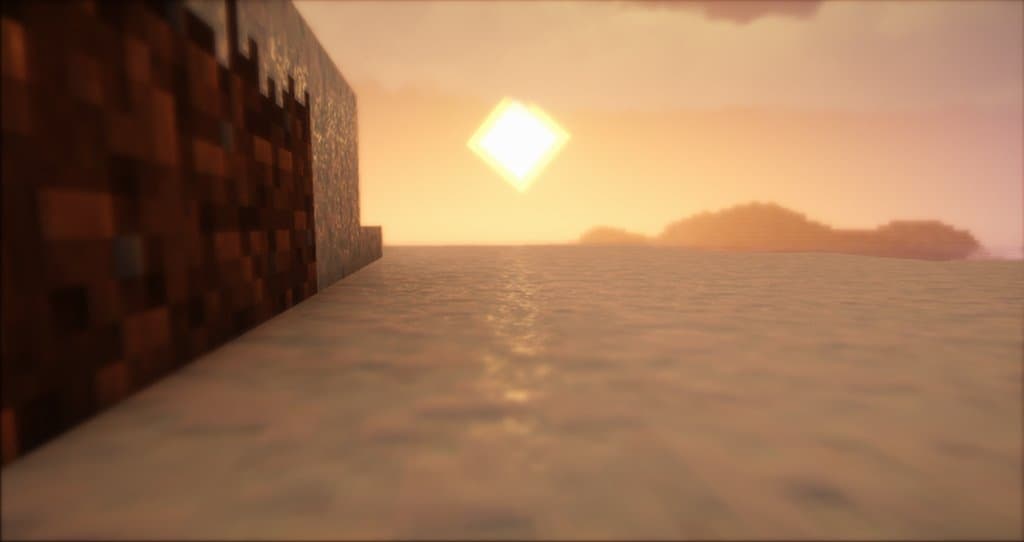
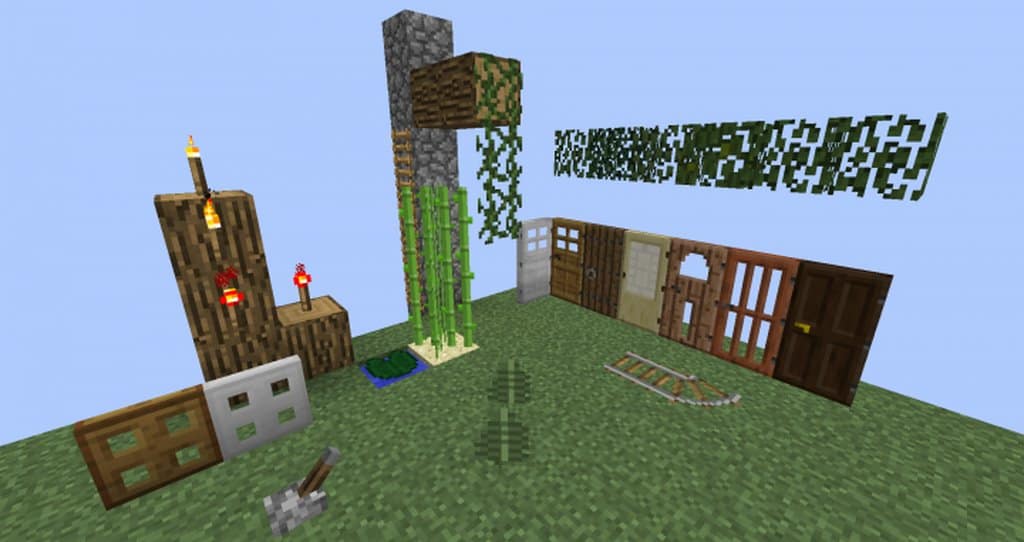
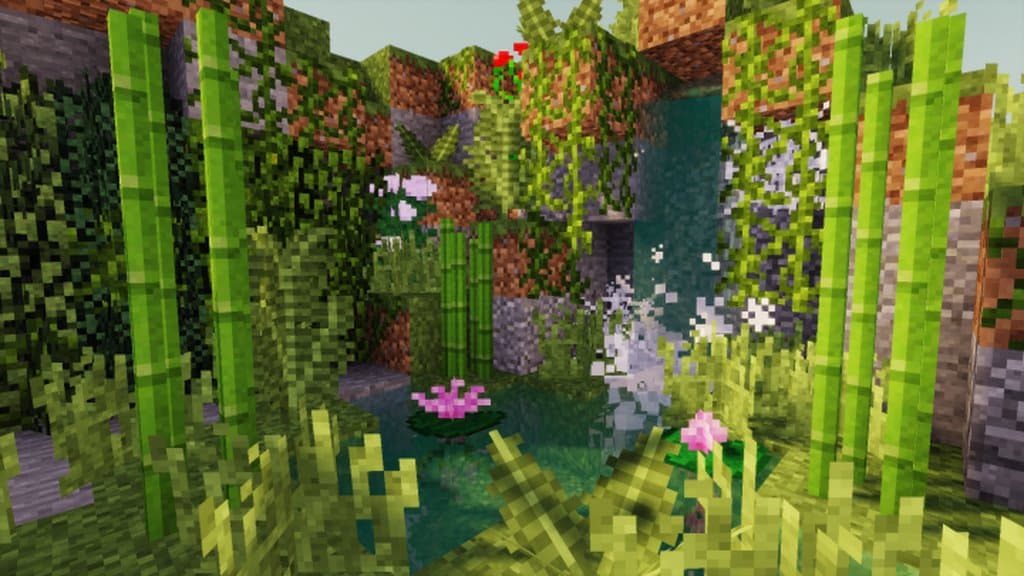
If you are one of those players who completely adore Minecraft’s classic vanilla aesthetic and do not want to compromise on it, you seriously need to check out the Taunoa resource pack because it is an absolute dream come true. It beautifully enhances the original art style to look so much better while faithfully maintaining that exact same nostalgic look we all know and love. It achieves this brilliant balance by making subtle improvements to secondary aspects without ever disturbing the raw, core texture. These countless minor tweaks across various secondary elements simply make the world appear more attractive than ever before. Honestly, you might not even notice them at first glance until you really take a moment to observe the environment in detail. The Taunoa Resource Pack leaves certain blocks completely untouched; instead of messing with glass blocks, for instance, the creators cleverly alter the models while keeping the glass itself pristine. They thoughtfully redesigned multiple models like door panels, railings, ladder blocks, and a variety of others, alongside gorgeous updates to the vegetation.
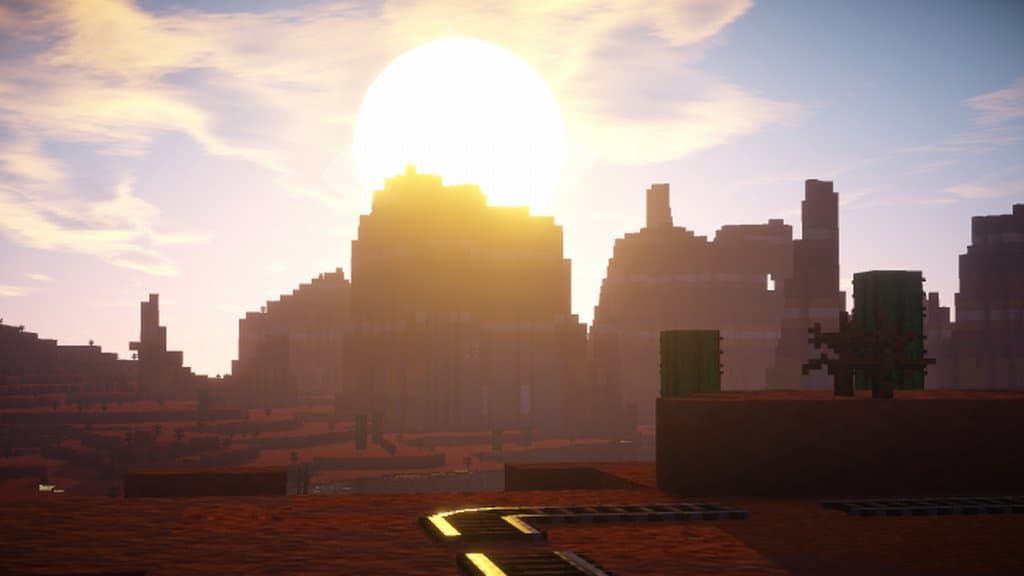
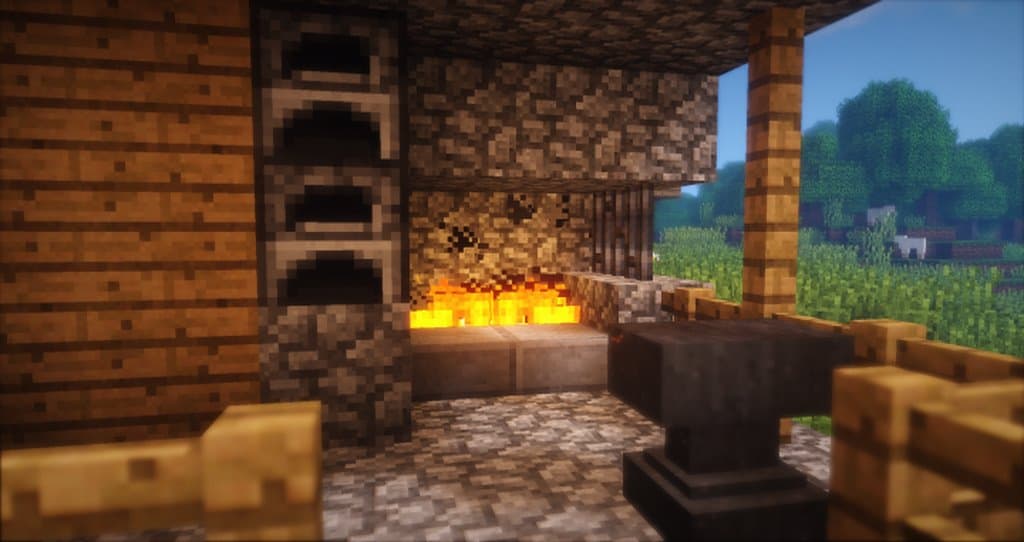
They smartly chose not to alter the glass panels because they already looked fantastic, knowing that messing with the texture detailing would only increase visual noise. The resource pack makes a wonderfully successful attempt at bringing the ambiance to life by introducing an occluding effect that truly transforms the environment into something much more life-like than before. As we mentioned, the true magic lies in those subtle changes that reveal themselves only upon close observation of your surroundings. Everything might look comfortably familiar from a distance, but you will deeply appreciate the incredible level of detailing the authors poured into it once you walk up close. Operating at a crisp 32×32 resolution without making any jarring, apparent changes, the Taunoa Resource Pack does an astonishingly good job. You could honestly say the creators crafted the ultimate refined upgrade to Minecraft’s original textures. In a nutshell, this pack feels like a masterclass in upscaling the original version gracefully.
Taunoa should be compatible with all of these Minecraft versions: 1.12.2 – 1.12 – 1.11.2 – 1.11 – 1.10.2 – 1.10 – 1.9.4 – 1.9
Screenshots
How to Install Texture Pack (Simple 10 Steps)
- Download OptiFine: Most of the texture packs and shaders need OptiFine. That’s why, first download and install OptiFine for the version of Minecraft you want to play.
- Download the Texture Pack: Get the texture pack you want from the download section. Choose the version that works with your Minecraft and your PC’s performance.
- Open Minecraft Launcher: Start Minecraft using the official game launcher — or even TLauncher, if you use that.
- Go to Options: From the main menu, click on the “Options” button.
- Open Resource Packs: Inside Options, click on “Resource Packs…”.
- Open the Resource Pack Folder: Click on “Open Resource Pack Folder” — this will open a folder named “resourcepacks”.
- Move the Pack File: Copy or move the .zip file you downloaded into that “resourcepacks” folder. (Don’t unzip the file — Minecraft uses it as-is!)
- Go Back and Refresh: Close the folder and click “Done”, then go back into “Resource Packs…” again.
- Activate the Pack: You’ll see the pack on the left side. Hover over it and click the arrow to move it to the right (active side).
Tip: If you get a message that the pack is for a different version, just click “Yes” — it usually works fine. - Click Done and Enjoy: Click “Done” again. Now your pack is ready to use in-game. It’s that easy!
Credits
The Taunoa Resource Pack was created by Zaliku. All rights to the original assets and design belong to the original author. We do not own or modify this resource pack, and we always encourage users to support the creator by visiting their official platforms and download links.
Download Links
Java Edition
Download Instructions
Curseforge: download starts automatically after a few seconds;
Mediafire: click the big blue button with the text “DOWNLOAD”;
Google Drive: in the top right corner you will see a small download icon (down arrow), click it and the download should start;


