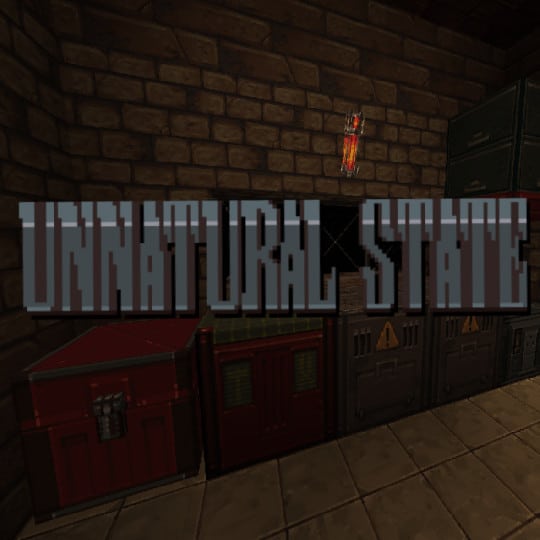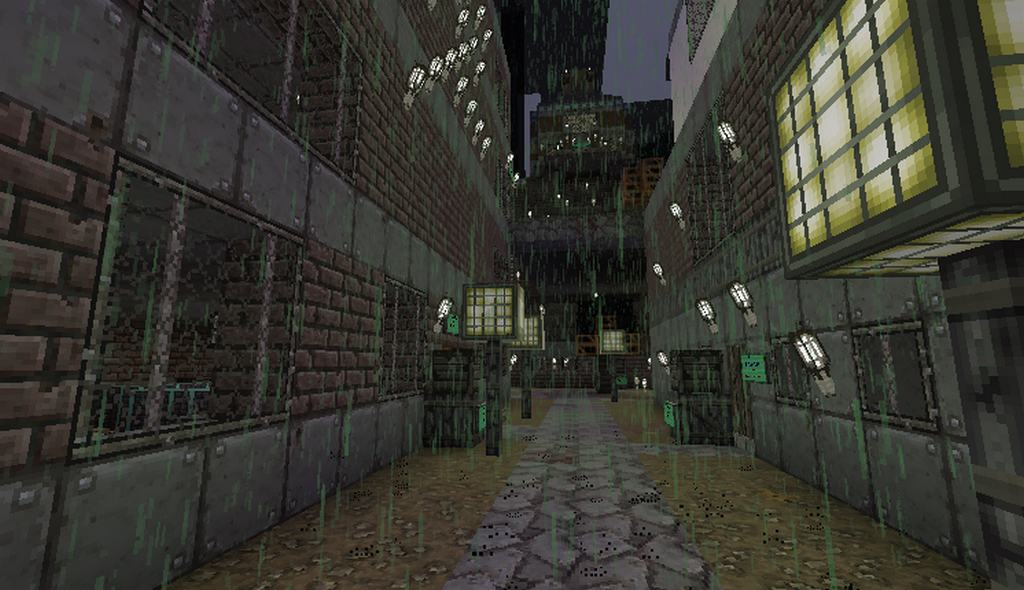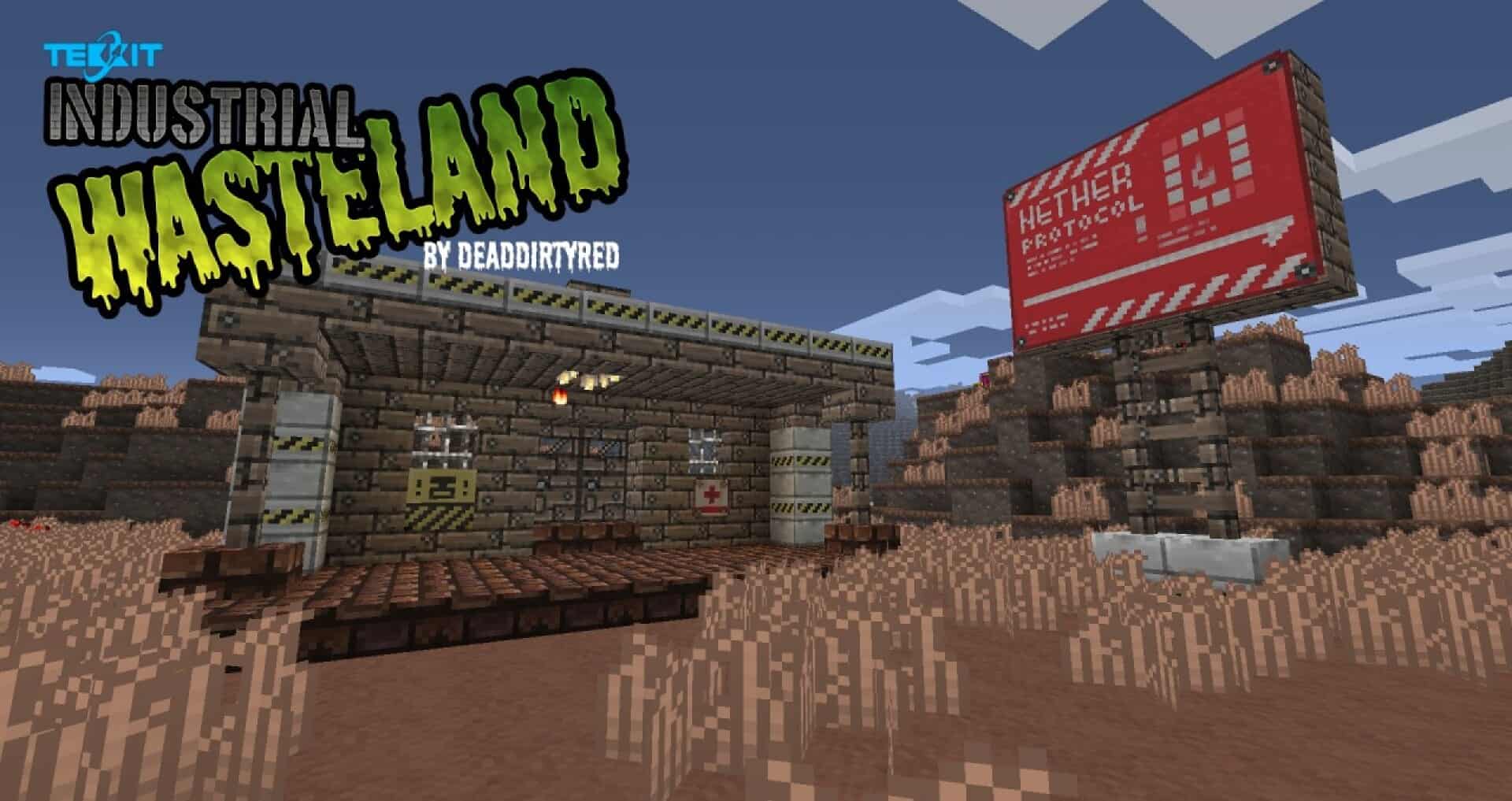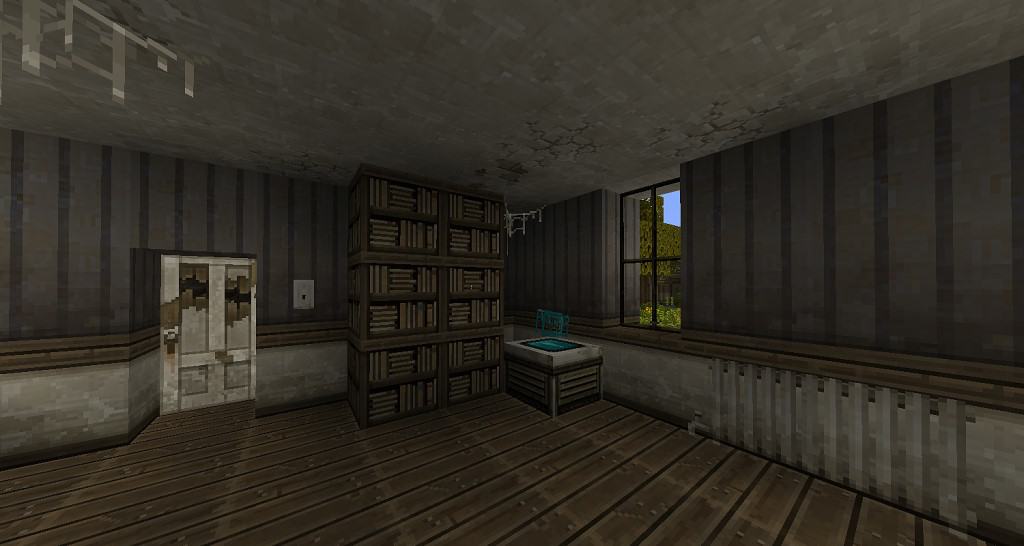
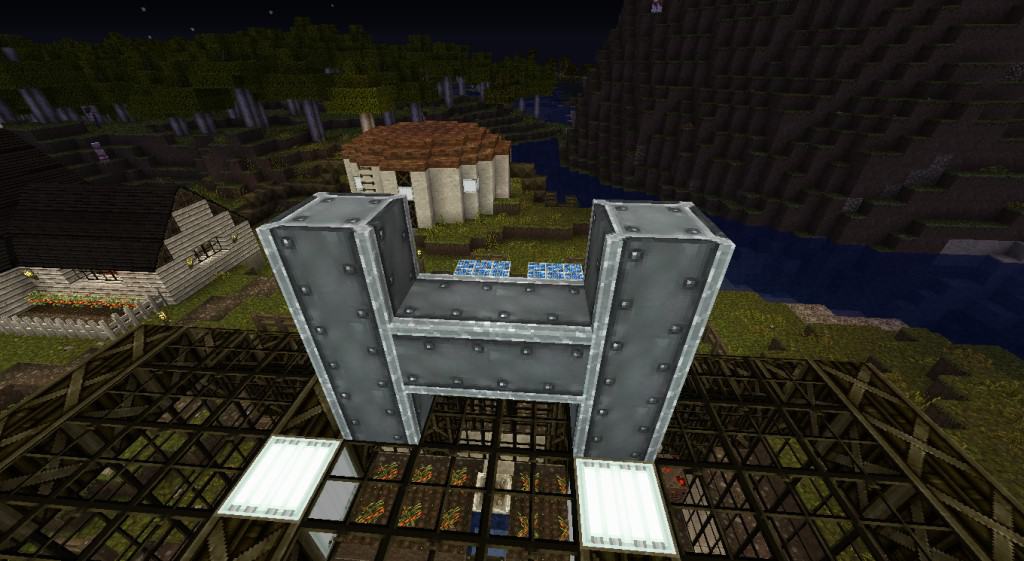
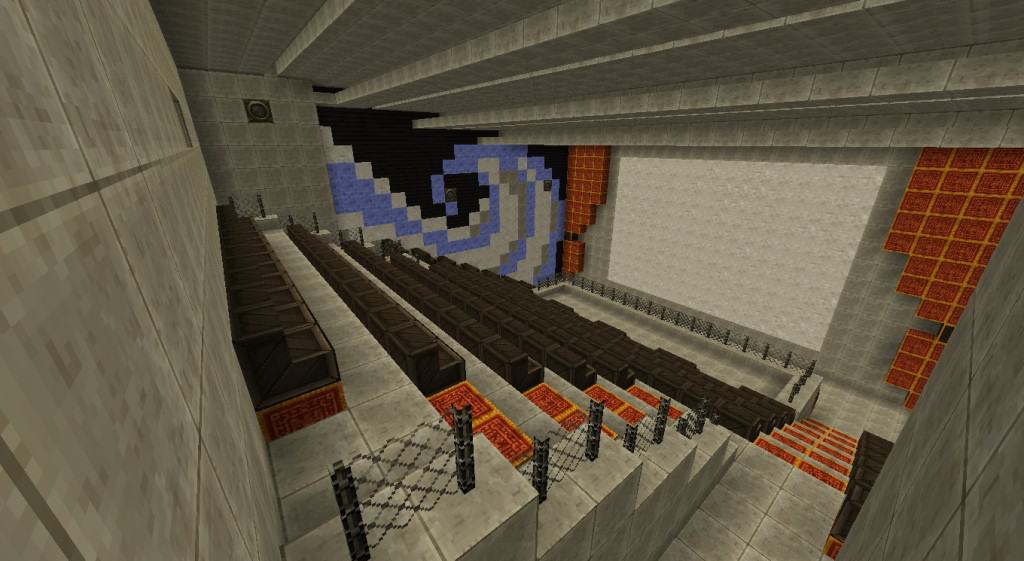
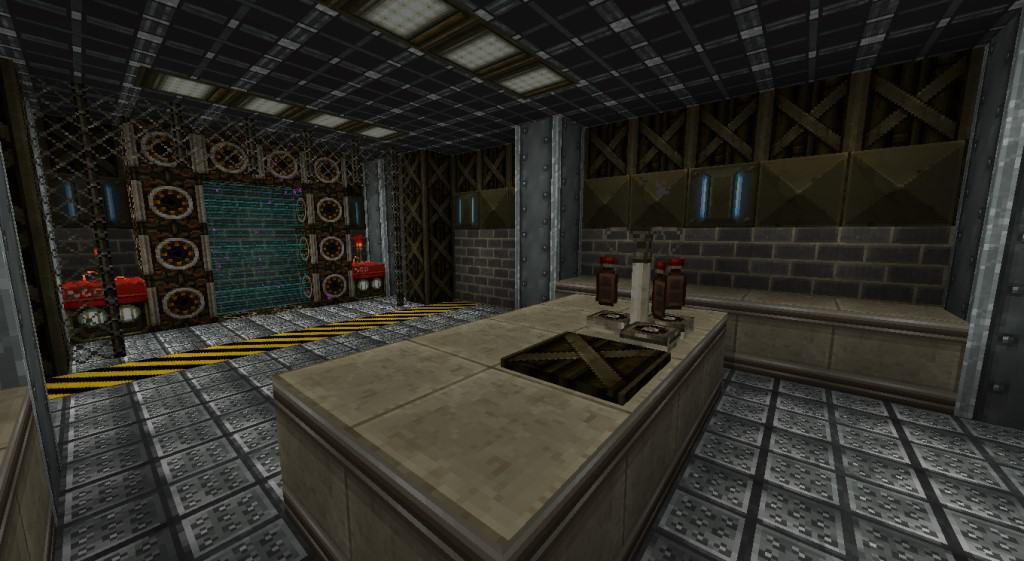
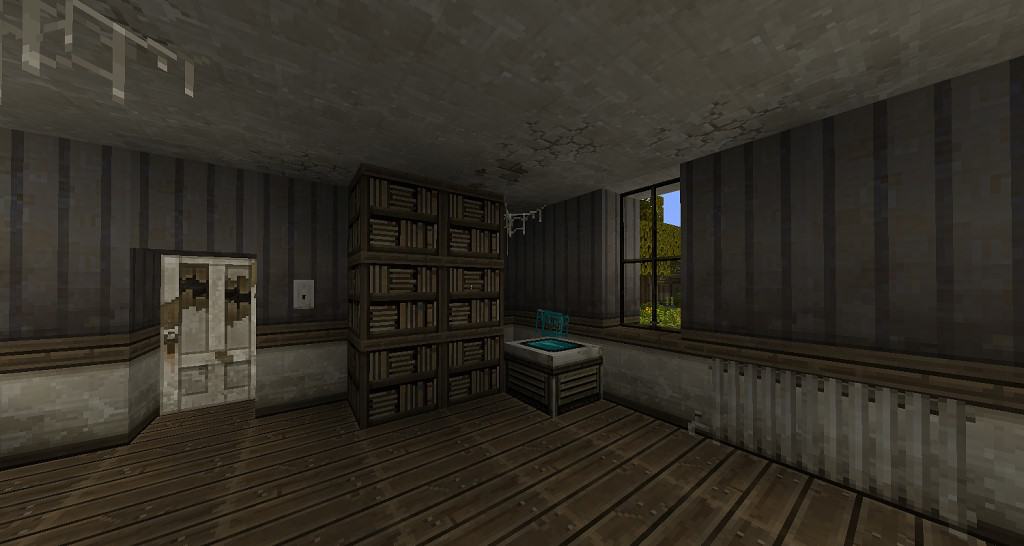
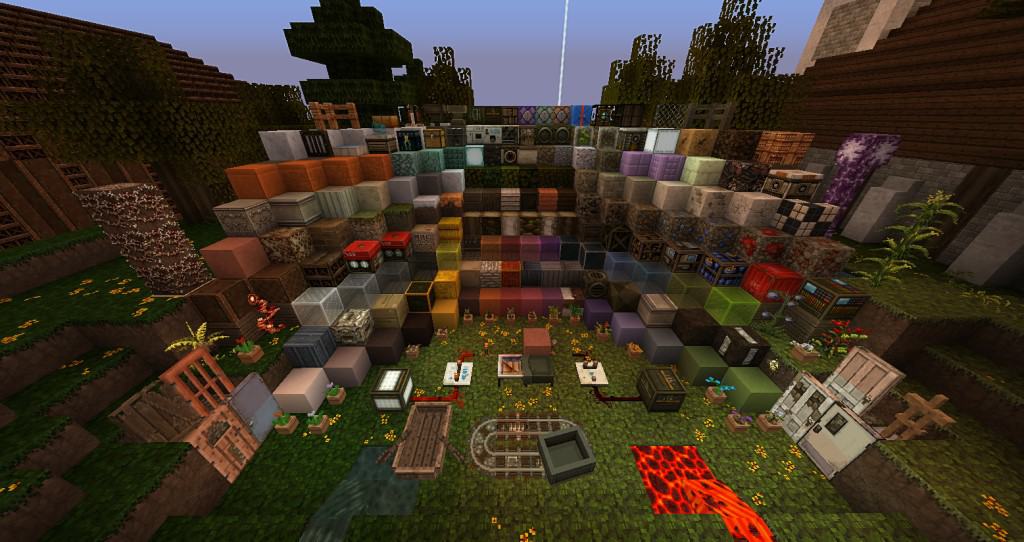
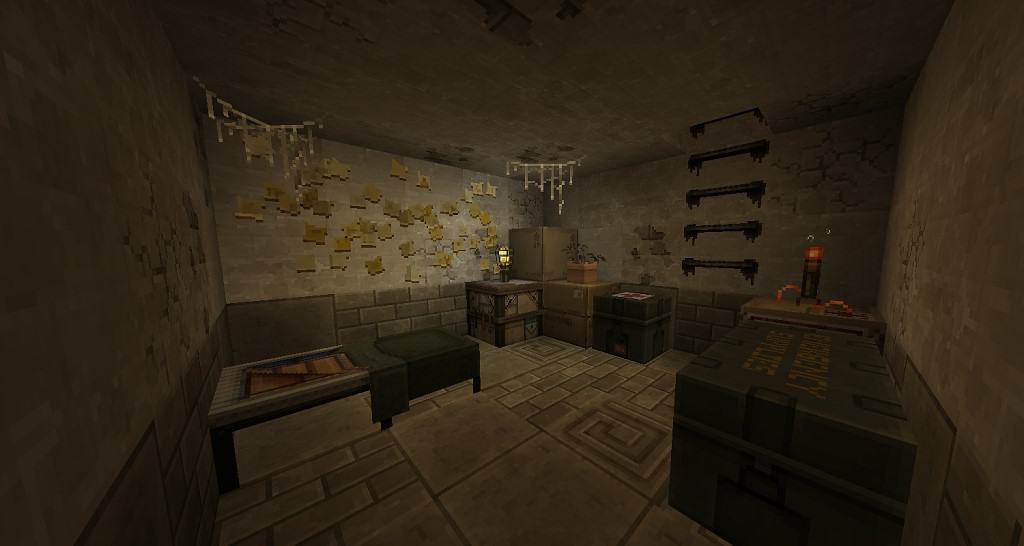
There are hundreds of Minecraft texture packs that add a medieval theme to the game, make it cartoonish or try to bring in some photo-realism. Apocalyptic-themed resource packs are more of a rarity and amongst them, the End is Extremely Nigh resource pack is probably one of the best. Released in late 2011, the resource pack had a long period during which it received no updates. It was updated to version 1.16 and despite the many texture changes it brings, there are still a few missing ones. The End is Extremely Nigh texture pack introduces new textures to common blocks and items that would allow players to build apocalyptic worlds. The developers have added concrete blocks, asphalt roads, metal blocks, new windows, brick walls, wooden crates, and new fences. There are also new custom items such as an oven, gas tanks, new window types, new paintings, and even a fridge.
All these improvements make it possible to build dark apocalyptic worlds. To match the new visuals of the textures, the lighting is also a bit different. There is now the option to add interior lights that have different color shades such as green and blue. Minecraft is less bright and there are many darker tones. It allows the creation of worlds in a state of decay that needs to be rebuilt. There are also new custom sounds to match the theme as well as tweaked GUI/HUD. The resource pack is made in a 32x resolution. Compared to the default 16x Minecraft texture resolution, it is a considerable upgrade. The textures in the resource pack are loaded with more details but not all the textures in the game have been upgraded. Since the resolution of textures in End is Extremely Nigh resource pack is higher, it may cause a minor decrease in performance for players with older systems.
The End is Extremely Nigh should be compatible with all of these Minecraft versions: 1.16.5 – 1.16.4 – 1.16.3 – 1.16.2 – 1.16.1 – 1.16 – 1.15.2 – 1.15.1 – 1.15 – 1.14.4 – 1.14.3 – 1.14.2 – 1.14 – 1.10.2 – 1.10 – 1.9.4 – 1.9 – 1.8.9 – 1.8.8 – 1.8.1 – 1.8.6 – 1.8
Screenshots

How to Install Texture Pack (Simple 10 Steps)
- Download OptiFine: Most of the texture packs and shaders need OptiFine. That’s why, first download and install OptiFine for the version of Minecraft you want to play.
- Download the Texture Pack: Get the texture pack you want from the download section. Choose the version that works with your Minecraft and your PC’s performance.
- Open Minecraft Launcher: Start Minecraft using the official game launcher — or even TLauncher, if you use that.
- Go to Options: From the main menu, click on the “Options” button.
- Open Resource Packs: Inside Options, click on “Resource Packs…”.
- Open the Resource Pack Folder: Click on “Open Resource Pack Folder” — this will open a folder named “resourcepacks”.
- Move the Pack File: Copy or move the .zip file you downloaded into that “resourcepacks” folder. (Don’t unzip the file — Minecraft uses it as-is!)
- Go Back and Refresh: Close the folder and click “Done”, then go back into “Resource Packs…” again.
- Activate the Pack: You’ll see the pack on the left side. Hover over it and click the arrow to move it to the right (active side).
Tip: If you get a message that the pack is for a different version, just click “Yes” — it usually works fine. - Click Done and Enjoy: Click “Done” again. Now your pack is ready to use in-game. It’s that easy!
Credits
This resource pack was originally created by Santiago, Gamin’ Wombat, and Dah_Kihng. We do not claim ownership of this content nor do we host modified files on our servers. All credit belongs entirely to the original creators, and we strongly encourage you to support them by downloading the pack through their official links.
Download Links
Java Edition
Download Instructions
Curseforge: download starts automatically after a few seconds;
Mediafire: click the big blue button with the text “DOWNLOAD”;
Google Drive: in the top right corner you will see a small download icon (down arrow), click it and the download should start;