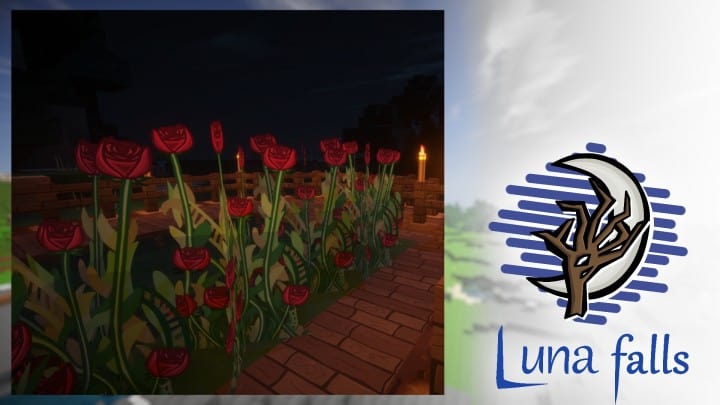
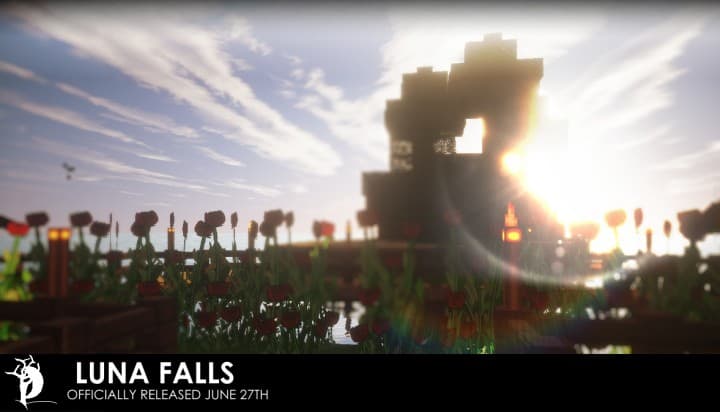
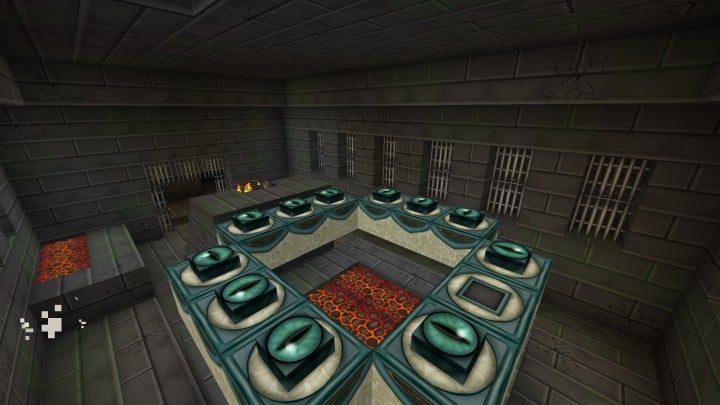
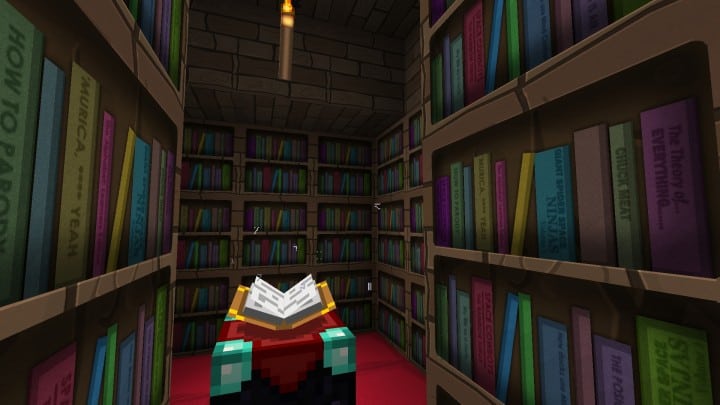
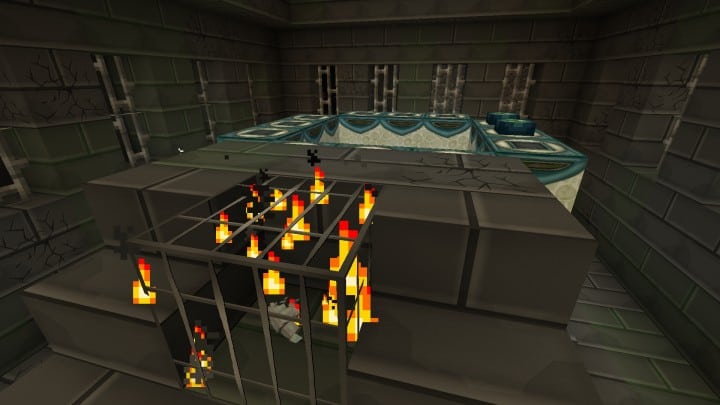
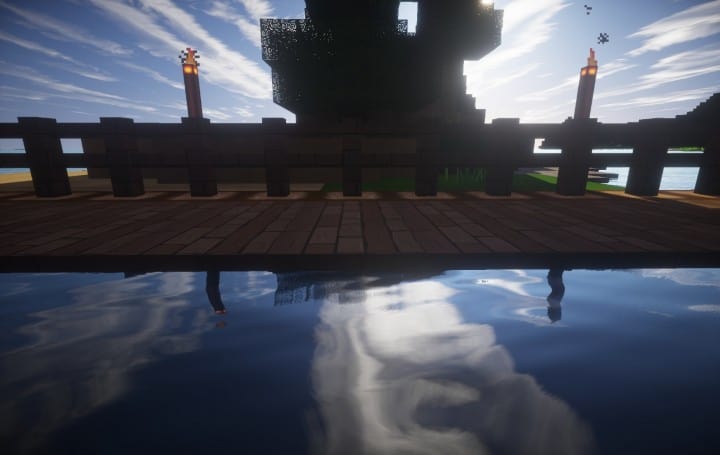
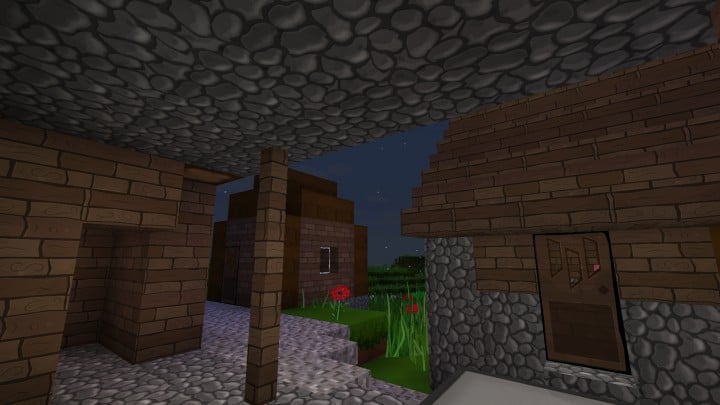
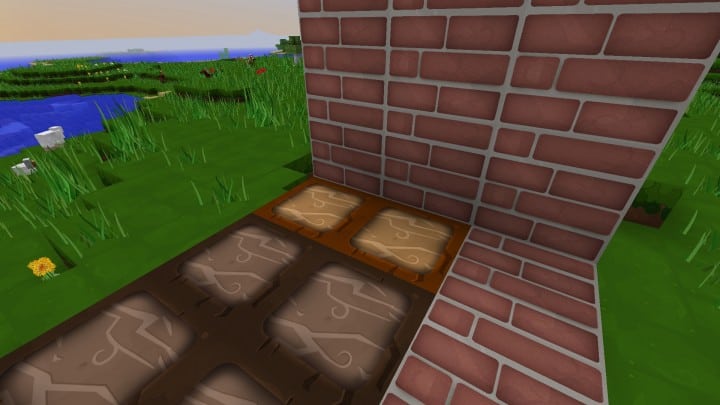
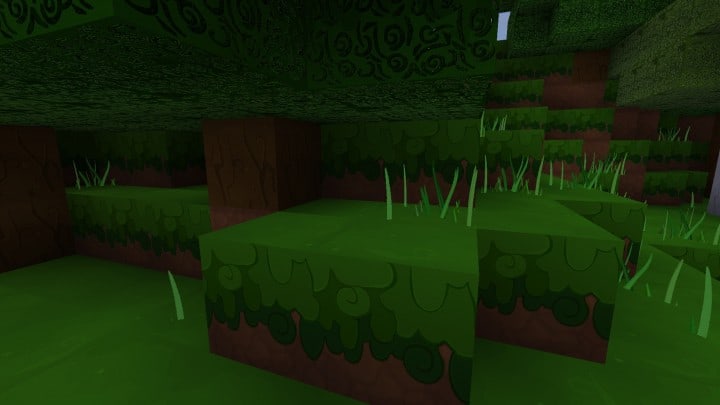
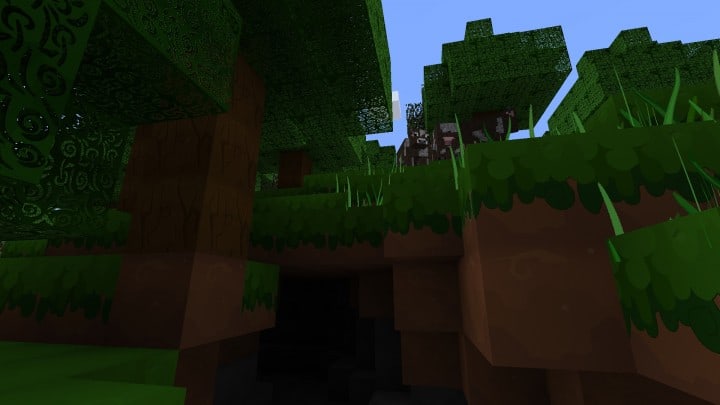
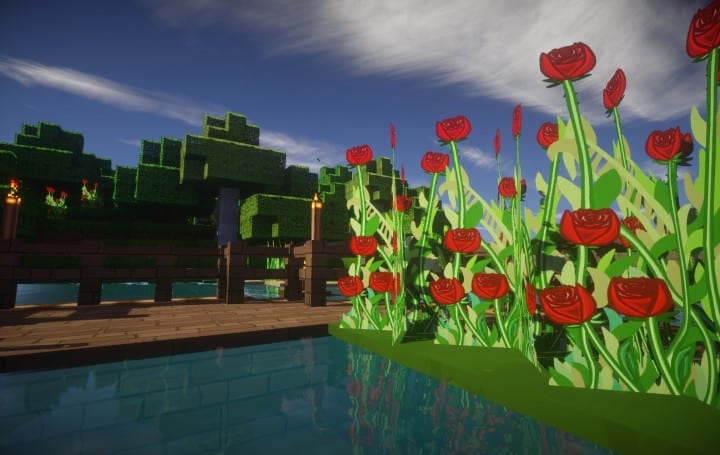
While there are many resource packs available on Minecraft to change the look of your game, few have the visual impact that the Luna Falls resource pack does. The textures are just a complete overhaul of how every aspect of Minecraft looks, and at a stunning 512x resolution, there are few options online that can even come close to competing with it. Part of what makes it so unique and eye-catching is how it handles the classic Minecraft style at a much higher fidelity. The general look and art direction are kept the same, but every single block and texture is so much more detailed. Every single plank has its own unique texture, and raised details like the eyes in portal blocks truly feel tridimensional. And let us not even get started with the incredible water here! When you are using Luna Falls, not only can you see complete reflections which account for the current light conditions, but every single movement you make—be it on a boat or swimming—will create realistic ripples and affect the surface of the water dynamically.
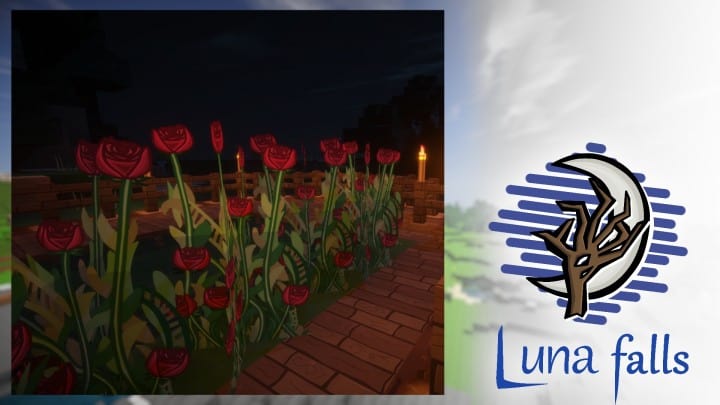
Crops are also heavily upgraded, in particular flowers, and I am personally obsessed with them. The new art for them opts for a more elegant and stylized look, all of which helps make every single flower out in the field look like a beautiful storybook painting. However, do keep in mind that since certain textures like water and lava have very unique animations, you will need to use either Optifine or MCPatcher to make sure they all work as intended. That said, that tends to be the rule rather than the exception for ultra-high-definition packs. When it comes to bulky and thorough resource packs, optimization mods are a common requirement, and Luna Falls is no exception. Installing this resource pack will result in a complete visual overhaul for all aspects of the game including the user interface, so the general feel will change significantly. Thankfully, the author has already begun work on an update for newer versions of Minecraft, but if you want to try it out right now, the 1.8 version remains fully functional and ready for you to start using right away!
Luna Falls should be compatible with all of these Minecraft versions: 1.8.9 – 1.8.8 – 1.8.1 – 1.8.6 – 1.8 – 1.7.10 – 1.7.9 – 1.7.4 – 1.7
Screenshots
How to Install Texture Pack (Simple 10 Steps)
- Download OptiFine: Most of the texture packs and shaders need OptiFine. That’s why, first download and install OptiFine for the version of Minecraft you want to play.
- Download the Texture Pack: Get the texture pack you want from the download section. Choose the version that works with your Minecraft and your PC’s performance.
- Open Minecraft Launcher: Start Minecraft using the official game launcher — or even TLauncher, if you use that.
- Go to Options: From the main menu, click on the “Options” button.
- Open Resource Packs: Inside Options, click on “Resource Packs…”.
- Open the Resource Pack Folder: Click on “Open Resource Pack Folder” — this will open a folder named “resourcepacks”.
- Move the Pack File: Copy or move the .zip file you downloaded into that “resourcepacks” folder. (Don’t unzip the file — Minecraft uses it as-is!)
- Go Back and Refresh: Close the folder and click “Done”, then go back into “Resource Packs…” again.
- Activate the Pack: You’ll see the pack on the left side. Hover over it and click the arrow to move it to the right (active side).
Tip: If you get a message that the pack is for a different version, just click “Yes” — it usually works fine. - Click Done and Enjoy: Click “Done” again. Now your pack is ready to use in-game. It’s that easy!
Credits
This resource pack was originally created by DelCntrl. We are not the owners or creators of this modification, and we do not host modified versions of these files. All rights and ownership belong strictly to DelCntrl. We strongly encourage you to support the original creator by downloading the pack through their official links.
Download Instructions
Curseforge: download starts automatically after a few seconds;
Mediafire: click the big blue button with the text “DOWNLOAD”;
Google Drive: in the top right corner you will see a small download icon (down arrow), click it and the download should start;


