Minecraft Texture Packs Minecraft Resource Packs

Painterly Resource Pack 1.15 / 1.14 is a highly detailed and visually impressive texture pack designed to enhance your Minecraft experience. This texture pack improves the overall look of the game by upgrading blocks, items, and environments with cleaner and more vibrant textures. Whether you’re building, exploring, or surviving, this texture pack adds a fresh and immersive feel to every aspect of the game. Many players prefer this texture pack because it keeps the original Minecraft style while making everything look more polished and modern.
If you’re looking for a smooth and stylish upgrade, Painterly Resource Pack 1.15 / 1.14 is the perfect texture pack for you. This texture pack is optimized for performance, making it suitable for both low-end and high-end systems. With its balanced design and consistent visuals, this texture pack ensures that your gameplay remains enjoyable without any lag issues. Overall, this texture pack is a great choice for players who want better graphics while keeping the classic Minecraft vibe intact.
Painterly Pack should be compatible with all of these Minecraft versions: 1.15.2 – 1.15.1 – 1.15 – 1.14.4 – 1.14.3 – 1.14.2 – 1.14 – 1.12.2 – 1.12 – 1.11.2 – 1.11 – 1.10.2 – 1.10 – 1.9.4 – 1.9 – 1.8.9 – 1.8.8 – 1.8.1 – 1.8.6 – 1.8 – 1.7.10 – 1.7.9 – 1.7.4 – 1.7
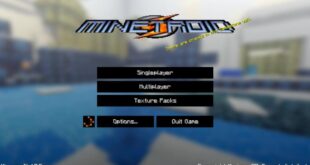
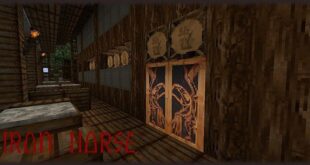
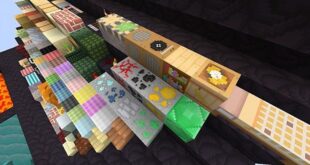
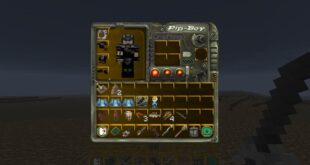
Painterly Pack — Video & Screenshots
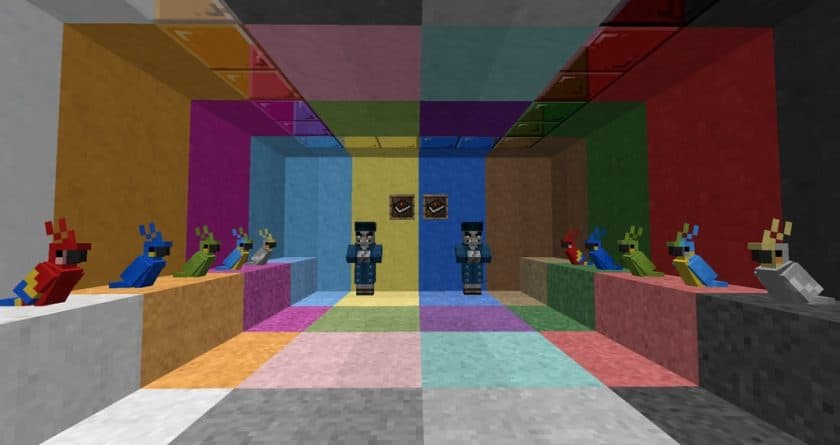
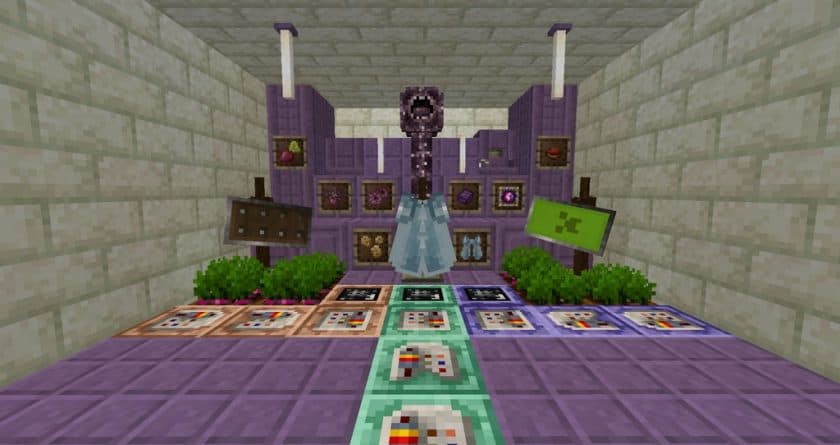
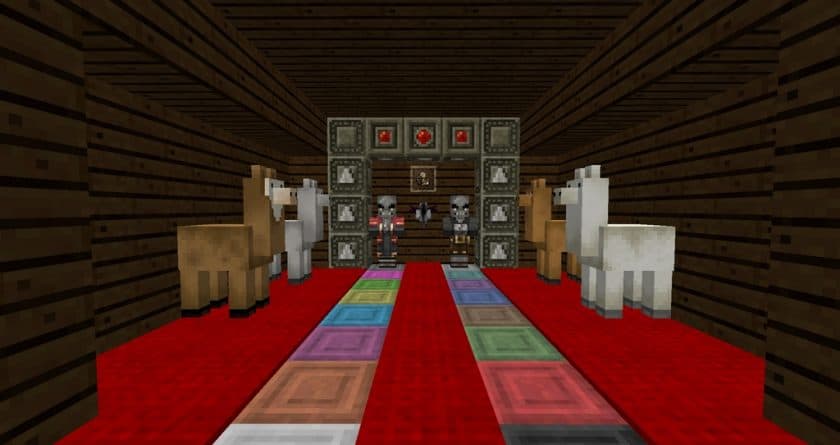
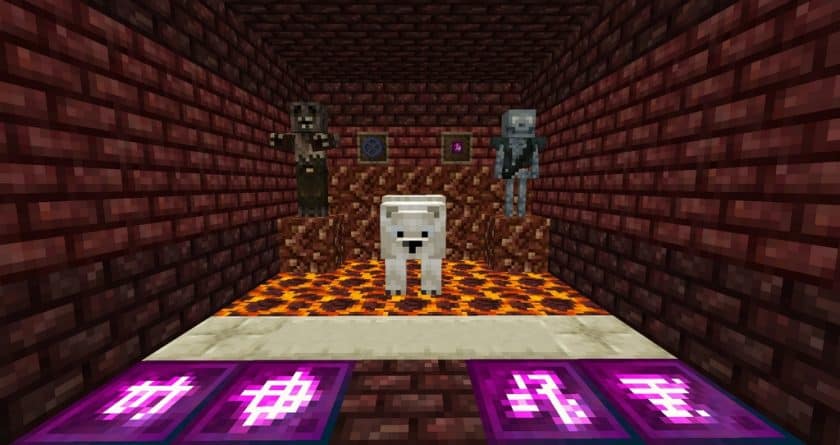
Painterly Pack Texture Pack Download
- Download the original resource pack (customizer version) from the links below.
- Download the fan patch by GerbilCrab475 from the links below.
- Launch Minecraft.
- On the main menu, click “Options”.
- On the options menu, click “Resource Packs…”.
- Click on “Open Resource Pack Folder”. – folder titled “resourcepacks” will pop up
- Move the .zip files you downloaded in the first step to the newly opened “resourcepacks” folder.
- Click “Done”.
- Click on “Resource Packs…” again.
- Your pack and patch should have appeared in the left window.
- Hover over the original pack and click on the arrow pointing to the right.
- Hover over fan patch by GerbilCrab475 and click on the arrow pointing to the right. – make sure the patch is at the top of the list so that it overrides any incompatible textures your current Painterly Pack may have
- Click “Done” again.
- The pack has now been successfully loaded and ready to be used in your world!
- We do not modify or edit any resource packs. All resource packs, shaders and tools found on this website are linked directly to official sources rather than hosted on our own servers. We provide only the official download links from the original creators to ensure that your files are safe and secure.
- These official links are updated manually and may occasionally stop working when a new version is released. We work hard to keep everything current so that you have a smooth experience. Please let us know in the comments if you find a link that no longer works.
- Minecraft is a trademark of Mojang Studios and has no official connection to this website. Our goal is simply to share the best creations from the community with other players.
- Please consider leaving a comment or voting for your favorite packs. This feedback helps authors improve their projects over time. You can also support the creators directly by visiting the official links located below the download section.